

Philips 271V8AW 27-inch FHD monitor 75Hz
Reviews
Price
Product description
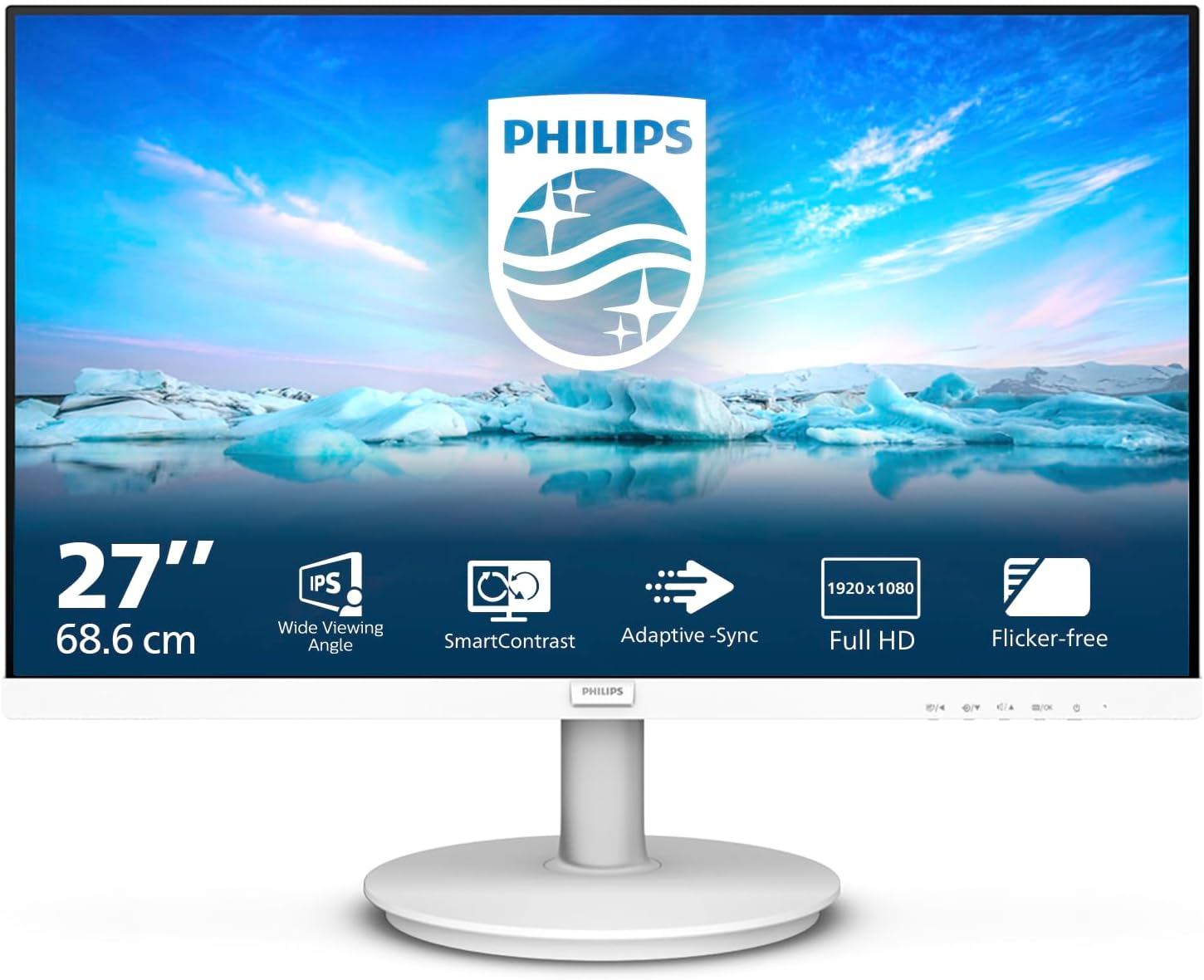
This 27 inch Philips monitor brings a clear Full HD VA panel for everyday office work, streaming and light multimedia. It combines a 75 Hz refresh rate and built-in stereo speakers to make video calls and casual gaming smoother while keeping a clean white look on the desk.
Key Points
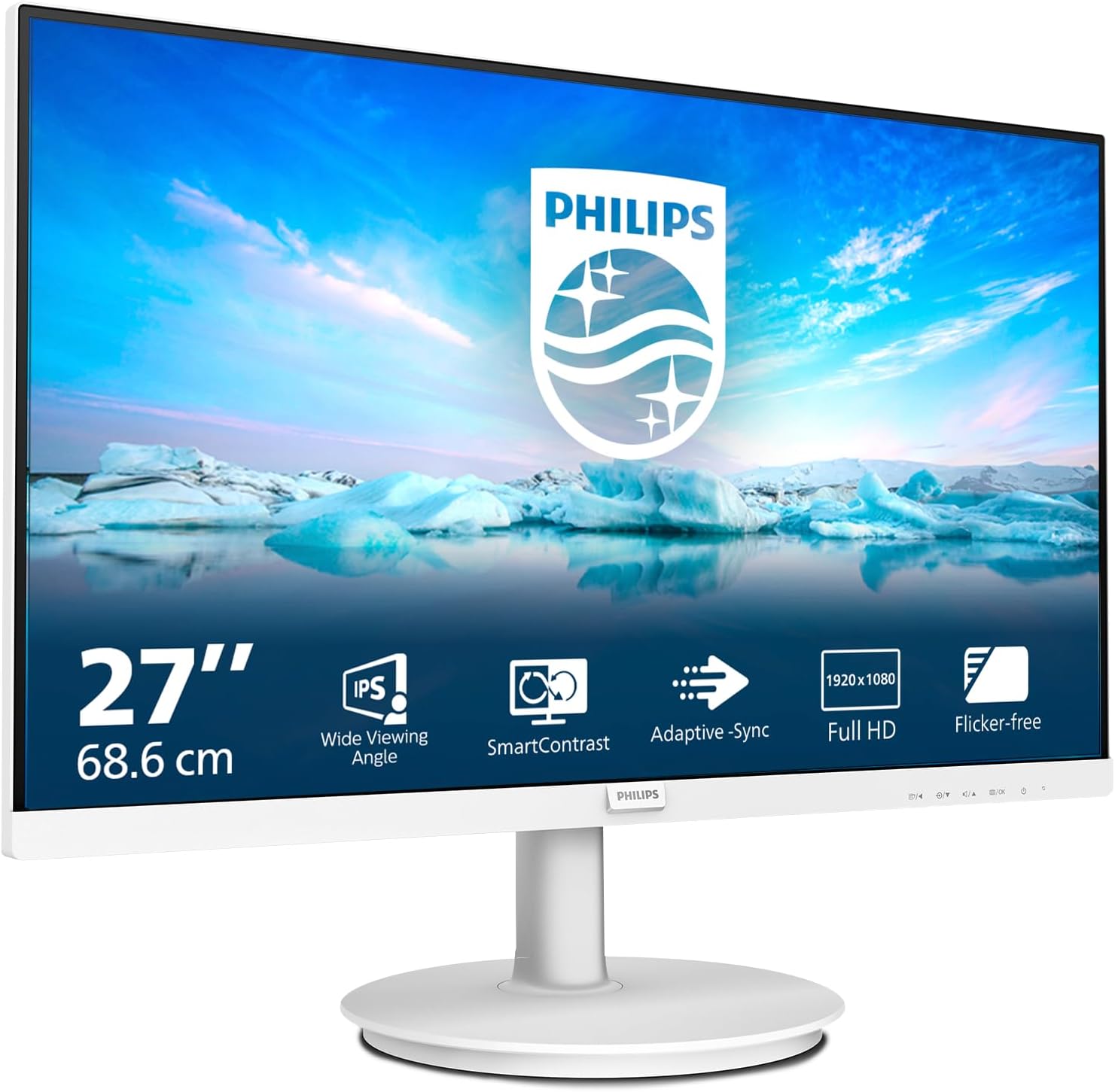
The screen uses a VA panel that emphasises contrast for deeper blacks and more vivid mid-tones, which helps when watching films or editing photos. AdaptiveSync reduces screen tearing at variable frame rates and the 4 ms response time keeps motion relatively crisp for fast-moving scenes. Philips includes LowBlue mode to reduce shortwave blue light emission according to the manufacturer, and an EasyRead mode that mimics paper for long reading sessions. The anti-glare coating lowers reflections in bright rooms, and SmartImage presets simplify image optimisation with one click. 🎧🖥️
Technical Specifications
- Name: Philips 271V8AW
- Resolution: 1920 x 1080
- Screen size: 27 inch
- Refresh rate: 75 Hz
- Response time: 4 ms
- Brightness: 250 cd/m²
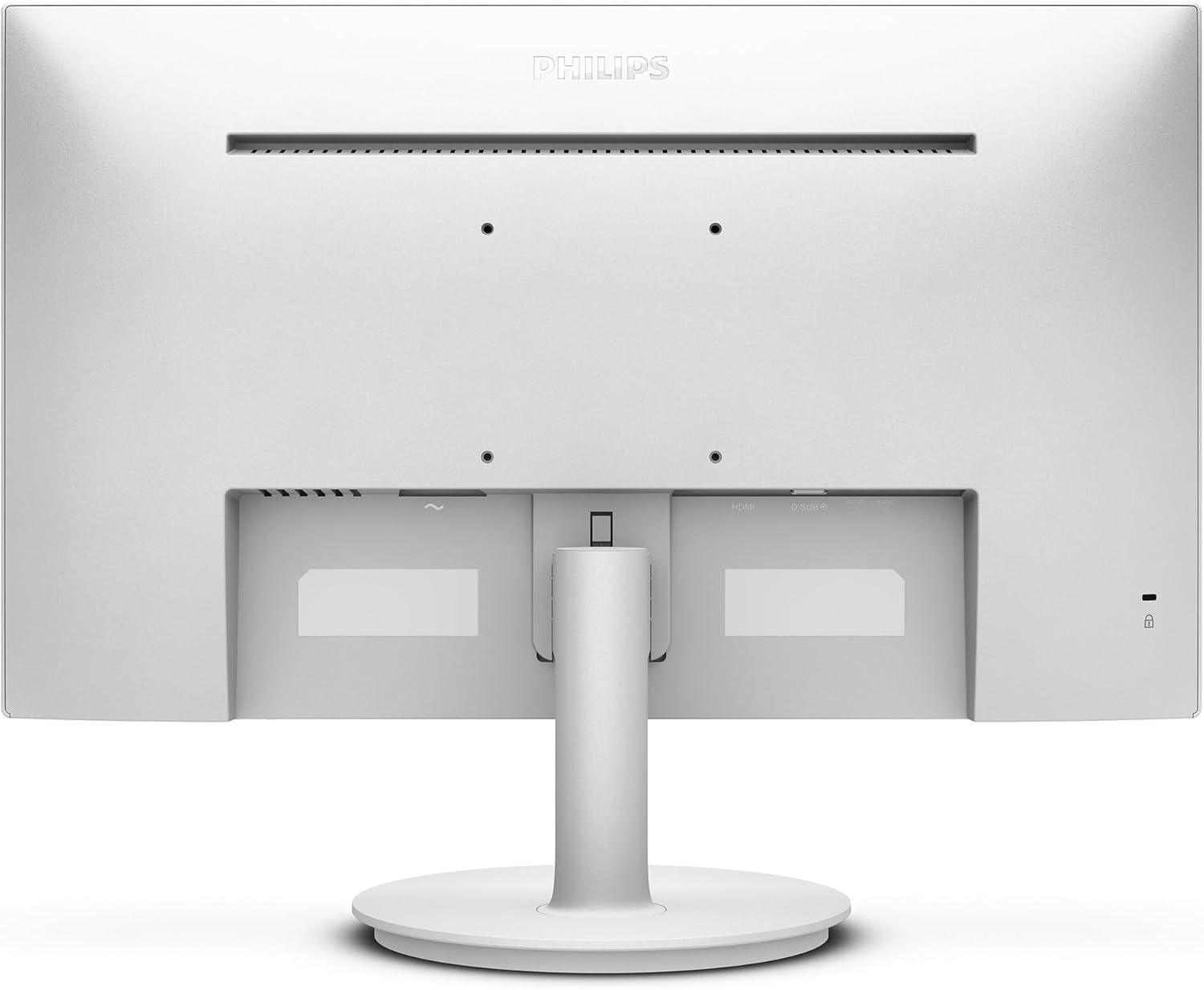
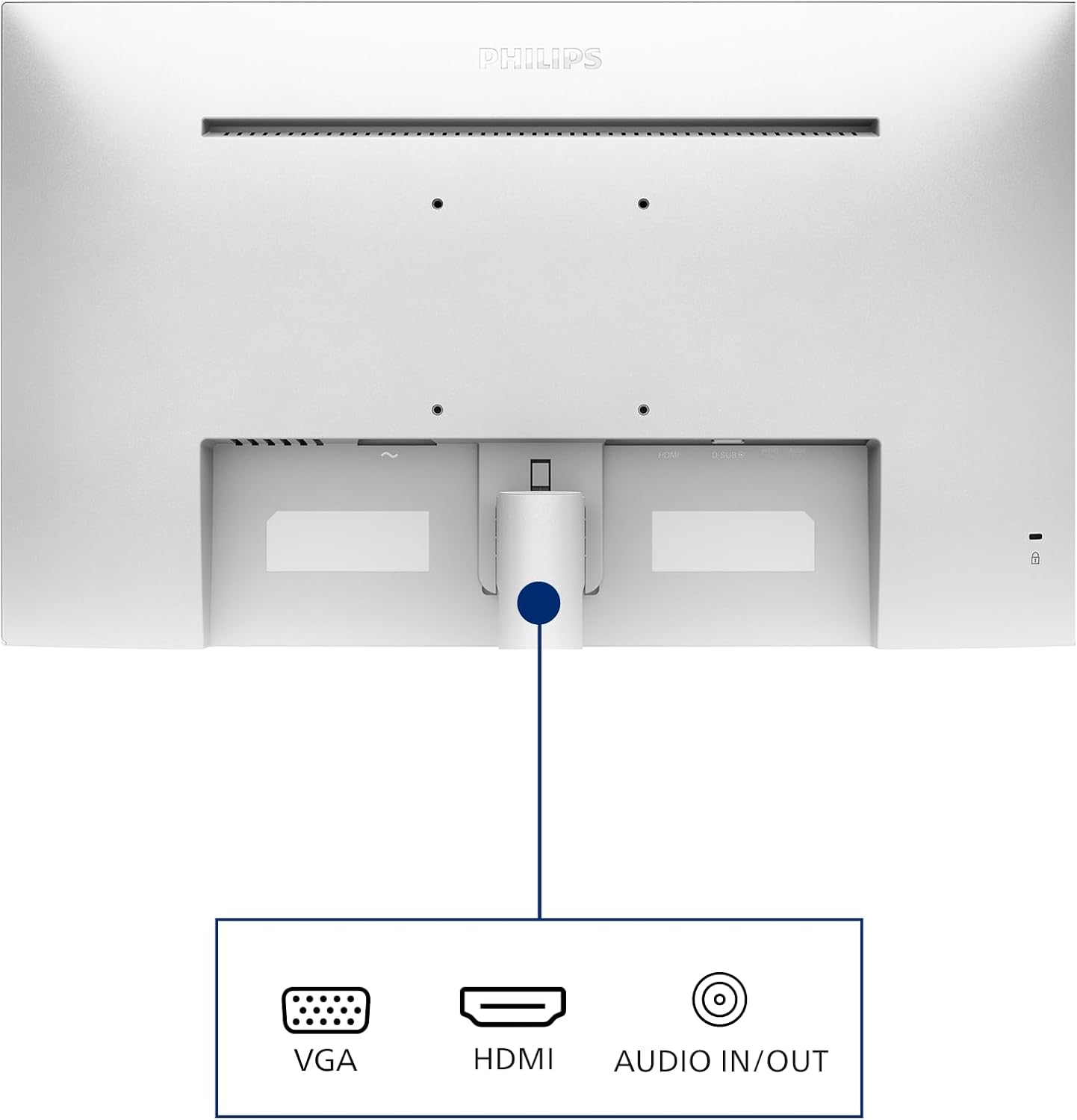
- Inputs: HDMI
Benefits
The integrated stereo speakers mean fewer external peripherals are required for casual multimedia. Colour representation and viewing angles are more consistent than basic TN panels, which is useful for spreadsheets and web browsing. The combination of AdaptiveSync and a slightly elevated refresh rate offers a smoother appearance during scrolling and light gaming compared with standard 60 Hz screens. The white finish provides a neat aesthetic that can brighten a home office.
Usage Recommendations
For prolonged office days enable LowBlue mode and the Flicker-free setting to minimise eye strain. Use EasyRead when working with long documents or e-books to make on-screen text more comfortable. Position the monitor to avoid direct sunlight on the panel even though the anti-glare coating helps with reflections. Connect via HDMI for a reliable digital signal and use the SmartImage presets when switching between work, movie and game modes. Consider a separate audio solution if you need higher fidelity sound than the built-in speakers can deliver, as integrated audio is convenient but limited in bass and volume range.