

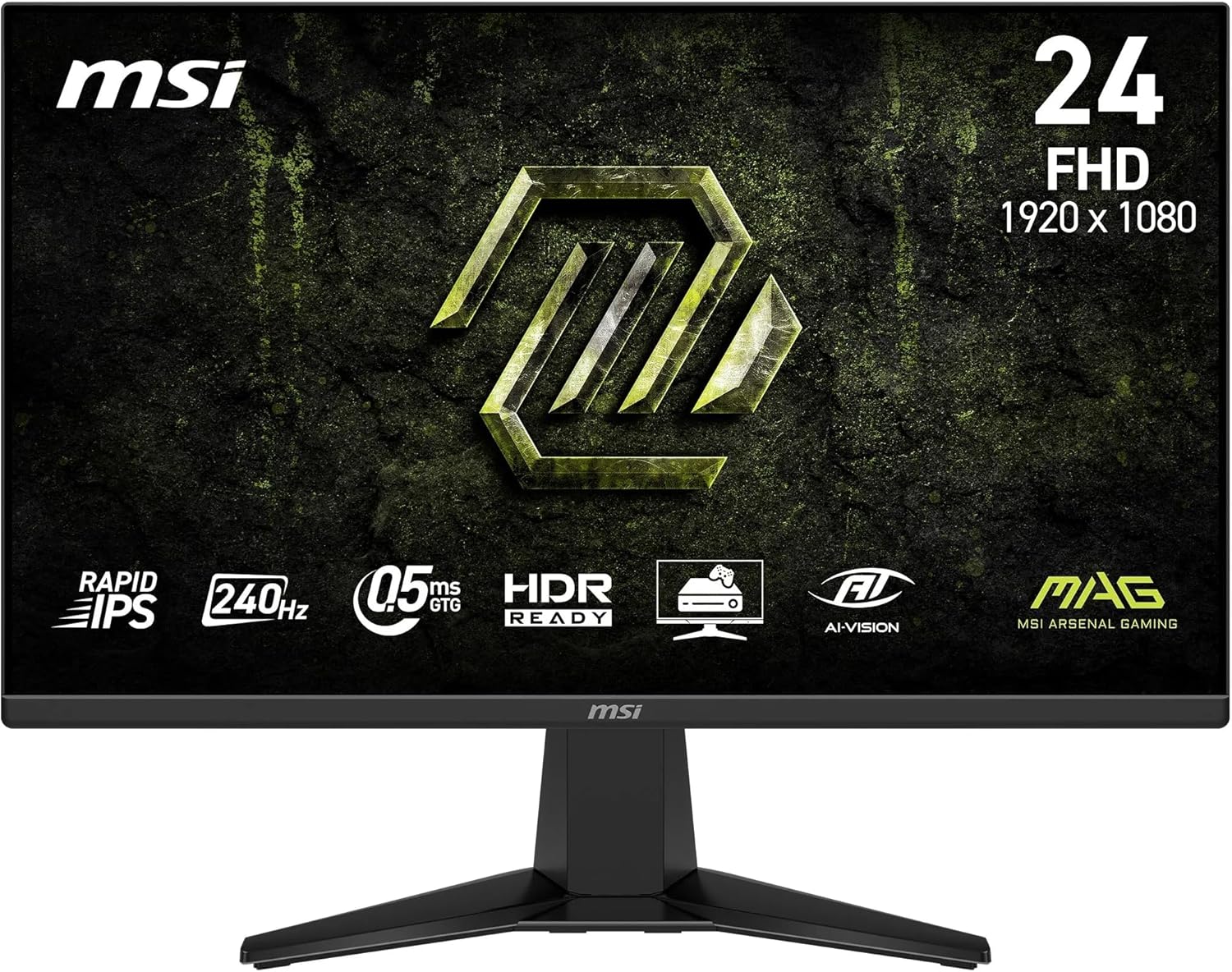
MSI MAG 244C 24-inch FHD Curved Gaming Monitor (1500R, VA, 1ms, Adaptive Sync) with DP 1.2a & HDMI 2.0b CEC
Product description
The essentials
The MSI MAG 244C is a 24-inch curved gaming monitor built around a 1500R curve and a VA panel for a more involving view than a flat screen. On paper, it targets competitive play with a listed 1ms response time and Adaptive Sync, and it also aims to make everyday games and media look more comfortable thanks to features designed for colour handling and eye comfort.
The “frameless” style is more about the look—reducing prominent bezel lines when you sit close—than it is about raw performance. Still, if you’re buying for a desk setup where you want the screen to feel less boxy, that design choice matters.
What you’ll notice in day-to-day gaming
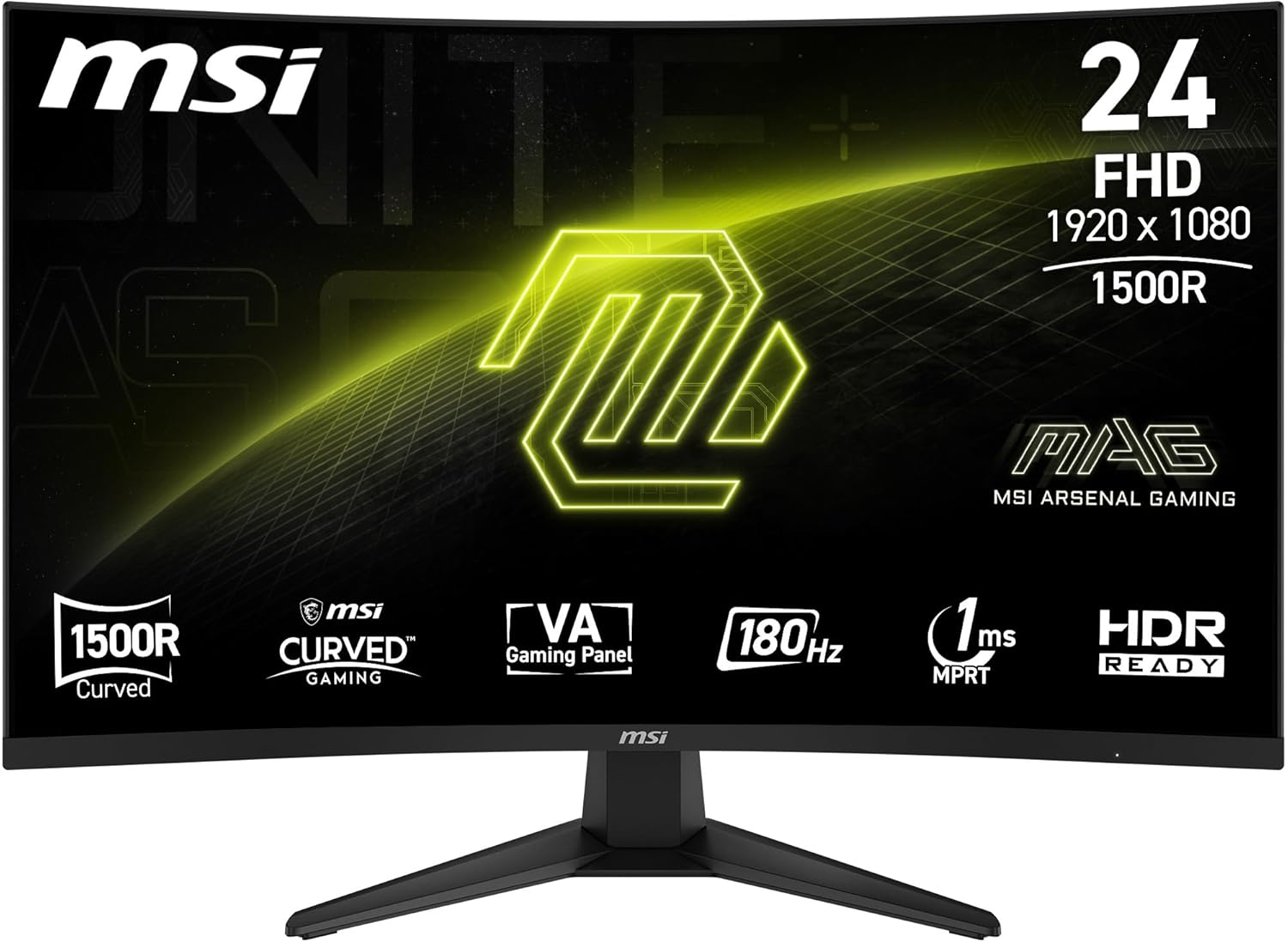
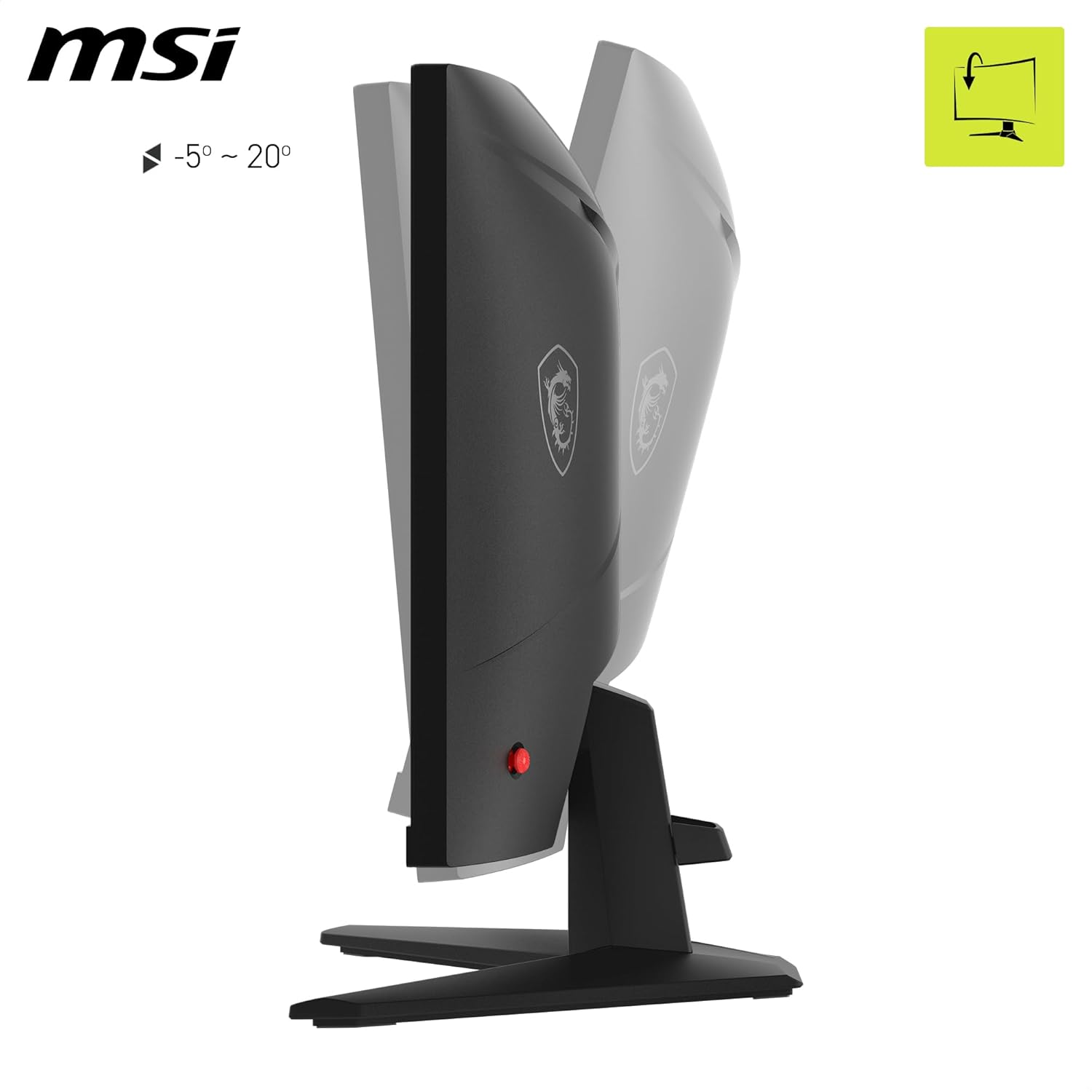
A 1500R curvature (1500mm radius) gives you a gentler wraparound feel. It tends to help immersion for single-player sessions and also makes it easier to keep attention on the screen edges during fast movement. It’s not magic, but it can make the whole setup feel more “tucked in”.
The spec sheet leans towards responsive gameplay with a high refresh rate and Adaptive Sync support. If you spend a lot of time tracking targets quickly, you’ll likely appreciate the smoothness on movement and aiming. Just be aware that response time and “smoothness” are not the same thing—your PC performance and in-game settings will still influence what you actually experience.
There’s also a dynamic contrast and AI Vision approach for improving dark-area detail. This can be helpful in games with shadowy scenes, where you’d rather not lose visibility. Whether it’s noticeably better for you will depend quite a lot on the titles you play and how sensitive you are to image processing.
Key features that affect the image
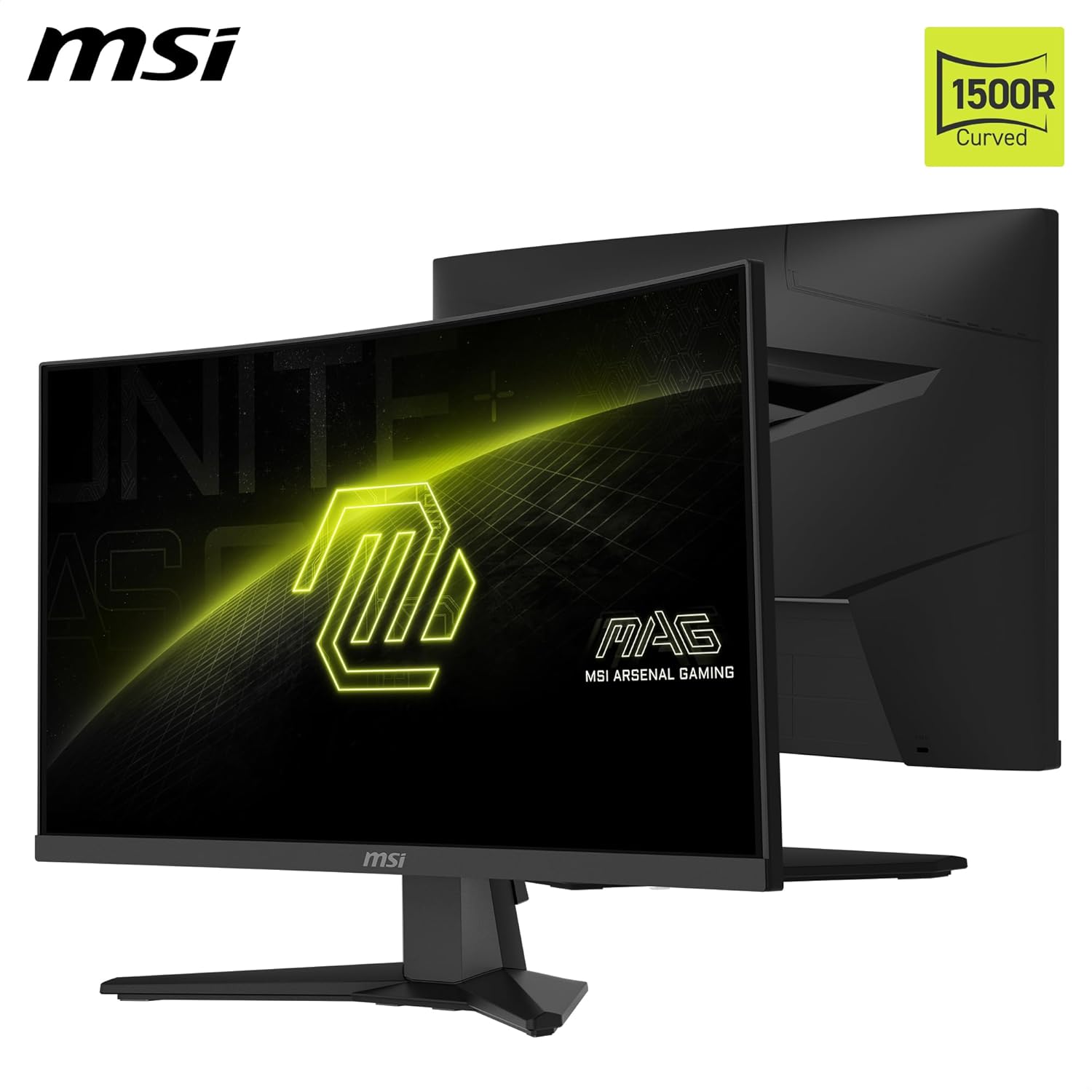
This monitor uses a 1920 x 1080 (16:9) FHD VA panel. A VA panel generally aims to balance contrast and visual impact, and MSI quotes a 3000:1 native contrast with dynamic contrast up to 100M:1. If you care about that punchy look in games and darker scenes, it’s a sensible direction for this price tier.
For colour, MSI states support for up to 1.07 billion colours and 105% sRGB, plus Less Blue Light and Anti-Flicker technology. In practice, those comfort features are the sort of thing you tend to feel over long sessions—especially if you’re sensitive to eye strain or you play late.
Connectivity and setup reality check
For connections, the MAG 244C includes DisplayPort 1.2a and HDMI 2.0b with HDMI CEC. That’s a useful mix if you sometimes game on a PC and occasionally switch to a laptop or console. HDMI CEC can also make living-room use less fiddly when you want fewer remote interactions.
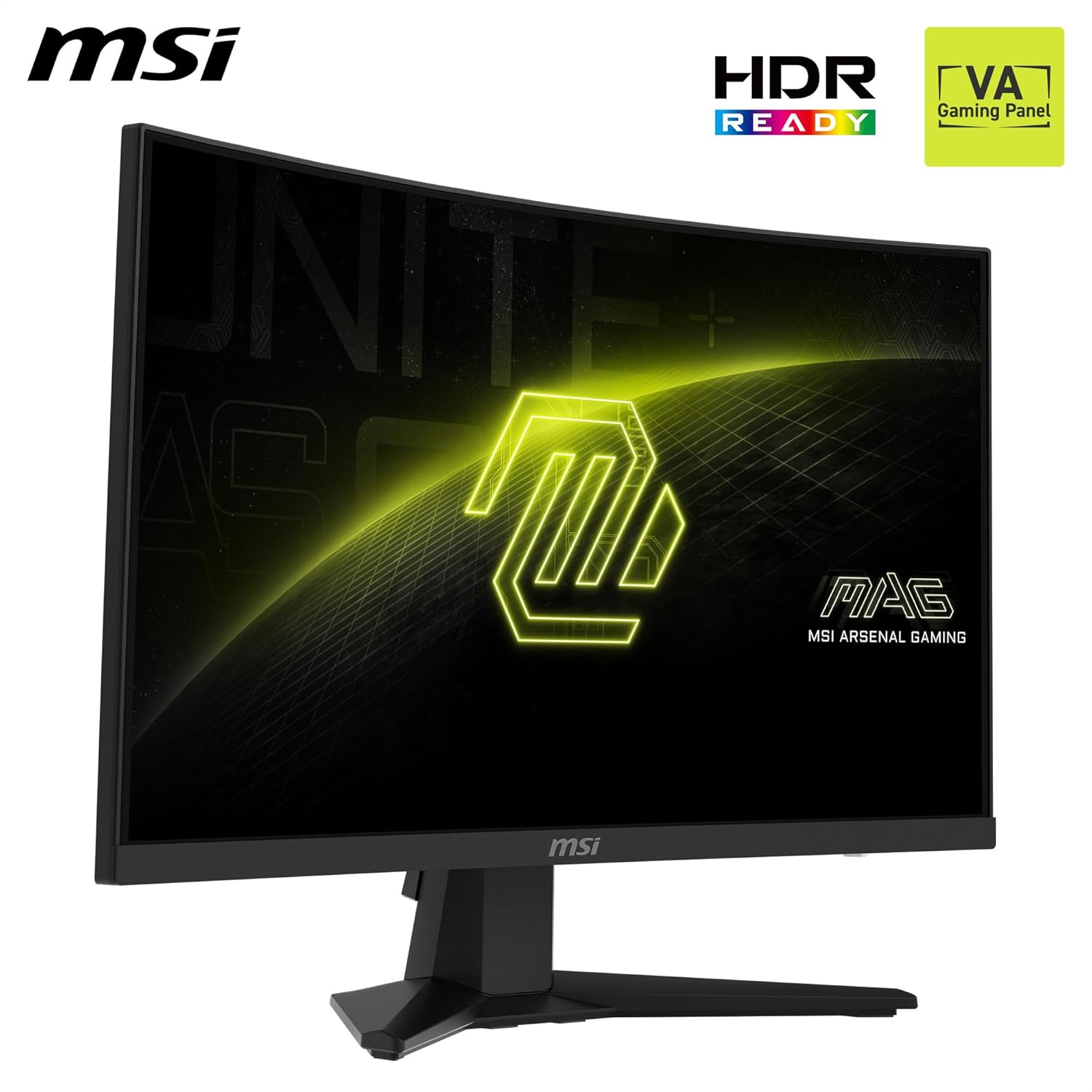
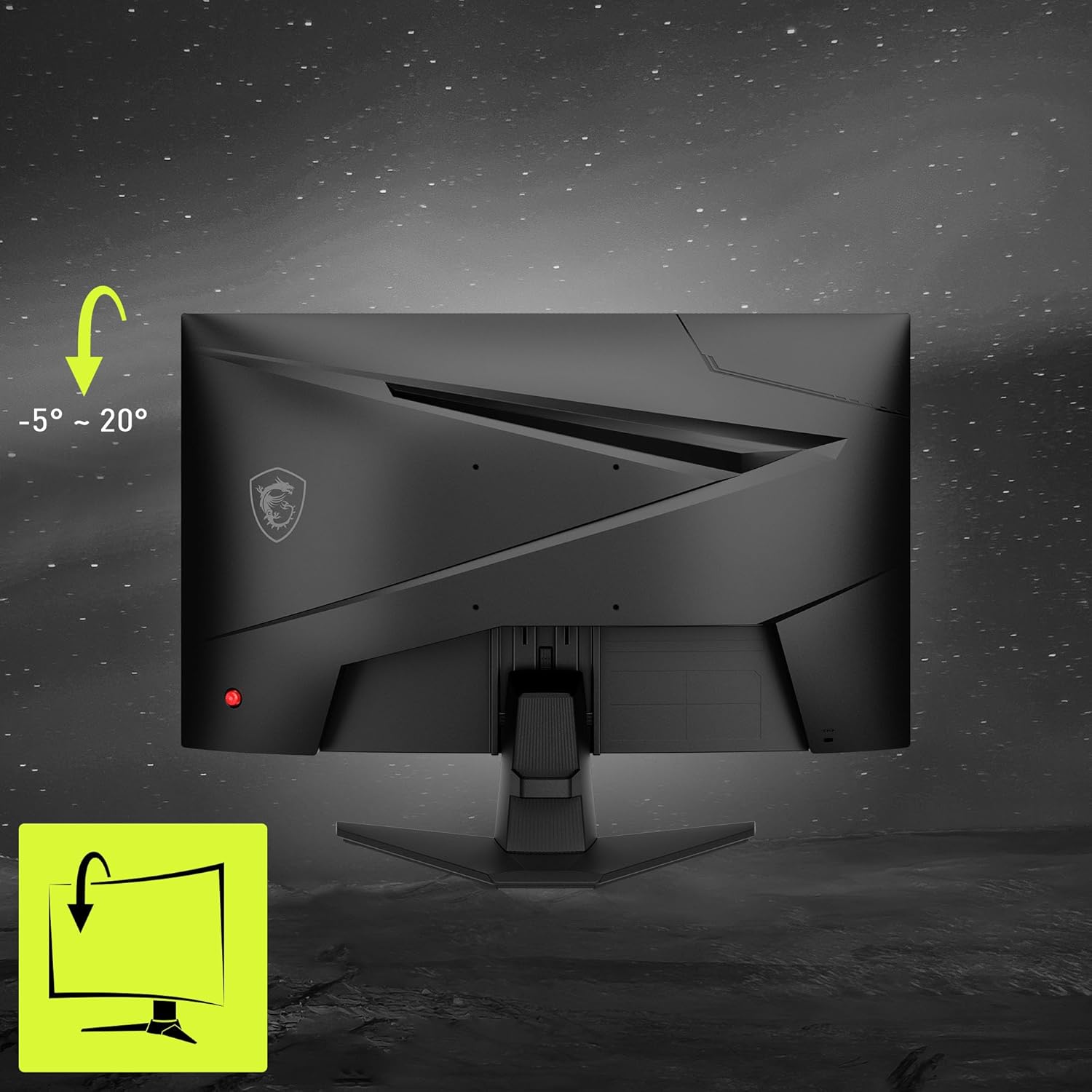
The rear also has a 5-way joystick navigator, which is the kind of small detail that can save frustration during setup. You’re usually adjusting brightness, picture mode, and input selection early on, and a dedicated joystick is often quicker than button clusters.
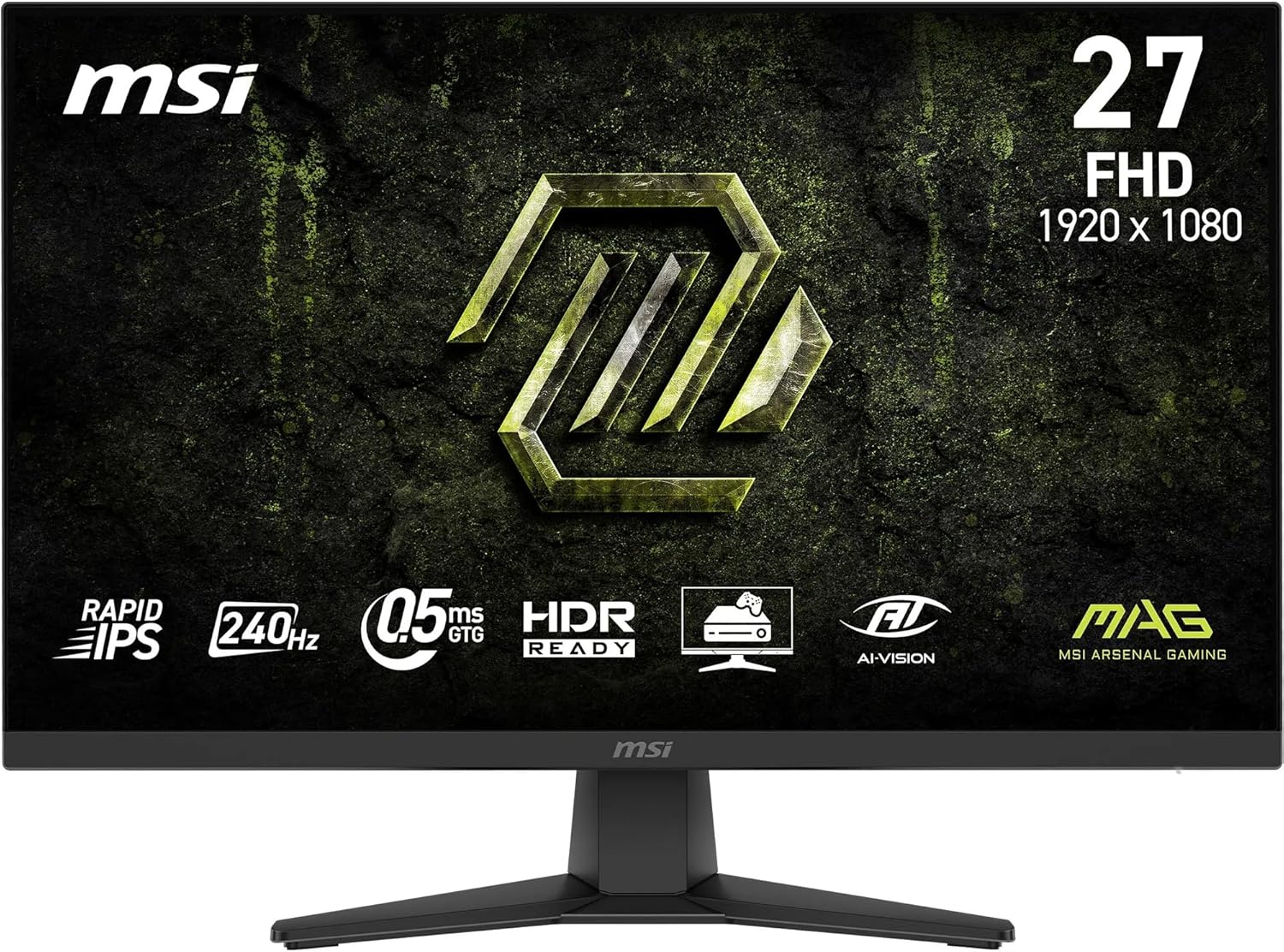
One limitation to factor in: you’re getting FHD resolution on a 24-inch panel. That can be a great fit if you prioritise high frame rates and value, but if you’re chasing sharper text and fine detail, you may find higher-resolution screens more satisfying.
Who it suits best (and who should look elsewhere)
It’s a solid pick if you want a curved 24-inch gaming monitor with smooth motion support (via Adaptive Sync) and a response-time claim aimed at fast gameplay. The 1500R curve also makes it appealing if you like immersion and want a screen that feels more “present” from typical desk distances.
It may not be for you if you’re very sensitive to image processing effects and prefer a more straightforward, minimally processed picture. You might also want to skip it if you’re specifically chasing higher-than-FHD sharpness or you’re building a wide multi-monitor layout where curvature and bezel styling become less relevant.
If you’re weighing this against a more basic flat 1080p option, the curve and the comfort features are the differentiators to focus on. If you’re comparing with higher-spec, higher-resolution monitors, the MAG 244C is more about value and gaming responsiveness than absolute clarity.
Is it worth it?
Buy the MSI MAG 244C if you’re after an immersive 24-inch curved FHD gaming monitor with Adaptive Sync and a VA panel approach geared towards contrast and dark-scene detail. It also makes sense if you want comfort features like Anti-Flicker and Less Blue Light and need practical DP 1.2a plus HDMI 2.0b CEC for switching between devices.
Avoid it if your top priority is extra sharpness from higher resolution, or if you’d rather not rely on dynamic contrast/AI processing to enhance the image. On a typical desk, it’s built for gaming-first users who still care about how the screen feels over longer sessions—just don’t expect it to replace a higher-resolution display for text-heavy work.
Mini FAQ
Quick overview for gamers: what’s the main appeal?
The curved 1500R design, VA panel contrast direction, and Adaptive Sync support for smoother motion are the headline points.
Is Adaptive Sync part of the experience here?
Yes—Adaptive Sync is listed alongside the monitor’s refresh-rate focus, aiming to reduce issues like screen tearing when supported by your setup.
Does it work with PC and consoles/laptops?
It includes DisplayPort 1.2a and HDMI 2.0b with HDMI CEC, so it’s set up for common PC and HDMI-based devices.
Will the comfort features matter if I only game short sessions?
Probably less than for long sessions. Anti-Flicker and Less Blue Light are more about reducing strain over time than changing how games look instantly.