

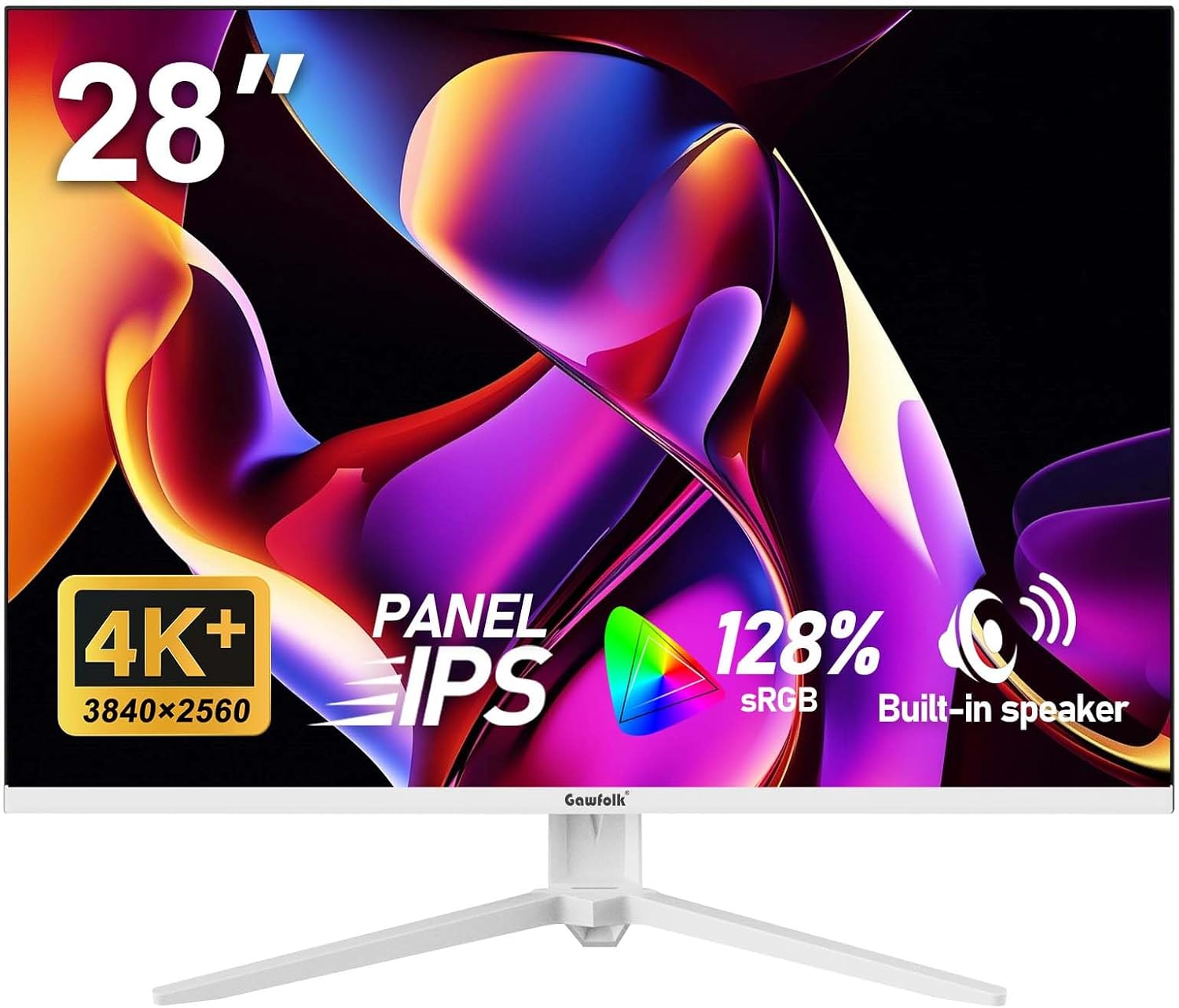
Gawfolk 28 inch UHD 4K IPS monitor with 3:2 aspect ratio, built-in speakers and Adaptive Sync (white)
Product description
What it is and why the 3:2 aspect ratio matters
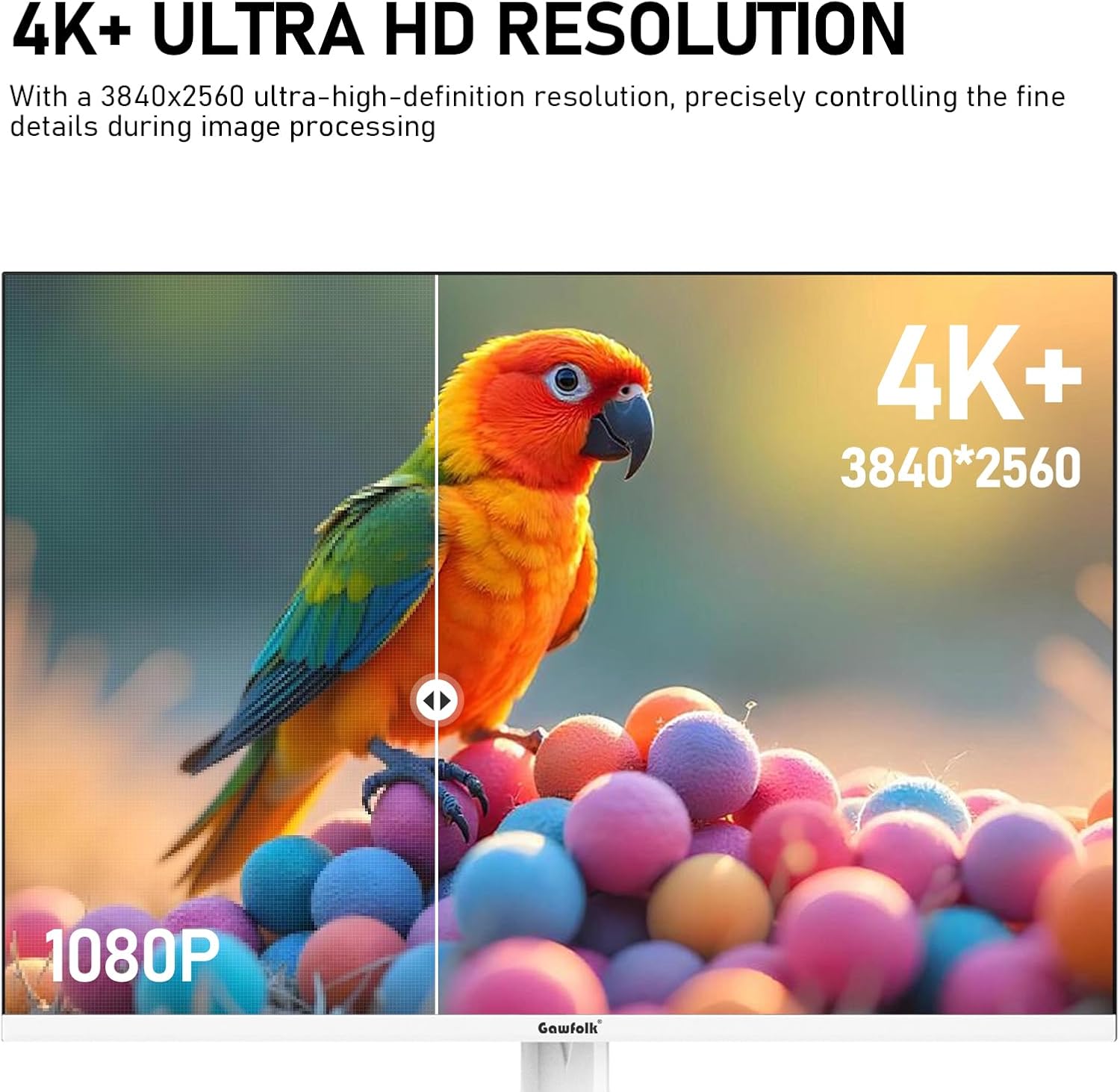
This Gawfolk 28 inch computer monitor is built around an IPS Ultra HD display (3840×2560) and a 3:2 aspect ratio. On paper, that combination is aimed at productivity: compared with the more common 16:9 shape, 3:2 gives you extra vertical space, so you’re less likely to feel like you’re constantly scrolling through long documents or spreadsheets.
In everyday use, it’s the kind of screen you notice when you’re editing a spreadsheet all morning, or when you’re reading/writing and want multiple lines visible at once. It’s not a specialist design for cinema audiences, but it does cover the basics you’d expect for office work and general creative tasks.
There’s also a caveat worth keeping in mind: a 3:2 layout can feel unusual if your workflow is built around standard 16:9 viewing habits, so it’s one of those “you’ll either like it or you’ll need a short adjustment period” choices.
Picture quality and colour (including for content creation)
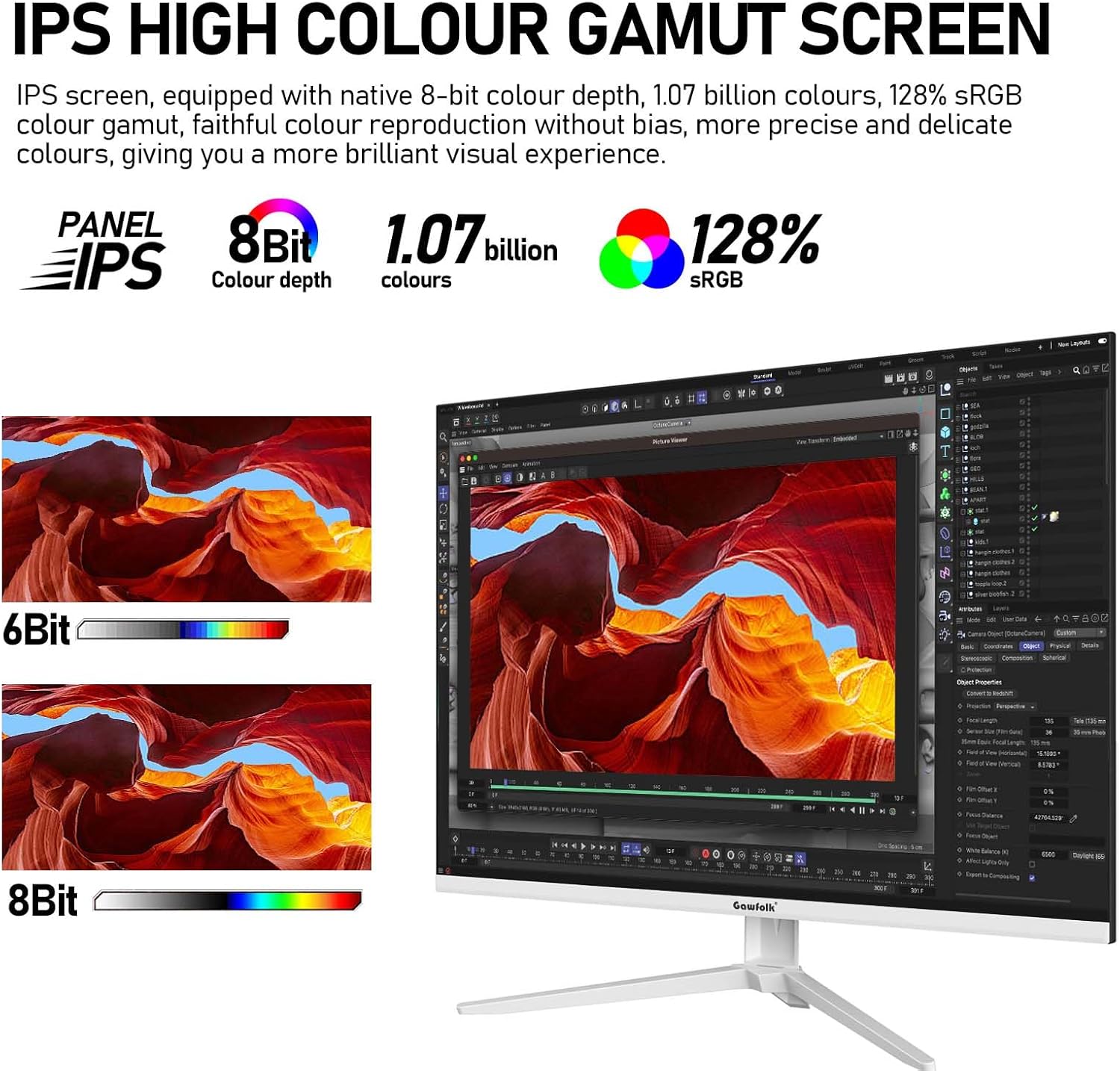
The panel is listed as IPS and supports 8-bit colour depth with up to 1.07 billion colours. It also claims 128% sRGB coverage, which is the sort of spec that matters if you care about reasonably accurate, consistent colour without going fully into high-end pro territory.
For use cases like photo retouching, video editing, and watching colour-rich content, that sRGB coverage plus the IPS panel approach should help colours look richer and smoother, rather than washed out. Still, it’s sensible to view this as an “accessible creator-friendly” monitor rather than something you’d buy solely to match strict professional calibration targets—no calibration details are provided here.
Comfort features for long sessions
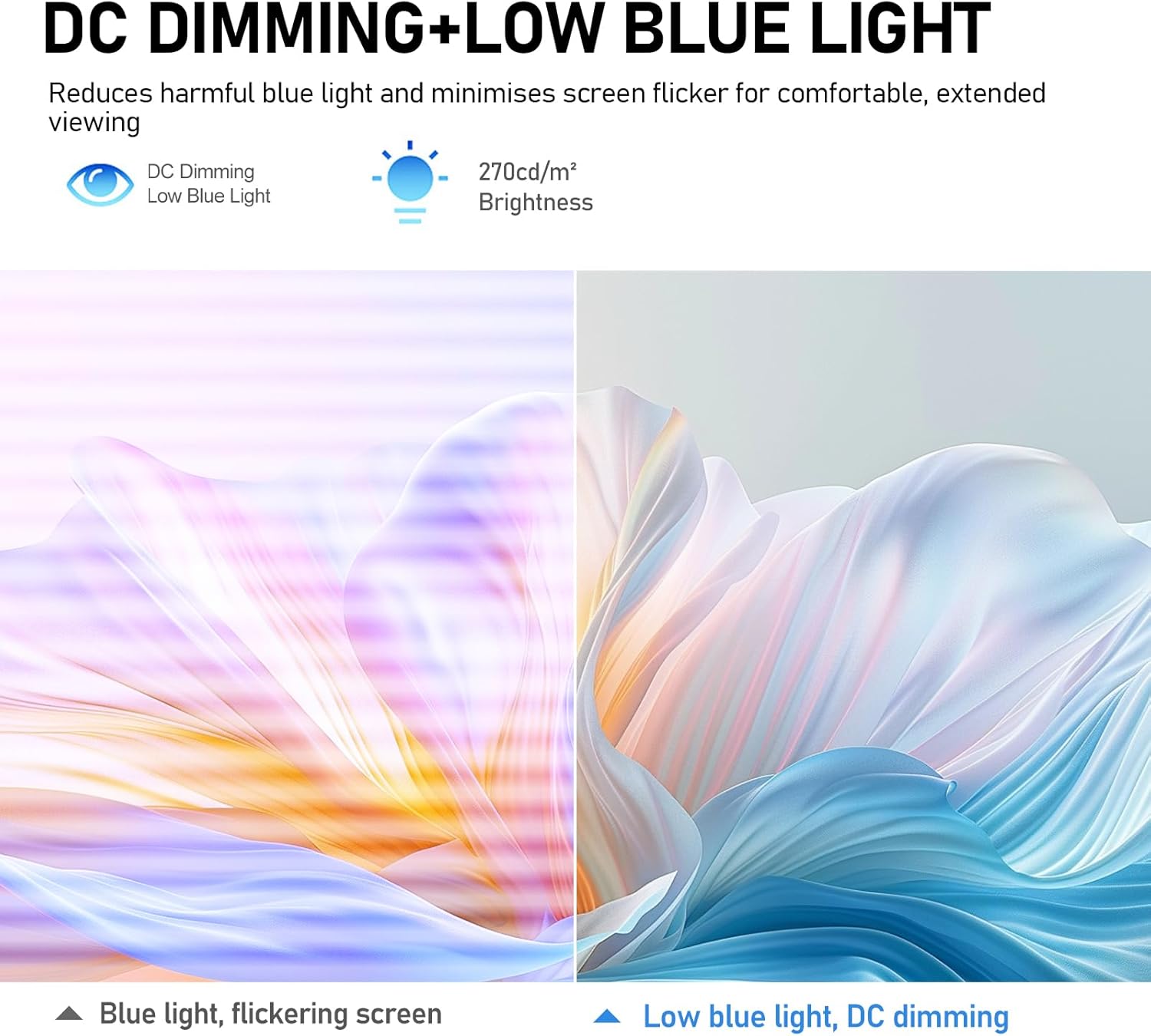
If you’re on the screen for hours, the listed eye-care technologies are a key part of the story. The monitor uses DC dimming (designed to reduce flicker) and includes a low blue light design intended to ease eye strain during long use.
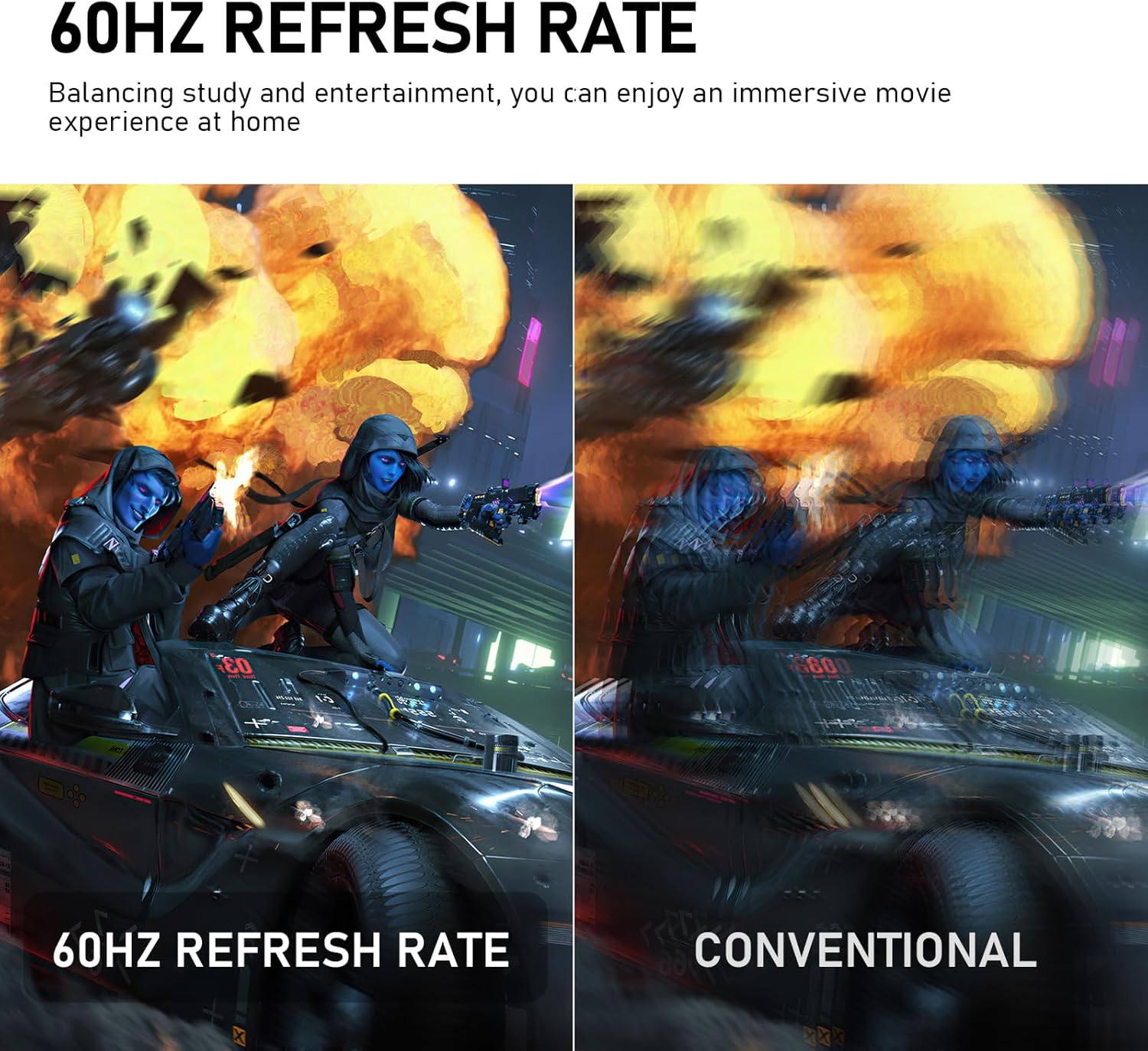
It’s paired with a 60Hz refresh rate for everyday smoothness, plus Adaptive Sync technology to help synchronise the display with the graphics card. Depending on your setup, that can reduce screen tearing and stuttering during movement.
Do note one limitation: the refresh rate is specified as 60Hz, so it’s fine for office work and general playback, but it may feel modest if you’re expecting high-refresh competitive gaming performance.
Connectivity and everyday desk flexibility
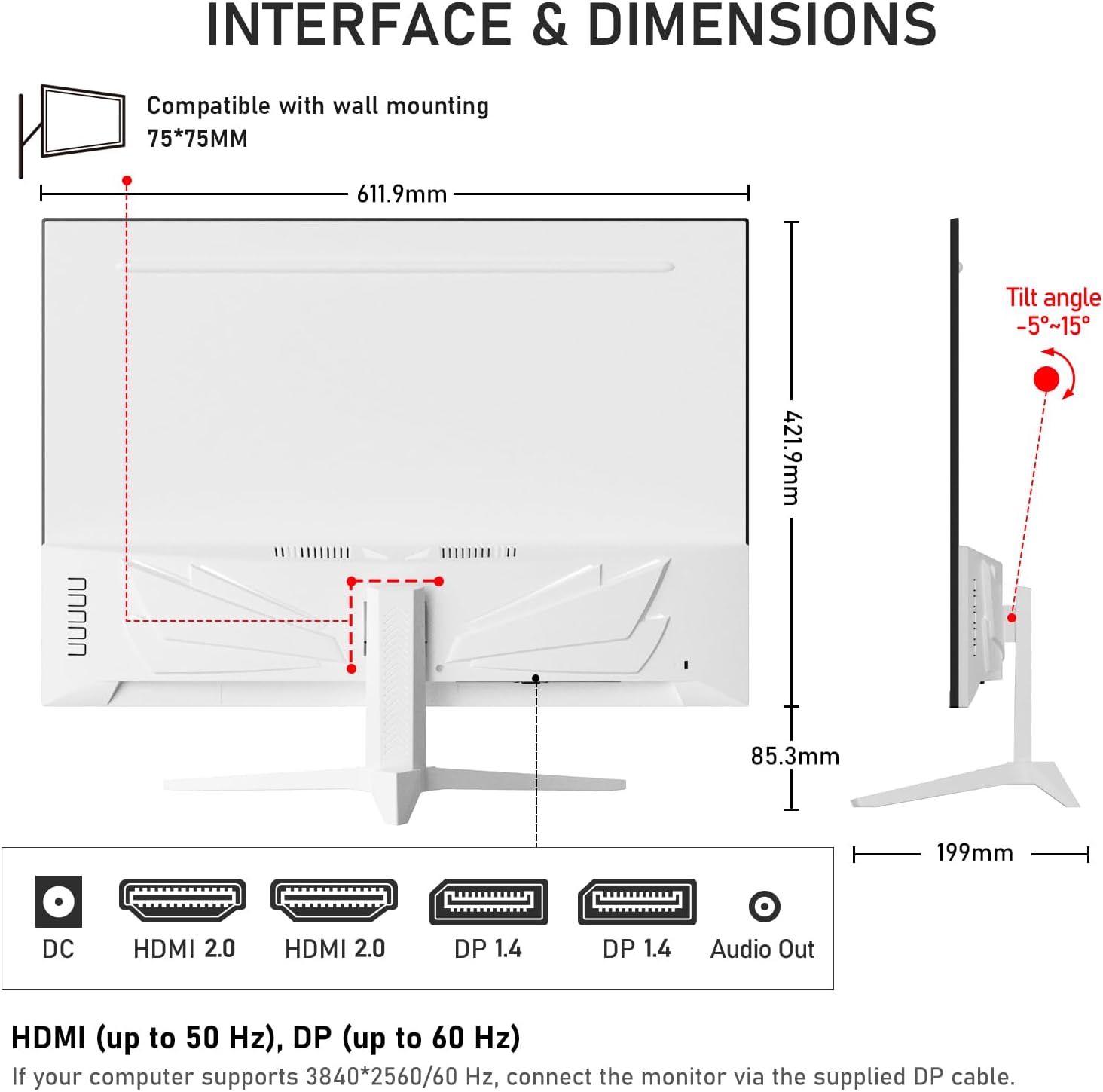
The monitor is positioned as easy to live with, especially if you have more than one device. It includes multiple ports: two HDMI 2.0 and two DP 1.4. That makes it practical for scenarios like: - keeping a laptop on HDMI for work - using DisplayPort for a desktop when you’re editing or browsing - swapping in a console or set-top box without constant re-plugging
The listing also notes refresh-rate limits by connection: HDMI supports up to 50Hz (maximum), while DP supports up to 60Hz (maximum). If you’re sensitive to smooth motion, it’s worth paying attention to which cable you’re using.
Built-in speakers and mounting options
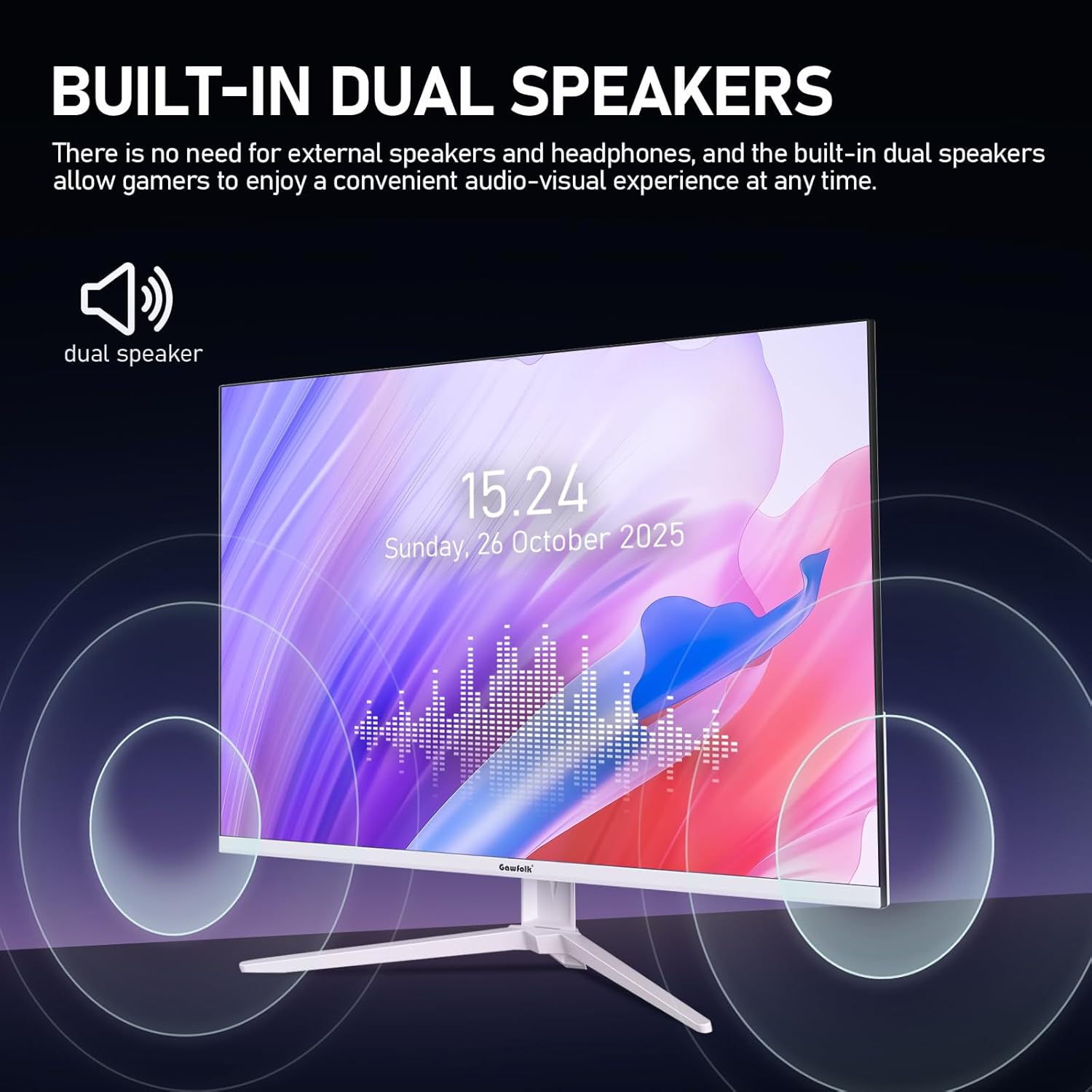
You get built-in speakers, which can be a nice desk simplification if you don’t want separate external audio for video calls and day-to-day media.
For positioning, it includes standard 75×75mm mounting holes. That gives you the option to mount it—assuming you have the right bracket/arm—so you can tidy your desk and adjust height/angle more comfortably.
The “no extra speakers needed” angle is genuinely useful, but it’s also something to sanity-check: built-in audio is usually convenient rather than audiophile. If sound quality is a top priority, you may still end up considering external speakers.
Key specifications that shape the buying decision
Here are the facts that most directly influence whether this monitor fits your setup.
- Name: Gawfolk 28 inch UHD 4K computer monitor
- Type: IPS Ultra HD monitor
- Size: 28 inch
- Resolution: 3840×2560
- Aspect ratio: 3:2
- Colour support: 1.07 billion colours (8-bit)
- Colour gamut claim: 128% sRGB
- Viewing angle: 178° wide viewing angle
- Refresh rate: 60Hz
- Ports: DisplayPort and HDMI (two HDMI 2.0, two DP 1.4)
- Speakers: built-in speakers
- Mounting: 75×75mm mounting holes
Who it suits, and who should look elsewhere
It makes sense if you want a larger screen for productivity, and you like the idea of extra vertical space from a 3:2 layout. It’s also a sensible fit if you need multiple inputs in one display—laptop, desktop, and maybe a console—without constantly switching cables.
You may want to skip it if you’re specifically chasing high-refresh gaming performance beyond 60Hz, or if you know you’ll hate non-standard aspect ratios. Also, if you require advanced calibration proof or detailed colour-accuracy validation, you might find the information provided here a bit light.
Mini FAQ
Is the 3:2 aspect ratio good for spreadsheets and documents?
It’s designed with that use in mind: the 3:2 format is meant to provide more vertical space, which can reduce how often you need to scroll compared with 16:9 layouts.
Does it support smoother motion with gaming or video?
It includes Adaptive Sync and is listed with a 60Hz refresh rate. That should help with tearing/stuttering in supported scenarios, but it’s still not positioned as a high-refresh gaming monitor.
What connections does it have?
The monitor includes two HDMI 2.0 ports and two DP 1.4 ports. The listing also states HDMI can reach up to 50Hz (maximum) while DP can reach up to 60Hz (maximum).
Does it need external speakers?
No—the built-in speakers are there for everyday audio, including video playback and video calls.
How long is the after-sales coverage?
The listing states 12 months after-sales service.
When it makes sense
If you’re shopping for a 28 inch IPS UHD monitor that prioritises productivity (the 3:2 layout), broad day-to-day usability (multiple HDMI/DP inputs), and comfort features for long sessions (DC dimming and low blue light), the Gawfolk looks like a practical value-led choice on paper. It’s also the sort of screen that suits people who want one monitor to handle a mix of work devices.
That said, it may not be the best match if you’re chasing top-tier pro colour workflows or high-refresh gaming beyond what’s listed here. If you can live with a 60Hz ceiling and a slightly unusual aspect ratio, it should slot neatly into a typical home-office or hybrid work setup.