

Gawfolk 27-inch 2K Gaming Monitor (120Hz, QHD IPS, G-Sync/Adaptive Sync, VESA 75x75)
Product description
The essentials
If you want a 27-inch gaming monitor that feels smooth without jumping to the most expensive end of the market, this Gawfolk 27" 2K Gaming Monitor is built for exactly that. It centres on a Quad HD (2560×1440) IPS panel, a 120Hz refresh rate for motion, and a set of sync features (G-Sync/Adaptive Sync) aimed at reducing screen tearing and stuttering.
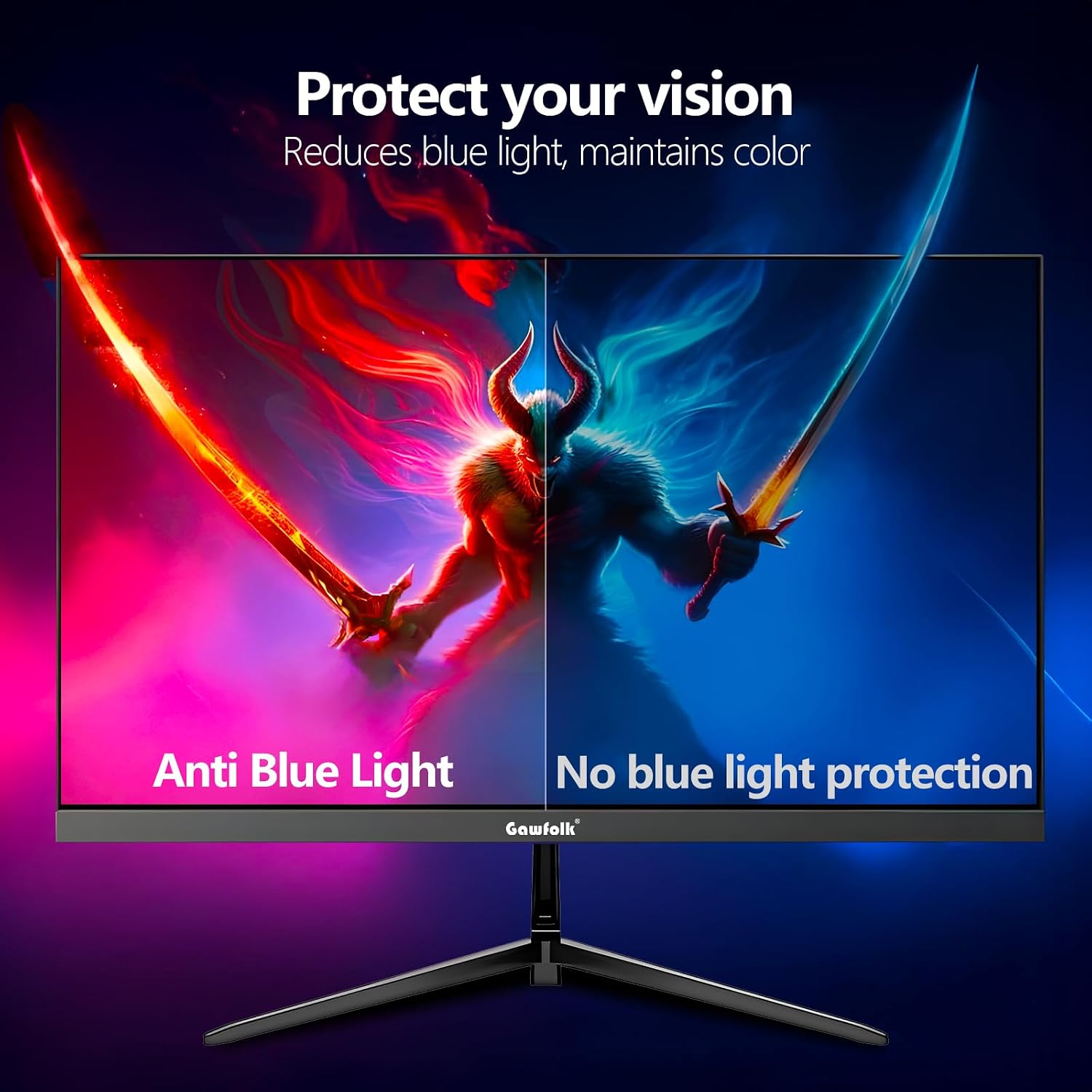
In everyday use it’s also about comfort and clarity: the display is described as flicker-free and includes low blue light to help reduce eye strain and irritation. That kind of mix matters if you’re doing a bit of gaming, but also switching to longer work or study sessions.
Key features that affect day-to-day play
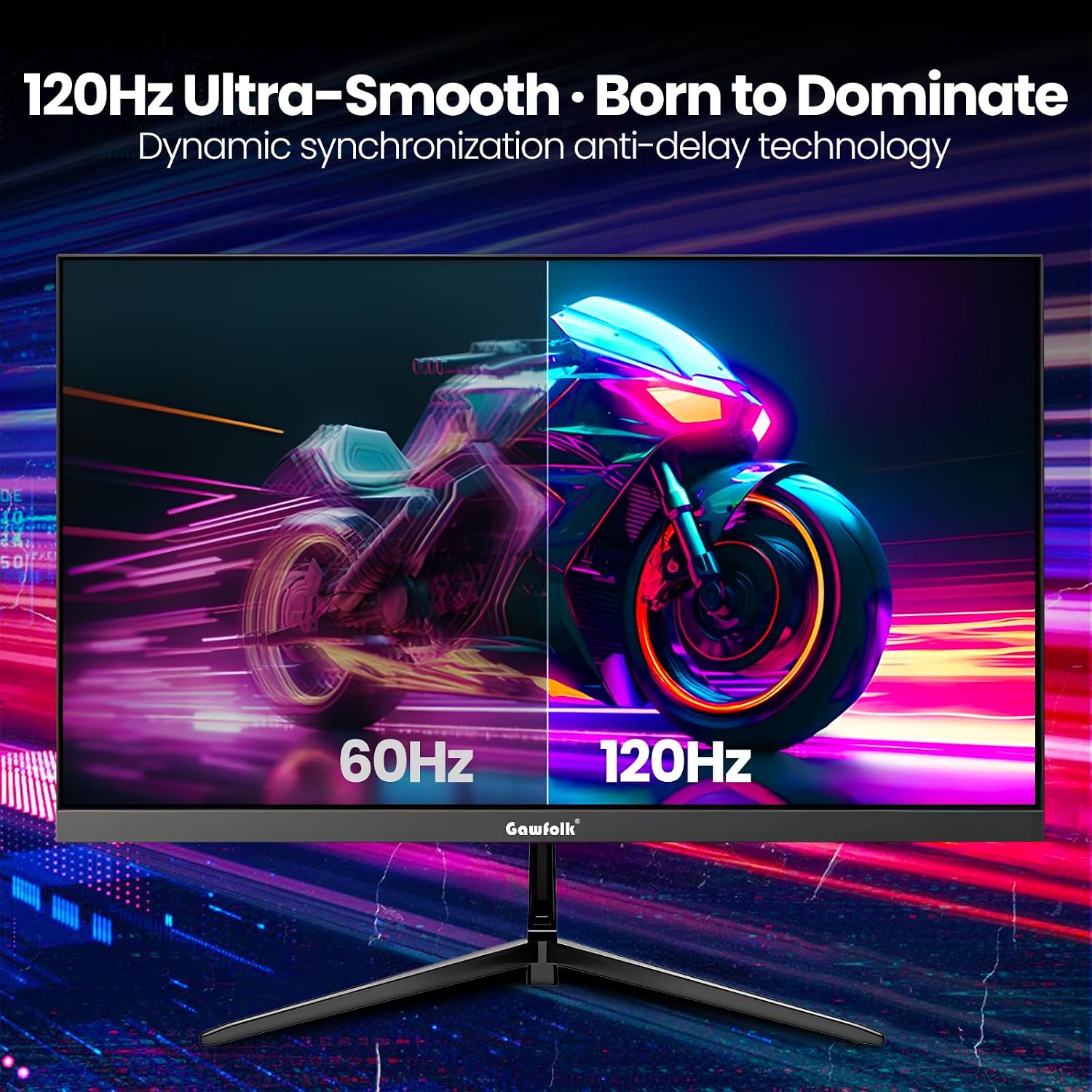
The main story here is straightforward: QHD sharpness plus a smoother refresh rate. On paper, 120Hz should make scrolling and fast movement look more fluid than 60Hz displays, and the description also claims reduced motion blur and ghosting for cleaner transitions in action scenes.
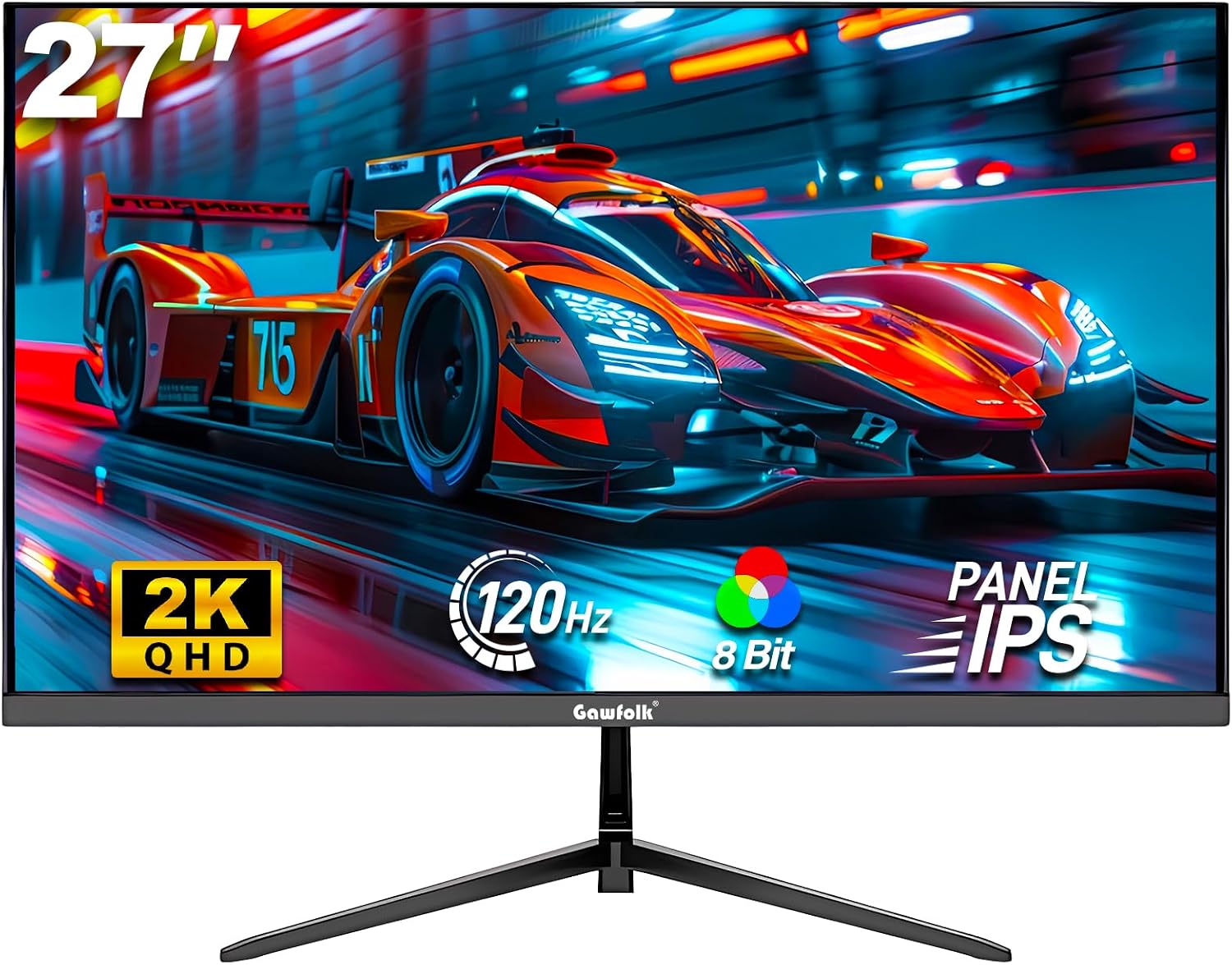
The IPS panel angle is another real-world plus. IPS is typically chosen when you care about consistent visuals from more than one seating position. If you sometimes game on a sofa, share the screen, or just don’t want colour shifts when you move around your desk, wide viewing angles are the practical benefit.
Worth noting, though: sync tech and motion clarity depend on your setup. If your PC can’t reliably push frames at (or near) the higher refresh rates, you may not feel all the benefits in the same way.
Connectivity and desk flexibility
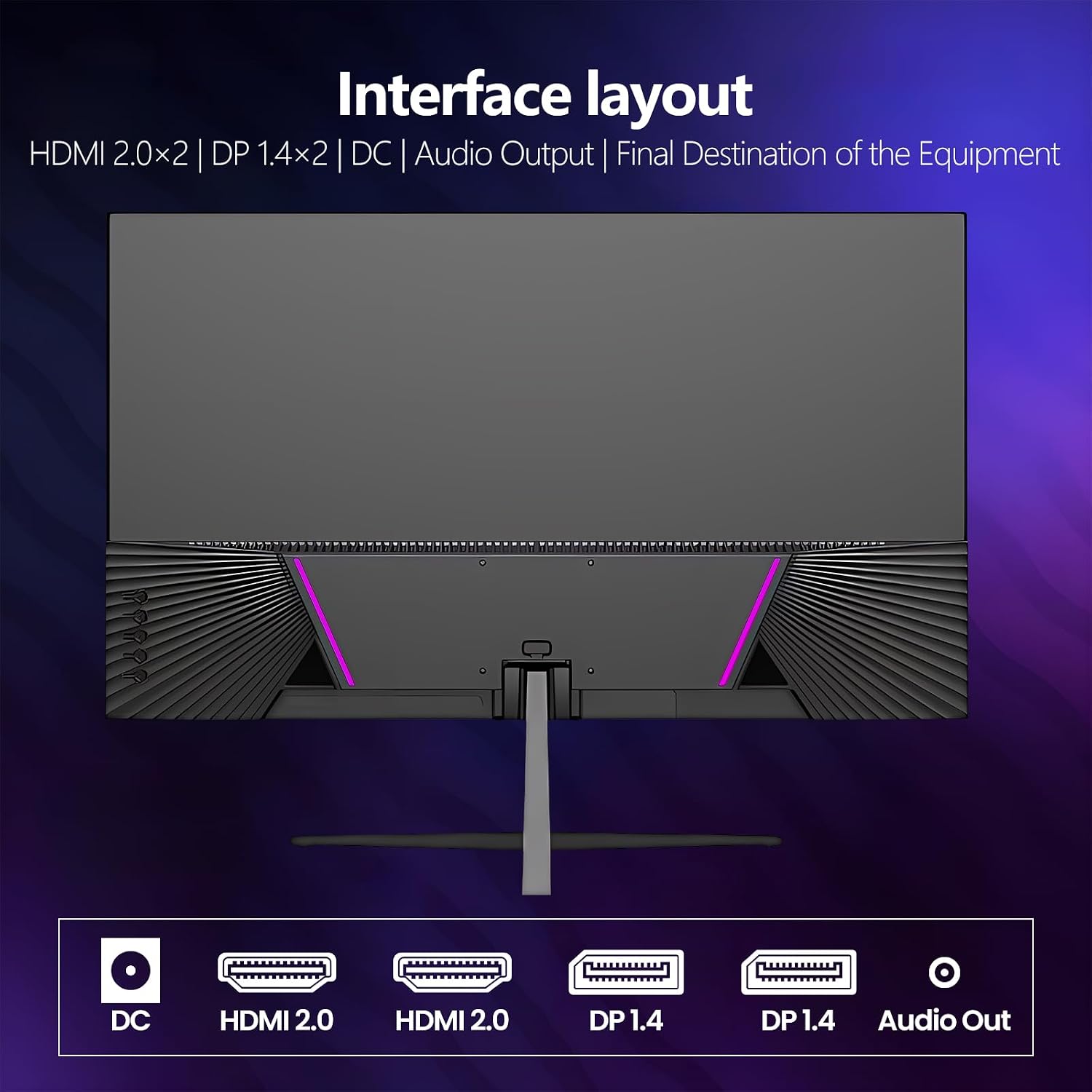
This monitor is equipped with 1x DisplayPort (DP) and 1x HDMI, which makes it easy to connect to PCs, laptops and game consoles. That’s useful if your “main” machine is a desktop but you also plug in a console for weekends.
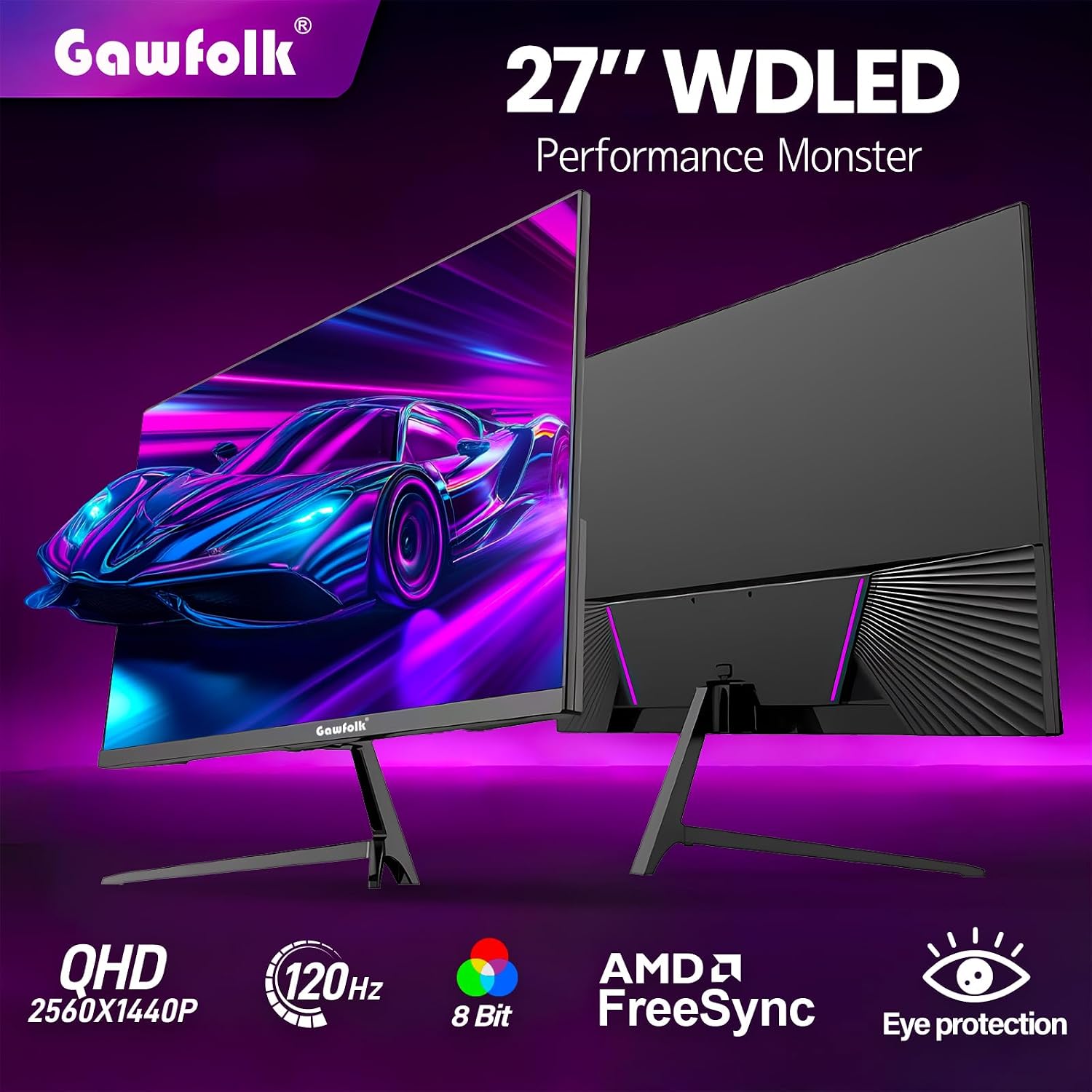
It’s also described as VESA mountable at 75×75mm. If you’re trying to keep a tidy desk or you already have a compatible monitor arm, VESA support is the kind of feature that saves hassle later.
What you’ll notice first (and what may not impress everyone)
The first thing most people will care about is the picture: Quad HD (2560×1440) should give noticeably more detail than lower-resolution 1080p screens at the same 27-inch size. Paired with an IPS panel, the goal is vibrant visuals with consistent colours.
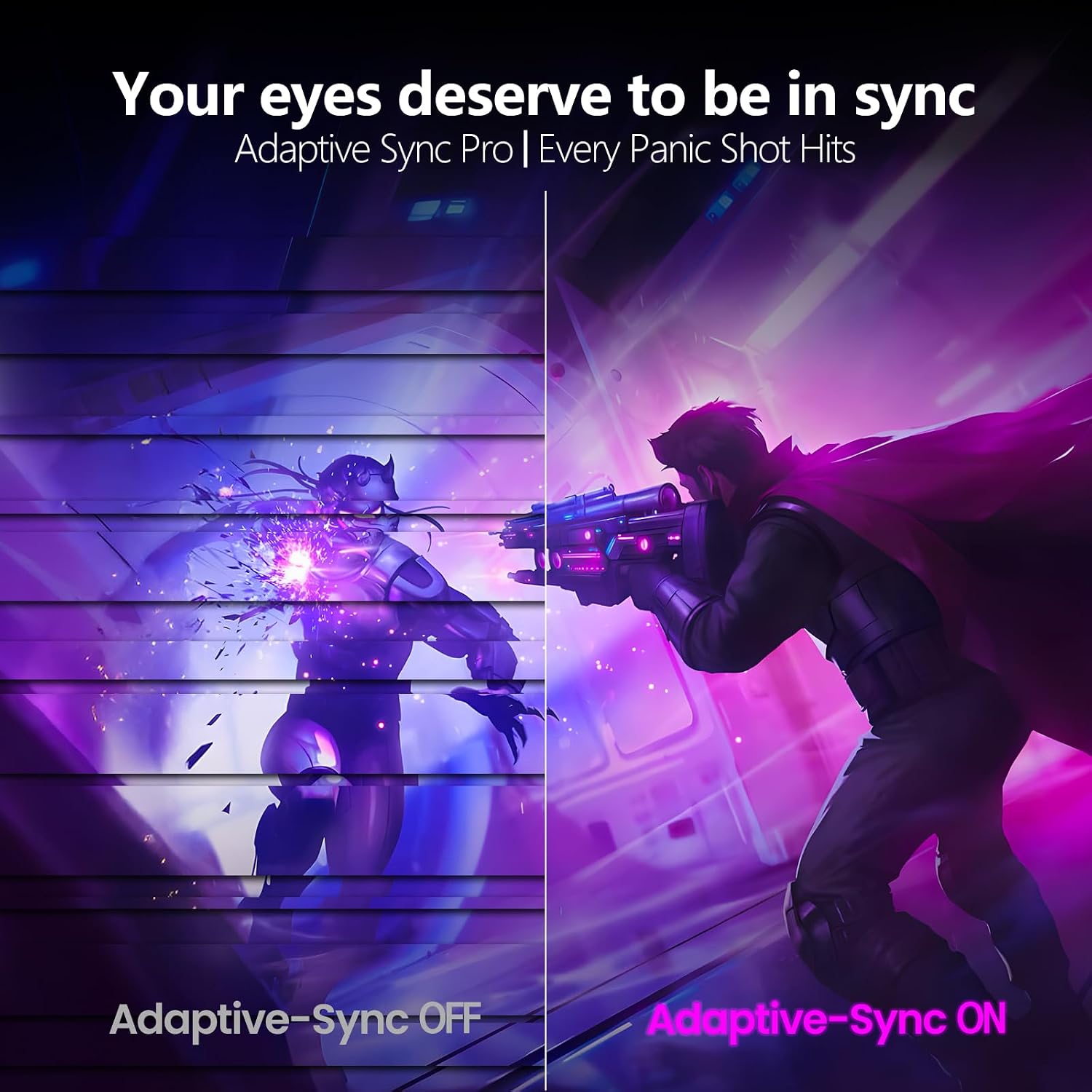
For gaming, the most tangible claims in the description are smoother motion (120Hz) and fewer tearing/stutter issues thanks to G-Sync/Adaptive Sync. There’s also flicker-free tech and low blue light, which is the kind of comfort feature you only really appreciate once you’ve used it for a while.
Where it may feel more “mid-range” than top-tier is that the entry-level focus is clearly on mainstream gaming smoothness rather than extreme specs (nothing here points to higher refresh rates, HDR capability, or premium features beyond what’s listed). If you’re the type of gamer who wants the absolute fastest response and the most advanced image processing options, you may find this sits short compared with more ambitious displays.
Getting the most from it
If you buy this, it helps to match your expectations to your use. For example, in a typical evening setup you might:
- Connect a gaming PC via DisplayPort for the “PC-first” experience.
- Use HDMI for a console session without swapping cables.
- When you switch to desktop browsing or coursework, the flicker-free and low blue light approach is there to make longer sessions feel easier.
It’s a simple workflow, but it’s also the kind that tends to stay convenient day after day.
Who it suits (and who should think twice)
It makes sense if you want:
It makes sense if you’re after a 27-inch Quad HD gaming monitor with a 120Hz refresh rate and IPS viewing angles, and you like the idea of sync features (G-Sync/Adaptive Sync) to smooth out gameplay. It suits you if you also value flicker-free comfort and want something that can handle general screen time, not just short gaming bursts.
It’s not the best choice if you need advanced features that aren’t mentioned in the listing, such as specific HDR formats or a very niche set of workstation requirements. You may want to skip it if your main focus is ultra-competitive esports at the very highest refresh levels, because this model is positioned more around 120Hz QHD than chasing the absolute extremes.
Compatibility & requirements
Because the listing only specifies 1x DisplayPort and 1x HDMI, it’s worth checking that your device outputs match your intended connection. If you plan to use a VESA monitor arm, you’ll also want to confirm your mounting setup supports the 75×75mm pattern.
Is it worth it?
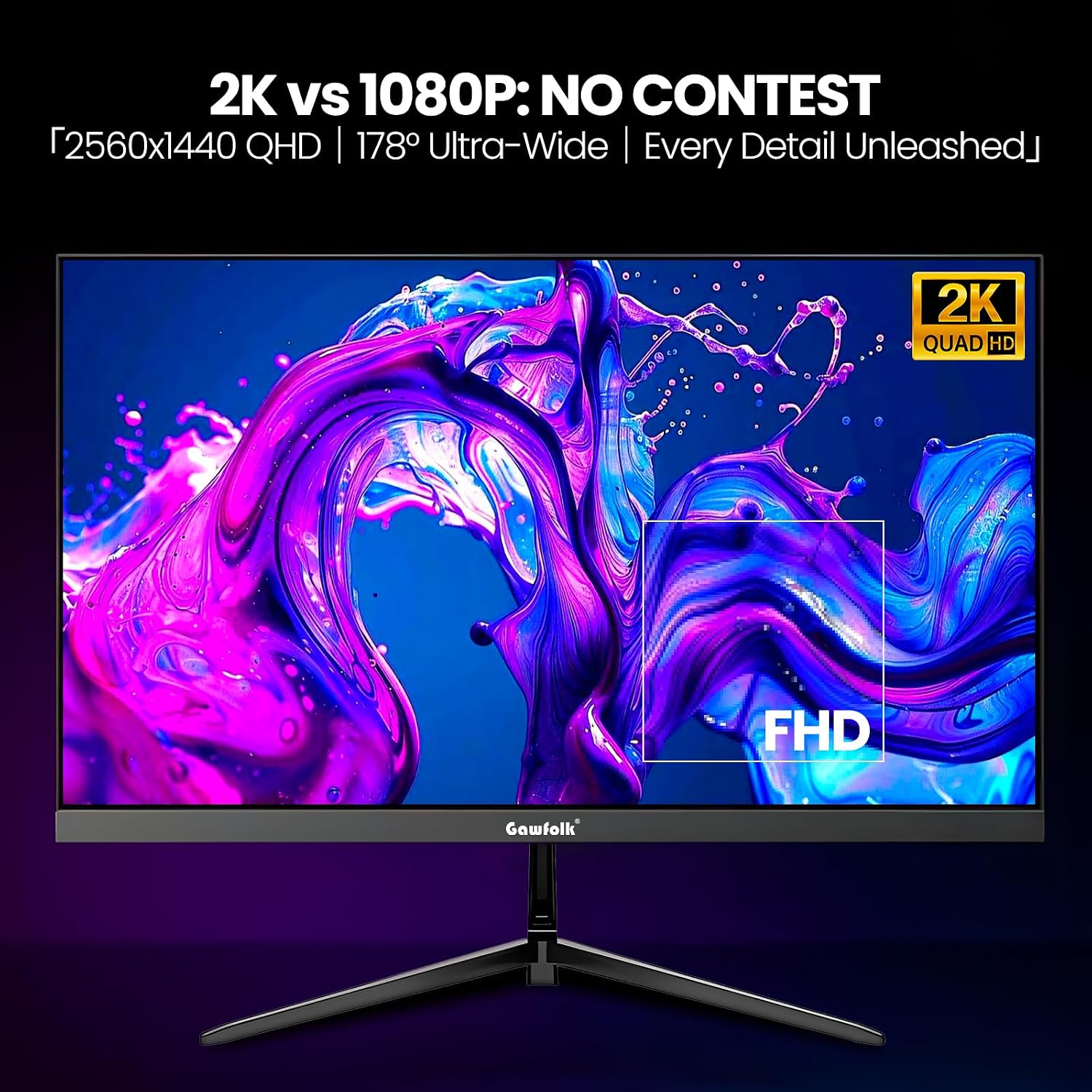
A solid pick if you want a 27-inch 2K (2560×1440) IPS gaming screen that aims to feel smoother with 120Hz and better match gameplay with G-Sync/Adaptive Sync to help reduce tearing and stutter. It’s also appealing if you’re sensitive to flicker and spend enough time at your desk that low blue light matters.
You may want to think twice if you expect features beyond what’s listed, or if your system can’t take advantage of higher refresh rates. Also keep in mind that “works with” in real life means your connections and settings need to line up—so it’s worth checking DisplayPort/HDMI support before you commit.
Mini FAQ
Does this monitor support both DisplayPort and HDMI?
Yes, it’s described as having 1x DisplayPort (DP) and 1x HDMI, for connecting PCs, laptops and game consoles.
Is it an IPS panel?
The listing states it uses an IPS panel, with wide viewing angles and consistent colours.
Will it help with screen tearing?
The description mentions reducing screen tearing and stuttering through G-Sync/Adaptive Sync.
Is it suitable for long screen sessions?
It includes flicker-free technology and low blue light, which are aimed at reducing eye strain and irritation.
Can it be mounted on a VESA arm?
Yes, it’s described as VESA mountable at 75×75mm.