

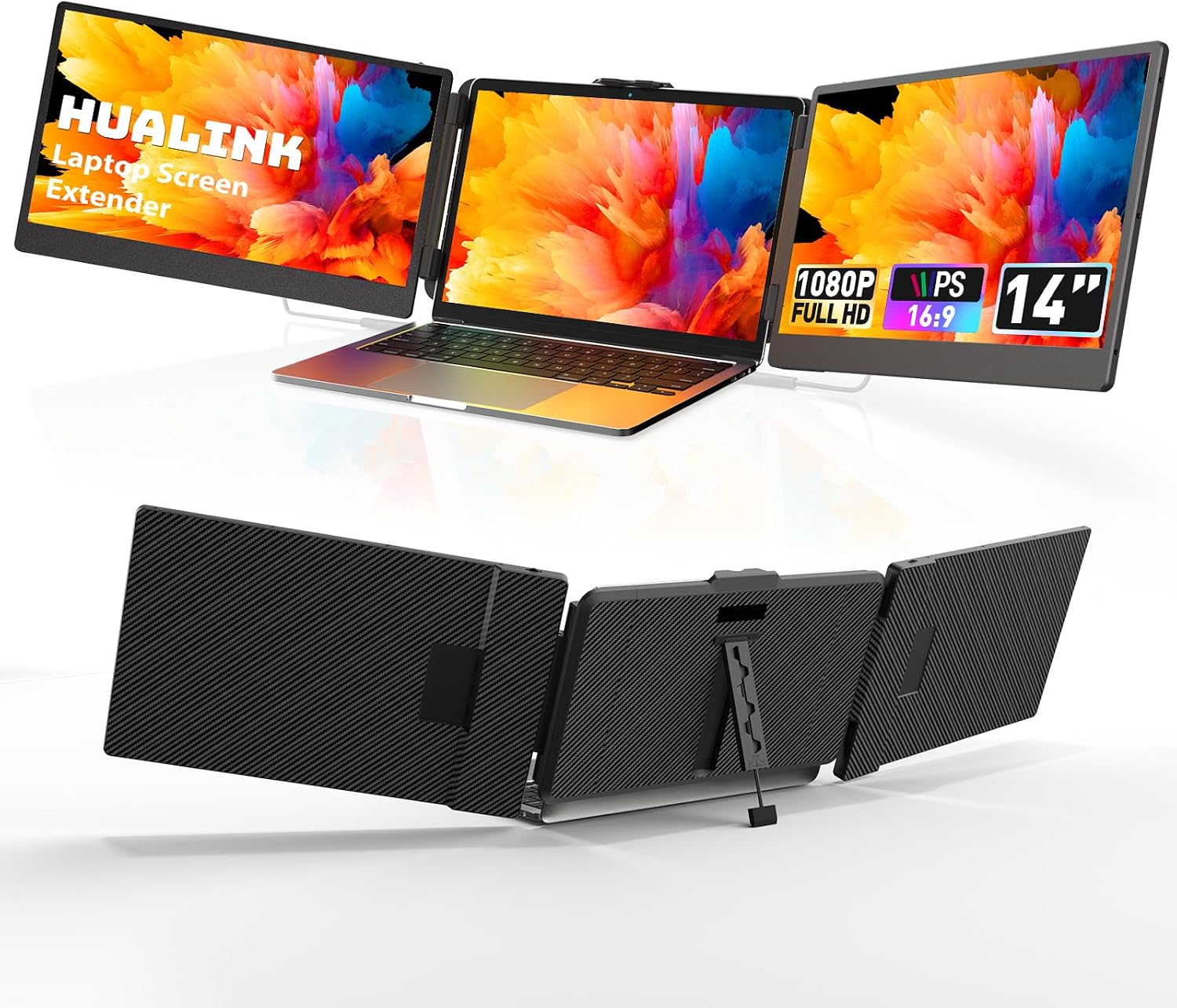
hualink Laptop Screen Extender 14" FHD 1080P IPS — Dual Screen Portable Monitor for 13.3–17" Laptops
Product description
What it is you’re getting
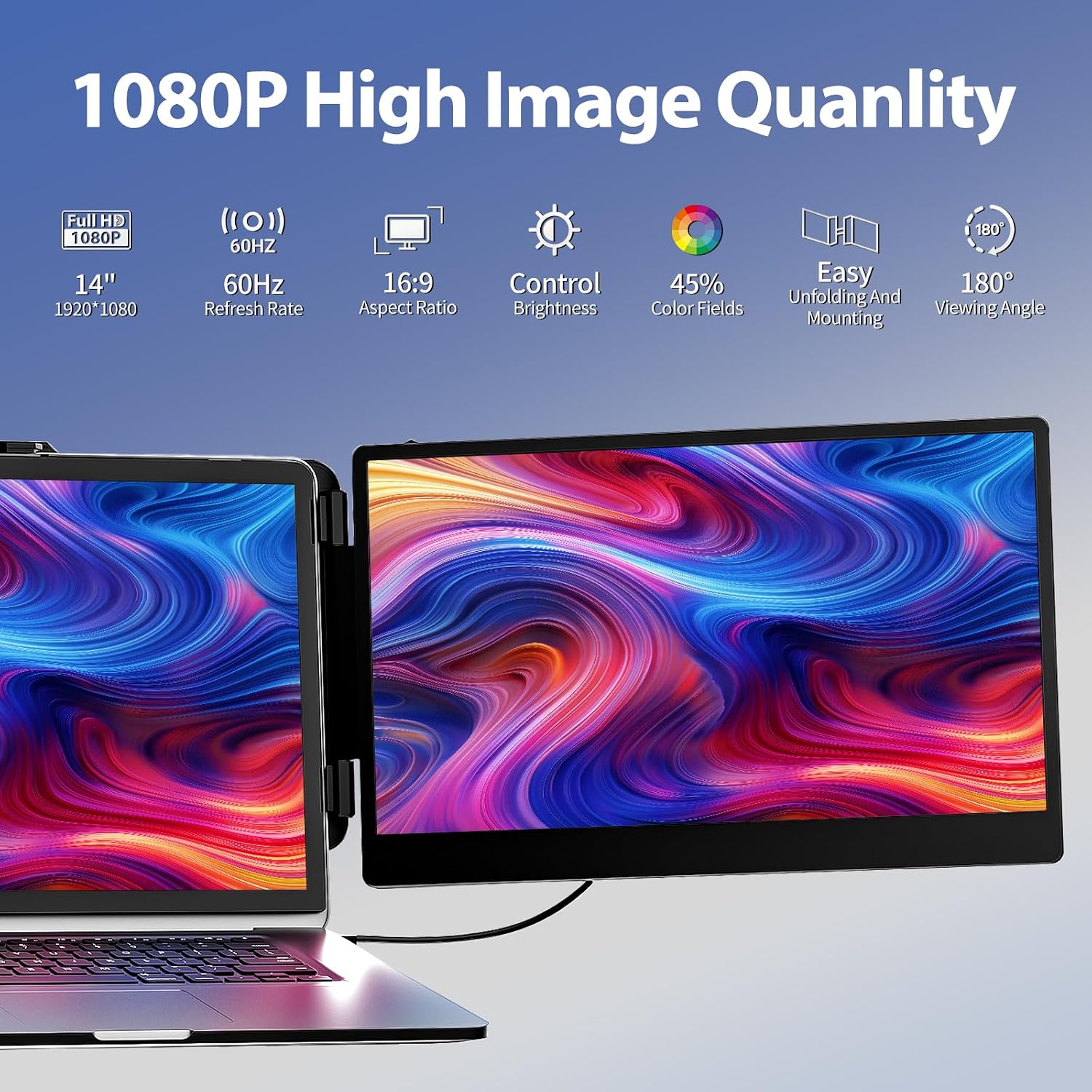
The hualink Laptop Screen Extender is a portable dual-screen setup designed to attach to a wide range of laptops from 13.3 to 17 inches. The second display is a 14-inch FHD 1080p panel using IPS technology for wider viewing angles and more accurate colours, with a brightness of 300 nits. It’s meant to offer a practical boost to multitasking, presentations and on-the-go work without a heavy setup.
Who it’s for
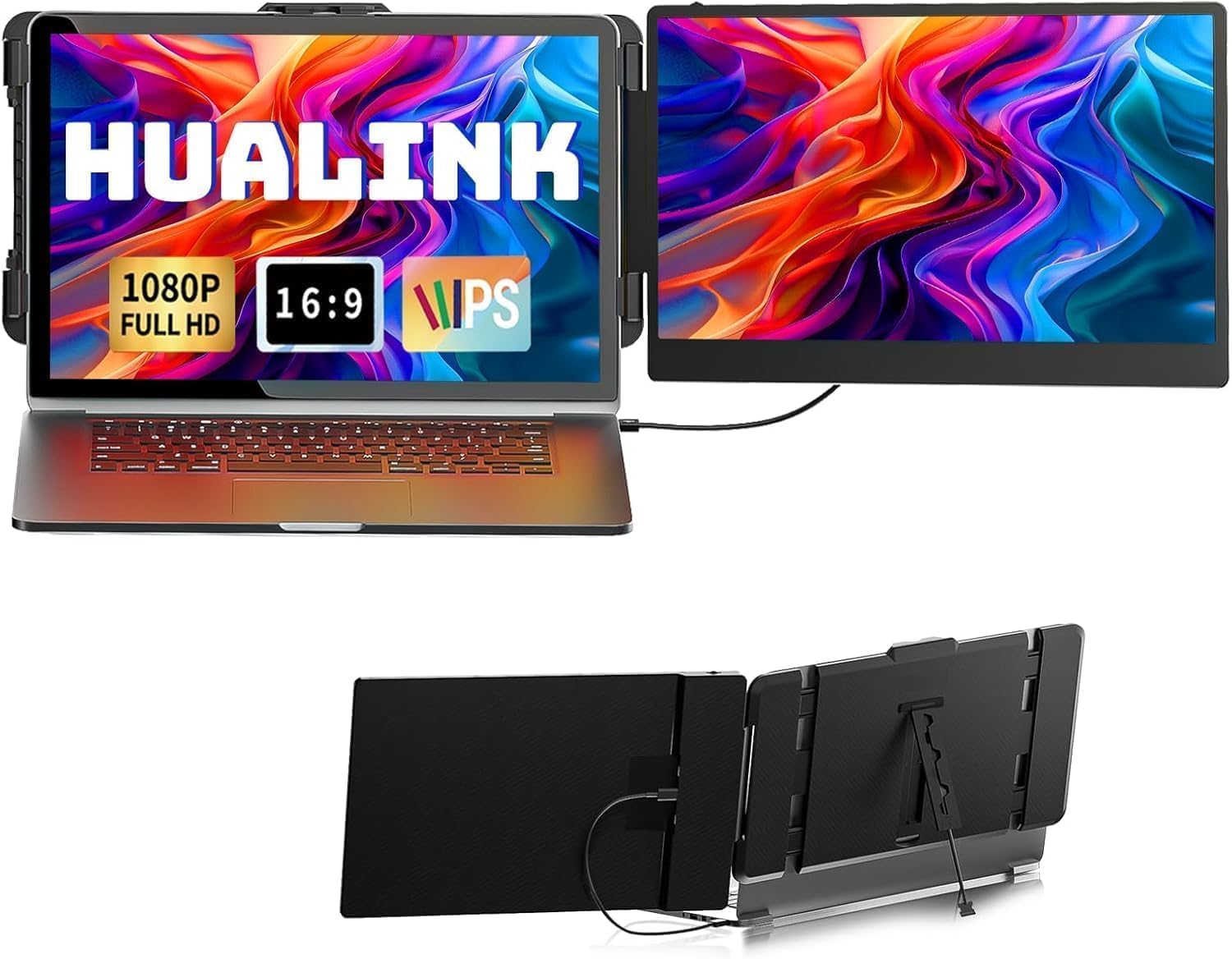
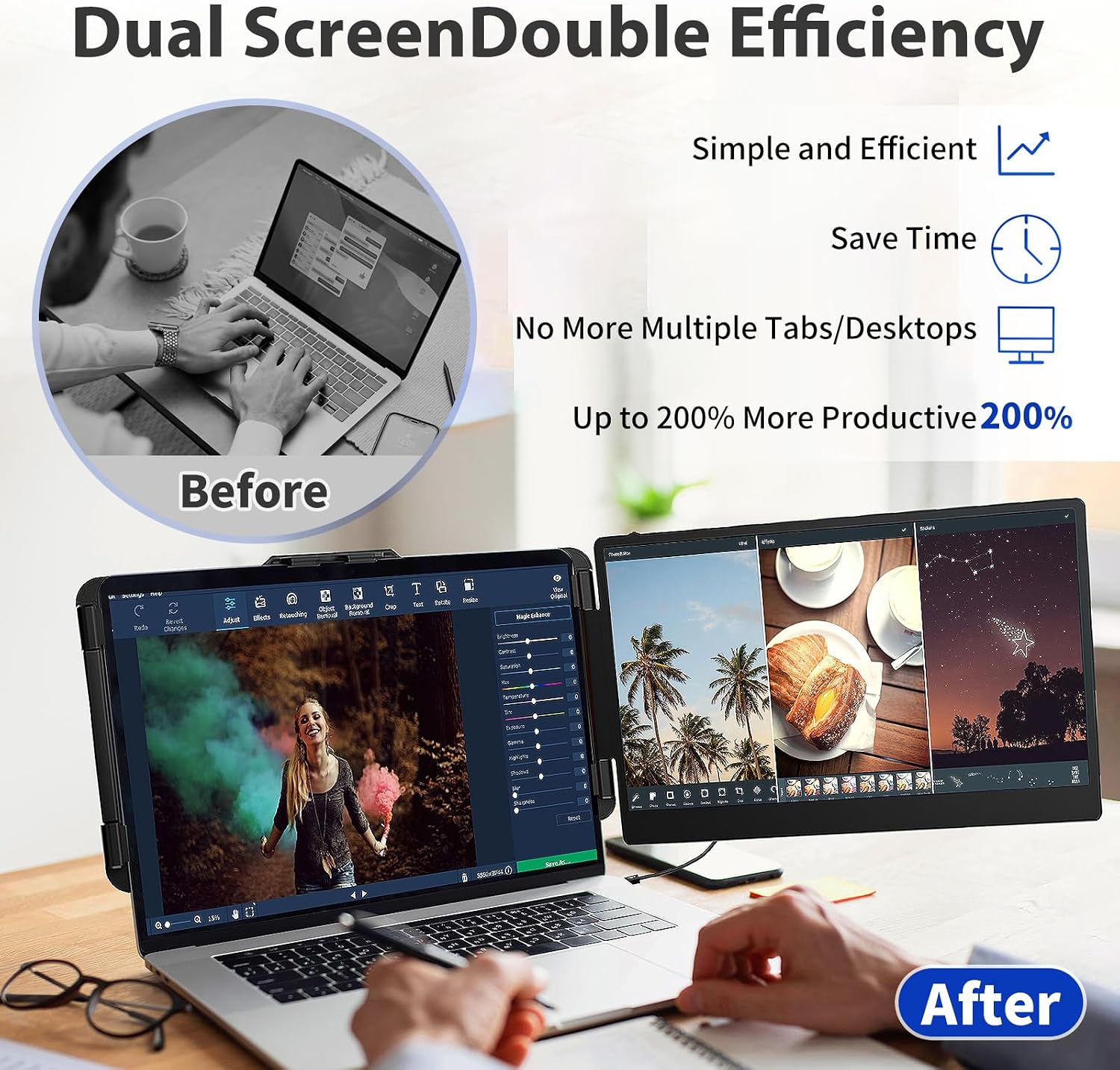
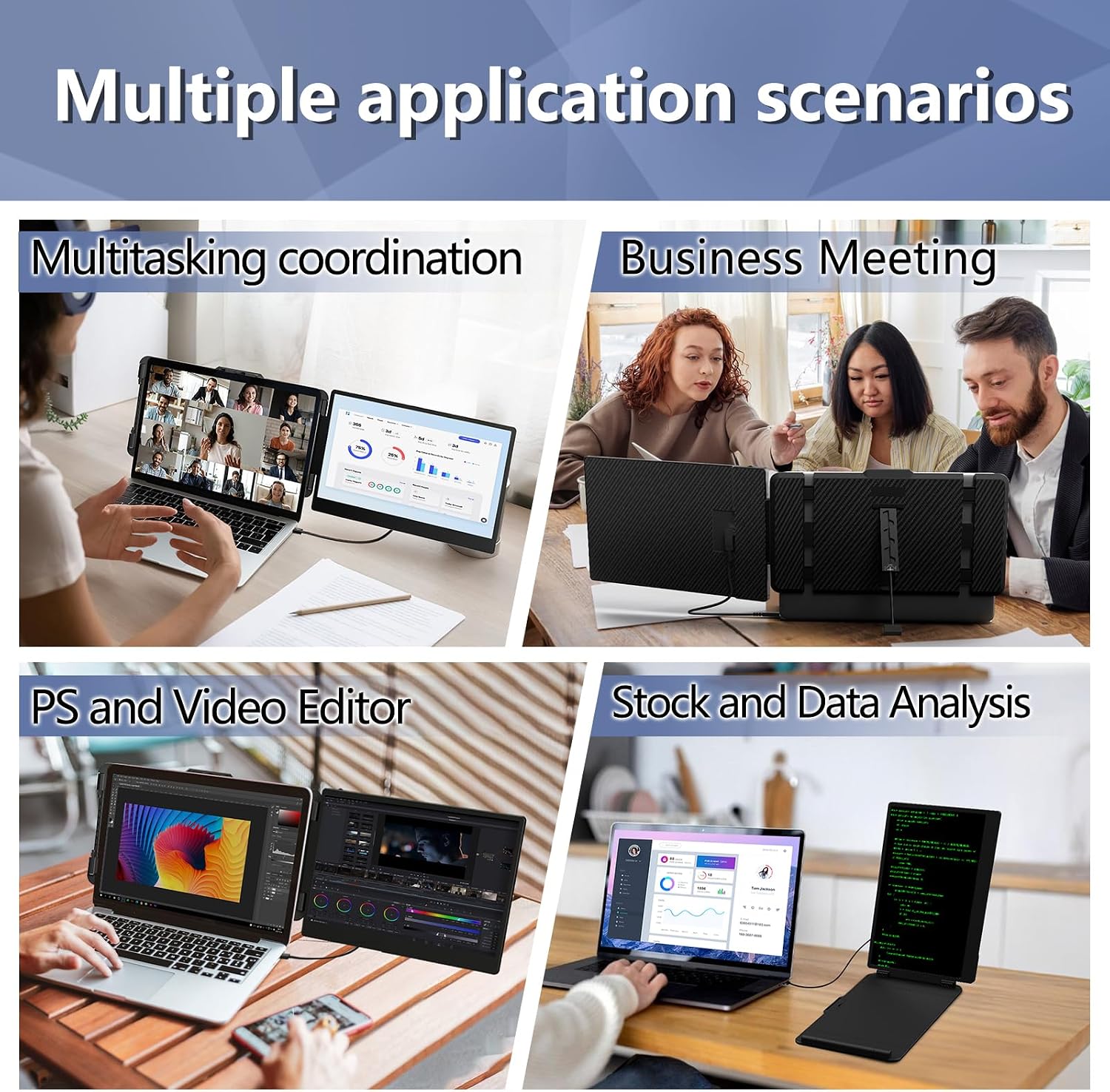
If you often juggle documents, spreadsheets, video calls and browser windows, this screen extender can help by turning your laptop into a two-screen workspace. It’s particularly appealing for commuters, remote workers and students who want a simple, portable second display without committing to a full desktop setup.
How it helps in use
On paper, the extender supports three modes: Extended, Duplicate and Second Screen. This means you can stretch your desktop, mirror content for presentations, or use the additional screen independently. The device weighs around 2.11 lb, so it’s lightweight enough to carry in a bag for meetings or travel.
What’s strong about it
The 14" FHD panel with IPS offers a respectable level of clarity and colour depth for general productivity, and the single-button adjustments for brightness, sound and contrast aim to keep a simple workflow on the move. The wide compatibility list covers Windows, Linux, Android and many Mac models, with a note that some Mac configurations may need an extra hub. This flexibility can be a real time-saver if you work across devices.
What may not persuade everyone
It isn’t a perfect plug‑and‑play solution for every Macbook. Some Mac users may require an 8‑in‑1 hub to connect, and there’s a stated laptop length limit (up to about 15.74 inches in practice) which means very large or irregular chassis as well as certain thicknesses could complicate mounting. If you prioritise ultra-high colour accuracy or a top-tier refresh rate for gaming, this 1080p IPS panel sits in a more modest tier and may not satisfy demanding users.
When it makes sense to buy
Choose this extender if you want a compact, affordable way to expand your screen real estate for daily tasks, light multitasking or mid-size documents alongside your main laptop display. It’s particularly practical for being able to present content in meetings or to keep reference material visible while you type.
When you might want to skip it
If you require a higher resolution, higher brightness, or a more robust built-in stand for heavy travel, you could look at higher-end external displays. Also, if your setup includes laptops that exceed the stated length/thickness or if you exclusively use a Mac with a need for guaranteed plug‑and‑play without hubs, there may be more seamless alternatives.
What to check before buying
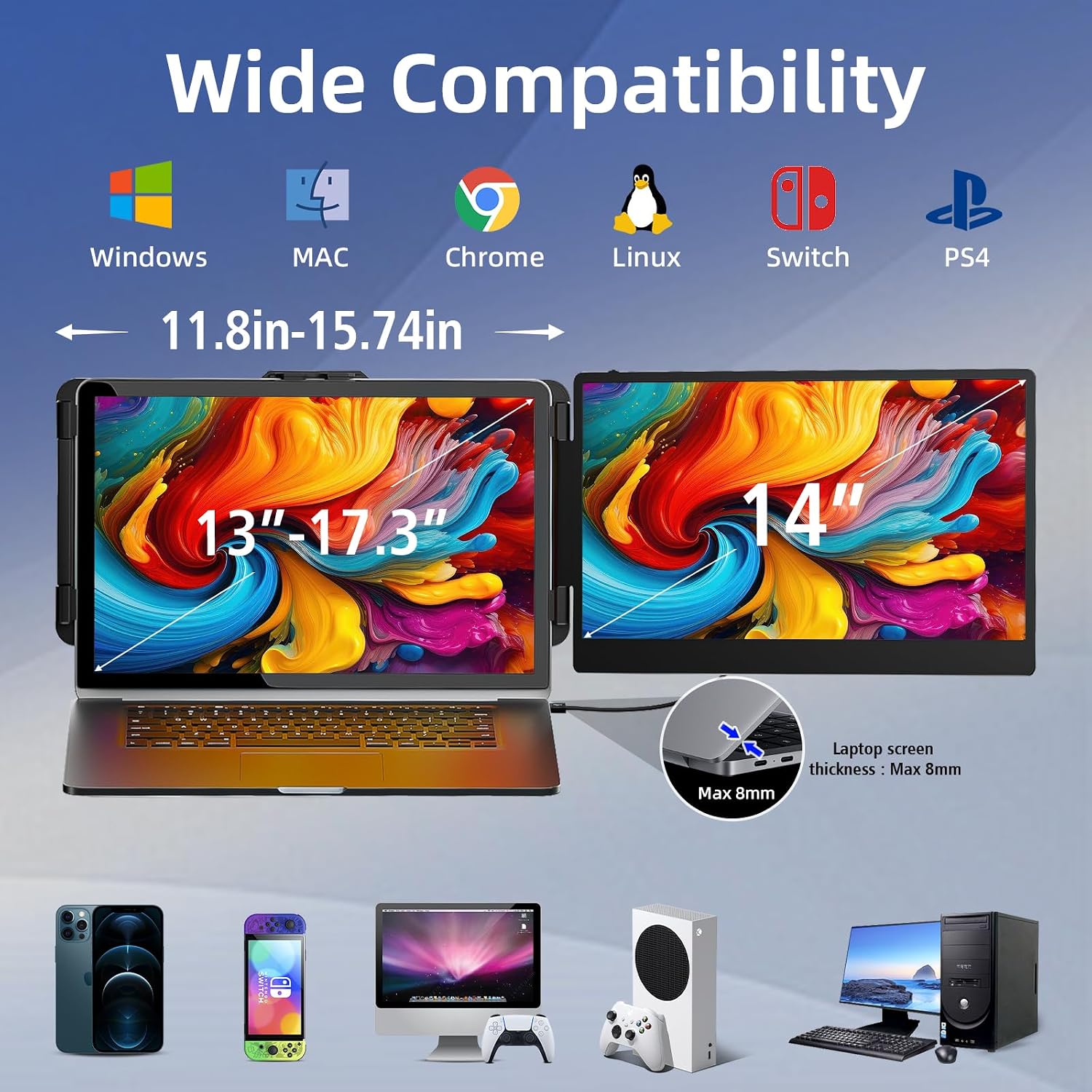
- Confirm your laptop fits within the 13.3–17" range and isn’t thicker than the advised limit.
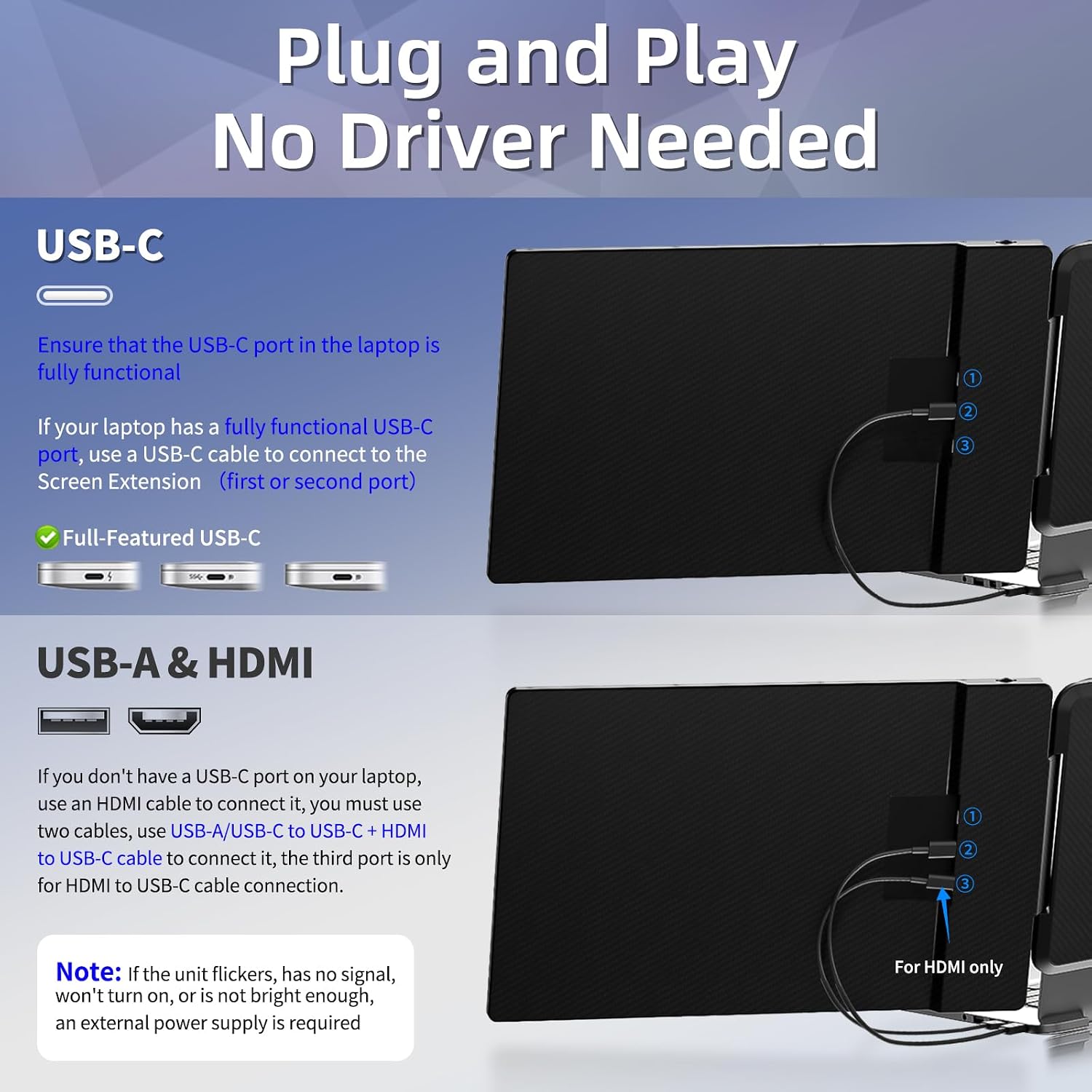
- Check compatibility notes for Mac models you own, and whether an 8 in 1 hub is needed.
- Consider how you’ll mount and carry the extender during travel, weight and bulk do add up over longer trips.
- Decide which mode you’ll use most: Extended for productivity, Duplicate for presentations, or Second Screen for reference materials.
Practical example of use
Imagine you’re preparing a presentation on the road: your primary screen shows the slides while the extender displays your notes and email thread. When you’re back in the office, you can keep reference PDFs on the second screen while drafting on your main display, lowering the need to flip windows constantly.
What you get and a quick comparison touchpoint
In practice, this is a straightforward way to add a second display without investing in a larger desk setup. If you’re after a basic, portable second screen that pairs well with most laptops and OSes, it’s a sensible choice. If you want a device that doubles as a lighter travel monitor with a bit more screen real estate, you may find yourself weighing size and weight against potential gains in clarity or brightness.
Final verdict
Final verdict: it’s worth considering if you prioritise portability and flexible multi-screen usage for everyday work and light multitasking, provided you’re mindful of compatibility notes and the 15.74-inch practical laptop length limit. For heavy gaming or colour-critical work, look at alternatives offering higher specs.
FAQ
- Will it work with my Windows laptop? Yes, it supports Windows along with other major OS families.
- Do I need extra accessories? Some Mac configurations may require an 8 in 1 HUB for connection.
- How do I adjust brightness? Each screen has a single button to tweak brightness and other settings.