

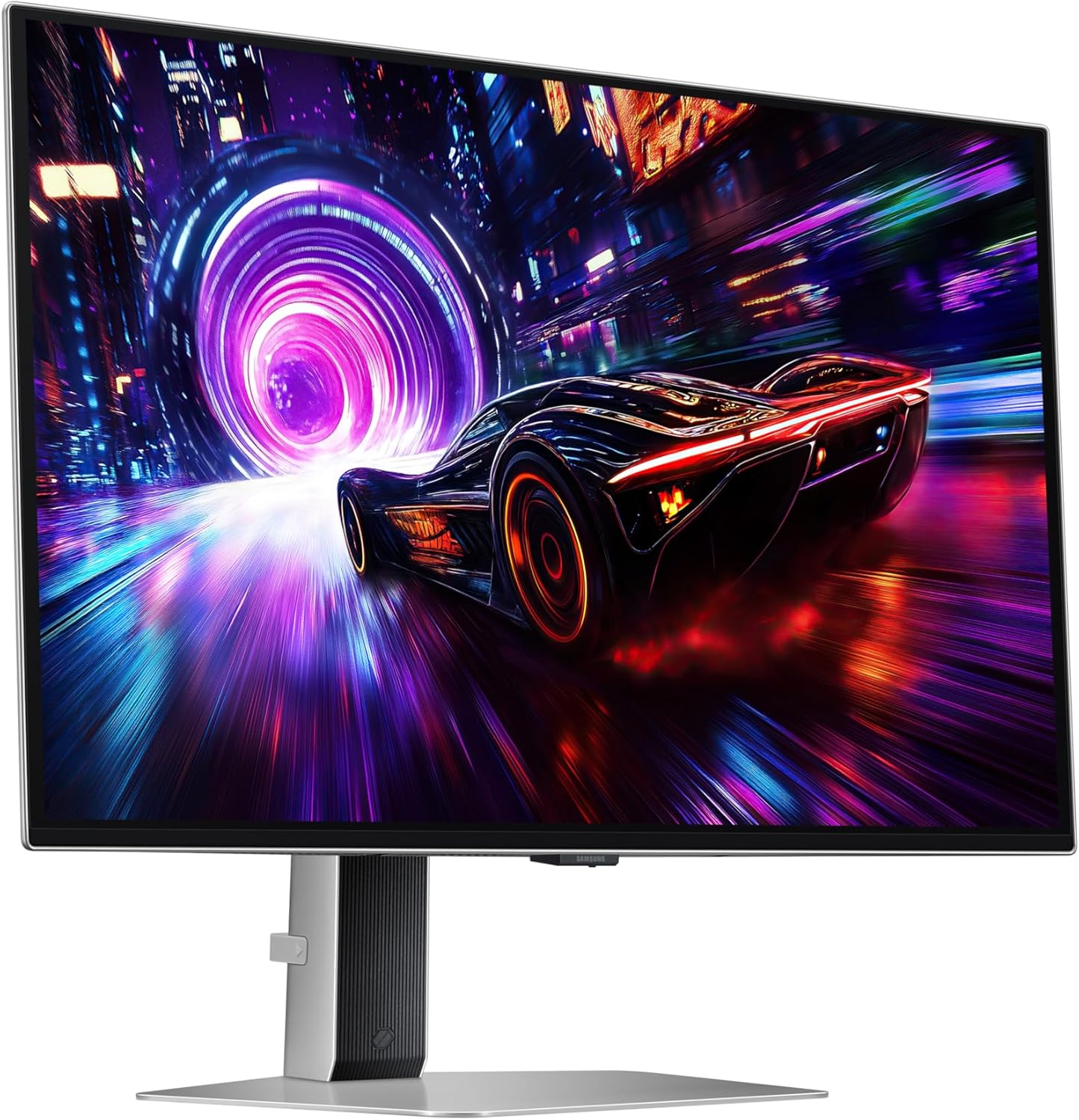
Samsung 32 inch Odyssey OLED G81SF gaming monitor (4K, 240Hz, QD-OLED) – LS32FG810SUXXU
Product description
The essentials
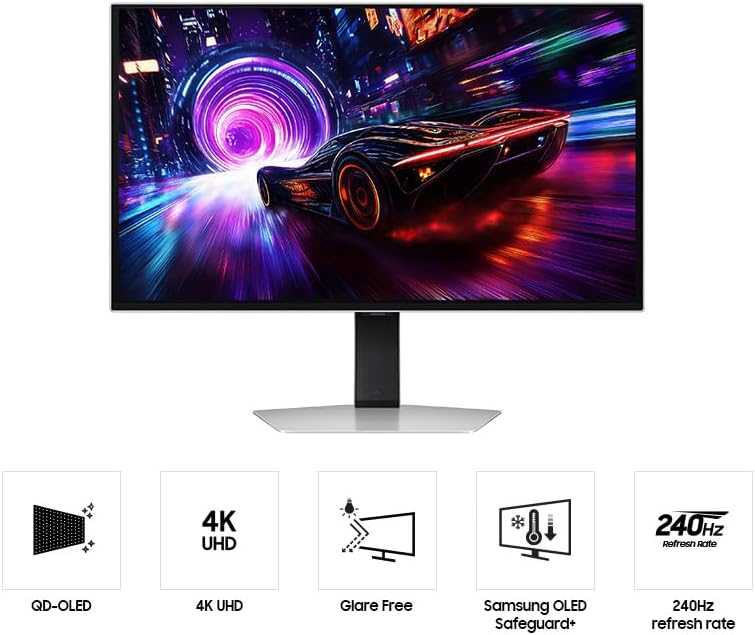
If you’re shopping for a 32-inch gaming monitor that leans into picture quality rather than just raw speed, the Samsung Odyssey OLED G81SF is an interesting proposition. On paper it’s built around QD-OLED for sharp 4K visuals, paired with a 240Hz refresh rate and an extremely low quoted response time of 0.03 ms (G/G). That combo is aimed squarely at players who care about both smooth motion and the fine detail you notice in dark scenes.
It also brings a set of practical extras that OLED fans tend to look for: Safeguard+ for burn-in prevention (with systems like dynamic cooling and logo/taskbar detection), plus a Glare-Free approach designed to reduce surface gloss. It’s not perfect for every setup, but as a high-spec gaming screen for evenings when lighting is less controlled, it makes sense.
Key features worth reading for
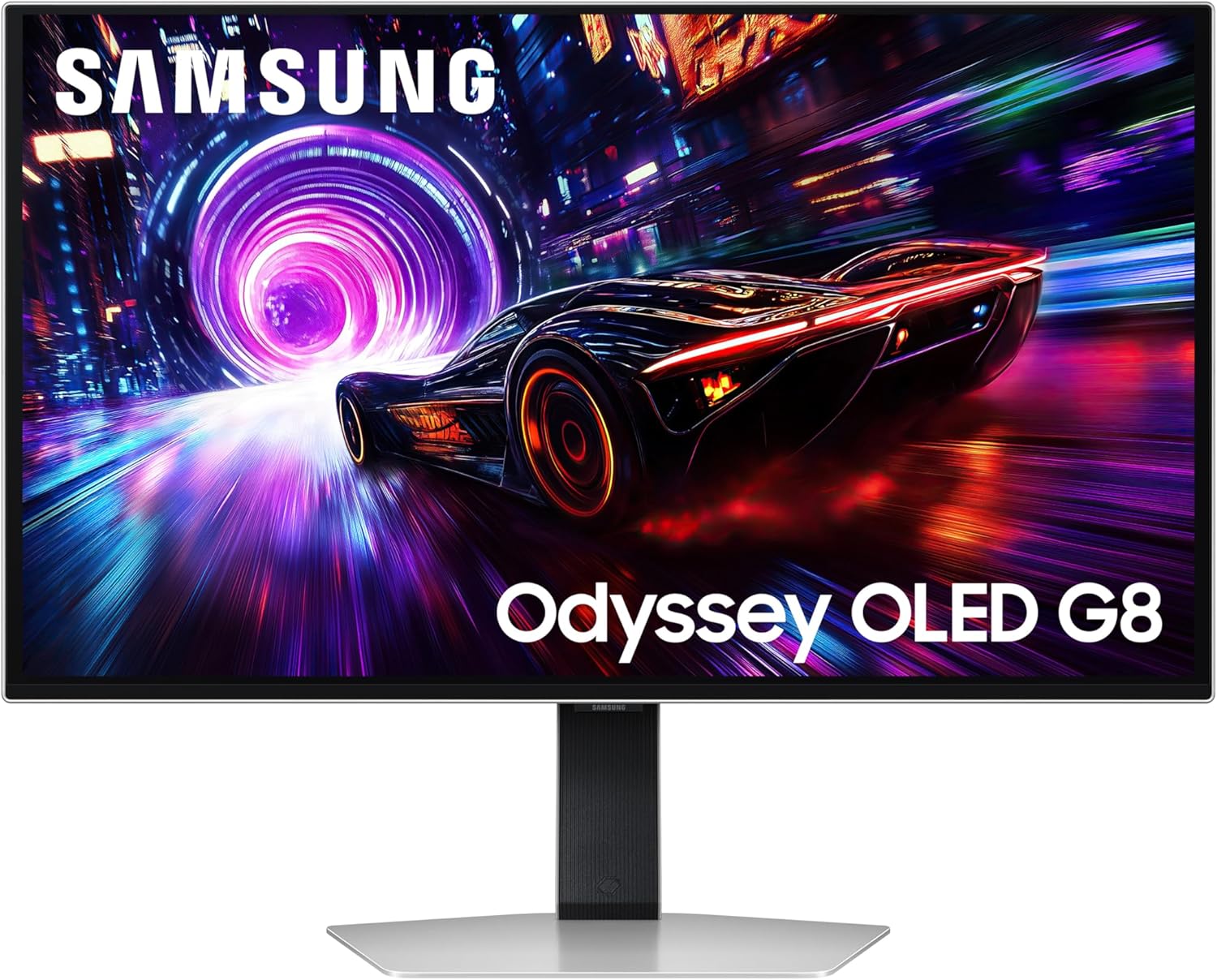
The OLED angle is where most people will feel the difference. The base description calls out clear, sharp 4K quality with subtle shadows in every scene, and it highlights VESA DisplayHDR TrueBlack 400 for deep blacks and contrast without the kind of “light bleed” some other panels can struggle with.
For motion and responsiveness, the headline specs are straightforward: 240Hz refresh rate and 0.03 ms response time (G/G). For gaming, that’s the sort of spec sheet language that usually matters most when you’re chasing smoothness at high frame rates.
There’s also adaptive-style gaming sync support mentioned: AMD FreeSync Premium Pro and G-SYNC Compatible. In real terms, this is the kind of feature set you’d expect if you want fewer distractions from screen tearing and inconsistent frame pacing.
Finally, the glare reduction claim is specific: the Glare Free technology is described as making the screen 54% less glossy than conventional anti-reflection film, helping keep reflections from external light sources less noticeable.
What you’ll notice in everyday use
This monitor’s “small details” theme isn’t just marketing fluff, at least based on what’s described. In dark scenes, OLED and TrueBlack-style tuning are typically chosen because they can show richer blacks and more separation in shadows, which is exactly the kind of thing you only notice once you’ve moved from a more basic panel.
The glare handling is the other practical factor. If your room lighting includes desk lamps or window light hitting the monitor at an angle, a less glossy surface can mean fewer bright patches across the image. It won’t replace good positioning, but it can reduce the annoyance.
And because OLED concerns are real, Safeguard+ matters if you play a mix of games and also use the screen for longer sessions. The description references dynamic cooling, thermal modulation, logo/taskbar detection, and a screen saver approach to help prevent burn-in or overheating.
Tech specs
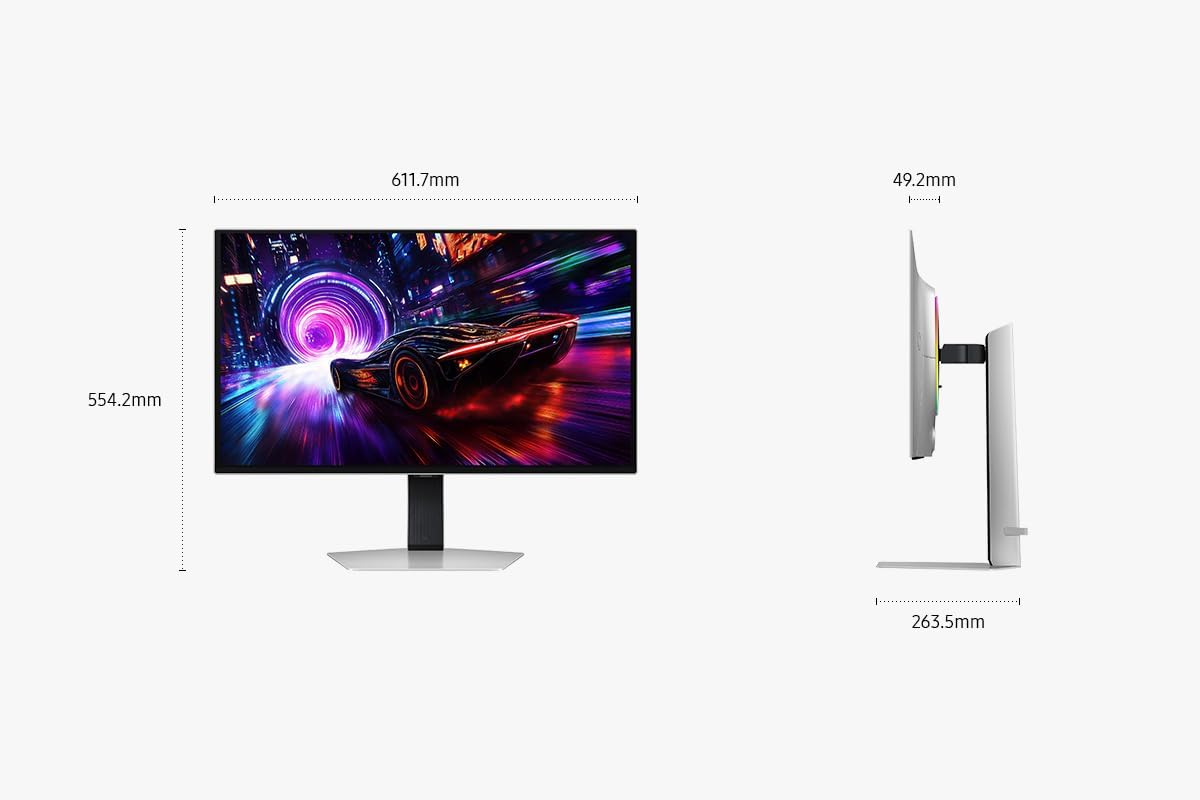
- Name: Samsung 32 Inch Odyssey OLED G81SF Gaming Monitor - 4K, QD-OLED, 240 Hz
- Type: Gaming monitor
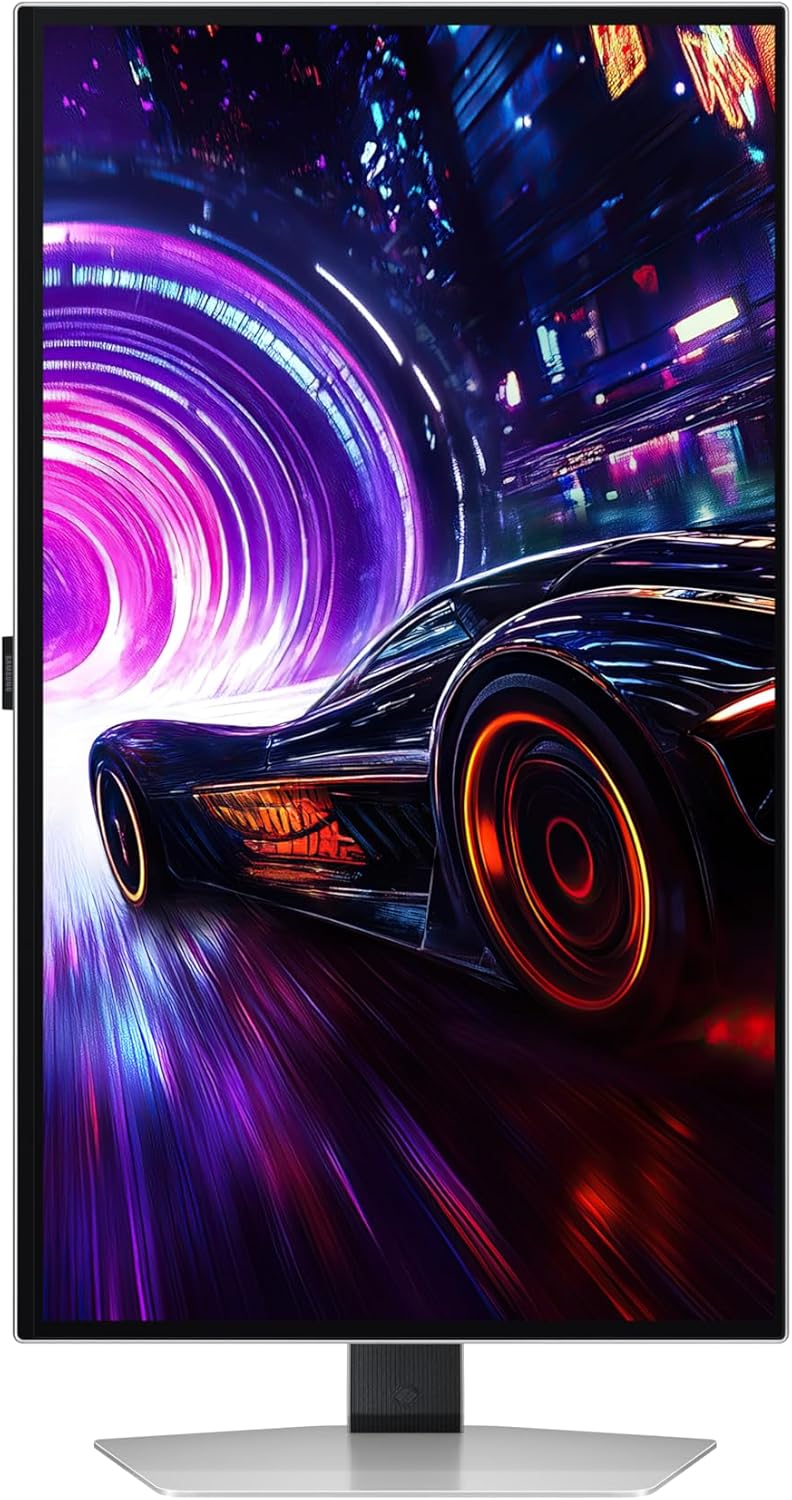
- Format: 4K (3840 x 2160)
- Refresh rate: 240Hz
- Response time: 0.03 ms (G/G)
- Sync support: AMD FreeSync Premium Pro, G-Sync Compatible
- Burn-in safeguards: Samsung OLED Safeguard+
- Glare handling: Glare-Free (54% less glossy than conventional anti-reflection film, per description)
- HDR: VESA DisplayHDR TrueBlack 400
- Model code: LS32FG810SUXXU
- Key build idea: QD-OLED panel
Who it suits (and who should be cautious)
It’s a good fit if you mainly play visually demanding games where shadow detail and contrast matter, and you want a 4K panel at a high refresh rate. It also suits people who like to tinker less and want the monitor to help with OLED longevity concerns via Safeguard+.
It might not suit you if your priority is maximum simplicity or if you’re expecting a pure “set and forget” experience with zero consideration for OLED usage. Even with protections, OLED is still a panel type where sensible habits tend to matter (especially with static UI elements). Also, if your desk setup is very bright or you sit at a steep angle, glare reduction helps, but it can’t fully eliminate reflections.
Worth considering if your other option is a more basic LCD-style gaming monitor: those can be fine for many people, but if you’re specifically after OLED contrast and the “subtle shadows” experience described here, this is the direction.
Buying verdict
When people buy a 32-inch gaming monitor, they usually want either performance, immersion, or both. The Odyssey OLED G81SF leans into both: the 240Hz/0.03 ms headline figures for gameplay smoothness, plus QD-OLED and TrueBlack 400 for stronger contrast and deeper blacks.
Is it a straightforward yes? Not automatically—OLED is still a commitment, and the best results depend on how you use the screen day to day. But if you want a 4K OLED gaming monitor that also aims to reduce glare and includes Safeguard+ for burn-in prevention, it’s the kind of spec combination that makes sense for serious gaming setups.
Mini FAQ
Is this monitor aimed at high refresh-rate gaming?
Yes, it’s explicitly positioned around a 240Hz refresh rate and a quoted 0.03 ms (G/G) response time, alongside FreeSync Premium Pro and G-SYNC Compatible support.
Does it include anything to help with OLED burn-in concerns?
The description mentions Samsung OLED Safeguard+, including a dynamic cooling system, thermal modulation, logo/taskbar detection and a screen saver approach.
Will glare be a problem in a bright room?
Glare-Free technology is described as making the screen 54% less glossy than conventional anti-reflection film, which should help reduce reflections from external light sources. It still depends on your room lighting and monitor position.
Is 4K really the focus here?
It’s a 32-inch 4K display (3840 x 2160) and the base description emphasises clear, sharp 4K quality and subtle shadow detail.
What HDR standard does it use?
The spec mentions VESA DisplayHDR TrueBlack 400, aimed at rich blacks and contrast without light bleed (as described).