

Gawfolk 49 Inch Dual QHD Curved Gaming Monitor (120Hz, 5120x1440, 1500R, Height Adjustable Stand)
Product description
The essentials
If you’re after one monitor that can handle gaming, multitasking and proper “wide” productivity, the Gawfolk 49 Inch Dual QHD Curved Gaming Monitor is built around that idea. On paper it’s a big, curved super ultra-wide at 5120x1440 (Dual QHD) with a 120Hz refresh rate, so fast motion should feel noticeably smoother than standard office-style panels. The 1500R curve is the other headline feature, aiming to wrap your view so you spend less time fighting the edges of the screen.
This sort of display is for people who want a single screen setup rather than juggling two separate monitors. It’s also the kind of monitor that tends to suit desk layouts where you can sit far enough back for the curvature to feel natural.
But it’s not perfect for every situation. A 49-inch curved panel is a commitment—if your desk is tight, or you mainly do short-burst tasks, you might find a smaller screen is just easier to live with.
What it’s like in everyday use
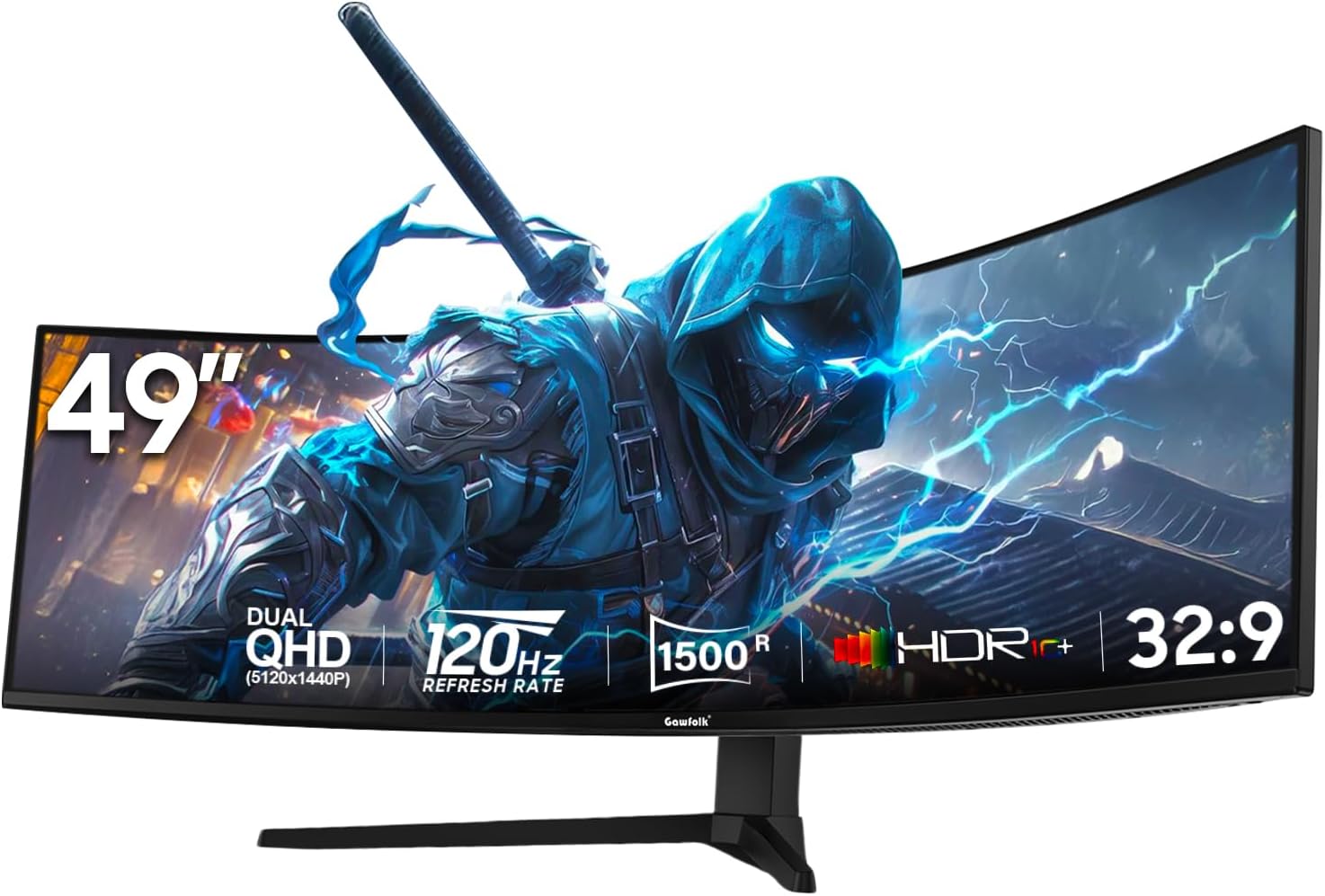
In practical terms, the “49 inch + 5120x1440” combo is designed to give you a panoramic workspace. For gaming, the curved 1500R design can help focus attention toward the centre of the screen. For multitasking, the screen size makes it easier to keep multiple windows visible without constant tab-hopping.
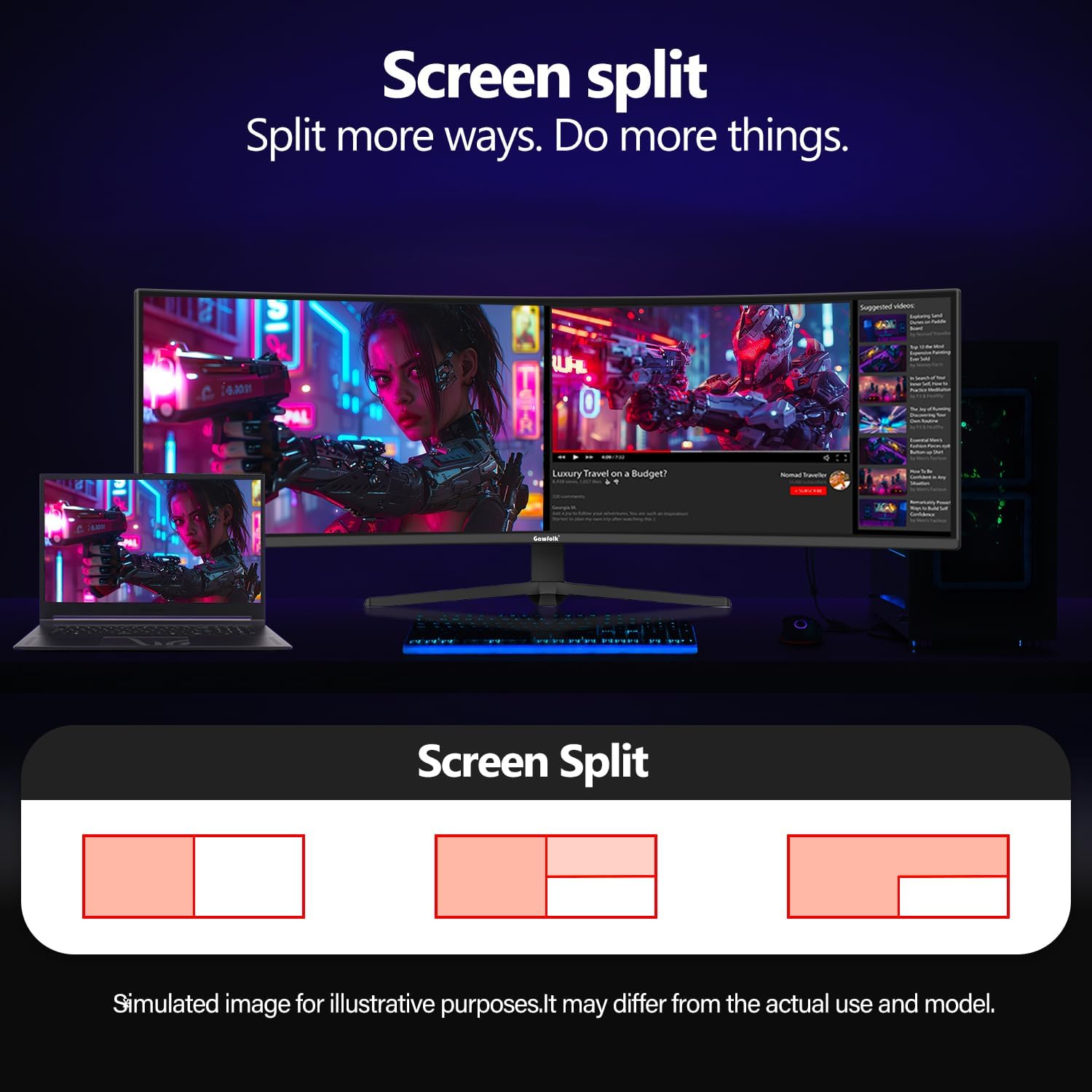
There’s also a built-in split-screen approach via PBP/PIP modes. For example, you could run a game on the main area while keeping a browser, chat, or walkthrough video in the secondary area. It’s the kind of feature that can genuinely save time during sessions, even if you don’t use split-screen every day.
One thing to watch is that super ultra-wide setups can be unforgiving if your content isn’t designed for ultrawide—some games and apps may letterbox, crop, or look different than expected. That’s not a fault of the monitor so much as the wider ecosystem.
Connectivity and switching between devices
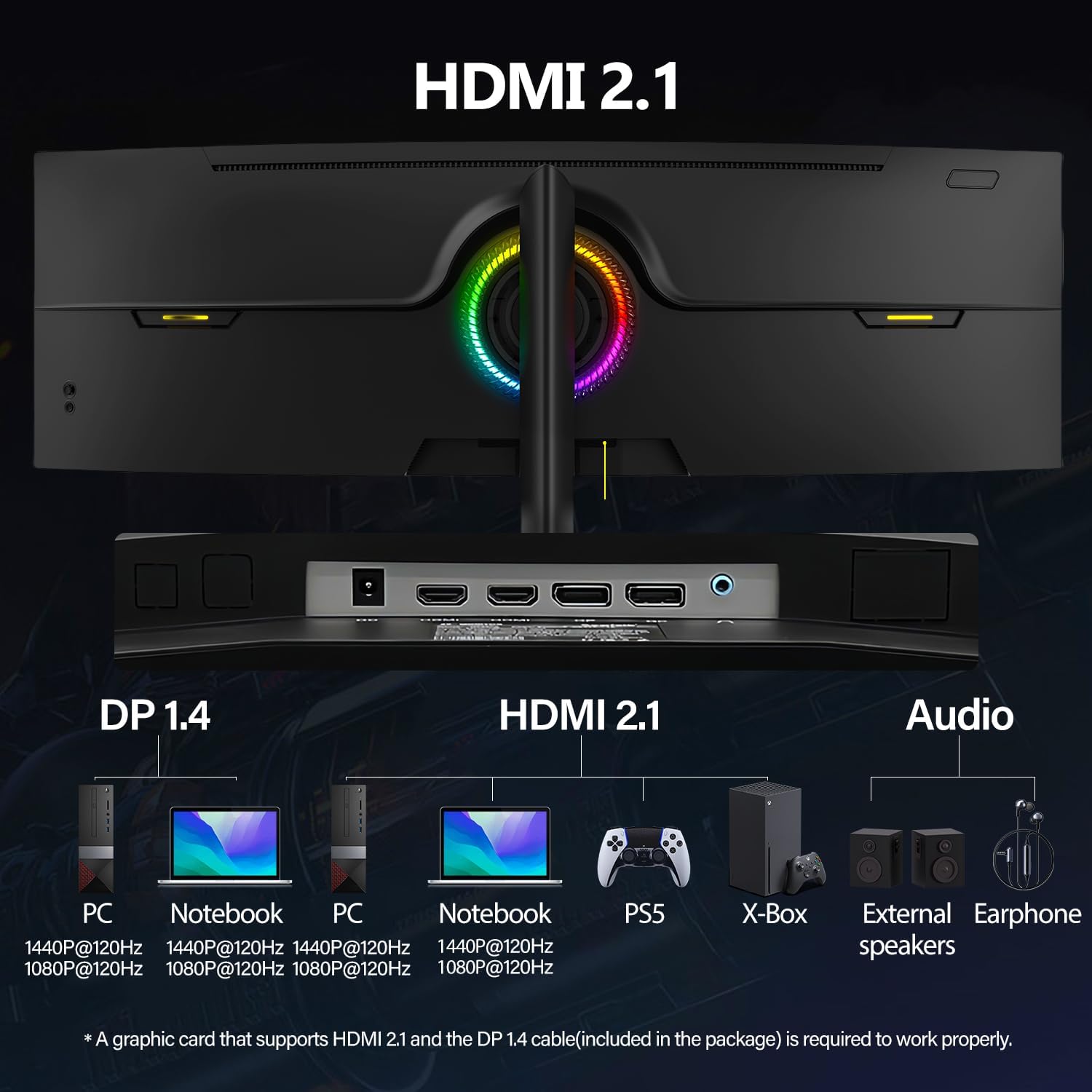
Where this monitor stands out is the connectivity layout. It includes 2x DisplayPort 1.4 and 2x HDMI 2.1, which gives you flexibility for a PC and other devices at the same desk. The description also suggests support for next-gen consoles and high-performance PCs, which matters if you want one screen that’s not just “for the computer”.
The practical benefit is fewer dongles and less cable swapping. If you tend to move between work laptop and a gaming PC, having multiple modern inputs is usually a smoother day-to-day experience.
Screen feel, refresh rate and curve
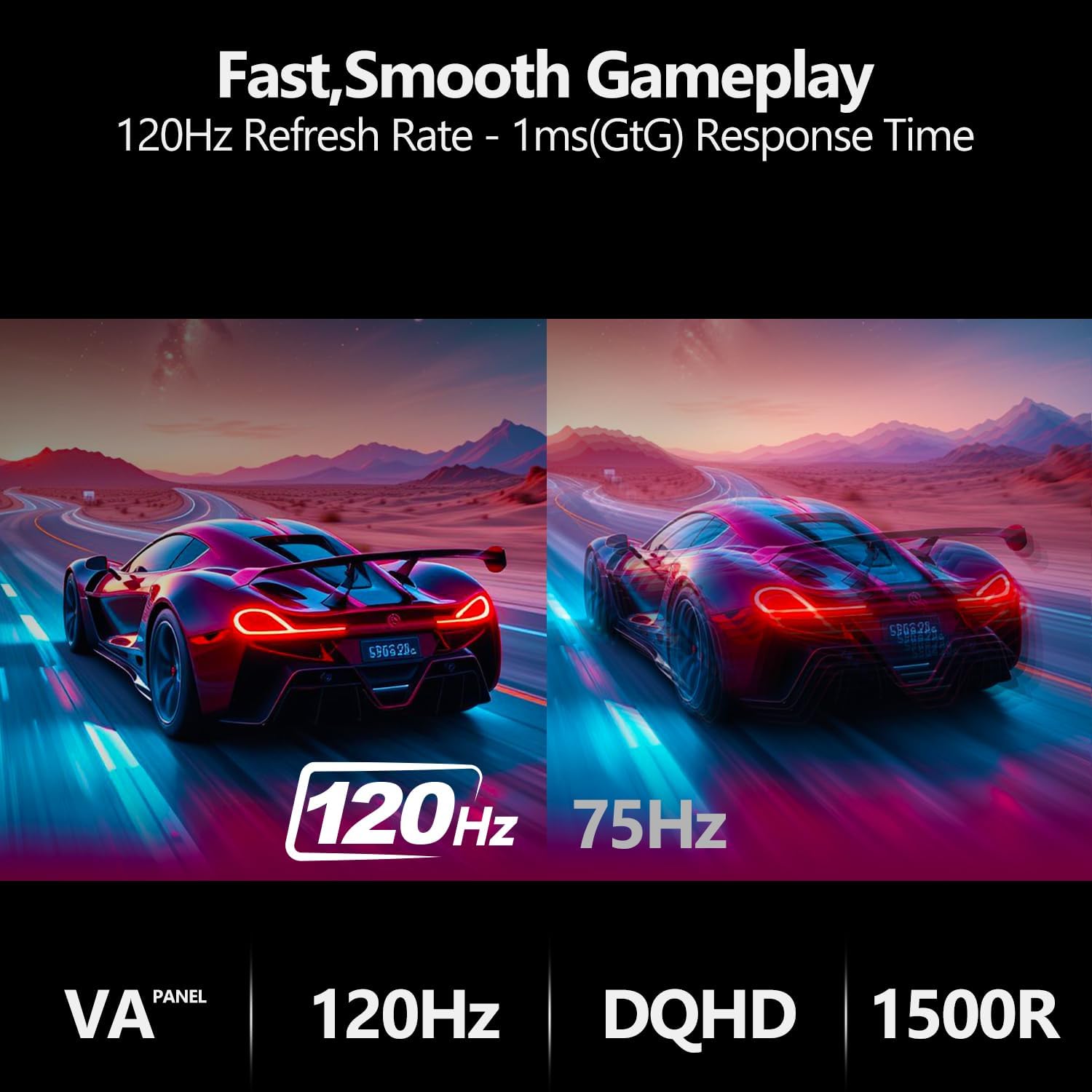
The 120Hz refresh rate is the key spec for smoother motion in gaming. If you’re playing fast-paced titles, reduced motion blur is specifically mentioned in the product description, and that’s the sort of improvement you’ll feel most during action rather than in static menus.
The 1500R curvature is there to make the screen feel more immersive and to reduce eye strain on paper. In reality, eye comfort depends on seating distance, lighting and your personal sensitivity—so it’s worth thinking about your desk setup before you commit.
Worth noting: a curved ultra-wide can make straight-lined content feel less “flat” than you’re used to on standard monitors. Many people love that immersive feel, others take a while to adjust.
Key points on the stand and usability
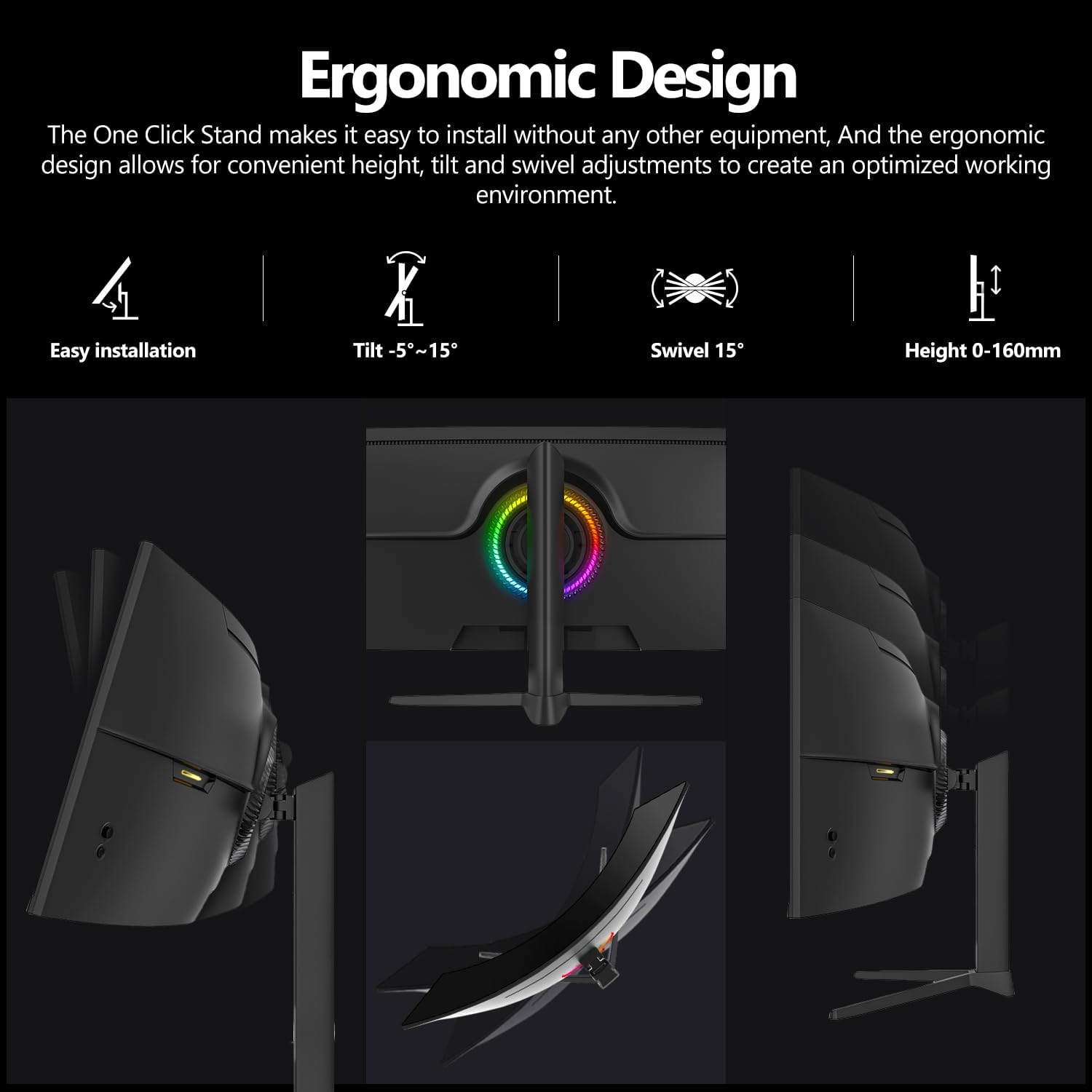
The monitor comes with a height adjustable stand. That’s one of those understated features that often matters more than people expect—especially if you want your screen positioned comfortably for long sessions. With a tall enough stand and adjustable height, it’s easier to get a better viewing angle without stacking notebooks or rearranging your desk.
The RGB backlight is another feature aimed at the gaming crowd. Just keep expectations realistic: RGB accents can be more about aesthetics than performance, and lighting preferences are personal.
Tech specs
- Name: Gawfolk 49 Inch Dual QHD Curved Gaming Monitor
- Type: Gaming monitor
- Size: 49 inch
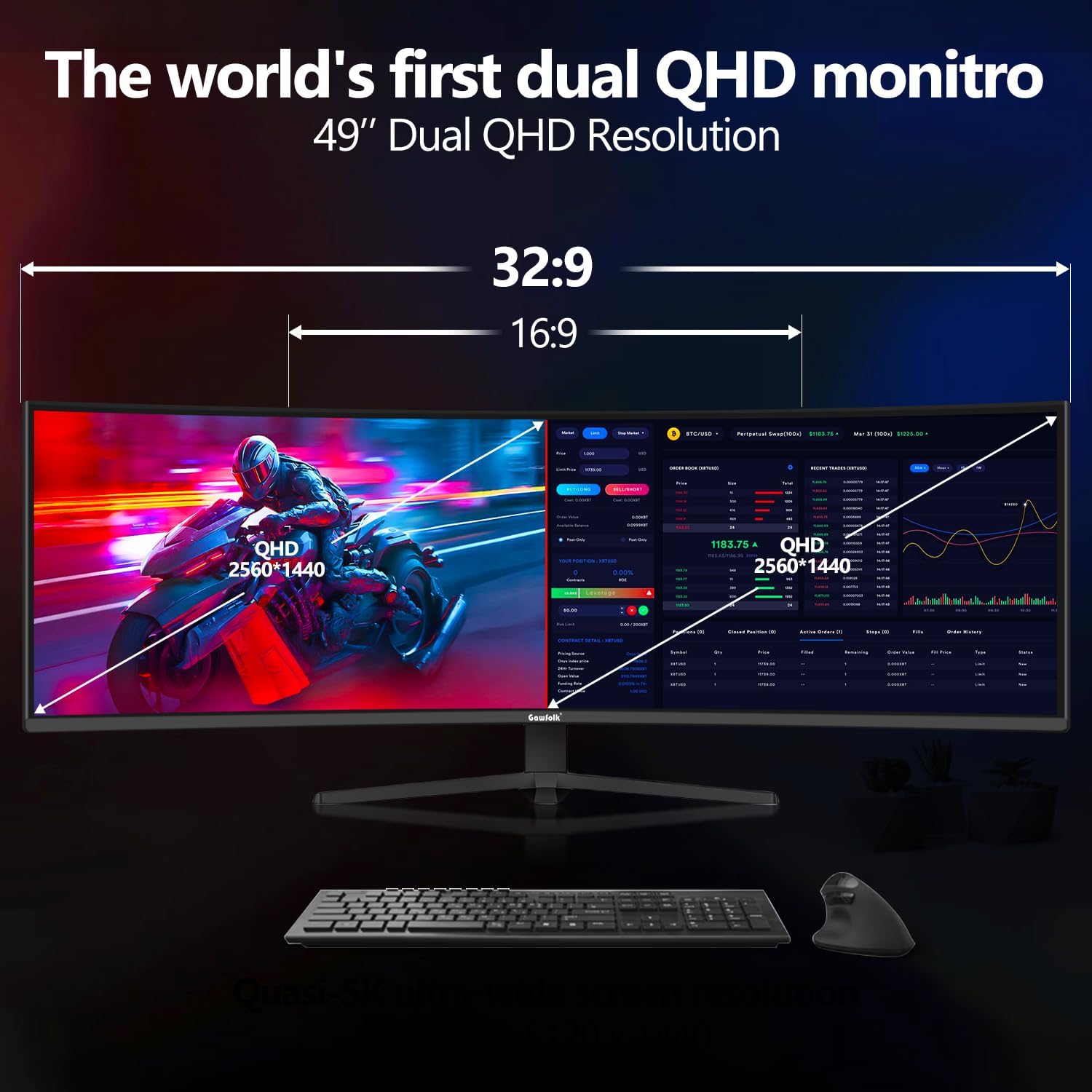
- Resolution: 5120x1440 (Dual QHD)
- Refresh rate: 120Hz
- Curvature: 1500R
- Display modes: PBP/PIP
- Ports: 2x DisplayPort 1.4
- Ports: 2x HDMI 2.1
- Stand: Height adjustable stand
Should you buy it?
Buy it if you want a single, super ultra-wide screen for both gaming and serious multitasking, and you like the idea of a curved 1500R display. It suits you best if your setup allows for a wider viewing area and you can take advantage of split-screen PBP/PIP without constant rearranging.
Skip it if your desk space is limited, you sit very close, or you primarily play/work with content that doesn’t handle ultrawide layouts well. It may not be a great match if you want a simple plug-and-play upgrade without thinking about your seating distance and how ultrawide content will look.
If you’re the kind of buyer who cares about connectivity (2x DP 1.4 plus 2x HDMI 2.1) and wants the flexibility to switch between a PC and other devices, this is exactly the sort of monitor the spec list is aimed at.
Mini FAQ
FAQ
Is 5120x1440 really “dual QHD” in everyday terms?
The listing calls it Dual QHD at 5120x1440, which is the main reason it’s pitched as super ultra-wide: you get a much wider desktop than standard QHD layouts.
Does PBP/PIP mean I can use two sources at once?
Yes—PBP and PIP are listed as supported, so the monitor can show two inputs simultaneously in split-screen style.
Will 120Hz help for gaming?
It should, based on the 120Hz refresh rate and the claim about reduced motion blur for fast-paced action.
Is the curved 1500R better for eye comfort?
The product description suggests it can reduce eye strain, but whether it works for you depends on seating distance and your own comfort.
Do I need height adjustment?
If you care about getting your screen at a comfortable height for long sessions, height adjustment is one of those features that can make the whole setup feel better.