

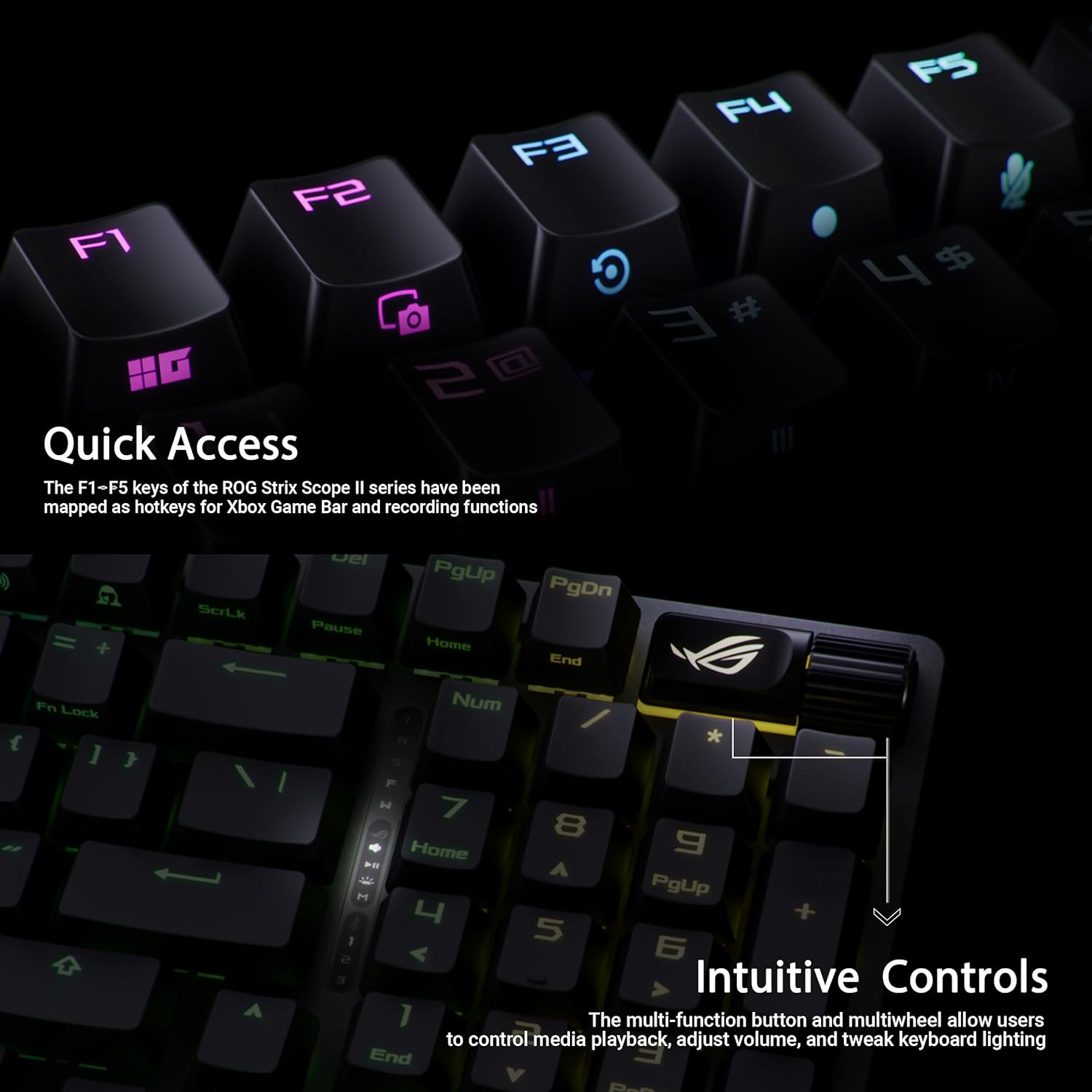
ASUS ROG Strix Scope II 96 Wireless Gaming Keyboard (Tri-mode, hot-swap, UK layout)
Product description
The essentials (what it is and who it’s for)
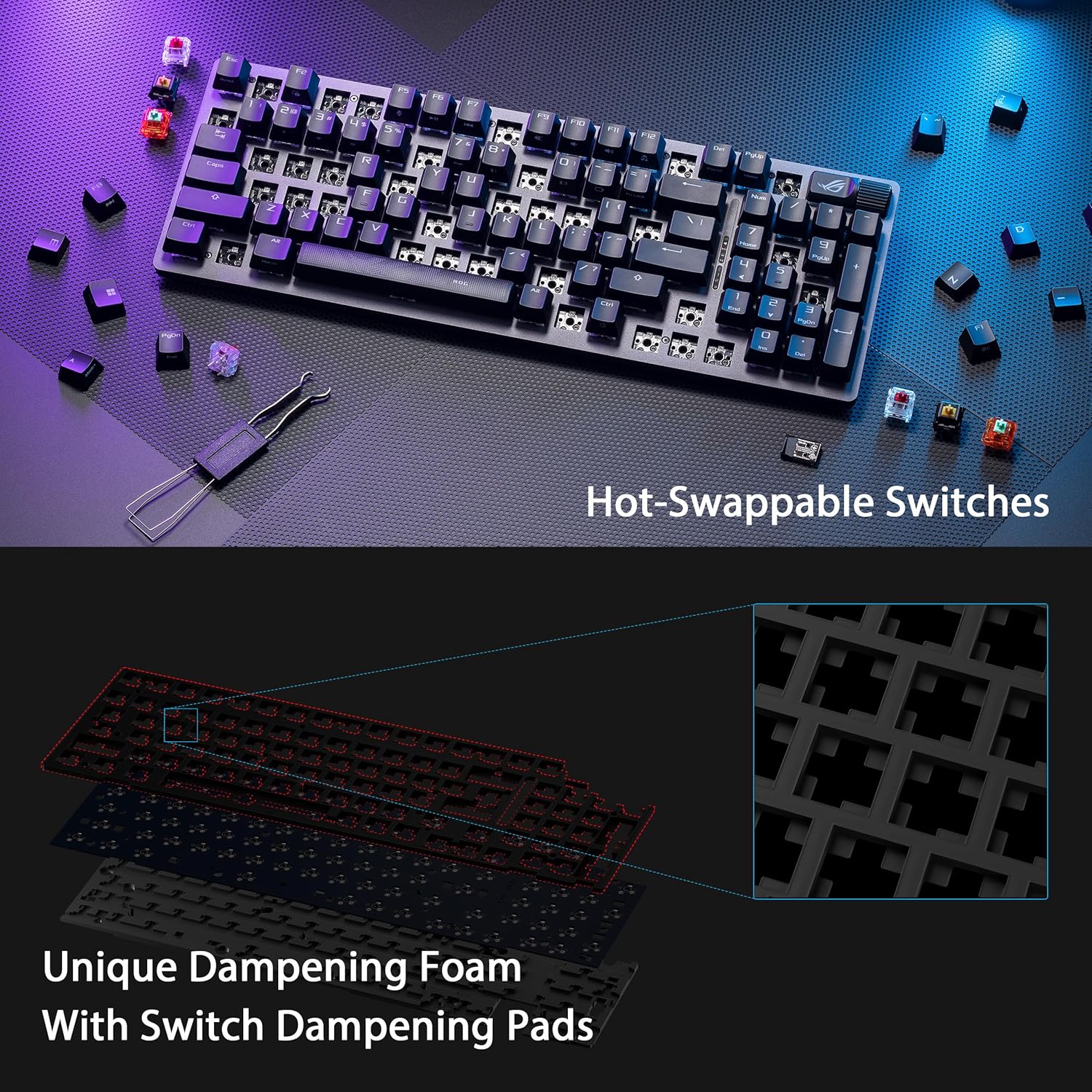
The ASUS ROG Strix Scope II 96 Wireless is a compact 96% gaming keyboard aimed at people who want to keep the number row and core functions, without taking up the full desk footprint of a “full-size” board. On paper, it’s built for daily typing as much as gaming: it brings tri-mode connectivity (Bluetooth, 2.4 GHz wireless, and wired USB), hot-swappable switches, and dampening foam to tame the usual clatter and echo you get from a light, hollow-feeling case.
If you’re the sort of buyer who cares about tweakability (swapping switches) and wants that quieter, more controlled sound profile, this model makes a clear case. It’s not trying to be the simplest “plug in and forget it” keyboard, though—there’s a bit more going on under the hood.
Key takeaways (what stands out)
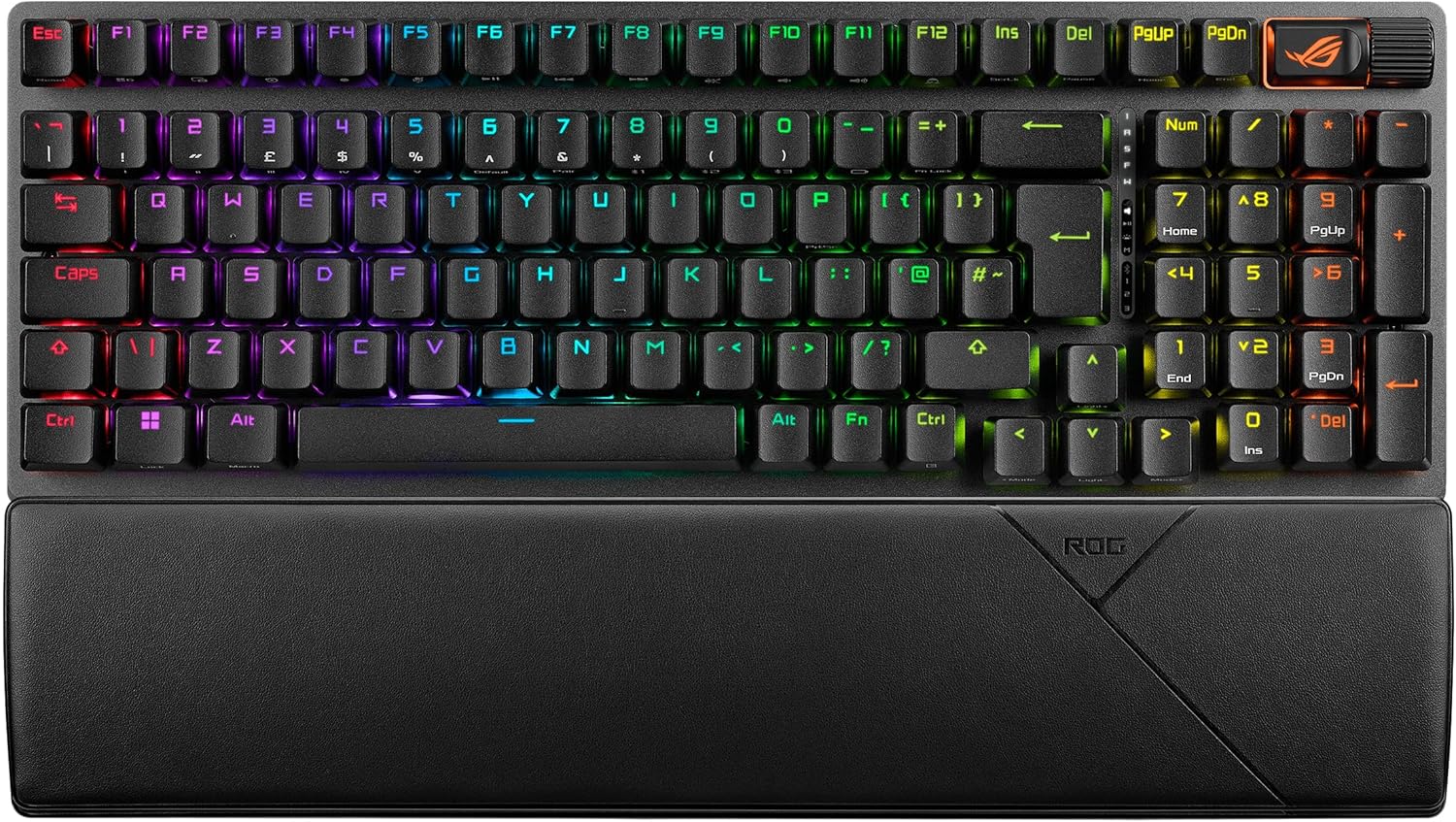
The biggest differentiator here is the combination of layout choice and customisation. The 96% format keeps the number keys while still being noticeably more space-efficient than a standard 80% layout. That matters if you use numbers all day (spreadsheets, budgeting, quick admin tasks) but still want a tighter keyboard position.
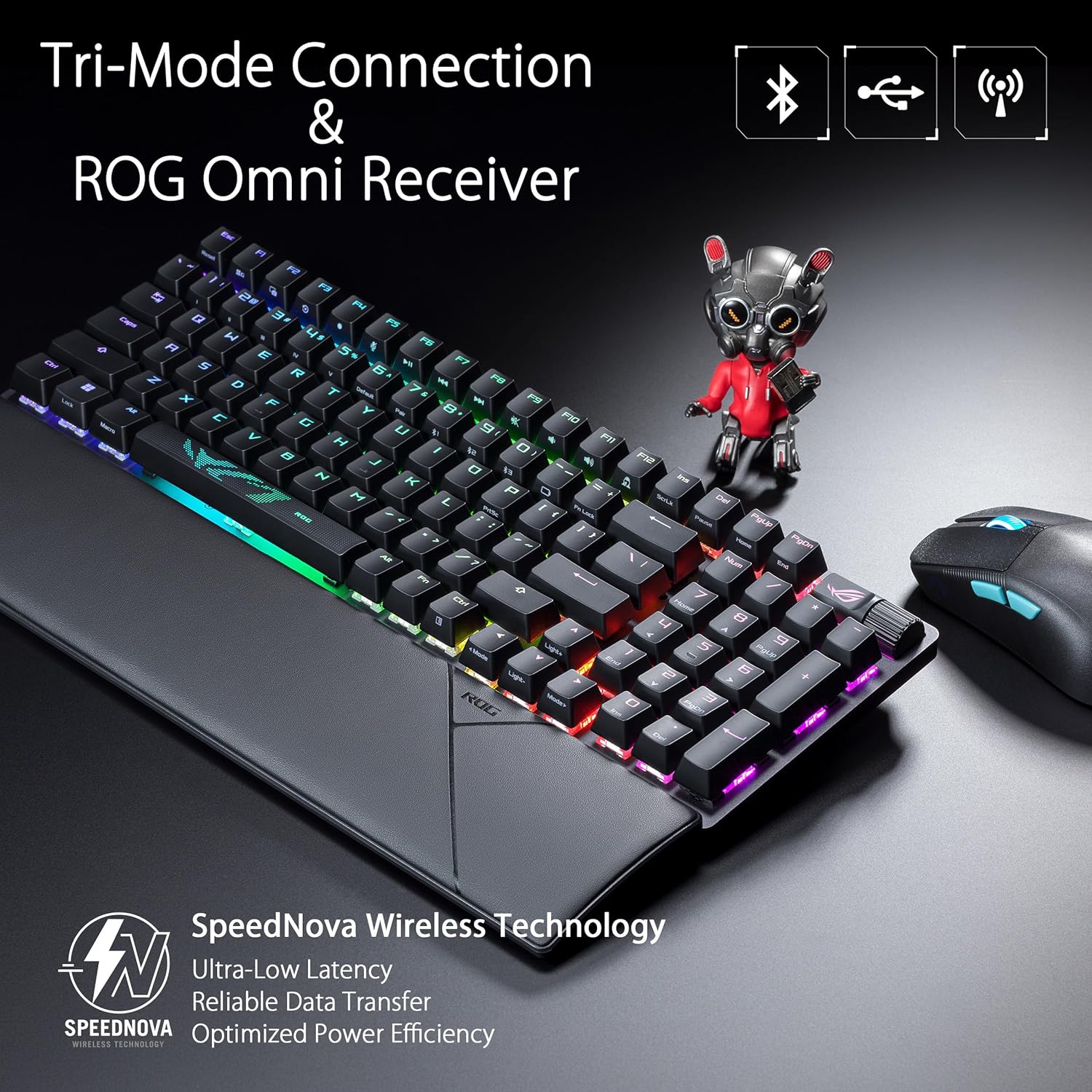
Then there’s the connectivity: tri-mode lets you use the keyboard across up to three devices via Bluetooth, jump to a 2.4 GHz connection using ASUS’s ROG SpeedNova wireless (with a claimed up to 1500 hours of battery life), or fall back to a wired USB link when you want the most consistent “always there” experience.
Sound-wise, the integrated dampening foam plus switch-dampening pads are specifically intended to reduce pinging noise and echoes—useful if you share a space with other people, or if you simply prefer a less “ringy” keystroke character.
What you’ll notice in day-to-day use
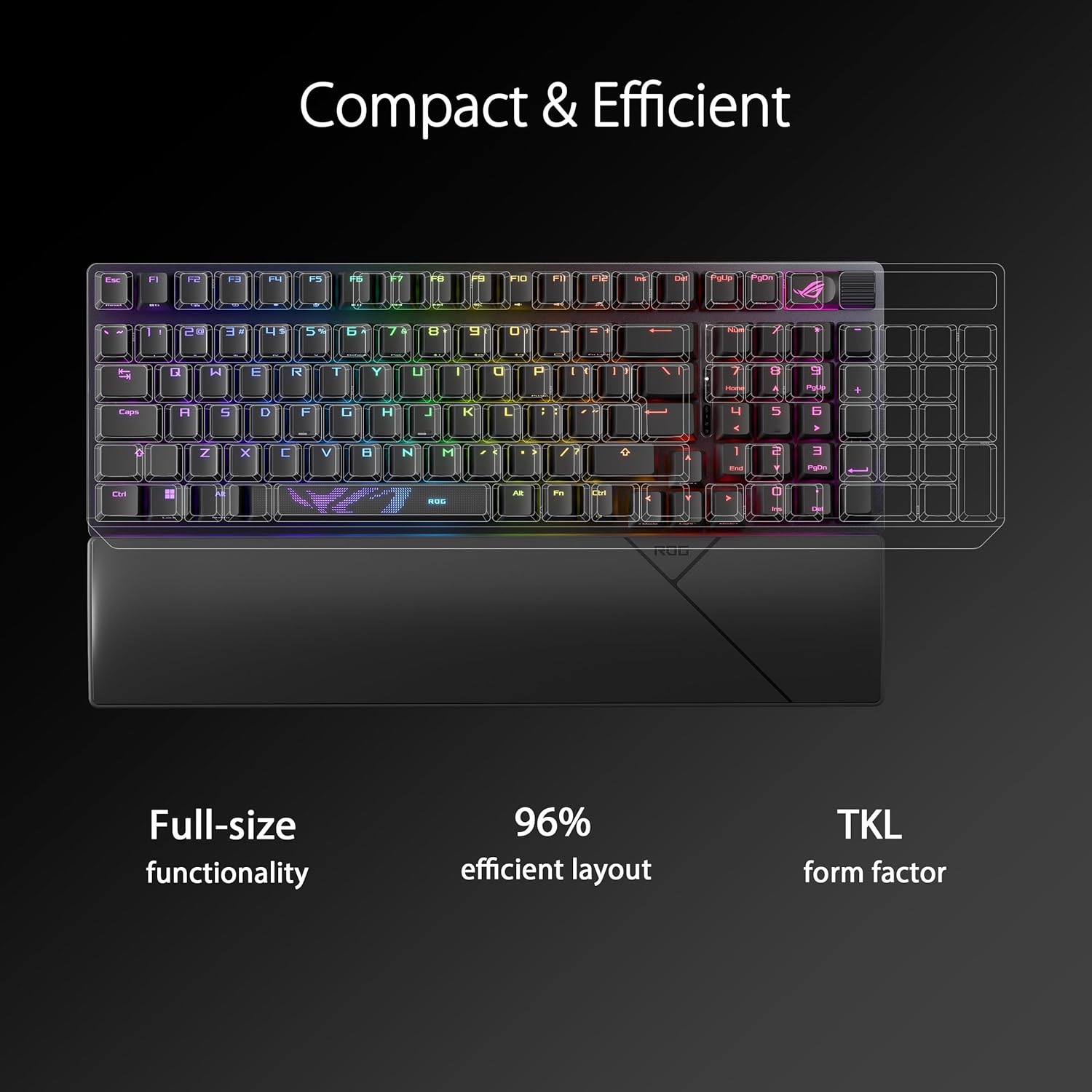
A compact board changes your habits more than you’d expect. With a 96% layout, your muscle memory can feel closer to full-size than a strict 80% board—especially if you frequently reach for number keys and dedicated functions.
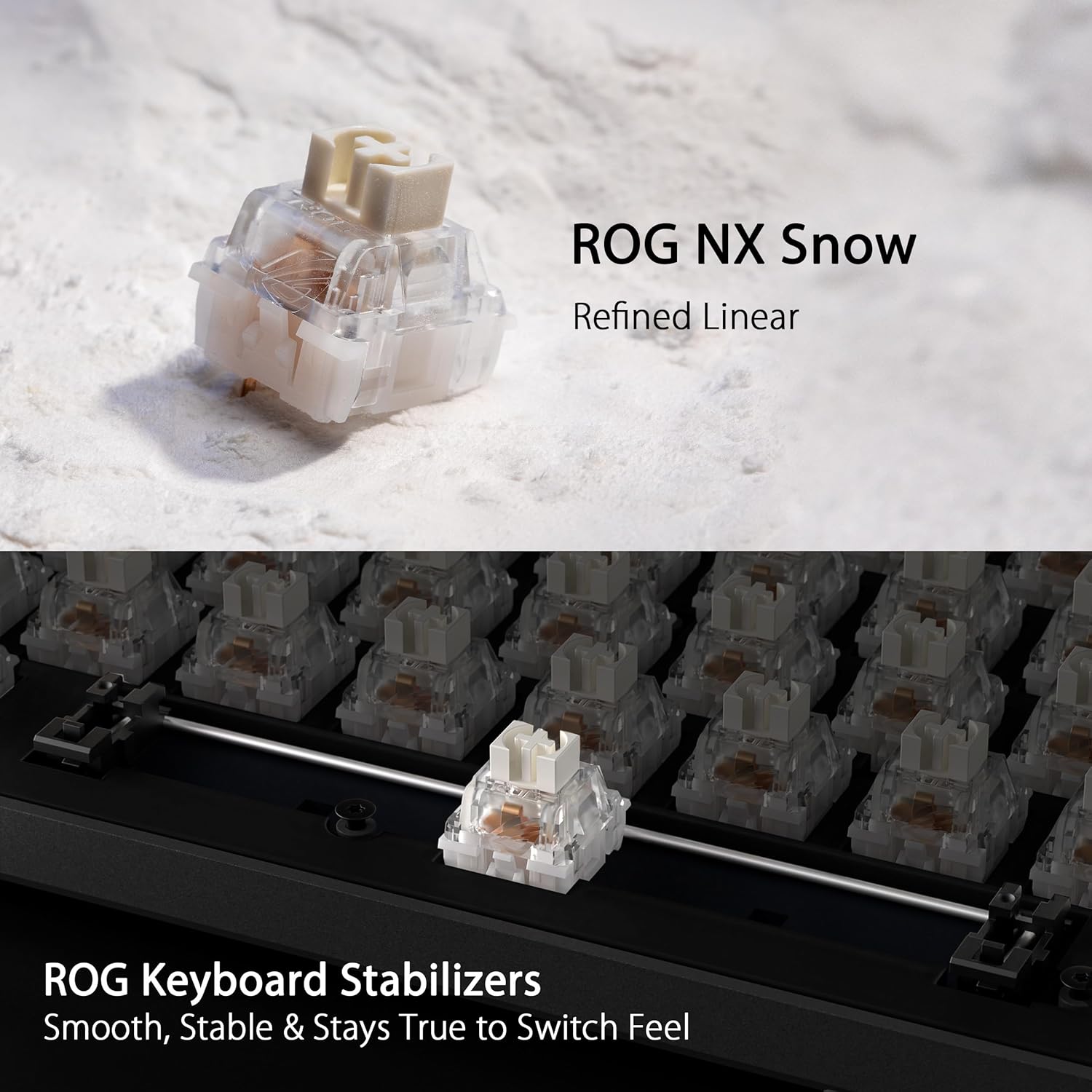
In terms of feel, ASUS lists pre-lubed NX Snow linear switches and pre-lubed keyboard stabilisers. On paper, that’s meant to reduce friction for smoother keypresses and steadier longer keys (the wider ones that can sound a bit rough if stabilisers aren’t handled well). It’s also paired with a dampened internal setup, so you should expect a keystroke sound that’s more muted than the typical “bright and clicky” style.
Small caveat: dampening helps, but it can’t magically remove all sound. If you’re extremely sensitive to any audible keystroke noise, it’s worth bearing that in mind before you set your expectations too high.
Tech specs (the practical bits)
- Name: ASUS ROG Strix Scope II 96 Wireless Gaming Keyboard
- Type: Gaming keyboard with tri-mode connection and hot-swappable switches
- Format: Tri-mode connection (Bluetooth, 2.4 GHz wireless, and wired USB)
- Size: 96% layout (keeps function and number keys in a more compact form factor)
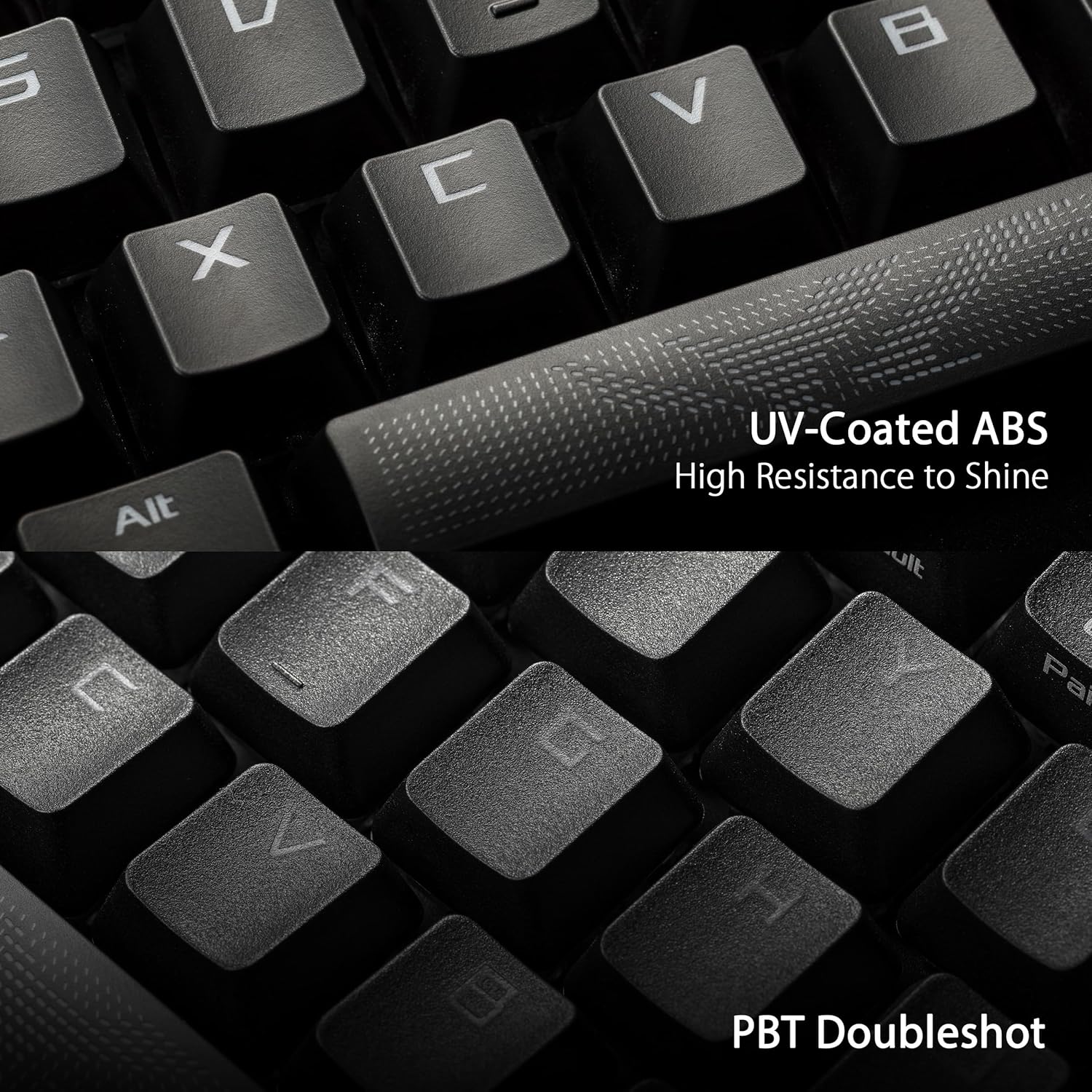
- Keycaps: PBT doubleshot keycaps (or UV-coated ABS keycaps, depending on the key)
- Switches: Pre-lubed ROG NX Snow linear switches (hot-swappable)
- Sound design: Dampening foam with switch-dampening pads for reduced pinging and echoes
- Connectivity: Bluetooth (up to three devices), 2.4 GHz wireless (ROG SpeedNova), and USB wired
- Battery life (claimed): Up to 1500 hours (for 2.4 GHz wireless)
Where it shines, and where it might not
This keyboard makes the most sense if you want a compact layout that still keeps the number keys, and you value quiet-ish acoustics and swap-friendly switches. The tri-mode setup is also ideal if you frequently move between a work laptop and a gaming PC, or if you want one keyboard that can handle multiple devices without constantly re-pairing.
It may not be the best match if your priority is a totally straightforward, locked-in keyboard experience. Hot-swap boards are great for enthusiasts, but if you never plan to change switches, you may not fully use what you’re paying for.
Also, the “only” 96% style is a compromise: it’s still compact, but you’re giving up the largest, most button-dense layout. If you need every last key exactly as a full-size board, you might find a smaller format annoying after a while.
Is it worth it?
Buy it if you’re after a 96% gaming keyboard that keeps number keys, supports Bluetooth up to three devices, offers 2.4 GHz wireless with ASUS’s claimed long battery life, and includes dampening foam plus pre-lubed switches and stabilisers for a smoother, less echo-prone sound. It’s a sensible pick for mixed use—gaming in the evening, work and everyday typing the rest of the time.
Skip it if you only want the simplest possible keyboard, or if you’re set on a full-size layout with maximum key real estate. And if your main goal is “as silent as possible”, dampening helps but it won’t turn this into a mute device—sound preference can still vary person to person.
Mini FAQ
Does this keyboard support multiple devices?
Yes. It uses tri-mode connection, including Bluetooth, where it can connect to up to three devices.
Can you change the switches?
It’s hot-swappable, and it comes with pre-lubed ROG NX Snow linear switches, so you can swap switches if you want to tune the feel.
What’s the point of the dampening foam?
The dampening foam and switch-dampening pads are designed to absorb pinging noises and echoes, improving keystroke acoustics compared with a more open, resonant build.
Is it suitable if I need the number row?
That’s one of the reasons the 96% layout is used here: it retains all function and number keys while still being more compact than a standard 80% keyboard.
What should I check before buying?
Double-check that the UK layout suits what you want for your region, and confirm whether you’ll actually benefit from hot-swappable switches and tri-mode connectivity in your own setup.