

Logitech Signature K650 Wireless Keyboard with Wrist Rest (QWERTY UK) – Grey
Reviews
Price
Product description
What it is and why people look at it
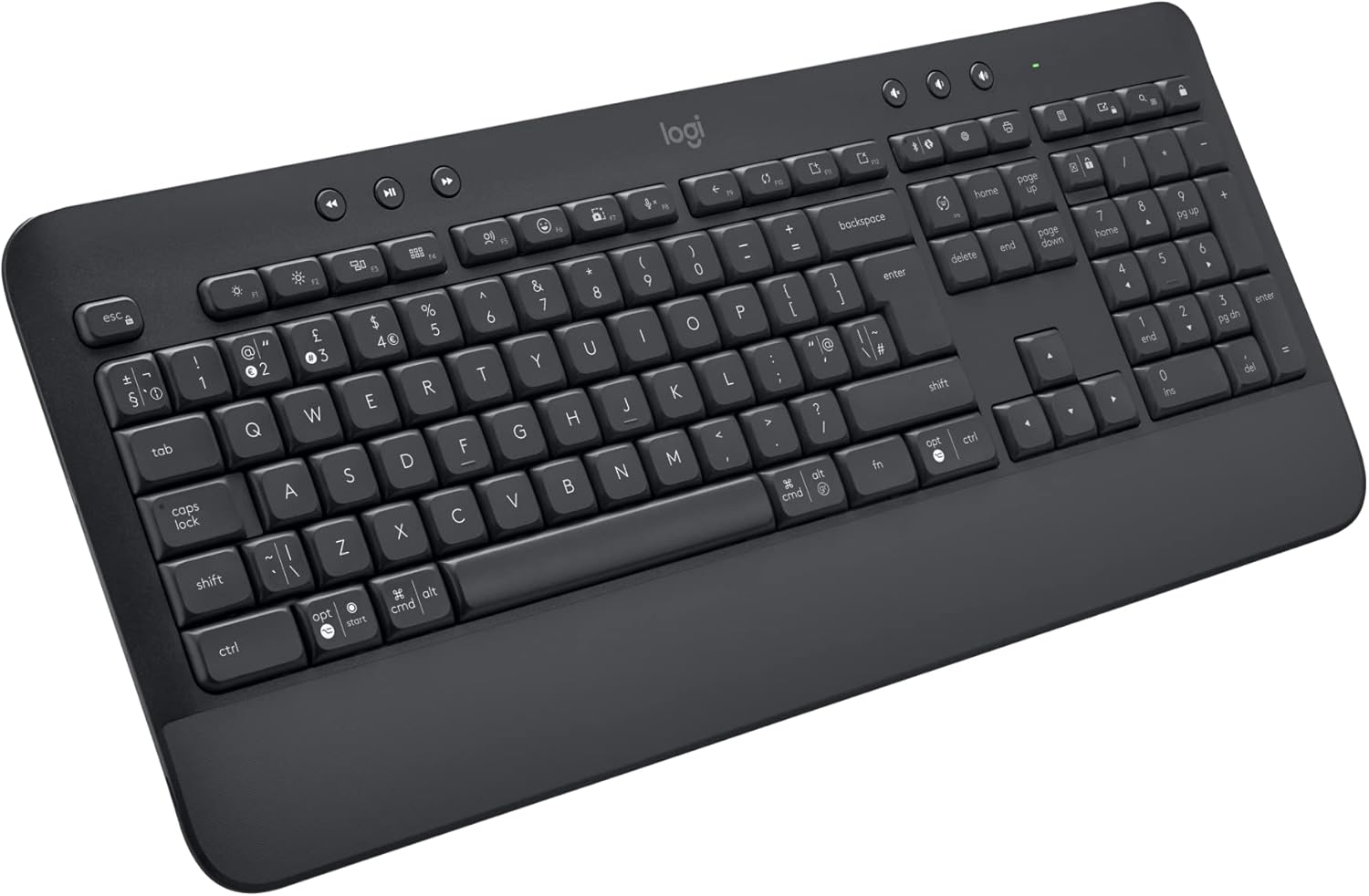
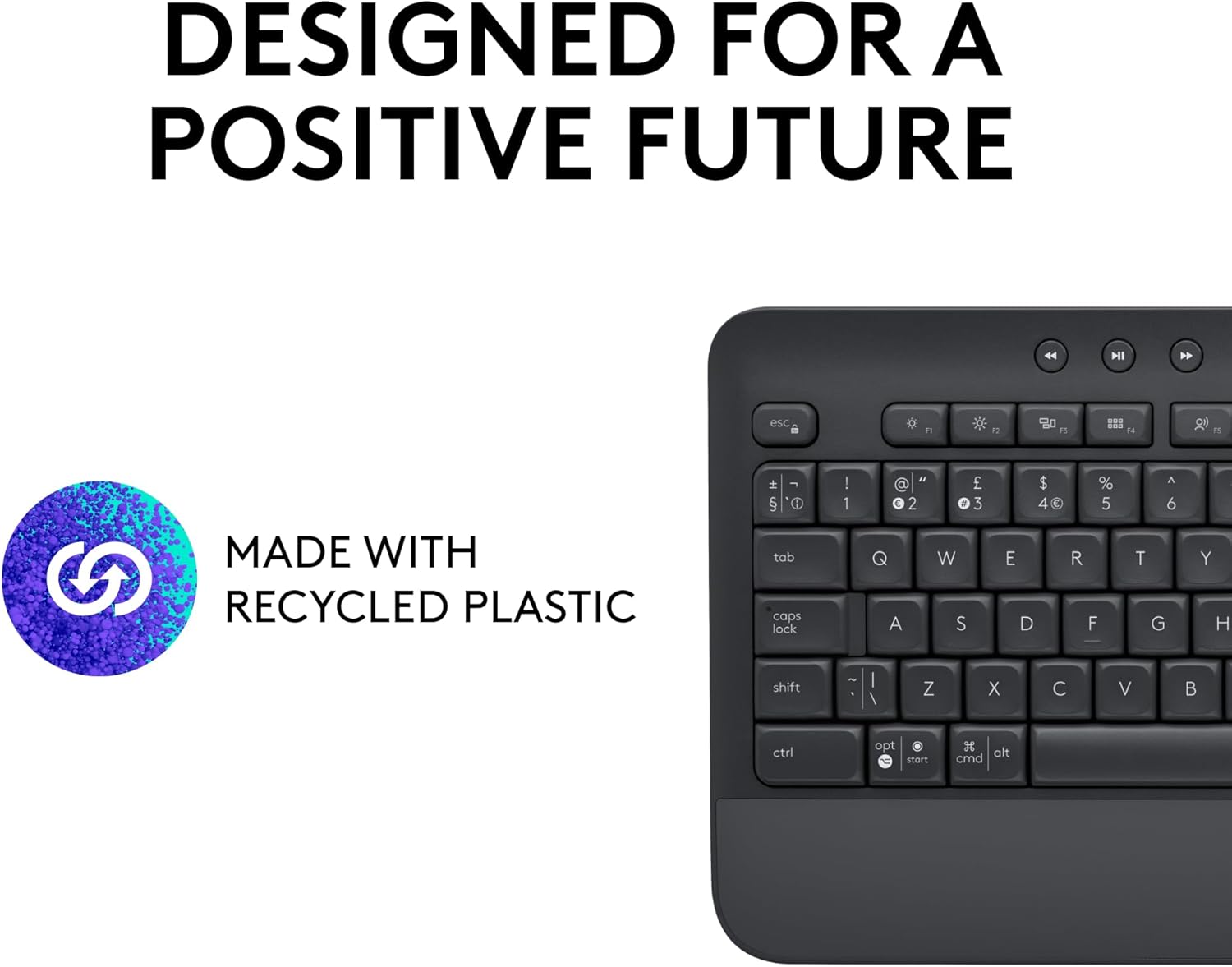
The Logitech Signature K650 is a full-size wireless keyboard designed for everyday comfort, with a built-in wrist rest and dampened, “comfort deep-cushioned” keys. On paper, it’s the kind of keyboard you choose when you spend long stretches at a desk and you want typing to feel familiar rather than fatiguing.
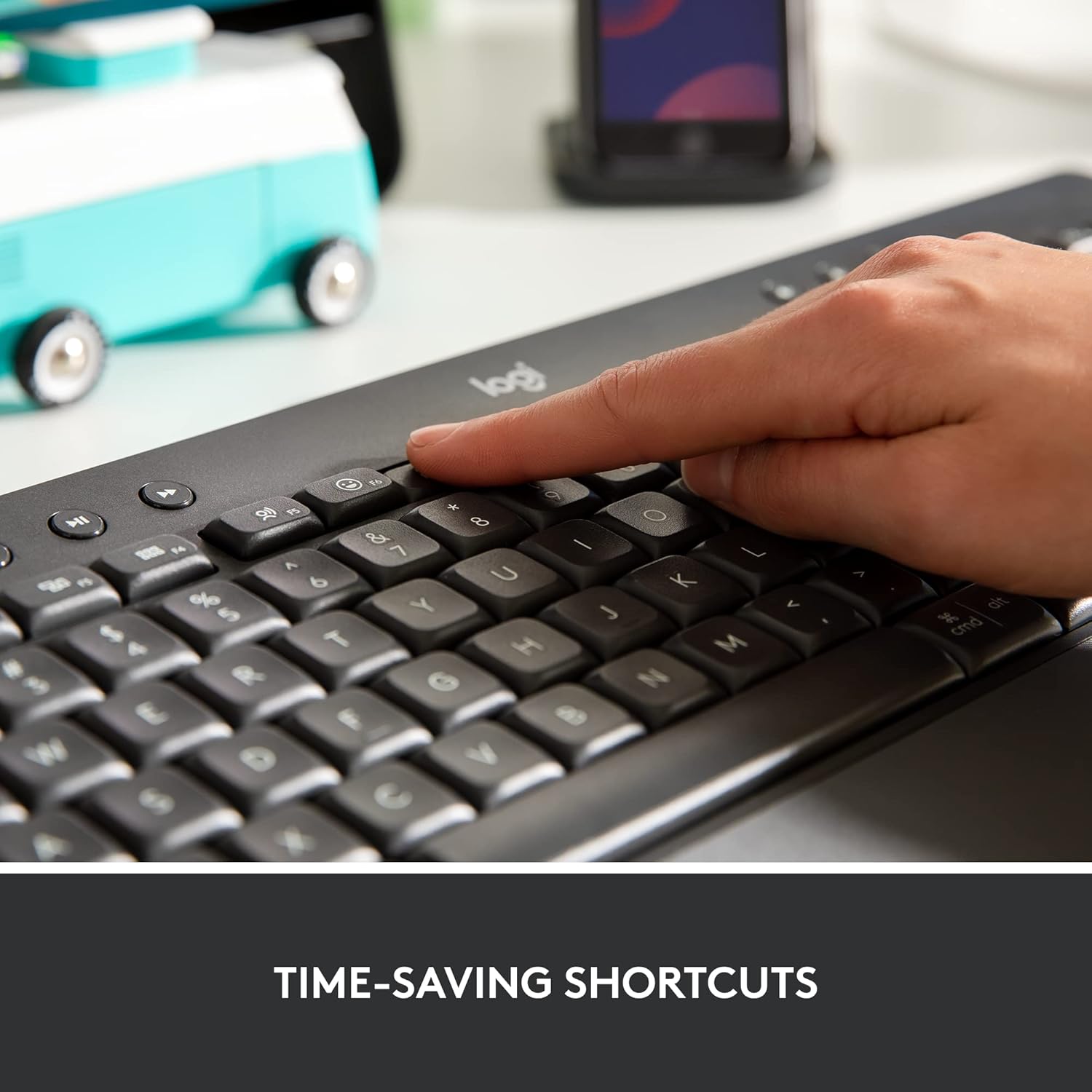
It also targets the practical side of daily computing. You get a numpad, plus dedicated shortcut-style keys for common actions like muting/unmuting (and toggling the mute), taking screenshots, and basic web navigation. If you’re working on a PC or laptop and you keep flipping between tasks—emails, spreadsheets, meetings, browsing—having those shortcuts within reach is genuinely useful.
Key features that matter day to day
The two standout themes here are comfort and connectivity.
For comfort, the wrist rest is integrated, not something you add later. That reduces friction when you’re setting up your desk and it encourages consistent positioning across longer sessions. The keys themselves are described as “high amortisation” / comfort deep-cushioned, which should help soften the feel compared with many basic keyboards.
For connectivity, the K650 is flexible: it supports BLE (Bluetooth Low Energy) and also works with the included Logi Bolt USB receiver. In real buying terms, this matters if you switch between a desktop and a laptop, or if you want an easy “plug it in and go” option when Bluetooth pairing is a faff.
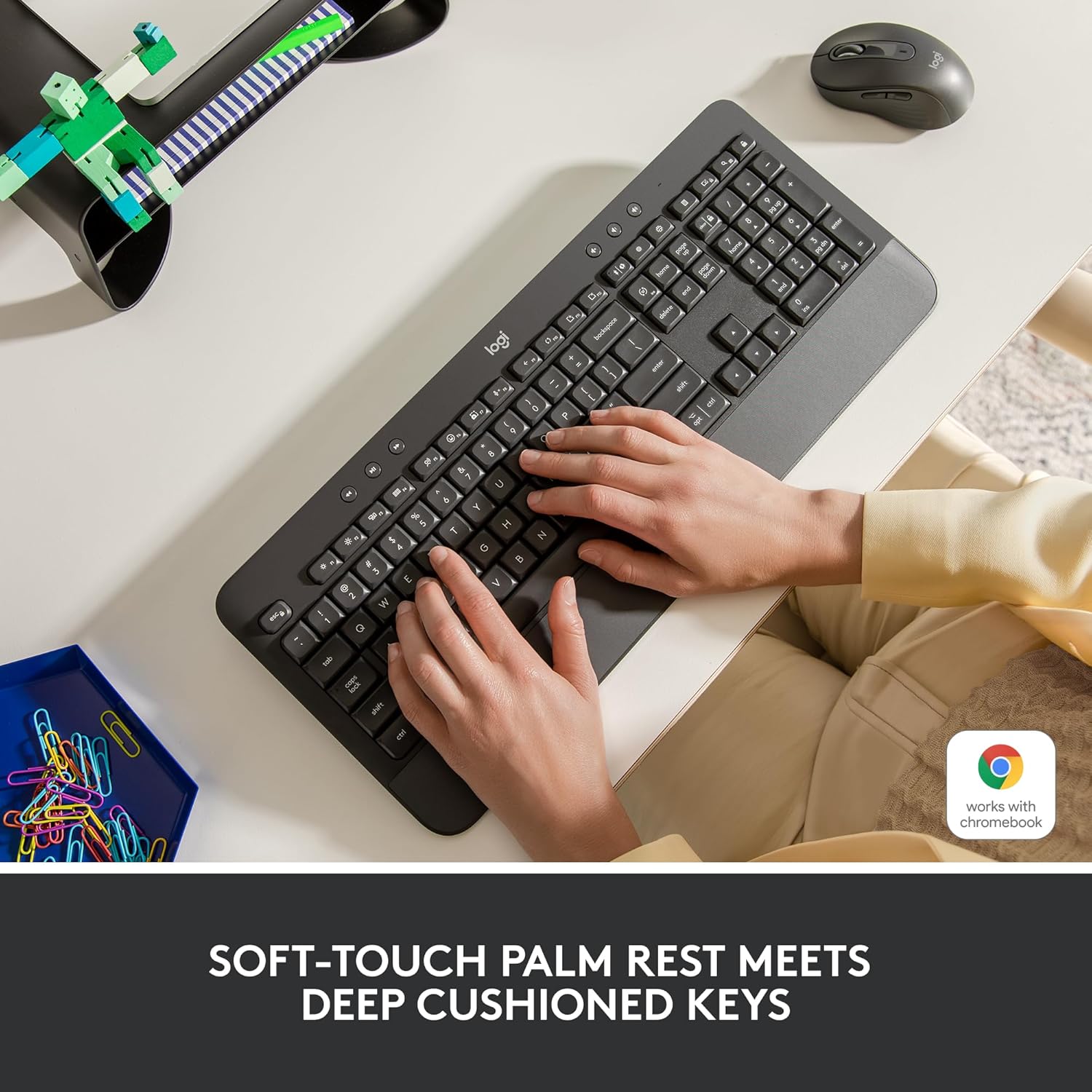
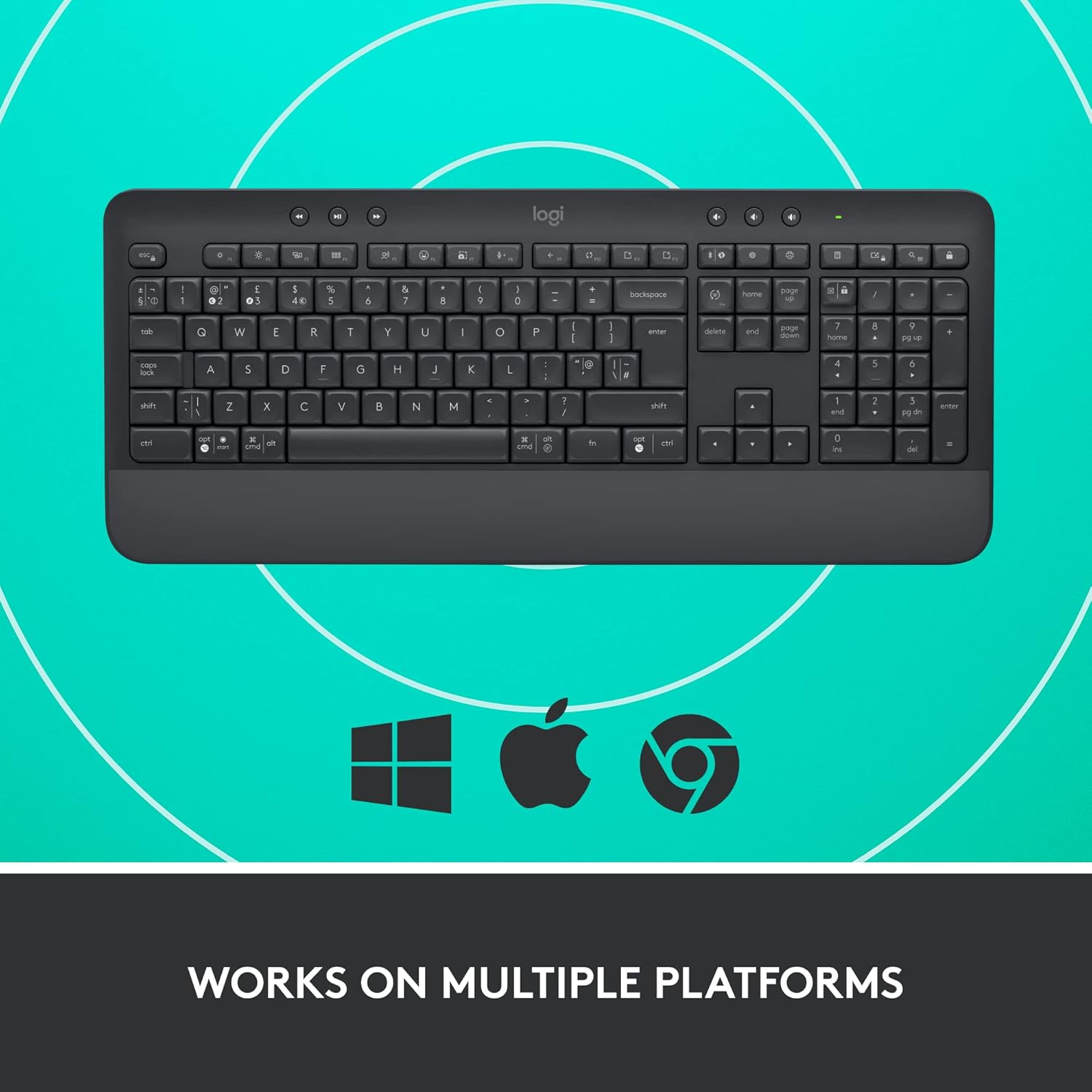
You also get multi-platform compatibility listed by Logitech, including OS/PC/Windows and Mac, plus broader support for systems such as Chrome OS, Linux, iPadOS, iOS and Android. That makes it a sensible choice for households or hybrid work setups.
The essentials (specs in plain English)
It’s a full-size QWERTY UK keyboard in grey, with an included numpad for number entry and spreadsheet work. The package includes wireless functionality via BLE Bluetooth Low Energy or Logi Bolt USB, depending on how you prefer to connect.
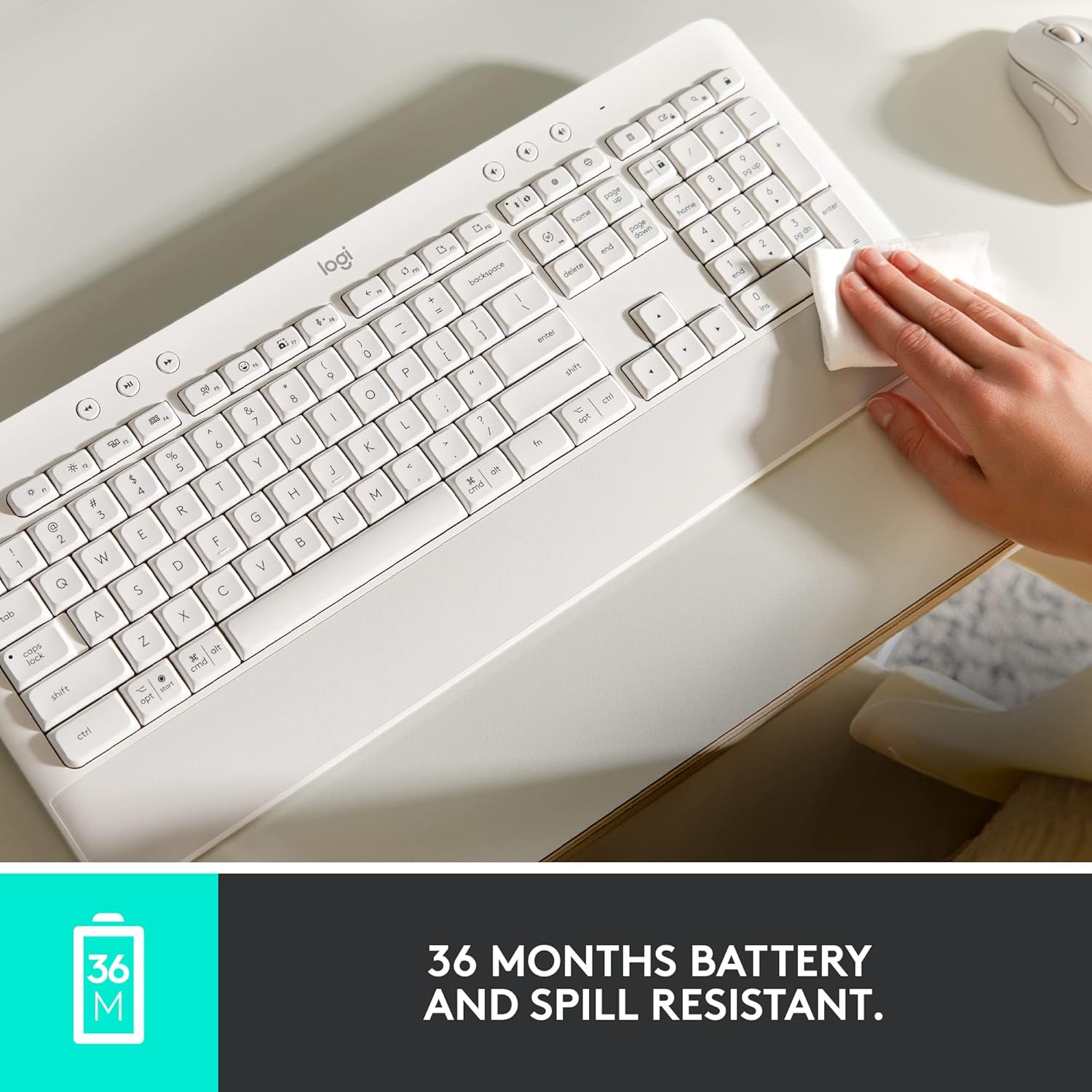
Battery life is stated as up to 36 months for the keyboard batteries, though it’s noted that actual life can vary by user and computer setup. This is the sort of figure that reduces how often you’ll think about replacements—though, as always, wireless usage patterns can shift the reality.
For software, Logitech mentions personalisation through Logi Options+ on Windows 10 and macOS 10.15 or later. It’s worth checking whether you actually need customisation, because if you just want a reliable keyboard with basic shortcuts, you may not bother.
Usage tips: getting the best out of it
If you mainly type in a stationary way—spreadsheets, documents, email—this layout (full-size plus numpad) tends to be where it shines. A practical way to “test” it without overthinking is to start a normal work routine: write a few paragraphs, tab across a document, then do a short run of number entry in a spreadsheet and see how the wrist rest and key feel suit you.
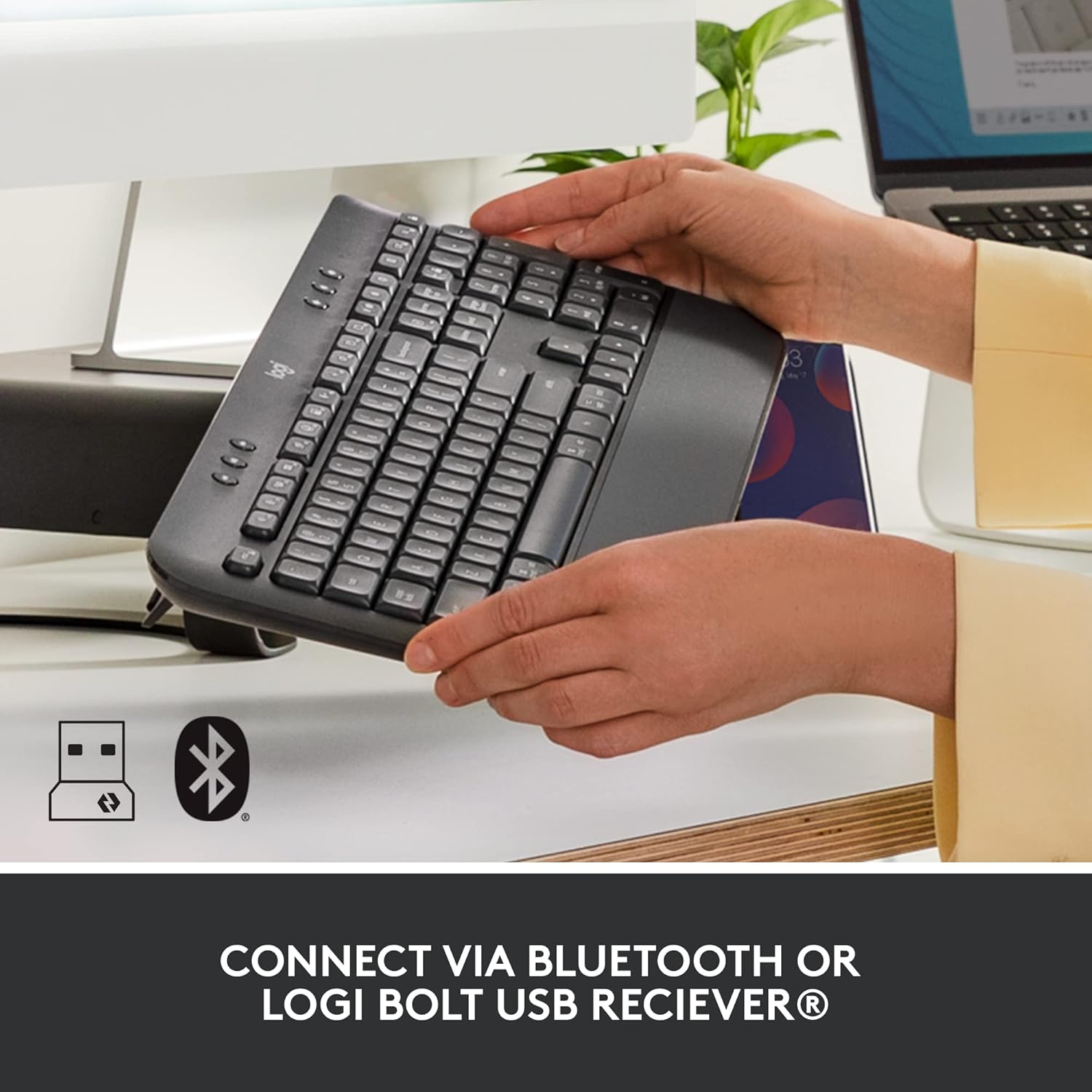
For connectivity, decide based on your setup. If your laptop already uses Bluetooth comfortably, BLE can be convenient. If you want a straightforward connection with minimal pairing steps, using the Logi Bolt USB receiver is typically the more hassle-free approach.
One more small consideration: the keyboard is described as easy to clean and resistant to spills. That’s helpful in offices or shared spaces where “oops” moments happen—just don’t treat it as waterproof, because spill resistance never means zero risk.
Is it worth it? (Final verdict)
It’s a good fit if you want a full-size wireless keyboard with an integrated wrist rest and comfort-focused keys, and you value having numpad layout plus shortcut-style controls for daily tasks like muting and quick capture/navigation.
It may not be a great match if you’re after a compact travel keyboard, or if you only need the simplest typing experience and don’t care about the extra comfort and shortcut keys. Also, if you’re very sensitive to key feel, you’ll likely want to ensure the “deep-cushioned” action matches your preferences—comfort descriptions are always slightly subjective.
Mini FAQ
FAQ: Connectivity and setup
Can I use it with Bluetooth and a USB receiver? Yes. Logitech lists support for BLE (Bluetooth Low Energy) and the included Logi Bolt USB receiver.
Will it work across different devices in a household? It’s listed as compatible with multiple platforms including Windows and macOS, and also other OS such as Chrome OS, Linux, iPadOS, iOS and Android.
FAQ: Battery life
How long do the batteries last? Logitech states up to 36 months, and also notes it can vary depending on user and computer setup.
FAQ: Wrist rest and comfort
Is the wrist rest removable? The wrist rest is described as integrated with the keyboard, but the provided information doesn’t say whether it’s removable.
FAQ: Software personalisation
Do I need Logi Options+? Logi Options+ is mentioned for personalisation on Windows 10 and macOS 10.15 or later, so it’s optional if you’re happy with the default shortcut behaviour.