

GravaStar Mercury K1 Pro 75% Wireless Mechanical Gaming Keyboard (Interstellar Silver)
Product description
Key takeaways
The GravaStar Mercury K1 Pro is a 75% wireless mechanical keyboard aimed at people who want a compact layout without giving up the feel of a mechanical board. On paper it leans into three things: a gasket-mounted typing experience, linear Kailh Speedy Mint switches, and tri-mode wireless so you can move between setups.
It’s not perfect for everyone, though. If you need a full-size layout, dedicated function layers for every workflow, or you’re particularly picky about how a specific switch profile sounds and feels, this may not hit your exact preferences. Also, the RGB is there to look good and help with visibility, but it’s not positioned as a “minimal” board.
What it’s for (and what it solves)
A 75% keyboard is usually bought for one reason: more desk space and easier portability, while still keeping essential navigation and editing keys. The Mercury K1 Pro, with its 79-key 75% format, fits that idea—especially if you bounce between gaming sessions and day-to-day typing.
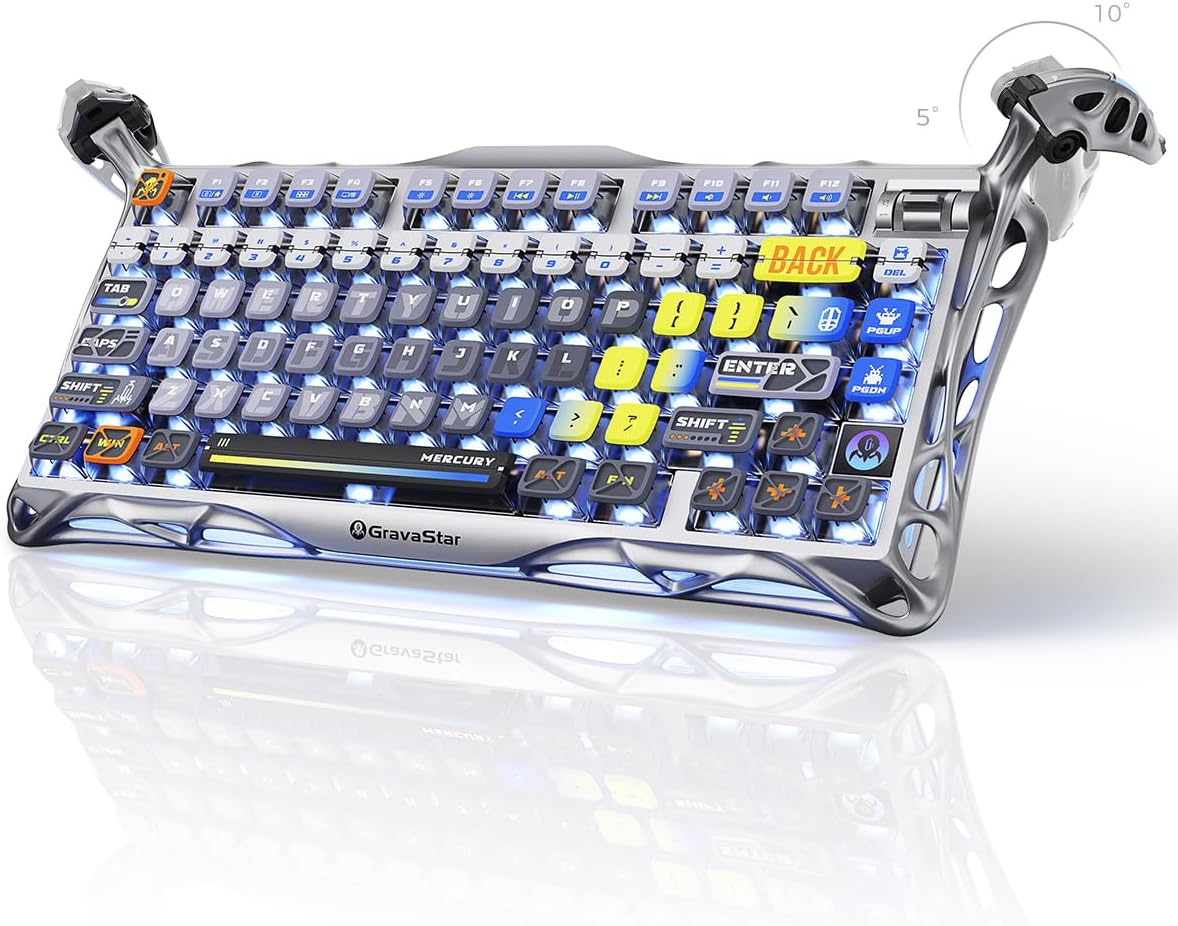
A practical way to think about it: imagine setting it on a smaller desk, using the dial for quick custom control, then switching to a laptop for work without rummaging for cables. The tri-mode approach (wired, Bluetooth, and 2.4GHz wireless) is built for that kind of “no fuss” routine.
Key features that matter in daily use
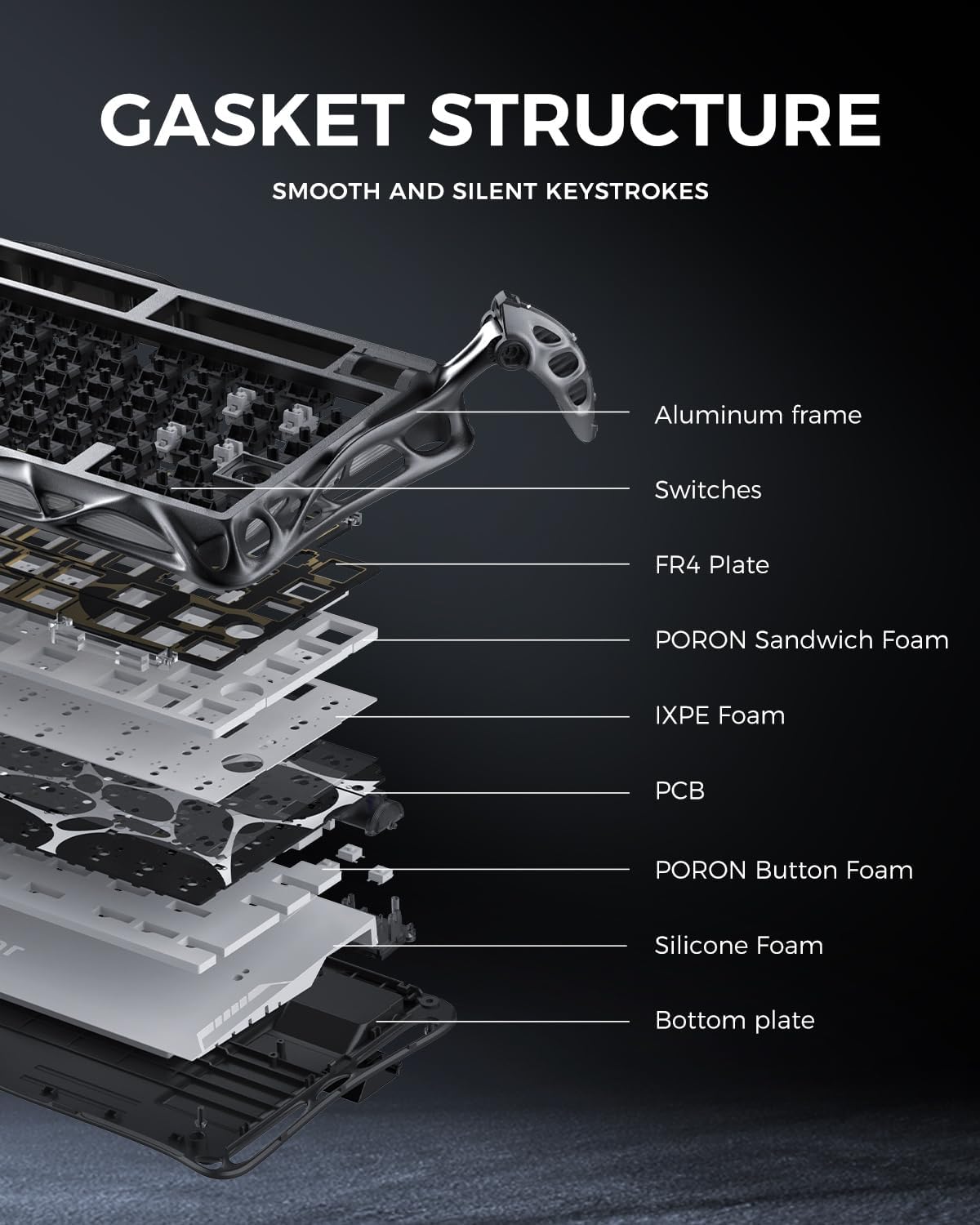
The stand-out angle here is the gasket-mounted construction. The board uses an FR4 plate mounted with a gasket, plus 5 layers of foam to soften and balance the sound and feel. That combination is typically chosen by people who want a more comfortable, slightly more “tuned” typing experience than a plain plate.
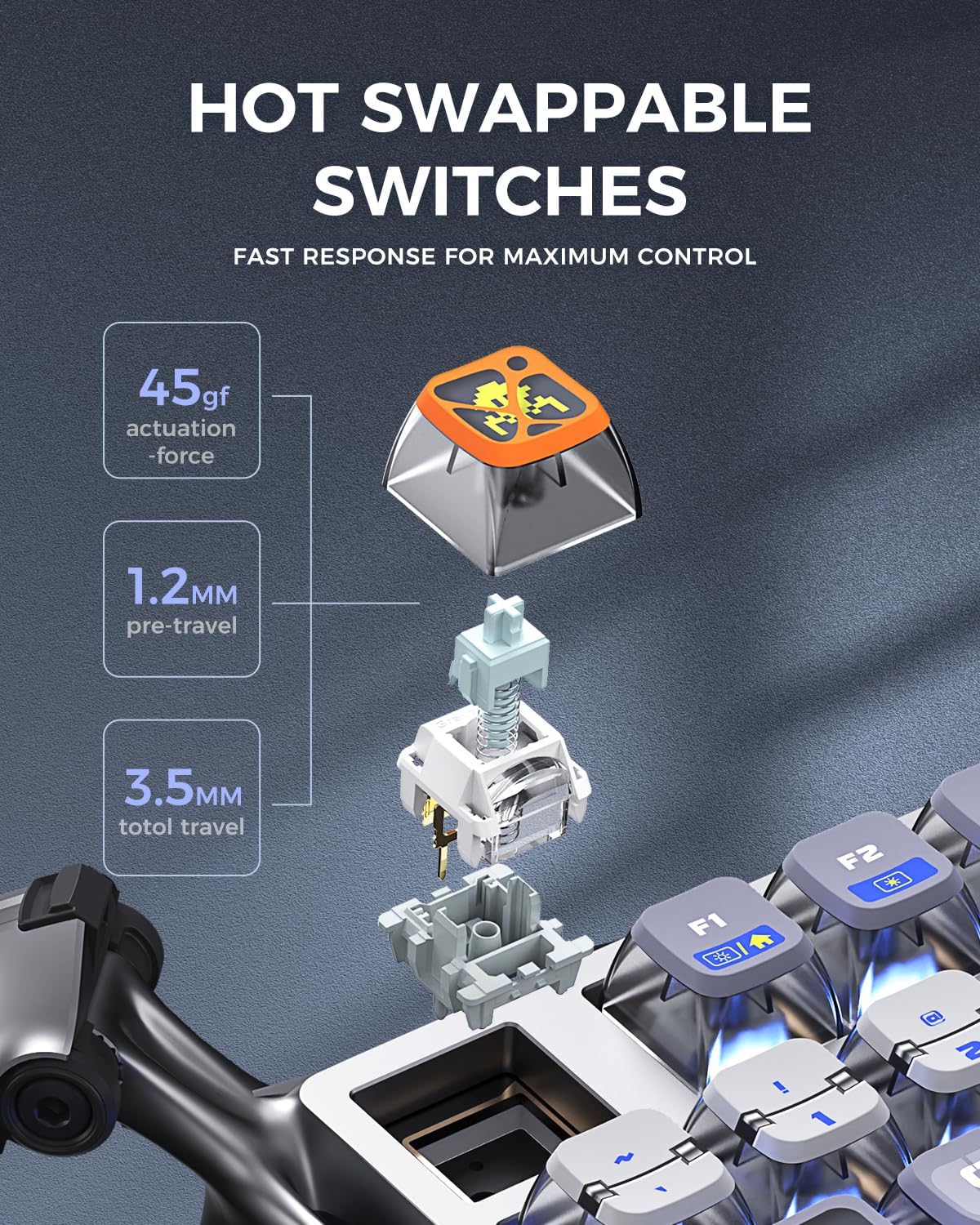
Then there are the linear switches. The Kailh Speedy Mint linear switches are rated at 45gf actuation force with 1.2mm pre-travel, and they’re described as designed for quieter, faster responses. The claimed lifespan is 70 million keystrokes, and the switches are described as using ultrafluid POK stems with no need for lubrication. That’s a meaningful promise if you don’t want to tinker, though it’s still “as stated” rather than something you can verify without reviews or hands-on testing.

Keyboard switches, feel and when linear makes sense
Linear switches are a specific taste. If you prefer a smooth, consistent key press (and you’re not chasing tactile bumps or audible “click” feedback), linear is usually the easy choice. The Mercury K1 Pro’s Speedy Mint setup is pitched for both gaming and typing, so on paper it sits in that crossover zone.
Where you might want to pause: if you know you’re sensitive to switch sound or you want a very particular weight curve, linear boards can still feel different depending on mounting and foam. The gasket + foam should help soften things, but it won’t replace personal switch preference.
Connectivity and power: tri-mode wireless reality check
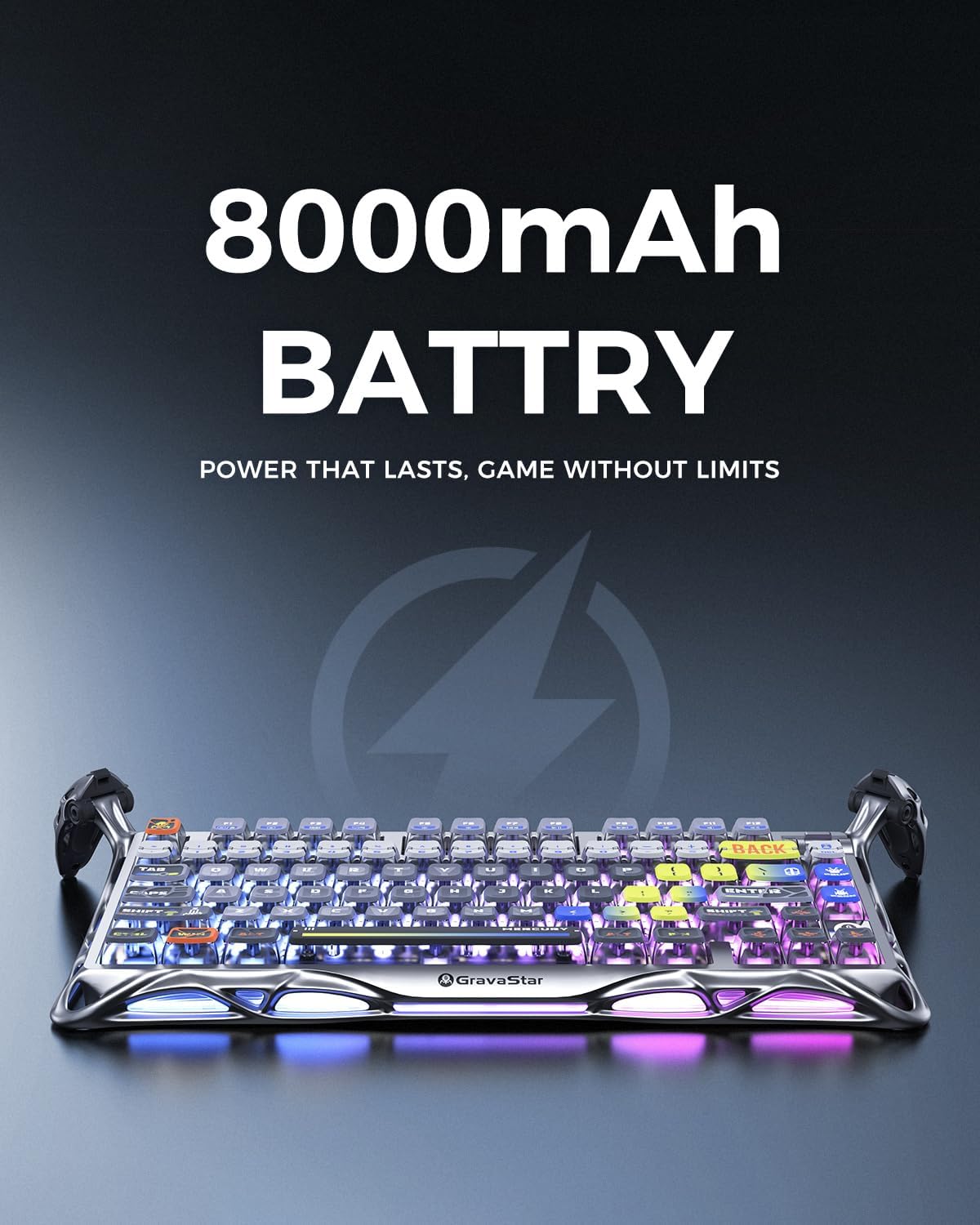
This keyboard is built around a rechargeable 8000mAh battery and tri-mode connectivity: wired, Bluetooth, and 2.4GHz wireless. In practical terms, that gives you flexibility for PC gaming, laptop work, and low-latency wireless for when speed matters.
The limitation to keep in mind is simple: “tri-mode” doesn’t automatically mean seamless switching between every device in every scenario. If you use multiple devices heavily, it’s worth double-checking whether the switching behaviour matches your workflow—especially if you plan to alternate between keyboard-heavy apps.

RGB, keycaps and visibility without overcomplicating it
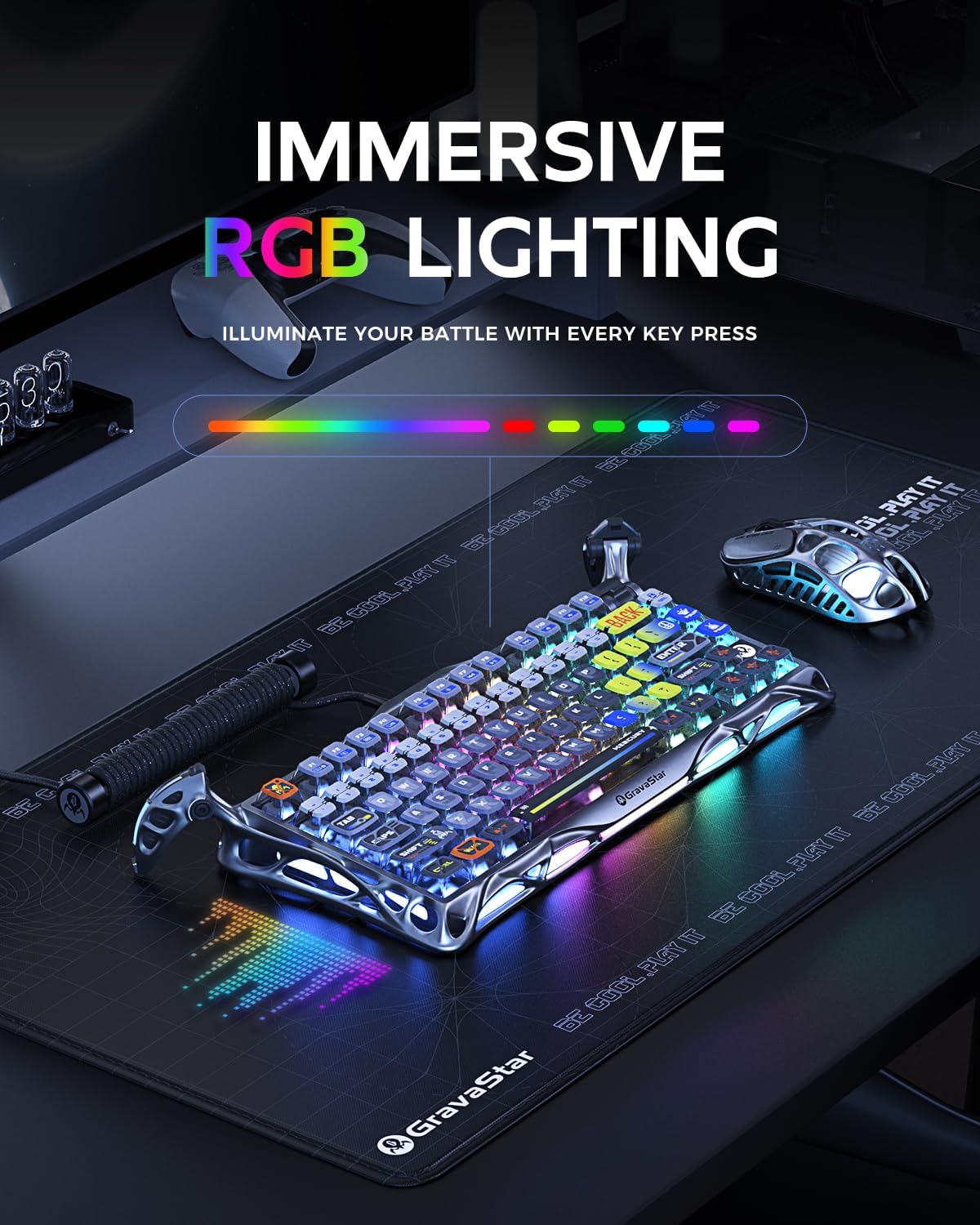
The Mercury K1 Pro includes dual RGB backlighting systems with 16.8 million colours and 13 lighting modes. The keycaps are PBT pudding style with a sublimation artwork process, and the backlighting is described as sur-facing.
This is the sort of feature that’s best when you’ll actually use it. If you mostly type in low light or you like the look of internal glow through “pudding” caps, it should feel worthwhile. If you prefer a clean, muted aesthetic or rarely bother with lighting, you may find it a bit more “setup” than necessary.
The essentials: specs to keep in mind before you buy
- 75% compact layout with 79 keys
- Wireless + wired connectivity: Bluetooth and 2.4GHz, plus cable use
- Gasket-mounted FR4 plate with 5 layers of foam
- Kailh Speedy Mint linear switches (45gf actuation, 1.2mm pre-travel), claimed 70 million keystrokes
- RGB with 16.8 million colours and 13 lighting modes
- PBT pudding keycaps with sublimation artwork
- 8000mAh rechargeable battery
If you’re choosing between a more basic wireless board and something aimed at enthusiasts, this one clearly leans more “mechanical hobby” than “office-only”. That’s a good sign if you care about typing feel and switch behaviour.
Where it shines (and where it may not)
It makes sense if you want a compact mechanical keyboard with wireless options, and you like the idea of gasket mounting for a more comfortable, controlled feel. It also suits people who want linear switches with fast actuation and don’t want to rely on manual switch lubrication.
It may not suit you if you require a full-size layout, or if you’re specifically after a tactile or clicky switch experience. Also, if you’re looking for an ultra-minimal board where RGB and “futuristic” design are secondary, the Mercury K1 Pro’s styling and lighting focus could feel a little too much.
Mini FAQ
Is this keyboard good for gaming and typing?
Based on the linear Speedy Mint switch spec and the 75% layout, it’s aimed at both. The tri-mode wireless is also designed to cover gaming-style responsiveness and everyday typing.
Does it need switch lubrication?
The switches are described as not needing lubrication thanks to ultrafluid POK stems. That said, individual preferences vary if you’re used to custom tuning.
What does gasket-mounted mean here?
It means the board uses a gasket-mounted FR4 plate along with multiple foam layers to influence the typing feel and sound.
How do the wireless modes differ?
The keyboard supports wired, Bluetooth, and 2.4GHz wireless. If you’re doing competitive play, 2.4GHz is typically the one people choose, while Bluetooth is handy for laptops.
When it makes sense
A solid pick if you want a 75% mechanical keyboard with a gasket-mounted typing experience, linear switches built for speed, and tri-mode wireless powered by a large 8000mAh battery. It’s especially worth considering if you regularly switch between a PC and laptop or you want a compact board that still feels “proper” under your fingers.
You may want to skip it if you need a full-size layout, you prefer tactile/clicky switches over linear, or you’re very particular about the exact sound/feel and would rather buy only after seeing more independent user feedback.