

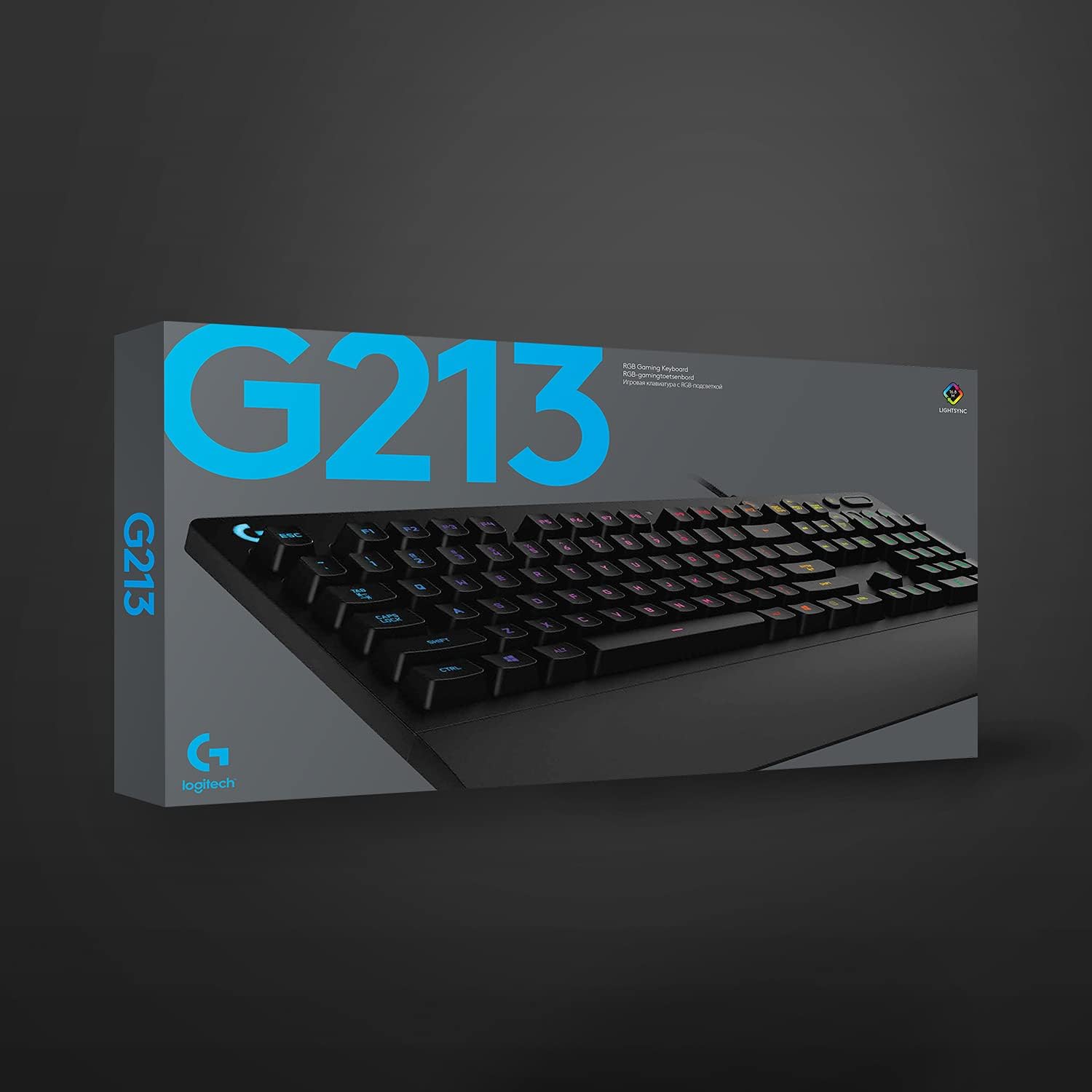
Logitech G213 Prodigy Gaming Keyboard (LIGHTSYNC RGB, spill-resistant, QWERTY UK) – Black
Product description
Quick overview
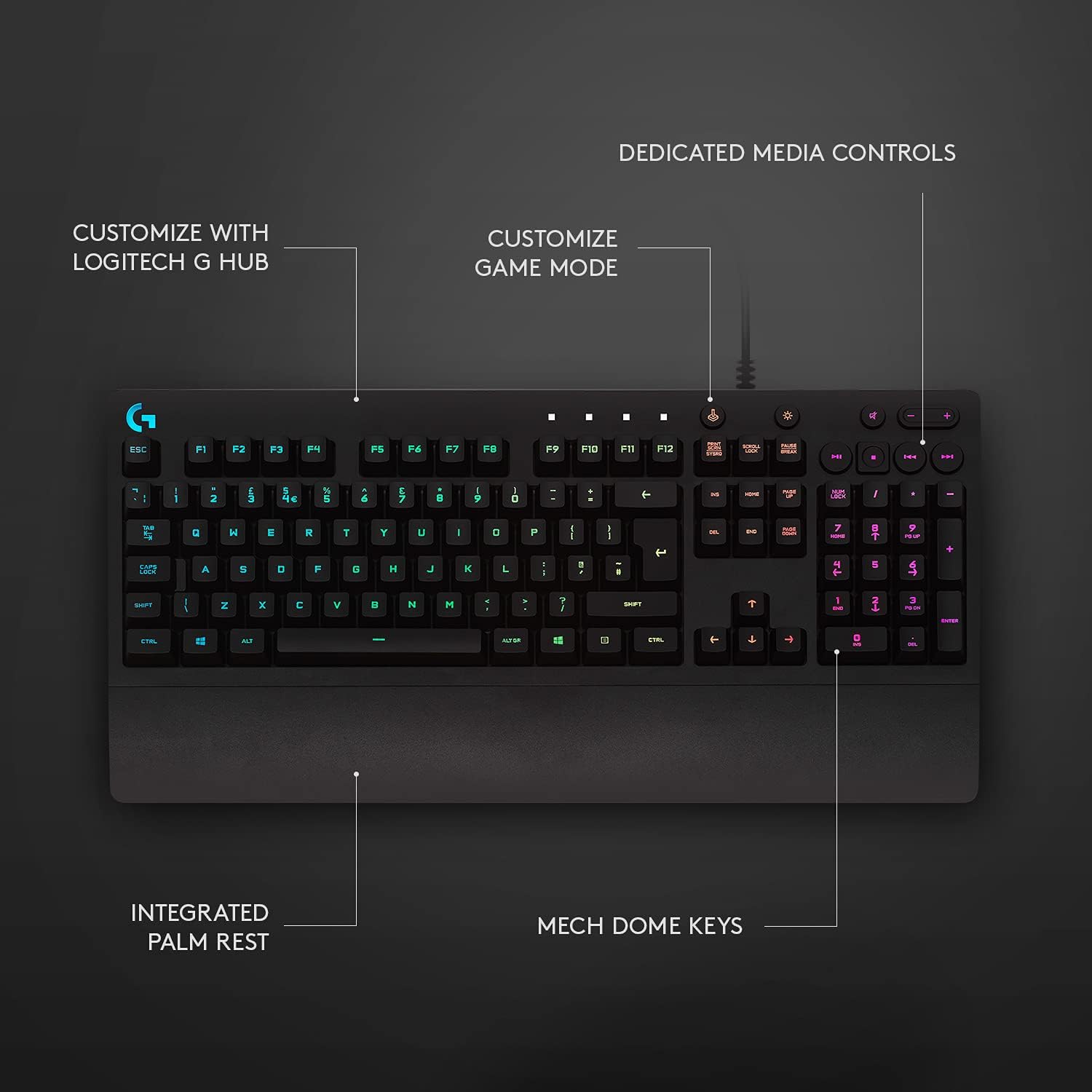
If you want a gaming keyboard that looks the part and still feels sensible for everyday use, the Logitech G213 Prodigy is a strong mid-range style option. On paper it pairs LIGHTSYNC RGB lighting zones with customisable backlit keys, plus dedicated multimedia controls you can reach without hunting through menus.
It’s also designed with real-life mess in mind. The keyboard is spill-resistant, and it includes an integrated palm rest with adjustable feet, which makes a noticeable difference when you’re using it for longer sessions. That said, like most “all-round” gaming boards, it may not feel quite as premium as higher-end mechanical options if you’re chasing the absolute best typing feel.
Key features that matter in day-to-day use
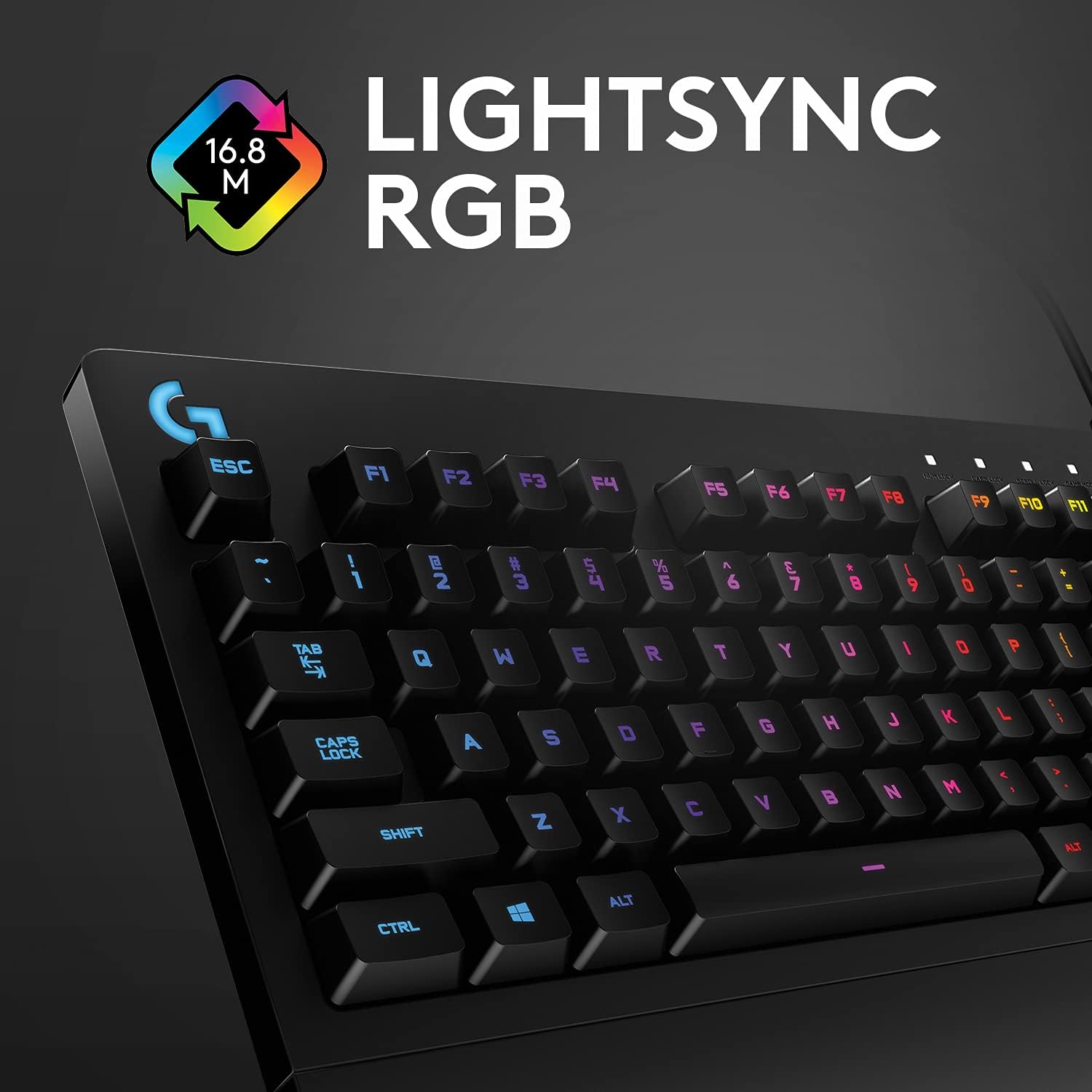
The G213 Prodigy’s appeal isn’t just the RGB. The LIGHTSYNC setup is built around customisable lighting zones with 16.8 million colours, so you’re not stuck with one flat effect across the whole keyboard.
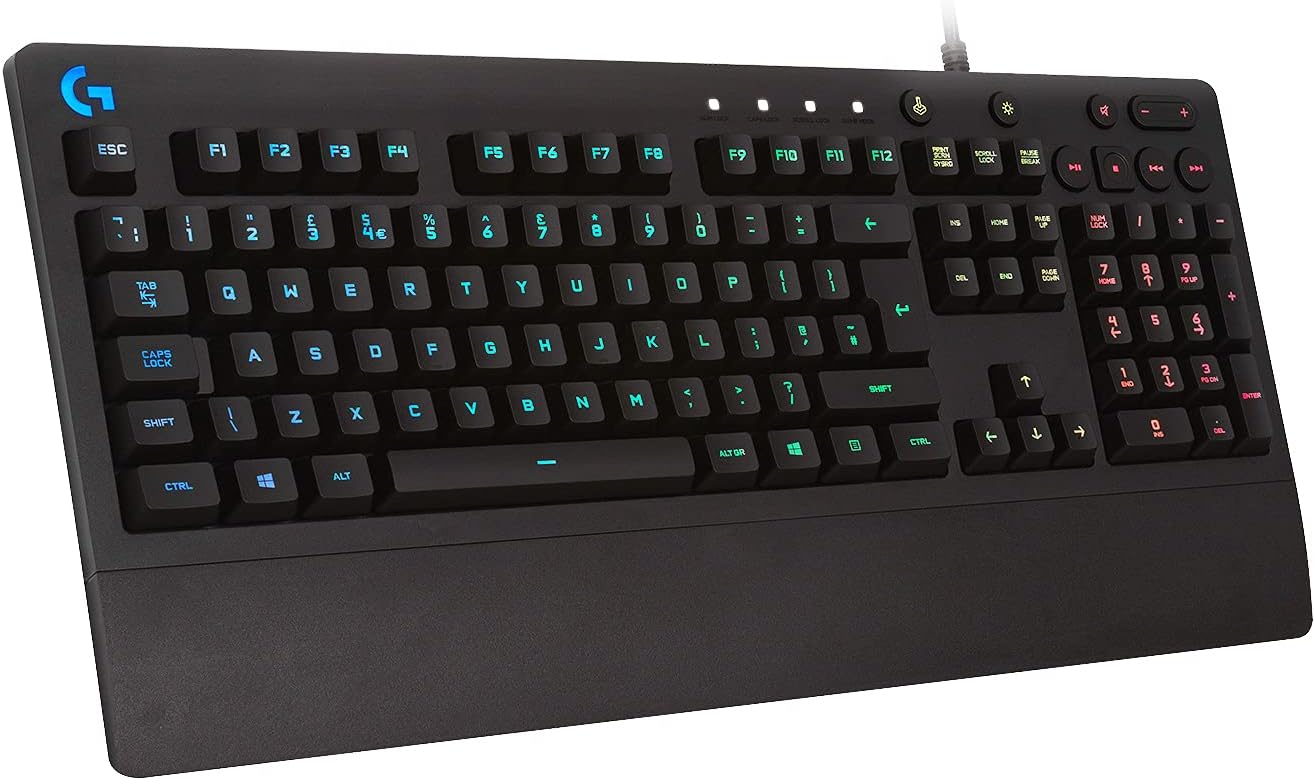
More importantly, the keyboard includes easy-access media controls. In practical terms, that means you can pause/skip or adjust volume quickly while gaming, working, or switching between music and a video call. It’s the kind of convenience you stop thinking about once you have it, but you miss it when it’s absent.
There are also performance-tuned keys with anti-ghosting, positioned as “4x faster than standard keyboards”. Whether you interpret that strictly as responsiveness or simply as a more reliable input method, it’s clearly aimed at reducing the chance of missed keystrokes during fast play.
The essentials: comfort, stability and cleanup

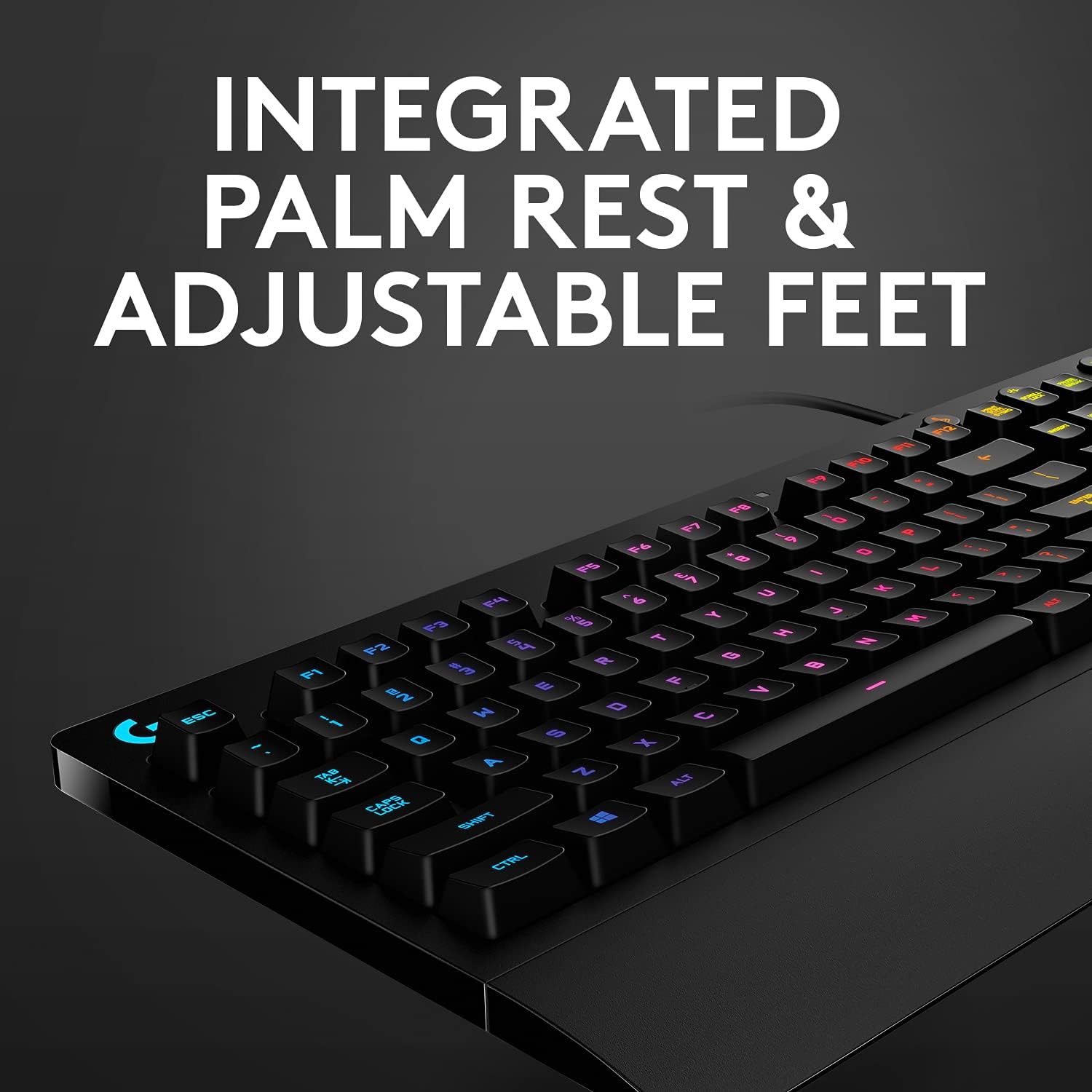
A gaming keyboard that’s uncomfortable is a problem no RGB can solve. This model includes an integrated palm rest, plus adjustable feet so you can change the tilt. That helps if you prefer a more angled setup for typing and clicking through menus, or if you want your hands in a more relaxed position during longer sessions.
And then there’s spill-resistant design for easier clean-up. It doesn’t make it invincible, but it does mean small accidents are less stressful. When you spill something on a desk or laptop keyboard, the first question becomes “how hard will this be to recover from?”. Here, the intended answer is: easier.
Tech specs (useful details to check)
- Name: Logitech G213 Prodigy Gaming Keyboard
- Type: Gaming keyboard
- Format: QWERTY UK layout (Black)
- Colour: Black
- Display: LIGHTSYNC RGB backlit keys
- Capacity: 16.8 million colours
- Cable length (power/charging): 1.8 m
Who it suits (and where it may fall short)
It makes sense if you want a QWERTY UK gaming keyboard that’s geared towards a more colourful, customisable look, while still covering basic everyday needs like multimedia access and comfort.
It might not be the best choice if you’re very picky about the feel of the key switches or you’re expecting a top-tier typing experience. The information provided focuses on lighting, comfort, and input reliability rather than mechanical switch detail, so if you’re shopping specifically for the most premium tactile performance, you may find other keyboards better match what you’re after.

Worth considering if you often switch between gaming and media—those dedicated controls can genuinely save time.
One limitation to keep in mind: “spill-resistant” usually means it’s built to handle minor incidents better than standard designs. If you regularly spill drinks or expose your setup to heavy liquid risk, you’ll still want to be cautious.
Getting the most from it
A straightforward way to experience it is to set up a lighting zone that matches your play style—then keep it consistent while you’re learning keybinds. Pair that with the dedicated media controls during downtime: for example, pause a track, jump to the next one, and adjust volume without leaving your game or dragging your attention to the desktop.
If you sit at a slightly higher or lower desk, use the adjustable feet to dial in the angle. It’s one of those comfort features that tends to make the keyboard feel more “yours” quickly.
Final verdict
This is a practical gaming keyboard for people who want LIGHTSYNC RGB customisation, spill-resistant design for easier cleanup, and comfort features like a built-in palm rest and adjustable feet—alongside anti-ghosting aimed at faster, more reliable input.
You should buy it if you’re after an all-rounder that covers gaming performance cues and everyday usability (especially dedicated media controls and comfortable positioning).
You may want to skip it if you’re primarily chasing the very best key feel or you’re expecting switch-level details that aren’t mentioned here. In other words: it’s more “value-focused gaming comfort with RGB” than a specialist enthusiast build.
Mini FAQ
Does the Logitech G213 Prodigy have customisable RGB lighting?
Yes. It supports customisable RGB lighting zones with 16.8 million colours.
Is it okay if I spill something by accident?
It’s described as spill-resistant, which is aimed at easier clean-up. It’s still sensible to be careful, but it’s designed for day-to-day mess.
Does it include a palm rest?
Yes, it has an integrated palm rest.
Are there dedicated media keys?
Yes, it includes easy-access media controls.
What layout is it?
It uses a QWERTY UK layout.