

EPOMAKER P87 TKL Aluminum Wireless Mechanical Keyboard (QMK/VIA, metal knob) – Black with Wisteria Linear
Product description
If you like your keyboard to feel solid and sound ‘right’, the EPOMAKER P87 TKL aims for that through an aluminium build and a gasket-mount style setup. It’s also a programmable wireless mechanical keyboard, so it’s not just about looks or typing noise.
That said, it’s not a budget TKL and it leans into a specific feel (thocky, soft-resonant character) rather than trying to please everyone. If you’re sensitive to sound profile or you want a very lightweight portable board, this one may feel a bit much.
What it is and what you’ll use it for
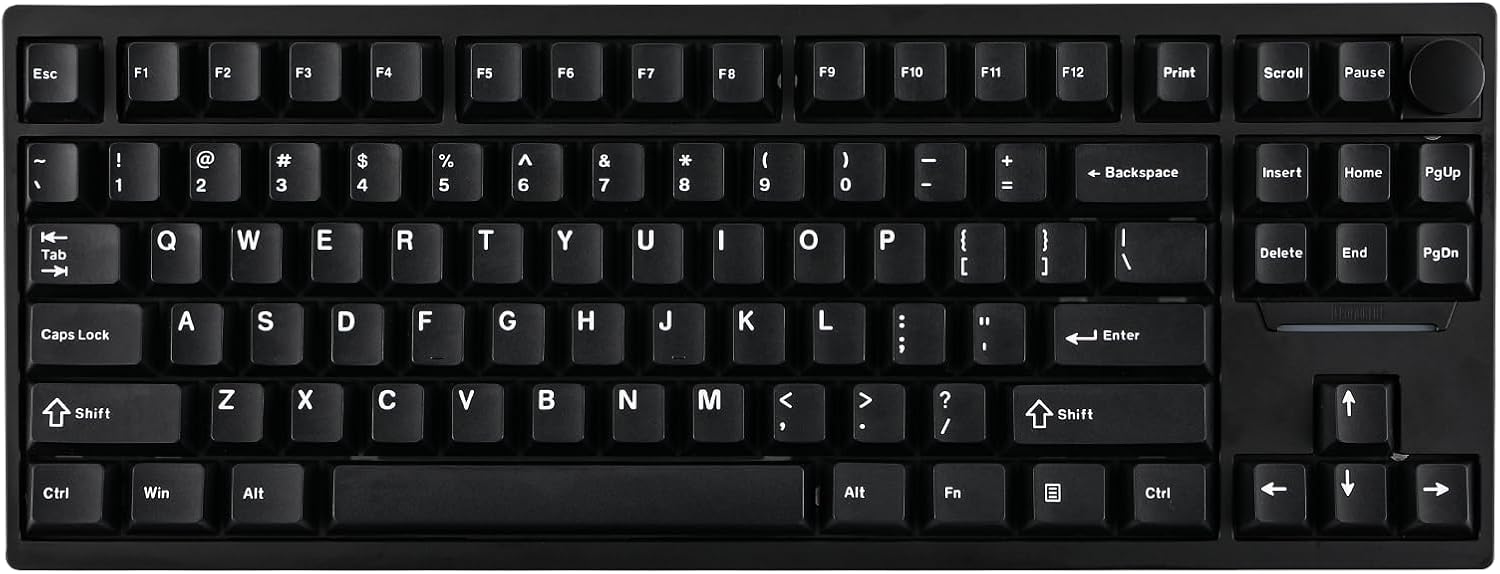
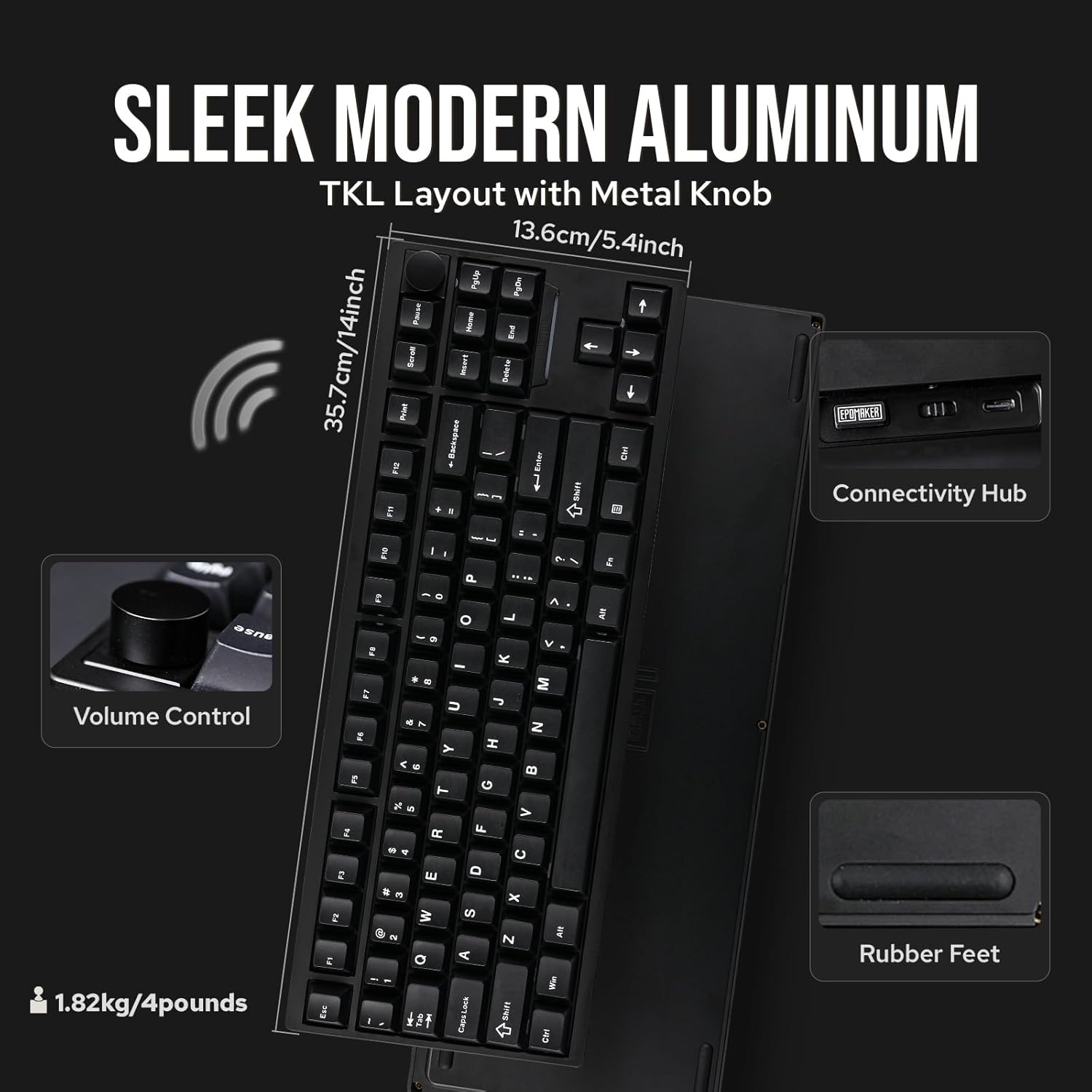
The EPOMAKER P87 is a TKL (tenkey-less) wireless mechanical keyboard with 87 keys, built around a CNC aluminium case and a single metal knob. It’s designed for both gaming and everyday typing, with the knob giving you quick control (useful for volume, media, or certain in-game tweaks if you configure it).
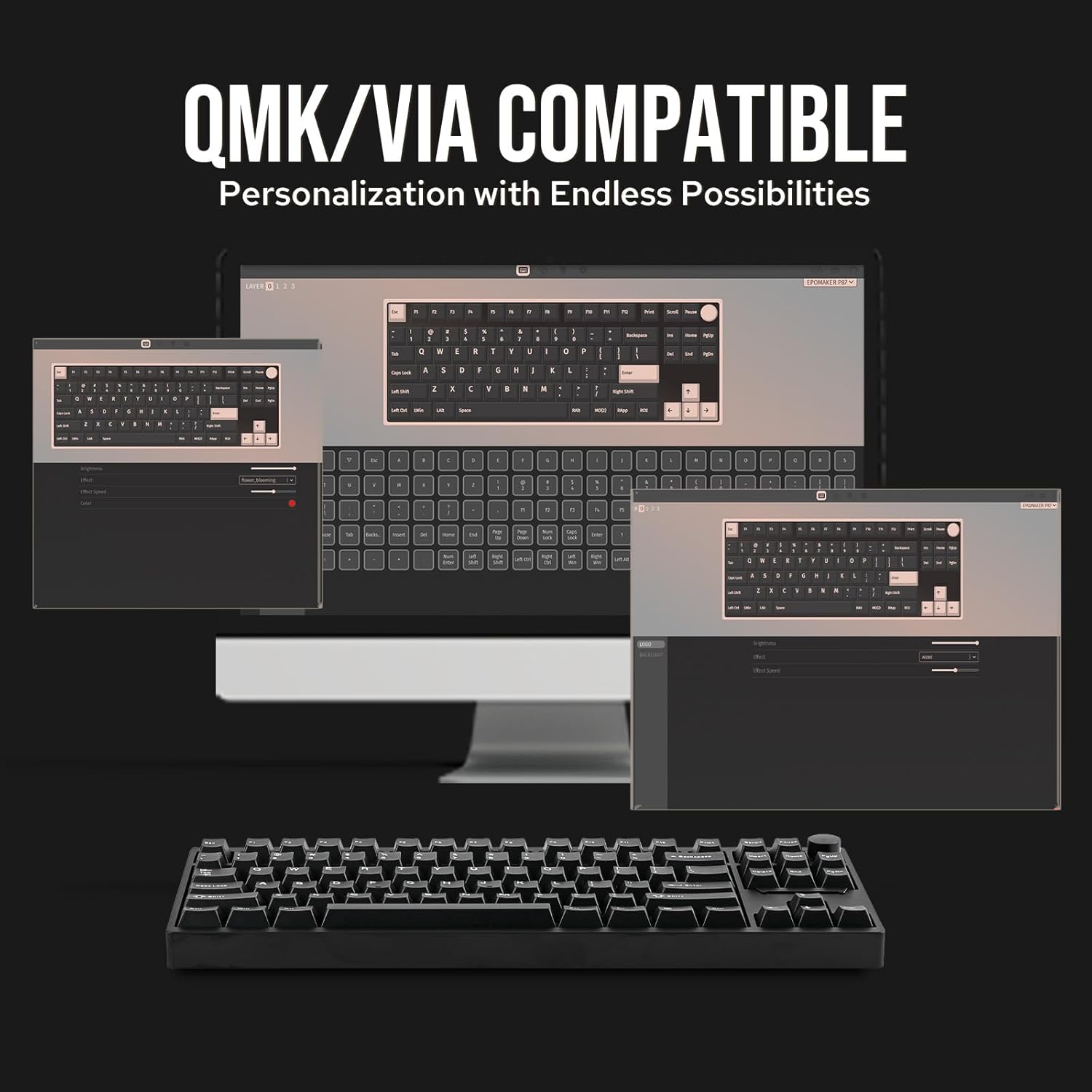
On top of that, the keyboard is programmable via QMK/VIA. That matters if you want to remap keys, set up macros, or adjust layouts without relying on one fixed factory configuration. In practice, this is the kind of board you’d consider if you bounce between tasks—say, coding and browsing during the day, then switching to gaming profiles at night.
Key takeaways
It brings together three things that usually don’t come as smoothly in one keyboard: a hefty aluminium feel, a gasket-mount approach for a softer typing experience, and wireless flexibility across devices.
The QMK/VIA angle is the differentiator for people who like control rather than “set and forget”. And the south-facing RGB backlight (per-key) is there for those who care about consistent legend visibility.
One note of caution: the product description talks about a thocky, cushioned acoustic character and multiple sound-dampening layers. If you prefer crisp, very dry feedback, you may find the sound profile less to your taste.
Where it shines (in day-to-day use)
The P87 is positioned to feel premium on the desk. The aluminium case is described as rounded-edged and nice to touch, and the board is said to weigh over 1.8kg, which naturally adds stability during fast typing or movement.
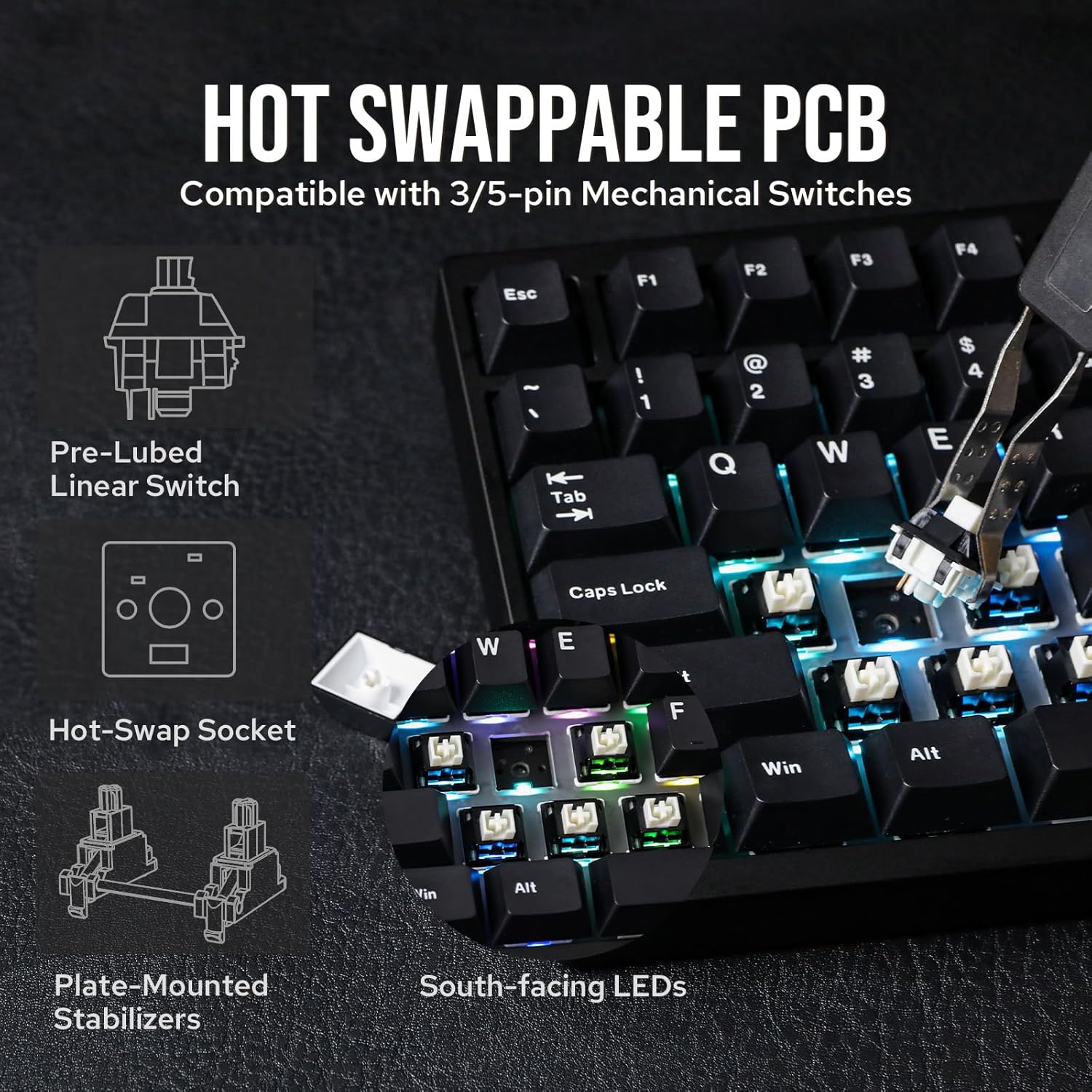
The typing experience is built around gasket-mount flexibility, a PC plate, and factory-lubed switches and stabilisers. Even without getting lost in marketing terms, this combination is meant to deliver a smoother, more consistent feel—less wobble and more controlled key motion than many entry-level kits.
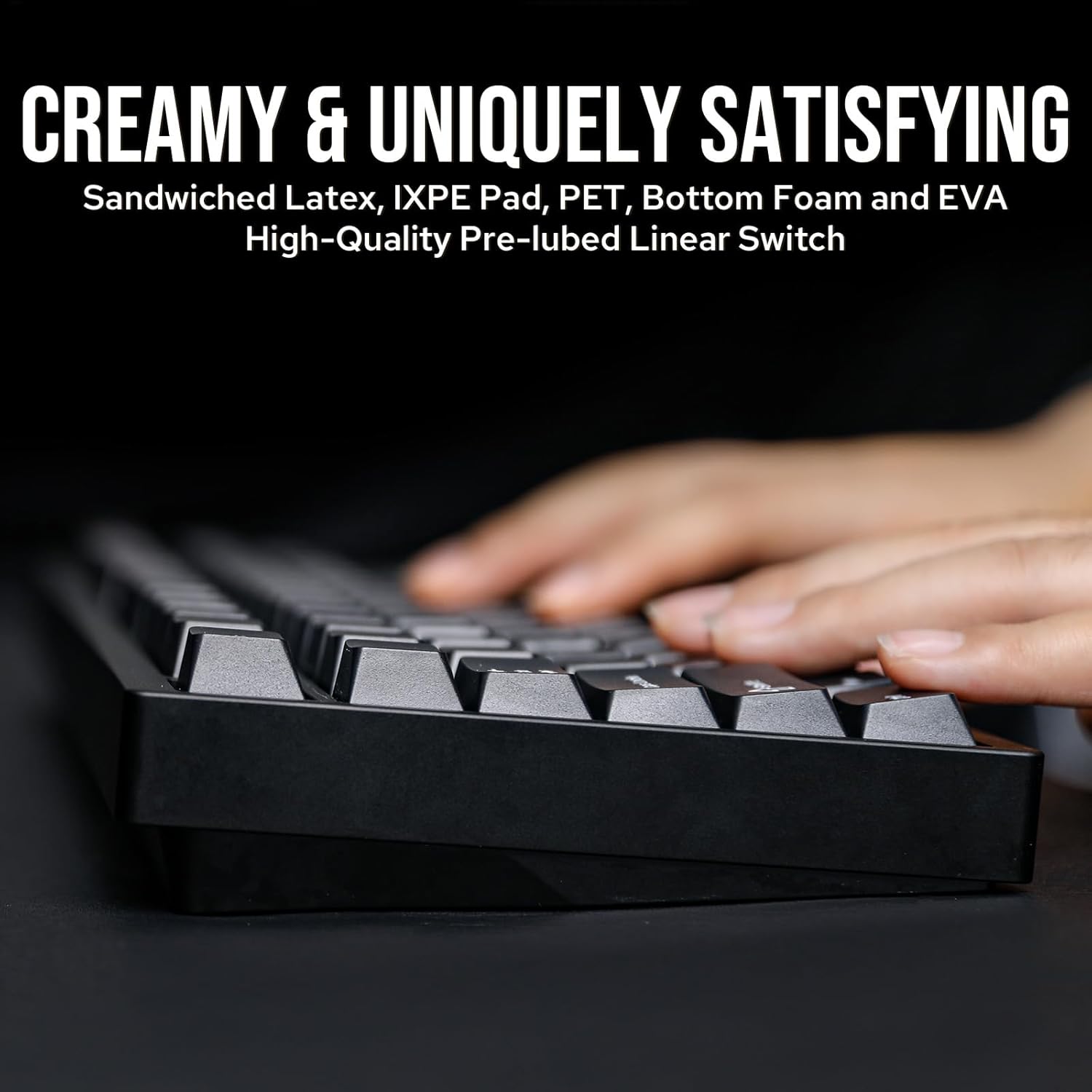
Sound is also a big selling point here: thick metal case plus 5 sound-dampening layers (sponge, IXPE and latex are mentioned) are aimed at a “creamy, rich and satisfying” result. Whether it matches your personal “perfect thock” is subjective, but the intent is clear: this board is tuned for a softer, richer acoustic signature.
Wireless and cross-platform switching
This is a tri-mode style keyboard: it supports USB-C cable mode, 2.4Ghz wireless, and Bluetooth 5.0. The idea is to keep things flexible when you’re moving between devices.
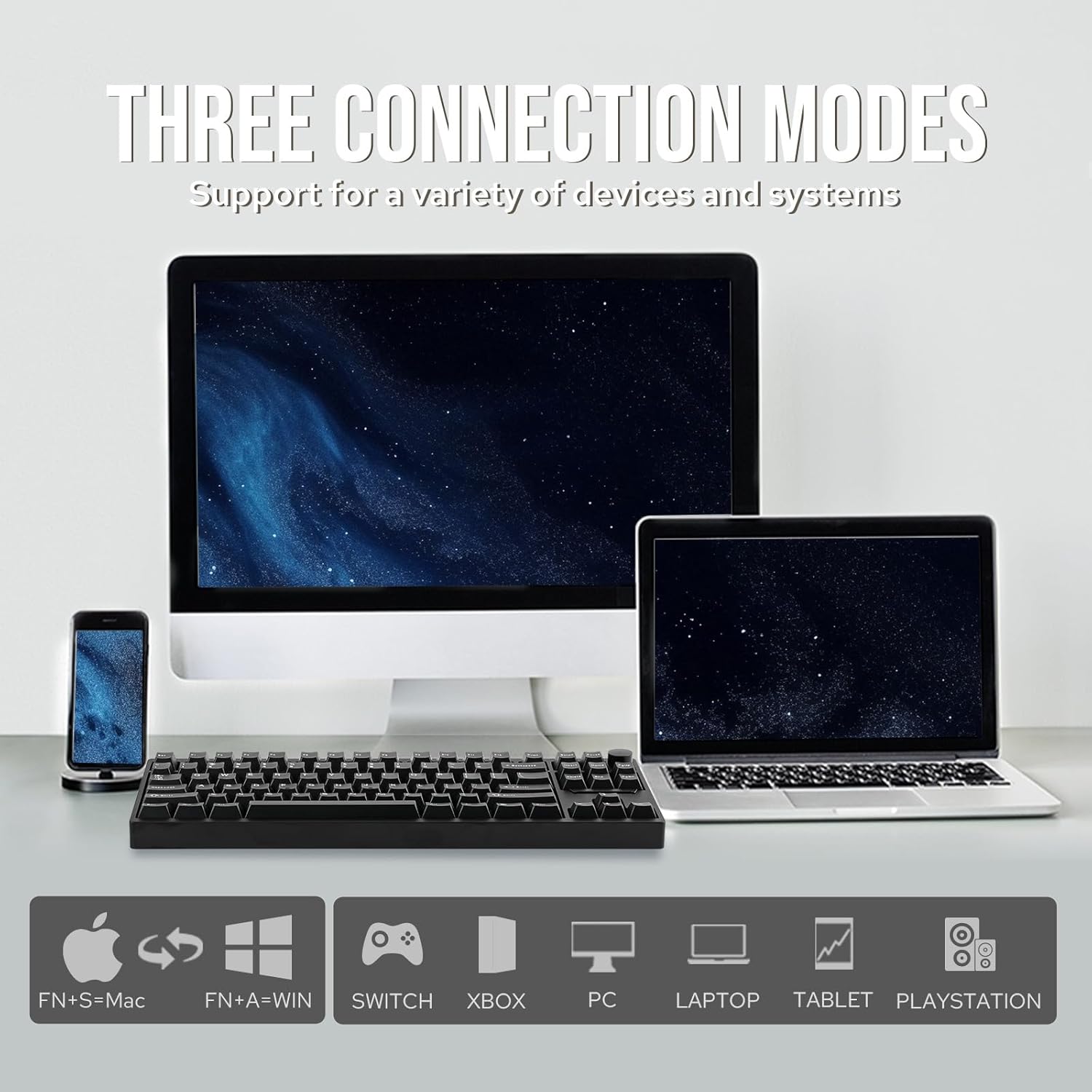
The description also mentions compatibility with Mac, Linux and mainstream gaming controllers by cable, which is useful if your setup isn’t one single ecosystem. There’s also an FN+A/S shortcut for Mac/Win mode switching, aimed at cross-system multitasking.
Practical example: imagine you’re on a laptop in the morning (Bluetooth), then later you switch to a desktop (2.4Ghz) without unplugging anything. The tri-mode design is there to make that sort of routine less fiddly.
Where you may need to manage expectations: switching across multiple systems is convenient, but wireless reliability and latency still depend on your environment and device setup. On paper, the options are strong, in real life, it’s still worth setting up your preferred connection path.
Customisation via QMK/VIA
If you’re the type who likes to tweak, the P87 is built for it. The description states QMK/VIA compatibility for key mapping, macro editing, and keyboard settings.
It also mentions on-board memory to store your layout so it can work without software running in the background. That’s a real quality-of-life improvement if you want consistent behaviour when you switch machines.
If you prefer straightforward usability, it can still work as a programmable mechanical keyboard—just maybe not for the people who want zero setup and no learning curve. QMK/VIA is powerful, but that power is most valuable when you’re willing to configure.
The essentials: keycaps and RGB lighting
The P87 uses double-shot PBT keycaps, with a south-facing RGB backlight designed to illuminate legends more clearly. It’s also described as Cherry-profile, which helps if you’re already used to that keycap geometry.
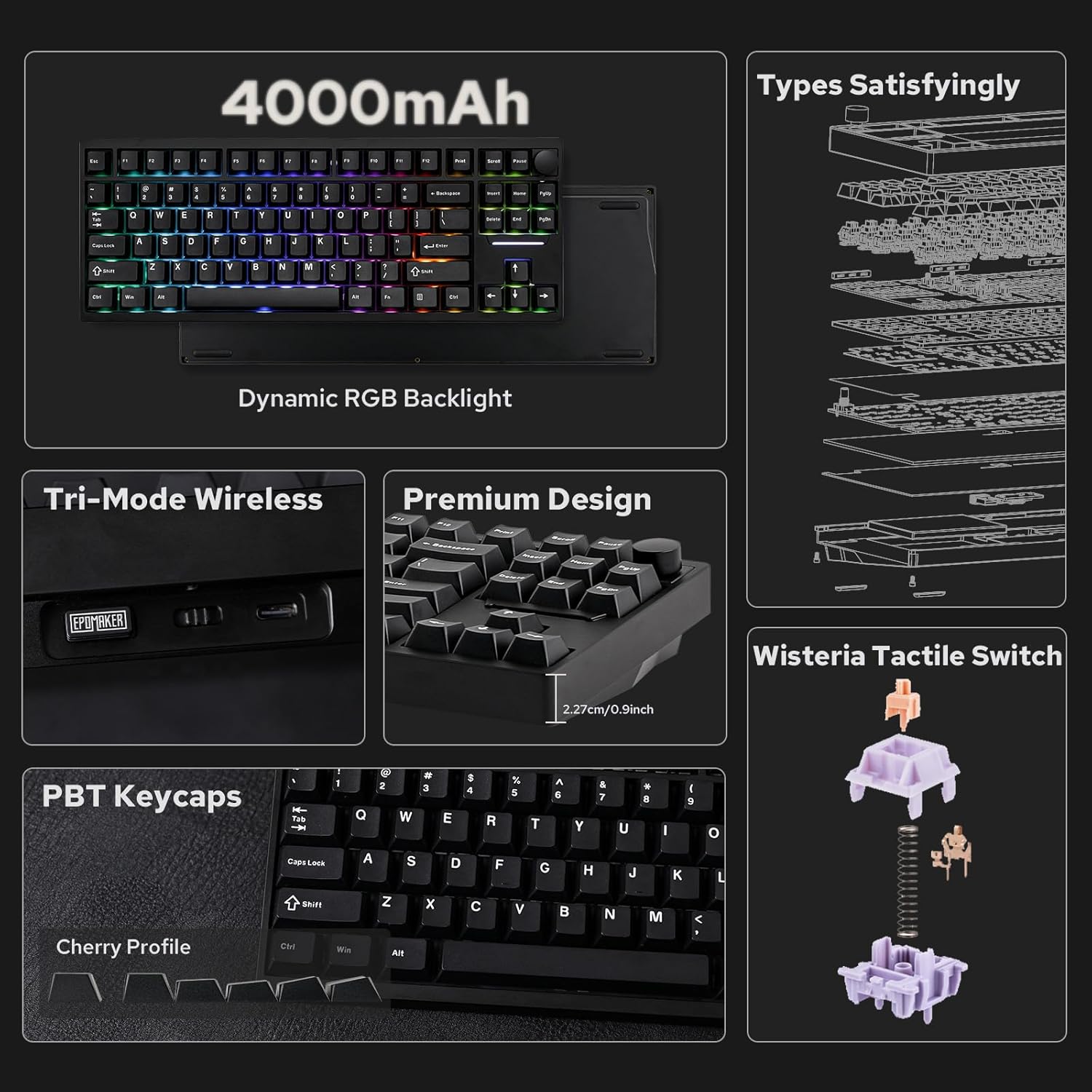
The lighting is per-key RGB, with customisable brightness, colour and lighting patterns. If you care more about readability than aesthetics, south-facing is often chosen to avoid certain visibility issues you can get with other configurations.
Final verdict
It’s a good fit if you want a solid-feeling TKL with a gasket-mount style approach, you’re interested in tuning the board through QMK/VIA, and you need wireless flexibility across different devices (USB-C, 2.4Ghz and Bluetooth).
It might not suit you if you strongly dislike thockier, softer acoustic profiles, or if you’re looking for a lighter, more portable keyboard for frequent bag-and-travel use.
Worth considering if you’re choosing between a basic wireless TKL and something that leans into customisation and desk presence, because the aluminium build, multi-layer sound approach and programmable platform are doing the heavy lifting here.
Mini FAQ
Is the EPOMAKER P87 good for gaming? On the description alone, it’s positioned for gaming thanks to its wireless options and programmable features (including NKRO and anti-ghosting mentioned). The gasket-mount and tuned sound are also aimed at a comfortable gaming + typing feel.
Does it work without keeping software open? The keyboard is described as having on-board memory that stores your layout, so it’s designed to keep key behaviour without software running in the background.
Can it connect to different devices? Yes, it supports USB-C, 2.4Ghz wireless and Bluetooth 5.0, and it includes a way to switch Mac/Win modes via FN+A/S.
Is the RGB good for readability? The south-facing RGB backlight is intended to illuminate legends and letters clearly, with per-key control for brightness, colour and patterns.
Who should avoid it? If you want a very lightweight keyboard, or you’re not interested in QMK/VIA-style customisation, it may feel like more keyboard than you need.