

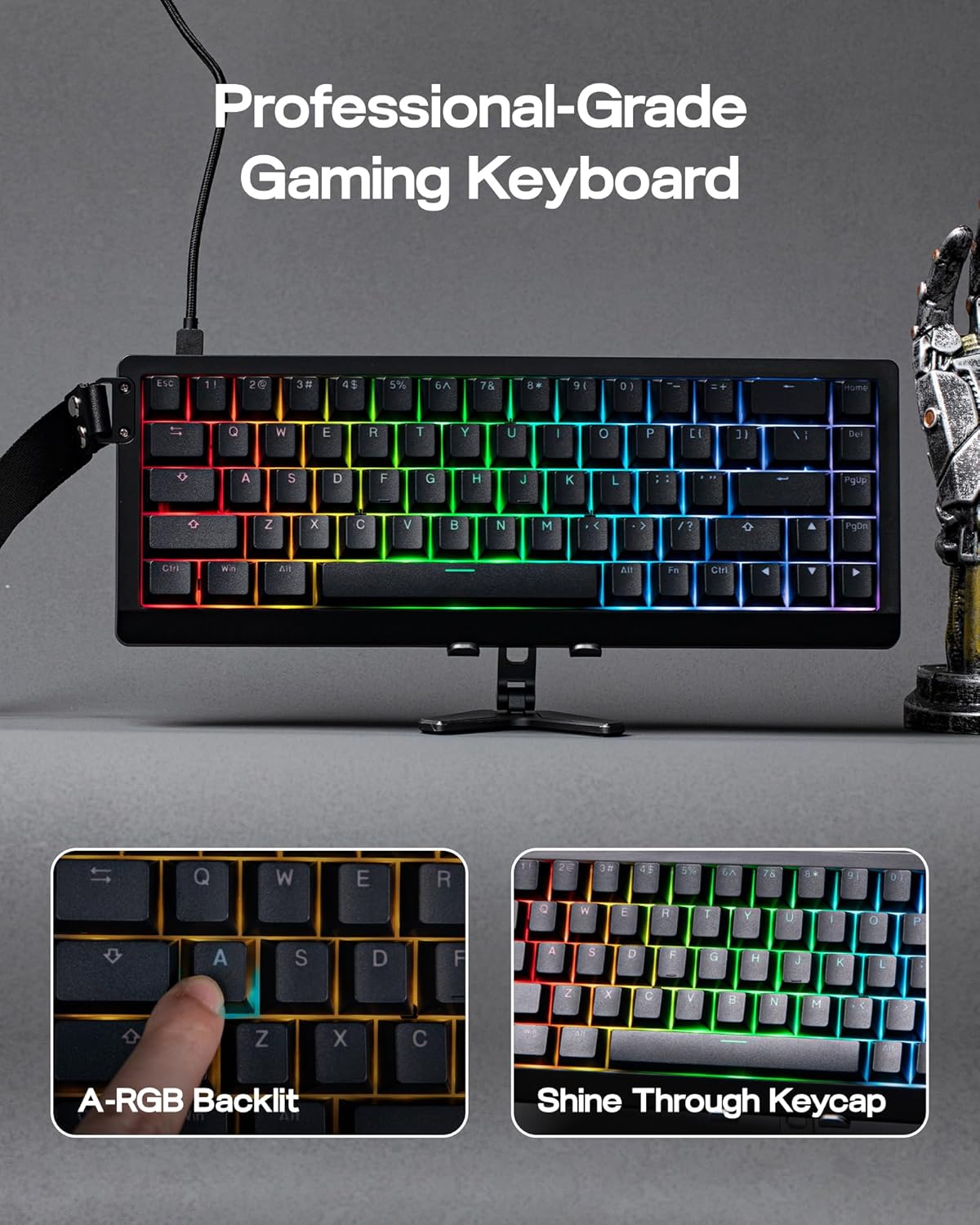
EPOMAKER HE68 Lite Hall Effect Gaming Keyboard (HE68 Lite) – 65% wired board with 8k polling, A-RGB and adjustable fast trigger
Product description
The essentials
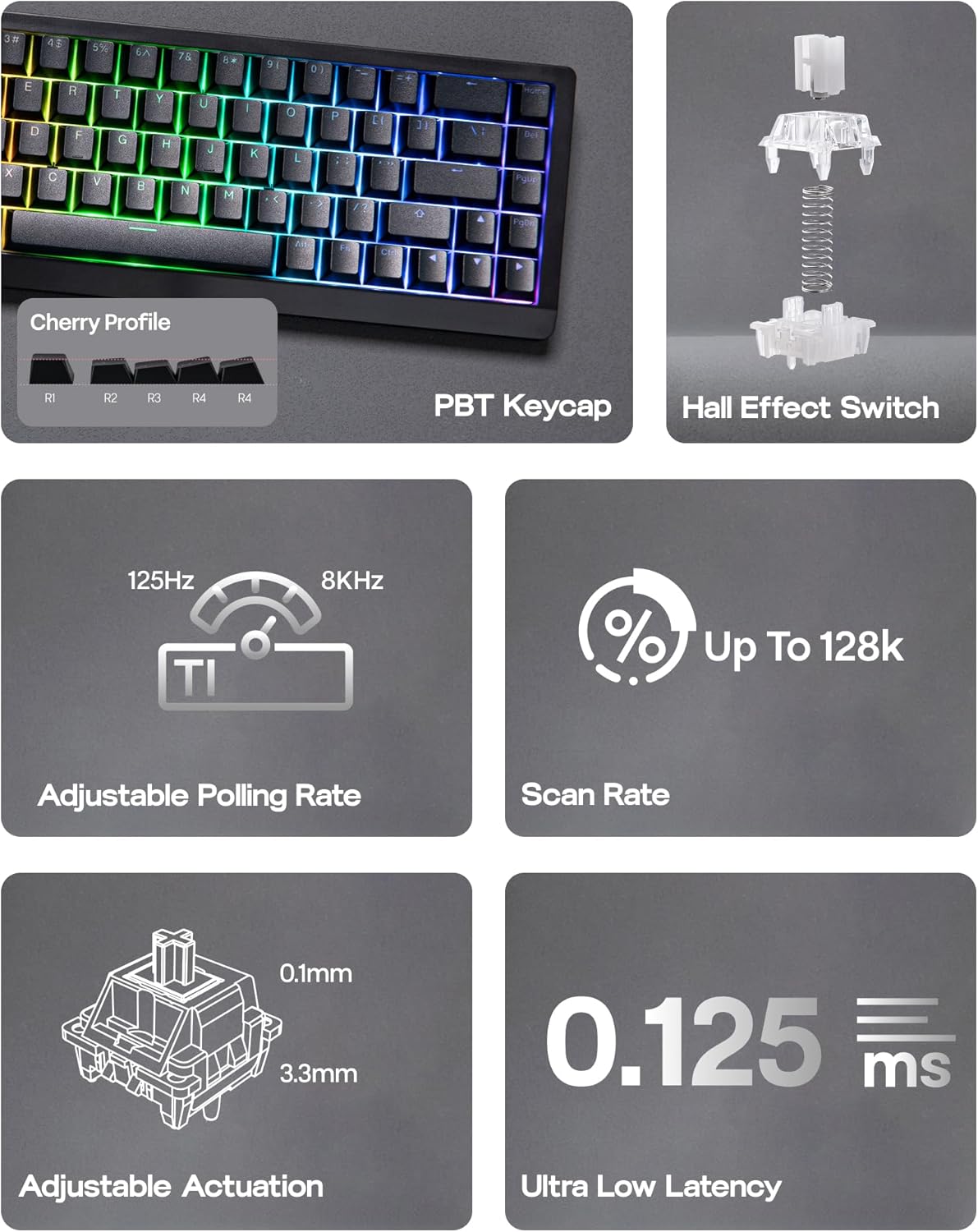
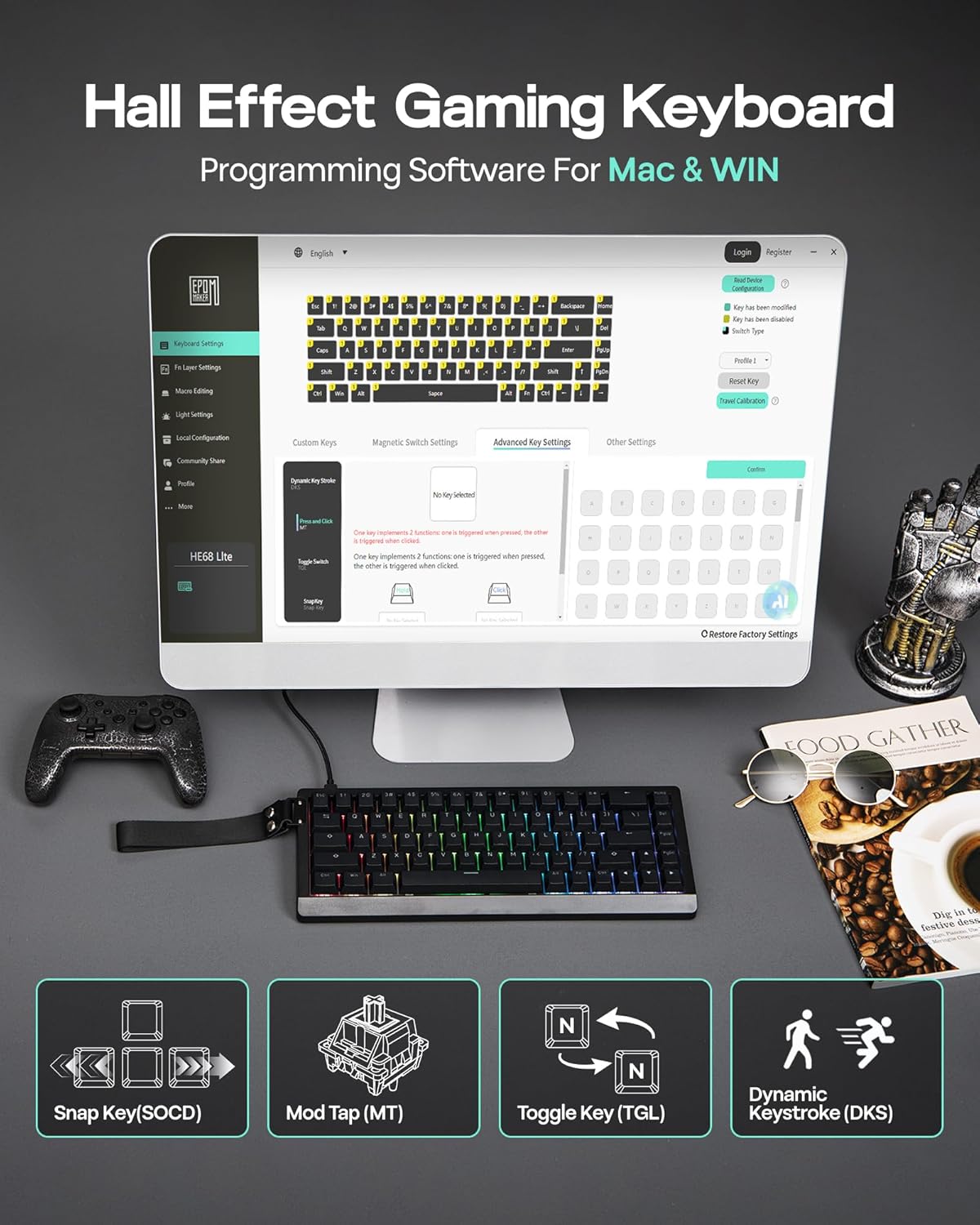
The EPOMAKER HE68 Lite Hall Effect Gaming Keyboard is a wired 65% gaming keyboard built around Hall effect switches, so it’s aimed at players who care about repeatable actuation and tuning rather than just looks. On paper, the headline features are there: 8,000 Hz polling with a 128,000 scan rate, a 0.01mm adjustable fast trigger, and a very quick latency figure (0.125ms). You also get a “snap key (SOCD)” approach plus macro support and a couple of performance layers like DKS/MT.
If you’re the kind of person who’s spent time tweaking trigger feel for specific games (or you just want fewer “I missed that” moments), this is the type of keyboard that invites you to tune. If you mainly want something simple for everyday typing with basic RGB, it may feel like overkill.
Key takeaways
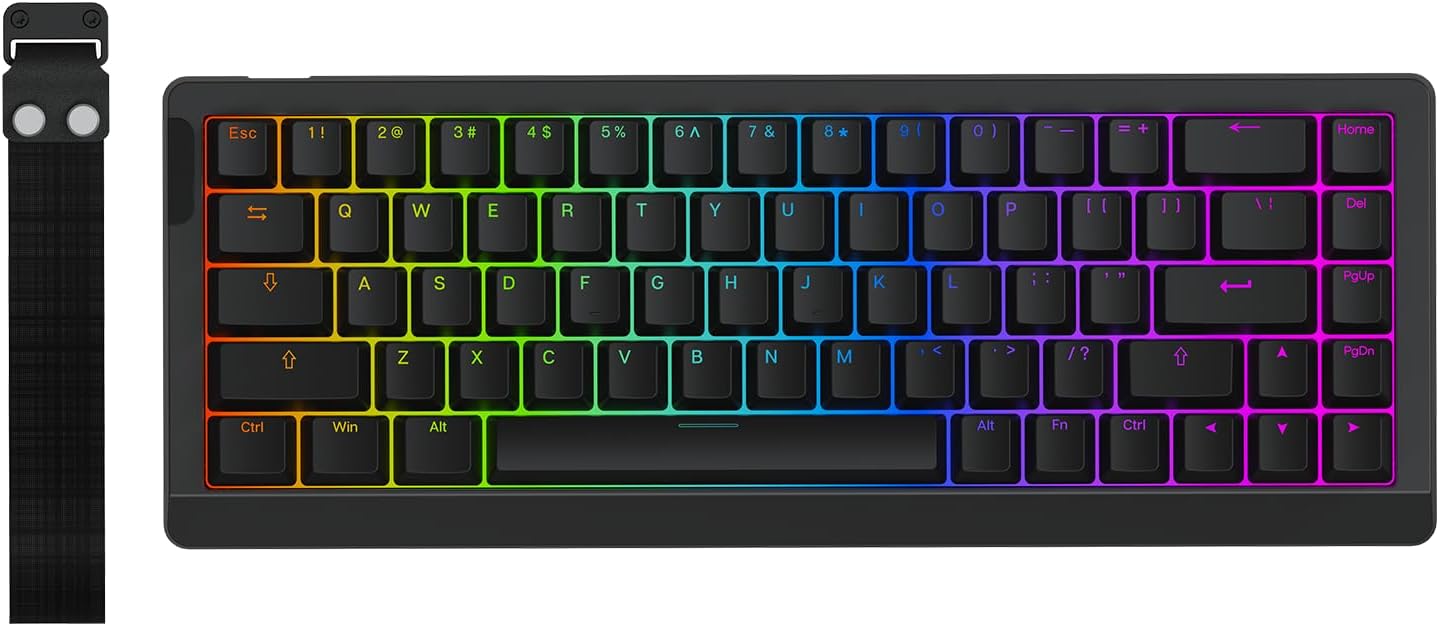
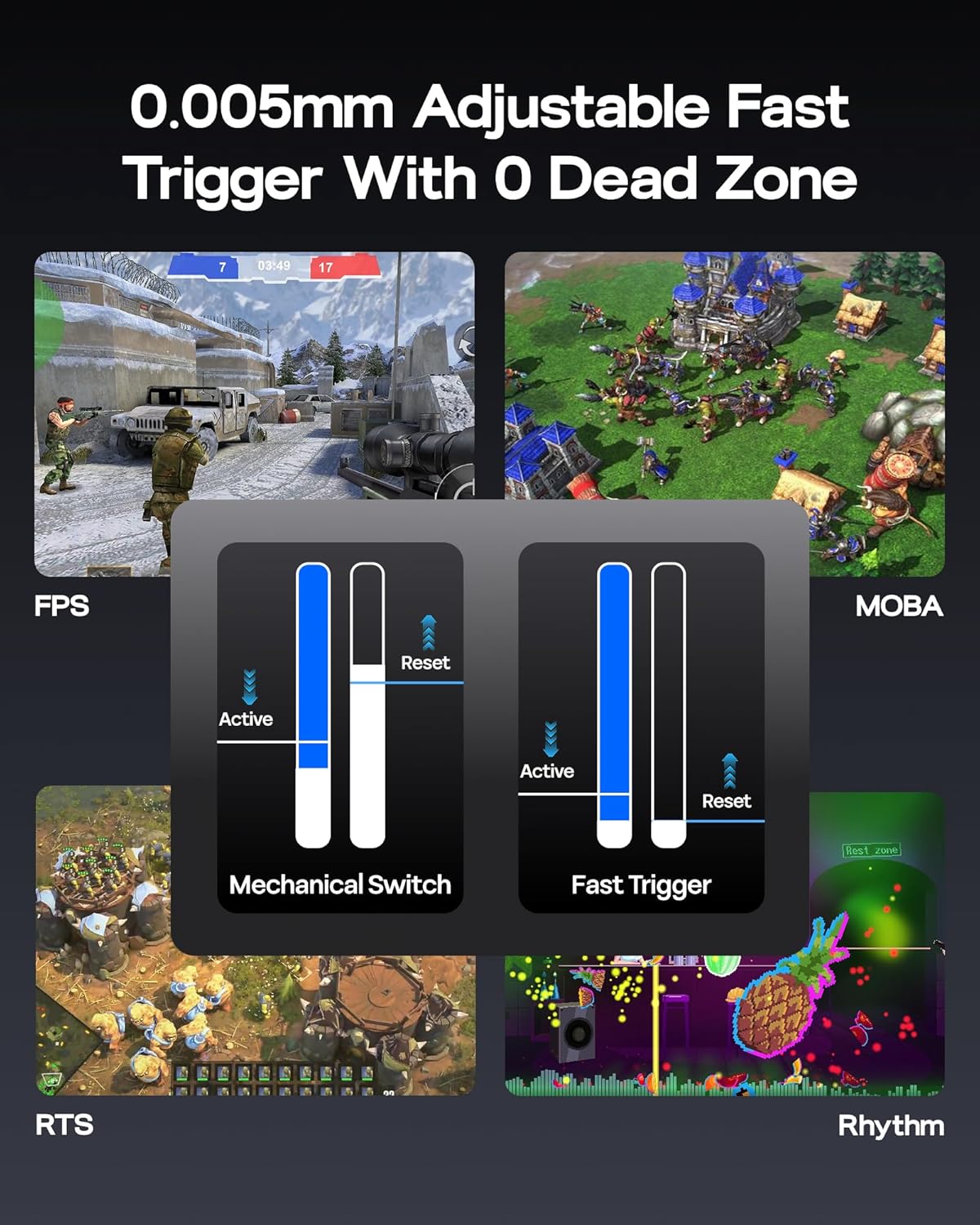
What really stands out is that it’s not trying to be only a lights-and-effects board. The Hall effect setup is paired with fine trigger adjustment (0.01mm RT travel is mentioned) and the ability to set dead zone via EPOMAKER software for Mac/WIN. That combination is the difference between “it feels fast” and “it’s fast in the way you’ve chosen.”
The second big factor is how quickly the board is positioned as reacting: the package includes both the polling rate and a per-key scan rate figure. Together, they’re aimed at smoother, more precise control—particularly for fast inputs and rapid sequences.
What you’ll notice day to day
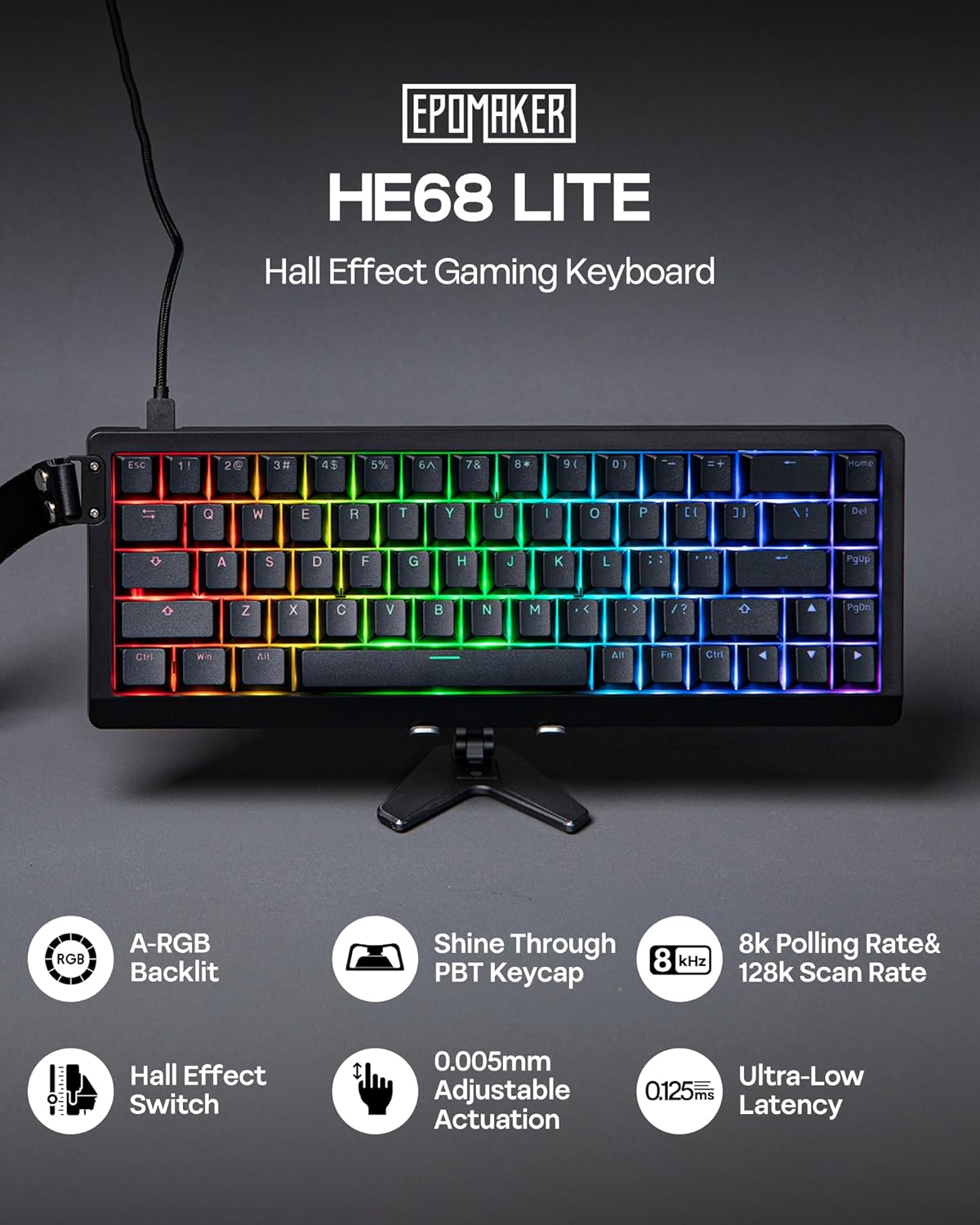
The HE68 Lite is designed with competitive use in mind, but it still tries to be practical. The shine-through PBT keycaps and an A-RGB two-layer light system are meant to keep the board readable in low light, including an approach where you don’t have to choose between a dynamic effects look and triggered-key confirmation.
In everyday use, the 65% layout (68 keys) is where the “real world” benefits show. It should feel less cramped on the desk than full-size boards, and it’s the kind of size people pick when they want a cleaner setup—especially for gaming on a smaller surface.
One small limitation to keep in mind: the marketing mentions “greasy-resistant” keycaps, but there’s no detail here on what that means in practice (how well it resists oil, how it cleans, etc.). If you’re particularly hard on keycaps, you’d still want to check how the materials are maintained.
Where it shines (and where it may not)
It makes sense if you prioritise: - Fine-tuning trigger behaviour for games where input timing is noticeable. - A compact 65% keyboard that you can leave on your main desk without taking over. - Macro support and anti-ghosting-style behaviour for quick, reliable execution.
It might not be the best choice if: - You’re after a basic plug-and-play typing board with minimal setup. - You don’t care about trigger adjustment or Hall effect features, because you may be paying for performance you won’t use. - You want a detailed specification of switch characteristics beyond what’s already listed, some expectations (like how it feels compared to other switch types) aren’t fully covered in the information provided.
Tech specs
- Type: Hall effect gaming keyboard (wired)
- Size: 65% / 68-key layout
- Polling rate: 8,000 Hz
- Scan rate: 128,000 per-key scan rate (as stated)
- Latency: 0.125ms (as stated)
- Adjustable trigger: 0.01mm RT travel (as stated)
- Dead zone: adjustable, with support for setting it via EPOMAKER software
- Switch: factory-lubed magnetic linear switch (as stated)
- Backlighting: shine-through backlight with special A-RGB and a 2-layer light system
- Layout features: Snap Key (SOCD)
- Macro support: via EPOMAKER software on Mac/WIN
- Onboard memory: for layout, macros, and trigger range (as stated)
- Connectivity/port: detachable USB port (as stated)
- Weight: 0.6kg (as stated)
Buying considerations for Mac and PC setups
EPOMAKER states compatibility with Mac and Windows through EPOMAKER software, and also mentions Android in the broader compatibility line. It also mentions onboard memory for layout, macros, and trigger range, which is useful if you plan to switch setups or want your configuration to stick.
Still, it’s worth checking your own workflow before buying: if you rely on a specific OS feature or you expect every setting to be available without software, the information here doesn’t confirm that. The tuning elements (dead zone and trigger range) clearly point to software use, so be comfortable with that setup.
Mini FAQ
Is this keyboard good for FPS and fast inputs?
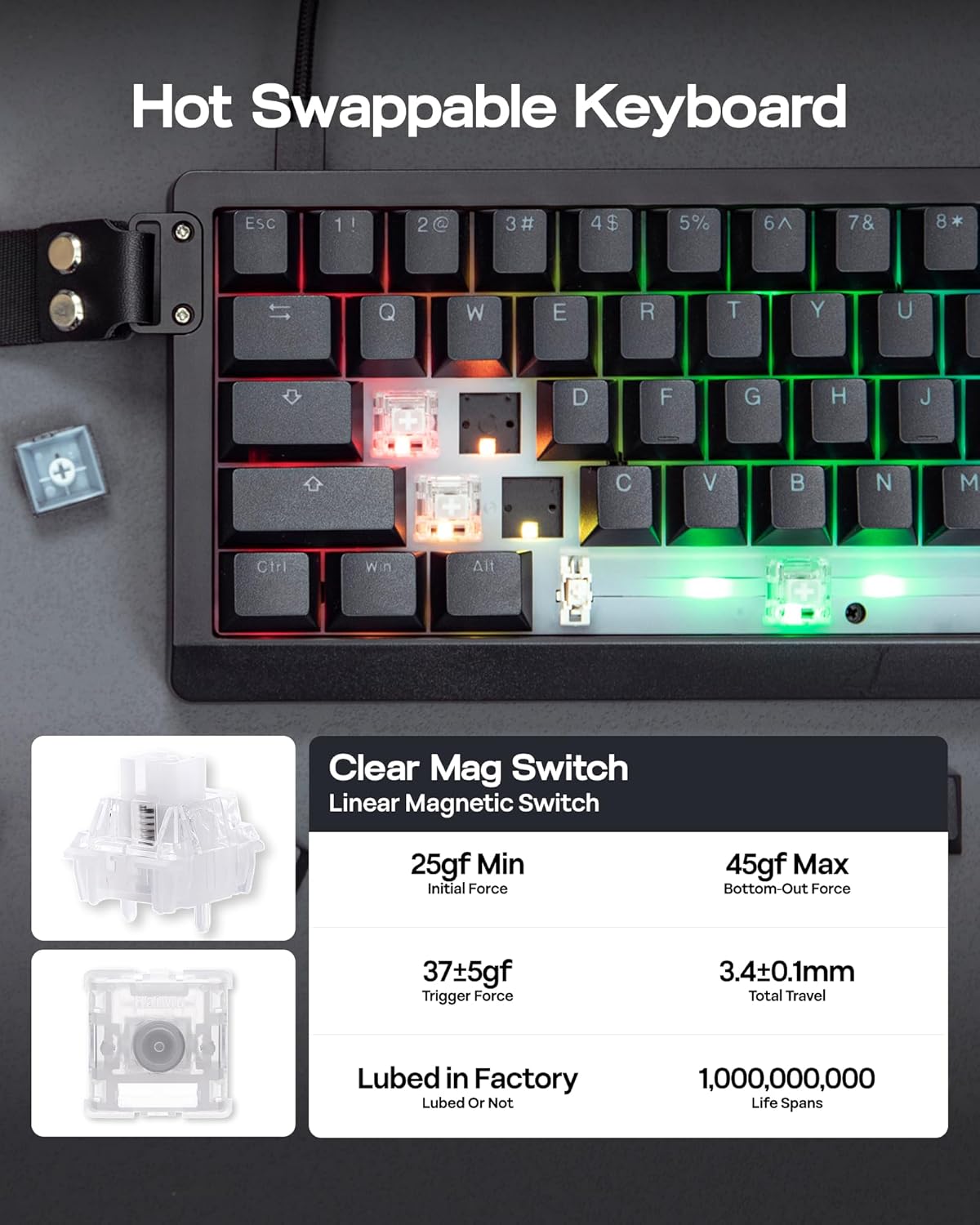
On the information provided, it’s clearly aimed at performance inputs: Hall effect actuation, high polling and scan rate figures, and a fast trigger with adjustable dead zone. For FPS-style play where timing matters, that’s the intended direction.
Does it support macros?
Yes. The product description says you can record and bind macros in EPOMAKER software for Mac and PC.
What does Snap Key (SOCD) mean here?
It’s described as prioritising your latest key press of opposite directions so your character doesn’t freeze on the spot. The exact implementation details aren’t expanded beyond that, so it’s something to sanity-check against how you play.
Is it worth buying if I don’t plan to adjust triggers?
If you don’t intend to use the 0.01mm fast trigger adjustment and dead zone tuning, you may not get the best value from what this board is built to do.
When it makes sense
This is a solid buy if you want a compact 65% wired Hall effect keyboard and you care about tuning trigger feel, executing fast inputs cleanly, and keeping visual clarity with shine-through PBT keycaps and the A-RGB system. It’s less compelling if your priority is straightforward typing or you’d rather avoid software-based adjustments—because a lot of what makes the HE68 Lite interesting depends on those tuning and macro features.
If you’re the type to tinker with actuation points for specific games, it’s exactly the sort of keyboard that rewards that time. If not, it may end up feeling like a feature-rich detour.