

Razer Tartarus Pro gaming keypad with analogue-optical switches (32 programmable buttons) – Black
Reviews
Price
Product description
What it is (and why people buy one)
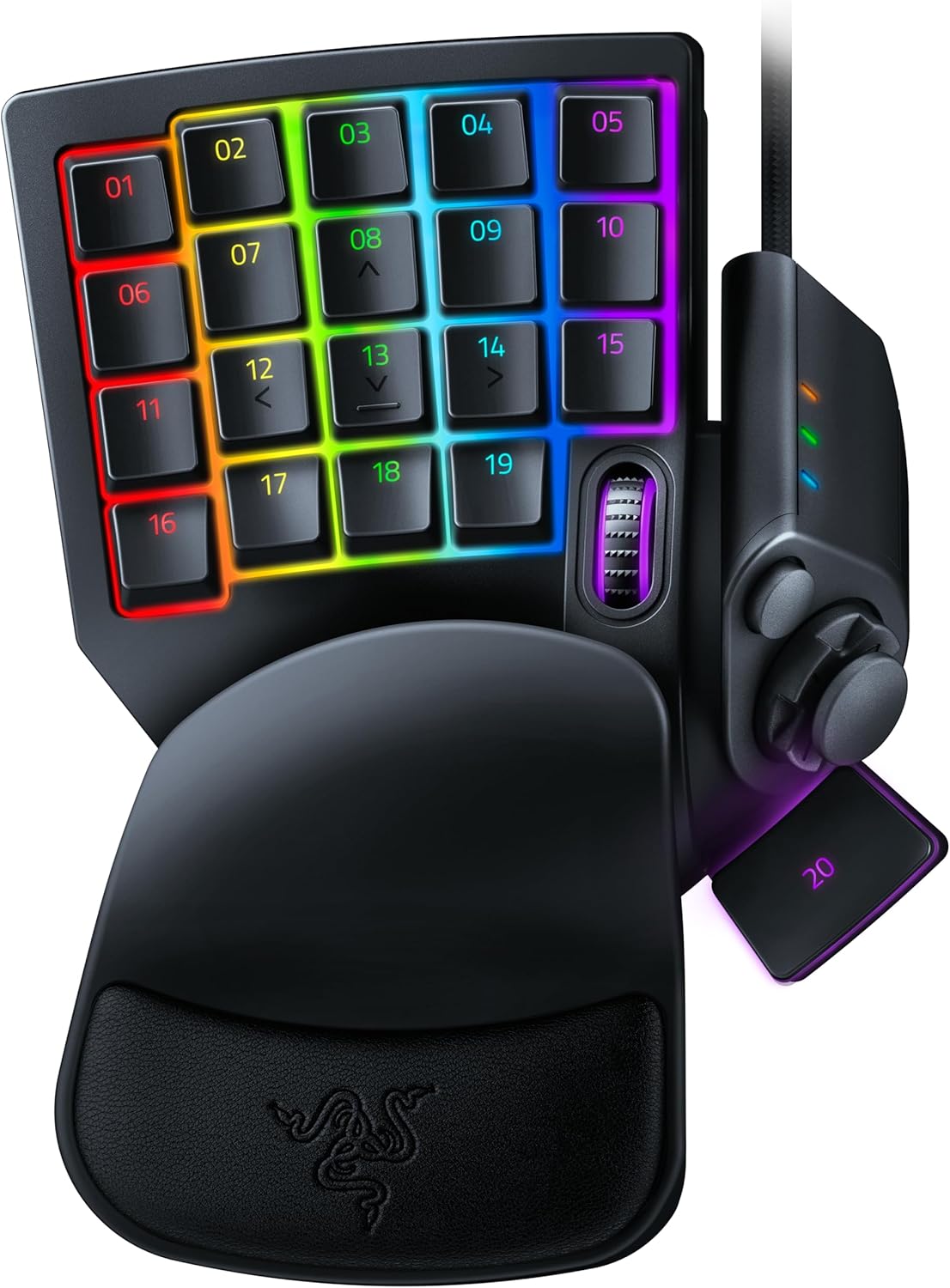
The Razer Tartarus Pro is a gaming key pad designed to sit alongside your keyboard and give you faster, more direct access to the commands you use most. It focuses on one big idea: you shouldn’t have to sacrifice control or speed just because your hands are split between movement keys and a pile of hotkeys. With 32 programmable buttons and profile switching on the device, it’s aimed at PC gamers who want a more comfortable “command area” and the ability to load different layouts for different games or roles.
On the switch side, it’s also trying to feel more like a controller trigger than a traditional on/off key. If you like the idea of inputs that react to how far you press, or you’re the type to fine-tune responsiveness, the analogue-optical approach is the headline feature here.
The essentials you’ll actually notice
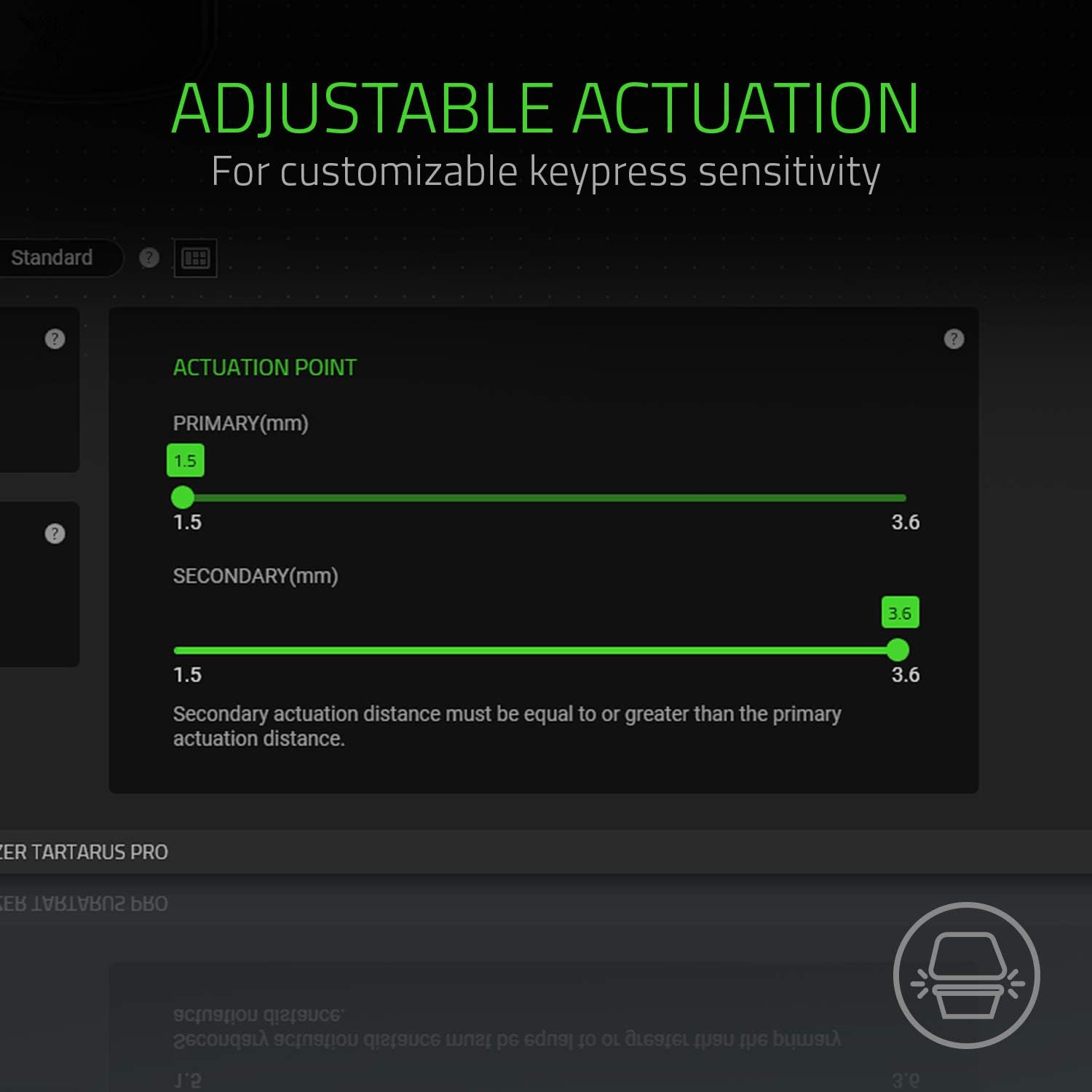
Where the Tartarus Pro stands out is in the combination of adjustable actuation and analogue-optical switching. The switches support an actuation range of between 1.5 mm and 3.6 mm, and you can calibrate sensitivity to suit your style. That means you can set it up so you get more speed, more control, or a mix between the two—rather than being locked into a single feel.
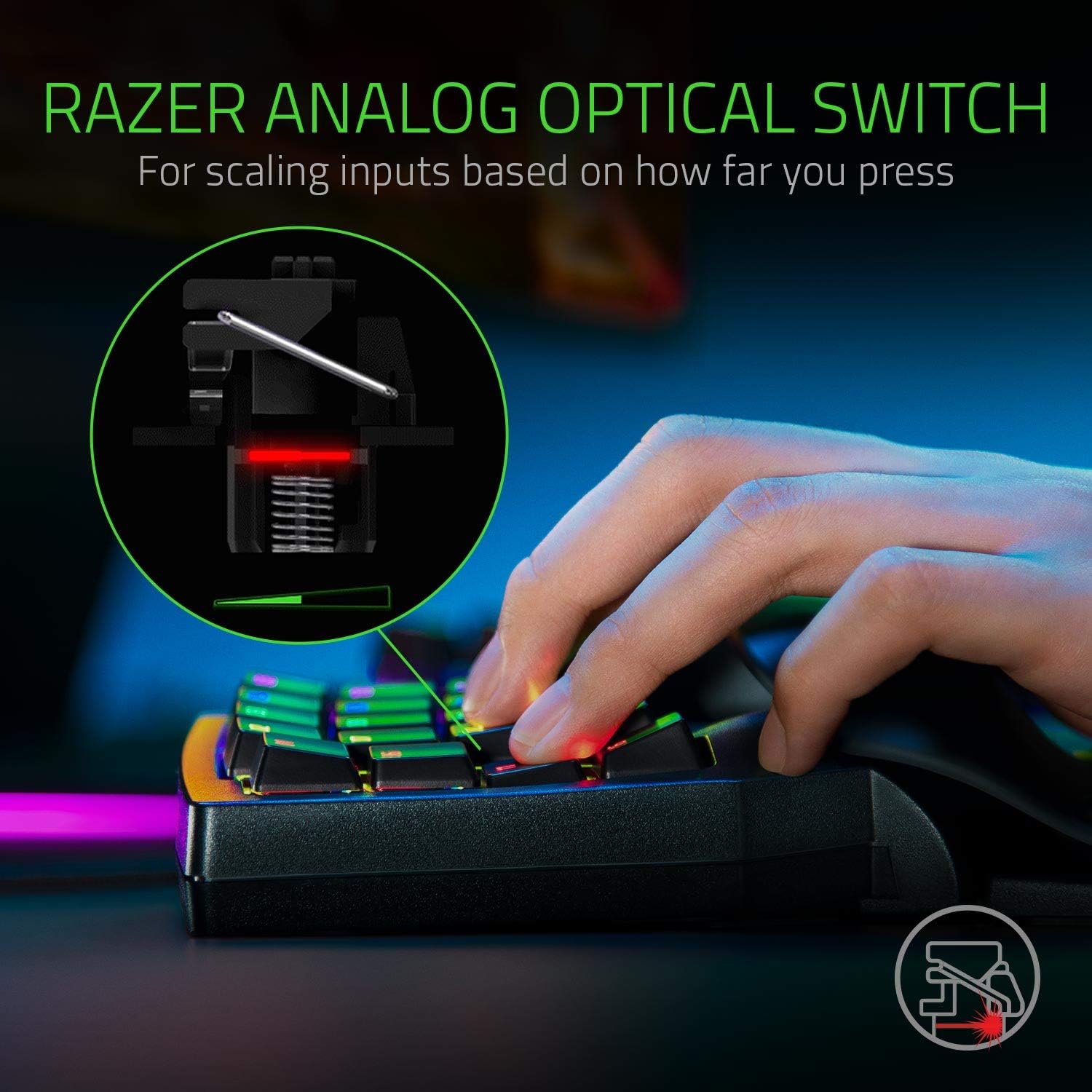
It also uses analogue-optical switches that can register incremental levels based on how strongly you press. Instead of a single “key pressed” event, the switches can track more granular input, similar in intent to controller triggers. In practice, that can be useful if your games benefit from partial vs full activation behaviour, or if you simply want better consistency in fast sequences.
32 programmable buttons (plus an 8-direction stick)
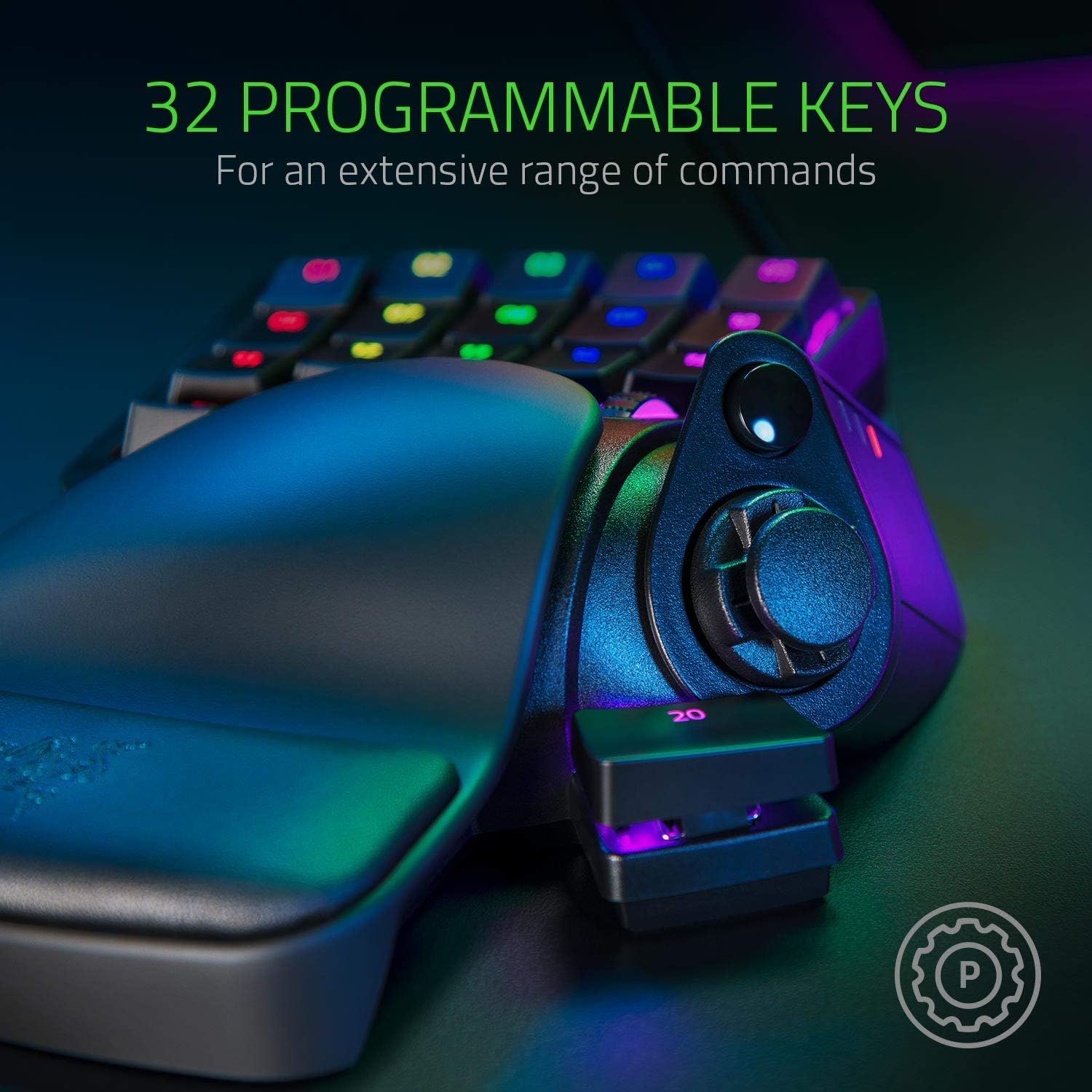
You get 32 programmable buttons, which is a decent amount for binding everything from combat abilities to movement shortcuts and quick item commands. There’s also an 8-direction D-pad-like control that can be assigned for navigation or additional commands.
Profiles and rapid switching in the moment
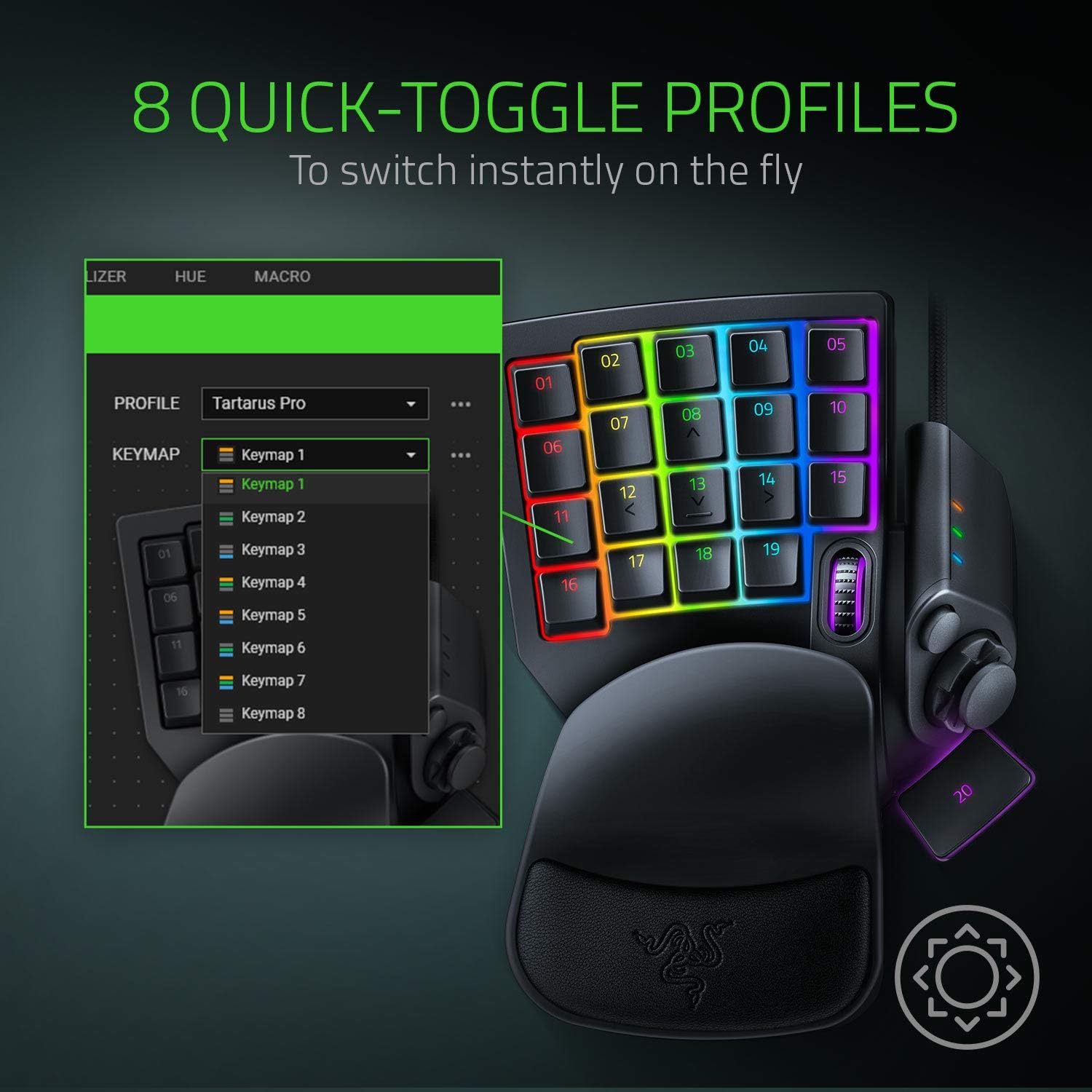
The Tartarus Pro supports 8 quick-switch profiles. There’s a dedicated button on the side of the keypad to change profiles instantly, which is handy when you’re mid-session moving between different roles, builds, or games.
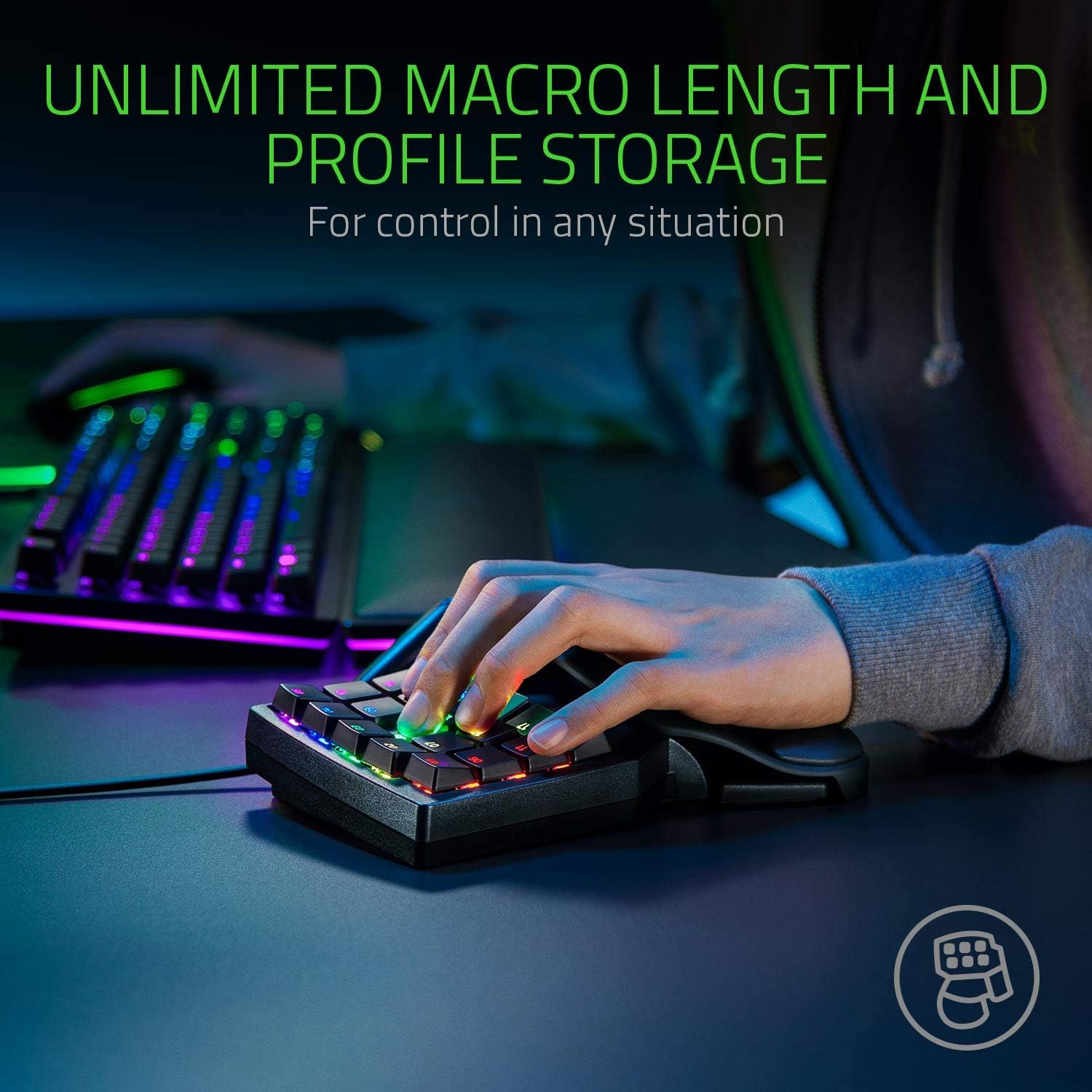
For people who rely on macros, there’s also support for unlimited macro length and the ability to store profiles. That doesn’t automatically make it “simple”, but it does help if you prefer to keep everything ready rather than reconfigure each time.
One thing to bear in mind: if your setup doesn’t need multiple layouts, you may end up paying for features you won’t use. The keypad is at its best when you actually plan to bind a lot of actions.
What the rapid-trigger and adjustable actuation enable
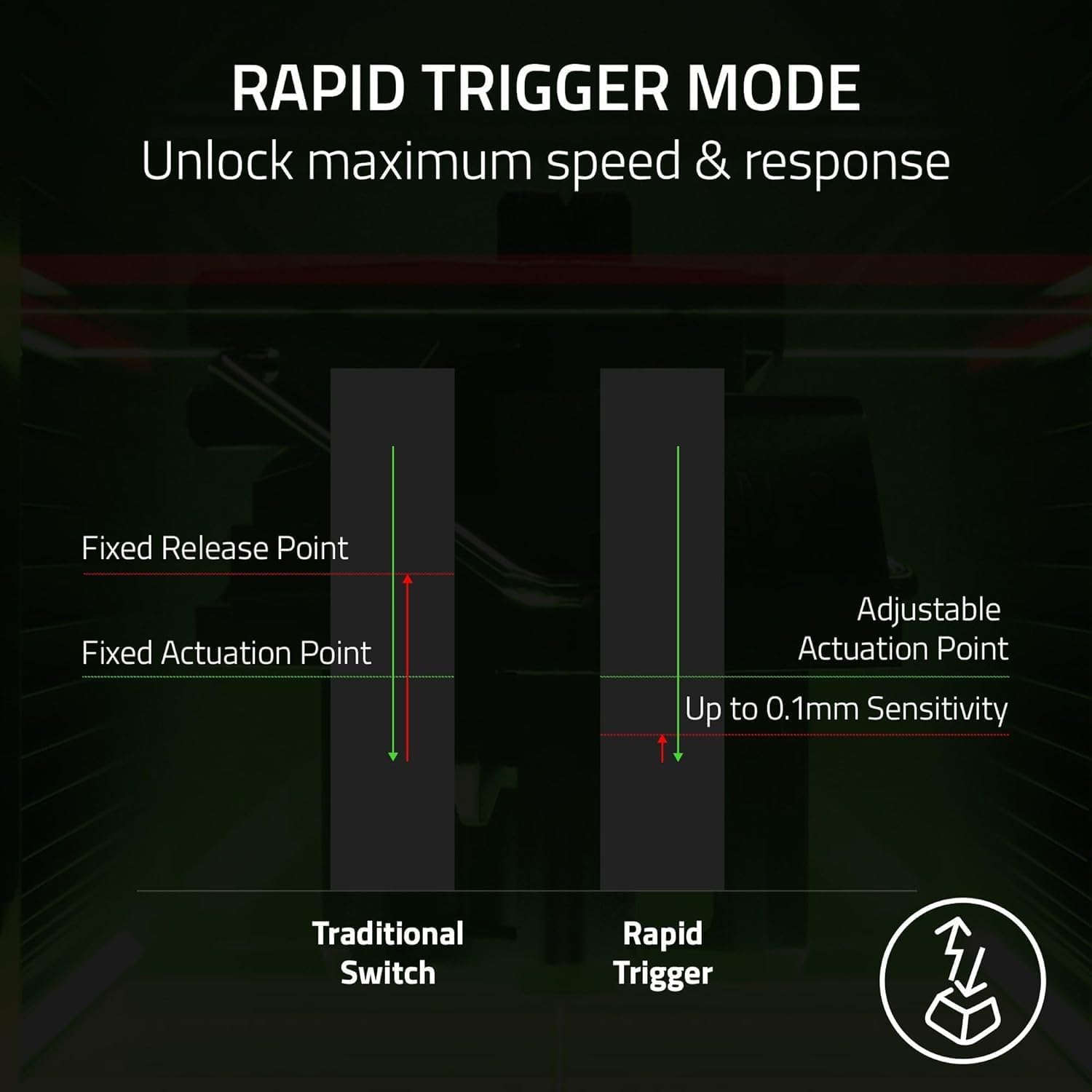
The analogue-optical switches are paired with adjustable actuation. So, rather than only choosing between “presses at one point”, you can calibrate where the key effectively registers.
This can matter in games where reaction time and muscle memory are everything. For example, you might set a quicker actuation for abilities you want to trigger immediately, then aim for a slightly more controlled press for commands you don’t want to fire by accident.
Also worth noting: the “double function” idea is explicitly supported—each key can run two functions, one for partial press and one for full press. That’s an interesting way to expand what each physical button can do, but it also means the setup has more moving parts than a straight button-to-action mapping.
Practical setup mindset (what to check before buying)
Before you commit, it’s sensible to think about how you’ll use the keypad. This model is built for PC gaming setups, and it’s most convincing if you’re comfortable investing a bit of time into mapping buttons and tuning sensitivity.
A few things to consider:
- If you like tweaking responsiveness, adjustable actuation and analogue-optical inputs are exactly the features to look for.
- If you prefer simple, traditional on/off bindings and don’t want to think about partial vs full activation, you may find it more complicated than necessary.
- Profile switching helps, but only if you actually use multiple profiles during your sessions.
It’s not a “set and forget” gadget. On paper, it’s powerful—but that power is aimed at players who want control.
Is it worth it?
It’s a good fit if you want a compact gaming keypad with lots of programmable buttons, support for rapid profile switching, and the option to tune actuation and sensitivity for a more controller-like feel. It also makes sense if you’re drawn to incremental analogue inputs and the ability to assign two functions to a single key (partial and full press).
It may not be a great match if you’re after a straightforward alternative to keyboard hotkeys and you don’t want to spend time setting up macros, profiles, and sensitivity. If your current keybinds are already minimal, the feature set can feel like overkill.
Mini FAQ
Can I use multiple layouts for different games or roles?
Yes—there are 8 quick-switch profiles and a profile button on the side, designed to swap instantly.
What does adjustable actuation mean here?
It means the switches support a configurable actuation range (1.5 mm to 3.6 mm), so you can calibrate when inputs register based on your preferences.
Do the analogue-optical switches work like normal keys?
Not quite. They’re designed to register levels based on how you press, rather than only treating each press as a single on/off event.
Are there options for using macros?
Yes, the keypad supports unlimited macro length and profile storage for keeping your setups ready.