

Razer BlackWidow V4 (Green Switch) Mechanical Gaming Keyboard, QWERTY UK Layout
Product description
Key takeaways
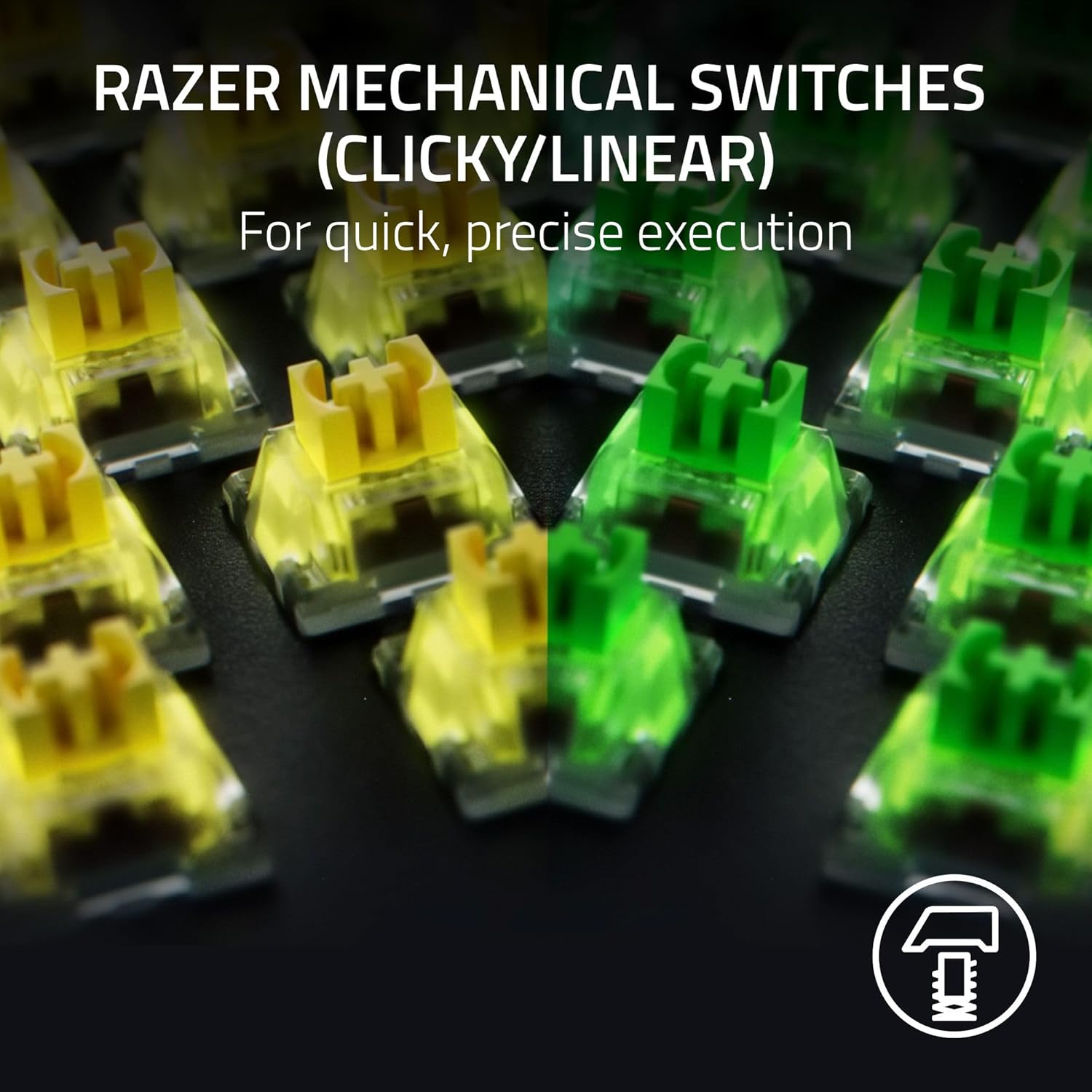
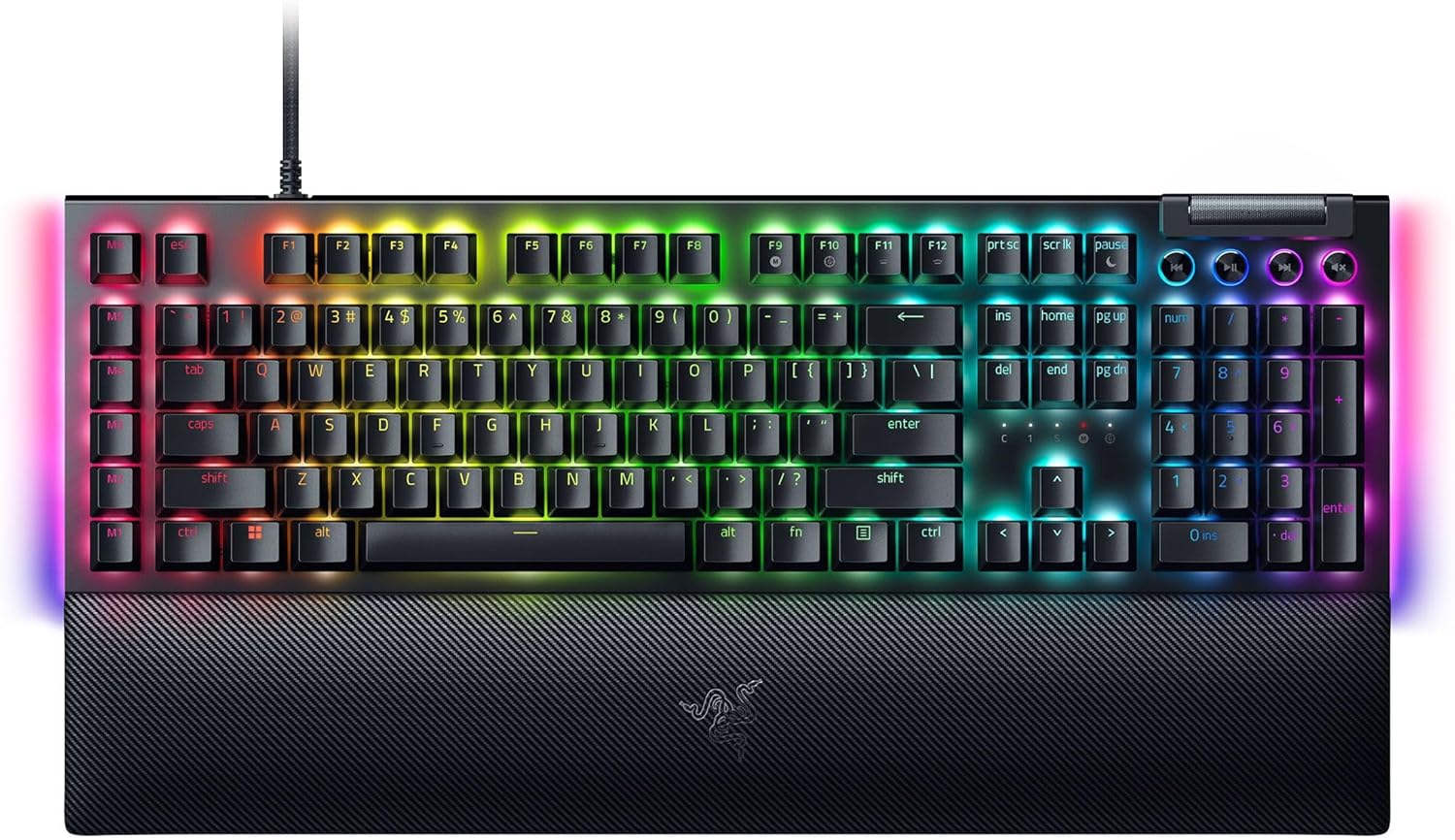
The Razer BlackWidow V4 with green switches is aimed at players who want tactile, clicky feedback and quick, deliberate inputs—rather than a quieter keyboard. On paper it leans into “feel” as much as function: a clicky, tactile switch design with a specified 1.9mm actuation point and 50g actuation force, plus per-key RGB and an underglow meant to look good from multiple angles.
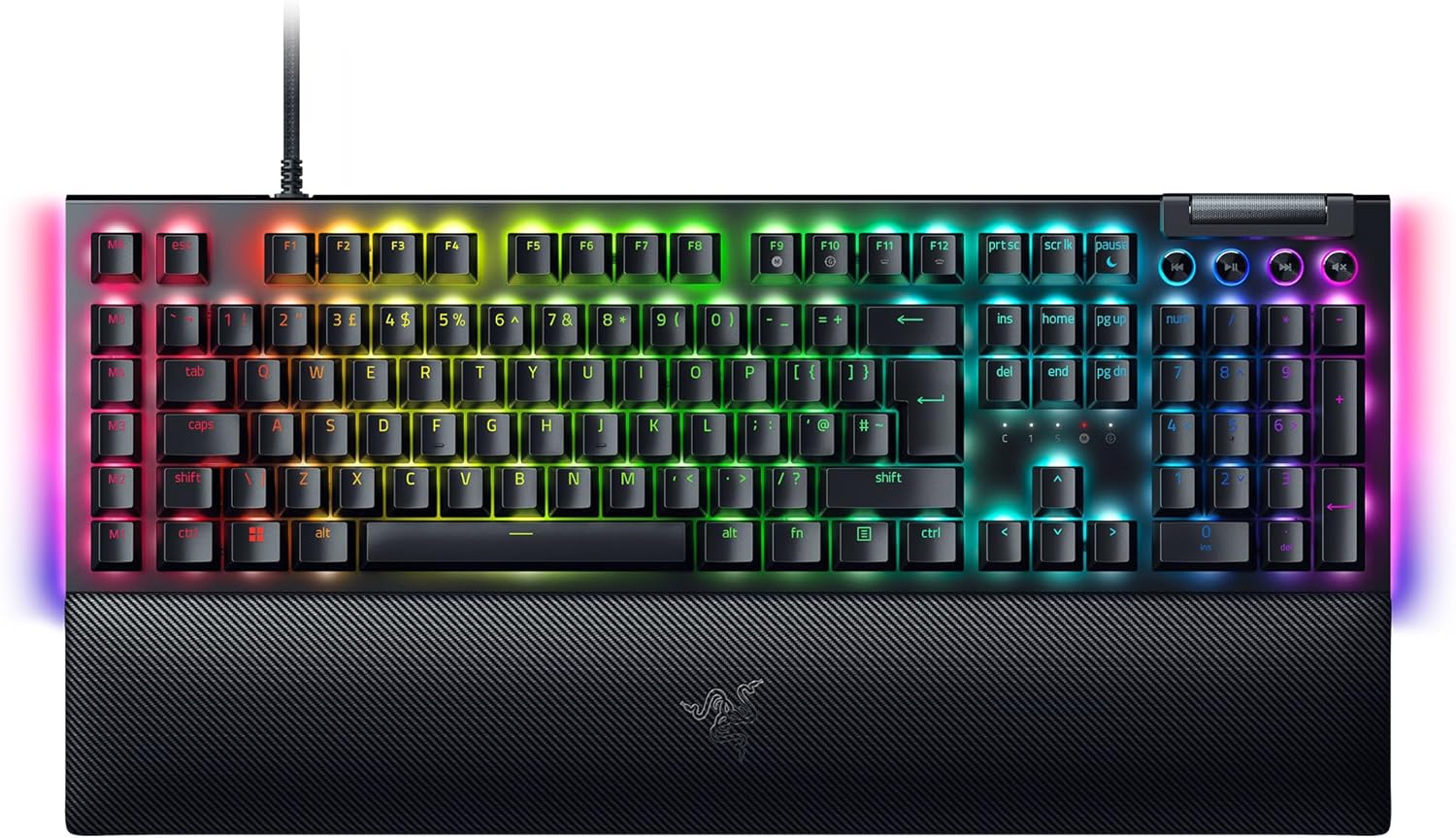
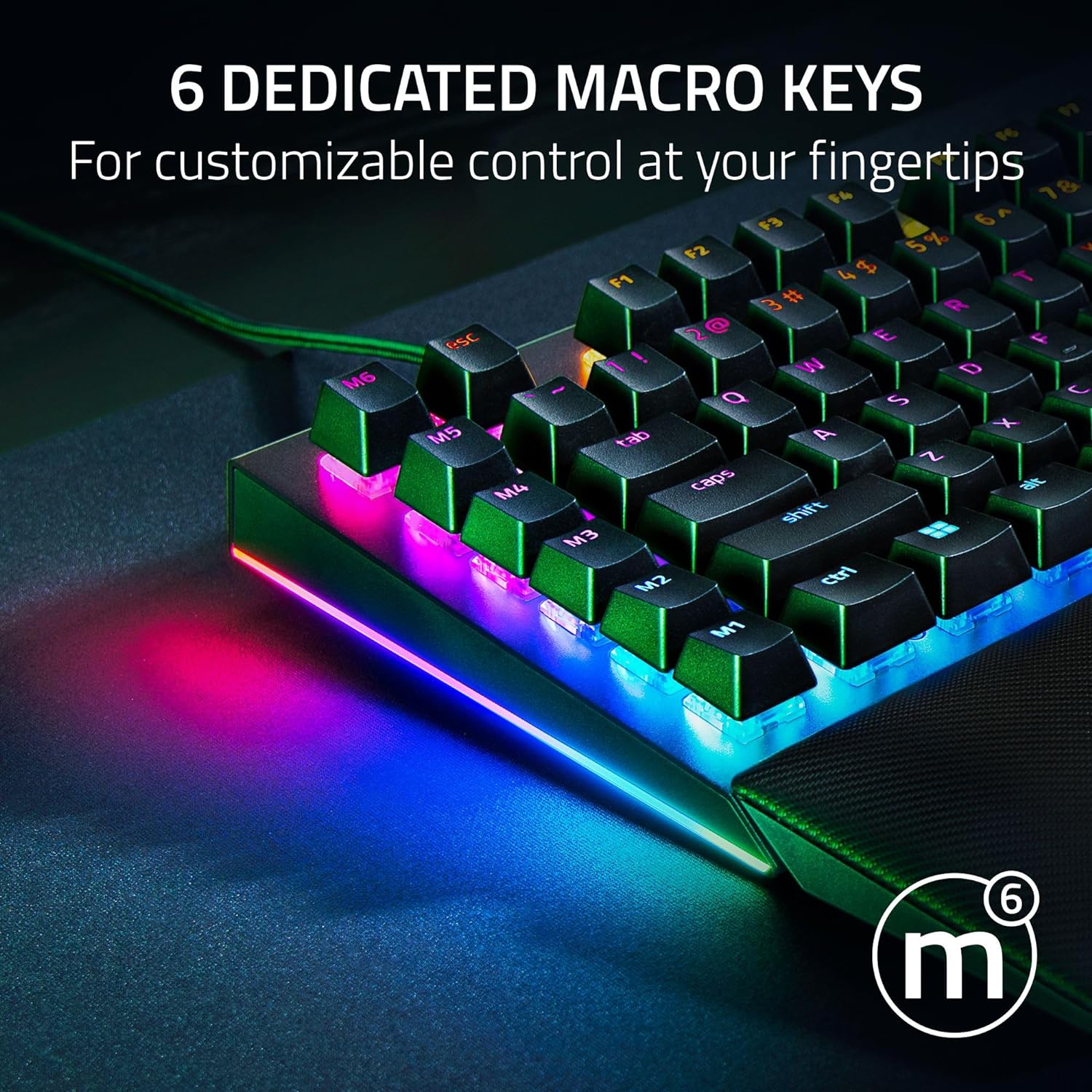
It also adds practical gamer controls: six dedicated macro keys, a multi-function roller and four media keys, and a snap-on magnetic wrist rest. If you like your keyboard to do more than just type, it gives you those extras without needing awkward key combos every time. The catch is that “clicky” is a lifestyle choice—if you’re after something discreet for shared rooms or late-night sessions, green switches may feel like overkill.
What to know
A mechanical gaming keyboard like this is usually chosen for three things: the switch feel, the speed/consistency of actuation, and the control layer (lighting, macros, media keys). BlackWidow V4 ticks the first and third boxes clearly. The tactile, clicky switches are described as prioritising precise execution with satisfying feedback, which tends to suit people who enjoy a physical confirmation when a keypress lands.
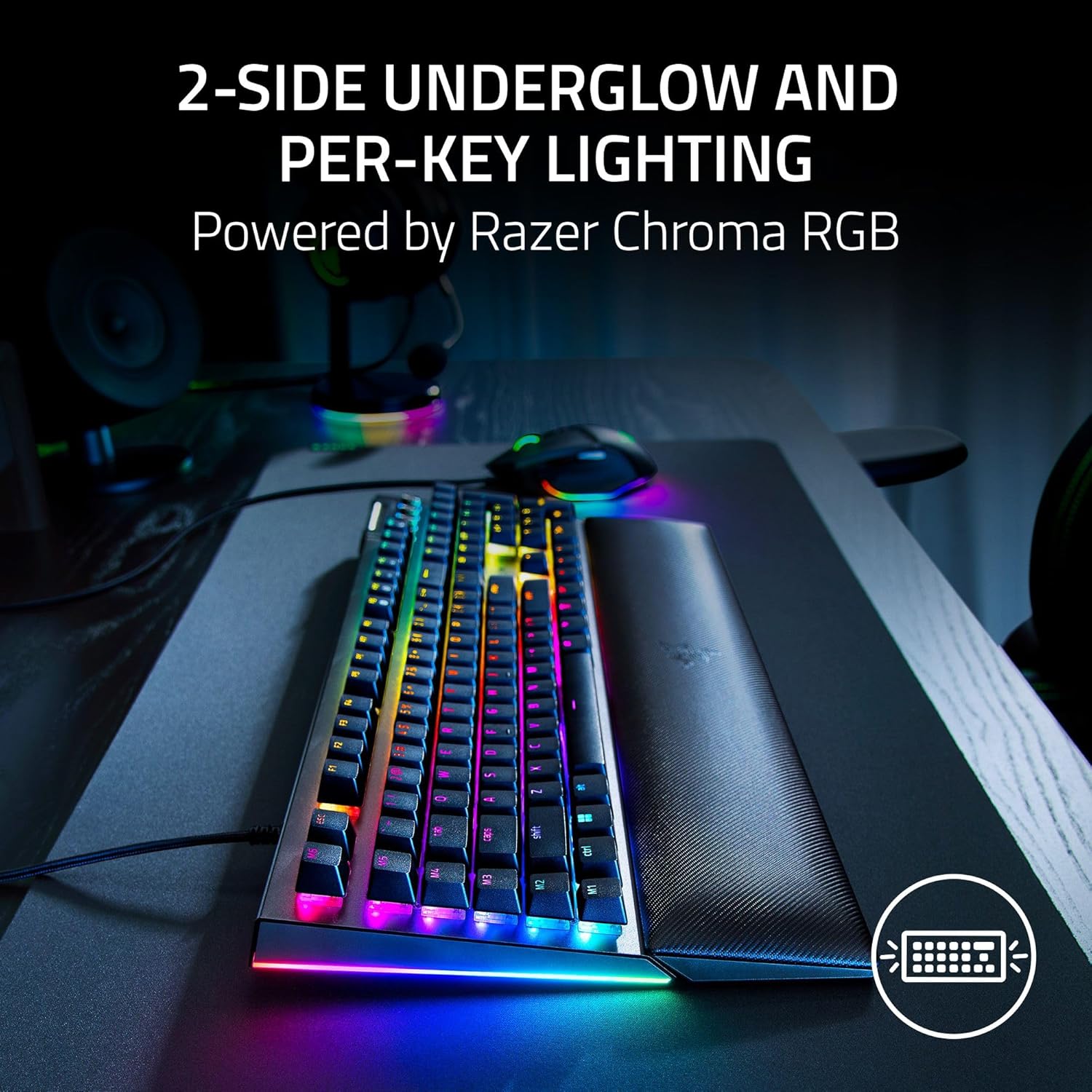
The lighting side is also a big part of the pitch. You get 2-side undegro w and per-key lighting powered by Razer Chroma RGB, with the promise of syncing lighting for immersion across hundreds of integrated games. For day-to-day use, that means you can set the look you want rather than living with a single default.
One thing to keep in mind is that there’s a Razer Snap Tap feature that prioritises newer input between two selected keys, and the note says the latest firmware update is required. It’s not the sort of toggle you want to ignore if you plan to use it.
Key features
Where this keyboard becomes more than a basic “gaming board” is in the control conveniences. The six dedicated macro keys are positioned for easy access, with the idea of handling in-game commands like optimising a skill rotation or triggering an ultimate. For anyone who has a handful of commands that repeat often, that dedicated space can reduce the time you spend hunting for the right key.
Then there’s the multi-function roller and four media keys for quick playback and system tweaks, including pause, play, skip, and adjustments to brightness and volume. It’s the kind of quality-of-life detail you notice during gaming sessions and when you’re switching between entertainment and gameplay.
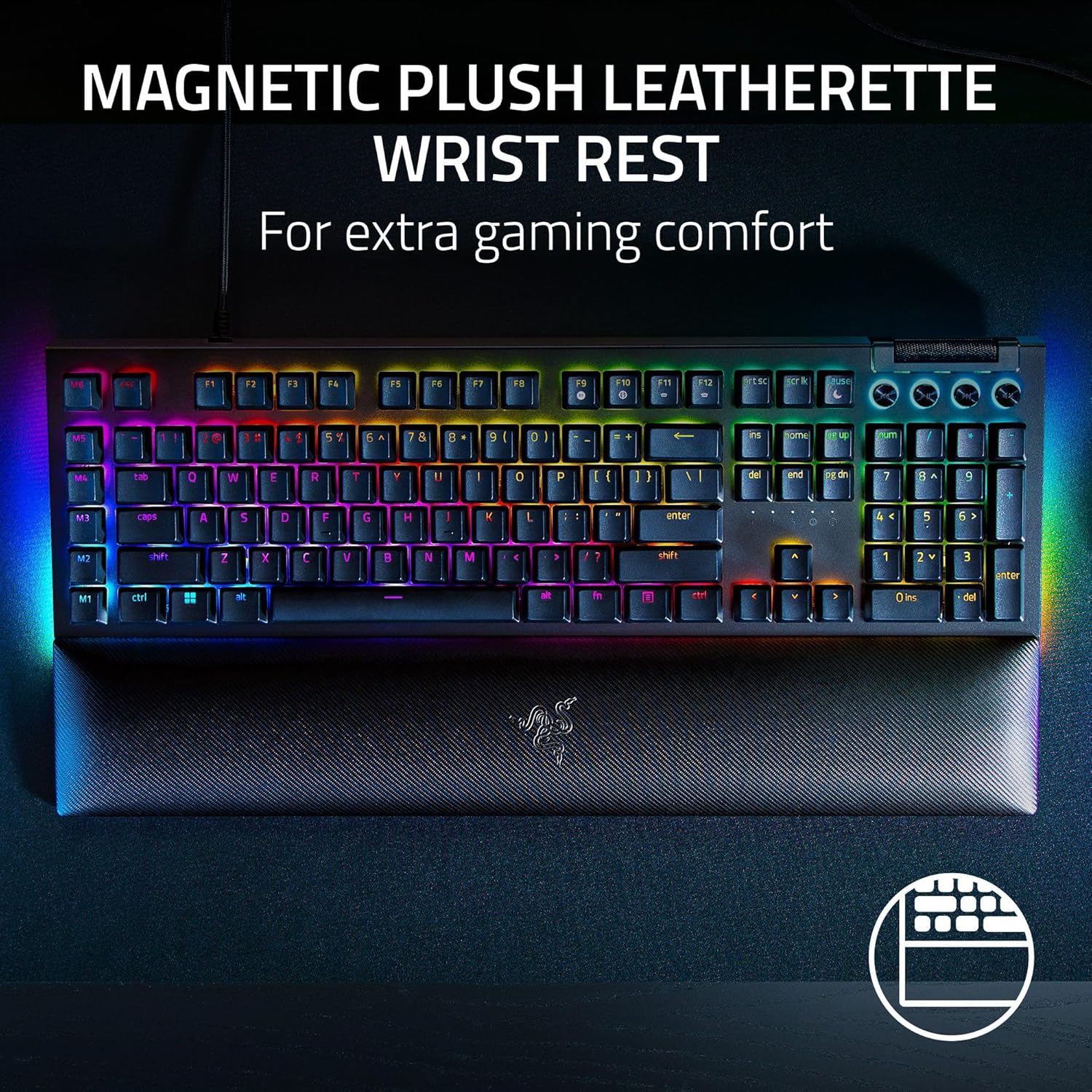
The included magnetic plush wrist rest is also worth calling out. It’s described as snap-on and cushioned, designed to stay secure while you play. It’s a small feature, but if you’re doing longer sessions, it can change how your hands feel during repetitive movements.
Tech specs
- Switch type: Clicky mechanical
- Actuation point: 1.9mm
- Actuation force: 50g
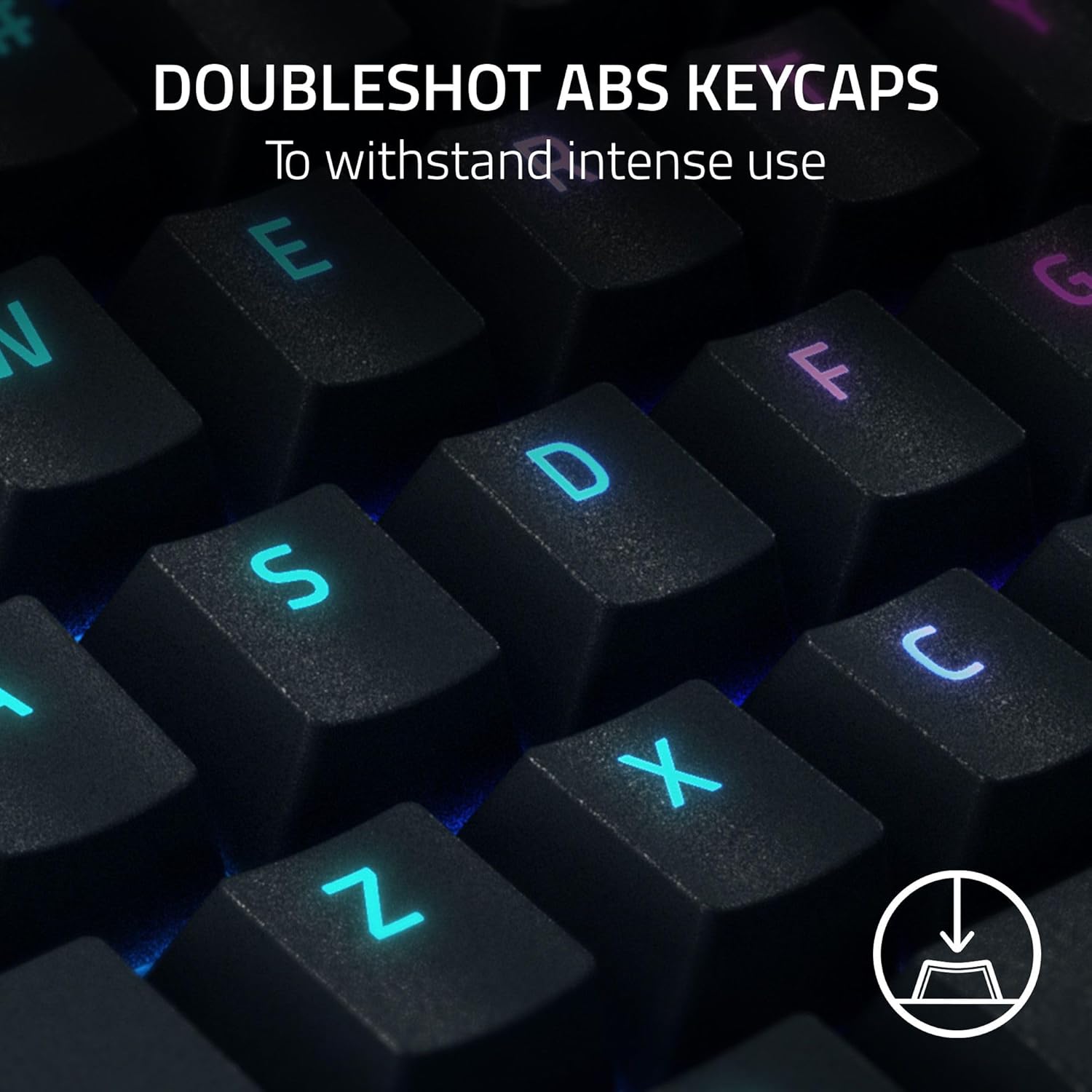
- Keycaps: Doubleshot ABS keycaps
- Macros: 6 dedicated macro keys
- Lighting: Per-key lighting with 2-side underglow (Razer Chroma RGB)
- Wrist rest: Magnetic plush leatherette (snaps to the keyboard)
- Controls: Multi-function roller and 4 media keys
- Layout: QWERTY UK layout
- Feature: Razer Snap Tap (latest firmware update required)
Usage tips
If you’re new to clicky mechanical switches, give yourself a short break-in window. Green switches are designed to provide tactile and clicky feedback, which can be satisfying for gaming but may be louder than you expect. A practical first test is to use it for normal typing for 10–15 minutes, then try a quick in-game key test where timing matters—like tapping direction changes repeatedly—so you can judge whether the feedback helps your execution.
For Snap Tap, treat firmware updates as part of setup. The product note also includes an important pre-start instruction: if you’re using a laptop, make sure it’s plugged into a wall outlet and not running on battery alone. It also recommends saving any open documents, closing other programs, and downloading the latest firmware update before you begin.
Pros and limitations
What stands out is the clear focus on tactile, clicky feedback plus immersion-style lighting. The per-key lighting and 2-side underglow can make the keyboard look more dimensional than single-angle RGB setups, and the dedicated macro keys and media controls are positioned for quick access.
However, this may not be the best match if you’re sensitive to noise. Green switches are famously “loud” compared to quieter switch types, and the keyboard’s value is tied to enjoying that clicky feel. Also, while Snap Tap is a notable feature, it depends on the latest firmware—so if you prefer plug-and-play with minimal tinkering, you may find that part slightly annoying.
Is it worth it?
Buy the Razer BlackWidow V4 (Green Switch) if you want a QWERTY UK mechanical gaming keyboard that prioritises tactile clicky feedback, includes dedicated macro keys and media controls, and you care about per-key RGB with a more dramatic underglow look.
It’s not the best pick if you need a quieter keyboard for shared spaces, or if you’d rather avoid firmware updates and setup steps—especially if you only want the simplest version of “gaming keyboard” features.
If you’re the kind of gamer who benefits from repeatable command shortcuts and likes a physical sense of actuation when you press, it should feel like a sensible, feature-led upgrade rather than just another RGB board.