

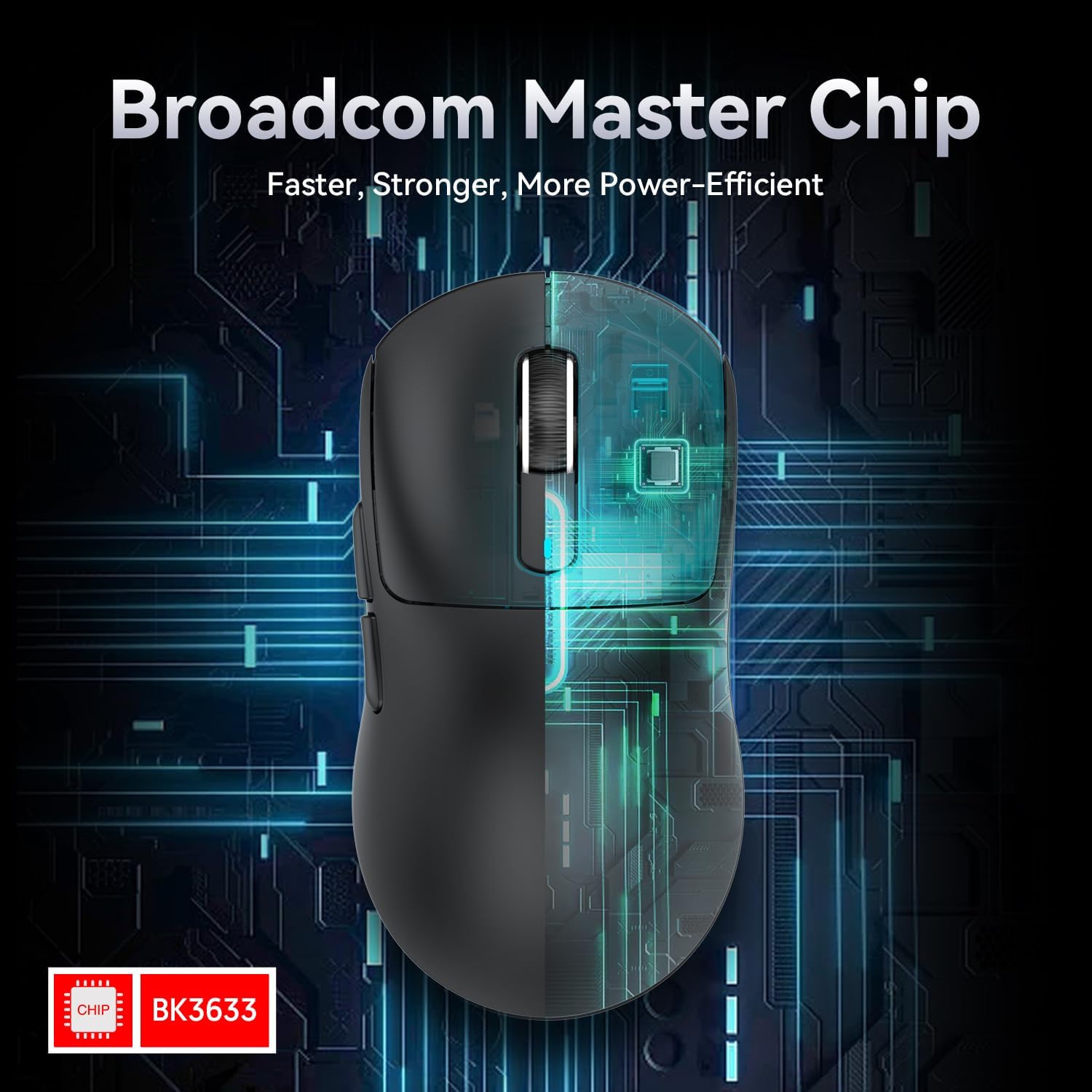
ATTACK SHARK X3 49g Superlight gaming mouse with PixArt PAW3395 (BT/2.4G wired), up to 26,000 DPI, 200 hours battery
Product description
The essentials
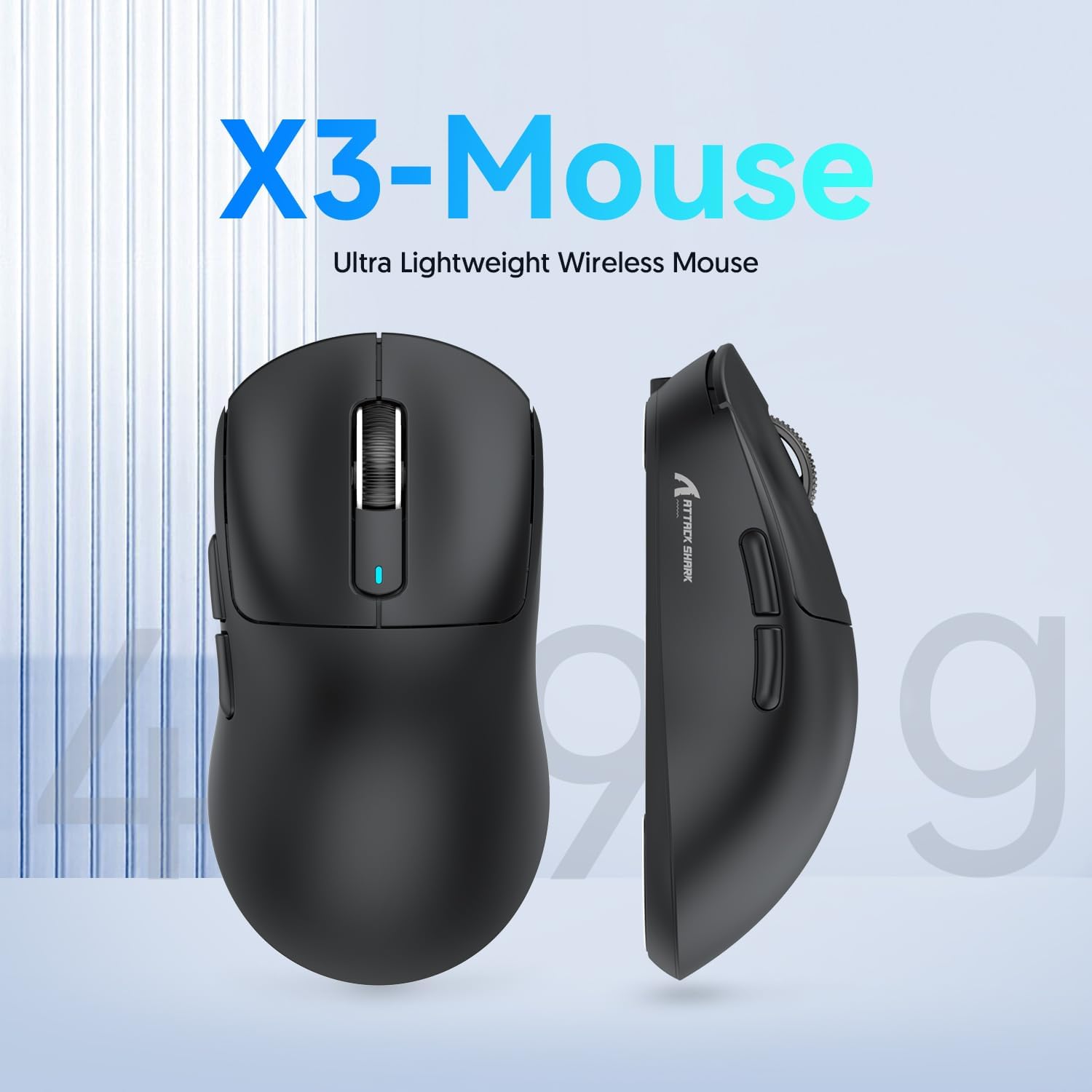
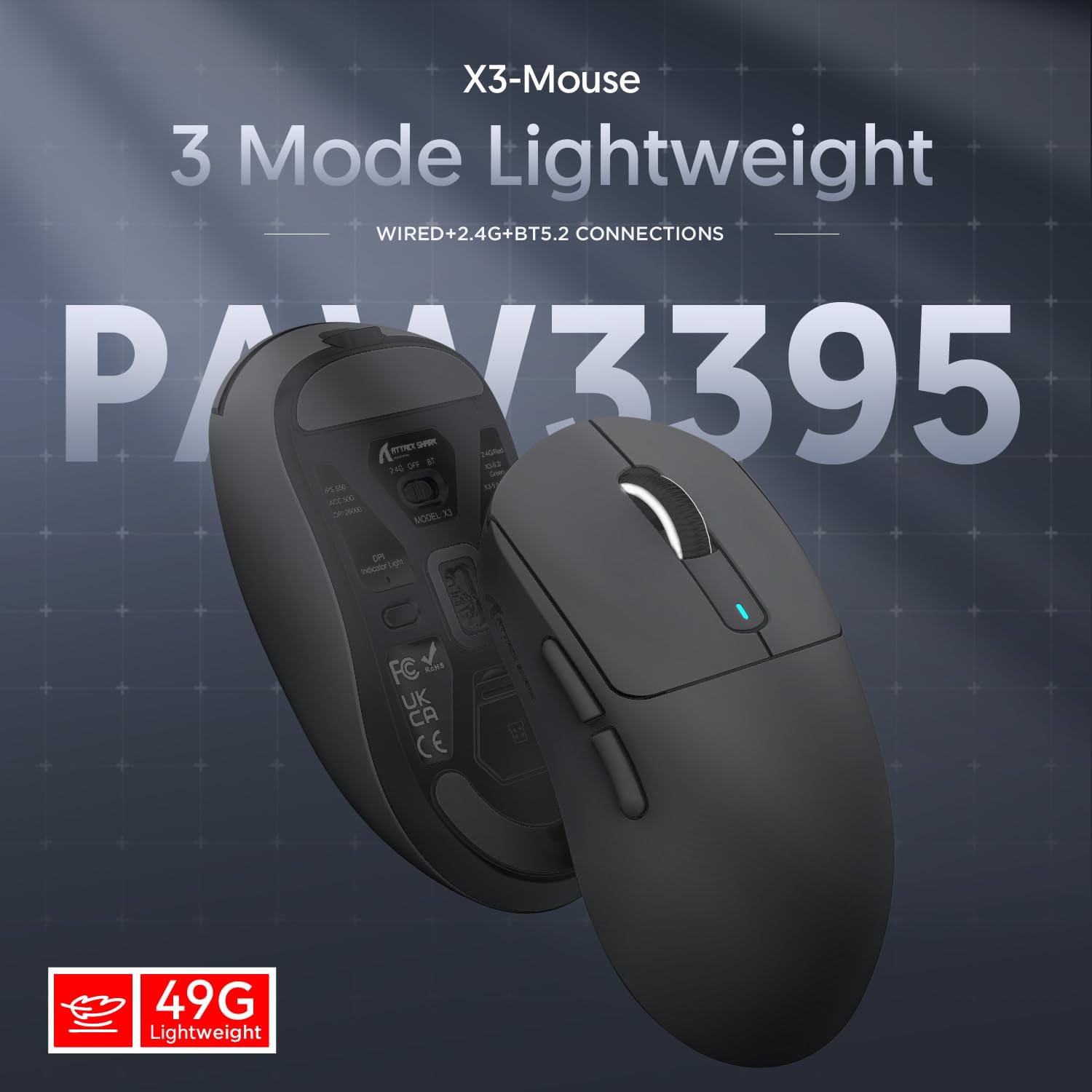
If you’re drawn to ultra-light mice, the ATTACK SHARK X3 is clearly built around one goal: keeping weight down without feeling like you’ve lost control. It’s listed as a 49g superlight model, and it pairs that with a PixArt PAW3395 gaming sensor, adjustable DPI up to 26,000, and six DPI steps. On paper, it’s the sort of mouse you’d buy for fast, low-fatigue sessions where movement matters.
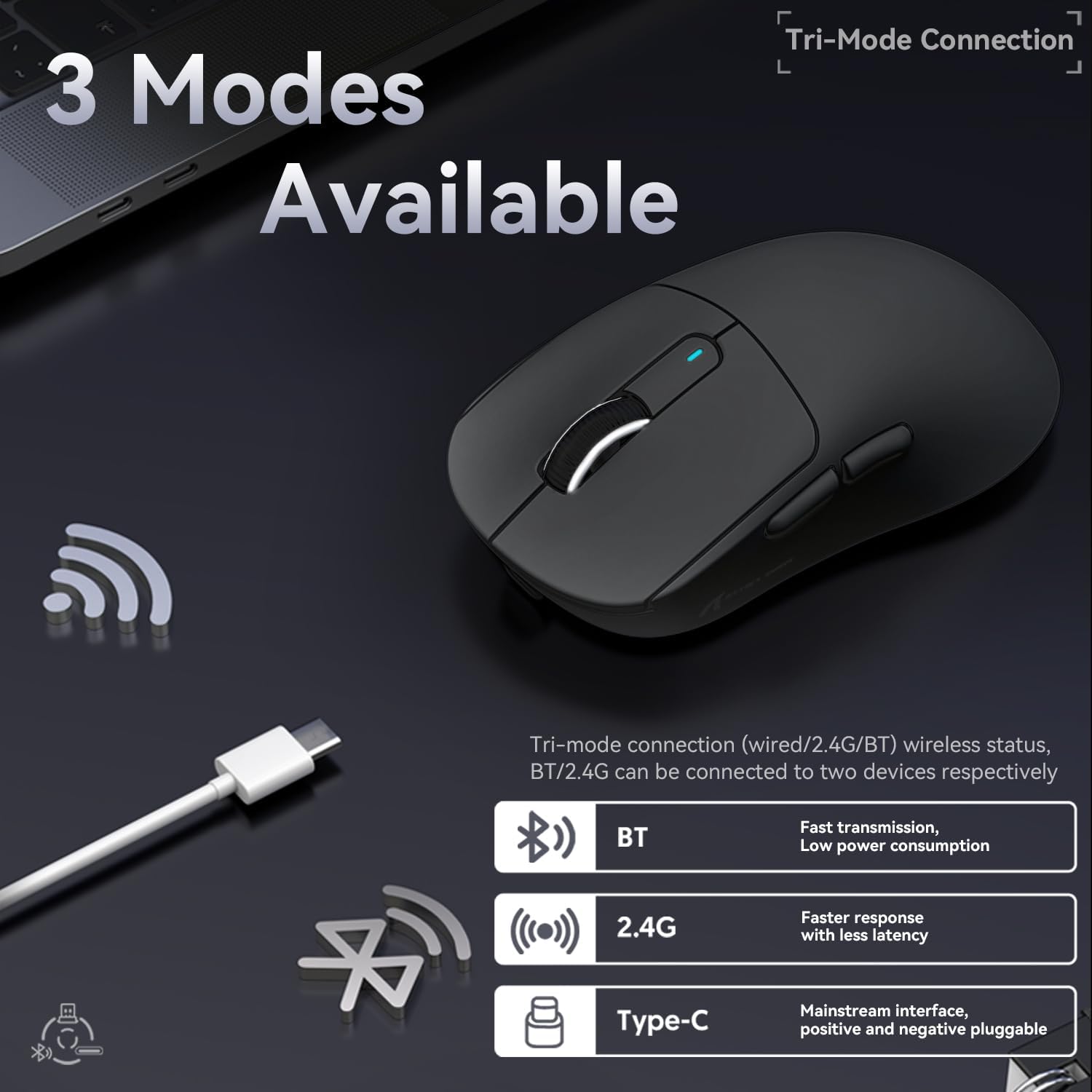
It also takes a more modern approach to connectivity. The X3 is described as tri-mode: USB-C wired, 2.4 GHz wireless, and Bluetooth. That matters if you switch between a gaming setup and something more casual, or if you want one mouse that can travel between devices.
What matters most (and what you’ll notice)
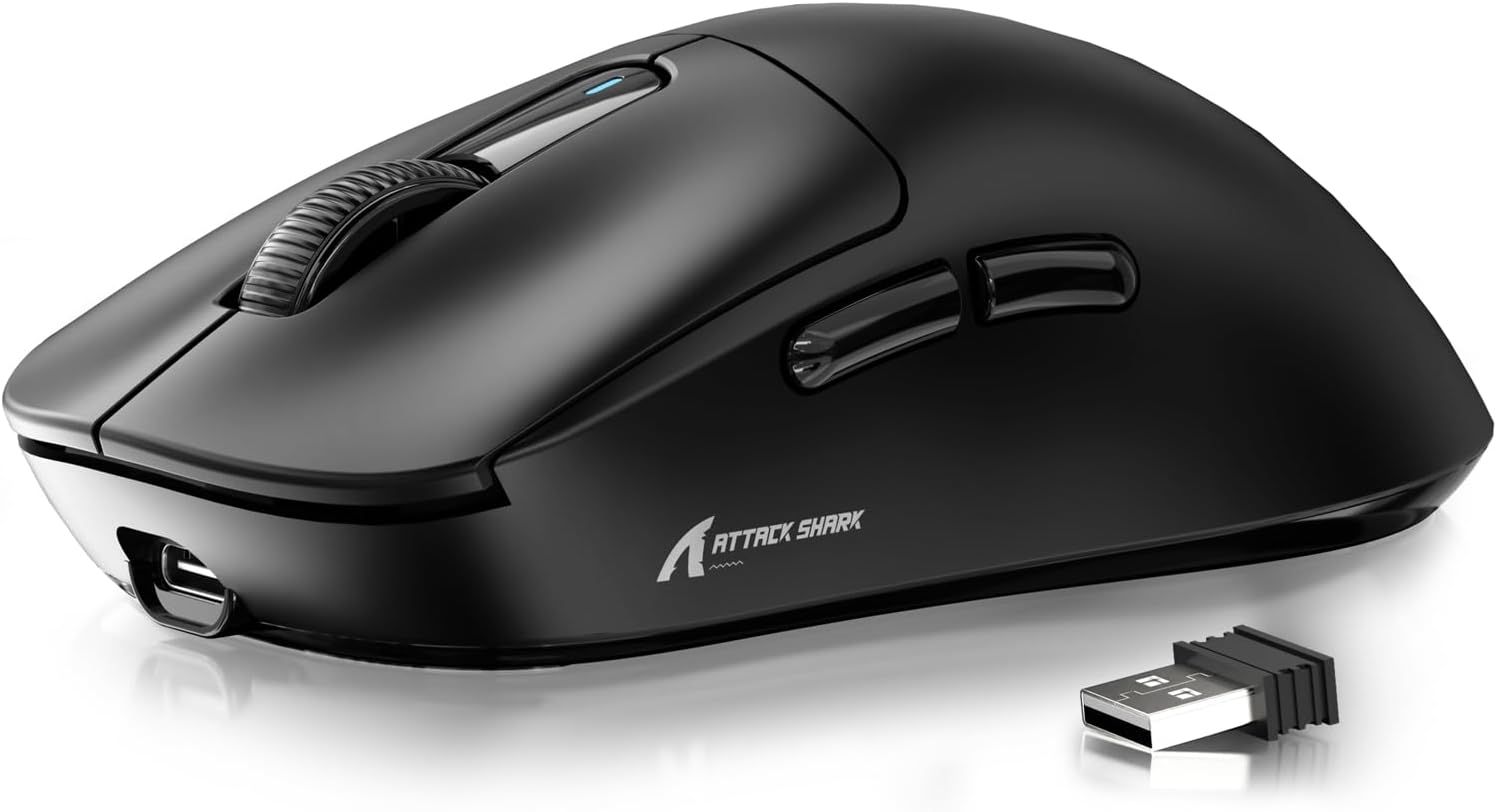
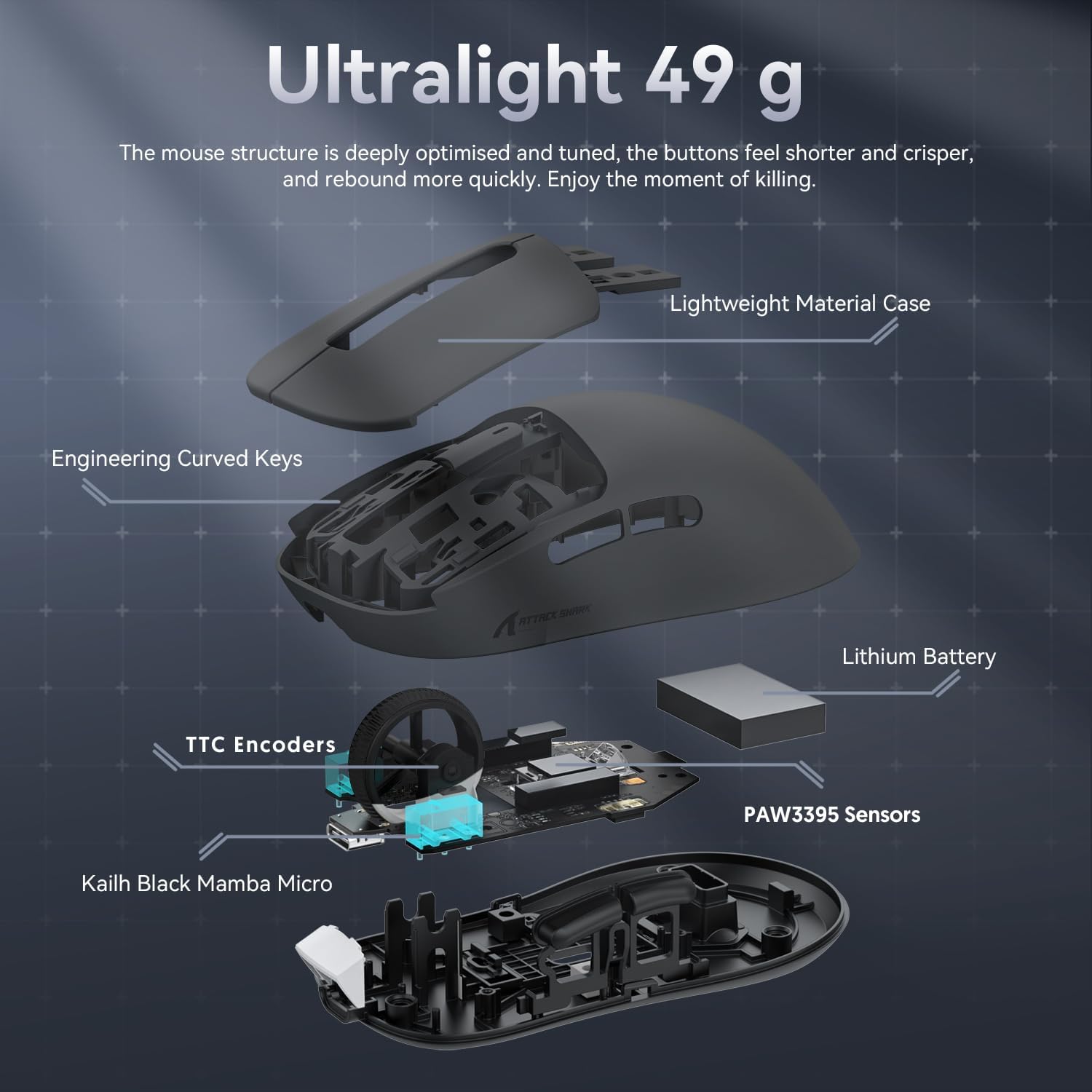
The headline feature is weight. At 49g, it’s aimed at players who prefer lighter control and quicker micro-adjustments. The company also mentions a specific injection moulding process involving liquid nitrogen to achieve the weight reduction, and that it avoids “holes” in the shell for weight saving, prioritising hand feel across different grip styles.
In day-to-day use, the “superlight” idea can translate into less strain over longer sessions. That said, it can be a bit of a love-it-or-lose-it situation: if you’re used to heavier mice for stability, you may need a short adjustment period.
There’s also a nod to click longevity and switching feel. It uses a 3-pin KAILH GM8.0 micro switch (as stated) and is claimed to have a click life of over 80 million presses, with a specified release force and operating force. That sort of detail suggests the mouse is designed to be consistent, but it’s still a gaming mouse first—so if you want a purely office-focused, ultra-quiet experience, you may or may not love the feel.
Connectivity and controls in plain terms
The X3 includes tri-mode connectivity—USB-C wired, 2.4 GHz, and Bluetooth—so you’re not locked into just one setup. It also supports a software controller for adjustments like DPI, polling rate, and custom button macros. If you like tweaking your mouse behaviour rather than leaving it “stock”, that’s a practical point.
The presence of Smart Sleep (auto sleep) is there for battery management. If you forget to turn things off, it’s a comfort feature rather than a guarantee, but it helps.
A small, realistic limitation to keep in mind: tri-mode convenience is great, but Bluetooth performance and latency expectations can vary depending on how you use it (and what your device supports). For competitive wireless play, 2.4 GHz is typically the mode you’d lean on—this is worth considering before committing.
Sensor performance and DPI setup
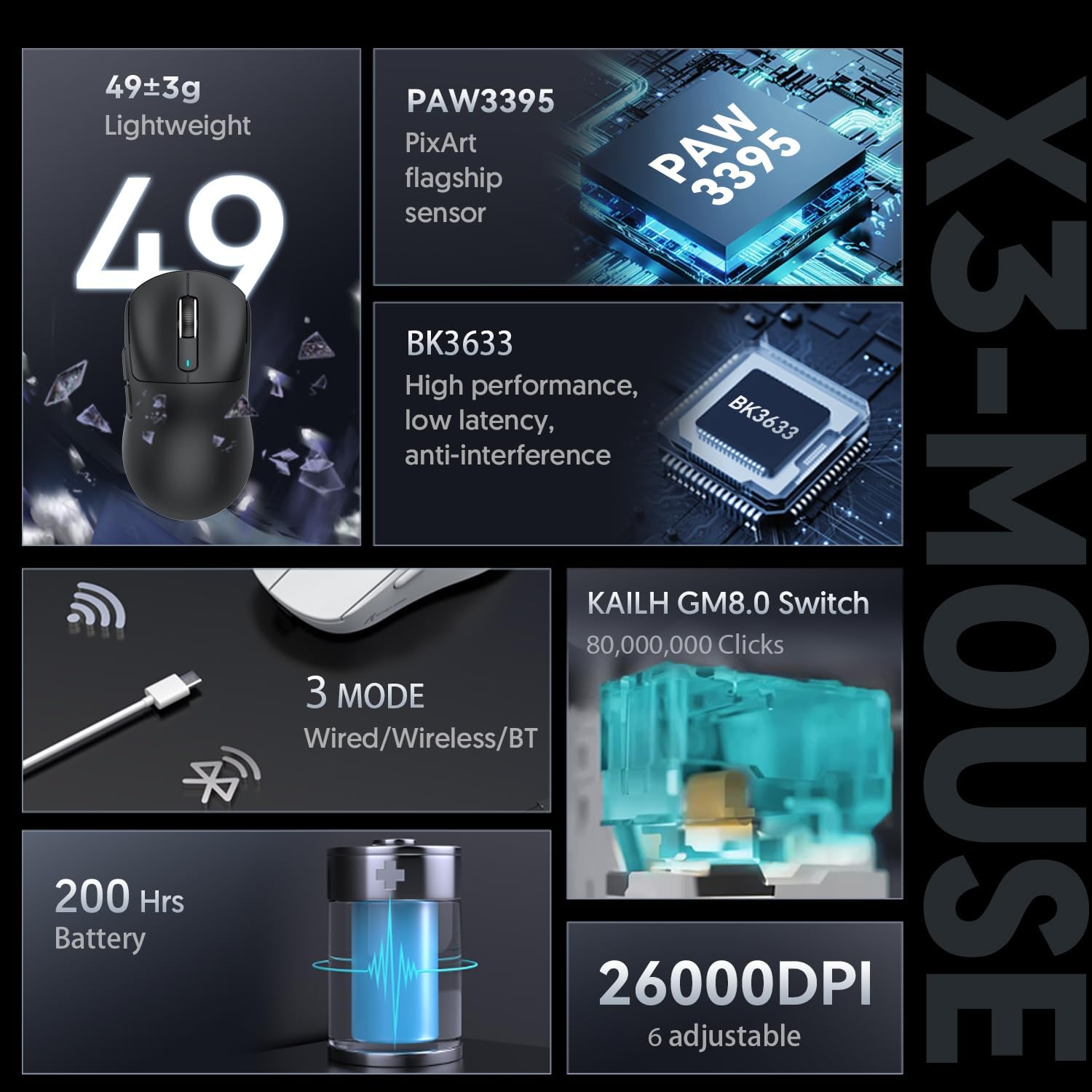
The PixArt PAW3395 is positioned as the flagship gaming sensor used in this mouse, paired with six adjustable DPI levels and support for up to 26,000 DPI (as stated). The point isn’t just max numbers, it’s having enough DPI range for different playstyles—whether you’re using lower DPI for precise tracking or higher DPI for quicker turns.
For many buyers, the best question is how much control you actually need. If you’re someone who sticks to one or two DPI settings, the six-step approach should feel straightforward. If you’re chasing extremely fine DPI granularity beyond what’s provided, you might find yourself wanting more adjustment than the six levels allow.
Battery life and charging
The battery is stated as up to 200 hours, with a charge time of about 2–3 hours via USB-C charging (as described). In use, that kind of estimate generally translates into fewer charging reminders—especially if you’re not running constant high-speed wireless gaming all day.
One thing to watch: the 200-hour figure is an “up to” claim. Real battery life tends to depend on which mode you use (wired vs Bluetooth vs 2.4 GHz) and how often you’re active, so treat it as a best-case expectation.
Ergonomics and everyday usability
The X3 is described as lightweight without perforated shell holes, aiming to keep the hand feeling comfortable across different grips such as fingertip, claw, and palm (the listing mentions these grips). That’s useful because ultra-light mice can sometimes feel less forgiving if the shape doesn’t suit you.
It’s also described as widely applicable across multiple systems and platforms, including Windows (Win7/8/10/11), Mac, Android, Xbox, and the listing mentions office mice for Win11 and various gaming platforms. If you’re buying for a mixed environment—work laptop plus console/PC—this sort of compatibility claim is exactly what you want to see.
Example of practical use: imagine using 2.4 GHz for FPS sessions at your main desk, then switching to Bluetooth for casual browsing on a laptop away from your mousepad setup. The tri-mode approach is meant to make that switch less of a hassle.
Is it worth it?
Final verdict
The ATTACK SHARK X3 is a strong buy if you’re specifically after a 49g superlight gaming mouse with a PAW3395-class sensor, tri-mode connectivity, and long battery life on paper. It makes sense if you like light, fast-feeling movement and you’re happy to set up DPI/polling and button macros via the provided controller software.
You may want to skip it if you prefer a heavier mouse for added stability, or if you need a more “set-and-forget” office tool rather than a gaming-first shape and switch feel. And if you’re mainly using Bluetooth, it’s worth thinking about whether Bluetooth latency expectations matter for your use case.
Mini FAQ
Questions people ask before buying
- Is it wired and wireless? Yes—it's described as offering USB-C wired, 2.4 GHz wireless, and Bluetooth.
- How many DPI settings does it have? The listing states six adjustable DPI levels, up to 26,000.
- What’s the battery life like? It’s claimed to last up to 200 hours, with about 2–3 hours to fully charge.
- Do I need software to change settings? A controller software is mentioned for DPI, polling rate, and macro/button customisation.
- Will it suit different grip styles? The description says it’s designed to feel comfortable across grip types like fingertip, claw, and palm.