

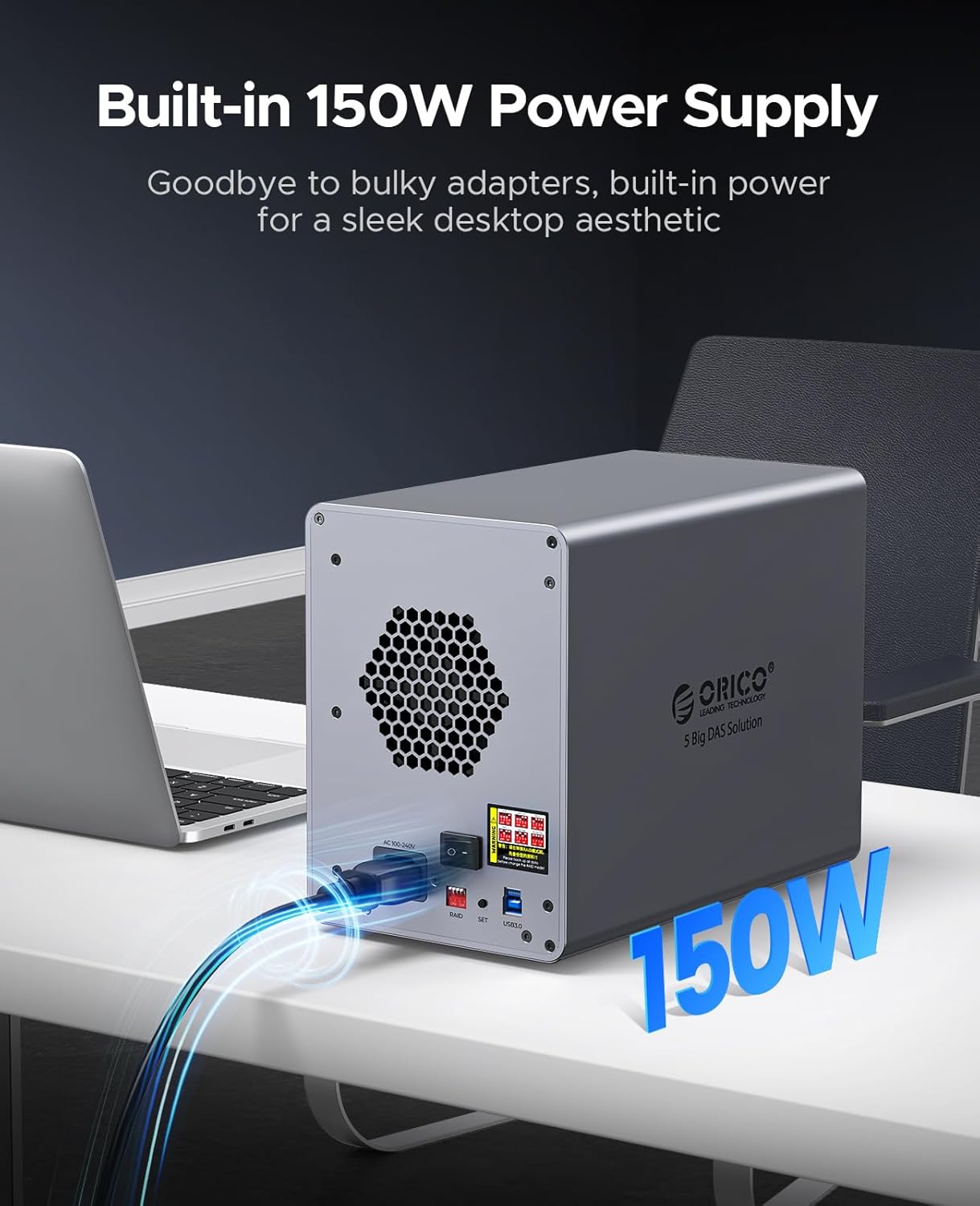
ORICO 9858RU3: 5-Bay 3.5 Inch SATA to USB 3.0 Aluminium HDD Docking Station with RAID
Product description
Opening why it exists
If you regularly handle large media libraries or multiple project datasets, you’ll know the pain of juggling drives and slow transfers. The ORICO 9858RU3 aims to streamline that by offering a single, robust enclosure for up to five 3.5" SATA drives, connected via USB 3.0. On paper, this addresses both capacity and convenience in one chassis.
What it is and what it does
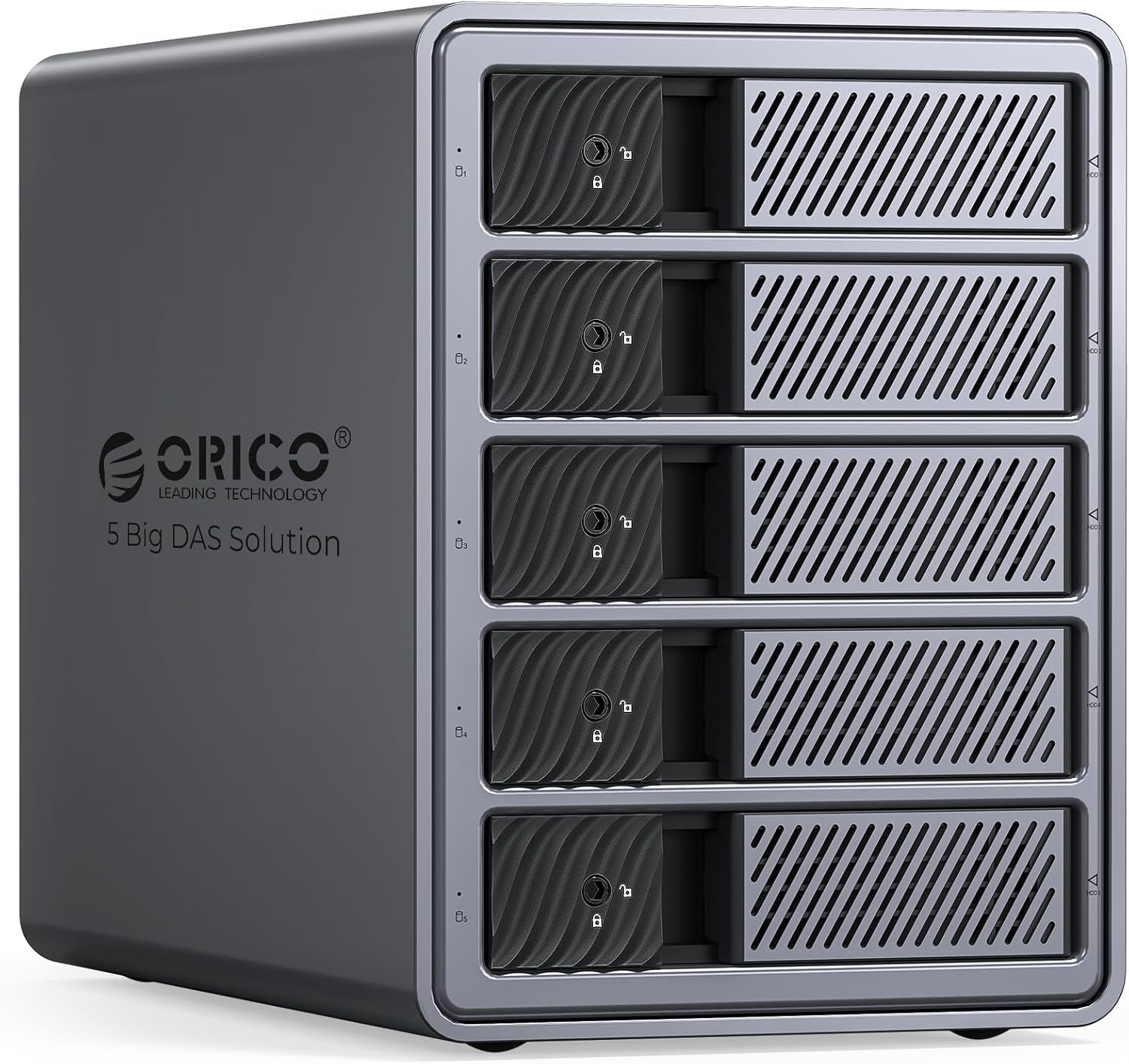
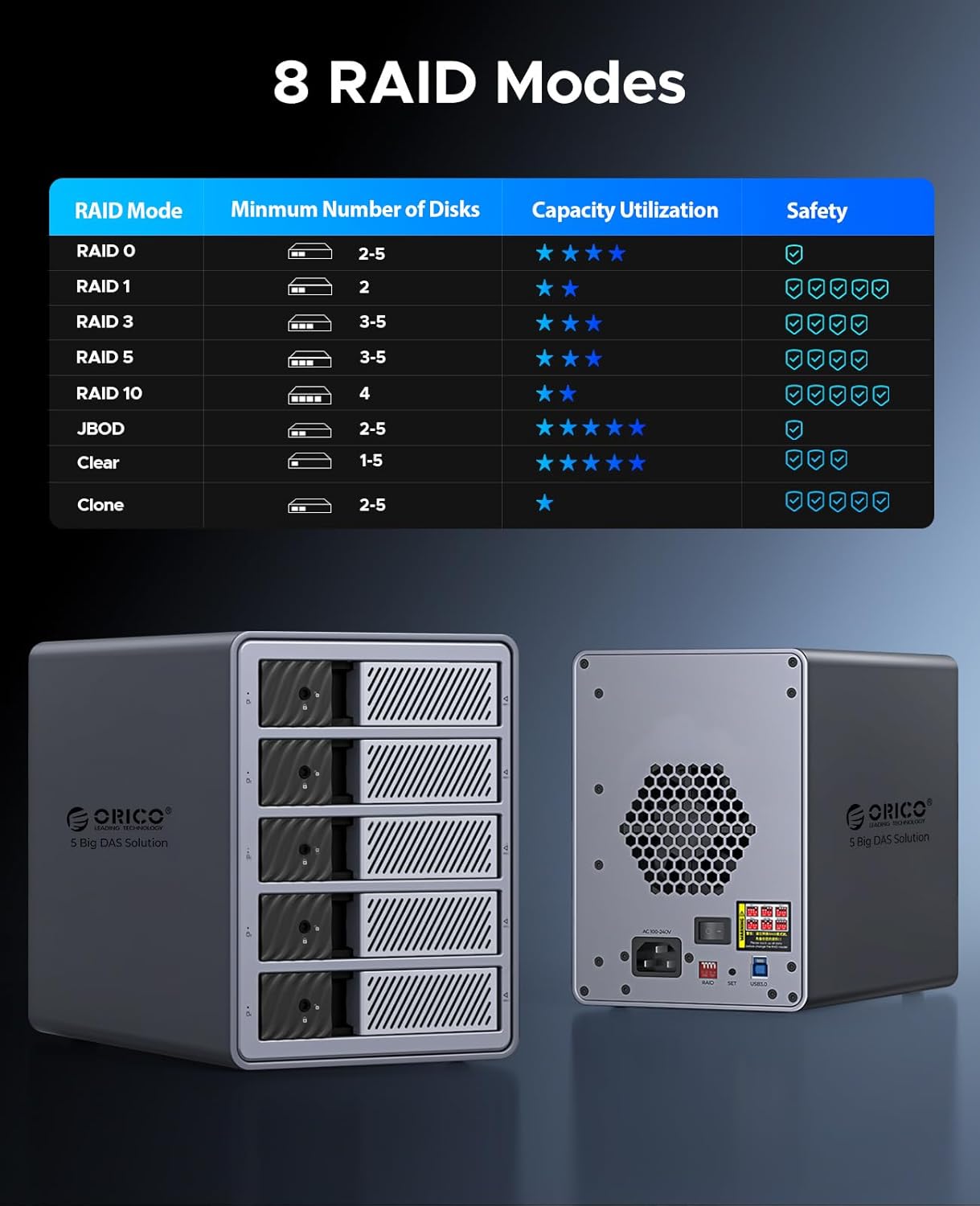
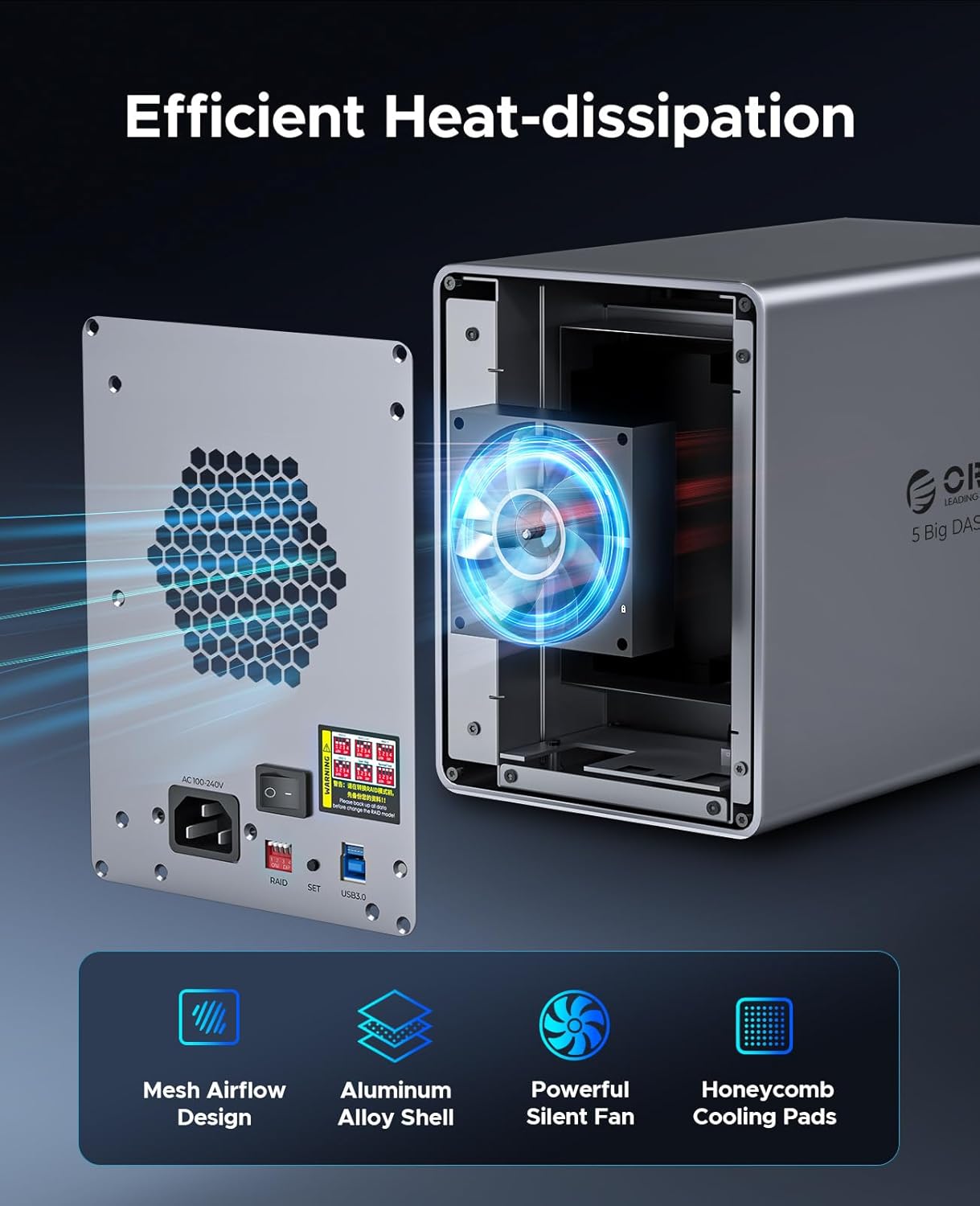
This is a five-bay external enclosure designed for 3.5" SATA hard drives, built in an aluminium case with active cooling and a quiet 80mm fan. It supports a broad range of RAID modes (RAID 0, 1, 5, 10, JBOD, Clone, and Normal) and can pool drives to reach a total capacity of up to 110TB. It’s compatible with Windows, macOS and Linux, and includes an intelligent sleep mode to save energy when idle.
Who it’s for
It makes sense for video editors, photographers or researchers who need a controllable, high-capacity storage solution in one place. If you’re assembling a budget-friendly archival system or a large backup array, the ability to mix drives and RAID levels can simplify management.
Performance and practicality
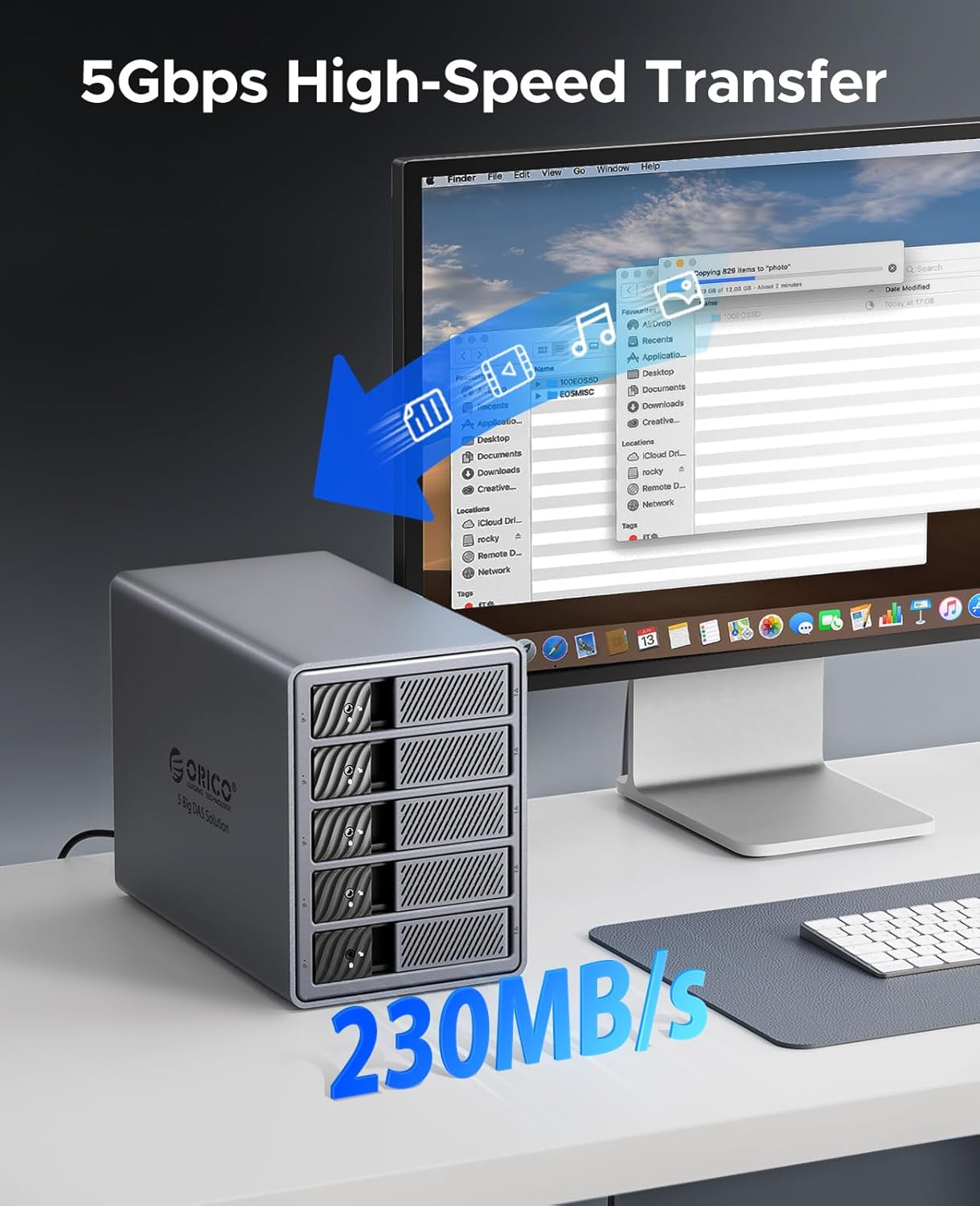
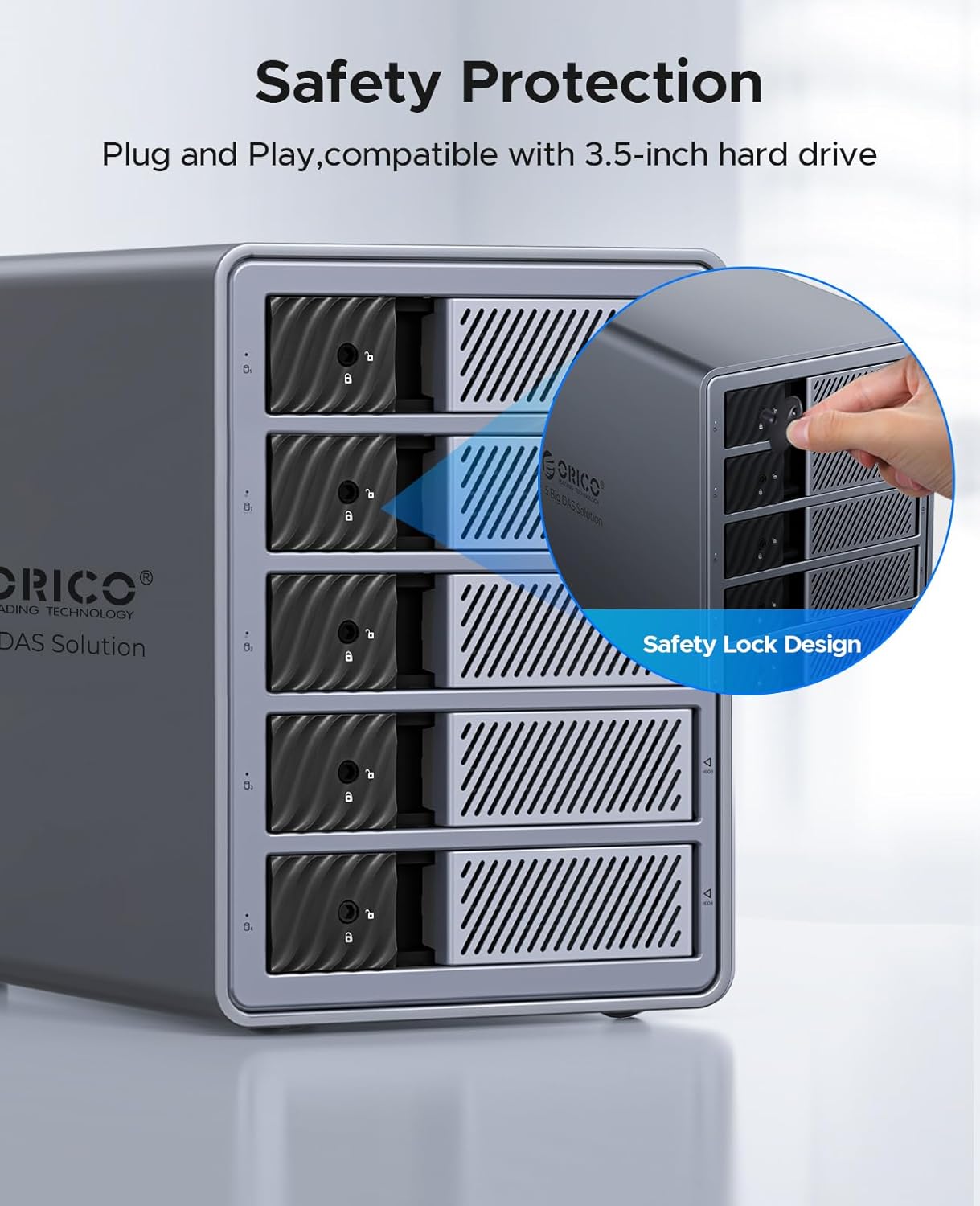
The USB 3.0 interface promises practical transfer speeds, up to 5Gbps in ideal conditions. The tool-free design means you can install or swap drives without tools, while the independent safety lock helps prevent accidental drive ejection. The aluminium chassis aids heat dissipation, which matters when you’re keeping several drives spinning for long periods.
What stands out
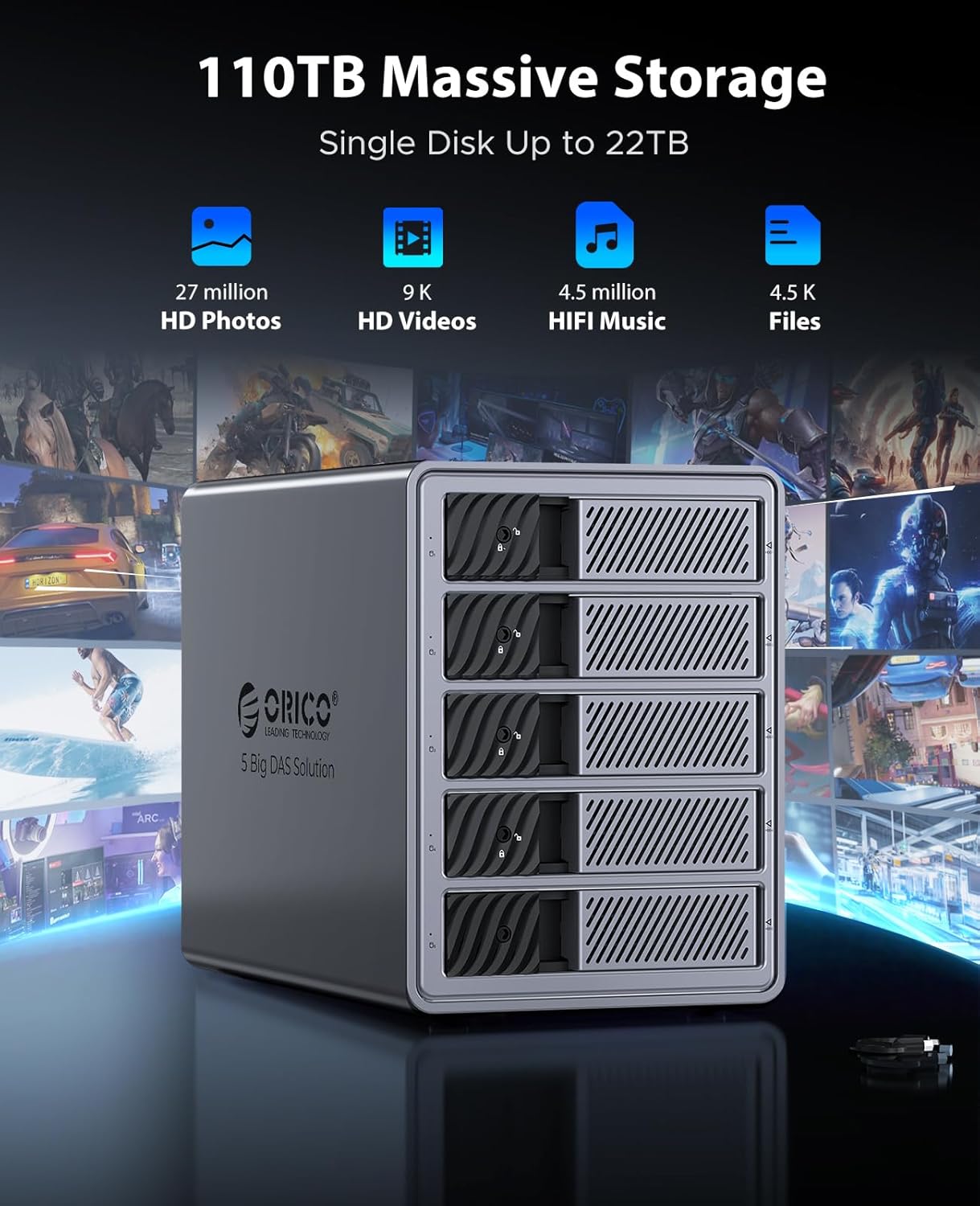
- High maximum capacity: up to 110TB across five bays.
- Flexible RAID options: 0/1/5/10 plus JBOD or cloning.
- Robust cooling and a locking mechanism to protect drives.
- Broad OS compatibility and USB 3.0 speed.
Limitations and caveats
- RAID performance depends on drive quality and how you configure the array, not every RAID level will deliver the same real-world benefits for every workload.
- While RAID offers redundancy, it is not a substitute for a separate backup strategy.
- Bulkiveness and power draw may be considerations in compact setups or on limited power supplies. If you need portable speed rather than sheer capacity, this may feel heavyweight.
When it makes sense to buy
If your workflow includes large-scale media projects, long-term archives, or a central data store for multiple machines, this enclosure provides a single point of access with configurable redundancy and substantial capacity.
When you might want to think twice
If you don’t require five drives or you prioritise ultra-compact form factors, a smaller or single-drive dock could be more practical. If you’re primarily looking for speed for a few large transfers, RAID overhead and drive selection can influence results.
What to check before buying
- Confirm you have compatible 3.5" SATA drives and a power supply that can handle five drives simultaneously.
- Consider your RAID needs and data protection strategy, plan how you’ll back up important data outside the array.
- Ensure your workstation or NAS environment will benefit from a single, shared pool rather than multiple smaller volumes.
Practical usage example
A video editor could populate two to three drives with RAW footage and render cache, using RAID 5 for a balance of capacity and fault tolerance, while leaving room to add more drives as projects grow. If a drive fails, rebuild times and data integrity depend on drive health and RAID choice.
FAQ (quick clarifications)
- Do I need special software to configure RAID on this unit? The unit offers hardware RAID modes, setup details depend on the OS and RAID configuration chosen.
- Is this suitable for laptops or workstation laptops? It’s designed as a desktop enclosure, portability is limited by size and power requirements.
- Can I use it with USB-C via adapters? It supports USB 3.0, with the right adapter, it can connect to USB-C hosts, but performance will align with USB 3.0 speeds.
Is it worth it?
Worth considering if you need a large, centralised storage solution with flexible RAID for ongoing media projects or archival work. If you prioritise portability or require the quietest possible operation, weigh the bulk and cooling needs carefully.
Tech specs
- Name: ORICO 9858RU3
- Type: 5-bay external HDD enclosure
- Format: 3.5" SATA to USB 3.0
- Size/Capacity: up to 110TB total (5 x 22TB)
- Capacity: 5 bays for 3.5" drives
- Dimensions: (not provided)
- Weight: (not provided)
- Material: Aluminium enclosure
- Colour: (not provided)
- Display: (not provided)
- Resolution: (not provided)
- Refresh rate: (not provided)
- Processor: (not provided)
- Memory: (not provided)
- Additional: 80mm fan, tool-free drive installation, independent safety lock, sleep mode