

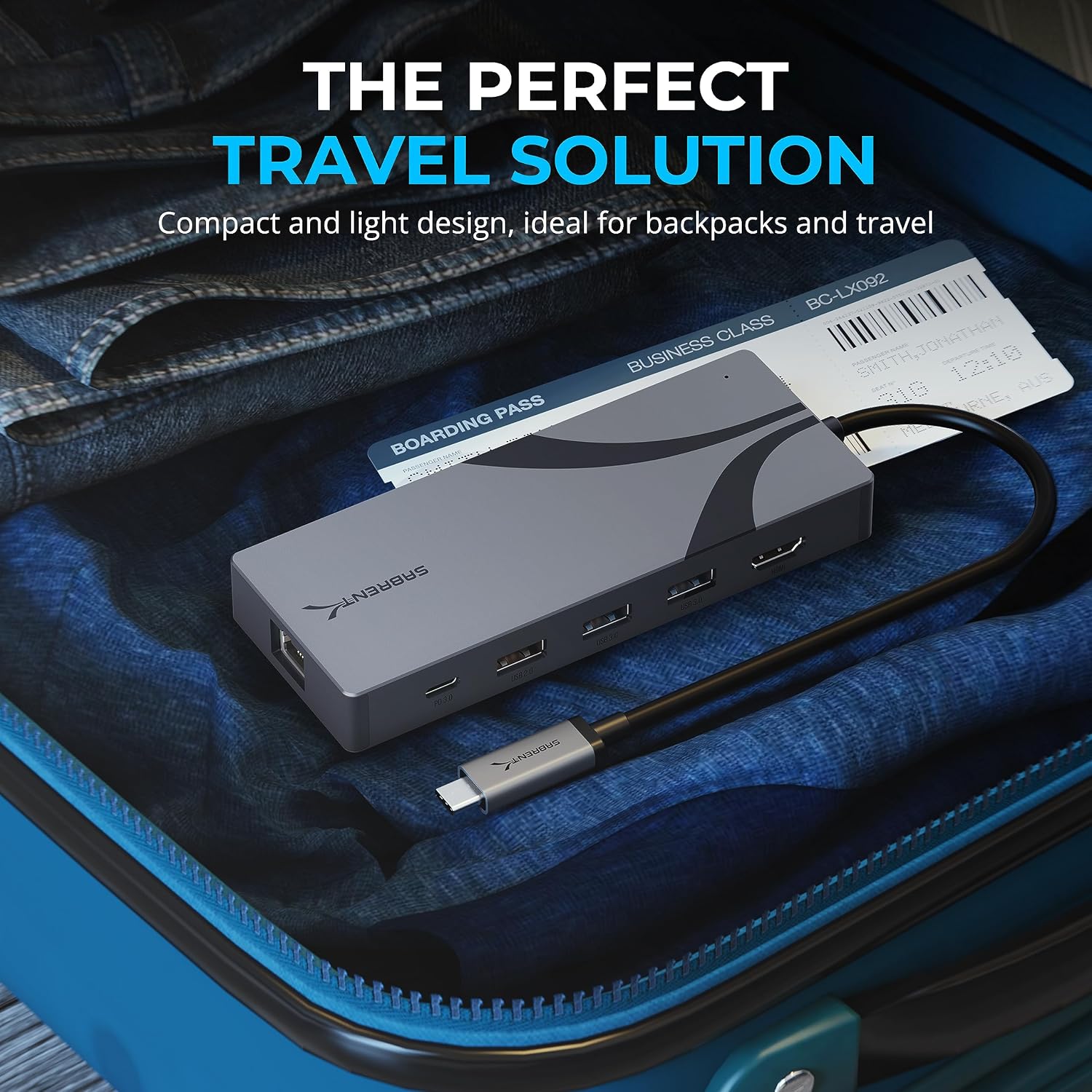
SABRENT M.2 NVMe Enclosure HB-6PNV: Compact USB-C Travel Dock with HDMI, Ethernet and M.2 Slot
Product description
Introduction
The SABRENT HB-6PNV combines a travel-ready USB-C hub with an M.2 SSD slot, HDMI output and wired network in a rugged aluminium enclosure. It aims to simplify ports, power and storage for portable setups.
What it is and what it does
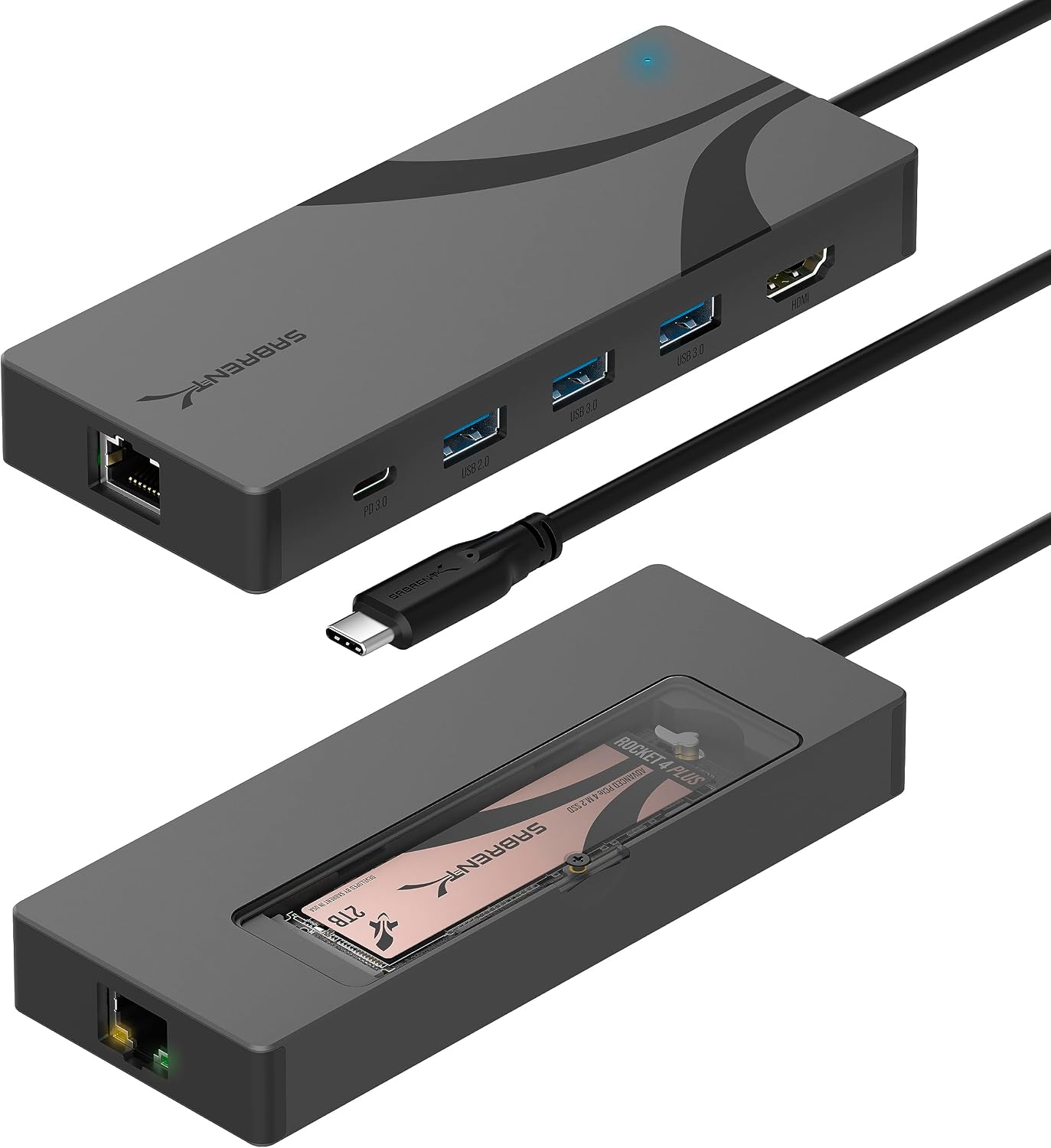
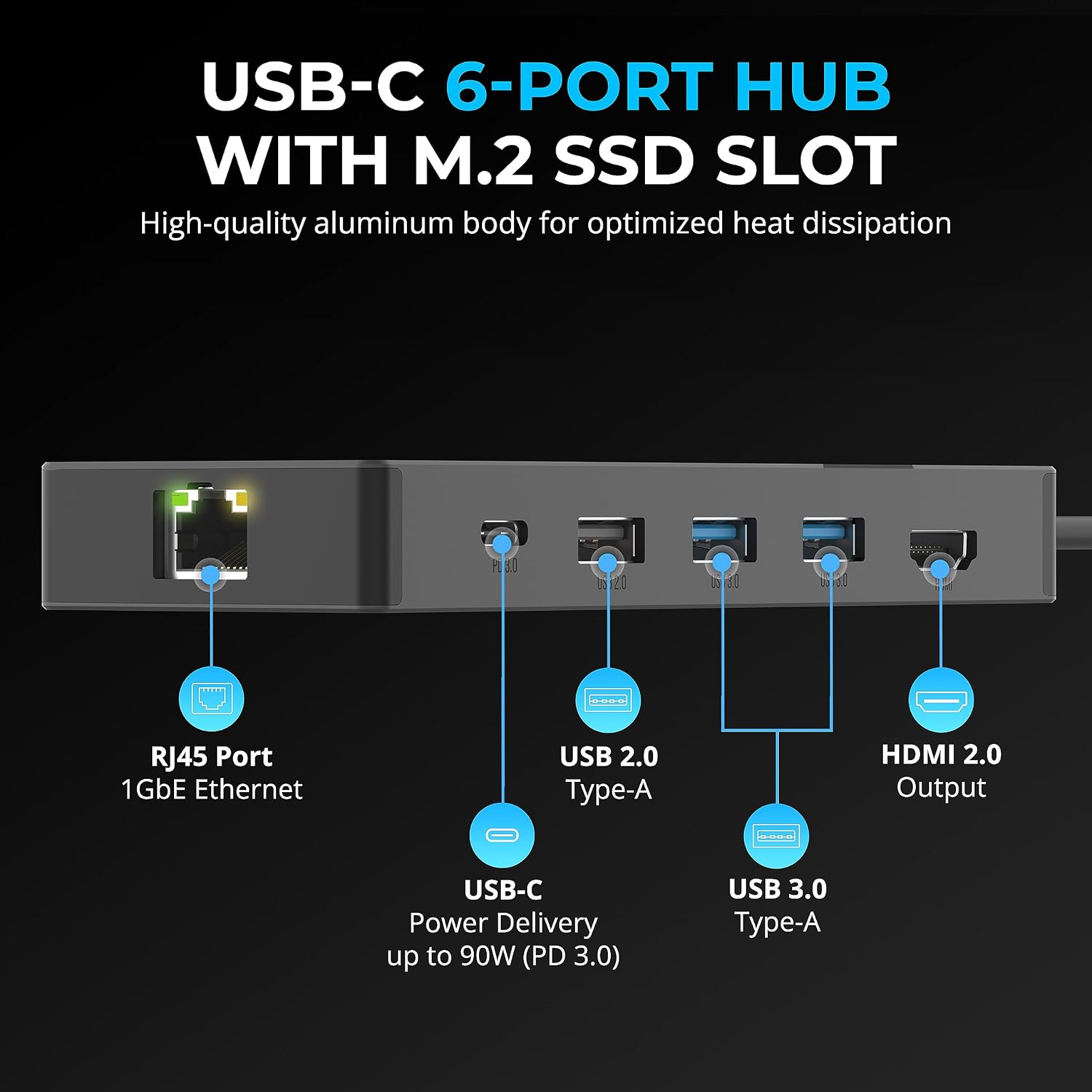
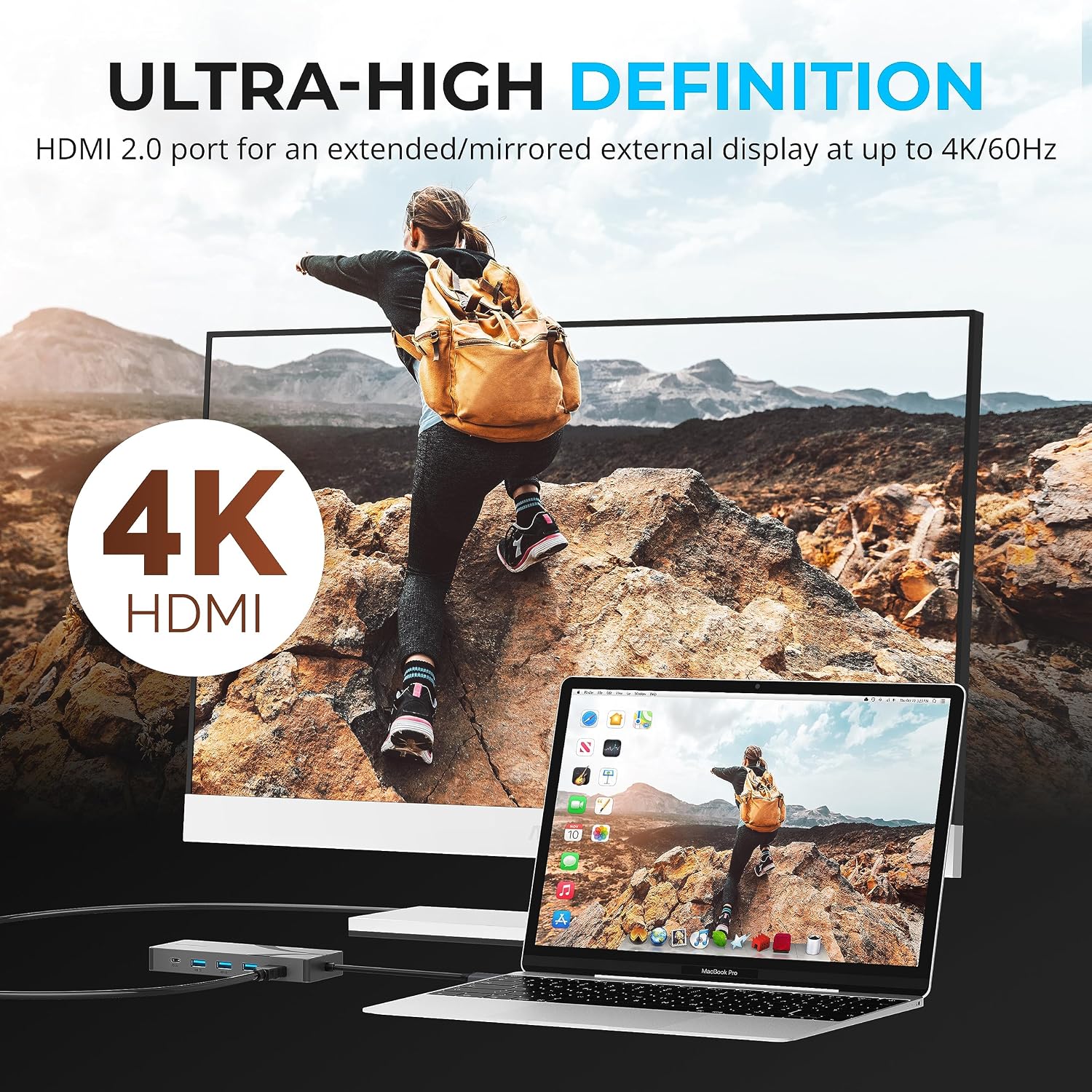
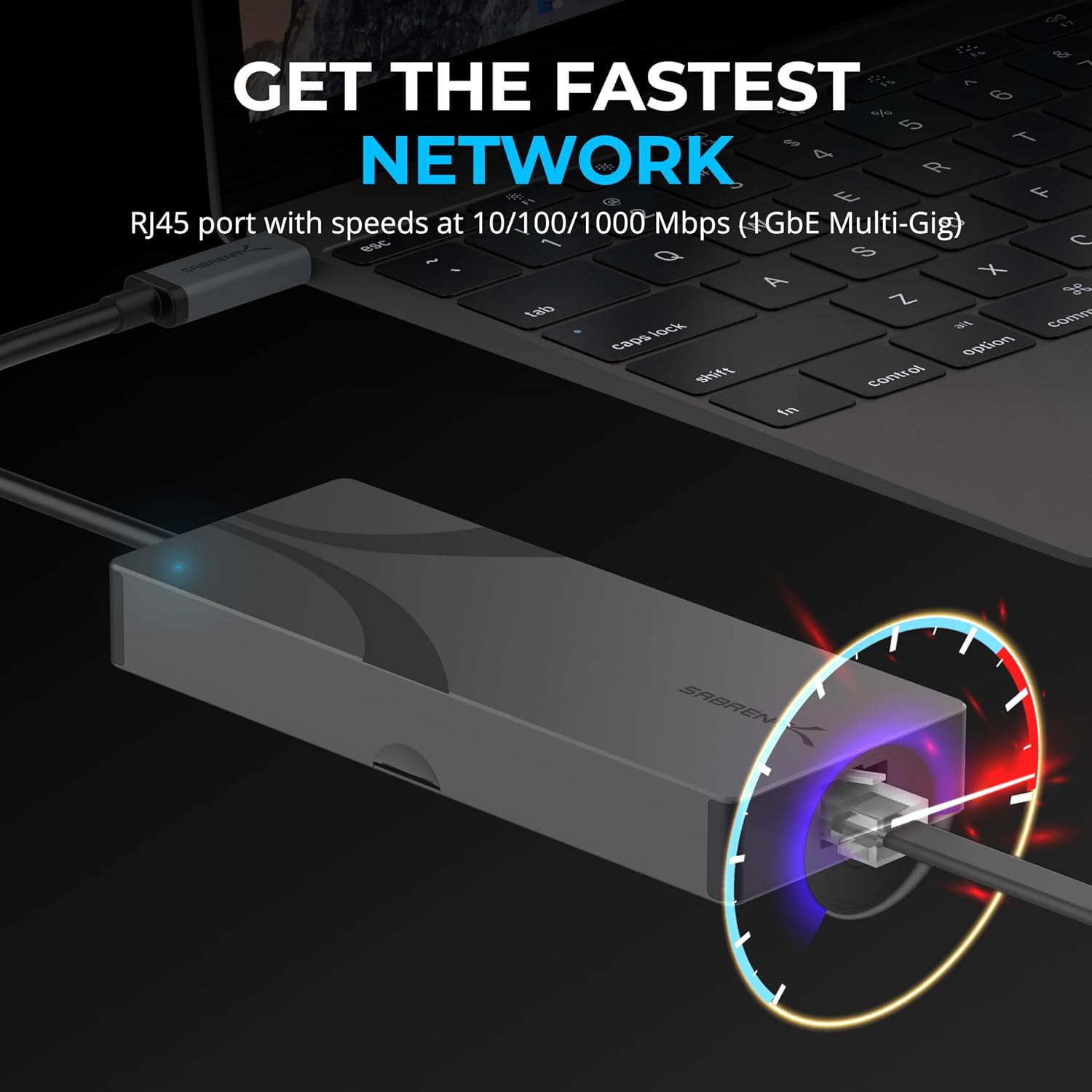
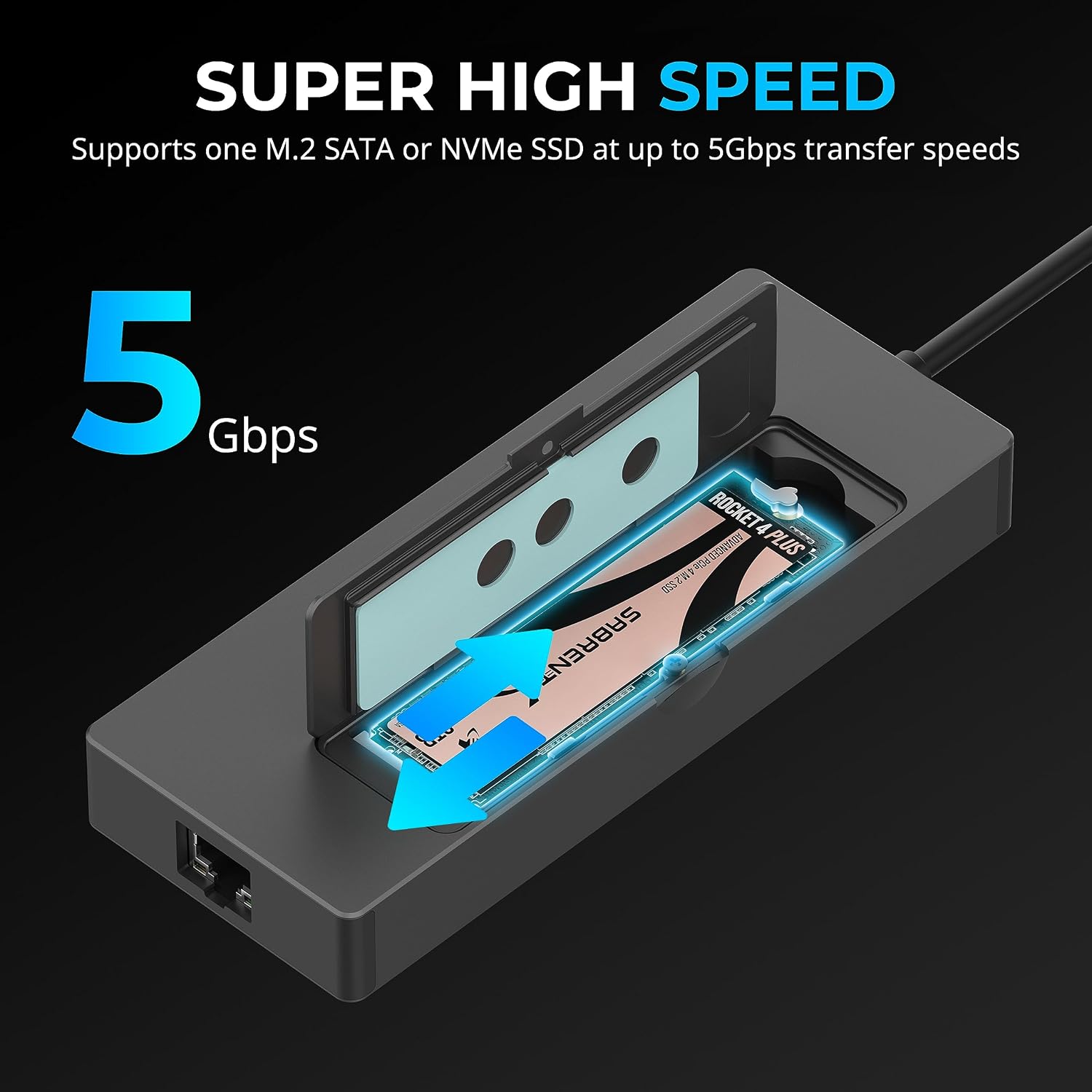
On the surface, this is a 6-port USB-C hub with three USB-A ports (two Gen 1 at 5Gbps and one USB 2.0), plus a dedicated HDMI 2.0 output for 4K@60Hz displays and a Gigabit Ethernet port. A standout feature is the internal M.2 slot, cooled by a thermal pad, supporting M.2 SATA or NVMe drives (2242/2260/2280) to expand storage on the move. It is designed to connect via a built-in USB-C cable offering up to 90W Power Delivery (PD3.0) and fast data rates up to 10Gbps (USB 3.2 Gen 2x1).
Who it’s for
This hub targets users who travel with a laptop or compact device and need a single, tidy solution for charging, data transfer, display output, network access and removable storage. It’s described as compatible with Windows, macOS and Linux, making it a practical option for a MacBook, Steam Deck, ASUS ROG Ally and similar machines.
Strengths in use
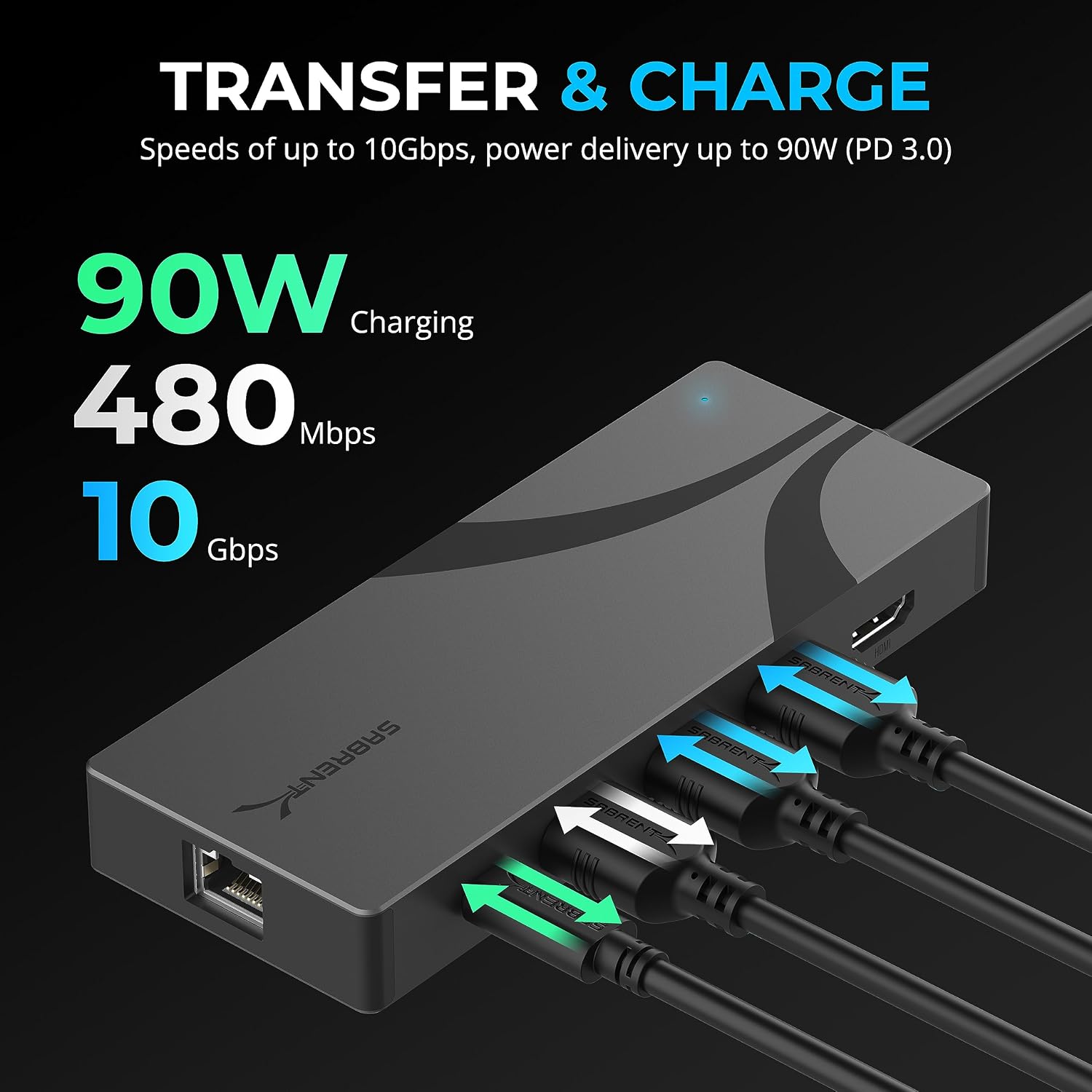
On paper, the HB-6PNV offers a balanced mix of speed and versatility: 10Gbps data paths on the USB-C connector, 90W PD passthrough for charging while in use, 4K@60Hz HDMI output for external displays and a built-in M.2 slot for extra storage without carrying a separate external SSD. The aluminium shell provides durability for travel and the integrated dock avoids carrying multiple dongles.
Limitations to note
If you rely heavily on USB 3.2 Gen 2x1 for all peripherals, you may find that not all ports match that speed (two USB-A ports are 5Gbps and one is USB 2.0). The HDMI output is contingent on a device’s DP Alt Mode and may vary with some laptops or handheld consoles. The M.2 slot supports 2242/2260/2280 but the practical SSD size you can carry is limited by the enclosure’s internal space and cooling performance.
When it makes sense to buy
If you want a single, compact hub that provides charging, peripheral expansion, display output and on-the-go storage in one unit, this enclosure could save space and simplify setup for frequent travellers or mixed-usage scenarios (work, media, gaming on the go).
When it might not be the best option
For users who need maximum USB-C speed on every port, or who already own separate drives or docking stations, this might feel like a compromise. If you don’t need an M.2 slot or HDMI output, a simpler USB-C hub could be more cost-effective. Also, if your display requires a higher refresh rate or features beyond HDMI 2.0, you may want alternatives with DisplayPort support.
Practical checks before purchasing
- Confirm your device supports DP Alt Mode for reliable HDMI 4K output.
- Consider whether you will actually utilise the M.2 slot and whether the SSD form factor (2242/2260/2280) fits your needs.
- Check whether the power delivery meets your laptop’s charging requirements while in use with peripherals.
How it compares in the broader market
Compared with bare-dbone USB-C hubs, this unit adds a built-in M.2 slot and HDMI output, which is useful for those who want transportable storage and a single multi-functional dock. If you already own separate storage or a dock with higher-end display options, you may prefer a more specialised setup. The value hinges on how much you’ll benefit from the all-in-one design versus paying for separate components.
Final decision
Is it worth it?
Worth considering if you prioritise a compact, all-in-one travel dock with integrated storage and charging, and you have a use case for 4K HDMI output and gigabit networking on the go. Not the best fit if you don’t need an M.2 slot or if your workflow demands the fastest possible USB speeds on every port. Think about your device compatibility and whether the M.2 drive is a key reason to buy.
FAQ
- Will this work with my MacBook? Yes, it’s designed for use with MacBooks and other laptops supporting USB-C with DP Alt Mode.
- Can I use the M.2 slot with any SSD? It supports M.2 SATA or NVMe drives in 2242/2260/2280 sizes, with a cooling pad included.
- Do all ports run at USB 3.2 Gen 2x1 speeds? The main USB-C link is 10 Gbps, but two USB-A ports are 5 Gbps and one is USB 2.0, which may affect peripheral performance depending on usage.