

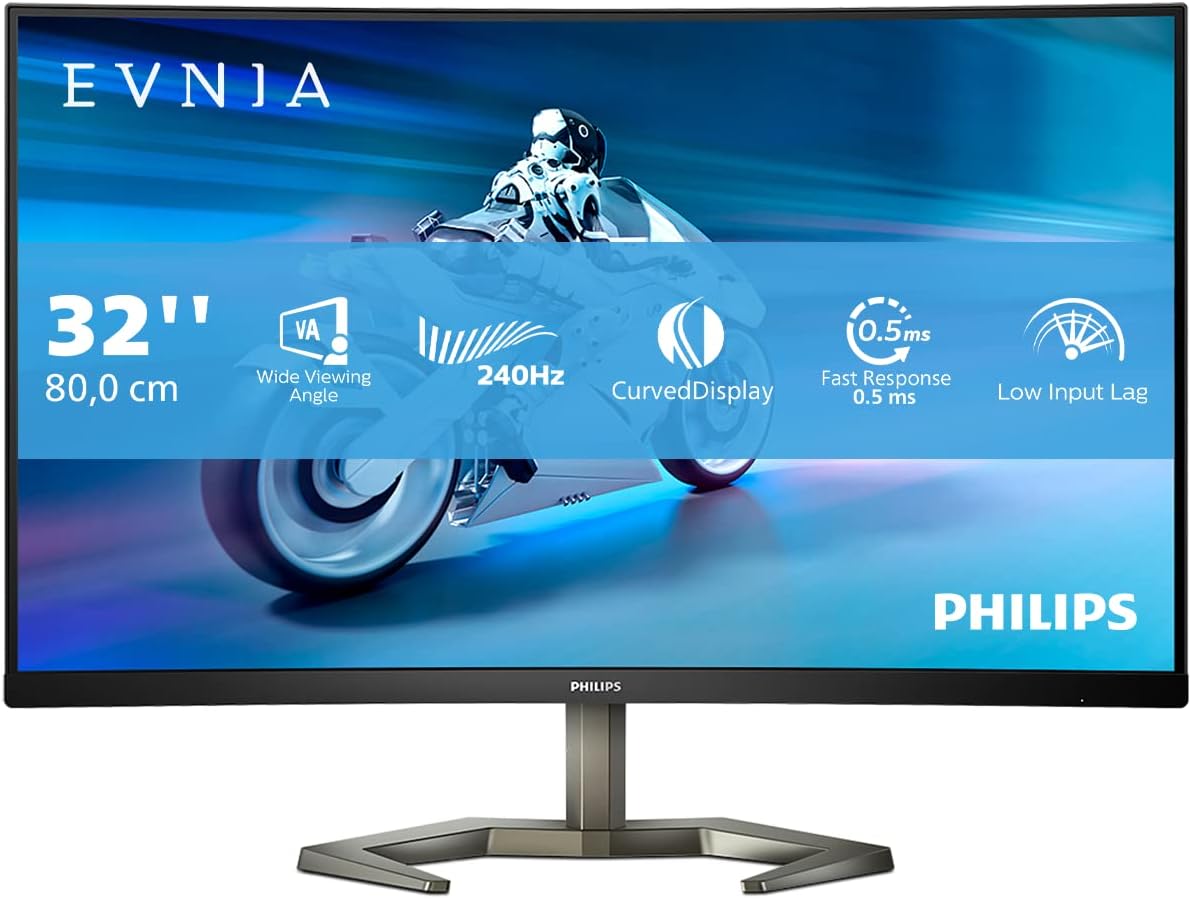
Philips 27M2N3200NF 27-inch FHD monitor with 144Hz IPS, 1ms MPRT and HDR10
Product description
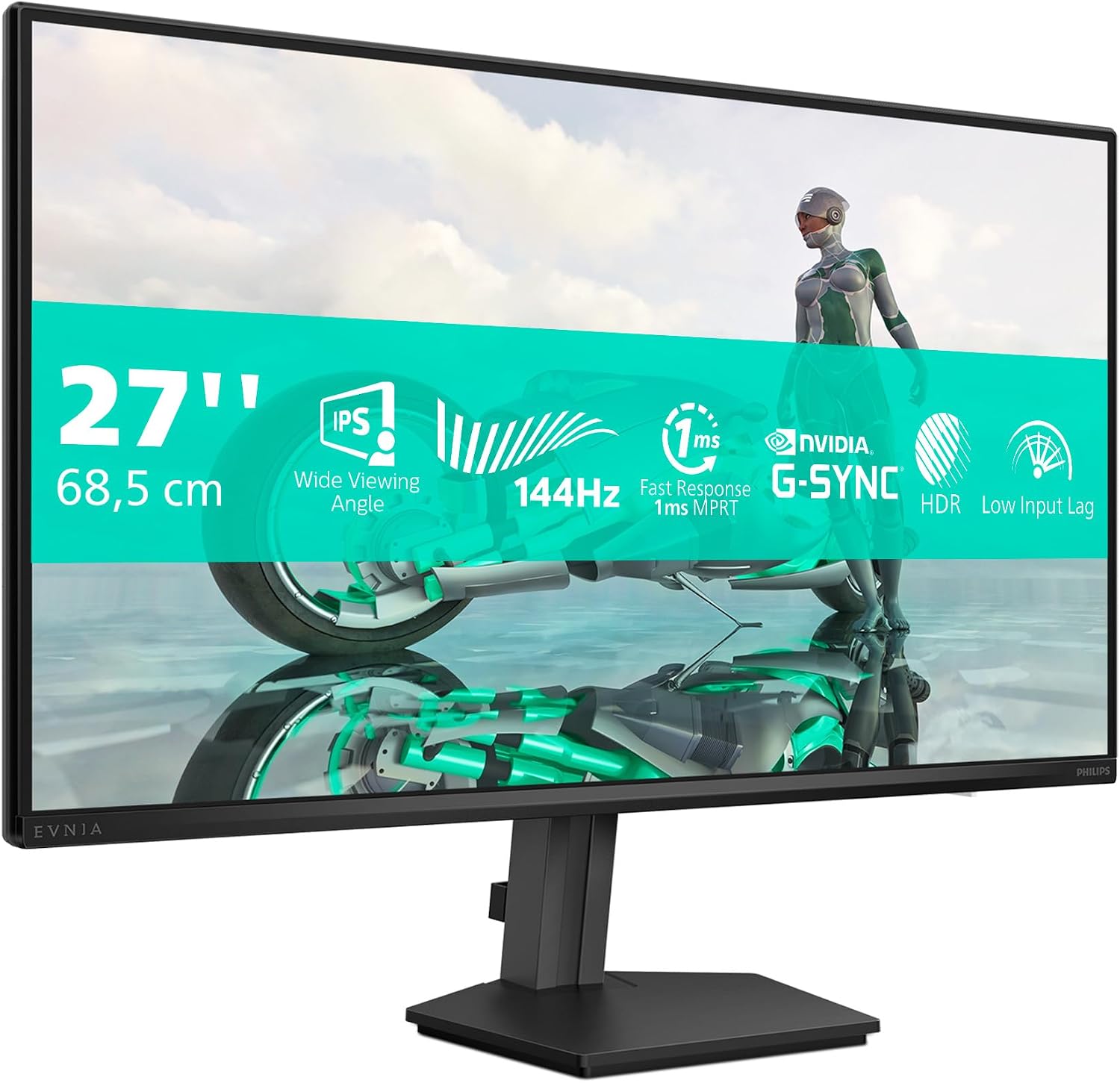
If you’re after a smoother gaming picture without jumping straight to higher-resolution models, the Philips 27M2N3200NF is built around that exact idea. On paper it brings a 144Hz refresh rate, an IPS panel, and fast 1ms MPRT response, plus adaptive sync features intended to reduce tearing and stutter.
That said, it’s still a 27-inch FHD monitor, so it won’t deliver the crispness you’d expect from higher-resolution screens at the same size. It’s a sensible buy when your priority is fluid motion, colour consistency and everyday usability rather than maximum pixel density.
Quick overview
The Philips 27M2N3200NF is a 27-inch FHD monitor designed for gaming and general viewing. Philips focuses on smoothing the on-screen action with a 144Hz refresh rate and synchronisation between the graphics card and the display. The inclusion of IPS should help keep colours and viewing angles more stable than older TN-style panels.
For picture enhancement, it supports HDR10. Whether HDR is noticeably better depends a lot on the content you watch and the lighting in your room, so you may find it subtle in everyday use. Still, the concept is there: more contrast and more vivid-looking colours when the source supports it.
What it’s like in use (and where it helps)
In day-to-day use, the biggest practical win is the combination of 144Hz and adaptive synchronisation. If you’ve ever seen tearing during fast movement—or felt like frames don’t quite “lock in” smoothly—that’s the kind of issue this approach is meant to reduce.
A concrete example: imagine launching a match and moving quickly between targets. With the refresh rate and sync features working together, motion can feel more stable, and the image is less likely to break up during camera pans. It’s not magic, but it’s the right direction for anyone who plays action titles or shooters where responsiveness matters.
Adaptive Sync and G-Sync compatibility: the real-world goal
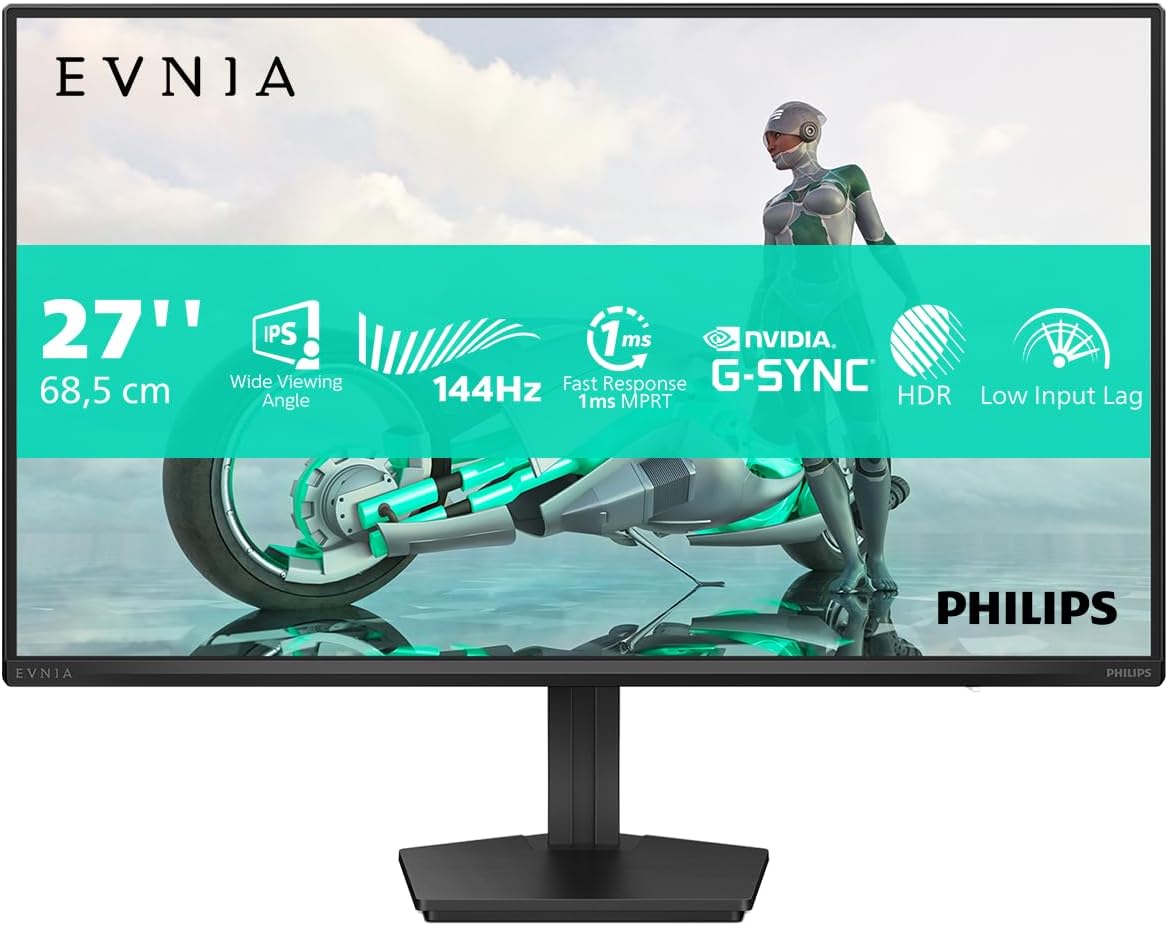
The description highlights synchronising the display’s refresh rate with your graphics card. The intention is straightforward: avoid image tearing and stuttering, especially when frame rates fluctuate.
It also mentions “G-Sync Comp.” as part of that ecosystem. This can be a reassuring point if you’re already using NVIDIA hardware and want fewer compromises. Just keep expectations realistic: adaptive sync can’t replace good settings or consistent performance—think of it as smoothing out the experience around the edges.
HDR10 for stronger contrast (with a small caveat)
HDR10 support is included to improve colours and contrast. For some people, that means the screen looks more engaging in supported movies or HDR-enabled games.
However, it’s worth bearing in mind that HDR results vary widely by monitor class. This model is positioned as a mainstream gaming FHD option, so HDR won’t necessarily match the punch you might see from premium HDR displays. If you mostly play older titles or SDR content, HDR10 may feel like a bonus rather than a defining feature.
Tech snapshot you can decide with
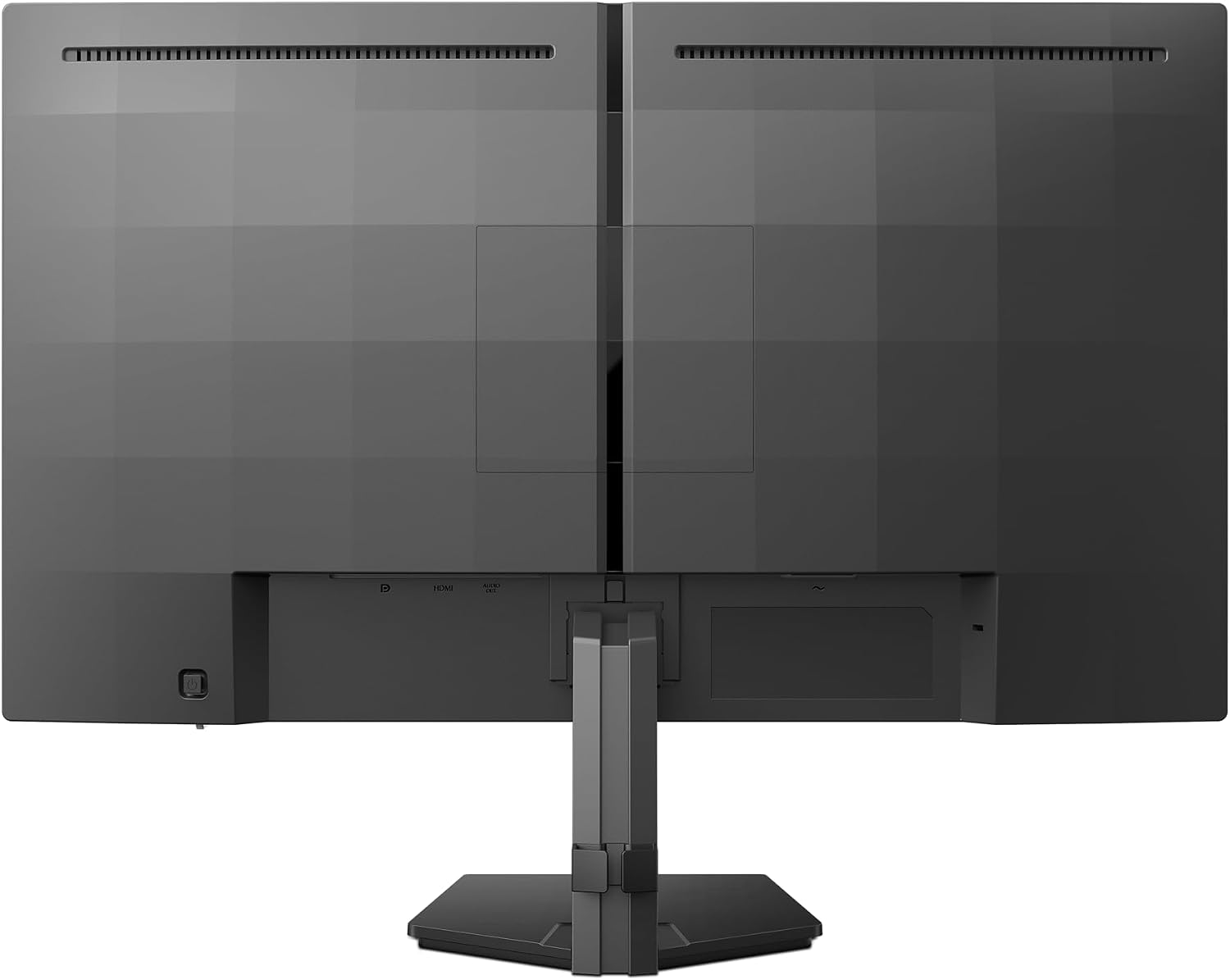
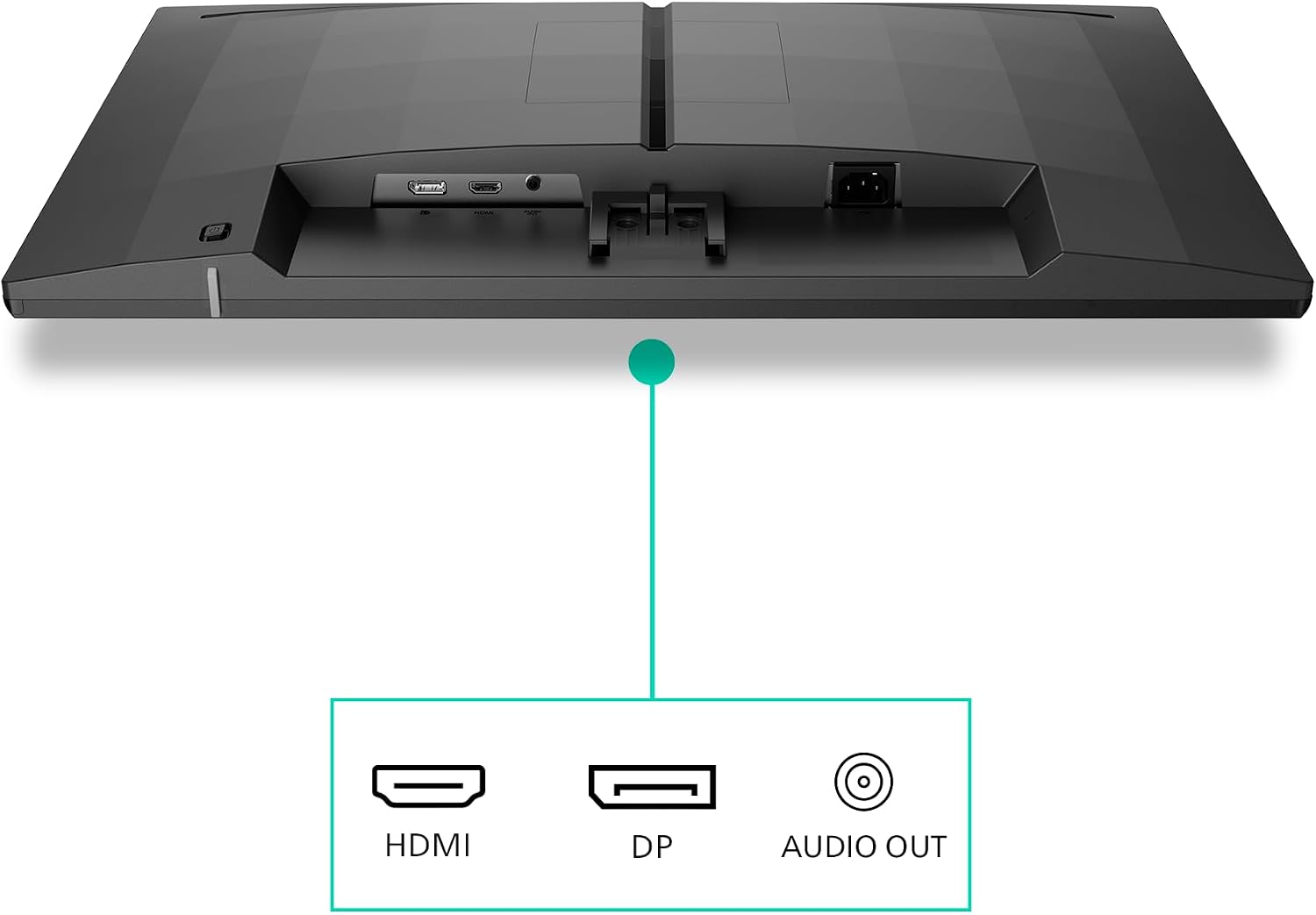
Here are the specs mentioned in the product details, in plain terms: - 27-inch FHD resolution (1920x1080) - 144Hz refresh rate - IPS panel - 1ms MPRT fast response (aimed at sharp, smooth gameplay) - Adaptive Sync and “G-Sync Comp.” support - HDR10 - Connections listed: HDMI 1x 2.0 and DisplayPort 1x 1.4
The connectivity check before you buy
The monitor includes HDMI 2.0 and DisplayPort 1.4. In practice, that’s a solid spread for common setups: a games console or TV source via HDMI, and a PC connection via DisplayPort.
Before ordering, it’s worth checking what output(s) your PC or console actually has, and whether you need HDMI for something else in your room. Also consider whether one DisplayPort connection is enough for your current desk arrangement—this is a straightforward monitor, not a hub.
Who it suits best (and who should think twice)
It’s a good fit if you want an IPS 27-inch monitor that prioritises smooth gameplay with a 144Hz refresh rate and adaptive sync features. It also suits people who care about reduced visual distractions during longer sessions, since the description mentions reducing screen flicker to help minimise eye strain.
It may not suit you if you’re specifically chasing maximum image sharpness at 27 inches, because FHD at that size can look softer compared with higher-resolution alternatives. And if your main focus is deep, performance-leading HDR, you might find this model a bit restrained—HDR10 support is there, but it’s not positioned as a high-end HDR flagship.
FAQ
Does adaptive sync really help with tearing and stutter?

The product description says synchronising the refresh rate is intended to avoid tearing and stuttering. In practice, that usually means fewer visual glitches when frame rates aren’t perfectly steady.
Is 1ms MPRT the same as response time?
It’s described as 1ms (MPRT). MPRT-style figures are about perceived motion clarity. It’s best seen as a promise for smoother motion rather than an absolute measure of pixel switching.
Will HDR10 be obvious for everyday use?
HDR10 is included to improve colours and contrast, but how “noticeable” it is depends on the content and your viewing environment. It’s more of a helpful extra than something guaranteed to transform everything you watch.
Is 144Hz noticeable on a 27-inch FHD IPS?
If your games (or apps) can push high enough frame rates, 144Hz generally feels smoother than 60Hz. This monitor is clearly aimed at that smoother-motion experience.
Final verdict
Is it worth it?
Worth considering if you want a 27-inch IPS monitor focused on smoother gaming motion, with 144Hz refresh rate, adaptive sync features, and HDR10 as an extra layer. It’s the kind of monitor that makes sense for PC gaming desks and mixed use at home.
You may want to skip it if you need crisp, high-detail visuals at 27 inches above what FHD typically delivers, or if you’re shopping specifically for high-end HDR performance. If you can accept those limitations, the Philips 27M2N3200NF looks like a practical, mainstream route to smoother gameplay without overcomplicating your setup.