

BenQ GW2790CE 27" 1080p FHD IPS Eye-Care Monitor with USB-C
Product description
What it is
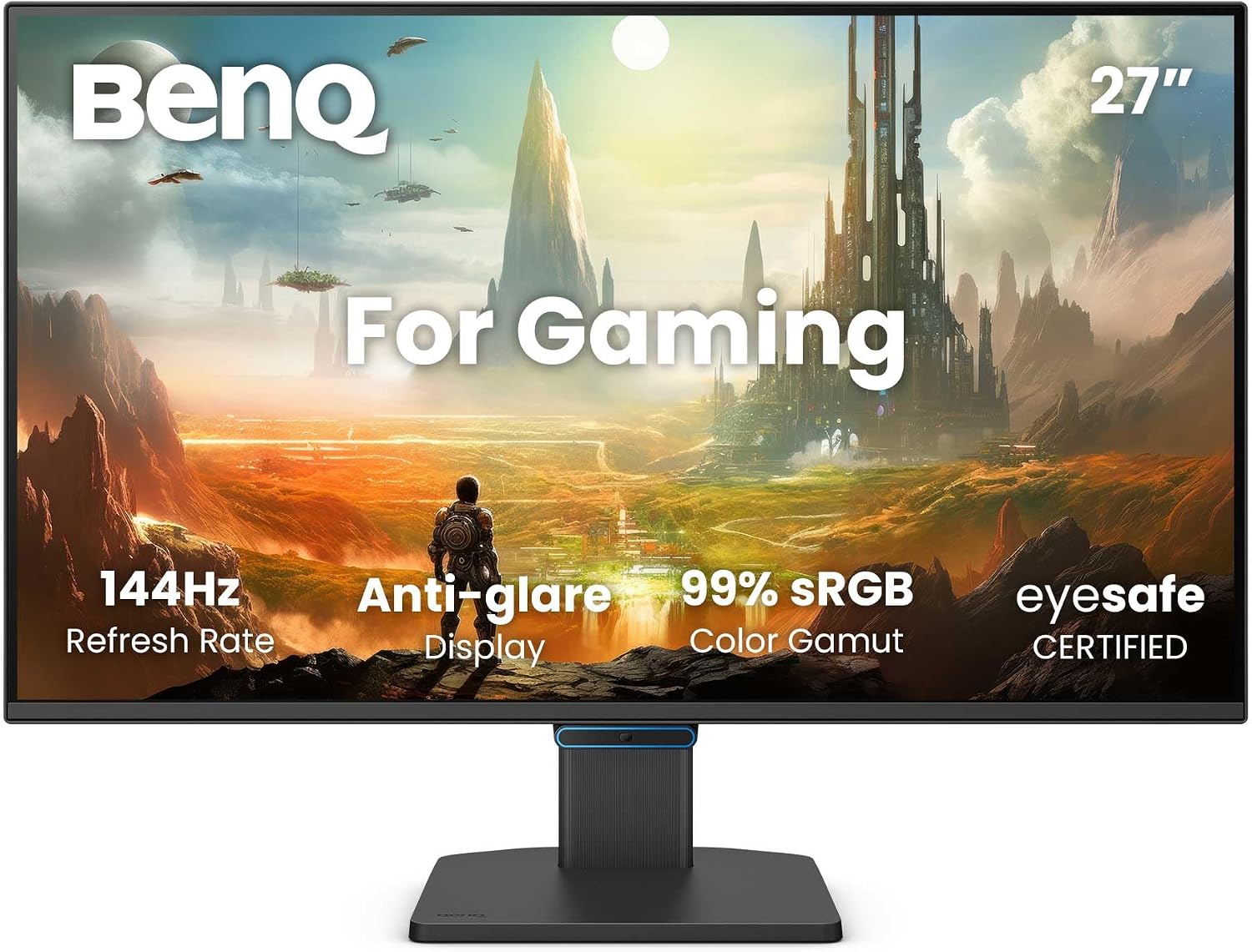
The BenQ GW2790CE is a 27" monitor designed for home office use, featuring a 1080p FHD IPS panel and a 144Hz refresh rate. It emphasises colour accuracy, with 99% sRGB coverage, and includes a streamlined, ultrathin bezel for a distraction-free viewing area.
Why it might matter
On paper, the combination of an IPS panel and high refresh rate aims to deliver smooth, accurate visuals from multiple angles. The panel’s colour coverage helps with everyday tasks that benefit from decent colour, such as document work, video calls and light media consumption. The form factor also fits well in compact desks where a borderless look helps maximise screen real estate.

Core strengths
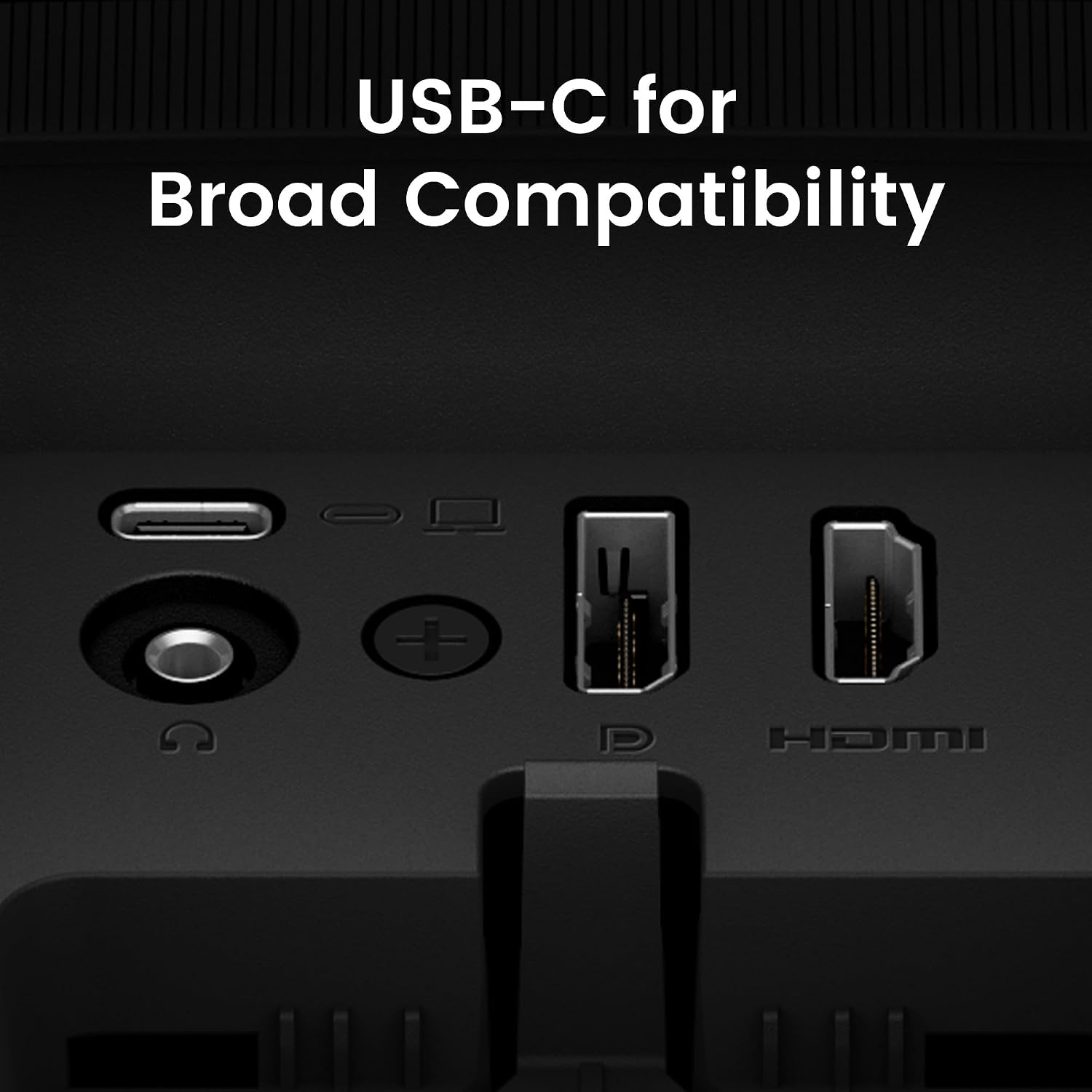
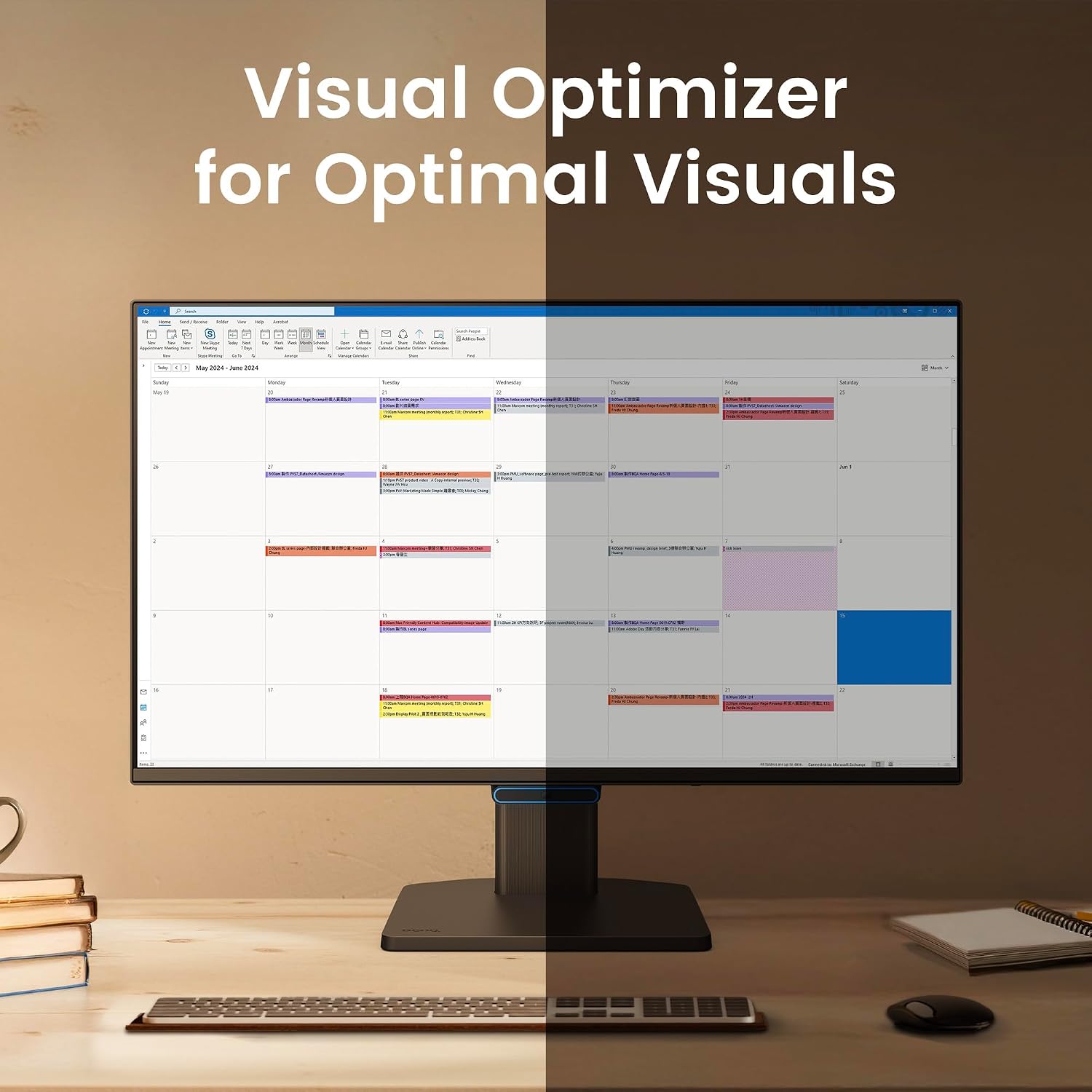
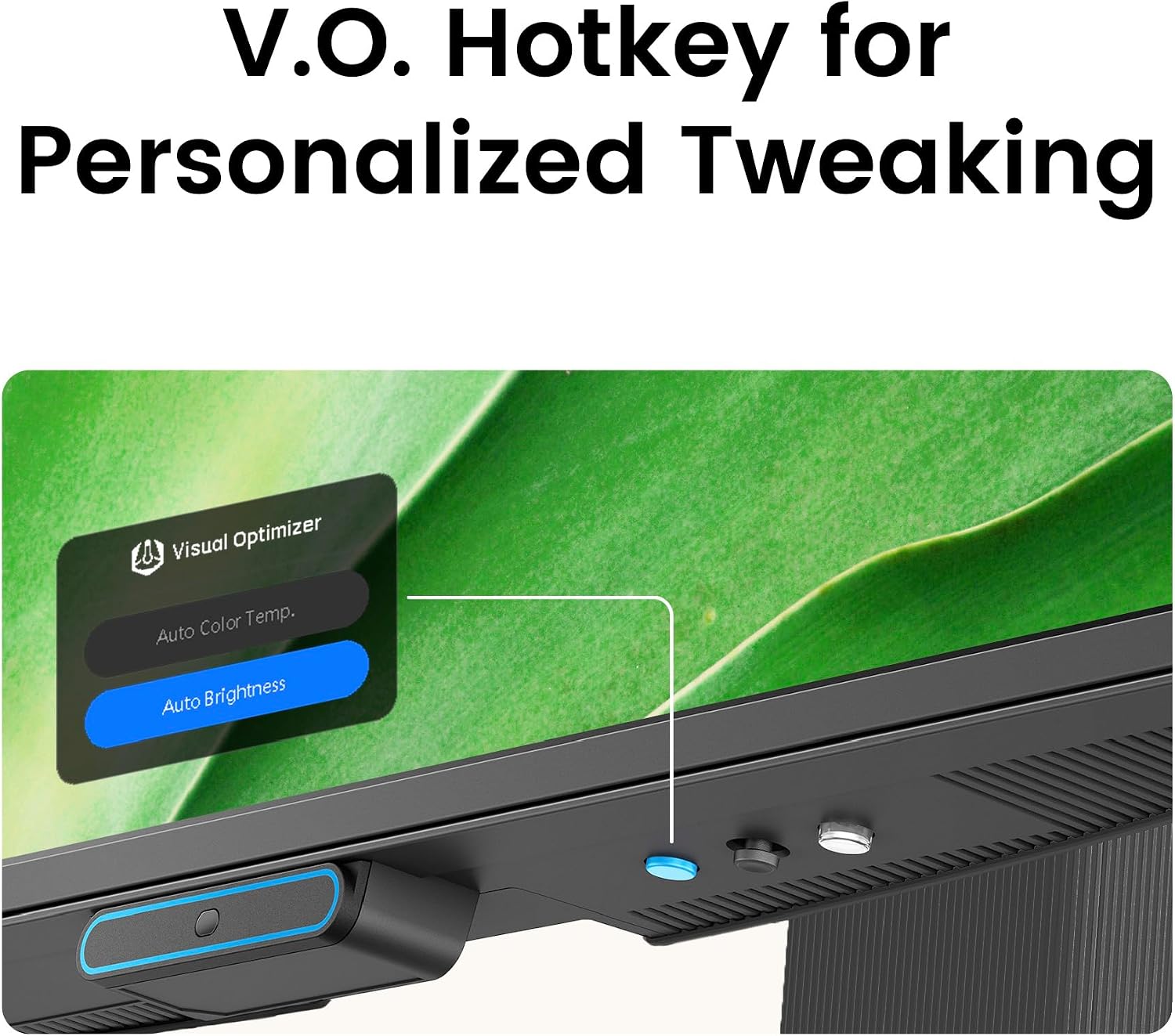
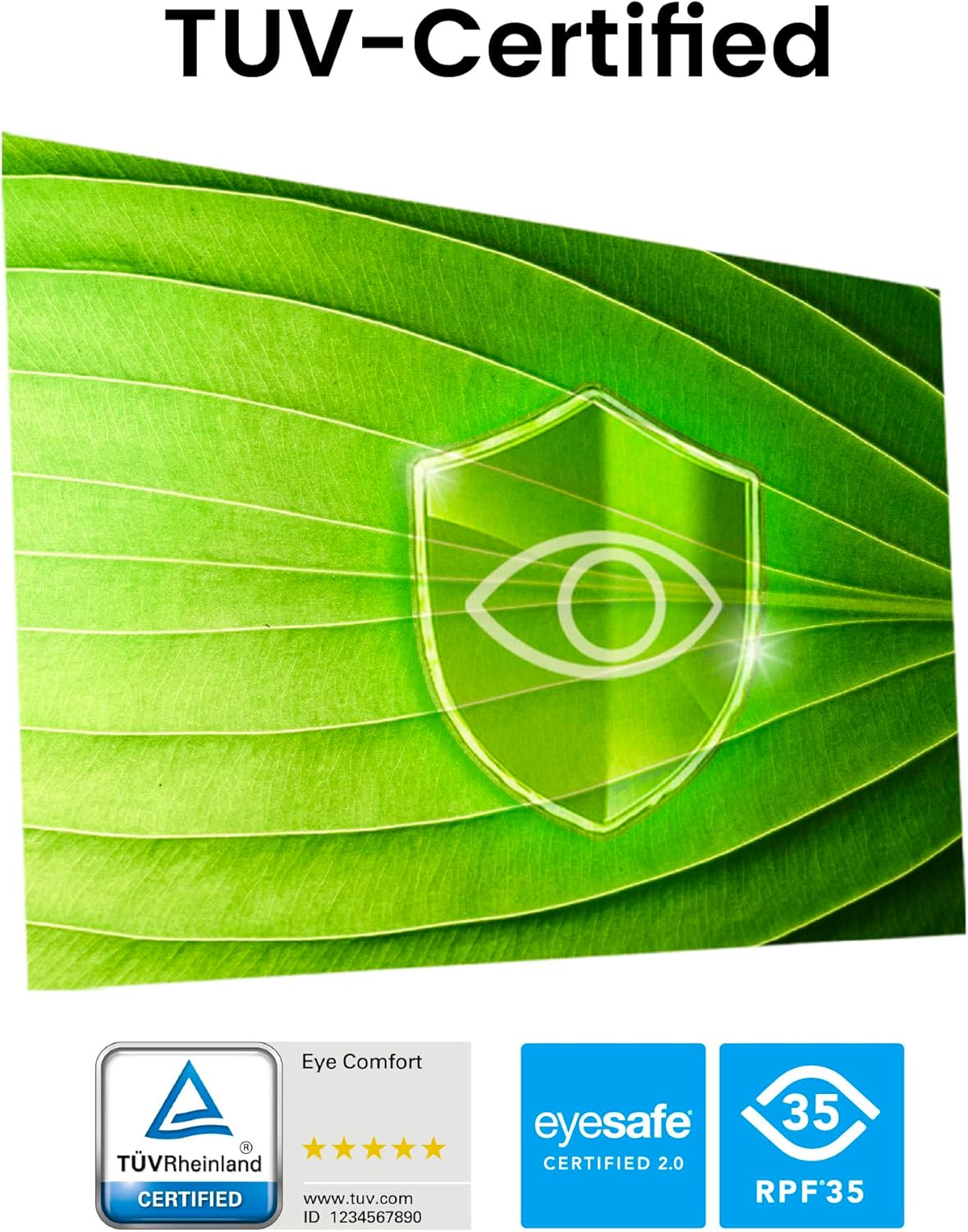
BenQ’s Triple Eye Protection combines Visual Optimizer, Low Blue Light and Flicker-Free technology, which is positioned as convenient for long sessions without constant manual tweaks. TÜV-certified Eye Comfort and Eyesafe 2.0 endorsement add a degree of confidence about eye comfort during extended use. The USB‑C connectivity provides a straightforward option for devices that support a single-cable setup, while the ultrathin bezel design helps keep focus on the image.
Limitations to consider
If your primary requirement is very high resolution or strong gaming performance, note that this model uses 1080p rather than 1440p or 4K, and the 144Hz spec is queued for lighter tasks rather than competitive gaming. Real-world performance will depend on what you connect and the content you view. Some users may expect more modern ports or speakers integrated—neither are highlighted in the available details.
Who it’s for
This monitor could appeal to home office users who prioritise eye comfort, a compact desk footprint, and a clean aesthetic. The 99% sRGB coverage suits general productivity, web work and casual media viewing. If you value a calm, low-maintenance setup with fewer fiddly settings, the Visual Optimizer and Eye Protection features offer a practical, out-of-the-box experience.
Who it’s not for
If you’re chasing top-tier gaming, professional colour grading, or a higher resolution panel, this model may fall short compared with higher-end alternatives. Likewise, those who rely on a rich built‑in audio experience or a more expansive port selection may need to look elsewhere.
What to check before buying
- Confirm you have a device that supports USB‑C for a clean single-cable connection.
- Ensure you’re comfortable with 1080p on a 27" screen, text size and scaling matter for long work sessions.
- Consider whether a 144Hz refresh rate translates to your daily tasks or if it will be underutilised in typical office use.
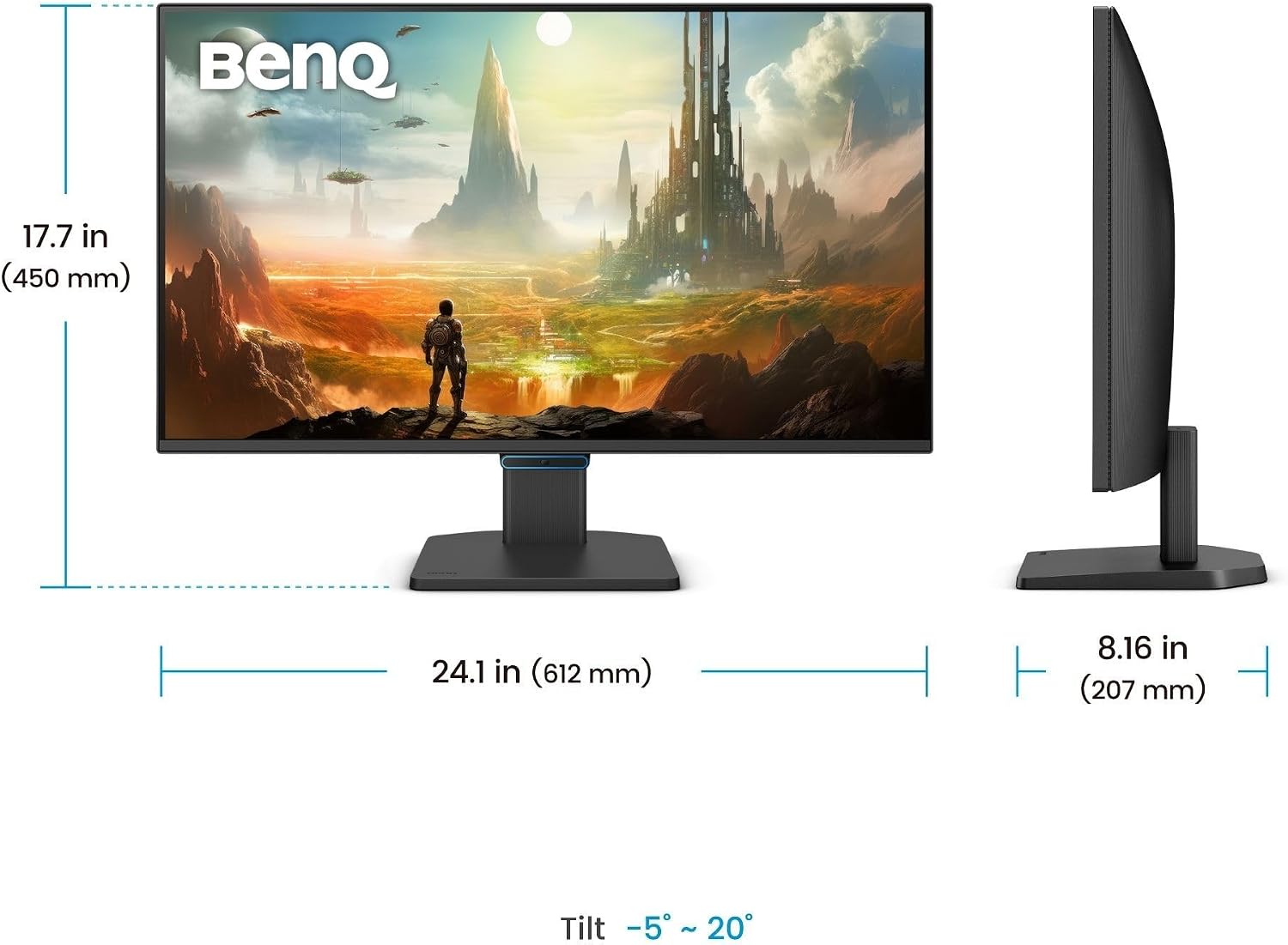
- Look at the physical layout and stand adjustability if ergonomics are a priority.
Practical use case
Imagine a busy home office where you regularly switch between documents, video calls and light photo or video tasks. With a near frameless design, you can place it close to a wall and keep your focus on on-screen content. The eye-care features offer reassurance during long days, while USB‑C helps keep cables tidy when you connect a modern laptop.
FAQ
- Does it support USB‑C charging from a laptop? The available data confirms USB‑C connectivity but does not specify charging capabilities.
- Is the colour accuracy adequate for photo work? With 99% sRGB, it suits everyday colour work, but full professional-grade colour grading may require a higher-end panel.
- Can I use it for gaming? The 144Hz refresh rate is beneficial for smoother gameplay, but the resolution and panel type indicate it’s more oriented toward general use than high-end competitive gaming.
Is it worth it?
It makes sense if you prioritise eye comfort, a tidy desk footprint and reliable everyday visuals, and you’re not chasing top-tier gaming or 4K fidelity. If those latter needs are important, you may want to compare with higher-resolution or higher-spec panels.