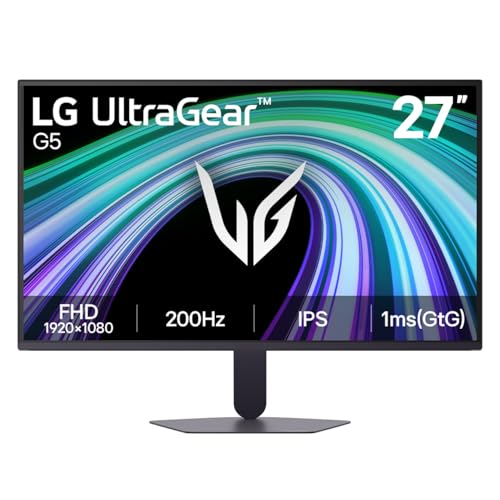
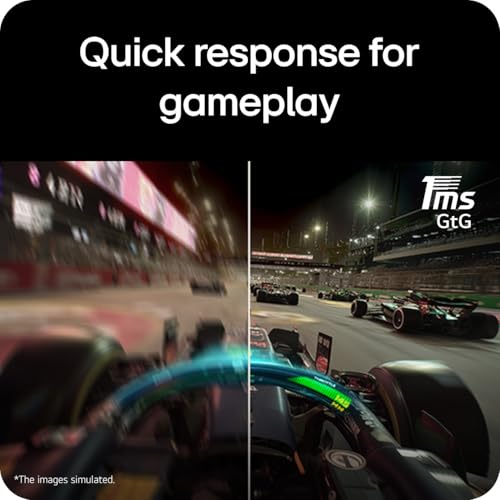
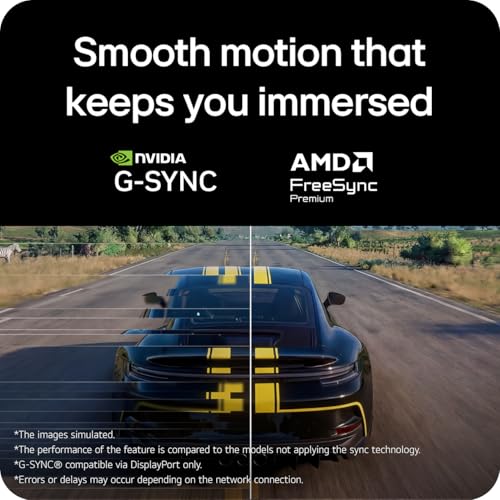
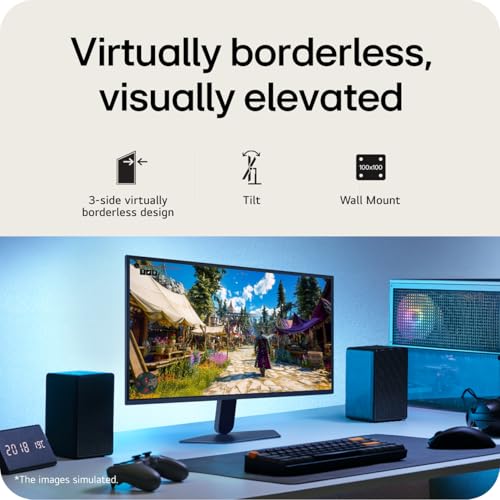
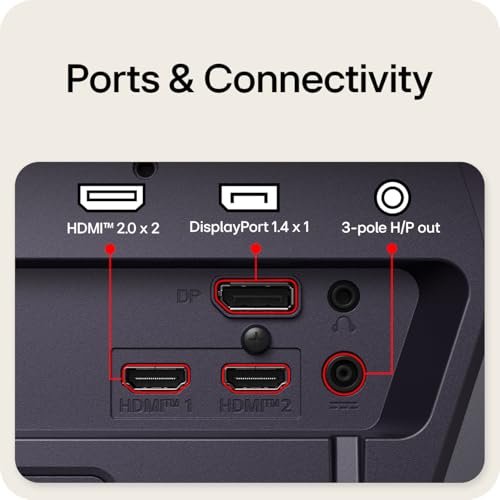
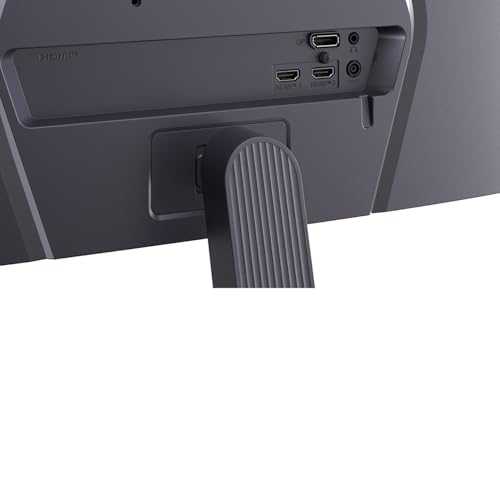
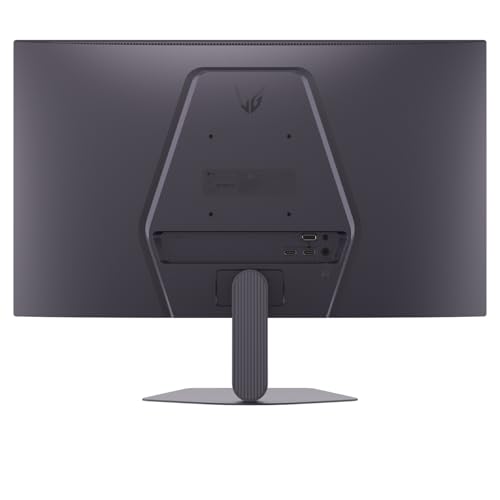
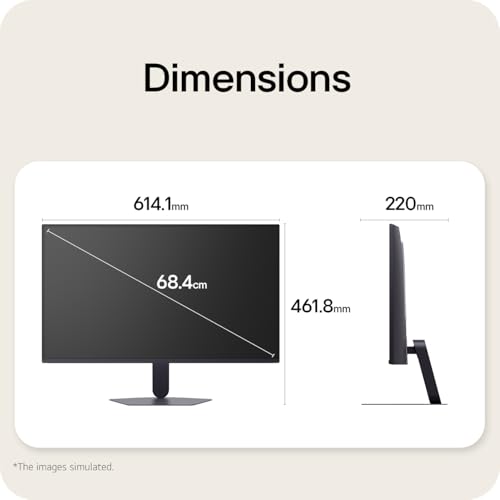
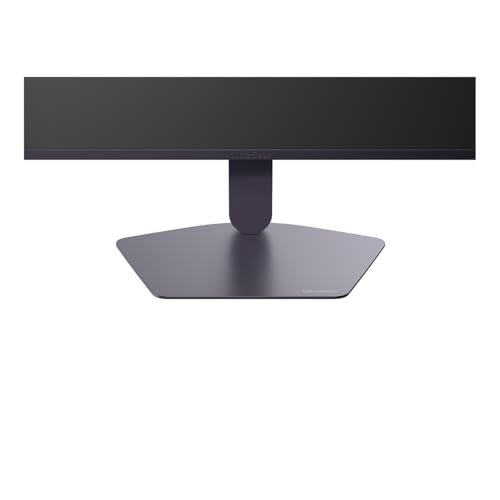
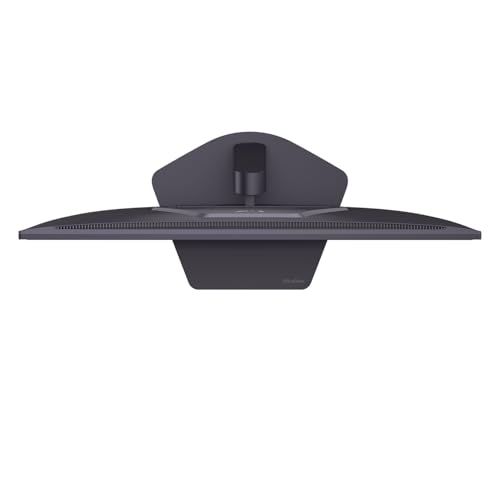
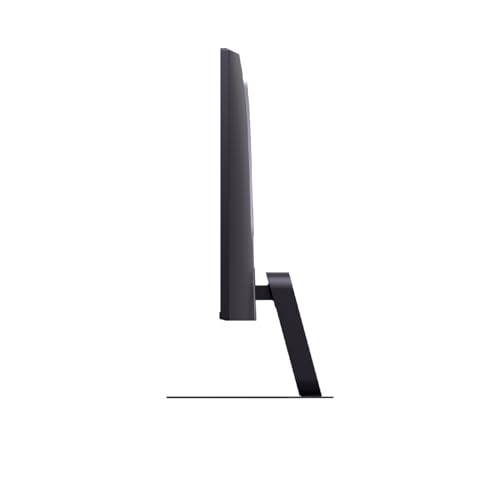
What type of product is this and what it solves\nThe LG UltraGear G5 27G523B-B is a 27-inch Full HD gaming monitor aimed at providing smooth motion and accurate visuals for competitive play and everyday use. It’s designed to help you see fast action clearly while keeping colours faithful to the source. If your priority is responsive gameplay without breaking the bank, this screen offers a balanced package that’s not pretending to be a flagship model.\n\n## What matters most\nOn paper, the blend of a 27-inch IPS panel with 1920×1080 resolution, a 200Hz refresh rate and a 1ms GtG response time points to reduced motion blur and snappier visuals. The panel’s sRGB 99% coverage and HDR10 support indicate better colour reproduction and contrast than many basic TN or budget IPS panels. For players who care about colour accuracy in casual titles or who share the monitor for content creation, those specifications add practical value beyond mere gaming fluency.\n\n## How it performs in use\nIn fast-paced games, the high refresh rate can translate to smoother motion and fewer artefacts during quick turns or rapid gunplay. The 1ms GtG response time helps minimise trailing, though actual perceived speed also depends on system capabilities and game design. Certification for NVIDIA G‑SYNC Compatible and AMD FreeSync Premium suggests tear-free gameplay when paired with compatible GPUs. Practically, you’ll likely notice fewer stutters during intense sequences compared with lower refresh rate displays.\n\n## Design and usability\nThe stand offers tilt adjustment, which helps you find a comfortable viewing angle for long sessions. The monitor includes both HDMI and DisplayPort inputs, which is convenient for connecting modern GPUs and laptops. As a 1080p panel, it won’t resolve 4K detail or be the best choice for productivity that relies on very high pixel density, but it keeps power consumption reasonable and can be a sensible choice for esports titles or setups where screen real estate is more valuable than ultra-high resolution.\n\n## Who it’s for and who it isn’t the best option for\nIt suits gamers who prioritise speed over resolution and want a competitive feature set at a reasonable price. It’s a sensible pick if you already own a capable graphics card and want a responsive secondary display or a primary monitor for pure gaming. However, if you rely on ultra-sharp text, professional photo or video work, or you want an immersive 4K experience, this model may fall short of those needs. It also won’t deliver the brightness or colour volume of higher-end IPS panels.\n\n## What to check before buying\n- Ensure your GPU can drive 1080p at 200Hz to make the most of the panel.\n- If you’re new to variable refresh rate tech, verify compatibility with your existing setup.\n- Consider desk space and stand height, tilt alone may not deliver the perfect ergonomic position for every user.\n- Think about whether you want HDR in a gaming monitor, HDR10 support is present, but not all HDR implementations feel equivalent across titles.\n\n## Comparison and alternative approaches\nIf you prioritise higher resolution and sharper text, you might look at 1440p gaming monitors or 4K options. For users focussed on value-for-money, this LG unit sits in a mid-range niche: faster than typical 60–120Hz displays but without the higher costs of premium esports or ultrawide models. In a setup where fast action dominates and you’re mindful of budget, this could be a practical compromise.\n\n## Should you buy it?\nShould you buy it? It’s worth considering if you prioritise high refresh rate and smooth motion at a reasonable price, with decent colour accuracy for everyday gaming. It isn’t the best option if you need ultra-high resolution, premium HDR, or top-tier brightness. If those are your priorities, you may want to explore other paths.\n\n## FAQ\n- Q: Is this monitor good for competitive gaming? A: For motion clarity and high refresh, yes, within its 1080p class.\n- Q: Does it support both G‑SYNC and FreeSync? A: Yes, it’s compatible with NVIDIA G‑SYNC and includes FreeSync Premium.\n- Q: Can I use it for content creation? A: It offers solid colour accuracy for many tasks, but its 1080p resolution may limit detailed editing compared with higher-resolution monitors.