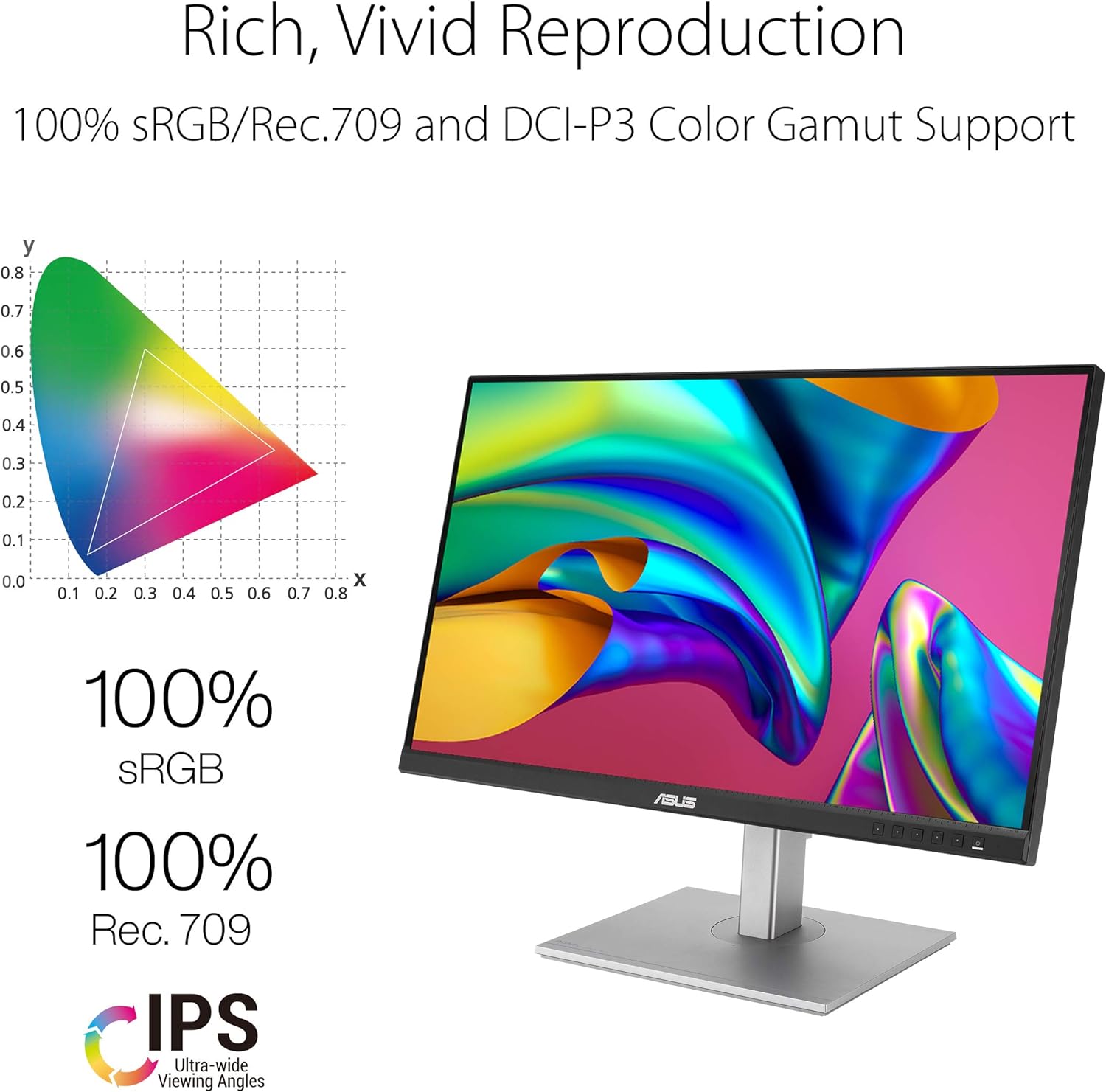
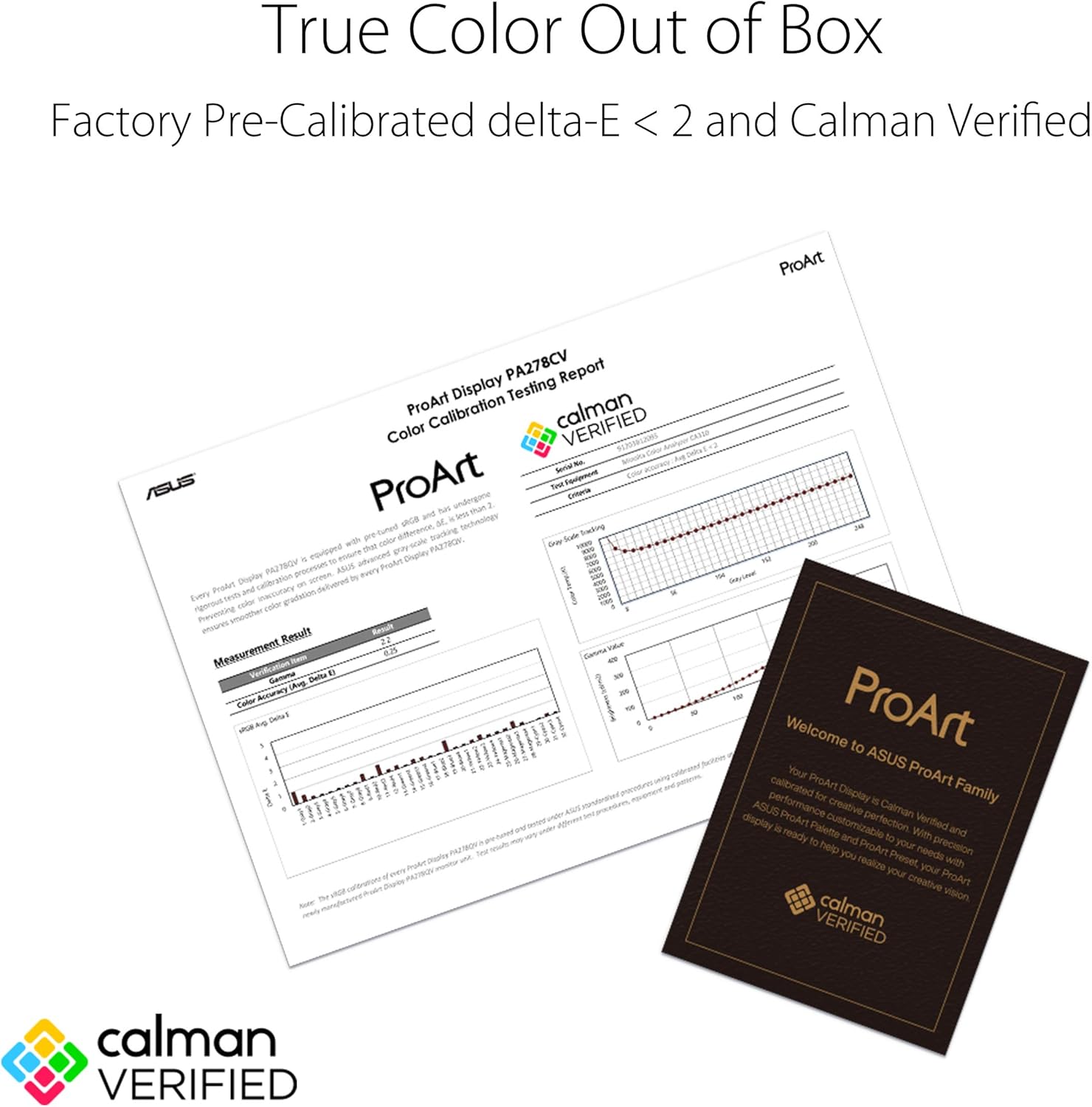
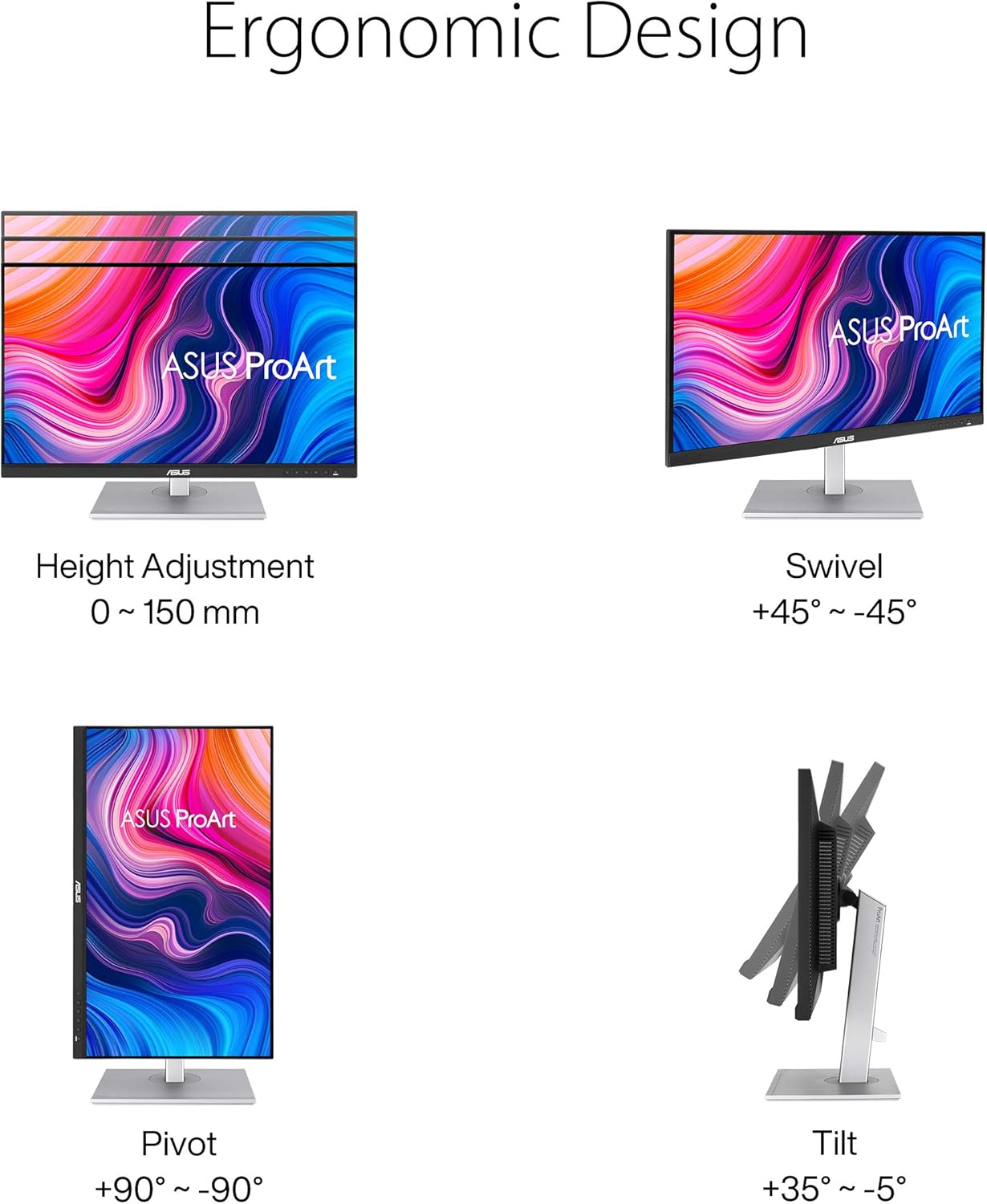
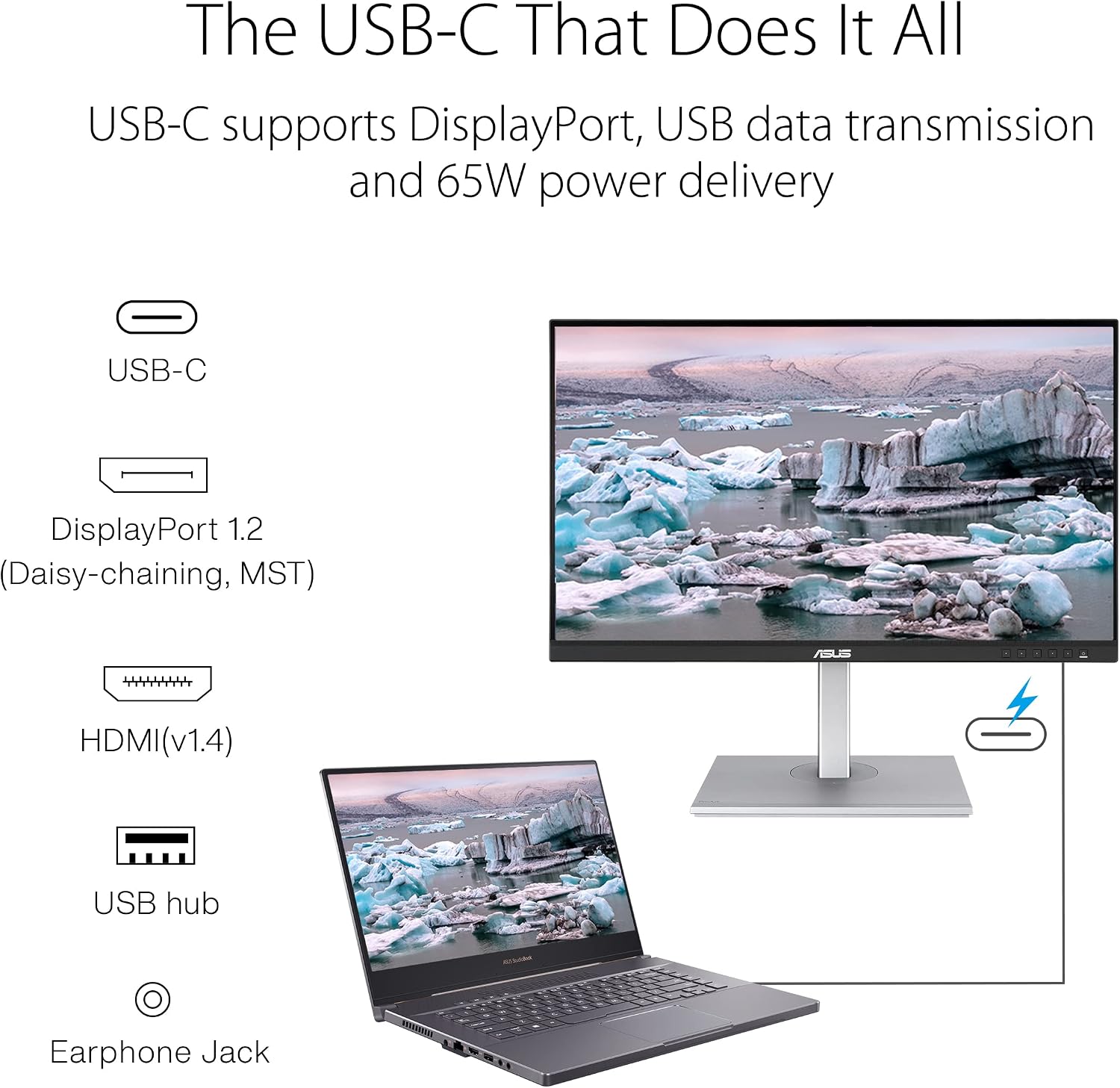
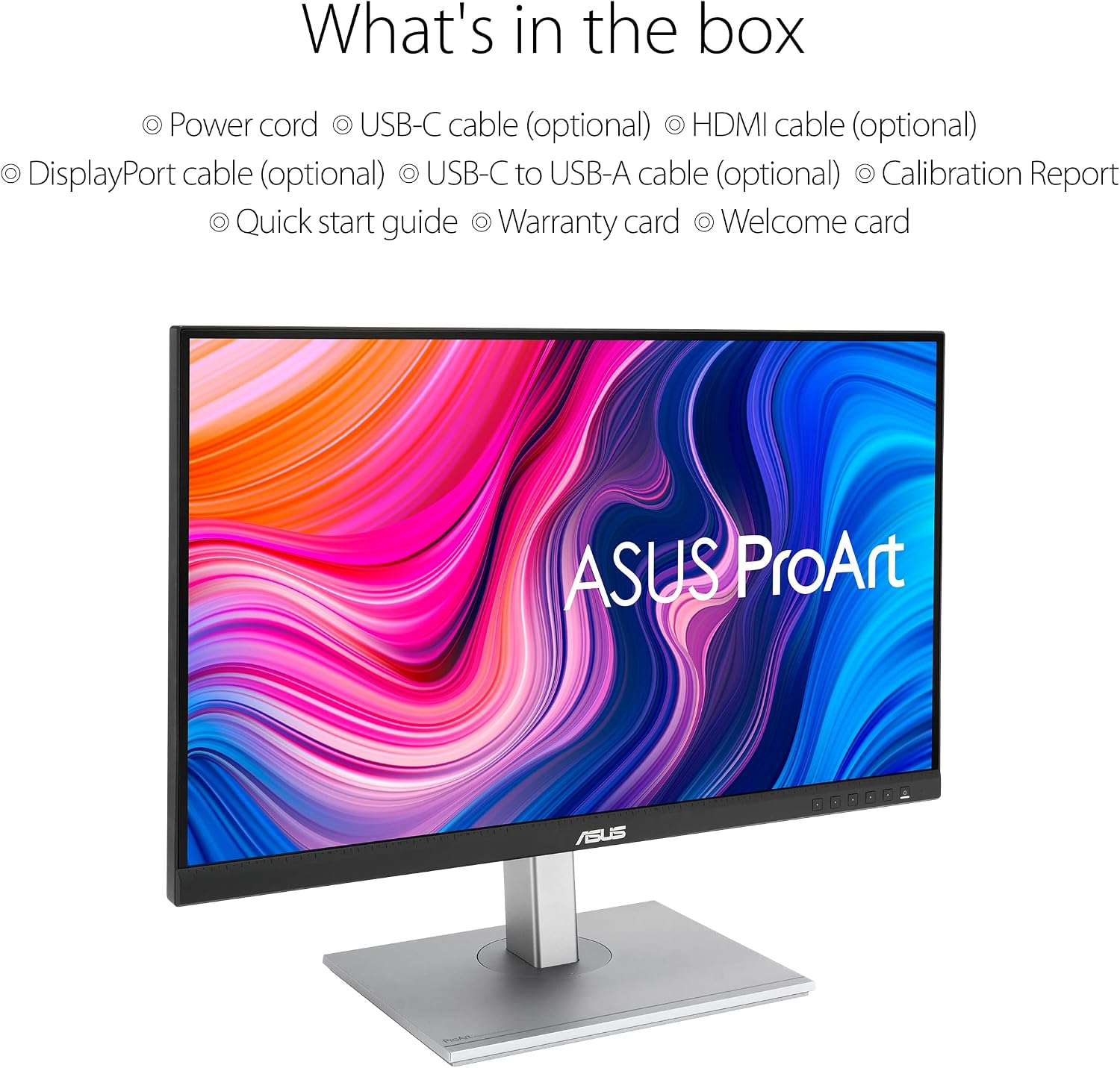
What this monitor is and what it solves\nThe ASUS ProArt PA278CV is a 27-inch professional monitor designed for creators who need reliable colour accuracy and a practical workspace connection. With a 2560 x 1440 WQHD IPS panel and wide viewing angles, it aims to deliver consistent colour from multiple angles, which can be important when editing photos, videos, or graphics. The panel covers 100% sRGB and 100% Rec. 709, which provides a familiar colour space for many standard workflows. The inclusion of Calman Verified status adds some reassurance about colour accuracy out of the box, though real-world results can vary depending on your setup and calibration routine.\n\n## Core strengths and what stands out\nOn paper, the PA278CV pairs a generous 27-inch canvas with a wide colour gamut and IPS stability. The USB-C connection is a practical feature, potentially simplifying desk setups by delivering both display and power over a single cable where supported. DisplayPort Daisy-chaining could help build a clean multi-monitor arrangement without excessive cabling. ProArt Preset and ProArt Palette are intended to offer quick, user-friendly ways to tune colour and brightness for different tasks, which can save time if you switch between photo editing, layout work, and video timelining.\n\n## Why it might appeal to you\nIf you prioritise colour accuracy for creative work, and you value a straightforward workflow with convenient connectors, this model could be a sensible mid-range option. The 100% sRGB and 100% Rec. 709 coverage suits many standard post-production tasks, and the Calman verification implies a baseline of reliability. The 27-inch size offers a comfortable balance between desk fit and screen real estate, with a resolution that keeps interface elements reasonably sharp without demanding top-tier GPU performance.\n\n## Potential limitations and what to consider\nNo product is perfect for every workflow. Colour-critical professionals should still plan for proper calibration in real-world use, as ambient light and software pipelines can influence perceived accuracy. While USB-C and daisy-chaining are convenient, the quality of results will depend on your computer’s hardware and the exact configuration you choose. The 2560 x 1440 resolution is a middle ground between Full HD and 4K, if you routinely build very large, fine-grained layouts or require maximum pixel density, you might prefer higher resolution options.\n\n## Who this is for\nThis monitor is well-suited to graphic design, photo editing, video editing, and general colour-accurate work where a dependable 27-inch screen helps with detail. It should appeal to those who want a capable ProArt tool without stepping up to more complex or expensive flagship models.\n\n## Who it isn’t ideal for\nIf you need 4K resolution, extremely tight colour tolerances out of the box, or cutting-edge HDR performance, this model may feel limited by its spec sheet. Users who rarely calibrate or those who require extensive on-device test patterns might find the workflow features less impactful in practice.\n\n## What to review before buying\n- Confirm your computer has USB-C capability if you plan to use single-cable connectivity for both video and power.\n- Consider how you’ll calibrate colour: Calman Verified is a good sign, but a regular calibration plan will help maintain accuracy over time.\n- Think about room lighting, even with good accuracy, ambient conditions influence perceived colour.\n\n## Practical usage example\nImagine preparing a photography project: you’ll spend time in RAW development, then switch to layout and retouching. The ProArt Preset and Palette should help you switch between tasks quickly, keeping colour intent consistent across a project without hunting for settings.\n\n## The context of alternatives\nIf you need higher pixel density or more aggressive HDR, you’d typically compare against higher-end 27–32 inch options. For many everyday professional tasks, a solid mid-range colour-accurate monitor like this offers a sensible balance of performance and value.\n\n## Is it worth it? Final decision\nShould you buy it? Worth considering if accurate colour for common design and editing tasks matters to you and you want practical connectivity with easy preset options. It may not be the best pick if you require 4K resolution or peak HDR performance for specialised workflows.\n\n## Frequently asked questions\n- Does it support USB-C power delivery? Yes, it includes USB-C connectivity which can simplify connections depending on your setup.\n- Is Calman Verified a guarantee of perfect colour? It indicates verification, but real-world accuracy still depends on calibration and lighting.\n- Can I daisy-chain multiple monitors? DisplayPort Daisy-chaining is listed as a feature, so you can configure multiple displays if your hardware supports it.\n