


Dell 27 Monitor SE2726HS review
Reviews
Price
Product description
What it is and the need it meets
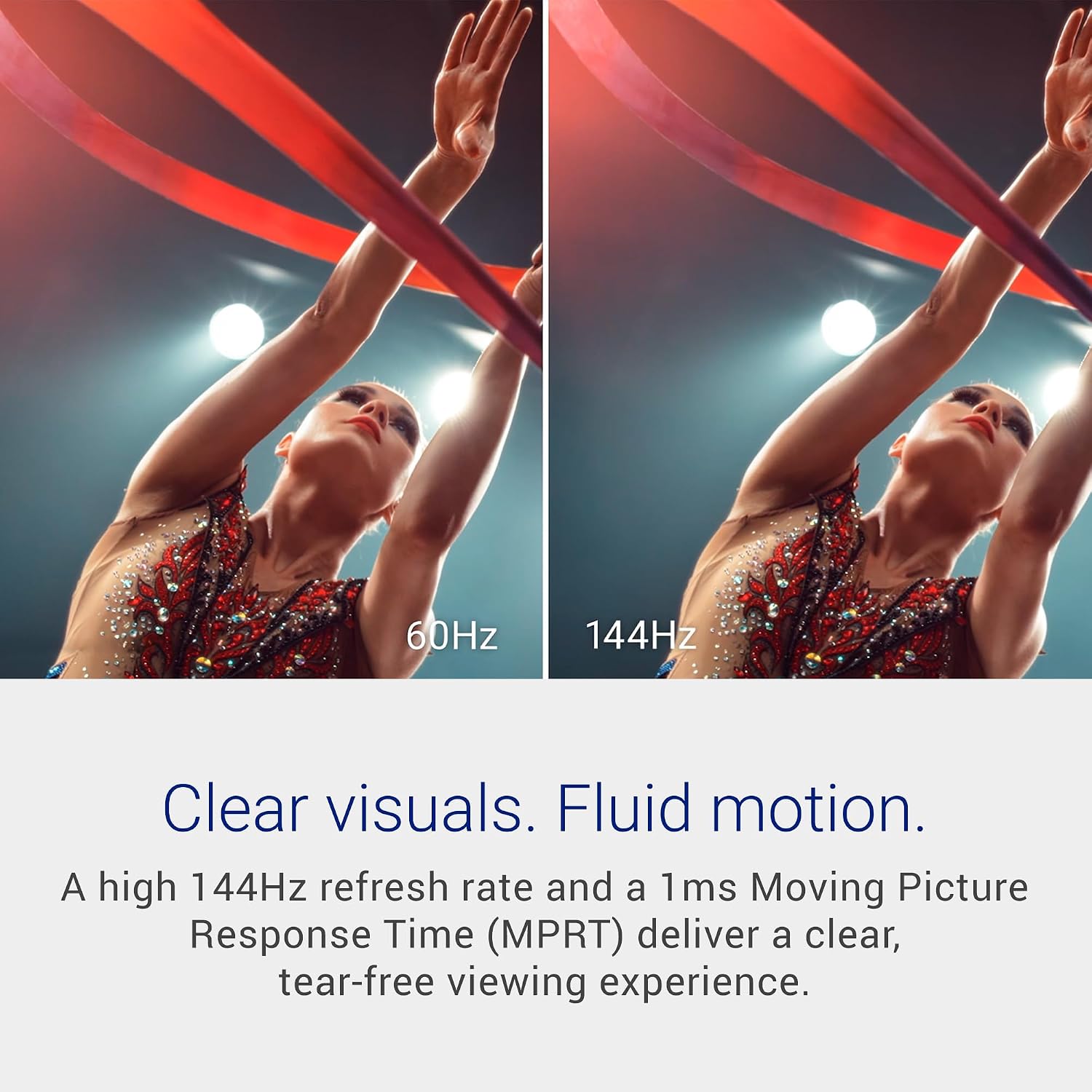
The Dell 27 Monitor SE2726HS is a 27-inch full HD IPS display aimed at everyday use, casual gaming and multimedia. With a 144Hz refresh rate and 1ms MPRT, it’s designed to deliver smoother motion than standard office monitors, which can help reduce motion blur during fast-paced scenes or scrolling. The panel includes ComfortView Plus tech certified by TÜV Rheinland, which reduces blue-light emissions without washing out colours, making longer sessions more comfortable. If you’re after a reasonably affordable, versatile screen for both work and light entertainment, this model sits in that pragmatic space between basic office monitors and higher-end gaming rigs.
How it performs on paper
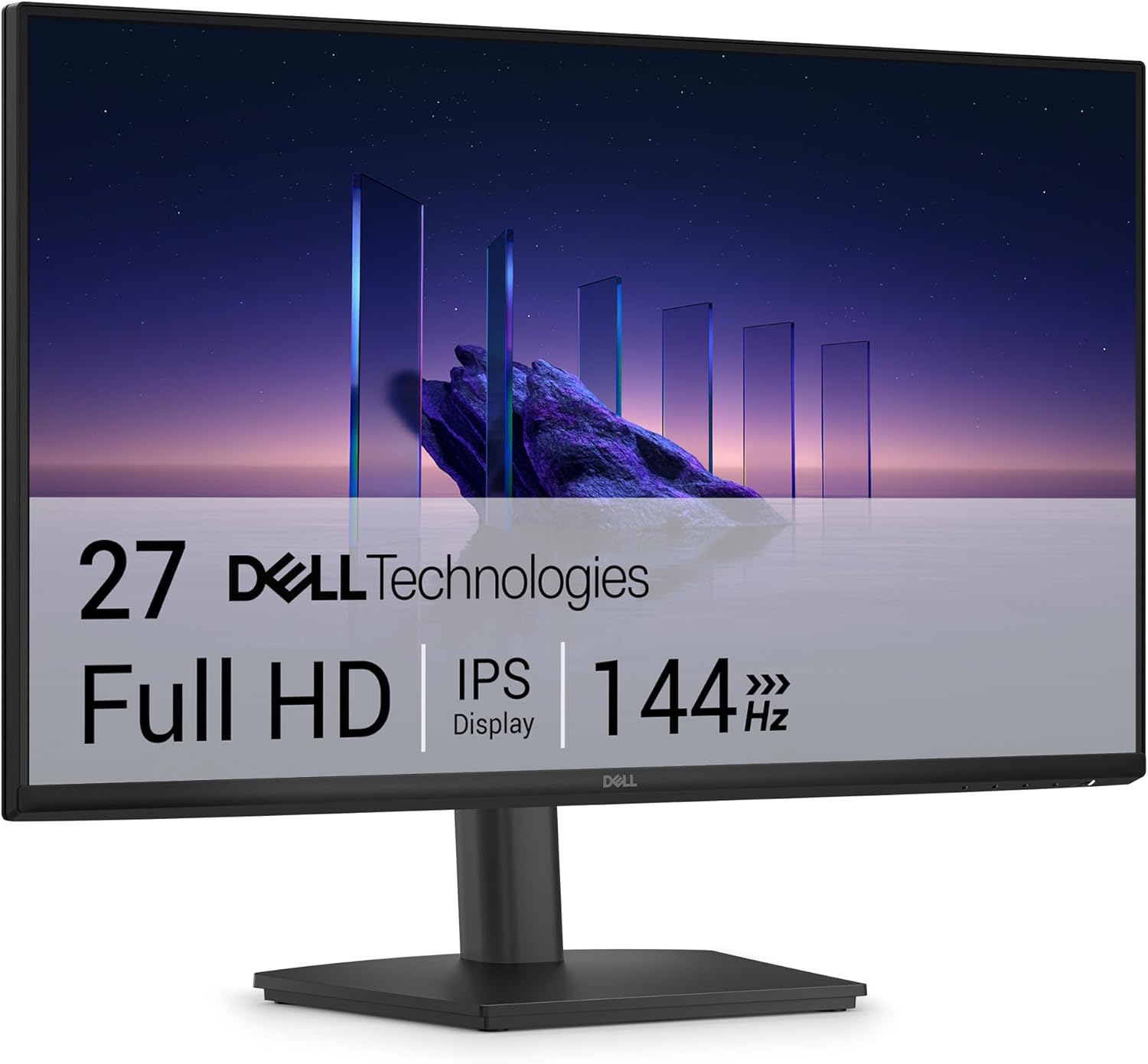
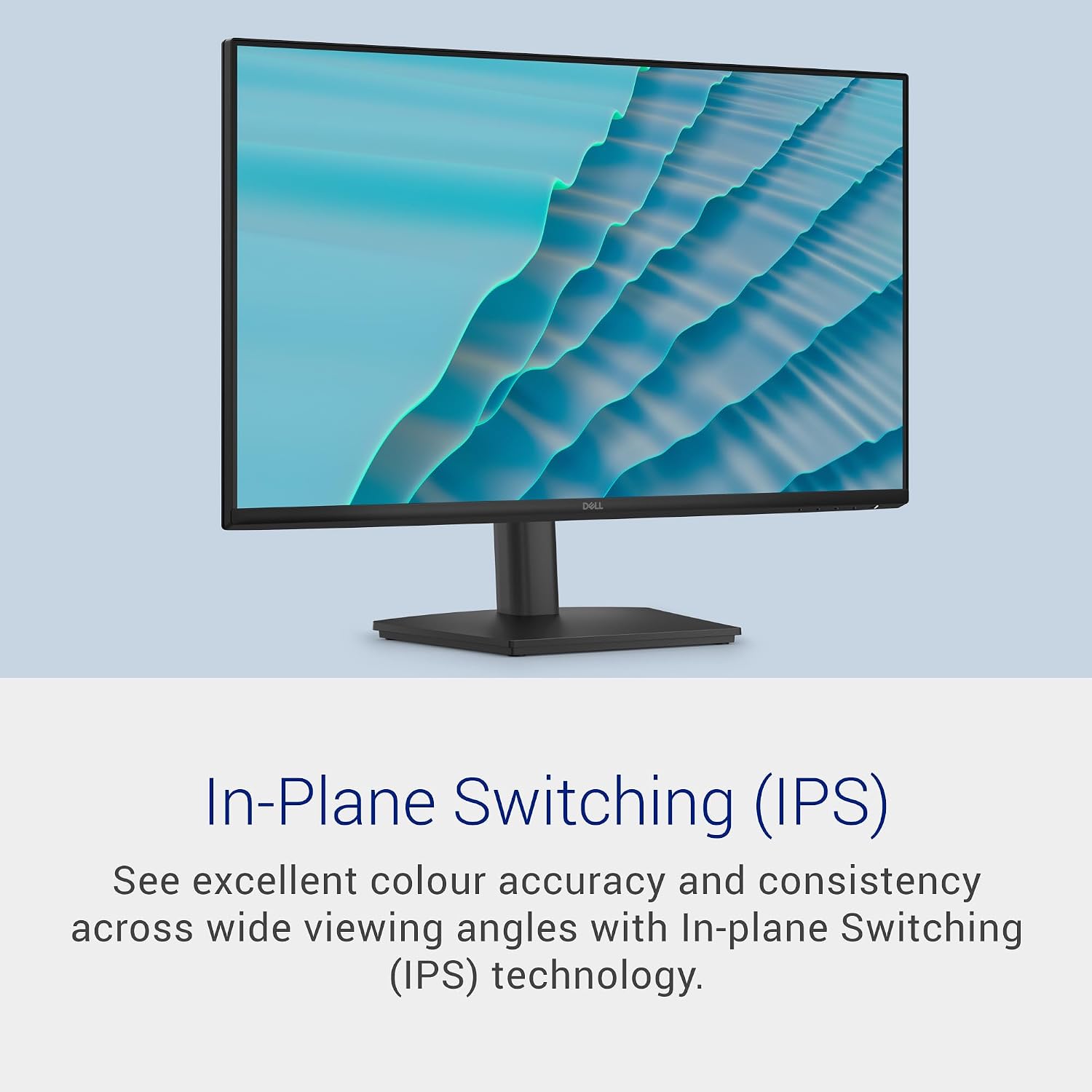
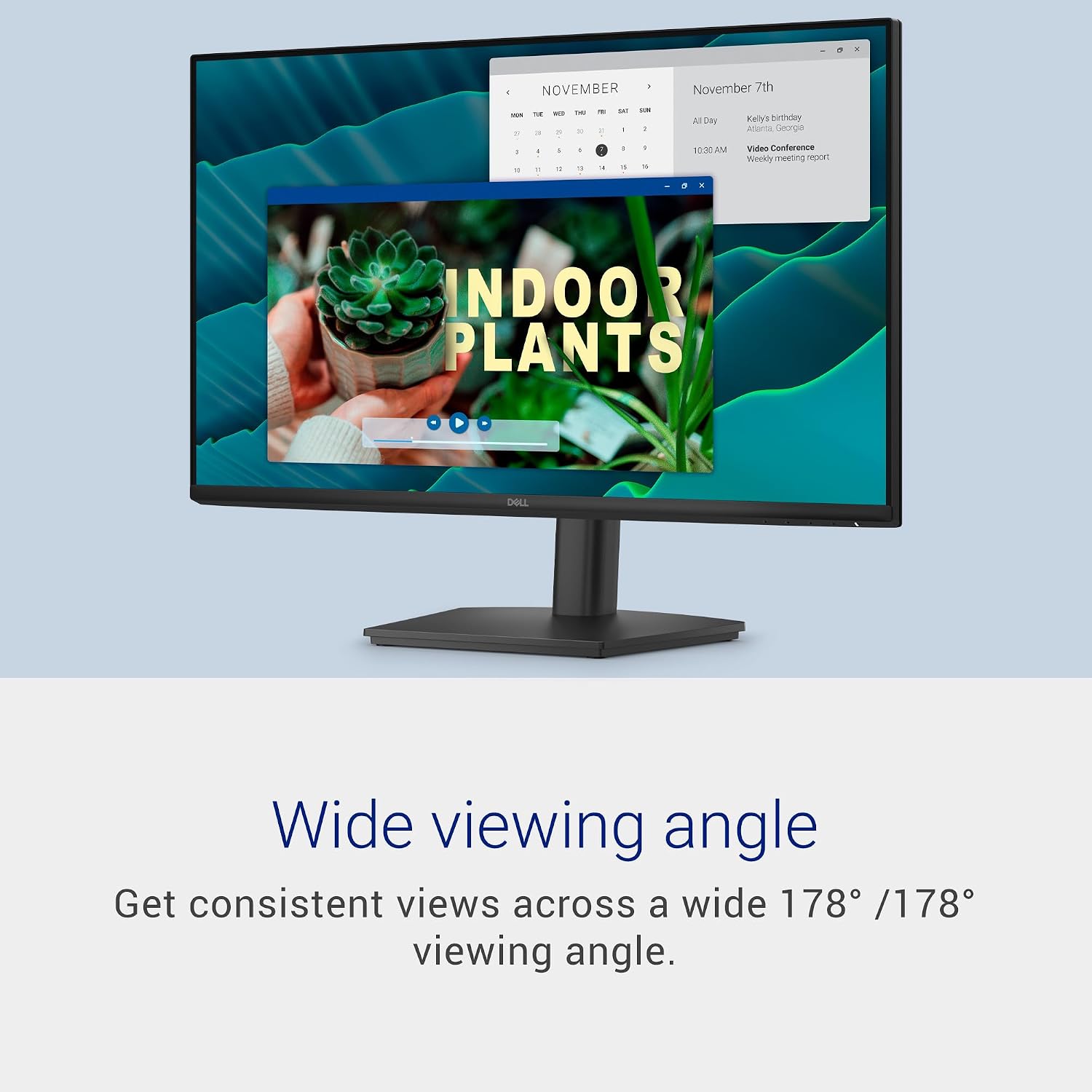
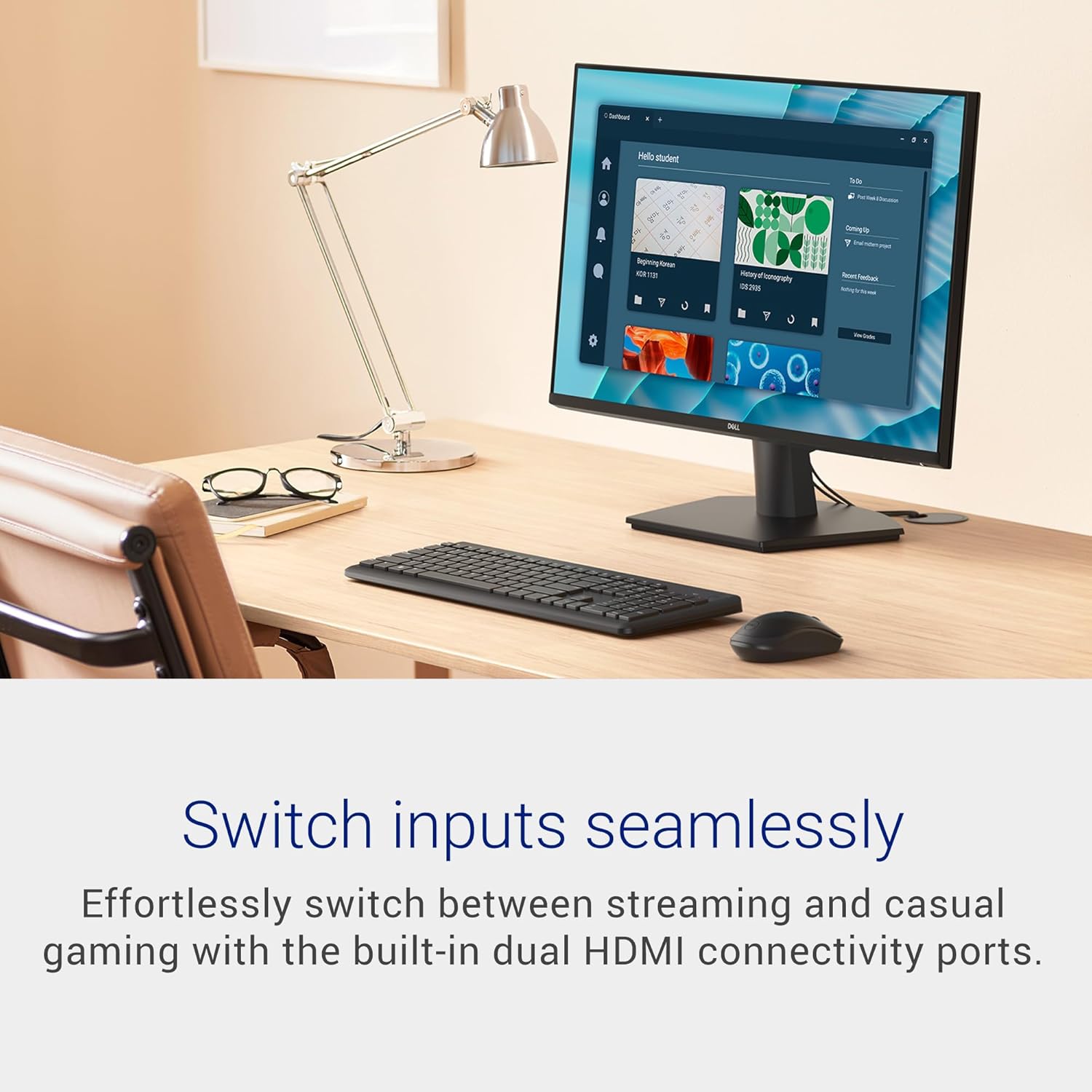
On the technical side, you get Full HD resolution (1920x1080) on a 27-inch panel with IPS for wide viewing angles and solid colour consistency. The 144Hz refresh rate and 1ms MPRT are geared towards smoother gameplay and responsive navigation, while AMD FreeSync helps minimise tearing and stuttering when used with compatible graphics sources. The two HDMI inputs offer flexibility for switching between devices such as a PC and a console or laptop, maintaining Full HD at the monitor’s top refresh rate where possible.
What stands out day to day
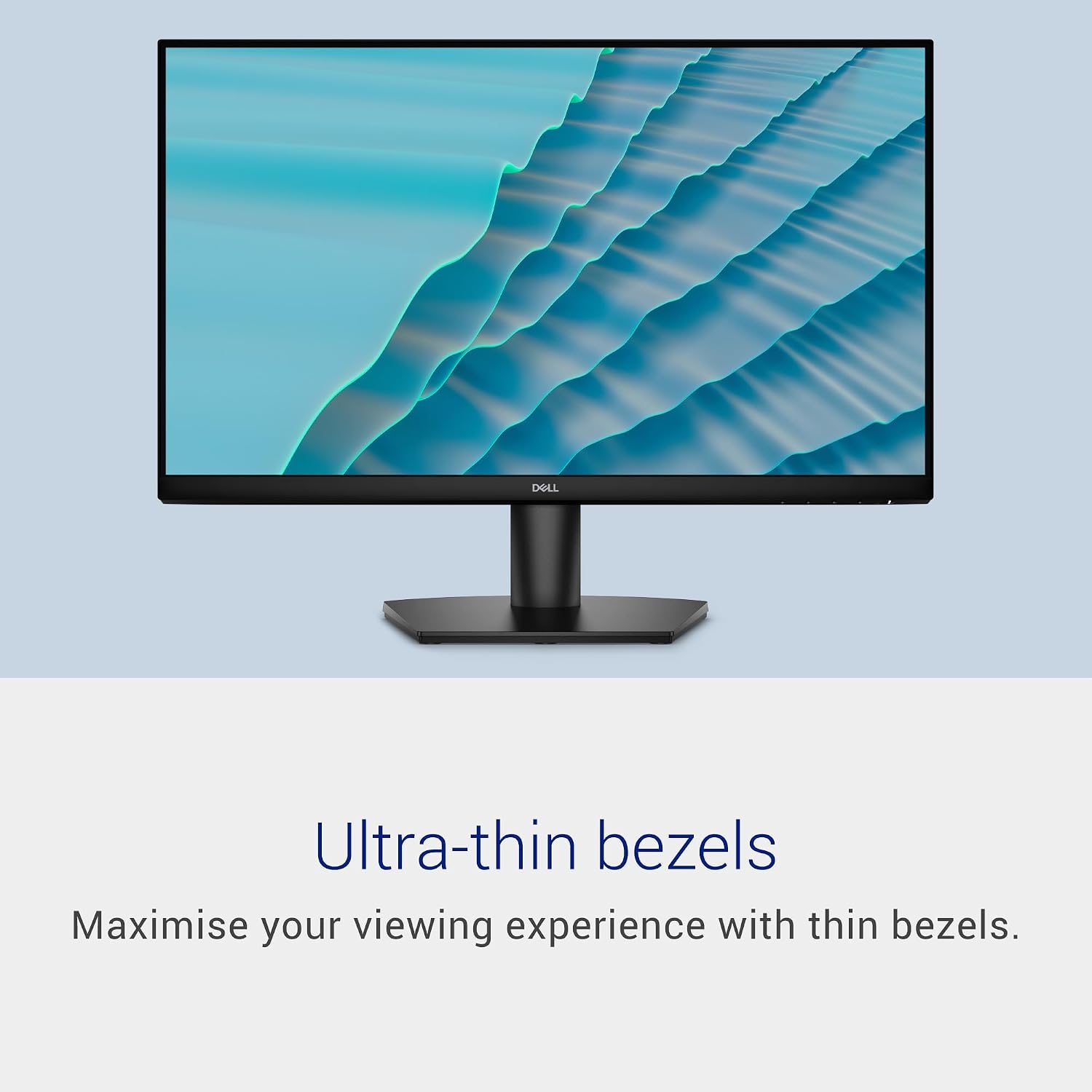
The design emphasises space-saving and placement flexibility: slim bezels make it less intrusive on a multi-monitor desk setup, and the stand is tiltable to tailor the viewing angle. VESA mounting (100x100mm) adds further options for wall or arm mounting, which is handy if you want to free up desk space. The inclusion of a three-year warranty with Advanced Exchange Service is a pragmatic reassurance for home or small-office users who value reliability.
Pros and where it matters
- Smooth motion: 144Hz with 1ms MPRT can improve perceived fluidity in casual gaming and fast-scrolling tasks.
- Eye comfort: TÜV Rheinland 3‑star image with ComfortView Plus to reduce blue light without compromising colour quality.
- Flexible inputs: 2 HDMI ports simplify multi-device use, reducing the need to constantly swap cables.
- Space-conscious design: slim bezels and VESA compatibility aid a clean, adaptable desk setup.
- Warranty: 3 years with Advanced Exchange adds peace of mind for ongoing use.
Limitations and where it may fall short
- Resolution: Full HD on 27 inches means relatively moderate pixel density, if you sit close or need pixel-precision for detailed design work, you might notice the lack of 1440p or 4K.
- Gaming constraints: While 144Hz helps with motion, the panel is not marketed as a high-end gaming monitor, colour accuracy and peak brightness are unlikely to match gaming-focused models at a premium price point.
- Stand adjustments are limited to tilt, if you need height adjustability, you’ll rely on VESA mounting or a desk setup.
- No built-in speakers are listed, so expect to use separate audio or a headset for sound.
Who it’s for
This monitor suits users who want a single, affordable display capable of everyday office tasks, media consumption and casual gaming, with the convenience of modern features like FreeSync and Eye Comfort. It’s a sensible option if you’re building a multi-device workstation or want a reliable secondary screen without breaking the bank.
Who it isn’t for
If you require high pixel density for photo or video editing at 27 inches, or you want top-tier gaming specifics (like higher brightness, faster responses, or adaptive tech beyond FreeSync), this model may not be the best fit. Likewise, users who prioritise built-in speakers or extensive height adjustment might prefer alternatives.
When it makes sense to buy
- You want a cost-effective, versatile 27‑inch display for office work, streaming and light gaming.
- You value a comfortable viewing experience over long sessions, aided by colour-friendly eye comfort features.
- You need flexible connectivity with multiple devices and simple desk integration via VESA mounting.
What to review before purchasing
- Confirm the panel’s colour preference and whether it meets your needs for day-to-day tasks or media consumption.
- Check your graphics source capabilities to ensure you can hit the monitor’s top 144Hz refresh rate at 1080p with FreeSync active.
- Consider desk space and whether you’ll use the VESA mount instead of the built-in stand for better ergonomics.
- Plan for audio separately if you rely on speakers or sound from the display.
Practical use case
Imagine a home office where you switch between a laptop for work and a console for light gaming after hours. The SE2726HS lets you move between devices via the two HDMI ports without fuss, while the slim profile and tilt-adjustable stand keep the setup comfortable in a compact space. The comfort of viewing over long sessions makes it a reasonable mid-range choice for everyday tasks rather than a dedicated gaming or colour-critical studio monitor.
FAQ (brief and grounded)
- Can it be mounted on a wall or arm? Yes, via the 100x100mm VESA pattern.
- Does it support 144Hz at all times? It supports Full HD up to 144Hz on compatible sources, actual performance depends on your device and settings.
- Is the stand adjustable beyond tilt? Tilt adjustment is available, height adjustment requires a different mounting solution.
Is it worth it?
Final verdict: Worth considering if you prioritise value-for-money, flexible connectivity and a comfortable viewing experience for mixed use, provided you’re comfortable with 1080p on a 27-inch panel and don’t require advanced gaming features.