

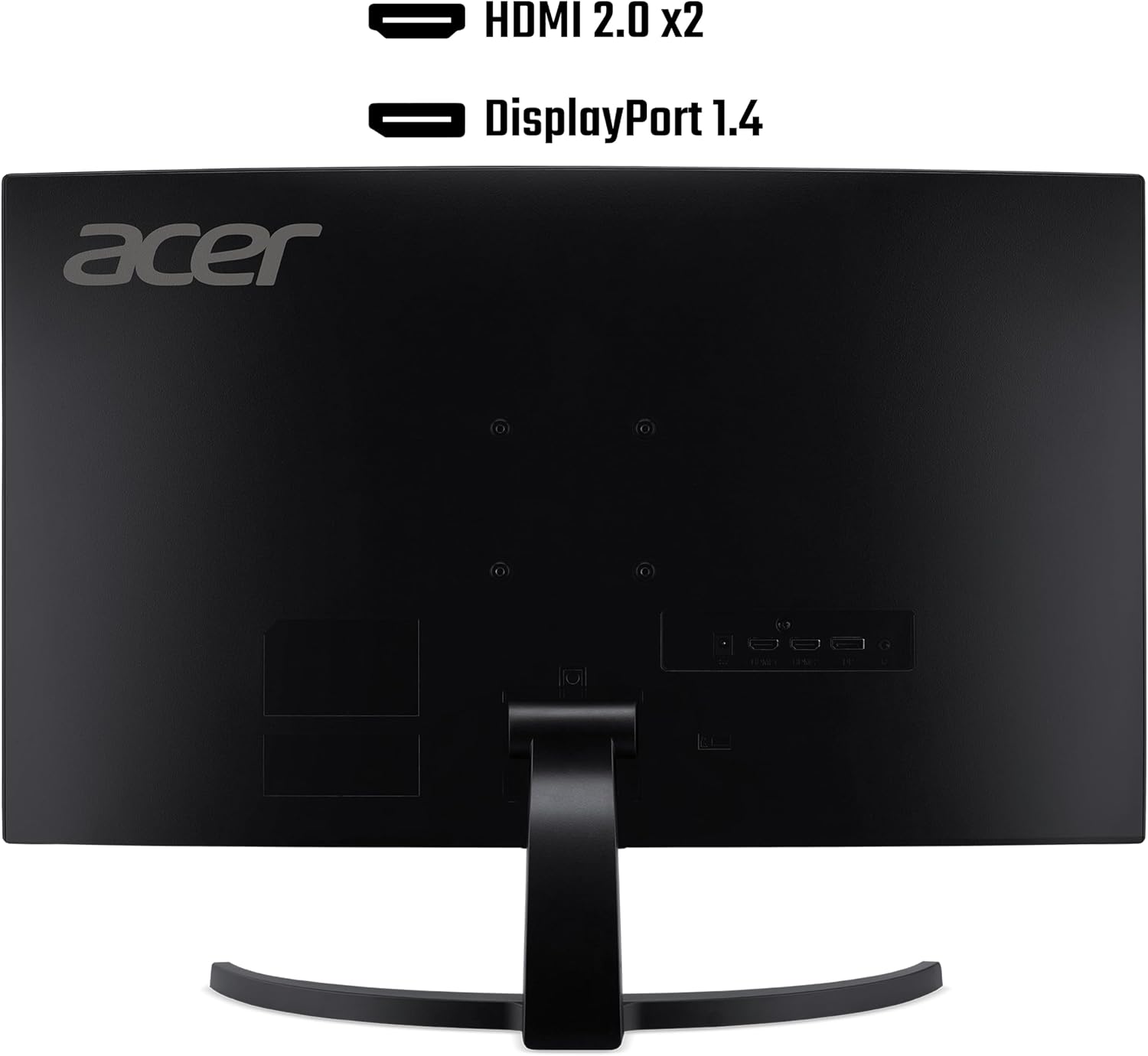
Acer Nitro ED273S3 27-inch Curved Gaming Monitor review
Product description
What it is and who it suits
The Acer Nitro ED273S3 is a 27-inch curved gaming monitor designed to deliver smooth motion and an immersive feel at a reasonable price point. With a Full HD resolution (1920x1080) and a curved VA panel, it aims to balance everyday clarity with immersive gaming experiences. It may appeal to gamers who prioritise high refresh rates for fast-paced titles, casual esports, or those wanting a large, curved screen without stepping up to higher resolutions.
Curved design and comfort
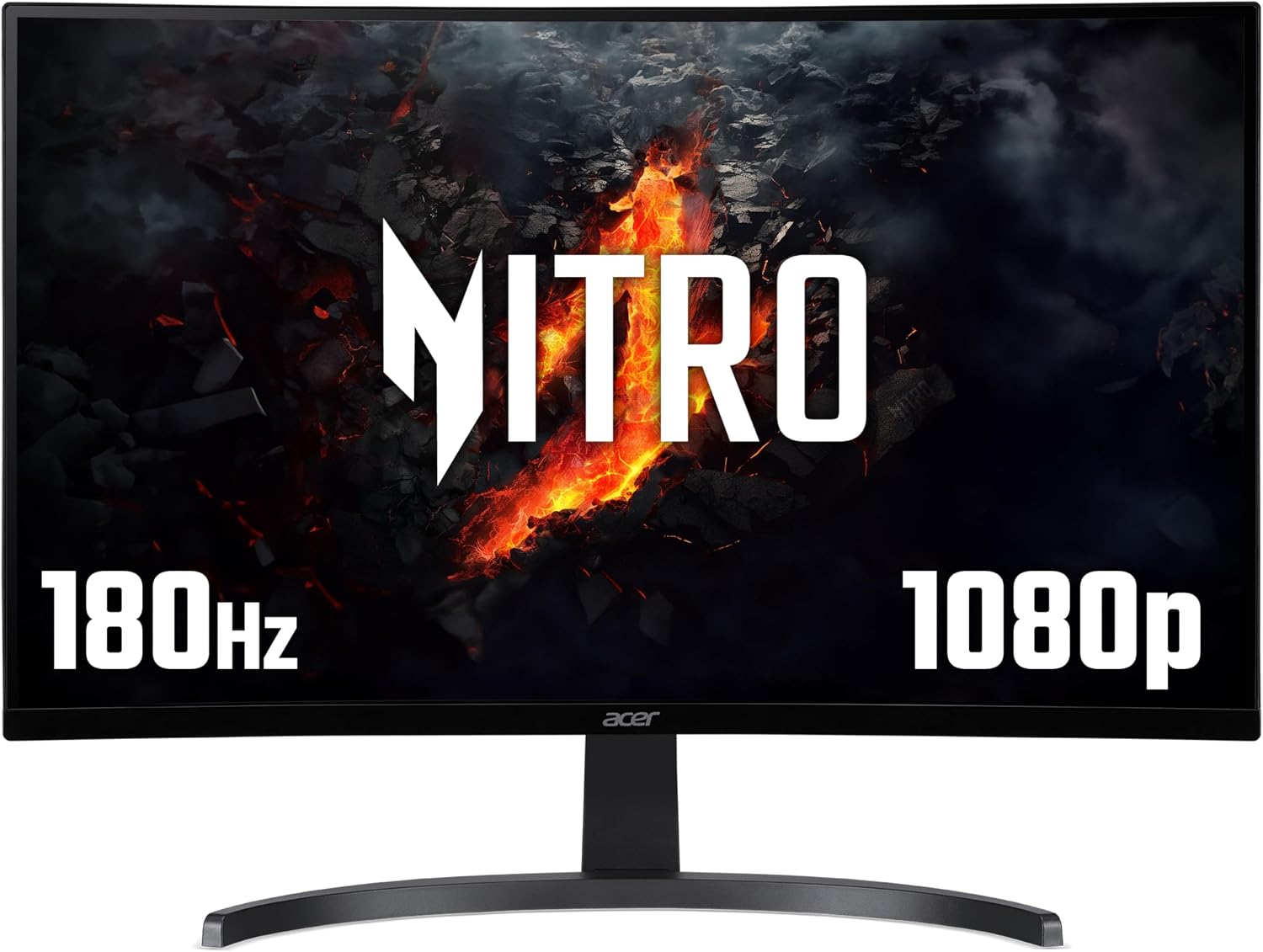
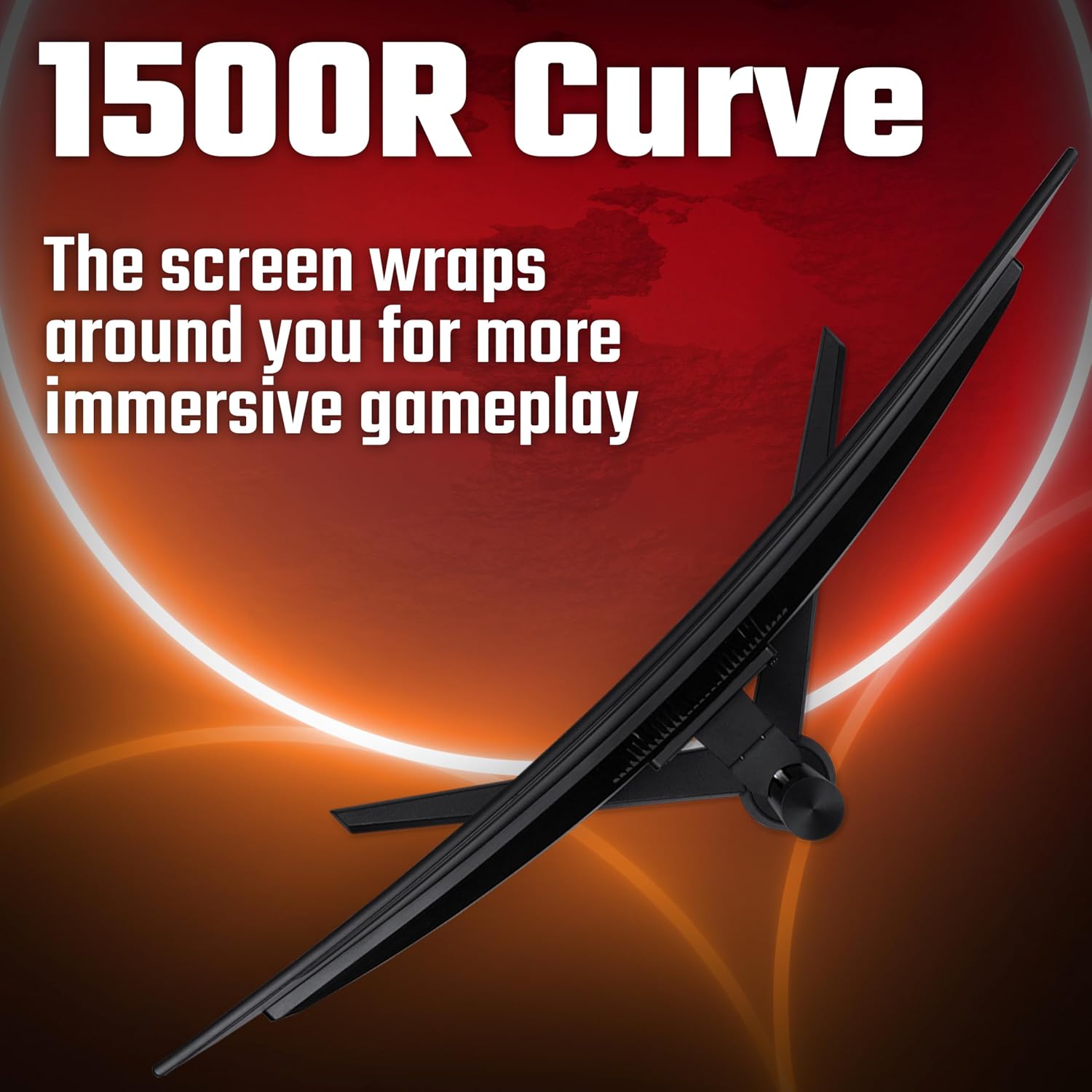
A 1500R curve is advertised to wrap around your field of view a touch more than flat panels, which can help with immersion and may reduce eye strain during longer sessions. The curved form is a practical choice if you want a broad, unobstructed view in competitive games or when you’re playing for extended periods with friends.
Visuals and colour
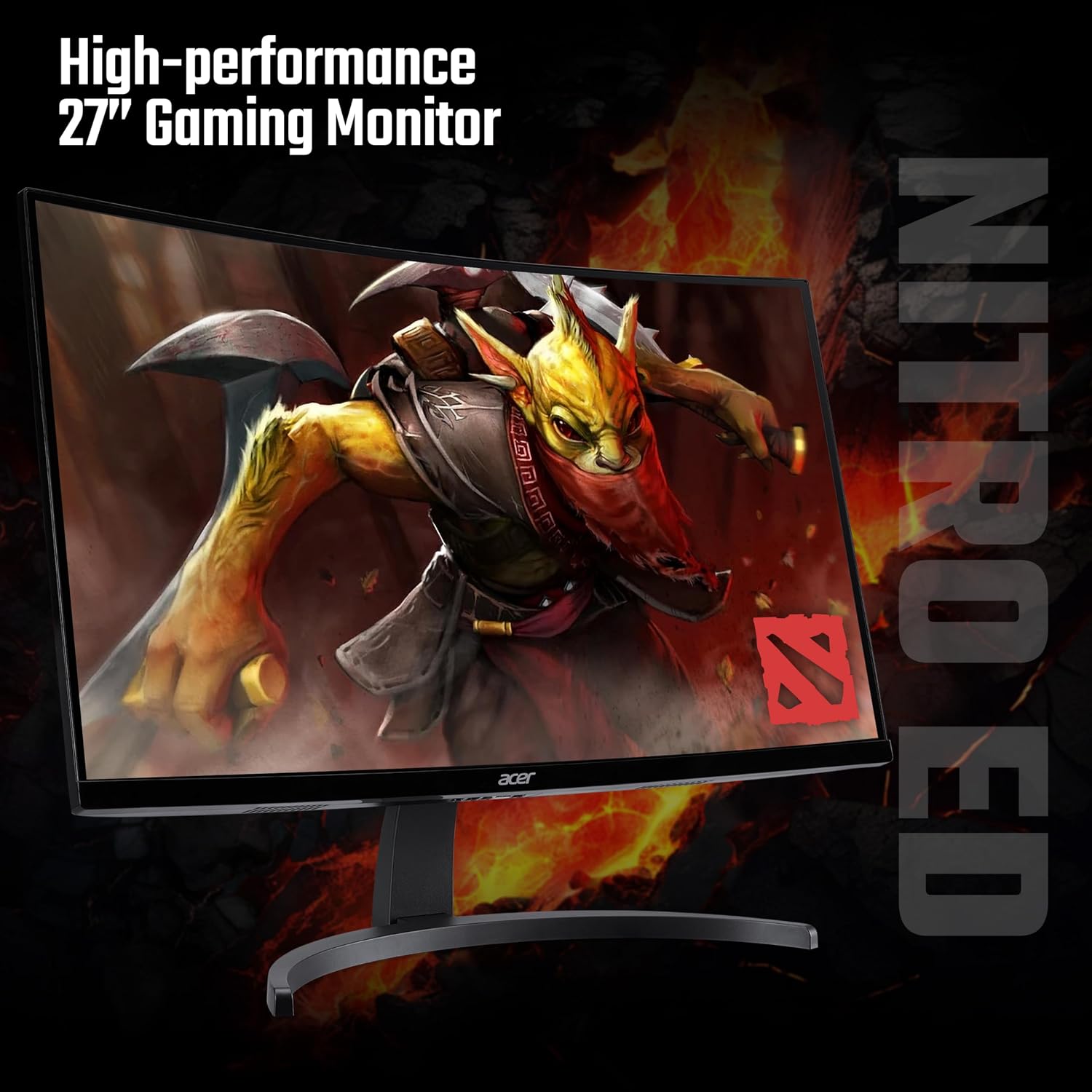
With 1080p on a 27-inch panel, you’ll get a sharp enough image for most modern games, though the pixel density isn’t as tight as on 1440p or 4K setups. The monitor advertises HDR Ready and a 72% NTSC colour coverage figure, which suggests more vivid mid-tones and better contrast than entirely basic panels—but it’s important to keep expectations realistic. HDR Ready does not automatically mean studio-perfect HDR, the experience will largely depend on the content and the source device.
Performance and gaming features
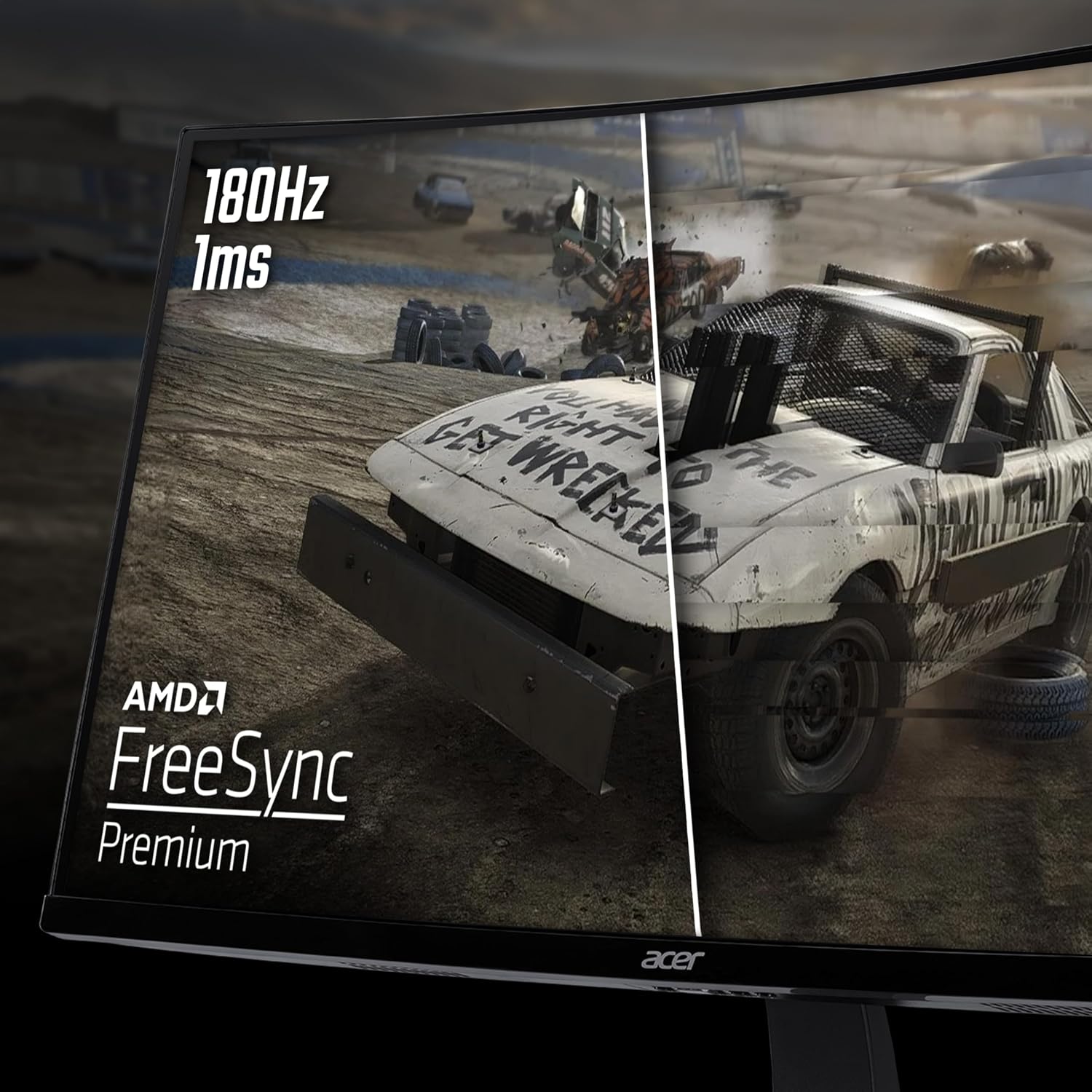
Key to its appeal is the 180Hz refresh rate, which can deliver remarkably smooth motion in fast shooters or racing titles. The stated 5ms response time helps reduce blur on quick transitions, though actual performance will vary with game type and system. FreeSync Premium is included to help synchronise the monitor with compatible GPUs, aiming to minimise tearing and stutter during dynamic scenes.
Colour and image quality in practice

The 72% NTSC coverage provides a reasonable range of colours for mainstream gaming, but it’s not a high-end colour-gamut panel. If you’re coming from a wide-gamut screen or you do colour-critical work, you may notice differences in saturation and accuracy. For gaming and everyday use, the combination of high refresh rate and curved design offers an engaging experience without demanding a premium price tag.
Inputs and setup
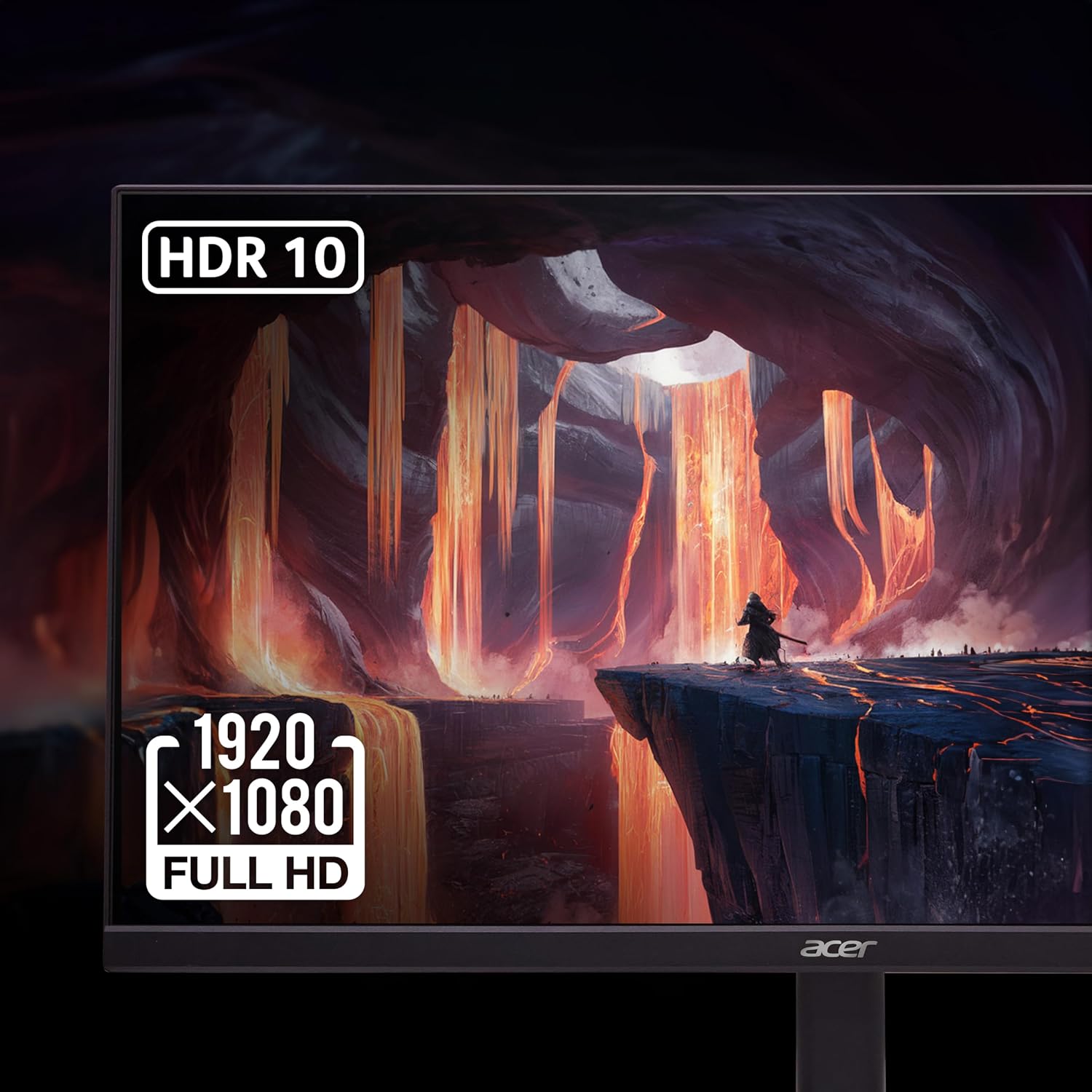
Connectivity includes DisplayPort and HDMI, which are standard for many modern GPUs and consoles. Built-in speakers are a convenient inclusion if you need basic audio without external speakers, but for longer sessions or competitive play you’ll likely want dedicated audio.
What to weigh before buying
If your priority is sharp text at high resolutions or you play a lot of visually demanding gaming at ultra settings, a 27-inch 1080p panel may feel limited compared with higher-resolution options. The ED273S3 is a value-focused pick: it condenses size, speed and curved immersion into one package. It may not be the best choice if you specifically want higher colour accuracy, a brigher HDR experience, or a panel aimed at professional-grade media work. For budget-conscious gamers who value a high refresh rate and a curved, immersive display for casual to mid-range competitive play, it represents a sensible compromise.
Practical use case
Imagine jumping into a fast shooter with decisive reflexes needed. The 180Hz refresh helps keep motion fluid, while the curve narrows the physical distance to on-screen action, potentially aiding reaction times and situational awareness. In story-driven games or cinema-like scenes, the VA panel and HDR Ready badge can deliver deeper blacks and more convincing shadows, without the cost of more premium panels.
How it compares to alternatives
If you’re weighing this against higher-resolution displays, the main trade-off is image sharpness. A 27-inch 1080p panel will look very crisp in most everyday scenes, but you’ll notice more detail on 1440p or 4K screens at similar sizes. If you prioritise speed (high refresh) and immersion (curved screen) over resolution, this Acer model stays competitive within its price band. For those who don’t game aggressively, a 60–75Hz panel might suffice, but the ED273S3 targets higher motion clarity with its 180Hz capability.
Final verdict
Is it worth it? It depends on what you value most: if you want an affordable, large curved screen with a high refresh rate for fast-paced games and casual entertainment, the ED273S3 ticks several boxes. If you primarily need ultra-sharp text or top-end colour accuracy, you may want to look at other options. A practical buyer considers whether the setup will be used mainly for gaming at 1080p, and whether the included features align with your system and content expectations.
Frequently asked questions
- Do I need HDR content to benefit from HDR Ready? Not necessarily, HDR Ready helps when you view compatible content, but the impact varies with panel brightness and source quality.
- Will 180Hz be noticeable in all games? The benefits are most apparent in fast-paced titles, in slower or story-driven games, the difference is less critical.
- Are built-in speakers sufficient for gaming? They’re convenient, but many players prefer separate audio for richer sound and lower latency.
- Is 27-inch 1080p good for productivity? It’s adequate for general use, but text may appear less sharp compared with higher resolutions, especially at closer viewing distances.
- Should I upgrade to a higher resolution later? If your budget allows and you value sharper visuals for gaming and general use, a higher-resolution panel could be worth considering in the future.