

TJCXELE Kvm-hdmi-1c Dual-Monitor KVM Switch, 4K@120Hz, 4 USB 3.0 Ports
Reviews
Price
Product description
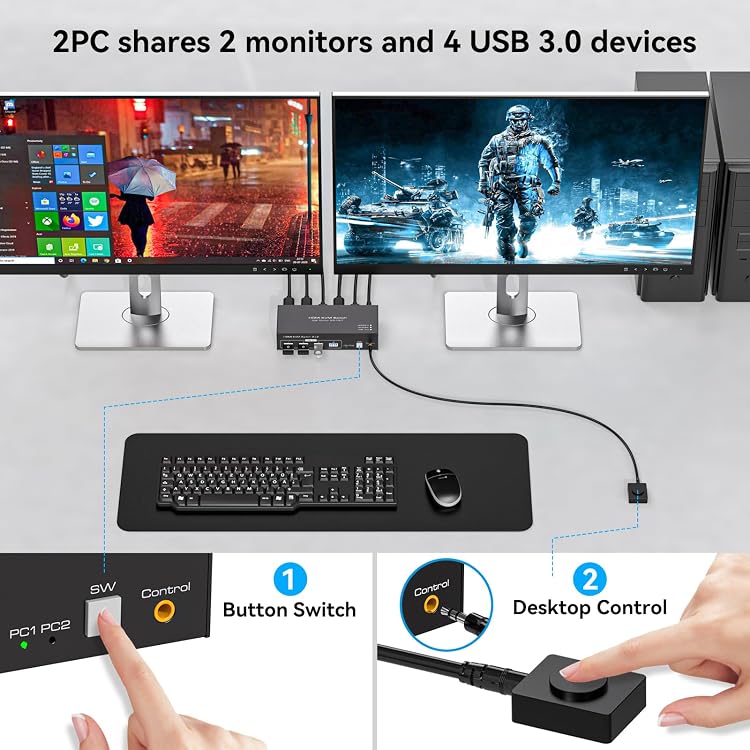
Two computers can share two monitors and a single keyboard and mouse through one KVM switch, keeping a multi-computer workspace organized. Switch between connected computers using the button on the unit or the wired controller. Four USB 3.0 ports also let compatible peripherals serve either computer.
Tech specs
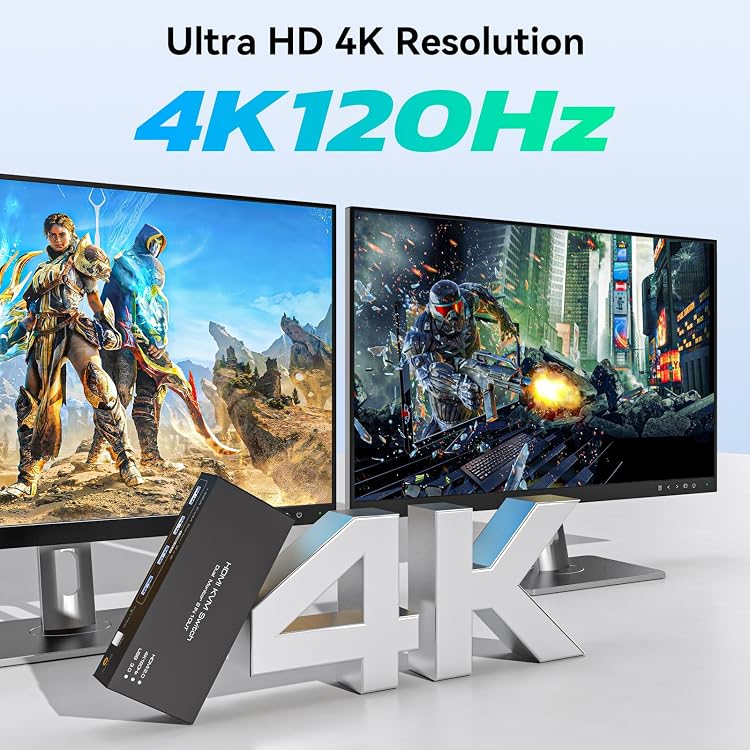
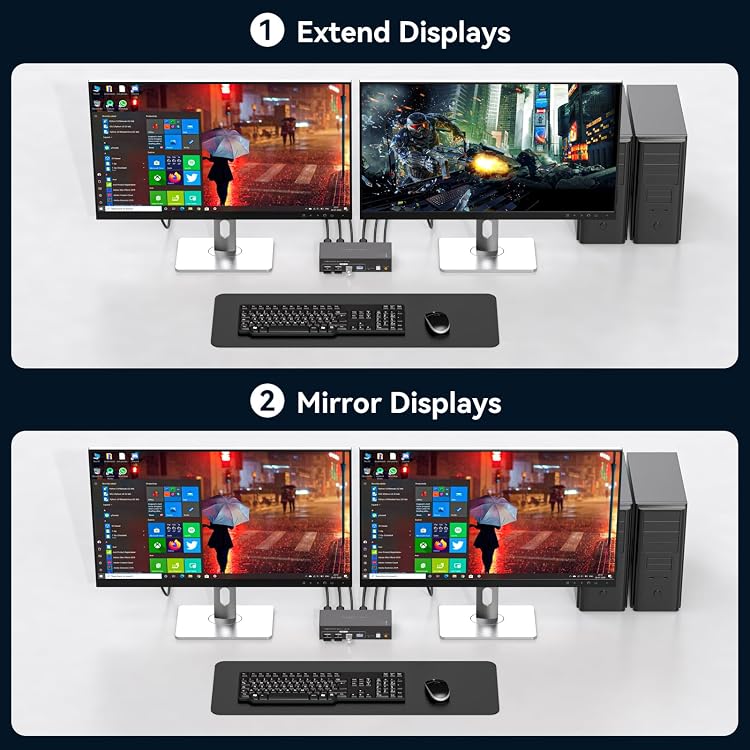
The Kvm-hdmi-1c supports dual-monitor setups with extended or copy mode, so you can use either a separate desktop across both displays or show the same image on each. Its HDMI output supports resolutions up to 3840 × 2160 at 120Hz and is backward compatible with 4K at 60Hz, 4K at 30Hz, 1440p at 60Hz, and 1080p at 60Hz. To use 4K at 120Hz, the computer, monitors, and HDMI cables must all support that mode.
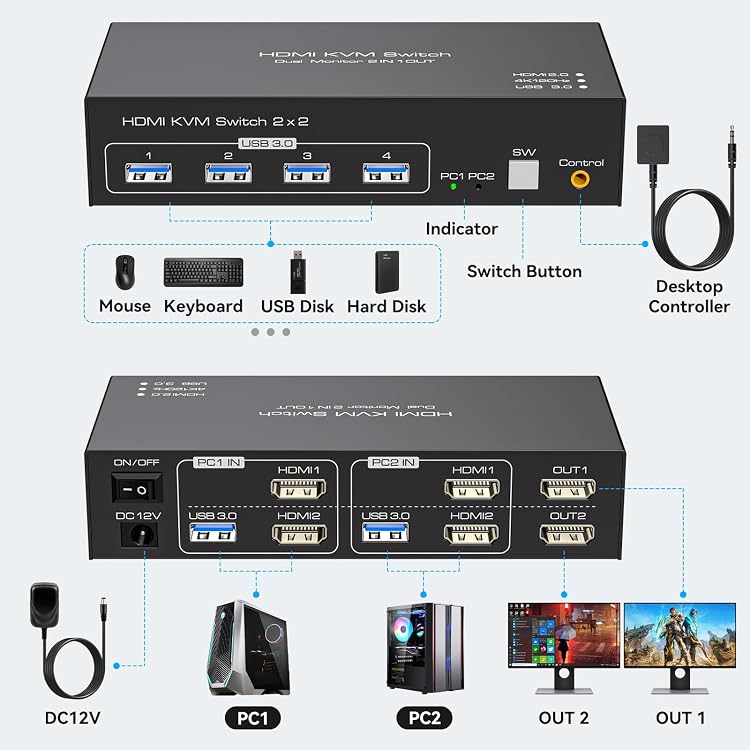
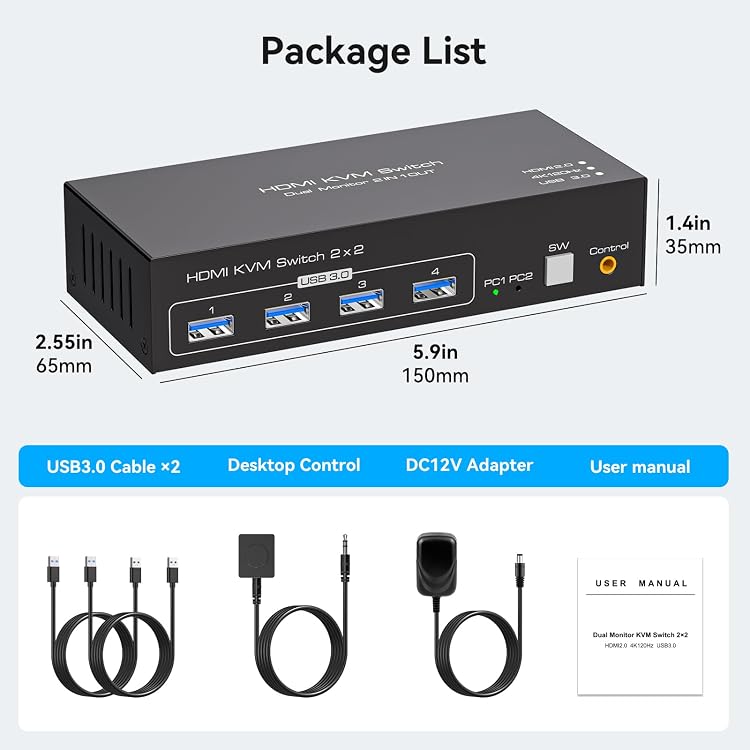
The four USB 3.0 ports support data transfer rates up to 5Gbps for sharing devices such as a printer, camera, scanner, or flash drive. The switch supports Windows, Vista, XP, macOS, Linux, and Unix, and is described as plug and play. It has a black aluminum housing and measures 6 × 3.5 × 1.2 inches. The listed power adapter is 12V/1A.
Tips for day-to-day use
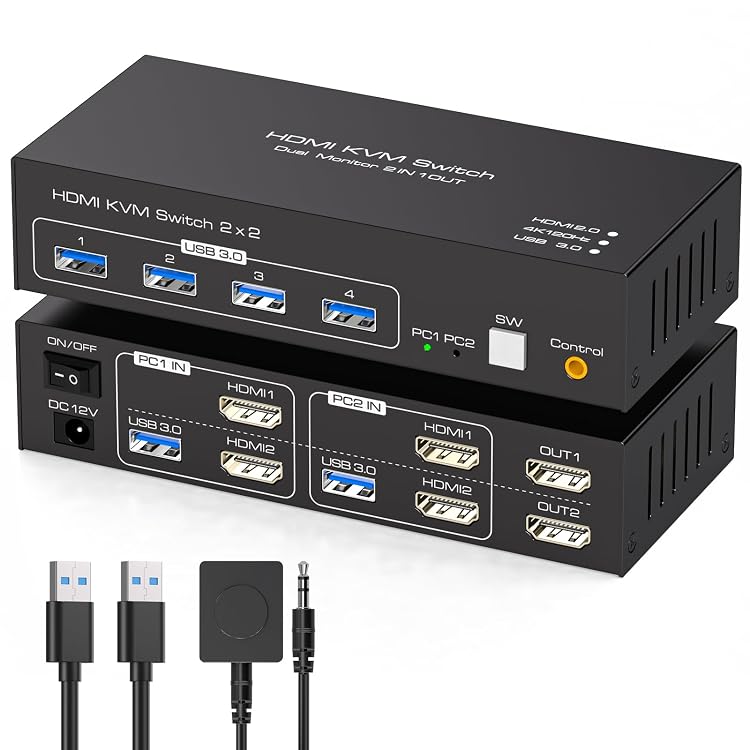
Connect both HDMI inputs for each computer to that same computer, and make sure each computer supports multiple monitors. In a typical desk setup, this lets you move between two computers while keeping the same pair of displays, keyboard, mouse, and connected USB accessories in the shared workspace. Extended mode gives the displays separate desktop space, copy mode mirrors the image.
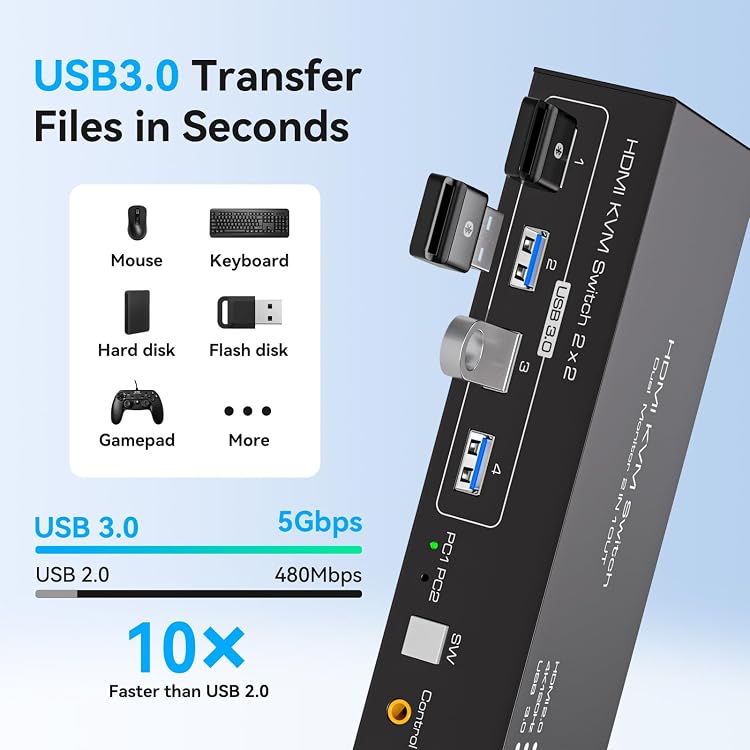
Choose the control that suits your desk: press the switch’s panel button for direct access, or place the wired controller where it is easier to reach. The USB and HDMI switching functions can be used together or separately, offering flexibility when you want to share peripherals without changing the display connection. Switching is button-based, keyboard hotkey switching is not supported. Customers highlight straightforward setup and quick switching, including use with multiple PCs.
What’s included
The listed included component is the KVM switch. A complete connection uses six HDMI cables, two USB cables, and a power cable. HDMI cables are not included, so plan the display connections around the number of outputs and monitors in your setup.
Is it worth it?
This switch is a practical choice for a workstation that needs two computers to share dual monitors and everyday USB accessories without swapping each device by hand. Its 4K@120Hz support, extended or mirrored display modes, and four USB 3.0 ports bring display and peripheral switching into one setup. It’s a great fit if you want to move between two computers from the same desk and have the required dual HDMI outputs and compatible displays for your preferred resolution.