

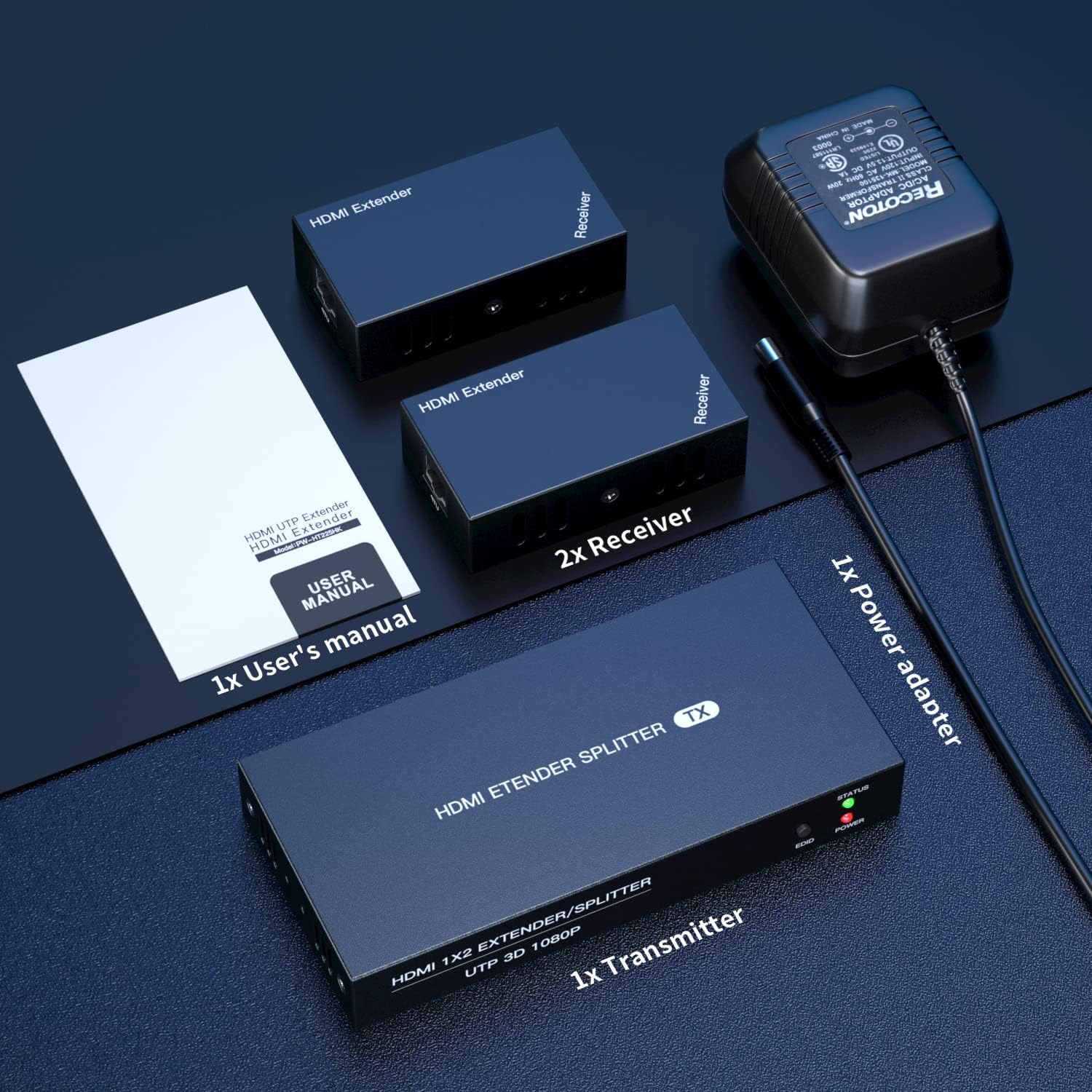
PWAYTEK HDMI Extender Splitter 1x2 1080P@60Hz Over Cat Cable (50m) with EDID Copy and POC
Product description
What it is and who it’s for
The PWAYTEK HDMI Extender Splitter is a 1x2 transmitter-and-two-receiver kit designed to split a single HDMI signal into two identical streams for longer distances. It’s aimed at setups where a single source needs to feed two displays or monitoring points without degrading video quality. If you’re building a security station, a trade show booth, or a home theater where a second display is handy, this kit promises a simple, wired solution with a local HDMI output on the transmitter for quick monitoring.
How it works and what to expect
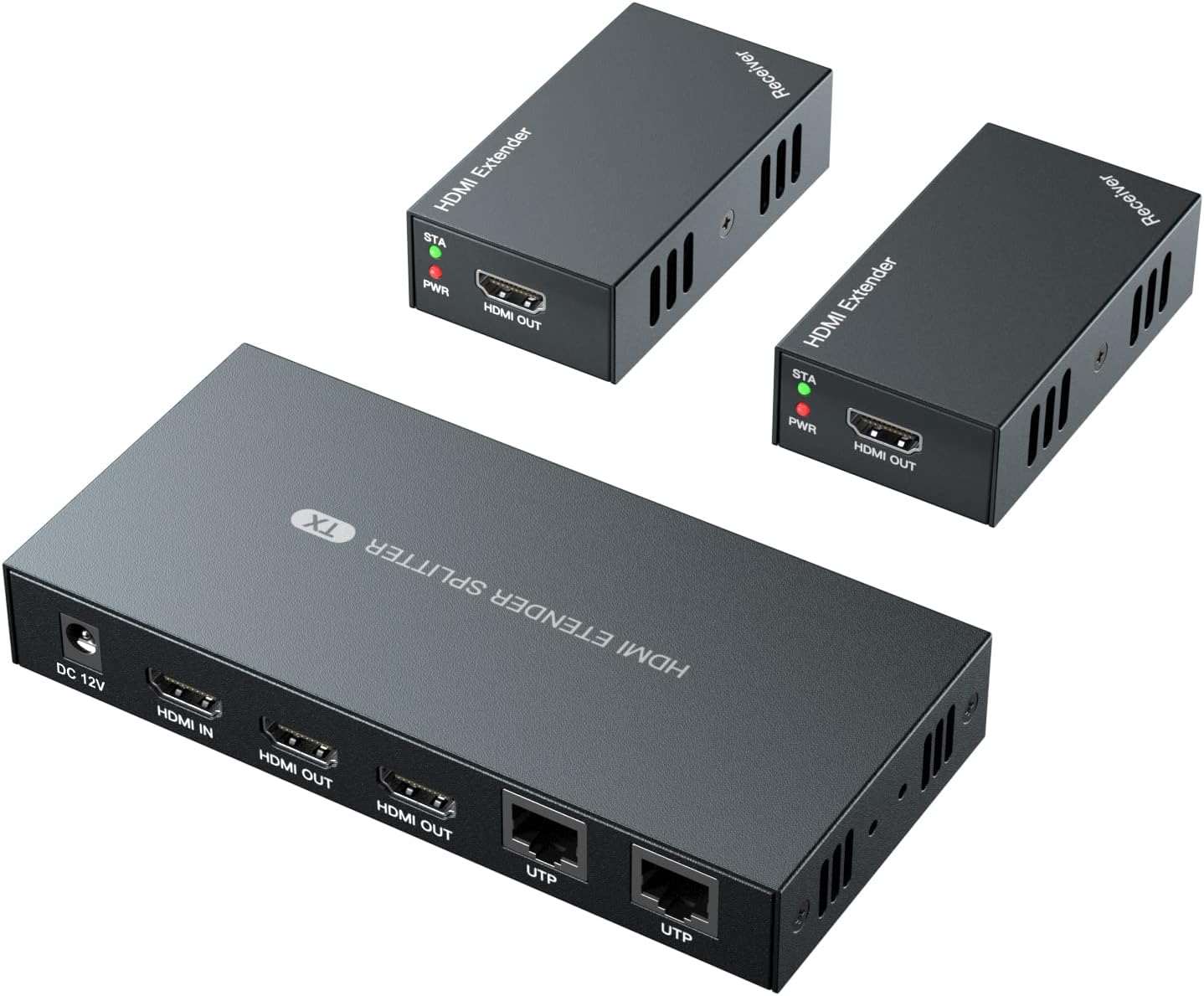
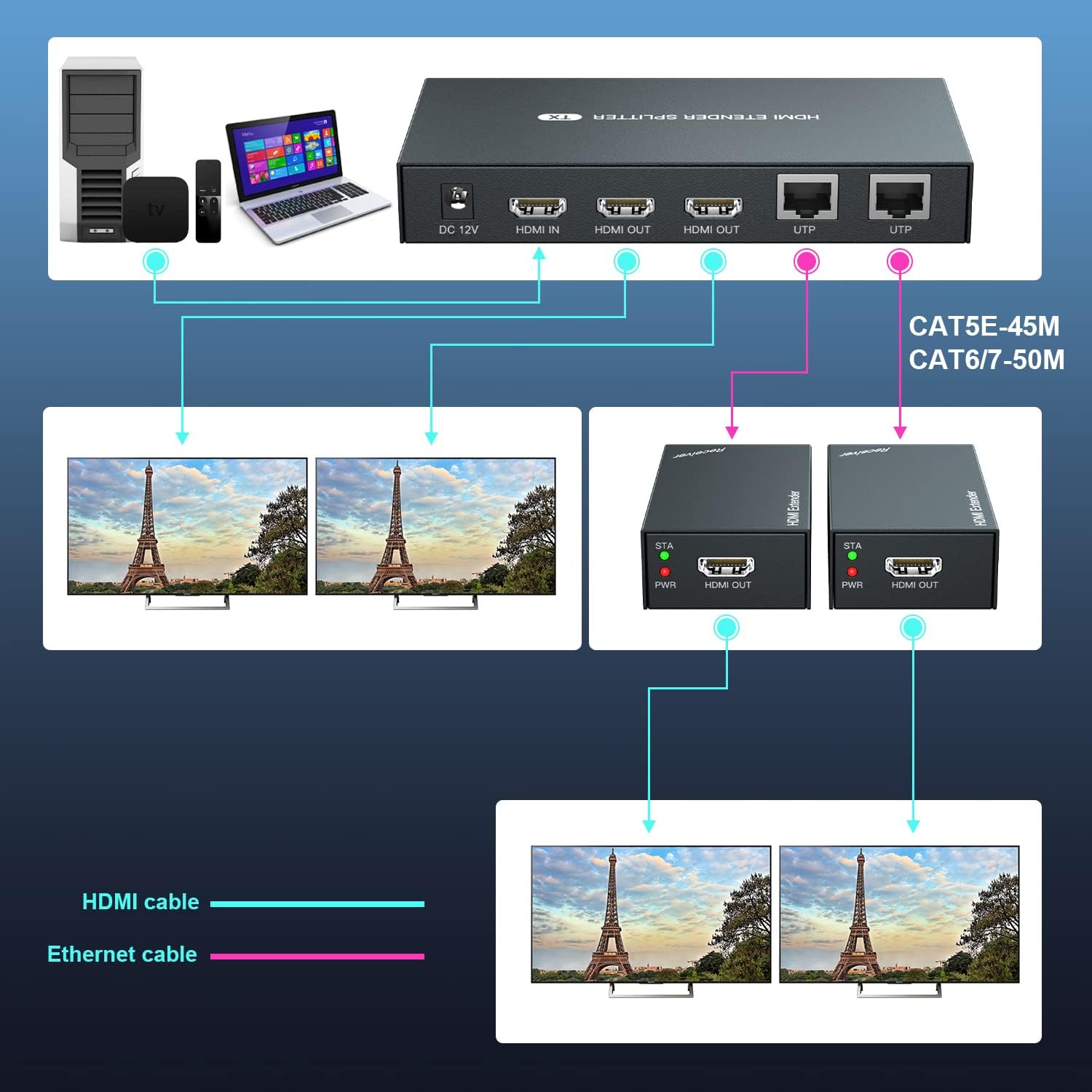
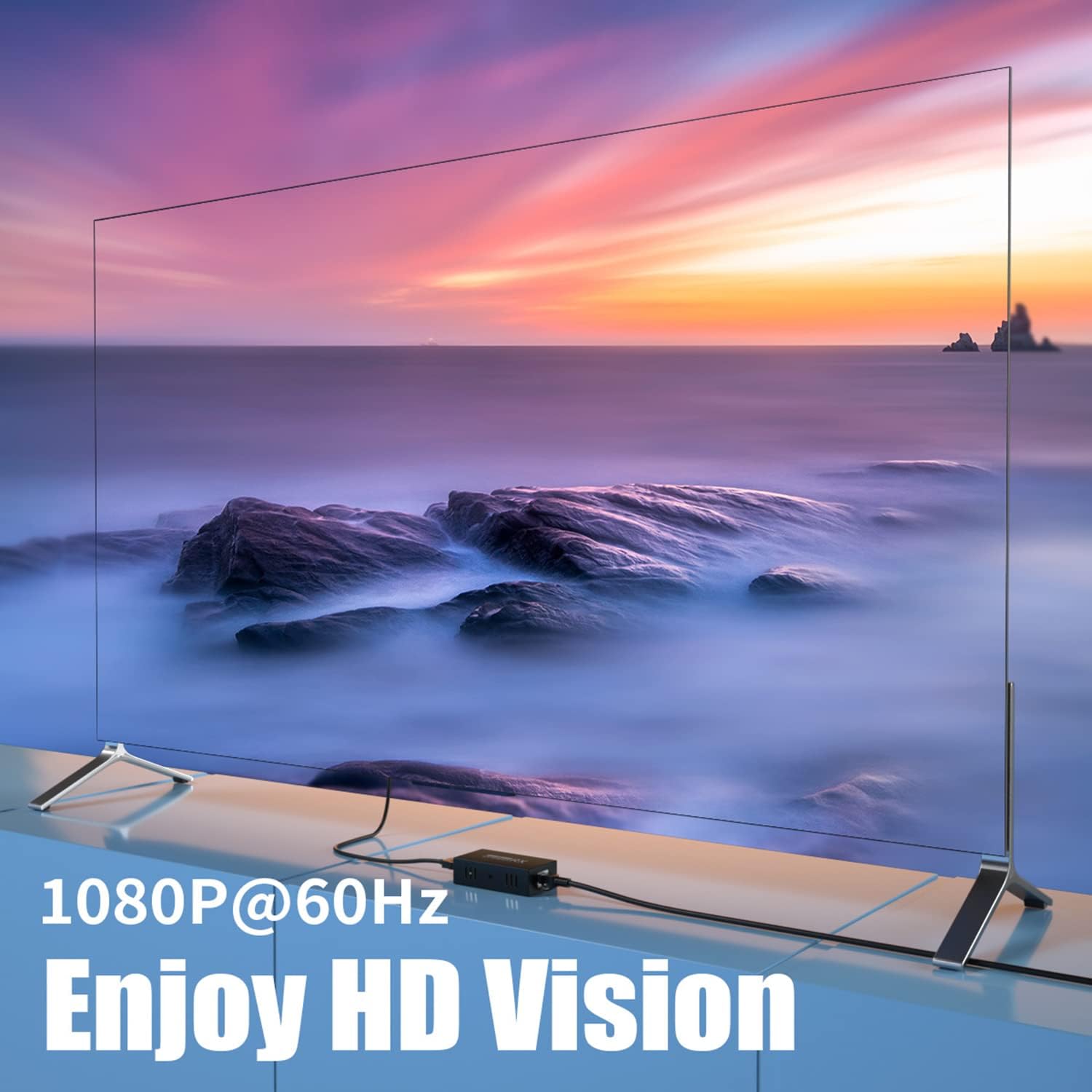
On the desk, you connect one HDMI source to the transmitter and two receivers go out to two displays. The transmitter also provides a local HDMI output, so you don’t have to run another display feed just for testing or preview. Transmission travels over Ethernet cables (Cat5, Cat5e, Cat6, or Cat7) to leverage longer runs without new cables. In practice, you’ll see up to 50m (164ft) with Cat6/7, 45m (147ft) with Cat5e, and 40m (131ft) with Cat5, all delivering up to 1080P at 60Hz. It supports 3D signals and common 1080i/720p resolutions, so you won’t need to worry about compatibility with a wide range of sources.
What stands out in everyday use
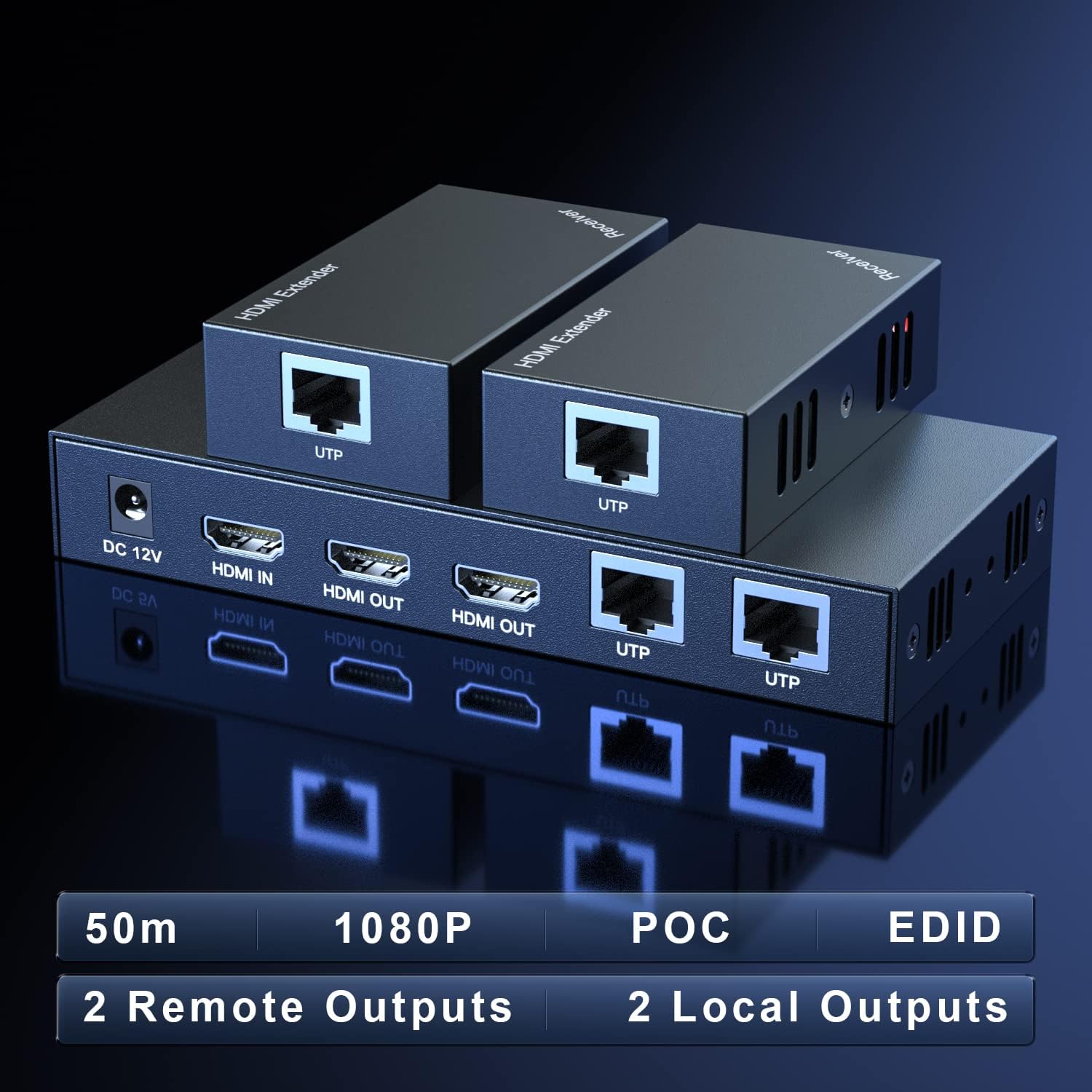
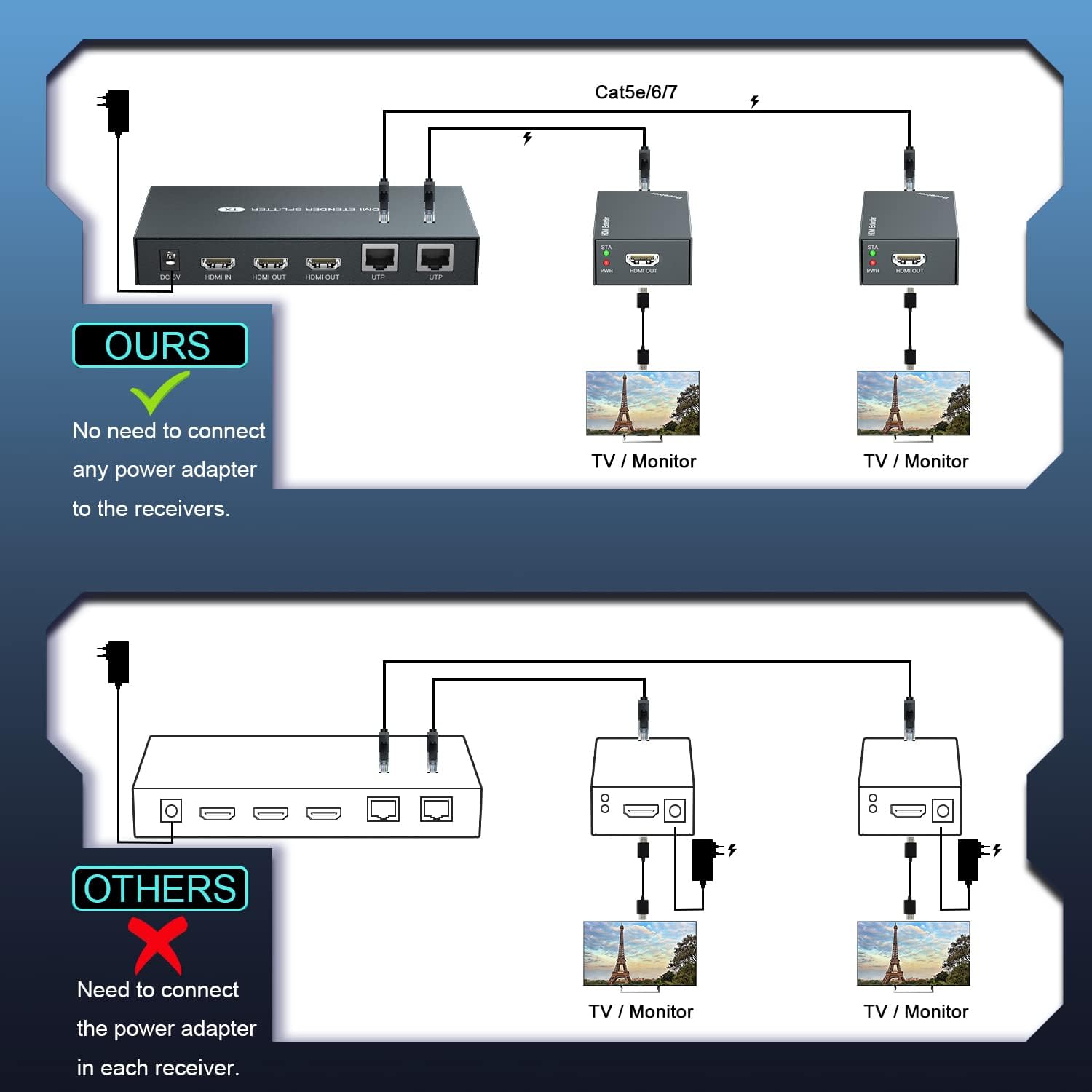
One of the key conveniences is Power over Cable (POC): you only need a single power adapter to power the entire setup, including the transmitter and receivers, which reduces clutter and wall-wart adapters. For temporary installations in exhibitions or venues, that simplicity can be a real plus. The design emphasizes a straightforward, plug-and-play approach: connect the source, connect two displays, and run a single Ethernet cable to each receiver.
Pros you’ll notice
- Dual 2nd display output from a single HDMI source without re-encoding, preserving a consistent signal.
- Full HD at 1080P@60Hz with compatibility for 3D and common 1080 formats.
- Long cable runs via Cat-5/6/7, broadening placement options beyond the HDMI’s typical reach.
- Power over cable reduces the number of power adapters and simplifies setup.
Limitations and where it may fall short
- The maximum resolution is 1080P, if your source or displays push beyond 1080P, you may not see added benefit from higher resolutions. If you’re aiming for 4K, this model isn’t designed for that upgrade.
- Dependence on quality Ethernet cables and proper terminations means signal stability can still hinge on cable quality and environment. Poor cables or interference could impact performance.
- There isn’t a turnkey mention of remote control or advanced EDID management beyond the EDID copy feature, so very intricate display synchronization scenarios may require additional tuning.
Suitable use cases and who it’s for
- Galleries or trade show booths needing a single source to feed two screens in separate areas.
- Small security or monitoring setups where a local preview monitor helps in programming or testing.
- Home theater or multimedia rooms where a second display is desired without running another HDMI run from the source. Not ideal for anyone prioritizing 4K playback, ultra-long-term professional installations requiring specialized EDID behavior, or setups demanding independent display scaling.
What to check before buying
- Ensure your source and displays can handle 1080P@60Hz to match the extender’s capabilities.
- Use high-quality Cat6/7 cables for the longest, most stable runs, Cat5e is acceptable for shorter distances but may limit performance.
- Confirm a single power adapter can reach all pieces in your layout if you plan to use POC, verify the adapter’s compatibility with the kit’s input requirements.
- Consider whether you need true independent outputs, remember both receivers mirror the same source signal.
Practical example of use
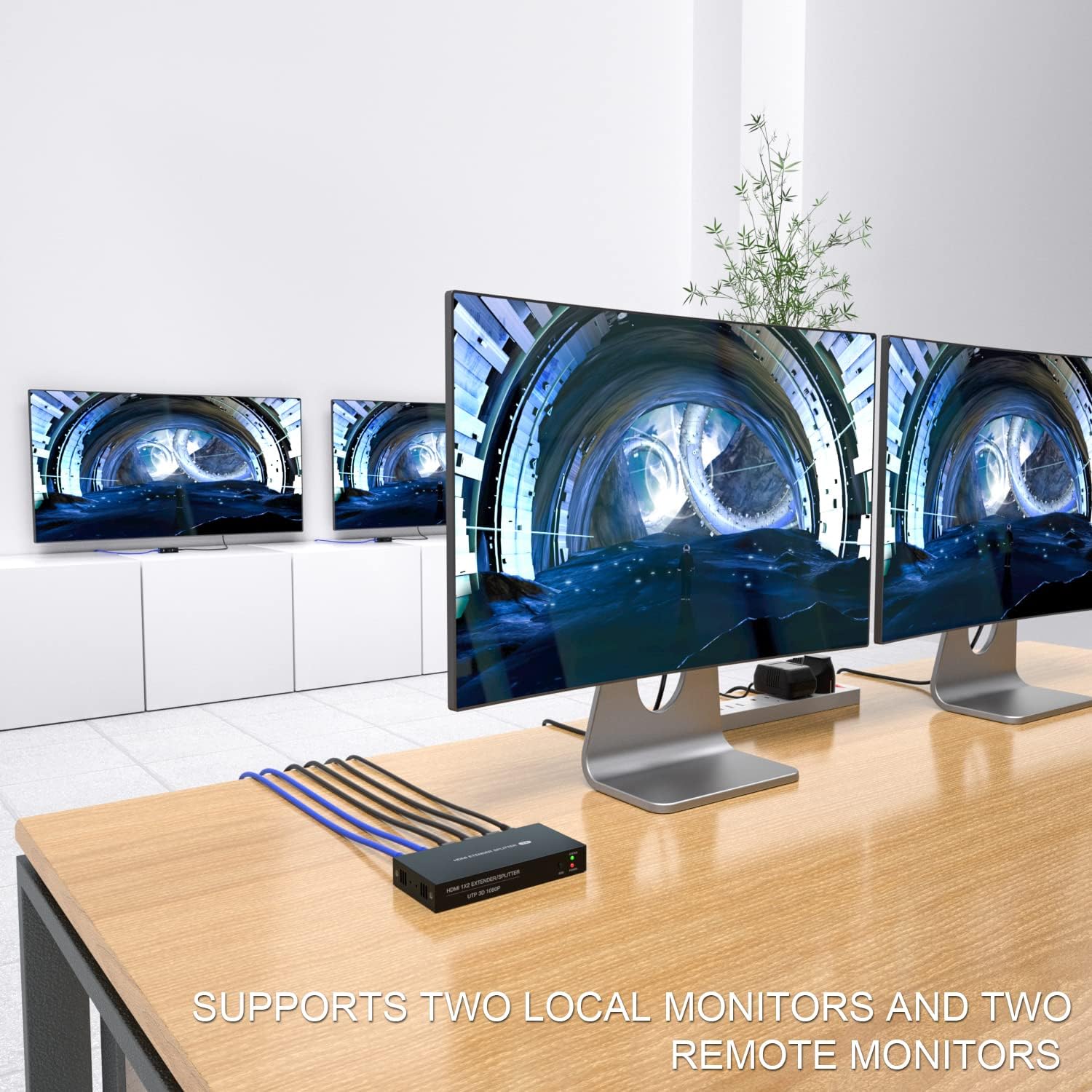
A conference room setup where the presenter’s laptop feeds a wall display and a desk monitor simultaneously. The transmitter sits near the laptop, fed by HDMI, with two Cat6 runs to the wall and the presenter’s desk monitor. The transmitter’s local HDMI output gives quick proofing on the laptop side without extra cables or power bricks.
Decision time
Is it worth it?
If your goal is to extend a single HDMI source to two displays over Ethernet and you value a simple, power-efficient setup, this PWAYTEK kit offers a straightforward path to that outcome. It’s a sensible choice when 1080P is sufficient and you want to minimize cable clutter with Power over Cable. It may not be the best option if you require 4K support, or if you need independent, non-identical outputs for each display.
Quick FAQ
- Can it support 4K displays? No, the specified resolution is up to 1080P@60Hz.
- Do I need multiple power adapters? No, the design uses Power over Cable so a single adapter can power the system.
- Will both receivers show the exact same image? Yes, both outputs mirror the source signal.
- Is EDID management included? It mentions EDID Copy, which helps align display preferences, but advanced EDID control isn’t detailed.