

Anker HDMI Switch A83H1, 2-in-1-Out 4K@60Hz HDMI Selector
Reviews
Price
Product description
Choose between two HDMI sources with a single button, keeping your setup connected without repeatedly swapping cables. The Anker HDMI Switch A83H1 sends the selected input to one display.
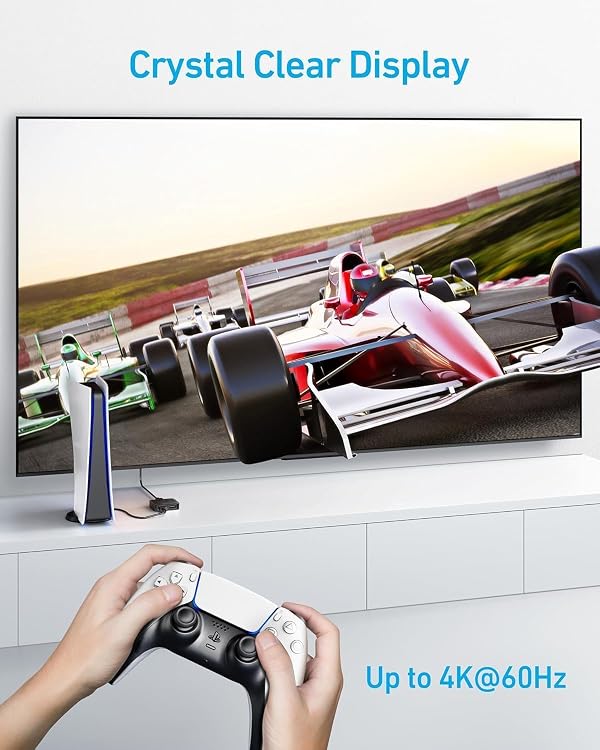
Support for resolutions up to 4K@60Hz makes it suitable for compatible gaming and video setups. It also supports HDR and 3D content, plus a range of audio formats.
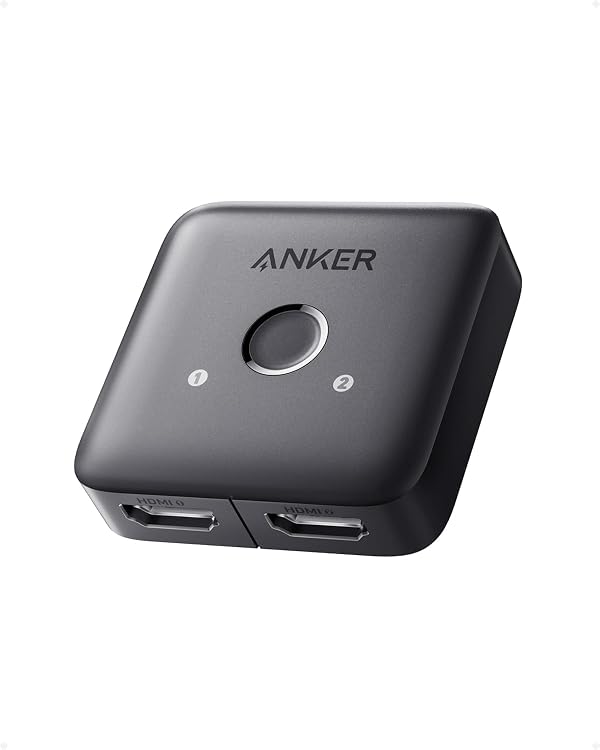
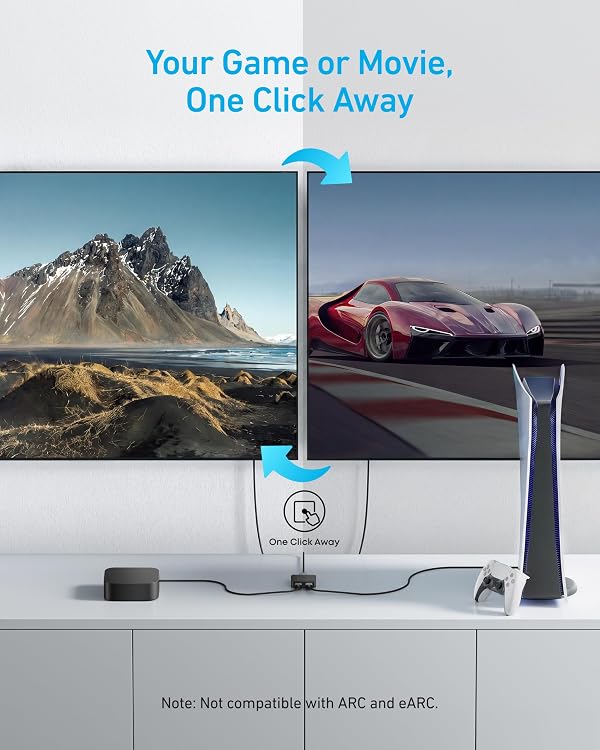
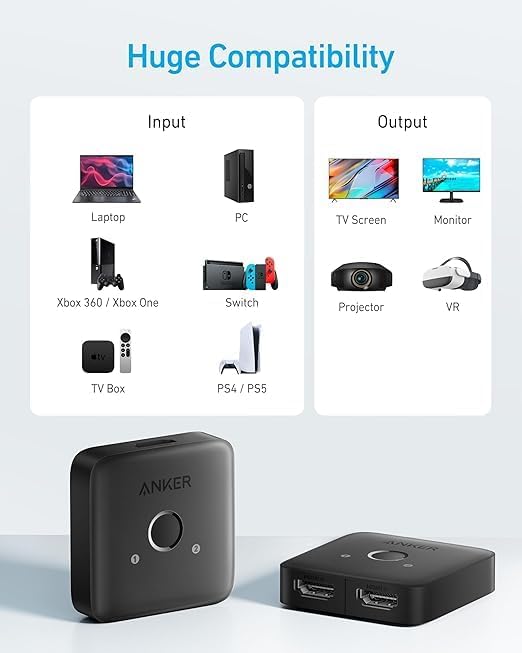
Connect a laptop, PC, or game console to a TV or monitor, then switch sources manually when you’re ready to change what’s on screen. It’s a compact way to manage a shared display.
Who it’s for
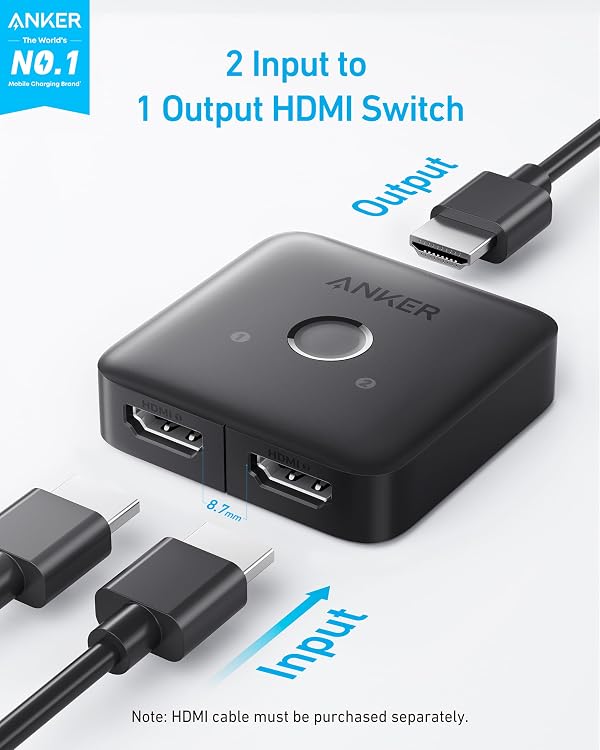
This switch is designed for a setup with two HDMI sources and one screen. For example, connect a game console and a laptop to a monitor, then press the button to select which device appears. The input selection is manual, it does not detect the active source automatically.
The 2-in-1-out arrangement is the key detail when choosing a switch: it routes one of two inputs to a single display, rather than sending one source to multiple screens. It supports one display at a time, so it suits a shared-screen setup rather than simultaneous viewing on two displays.
Strengths
Up to 4K@60Hz support accommodates compatible high-resolution sources and displays. The switch also supports HDR, 3D, and HDCP 2.2, with backward compatibility for several lower resolutions. Supported audio formats include DTS, DSD, Dolby AC3, and 5.1- and 7.1-channel audio.
Its one-button control keeps source selection straightforward at a desk or entertainment center. The compact body measures 2.17 × 2.17 × 0.57 inches and weighs 29 g, making it easy to place near connected equipment. It works with devices such as laptops, PCs, Xbox consoles, Nintendo Switch, PS4, and PS5, with a TV or monitor as the output display.
Customer feedback often highlights the simple button operation and 4K@60Hz picture support. Compatibility and signal consistency receive mixed reports, so use suitable HDMI cables and confirm that the source and display settings match your intended setup.
Specifications
- Type: 2-input, 1-output HDMI switch
- Resolution: Up to 4K@60Hz
- Connectivity: 2 HDMI inputs, 1 HDMI output
- Dimensions: 2.17 × 2.17 × 0.57 in
- Weight: 29 g
- Additional support: HDR, 3D, HDCP 2.2, up to 18 Gbps bandwidth
- Control: Manual button switching
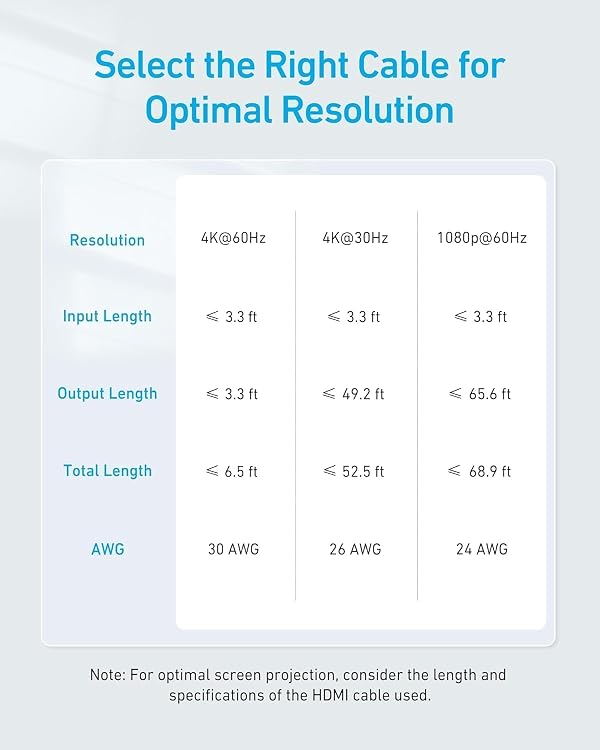
For 4K@60Hz, both HDMI input and output cables should be shorter than 3.3 feet and use 30AWG, their combined length should not exceed 6.5 feet. The switch does not support HDMI CEC, ARC, or eARC.
What to clarify
Does it switch inputs automatically? No. Press the button to choose between the two connected HDMI sources.
Can it show both sources on two displays at once? No. It selects one input for one display at a time.
What should I know about 4K@60Hz cabling? Use HDMI cables shorter than 3.3 feet on both the input and output, with 30AWG cable and a combined length no greater than 6.5 feet.
Should you buy it?
It makes sense if you want a simple way to share one TV or monitor between two HDMI devices. The manual button, 4K@60Hz support, and compact footprint suit desks and entertainment setups where switching the active source is more useful than adding another display.