

CMSTEDCD-GMXHK-US-SW204N-Deep Blue DisplayPort KVM Switch, 8K@60Hz
Reviews
Price
Product description
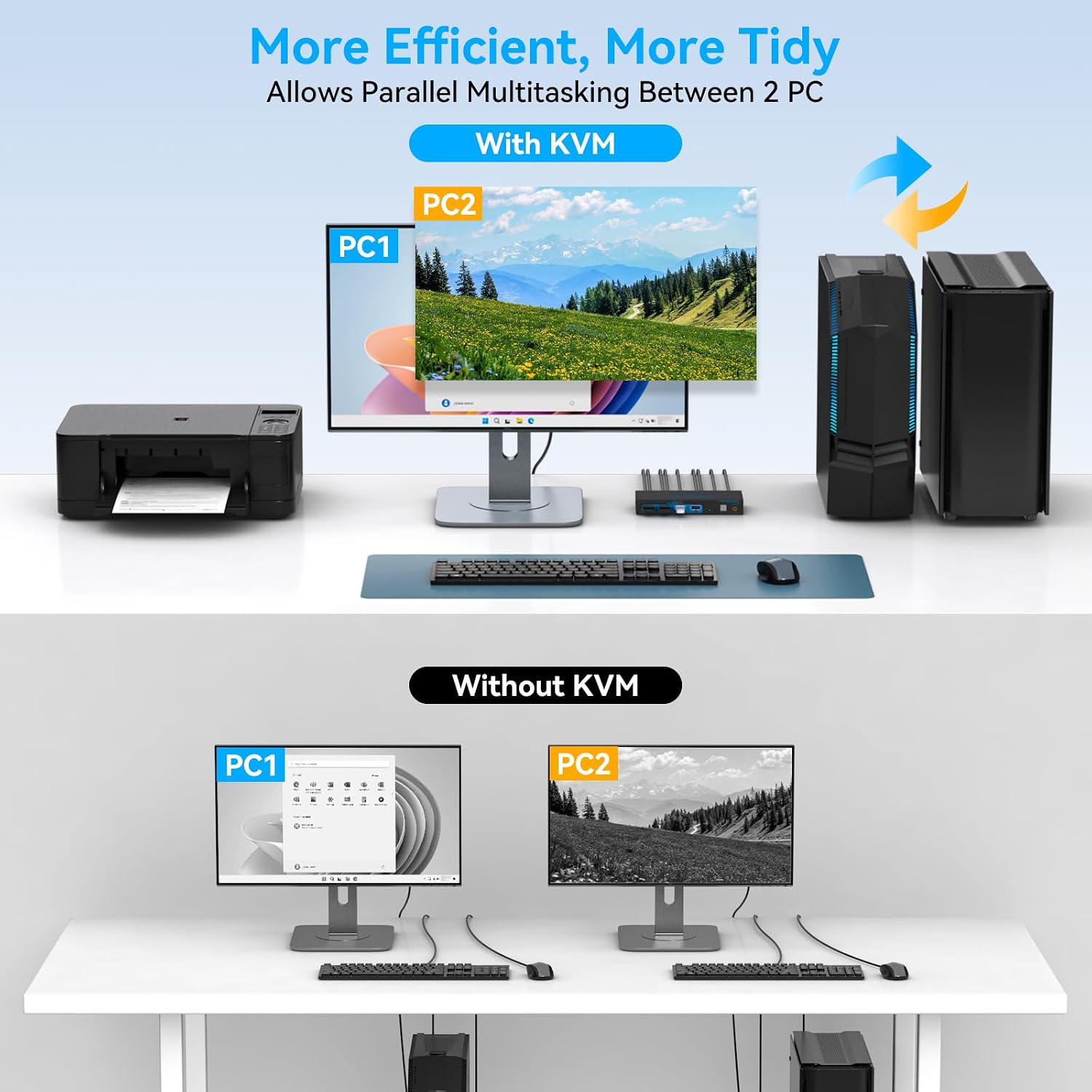
Some desks need a straightforward way to share a monitor and peripherals between two computers, others need hotkey switching or a different display connection. This CMSTEDCD DisplayPort KVM switch is built for a one-monitor, two-computer setup. It also provides four USB 3.0 ports for shared accessories. Switching is handled by buttons, not keyboard shortcuts.
Getting the most from it
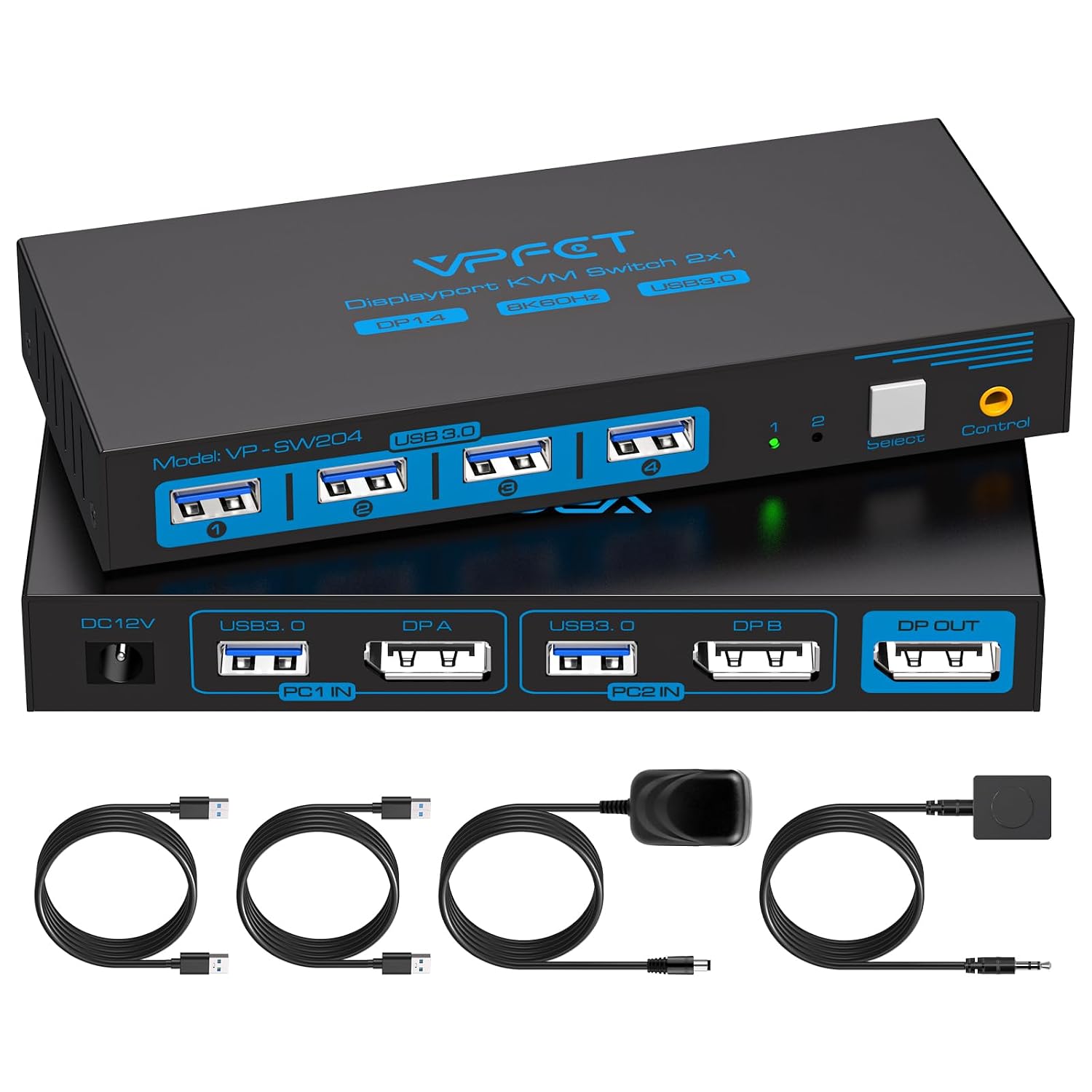
Connect the two computers and the display to the KVM, then attach shared USB devices such as a keyboard, mouse, webcam, or printer. The switch lets you move between the connected computers using its buttons, and the included desktop controller gives you a way to switch without reaching for the unit. LED indicators show which source is active.
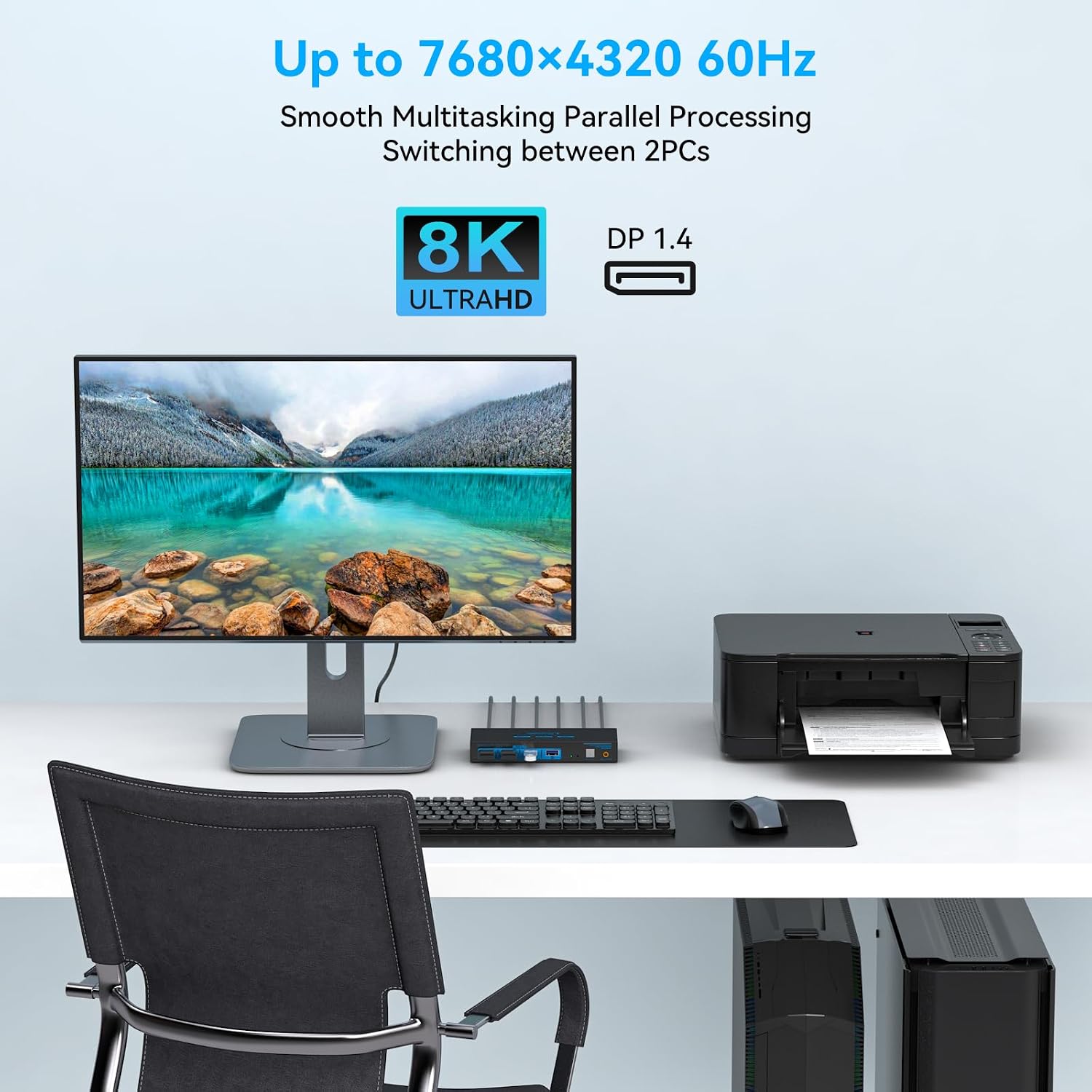
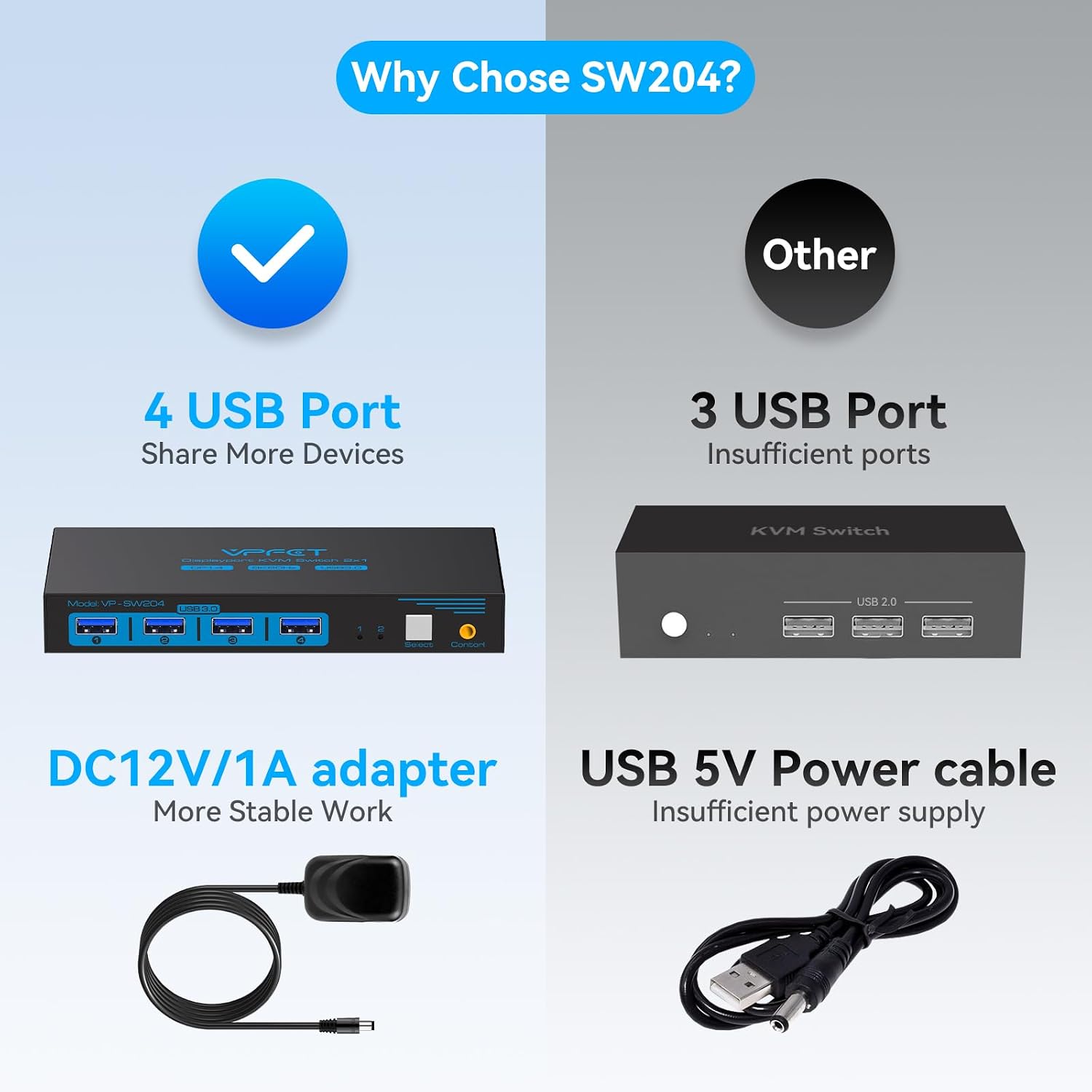
For the advertised 8K@60Hz mode, the supplied information specifies a standard Super Speed DisplayPort 1.4 cable, which is not included. The switch also needs its included 12V power adapter during use. That external power is relevant when USB peripherals need more power than a computer host can provide, the product details specifically note that the host alone may not support devices such as hard drives. Check the requirements of your connected display and accessories when planning a setup.
Pros
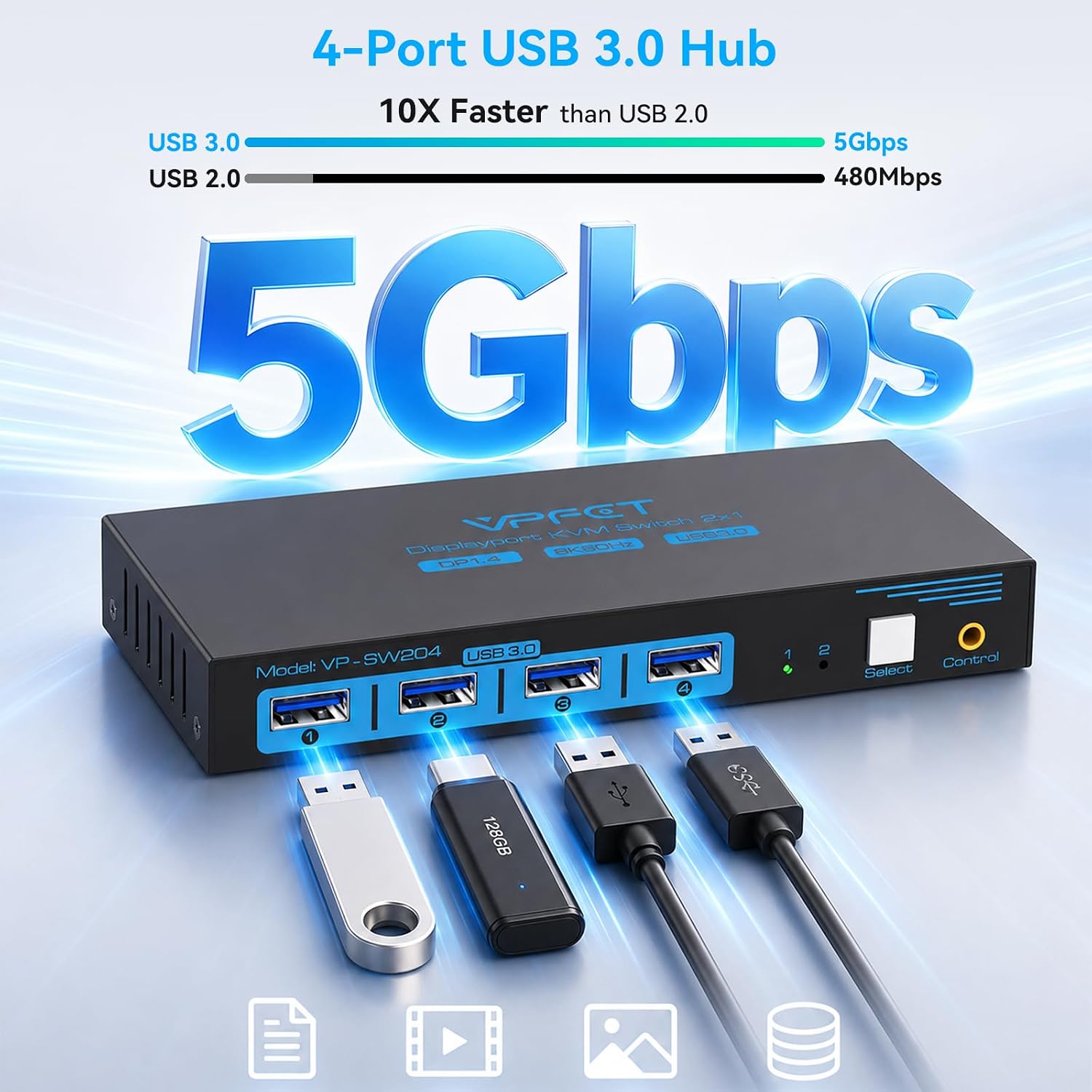
The main convenience is consolidating two computers around one monitor and a shared set of USB peripherals. That can suit a desk where a work computer and a second PC or laptop take turns using the same screen and input devices. Four USB 3.0 ports provide room for multiple accessories, while backward compatibility with USB 2.0, 1.1, and 1.0 can help accommodate older USB devices.
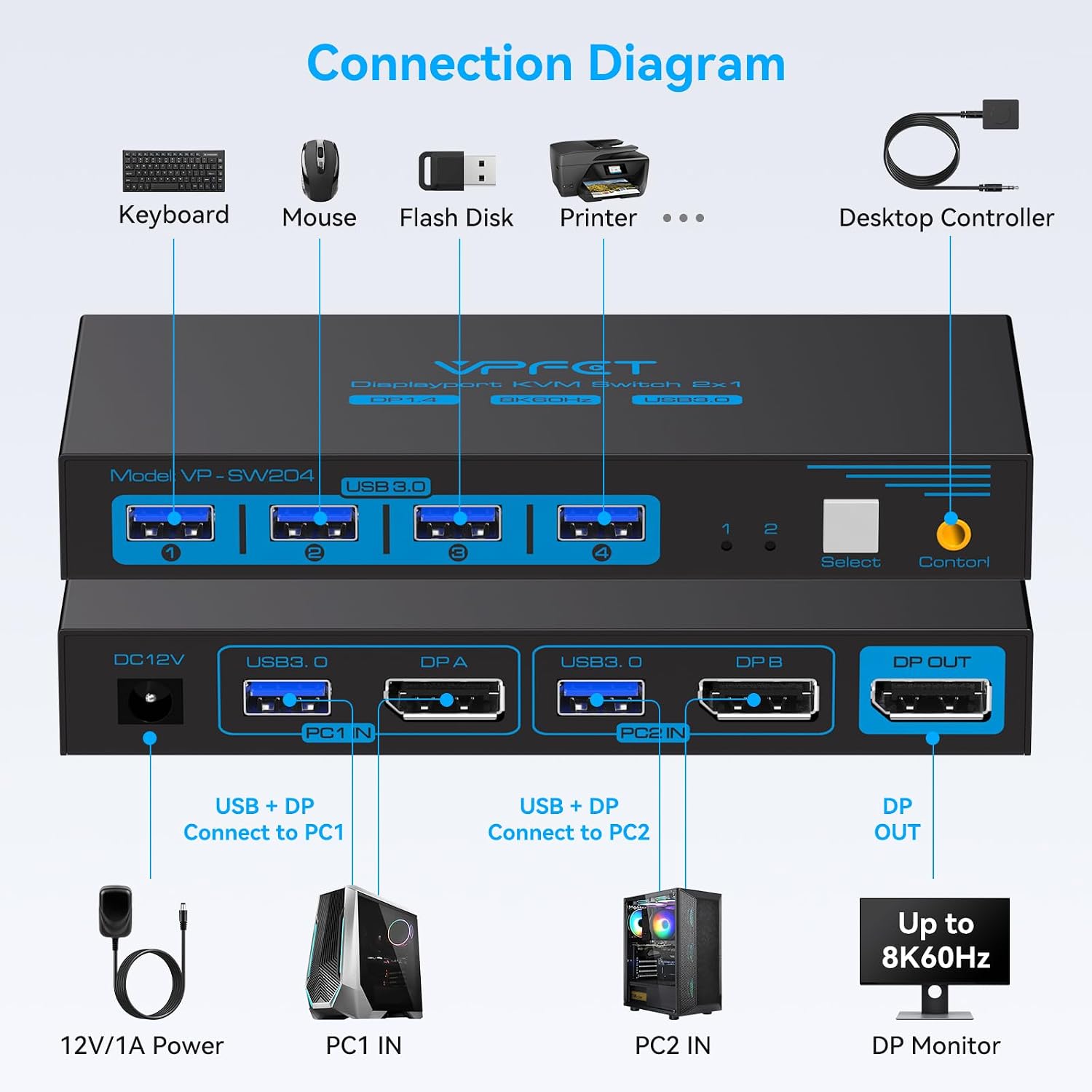
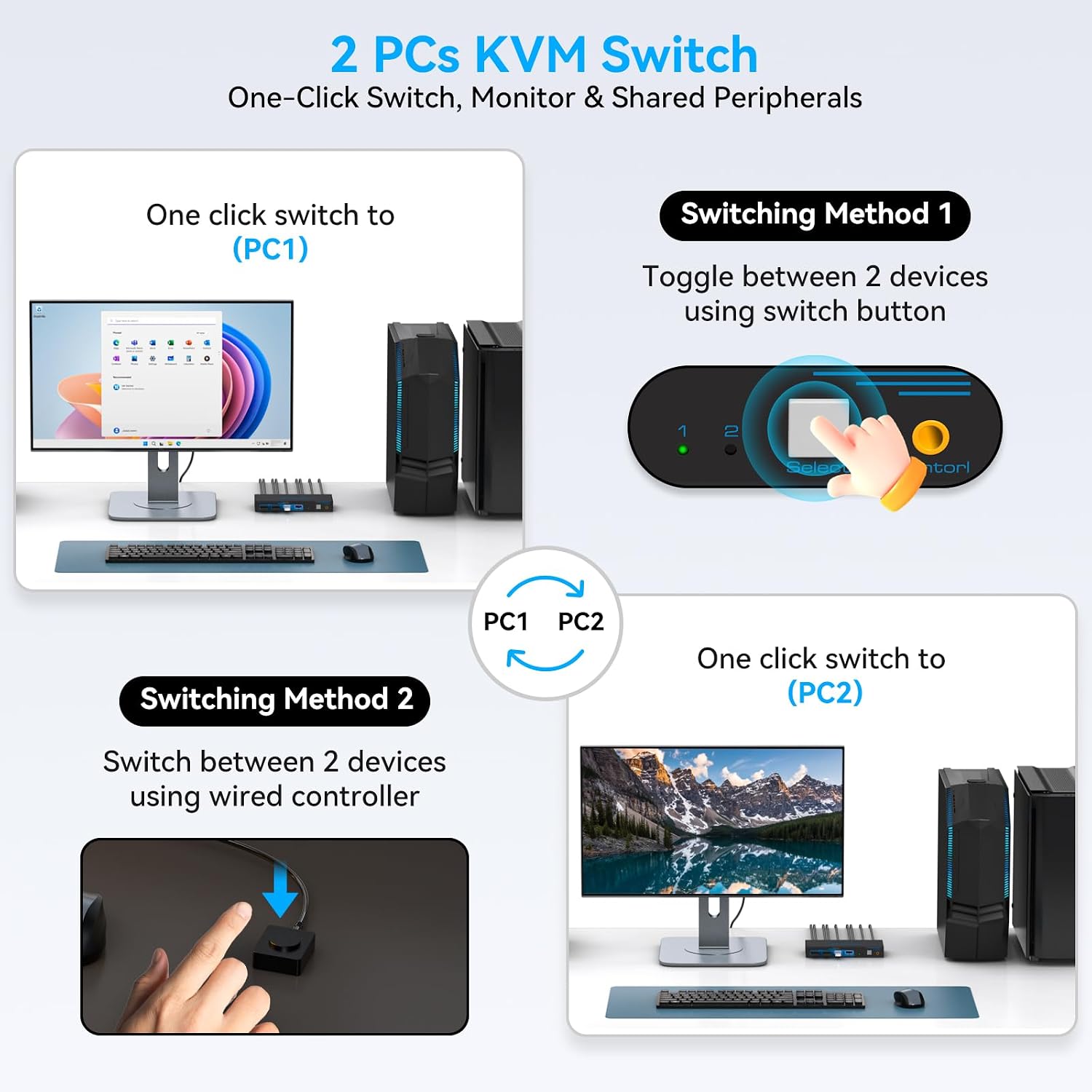
It makes sense if you want button-based switching and high-resolution DisplayPort support in one desktop setup. The external controller may also be useful when the switch itself is tucked out of the way. A simpler arrangement with fewer peripherals may not need four USB ports, while someone who expects to switch using keyboard shortcuts should note that hotkey toggling is not supported.
Key features
- Setup: One monitor shared by two computers through DisplayPort.
- Video modes: Up to 8K@60Hz and 4K@120Hz, as stated in the product information.
- USB: Four USB 3.0 ports, with transfer rates listed up to 5Gbps and backward compatibility with USB 2.0, 1.1, and 1.0.
- Switching: Push-button controls, an included desktop controller, and LED indicators for the active source, keyboard hotkeys are not supported.
- Included items: 12V power adapter, desktop controller, two USB 3.0 cables, and user manual.
- Dimensions and material: 5.9 x 2.55 x 0.86 inches, metal.
Should you buy it?
This switch is aimed at sharing one DisplayPort monitor and USB accessories between two computers, rather than building a multi-monitor setup or switching through keyboard shortcuts. Its stated 8K mode has a specific cable requirement, and the needed DisplayPort 1.4 cable is sold separately. It might not be a great match if hotkey control is essential or if your setup does not use DisplayPort. For a button-controlled, single-monitor desk where the included desktop controller and four USB ports are useful, its feature set is directly relevant.