

UGREEN 8K@60Hz HDMI/DisplayPort KVM Switch for 3 Monitors & 2 Computers
Product description
What to know
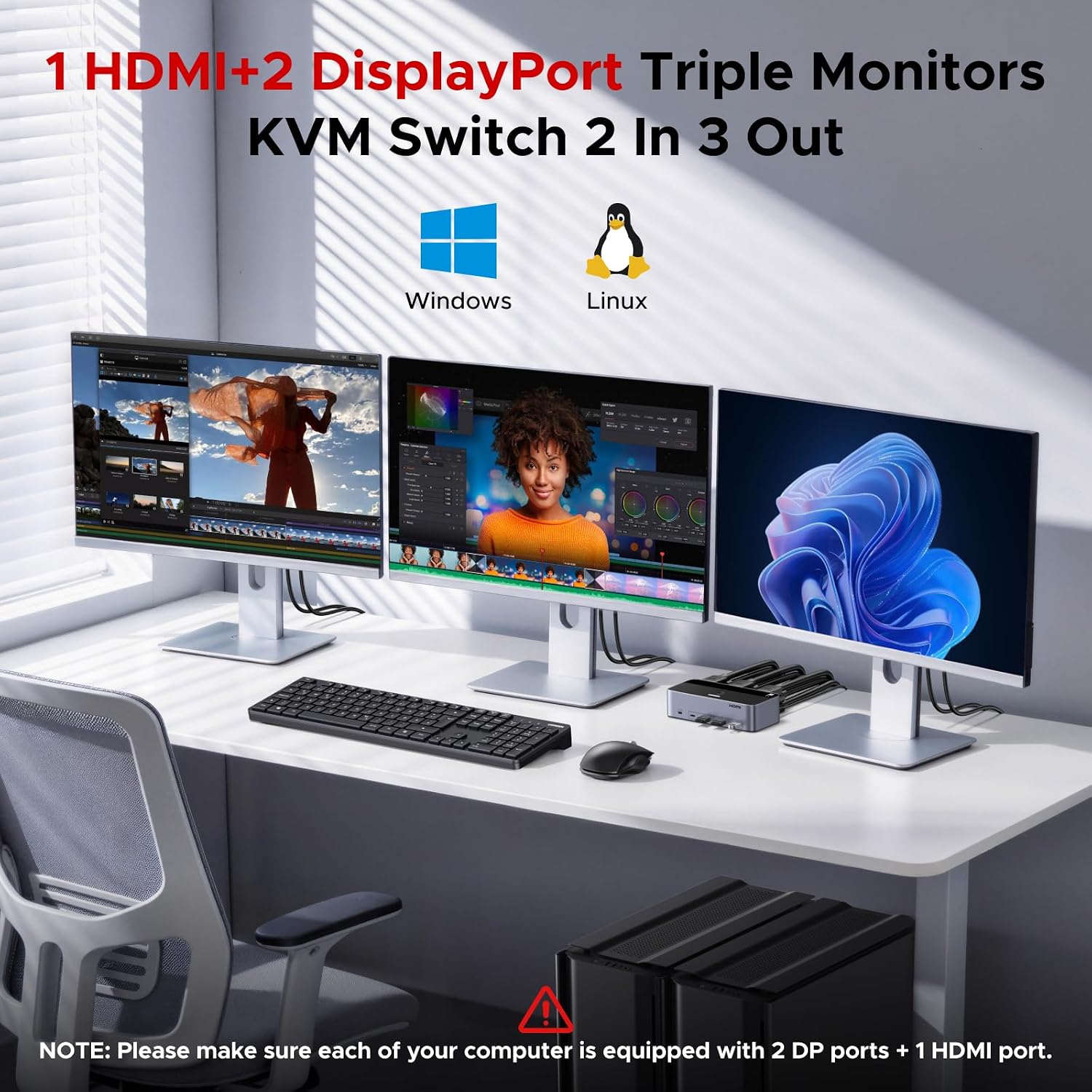
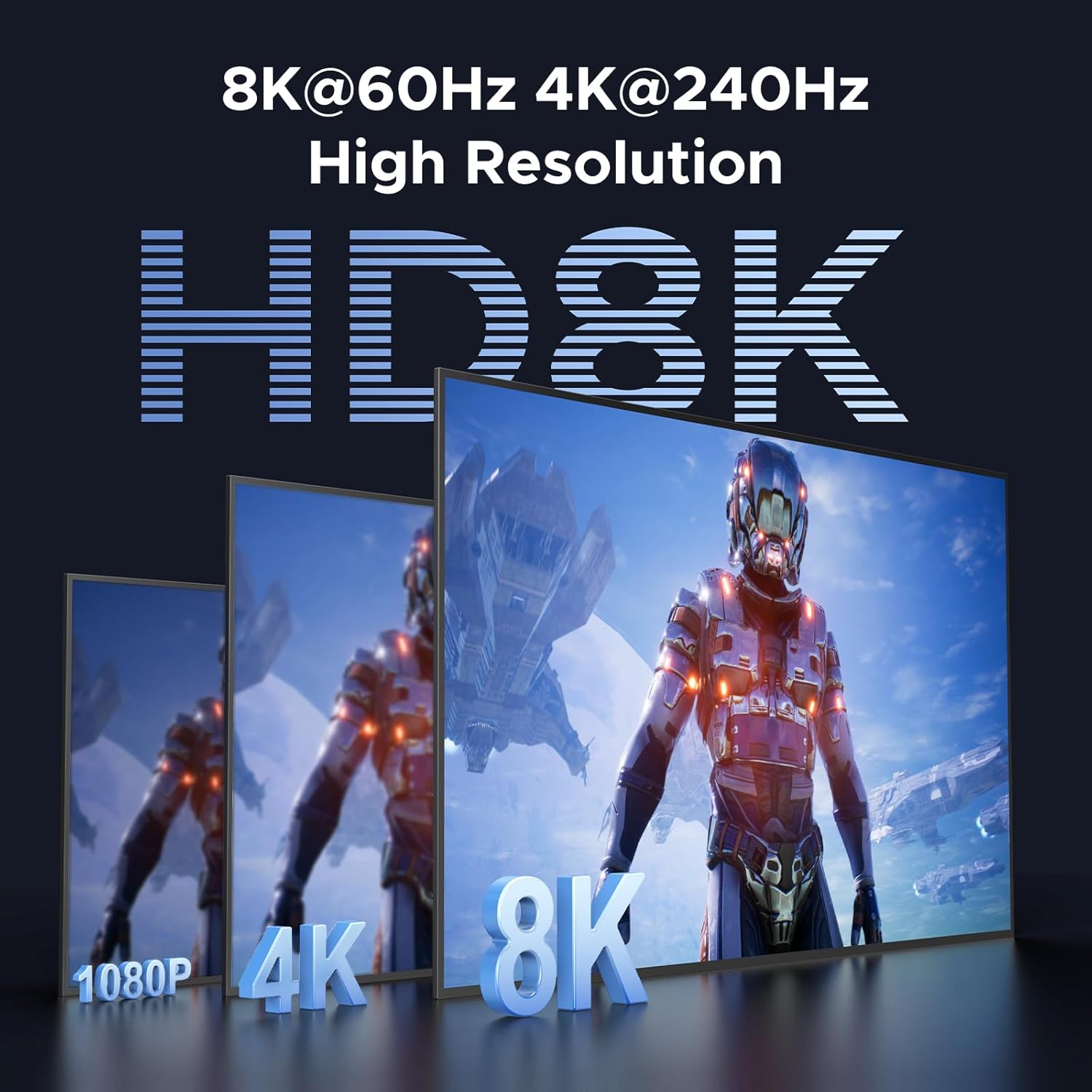
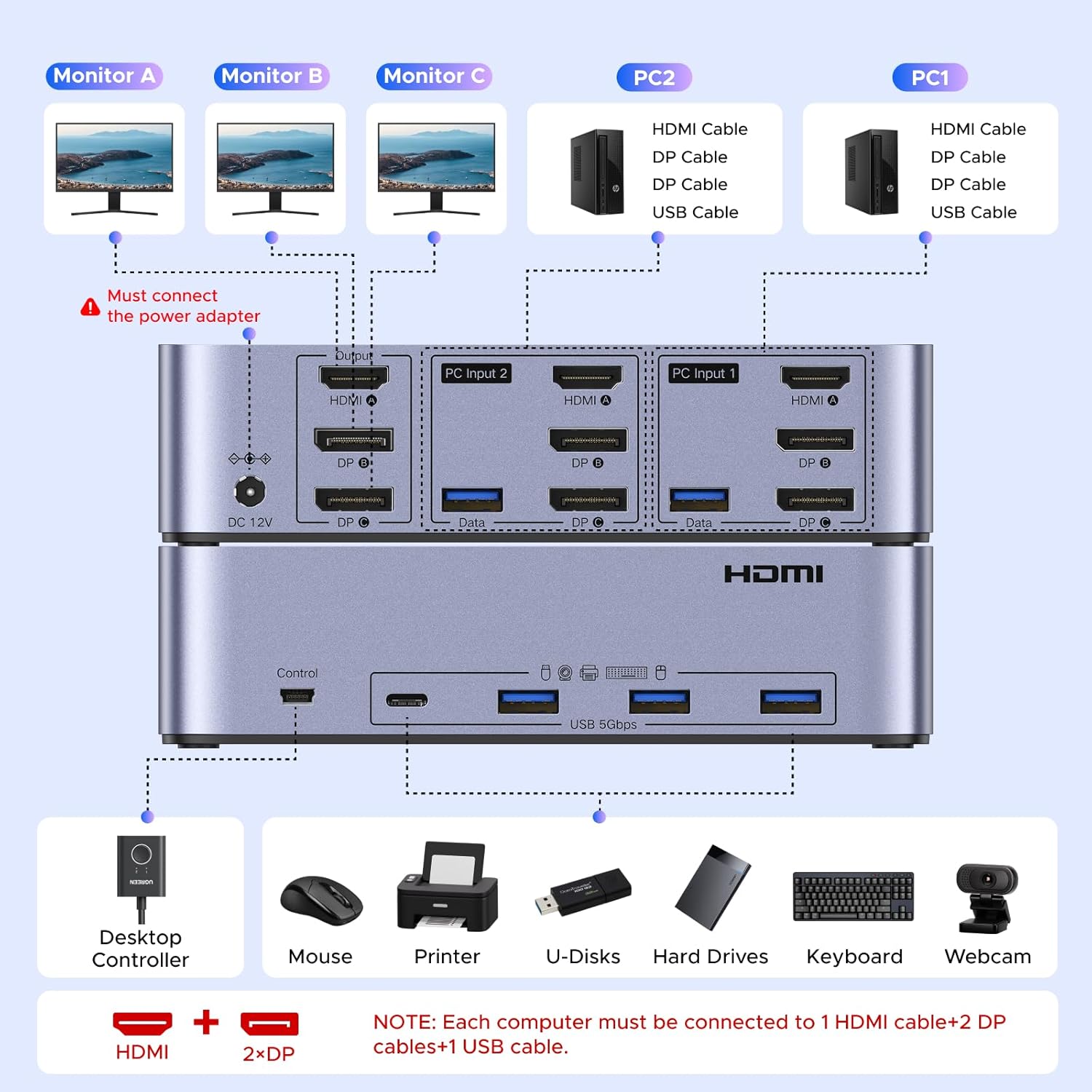
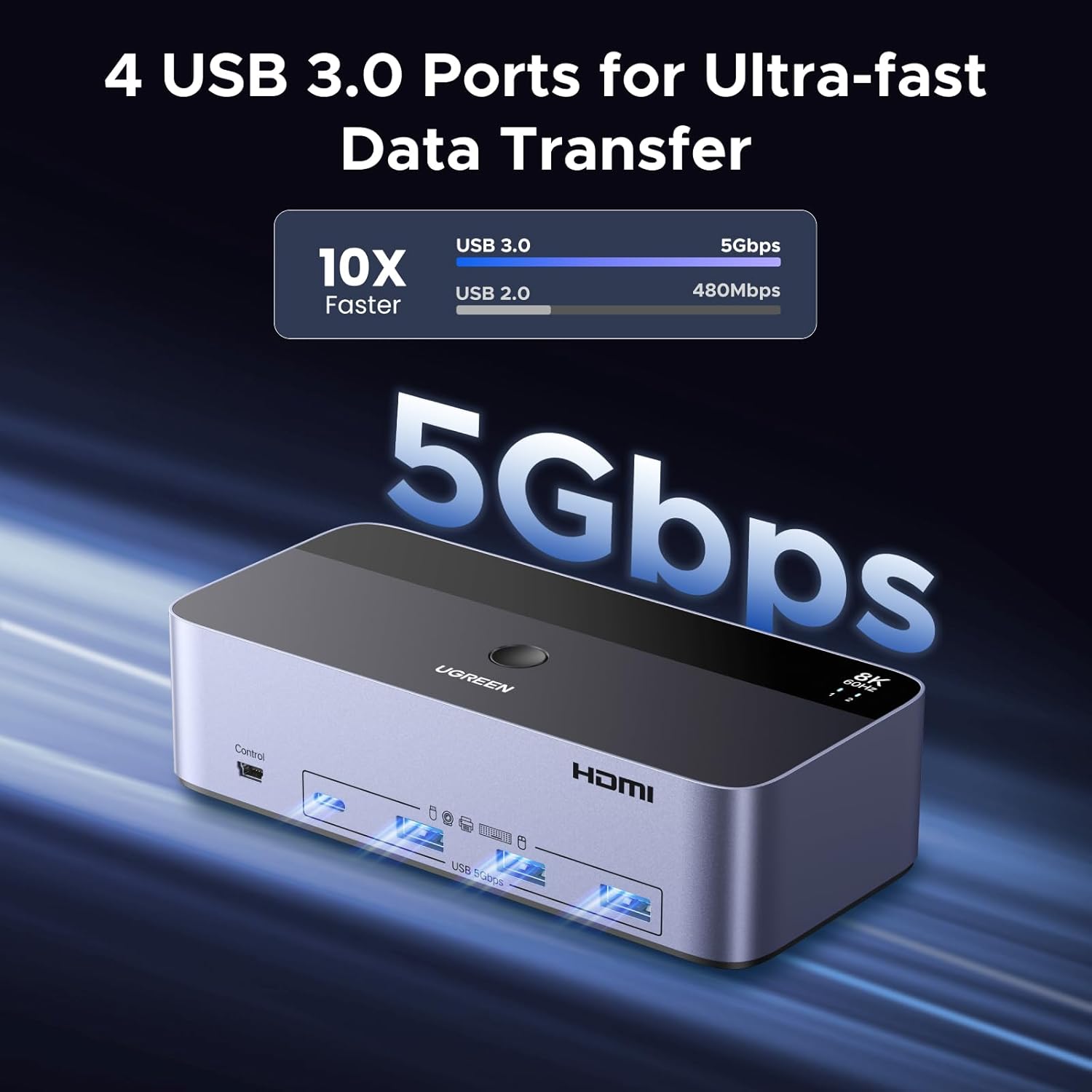
This is a KVM switch designed to share three displays and four USB 3.0 peripherals between two computers. It uses two DisplayPort connections and one HDMI connection to drive up to 8K@60Hz (and lower refresh rates as listed), with support for HDR10+, HDCP 2.3/1.4, VRR, FreeSync, and G-Sync to help minimize tearing across multiple screens. A desktop controller and a power adapter are included for flexible placement and reliable operation. It’s important to note that both computers must be capable of outputting three displays simultaneously for all three screens to be active, and, if you’re aiming for 8K, both the PCs and monitors must support 8K@60Hz with cable lengths kept within about 2 meters for best results. Notably, EDID emulation is not supported.
How it works
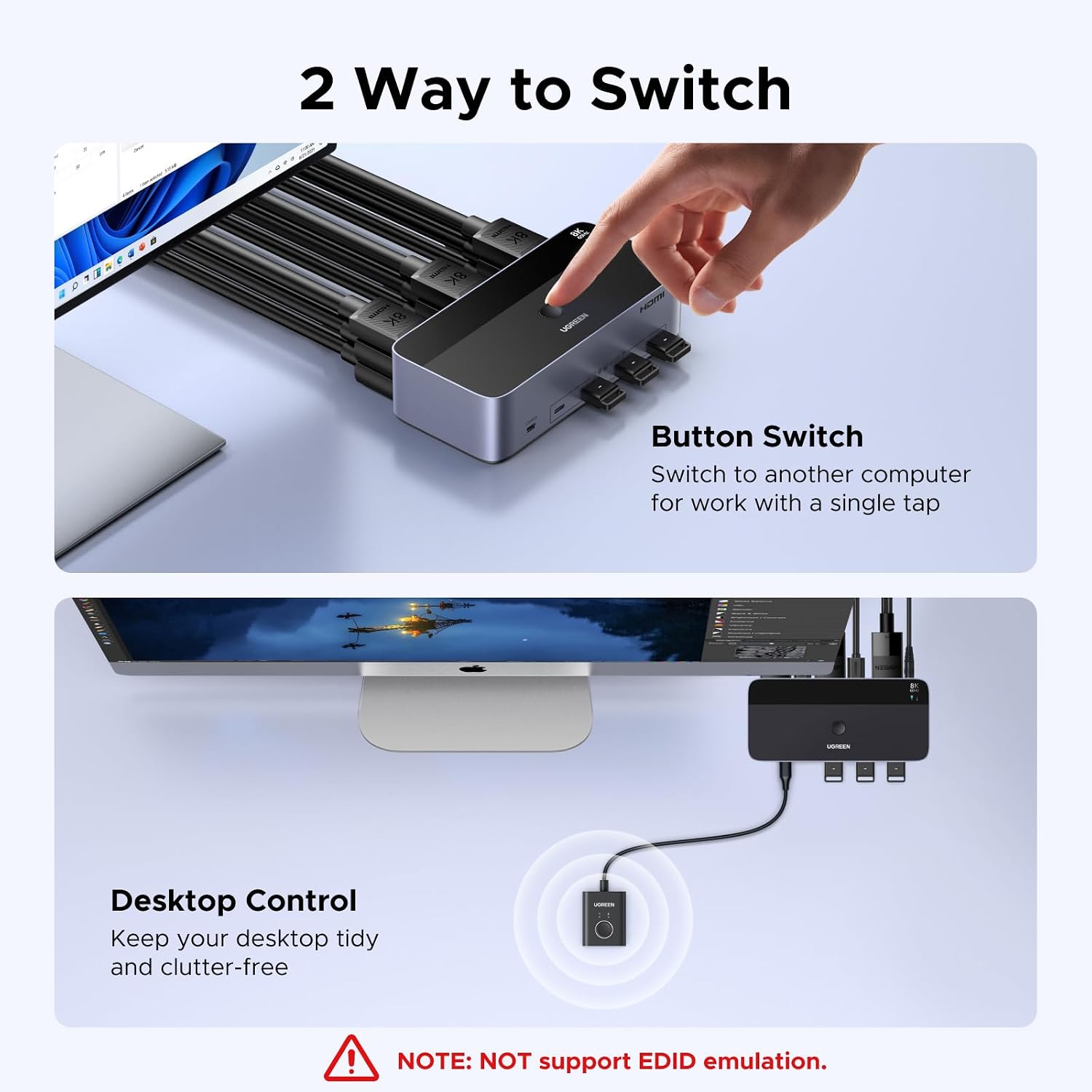
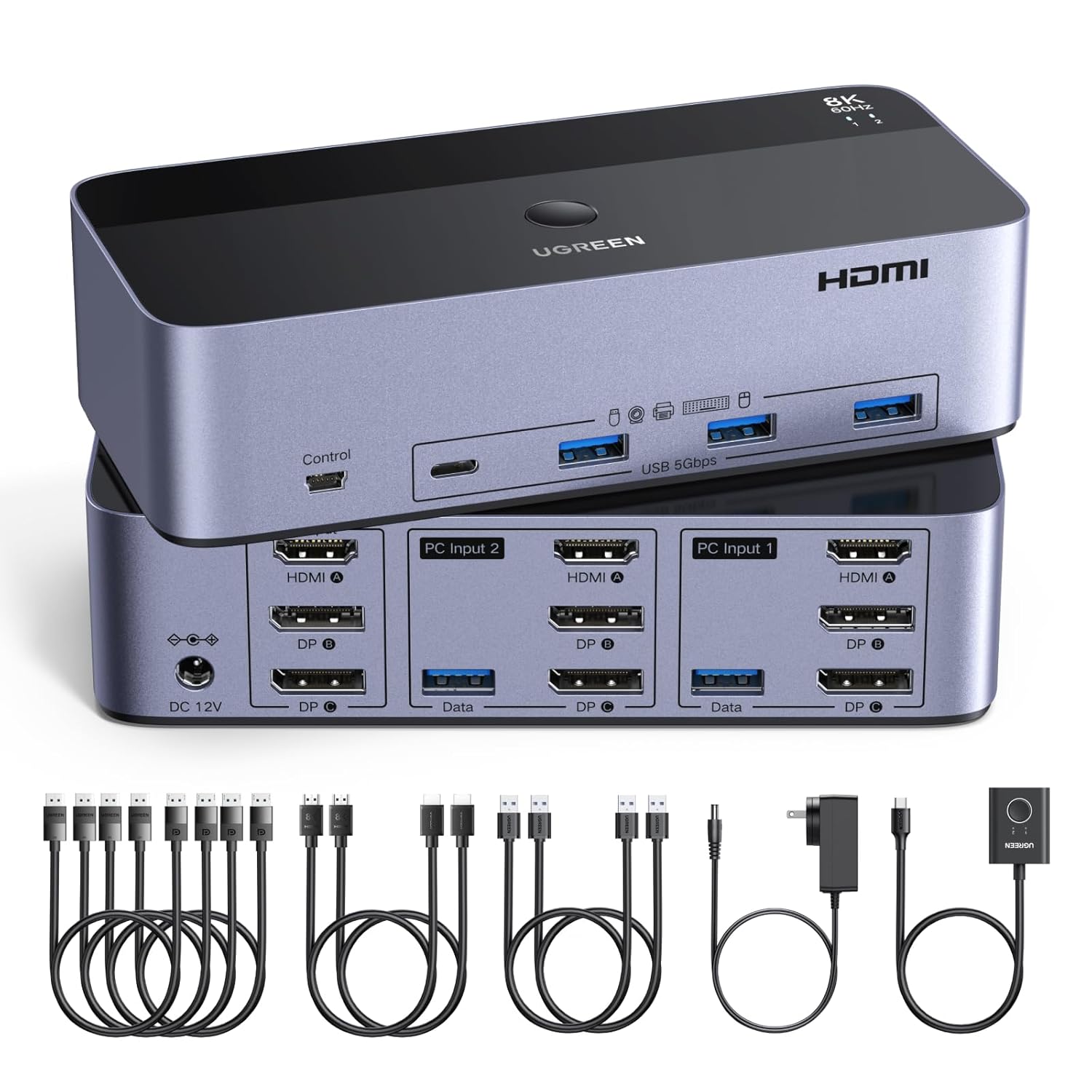
The device switches between two computers using either the front-panel button or the supplied desktop controller. You get two DisplayPort 1.4 ports plus one HDMI 2.1 port on the switch, enabling high-resolution, high-refresh output when your hardware aligns. The kit includes four DisplayPort cables, two HDMI cables, two USB cables, plus a USB power adapter and the desktop controller, so you can set up in a tidy, clutter-free workspace.
Who it’s for
If you frequently juggle two machines—such as a workstation and a laptop—and you want to drive triple monitors with shared peripherals, this switch can simplify your desk setup. It’s particularly appealing for content creators, developers, or IT professionals who value straight-forward switching and the ability to extend or mirror across three displays.
What stands out
On paper, the capability to output up to 8K@60Hz via dual DisplayPort and HDMI inputs is compelling for multi-monitor workflows, provided your gear supports it. The two switching methods (button and desktop controller) are convenient for different workspaces, and the plug-and-play nature means fewer driver headaches across Windows, MacOS, and Linux. The kit’s inclusion of multiple cables and a dedicated power supply helps ensure a stable signal in typical home or office environments.
What may hold it back
A key caveat: if either computer can’t drive three outputs, one or more monitors won’t light up at the maximum resolution. For true 8K at 60Hz, both ends need 8K-capable hardware and the cable length should stay under 2 meters. For users who expect hotkeys to toggle sources, this model relies on physical switches or the desktop controller, not keyboard shortcuts. Finally, not every setup plays nicely with EDID emulation, so you may encounter compatibility quirks with some docking stations or adapters.
Before you buy: what to check
- Confirm both computers can output three displays (two DP + one HDMI) and that your monitors support the same resolutions.
- Measure your cable runs, longer cables may limit high-refresh outputs like 8K@60Hz.
- Decide where you want the switch: keep it on the desk for quick access or use the desktop controller for a cleaner setup.
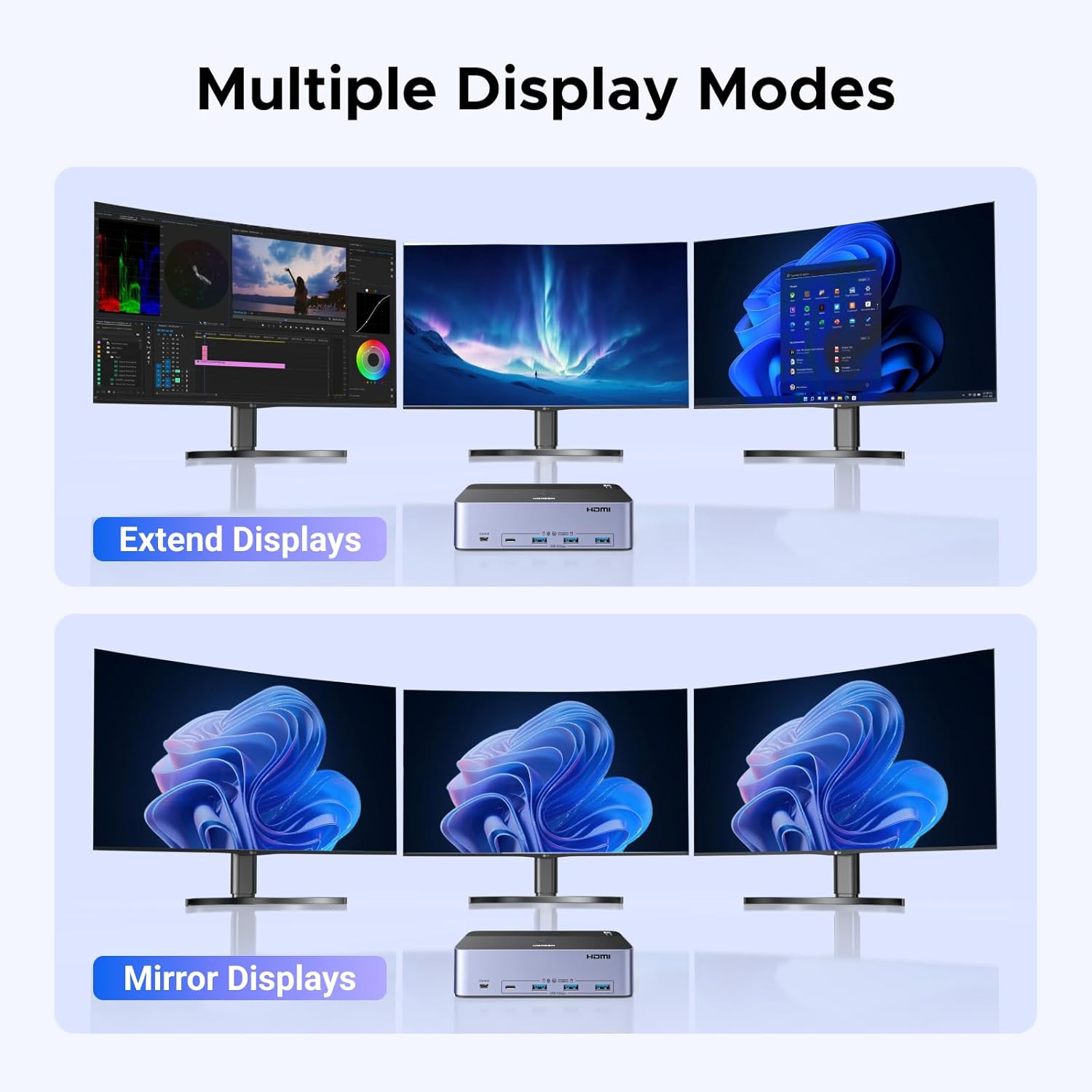
- Review whether your work requires mirror or extend modes, this device supports both, so plan your triple-monitor layout accordingly.
- Check power needs and ensure the included adapter will fit your workspace power setup.
How this compares in practice
This switch is a practical option when you want to reduce cable clutter and avoid swapping cables between two machines. If your three-monitor plan is mostly at standard 4K or lower, you may not need the full 8K capability, but the multi-monitor bandwidth still enables robust performance with HDR and VRR features where supported. If your setup doesn’t consistently require triple-monitor output, a simpler two-output KVM might be easier and cheaper.
Example of use
Imagine a two-PC editing workflow: on PC A you render while on PC B you preview live changes on two extra monitors. With this switch, you can push all three displays from either computer through one compact hub, swap with a press of a button or the desktop controller, and keep your keyboard and mouse attached to the same USB hub for seamless control.
FAQ (based on available data)
- Do I need a special cable configuration for 8K? Yes, you need 8K-capable cables and hardware, and keep lengths under about 2 meters for best 8K@60Hz results.
- Can I use hotkeys to switch inputs? Not in this model, switching is via the front panel or desktop controller.
- Is EDID emulation supported? No, EDID emulation is not supported.
Is it worth it?
It’s worth considering if you regularly operate two machines and need reliable triple-monitor output with shared peripherals, while keeping a tidy desk. If your primary use case never requires 3 displays or if your hardware isn’t consistently triple-output capable, you may want to explore simpler setups. Consider your tolerance for potential compatibility quirks and the necessity of 8K support before purchasing.