

AV Access KVM Switch Dock 4K, 60W PD
Product description
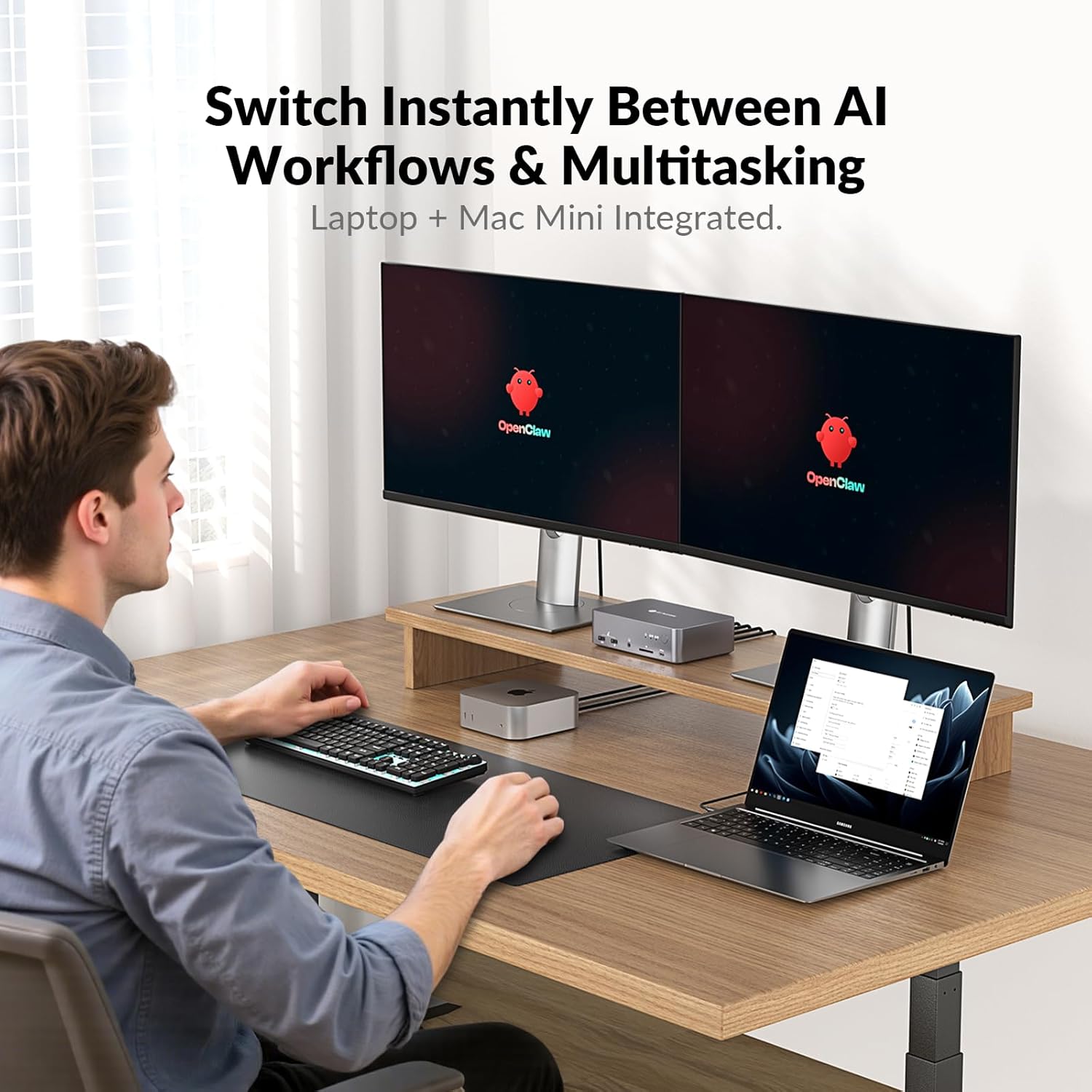
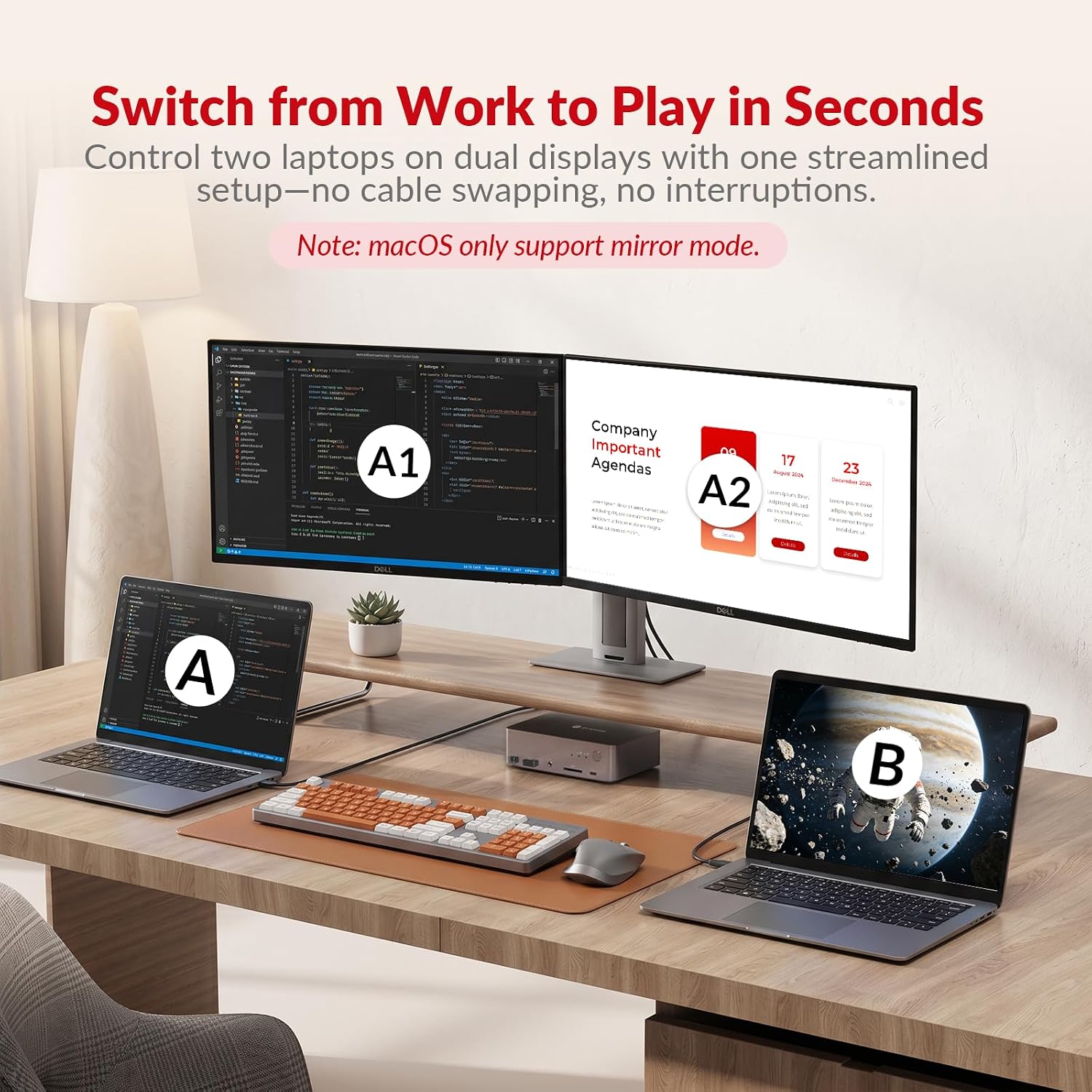
This dual-monitor KVM dock from AV Access lets you connect two laptops and drive dual displays for a more organized desktop and faster task switching. It is designed for work-from-home setups and gaming stations, offering video, charging and network access through a single cable to each PC.
Key Points
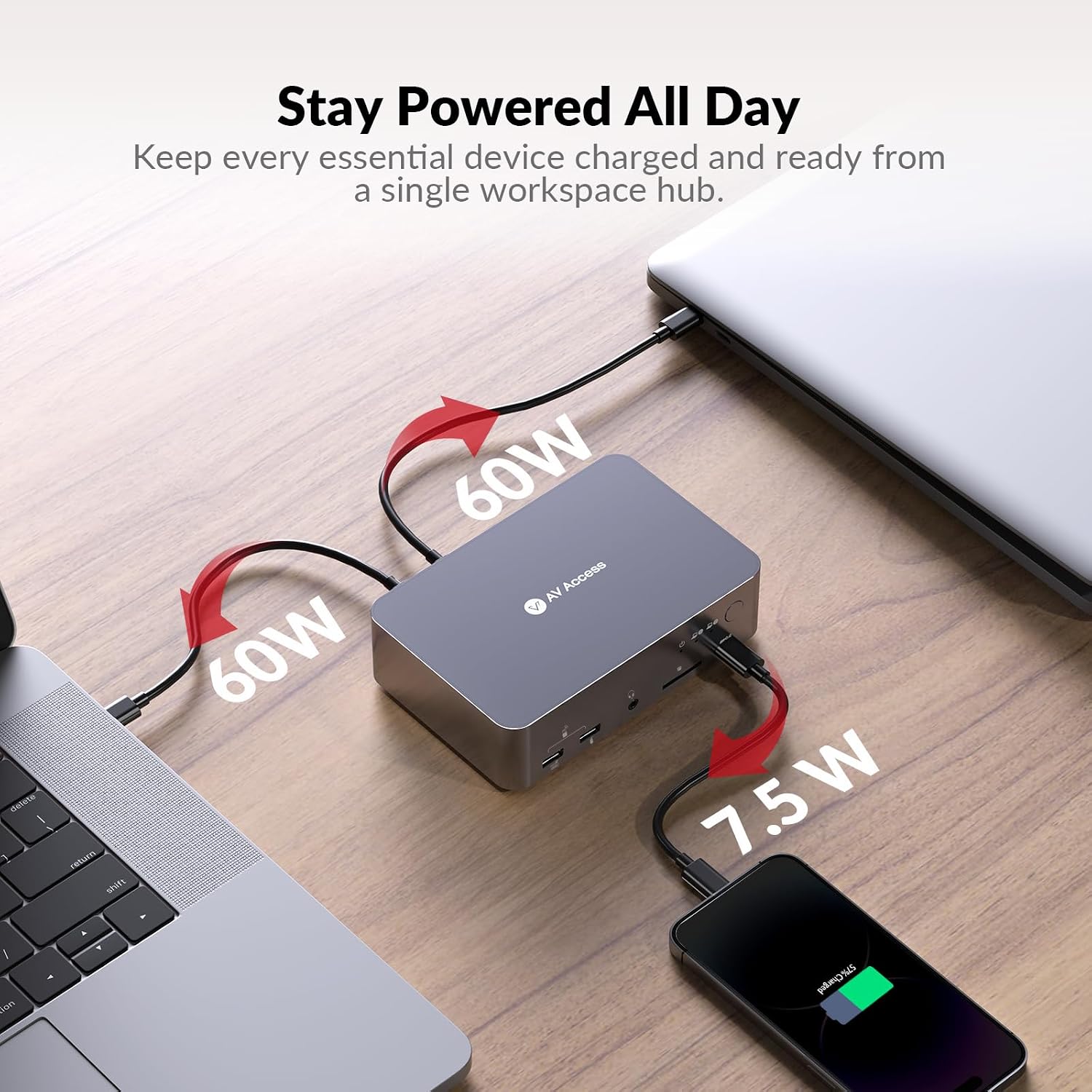
The unit simplifies a multi-device workspace by allowing two computers to share two external monitors and peripherals with quick switching. Each USB-C port supports video output, data transfer and up to 60W power delivery, which reduces cable clutter and keeps laptops charged during heavy use. For gamers and creatives, the dock supports high refresh rates on lower resolutions, including 2K at 144 Hz and 1080p at up to 240 Hz, so motion remains smooth for competitive play or video work. ⚡
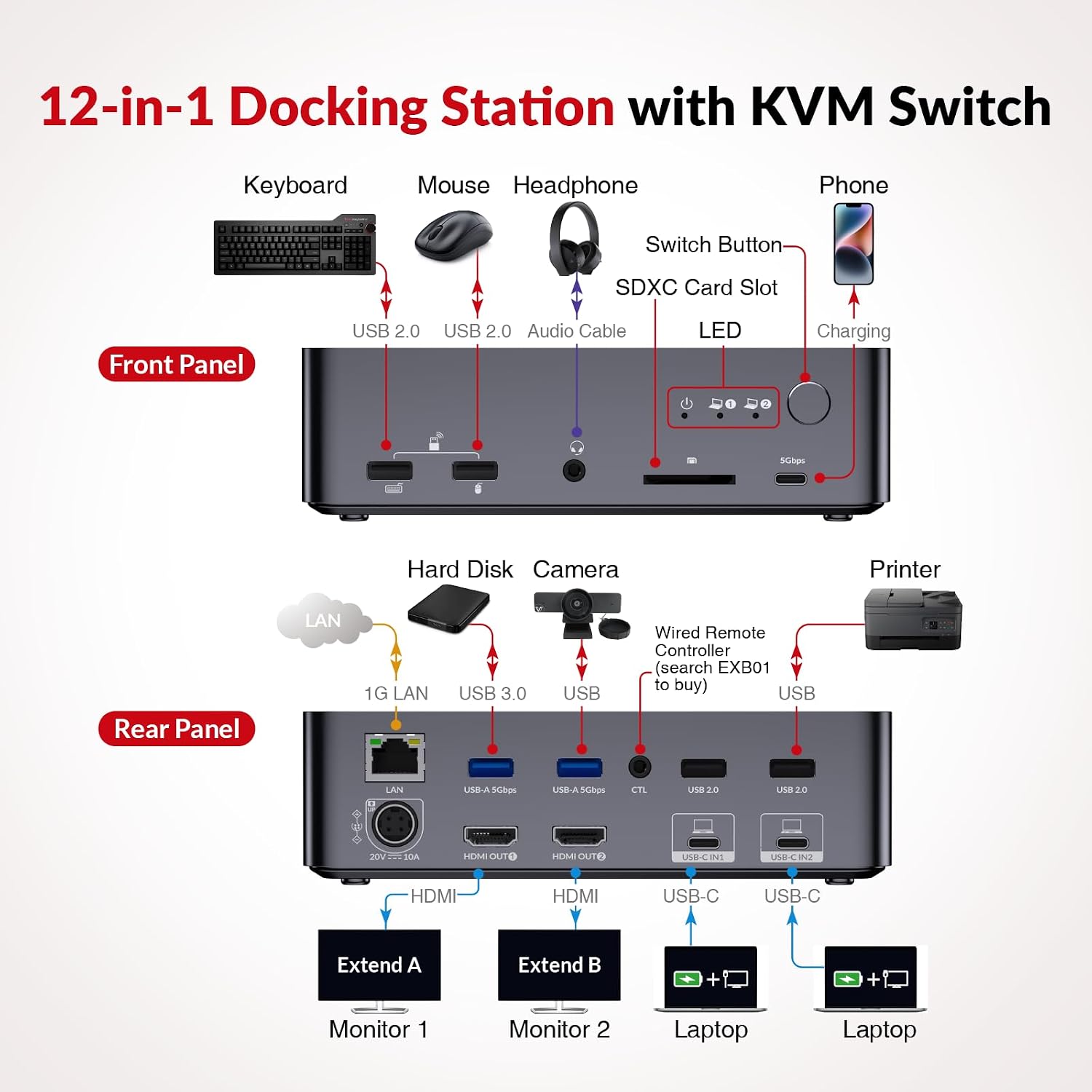
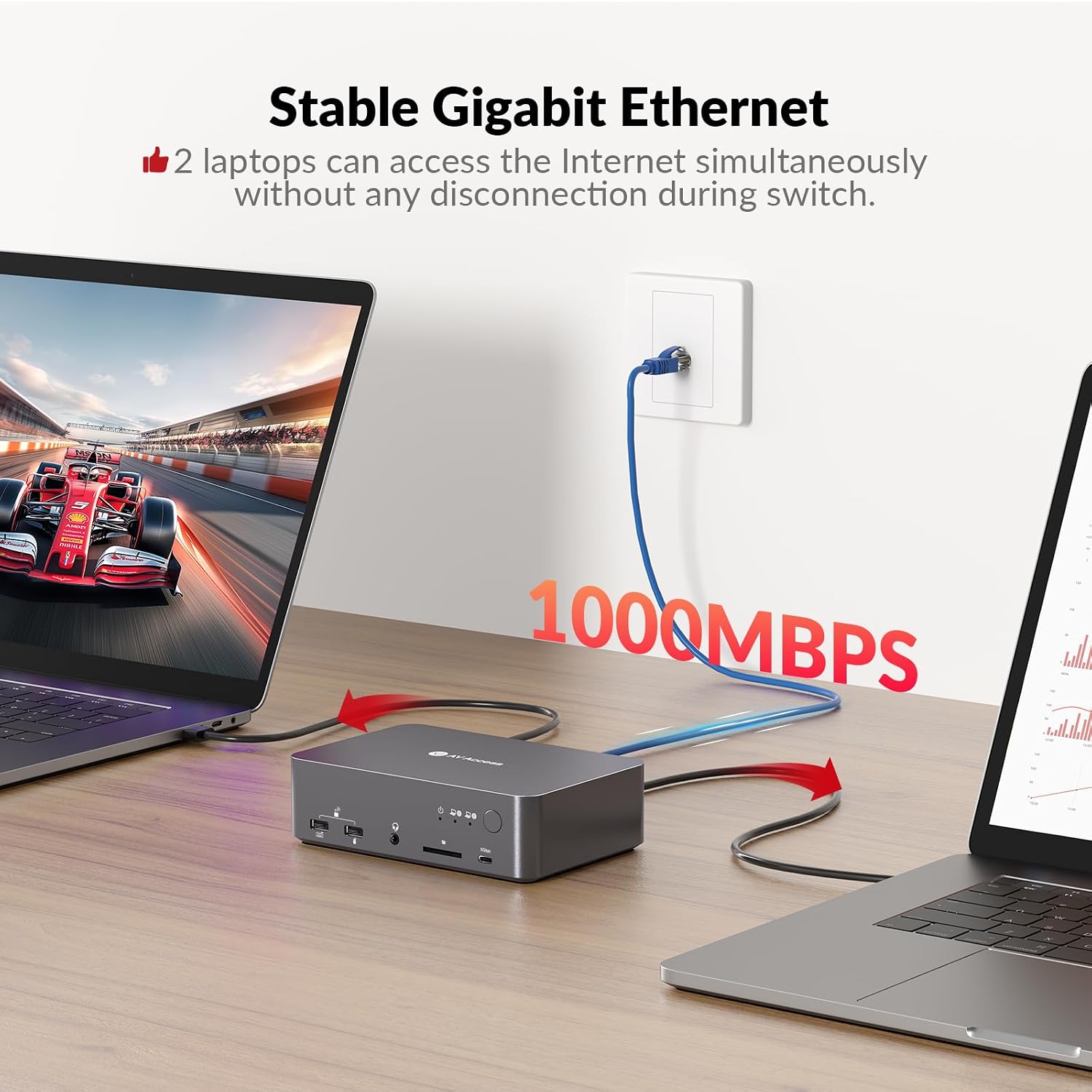
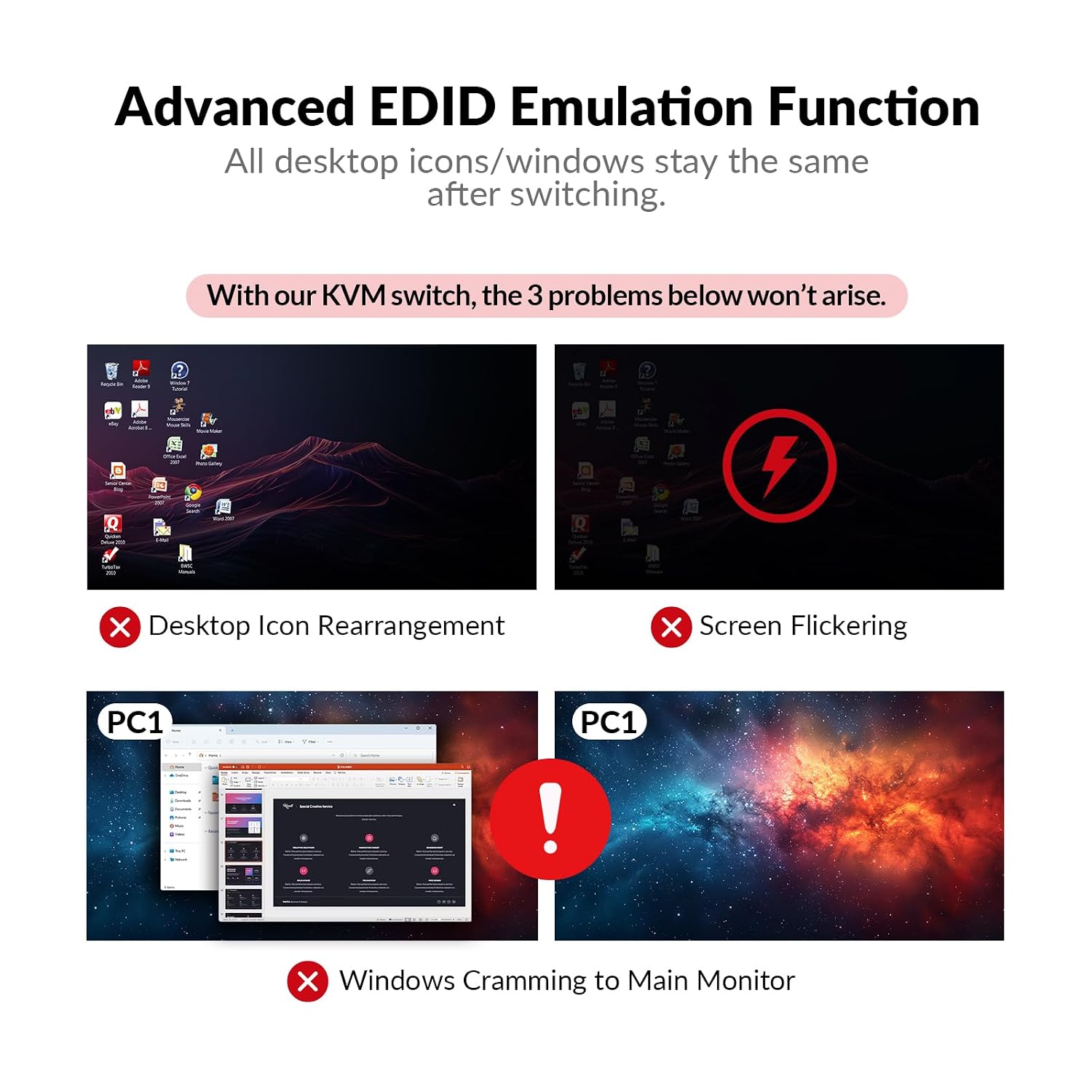
EDID emulation helps maintain stable resolutions and prevents screen flicker or desktop reordering when you switch between sources. The dock also includes a 1G Ethernet port that provides a wired network connection available to the active computer, making it easier to keep both systems online without reconnecting cables. Note that macOS has limitations with USB-C MST and may duplicate screens instead of extending them, according to the manufacturer. 🖥️
Usage Recommendations
If you plan to run extended displays on both monitors from each laptop, verify that your PC’s USB-C port supports DisplayPort alt mode with MST. For Windows and many USB-C Thunderbolt systems the dual extended desktop mode should work as expected. For gaming at high refresh rates, connect directly with compatible monitors and ensure display cables and monitor settings are configured for the target resolution and Hz. The switch operates with a physical button on the panel and also supports remote switching by cable with the appropriate accessory, which can reduce the time spent reaching the unit during daily use. 🎮
Technical Specifications
- Name: AV Access KVM Switch Dock 2 Monitors 2 Laptops
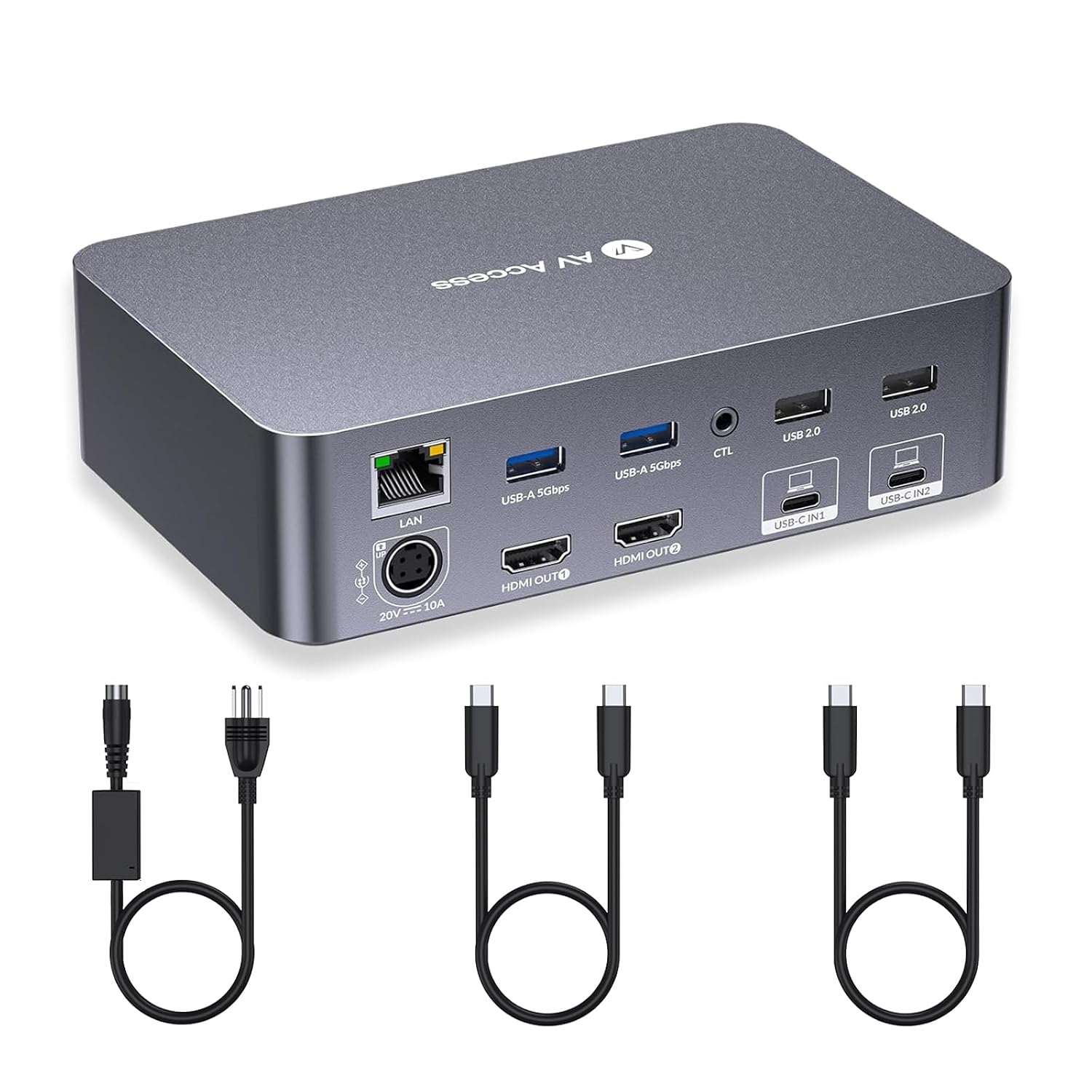
- Video outputs: Dual HDMI, up to 4K@60Hz per display when supported
- USB-C ports: 2 MST-capable USB-C, data up to 5 Gbps and 60W PD per PC
- Network: 1G Ethernet shared between connected PCs
- Gaming modes: 2560 x 1440 @ 144 Hz, 1080p @ 240 Hz or 165 Hz
- Additional features: EDID emulation, SD card slot, multiple USB-A ports for peripherals
The dock can significantly clean up a multi-computer desk while preserving high refresh rate performance for gaming and responsive switching for office workflows. Consider the macOS MST limitation if you require independent extended displays on Apple laptops.