

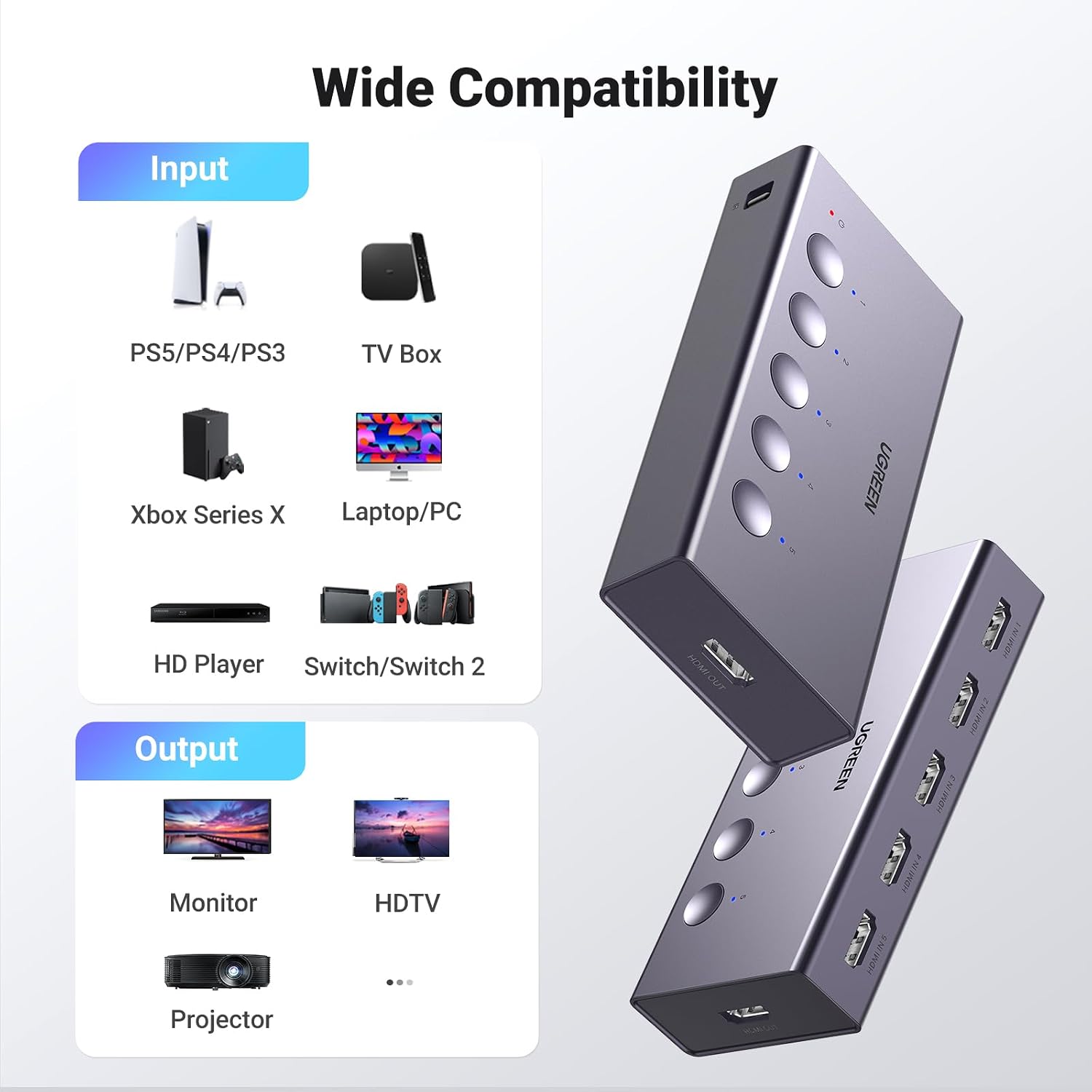
UGREEN CM568 5-in-1 HDMI Switch, 4K@60Hz, Remote, HDR and VRR
Product description
Highlights
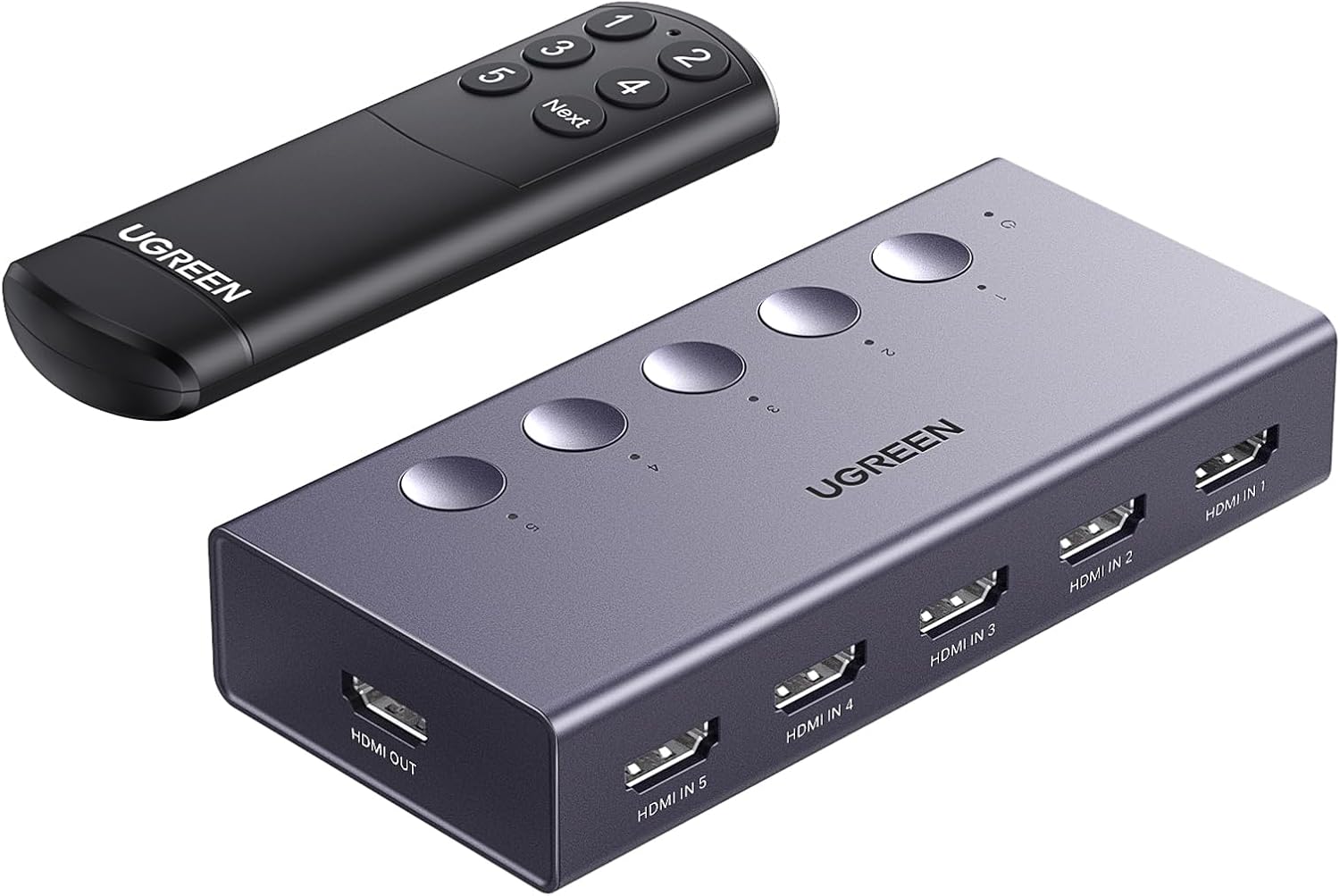
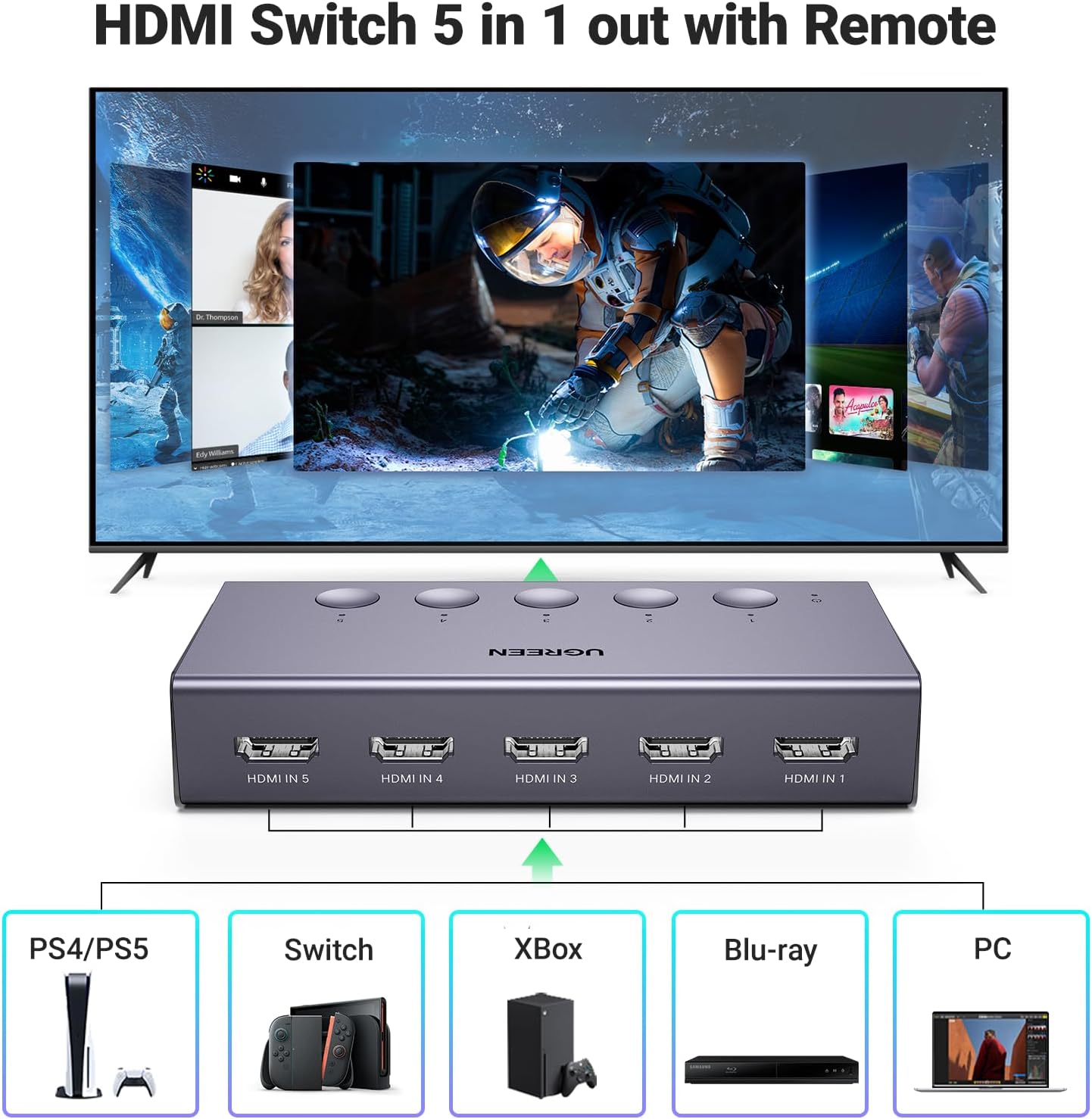
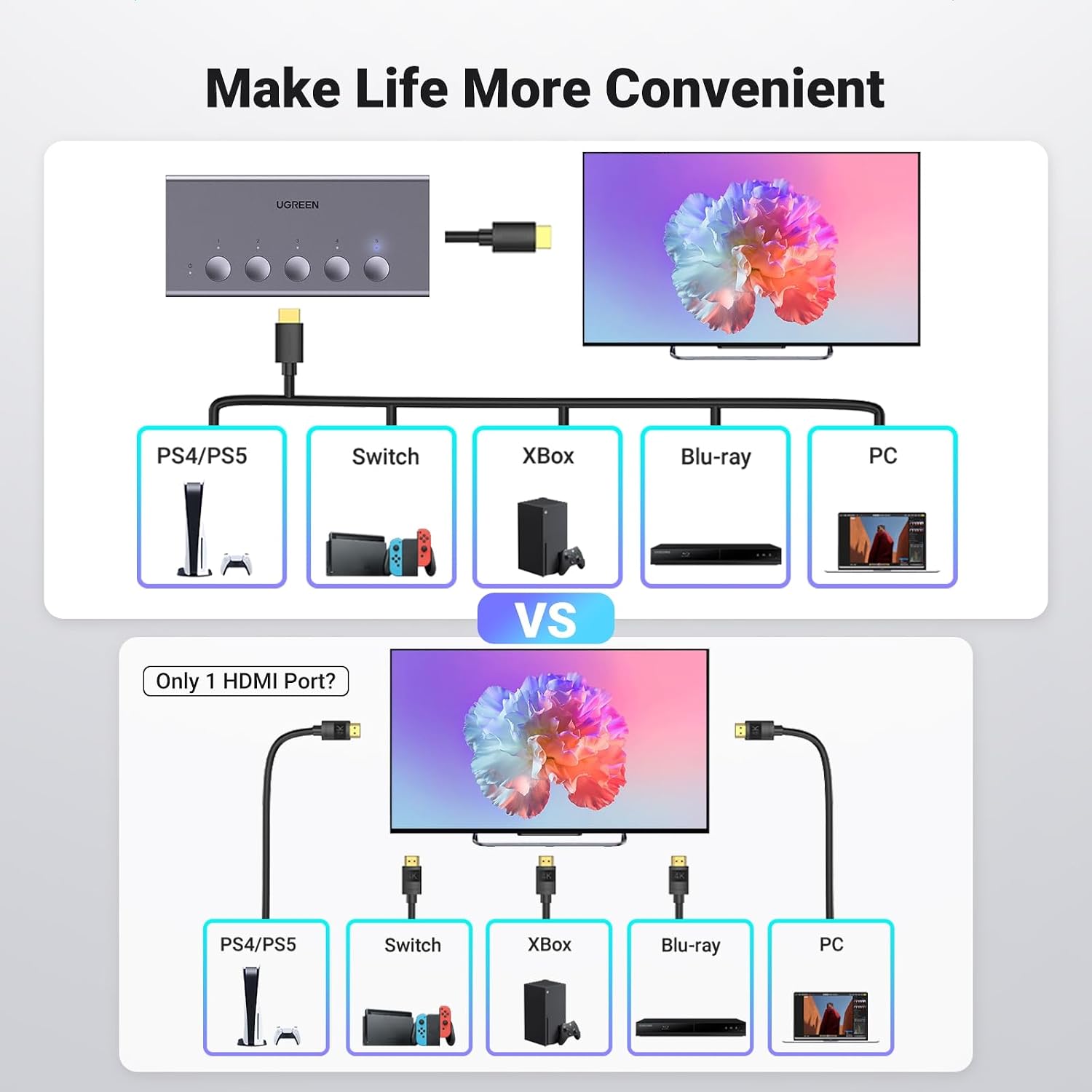
The gray, 5-in-1 HDMI format lets you connect up to five source devices to a single display input. Keep a gaming console, streaming device, computer, and other HDMI sources connected, then choose which one to view instead of repeatedly swapping cables. It’s a practical setup for a TV or projector that has fewer available HDMI inputs than your devices need.
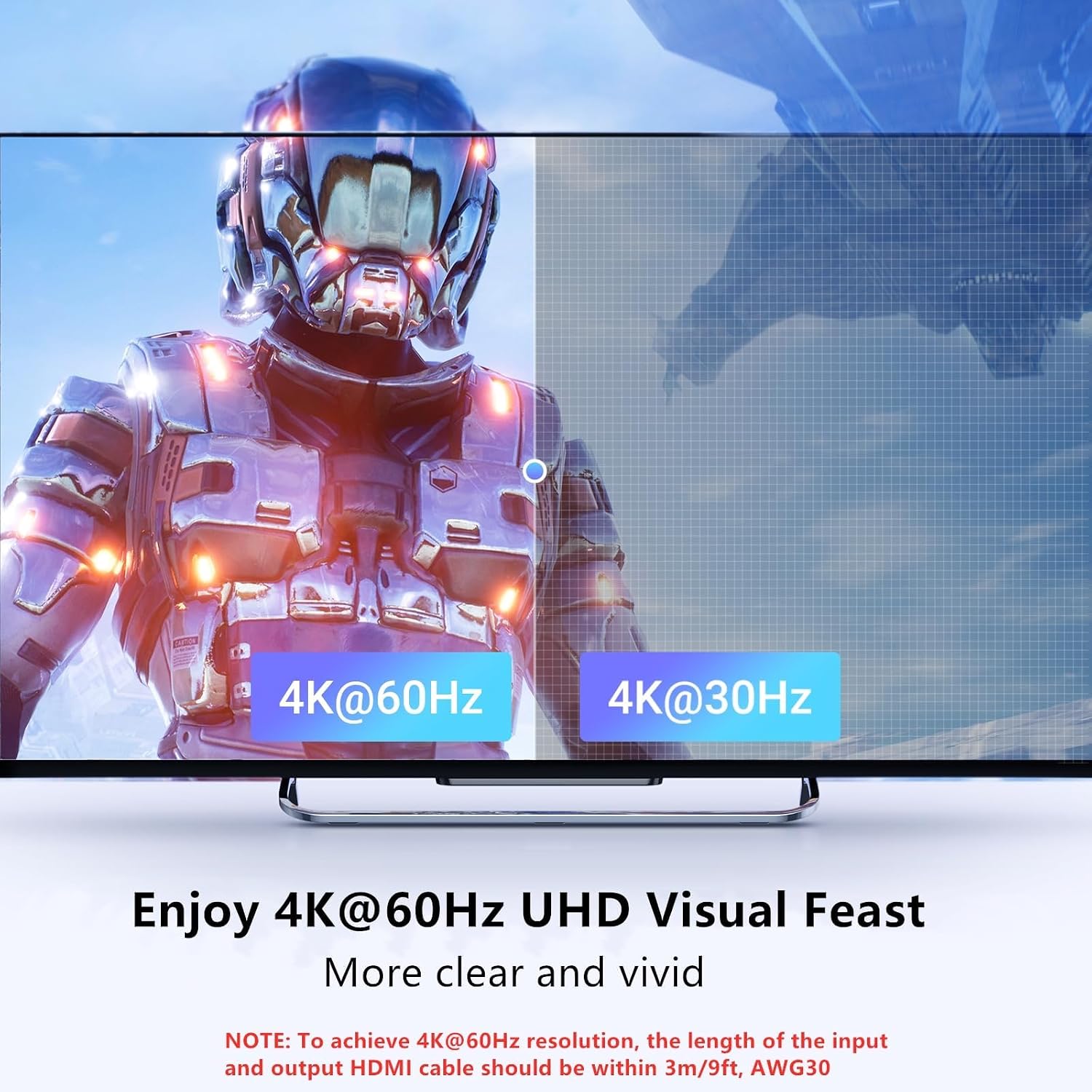
The switch supports 4K at 60Hz, HDR, VRR, 3D, CEC, and HDCP 2.2, with HDMI 2.0/1.4 support and 18Gbps bandwidth. Supported formats also include 4K at 30Hz, 2560 × 1440 at 120Hz, and 1920 × 1080 at 240Hz. That range suits different display and gaming setups, while HDR and 3D support help accommodate compatible sources and screens. Listed compatible devices include PS5, PS4, Xbox Series X, Nintendo Switch and Switch 2, Roku, Fire TV Stick, Blu-ray players, PCs, laptops, HDTVs, and projectors.
Customer feedback often appreciates the convenience of the remote and the ability to bring multiple HDMI sources to one TV input. Reports about picture consistency and long-term reliability are mixed, so those experiences vary by user.
Practical tips
For 4K at 60Hz, keep each input and output HDMI cable within 3m/9ft and use AWG30 cable. The switch needs to be connected to a power source during use, a USB power cable is included, while the power adapter is not. The unit does not support ARC/eARC, and it does not switch automatically when a source turns on.

Tips for day-to-day use
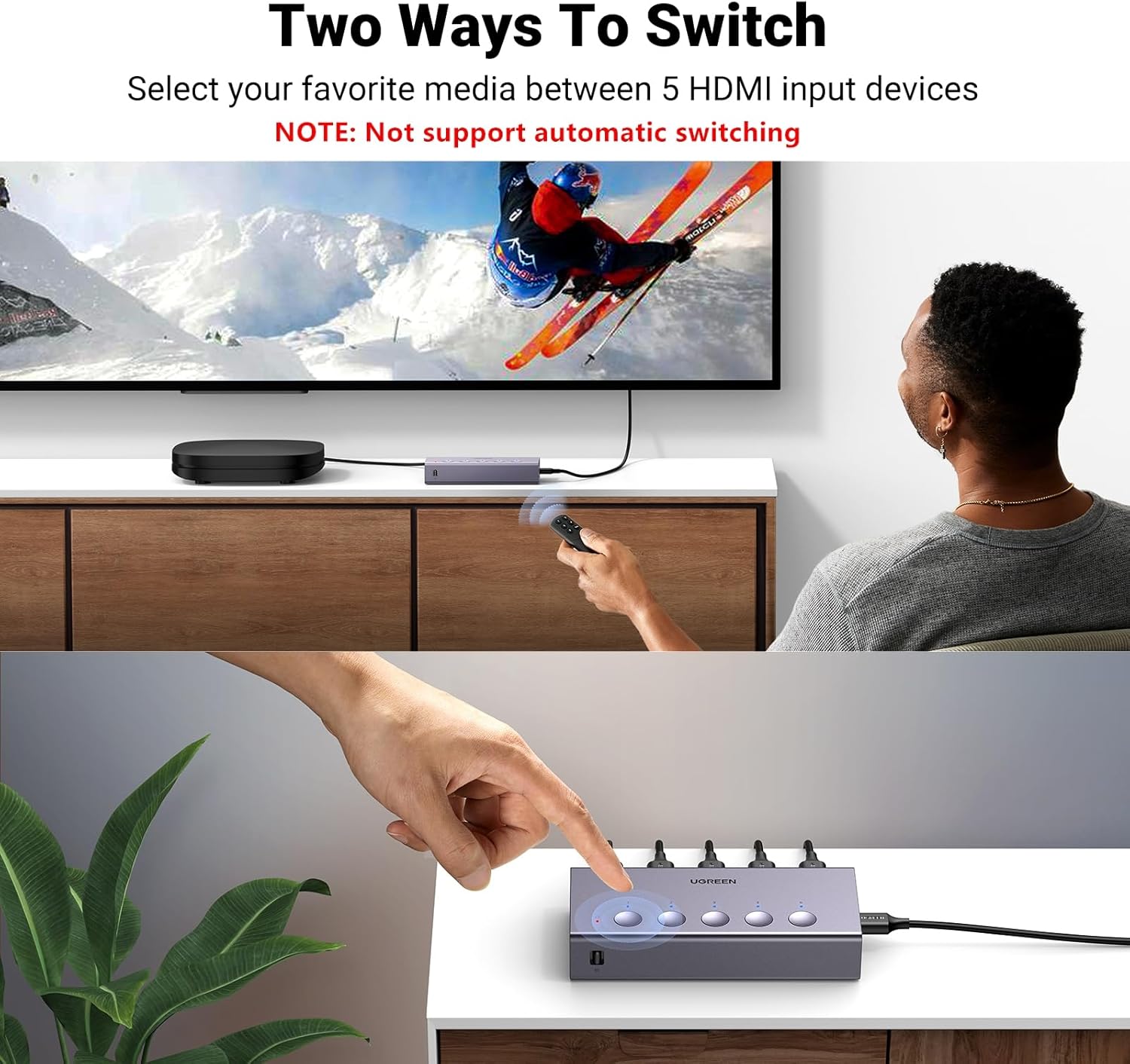
Choose an input with the included remote or the button on the switch. Five LED indicators show which port is active, making it easier to identify the source currently selected. The remote’s stated range is up to 33ft when aimed toward the receiver. The package also includes a user manual, AAA batteries for the remote are not included.
For a shared family TV, you can leave a console, streaming stick, and other sources connected and select the one you want to use. If your priority is simply adding more connections without changing inputs from your seat, the remote is useful, if you prefer direct control, the switch’s manual button is available too.
Questions before you buy
How many devices can I connect? You can connect up to five HDMI sources and switch between them for use with one display input. The listed compatible devices include consoles, streaming players, computers, and Blu-ray players.
What’s needed for 4K at 60Hz? Use AWG30 HDMI cables no longer than 3m/9ft for each input and output connection, and keep the switch connected to a power source while it is in use.
Does it change inputs automatically? No. Select the active source using the remote or the button on the switch, the LED indicators show the selected port.
When it makes sense
Choose the UGREEN CM568 when several HDMI devices share one TV or projector input and you want a straightforward way to select between them. Its five inputs, remote and manual controls, and support for 4K at 60Hz make it suited to a mixed gaming and media setup where keeping sources connected is more convenient than swapping cables.