

Monoprice Blackbird Series 2x1 HDMI Switch (HDMI 2.1, 8K@60Hz, 4K@120Hz)
Reviews
Price
Product description
The essentials (and what it’s really for)
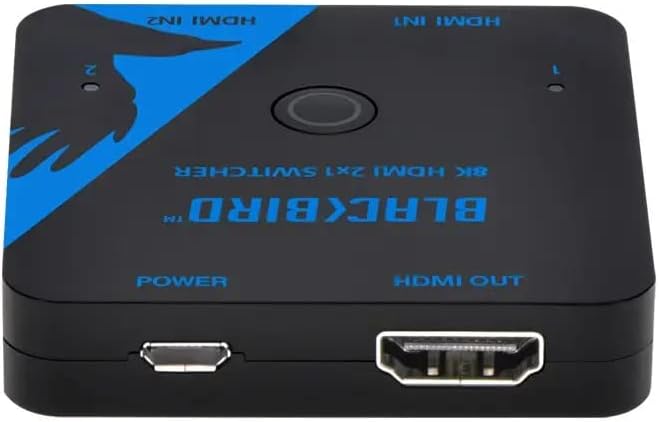
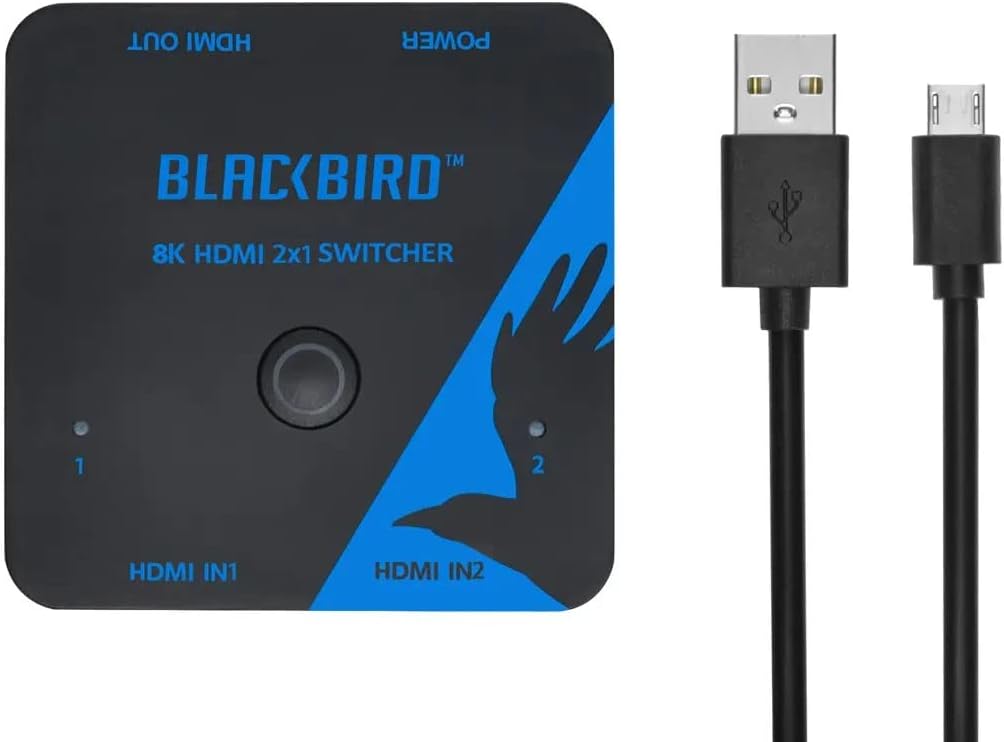
A 2x1 HDMI switch is one of those small devices that quietly removes a daily annoyance: you want to use multiple sources on one TV—without constantly unplugging cables. The Monoprice 2x1 HDMI Switch is built around HDMI 2.1 performance, with support for high resolutions and modern video/audio formats. On paper, it’s aimed at people who care about signal quality (not just “it works”).
If your setup includes things like an Xbox, PS5/PS4, a Blu-Ray player, or streaming boxes, this switch is designed to route the video and audio signals between two HDMI sources to a single display. The “Blackbird Series” branding aside, the practical value comes from handling HDMI 2.1 features and low-latency oriented gaming/video modes—so you’re not forced to compromise when you swap between a console and another source.
One catch to keep in mind: a switch can only be as good as the rest of your chain. If your TV, receiver, or cables don’t support the same capabilities, you won’t magically unlock the top-tier features.
Key features that matter in real use
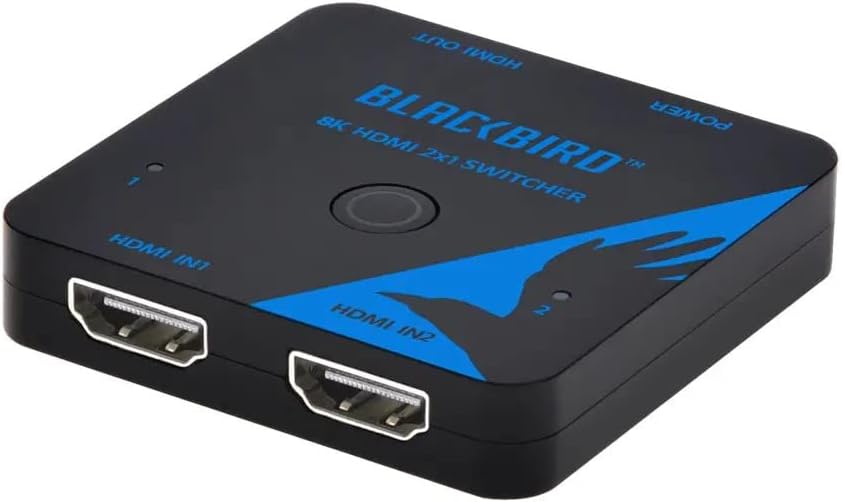
The main reason to consider this switch is its feature set for both video clarity and responsiveness. It’s rated for up to 8K@60Hz and 4K@120Hz, with HDMI 2.1 and HDCP 2.3 mentioned as part of the compatibility story. For buyers, that typically translates into fewer “why does this look off?” moments when you’re running newer devices.
On the video side, it lists HDR formats including HDR10, HDR10+, Dolby Vision, and HLG passing through. That’s a big deal if you watch HDR movies or use streaming devices that output those formats, because you want the display to receive the full signal rather than a downgraded one.
For audio, the switch supports LPCM 7.1CH plus Dolby TrueHD and DTS HD Master Audio. If you use a soundbar or home theater setup that can decode those formats, the promise here is fewer compromises when switching between sources.
For gaming/latency concerns, it calls out Low Latency Support and features like VRR, FVA, and ALLM. In normal terms: if your console expects smoother motion and automatic game mode behavior, this switch is designed to get out of the way.
What you’ll notice day to day
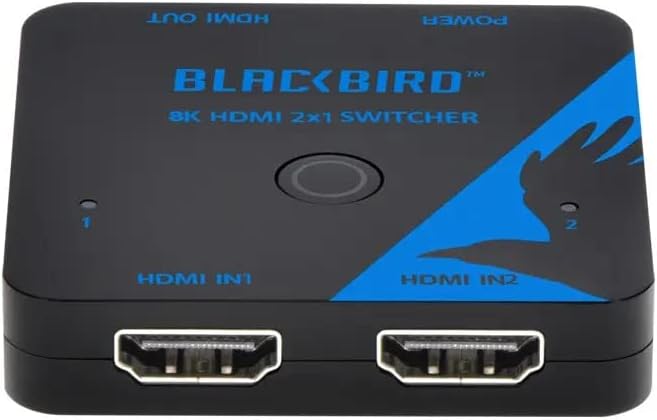
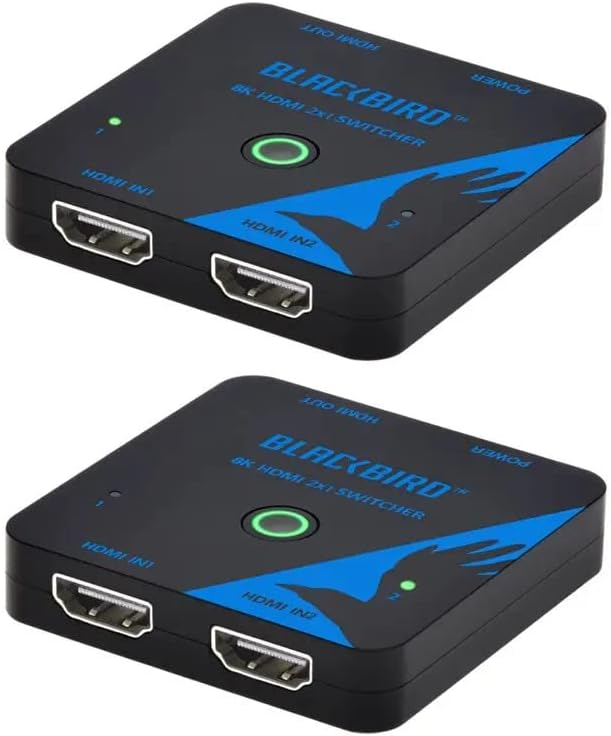
The day-to-day benefit is simple: switching between two devices should be fast and painless, without cable juggling. Imagine you’re halfway through a match on your console, then you switch to a Blu-Ray player for the next scene—this product is intended to keep the signal intact across that swap.
Where it can feel especially “worth it” is if your current setup relies on lower-spec switching or older HDMI splitters. Those can introduce headaches like format incompatibilities, unexpected resolution drops, or less-than-ideal HDR behavior. This switch is positioned to avoid those issues by targeting HDMI 2.1-era capabilities.
That said, not everything is guaranteed by the switch alone. Some TVs and devices are picky about handshake behavior, and any HDMI route can be sensitive to cable quality. If you’re already using solid HDMI 2.1 cables and compatible displays, you’re much more likely to feel the benefits.
Tech specs (quick, decision-oriented)
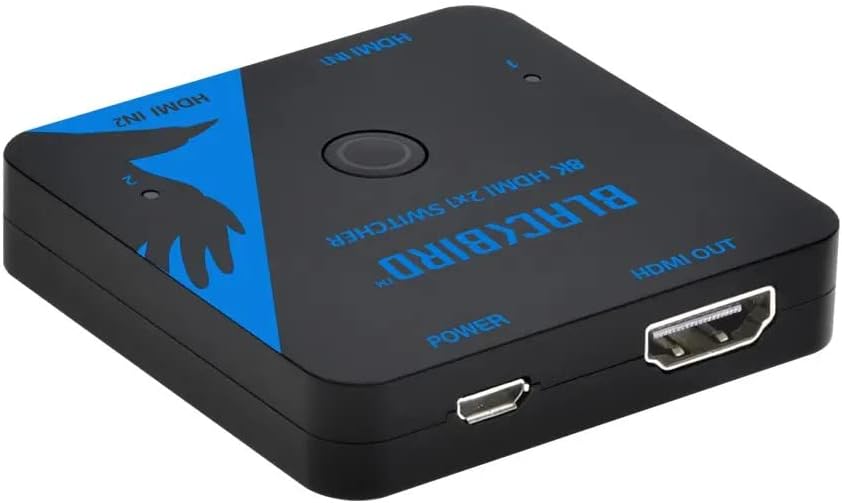
- Type: 2x1 HDMI switch (two inputs to one output)
- HDMI standard: HDMI 2.1
- HDCP support: HDCP 2.3
- Max video support: 8K@60Hz, 4K@120Hz
- Video/HDR formats listed: HDR, HDR10, HDR10+, Dolby Vision, HLG
- Audio formats listed: LPCM 7.1CH, Dolby TrueHD, DTS HD Master Audio
- Low-latency / gaming features listed: Low Latency Support, VRR, FVA, ALLM
Who it suits best (and who should think twice)
It makes sense if your priority is one-display convenience while still wanting modern HDMI features for gaming and HDR video. Worth considering if you’re running a PS5 or Xbox and you also use streaming or disc playback—and you’d rather rely on a single switching box than frequently swapping cables.
It might not be for you if your current TV (or audio gear) doesn’t support the formats and performance levels you’re aiming for. In that case, you could end up paying for features you can’t fully use. Also, if you don’t actually switch between two sources often, a switch may feel like overkill compared to just changing inputs manually.
Final verdict
When it makes sense
Buy it if you want a 2x1 HDMI switch that’s explicitly built for HDMI 2.1-class performance, including high refresh support for gaming, HDR formats like Dolby Vision/HDR10+, and multi-channel audio formats.
When you should skip it
Skip it if you’re on older HDMI equipment that can’t take advantage of what the switch supports, or if you don’t mind switching inputs by remote/cable and just want the simplest possible setup.
Who should buy
People with two HDMI sources (like a console plus a streamer or Blu-Ray player) feeding one HDTV and who care about getting the correct video and audio formats through.
Who should avoid
Anyone who expects the switch to fix incompatibilities from the TV or receiver side. If your chain isn’t aligned, this won’t override those limitations.
Mini FAQ
1) Will this work for consoles like Xbox and PS5?
The product description specifically calls out support for HDTV and Xbox plus PS5/PS4/PS3, so it’s designed with those devices in mind.
2) Does it support HDR formats like Dolby Vision?
It lists HDR10, HDR10+, Dolby Vision, and HLG as formats that pass through.
3) Is it meant for low-latency gaming?
Yes—Low Latency Support is mentioned along with VRR, FVA, and ALLM.
4) What audio formats are supported?
It lists LPCM 7.1CH, Dolby TrueHD, and DTS HD Master Audio.
5) Do I need HDMI 2.1 cables and a compatible TV to benefit?
In practice, yes. Even if the switch supports top-tier formats, your TV and cables need to be able to receive and display them correctly.