


Anytrox Wireless HDMI Transmitter and Receiver Kit (4K Decode, 1080P Output) — Plug & Play 2.4/5GHz
Product description
If you’ve ever dealt with messy long HDMI cables, you already know the tradeoff: they’re useful, but they’re not exactly clean in a meeting room or living room setup. This Anytrox wireless HDMI transmitter and receiver kit is built to send video and audio to a larger display without running a cable across the room.
On paper, it’s positioned as a straightforward, no-drama way to share content from a laptop, TV box, or other HDMI source to a monitor, projector, or HDTV—especially when you want something that’s quick to set up and easy to move. That “plug and play” promise is the big selling point here, but it’s worth keeping expectations realistic around resolution and real-world wireless behavior.
Key takeaways / what matters most
The core idea is simple: a transmitter connects to your HDMI source, and the receiver connects to your display. From there, the kit wirelessly transmits video and audio.
Two details stand out when you look past the marketing: first, it claims a 1080p/60Hz output with full RGB color gamut and low latency. Second, it supports 2.4/5GHz, which can help you avoid congested wireless channels in busy environments. Still, “wireless HDMI” setups can be sensitive to room layout, interference, and distance—so if you’re expecting cable-like consistency at all times, you may find it falls short.
What you get and how it fits your setup
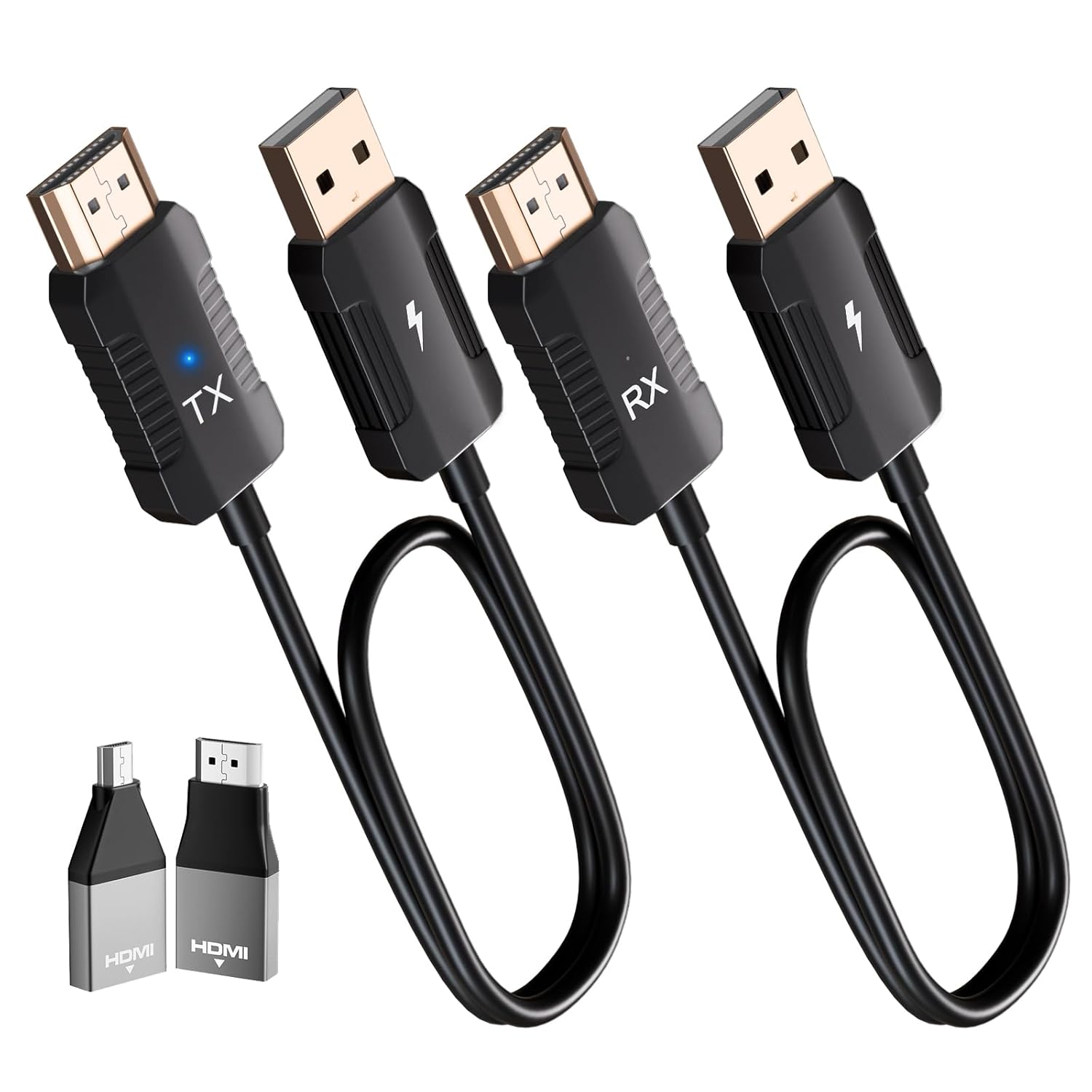
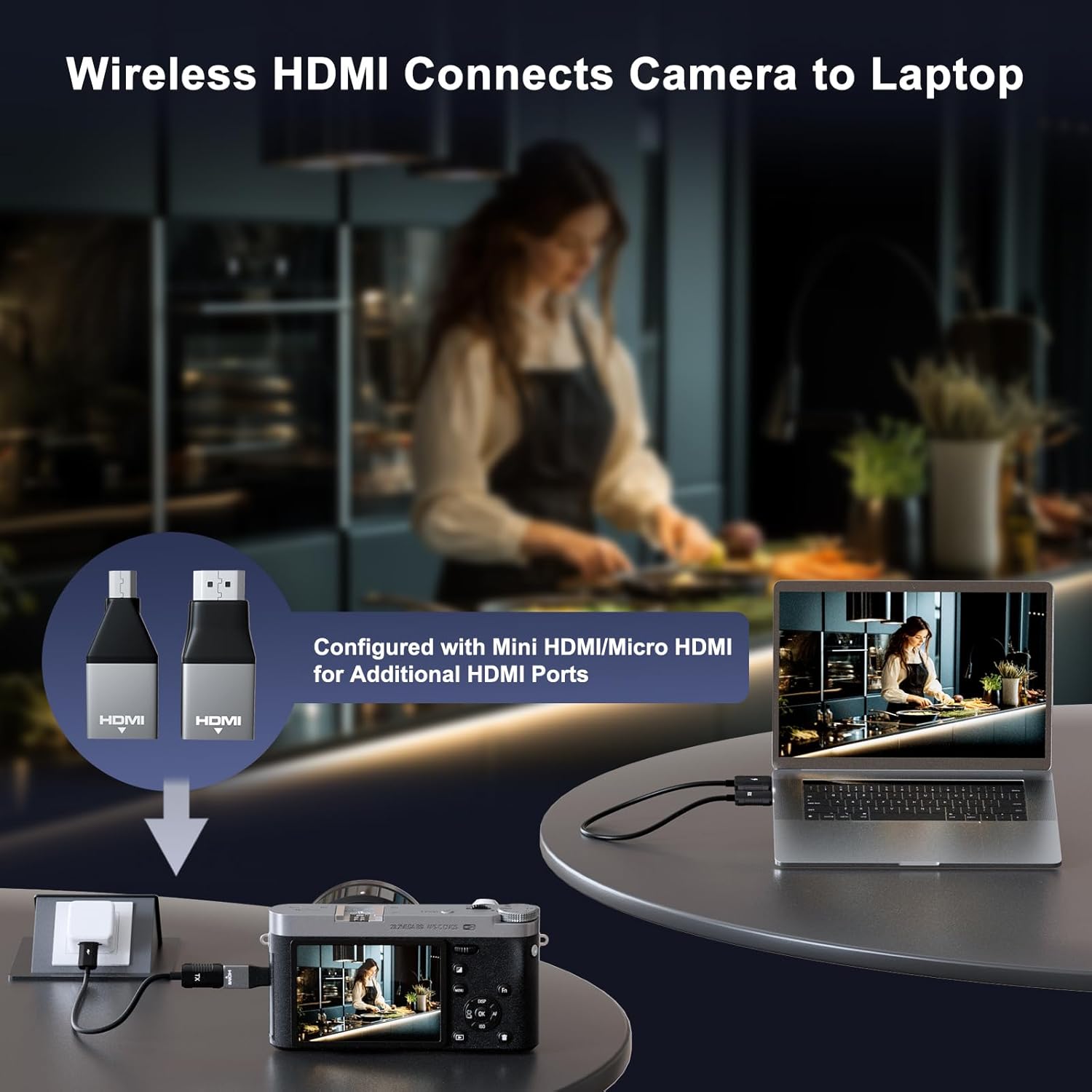
The package includes a transmitter and receiver, a micro HDMI adaptor and a mini HDMI adaptor, a storage bag, and an instruction manual. That assortment matters because HDMI sources come in different connector styles.
In practical terms, a typical use case looks like this: you plug the transmitter into a laptop (or another HDMI source), connect the receiver to a monitor or projector, and present slides or videos without stretching an HDMI cable across a conference table. If you’re setting up for a corporate meeting or a home media session where you don’t want cable clutter, this type of kit is designed for that exact scenario.
Where it shines for everyday use
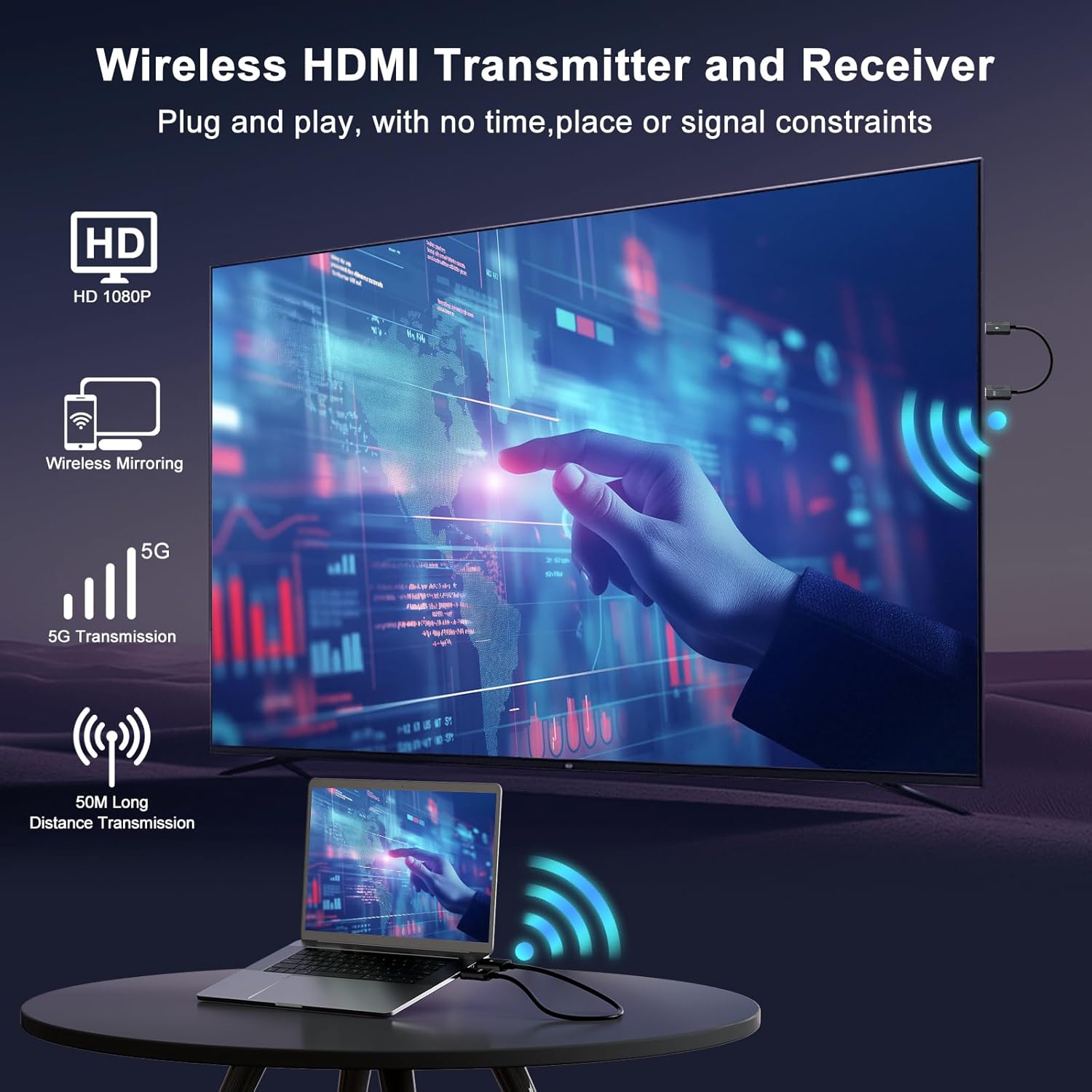
For most buyers, the appeal is less about “cutting-edge specs” and more about convenience. According to the product info, there’s no APP required and it’s meant to run quickly—described as up and running in about 10 seconds with plug and play.
It also claims HDMI wireless transmission that avoids the limitations of traditional HDMI cable runs, including short transmission distance and aesthetics. If you’ve ever had a cable reach that just barely doesn’t work, a wireless extender approach can feel like a simple workaround.
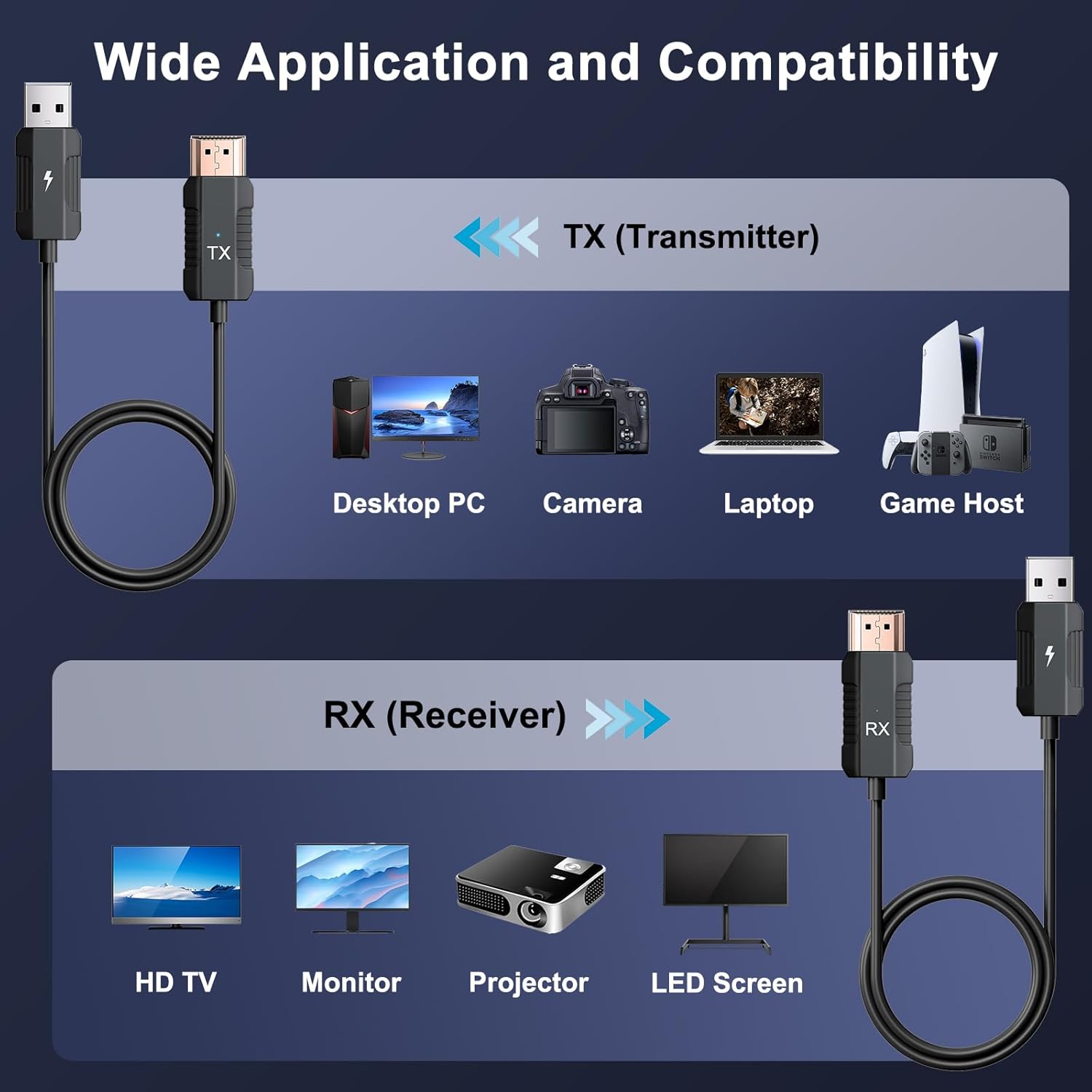
Also, the kit is described as compatible with most HDMI devices (as long as they support “same screen” output). That broad compatibility can be useful when you’re supporting multiple sources in the same room.
Tech reality check: resolution, latency, and compression
This kit is described as supporting 1080p/60Hz fidelity, and it specifically mentions decoding and output in the 1080p range, while stating “4K decode.” It also claims no compression to preserve video quality and aims to keep audio synchronized with video.
Here’s the limitation to consider: if your priority is a true 4K output experience, this appears to be more about decoding capability than delivering 4K output. The wording you’d want to focus on is “1080p output,” because that’s what affects what you’ll actually see.

The same caution applies to latency claims. Low latency is a key part of the promise, but wireless setups aren’t identical to wired HDMI. For casual presentations, streaming, and media sharing, it may be totally fine, for highly timing-sensitive use, you may want to think twice.
Compatibility and requirements you should verify first
The product info says it’s compatible with most HDMI devices and used as long as the device supports HDMI same screen output. That’s a helpful starting point, but it still means you should double-check your source devices output style.
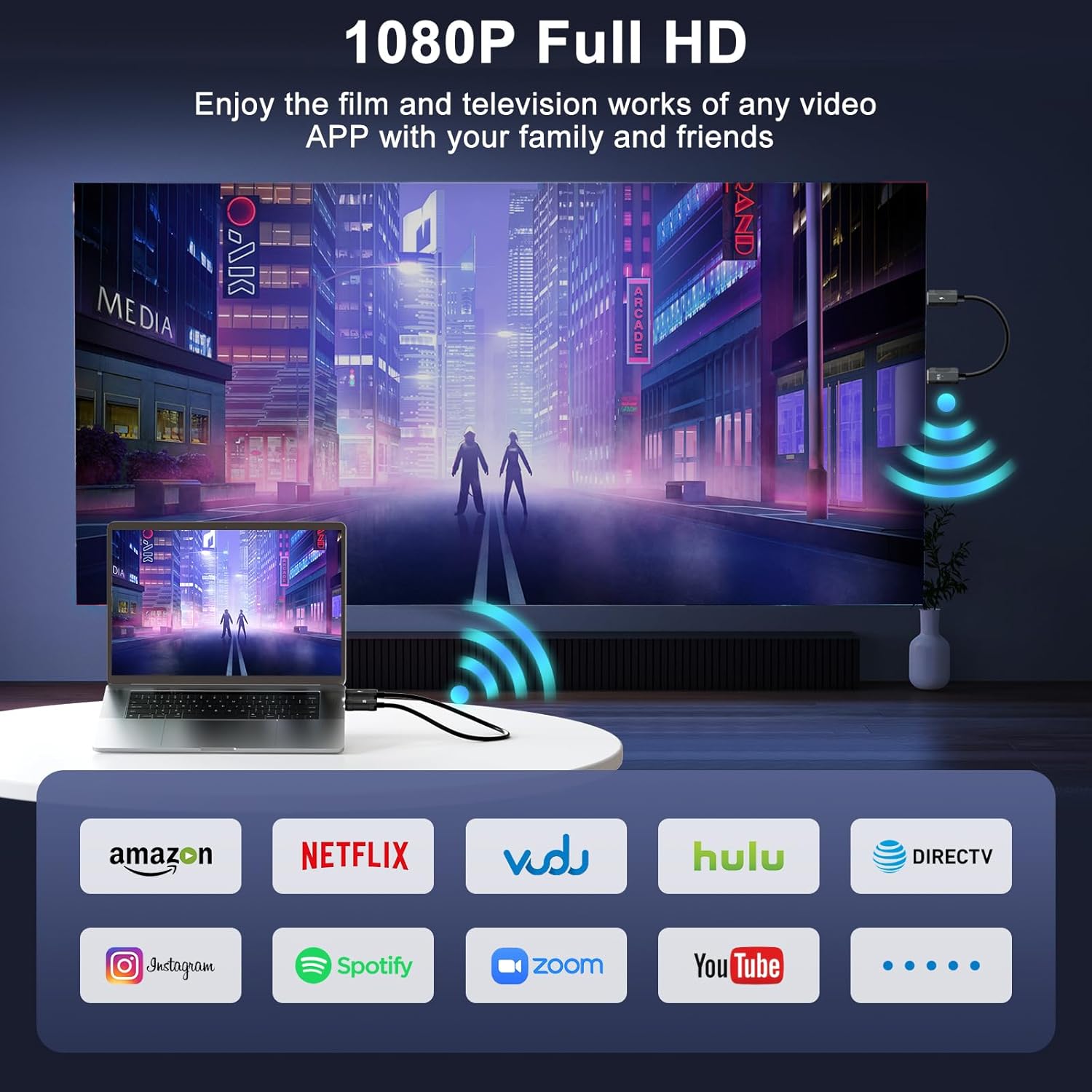
It’s also described for a wide range of equipment, including laptops, desktop computers, TV boxes, gaming consoles, camcorders, DVD players, and display devices like TVs, monitors, and projectors.
If you’re planning to use it with a specific setup, confirm two things before buying: that your source has the right HDMI type (which is why the included adaptors are relevant) and that it can output “same screen” over HDMI.
Pros and the not-so-great bits
What you’ll likely like: plug and play setup, no APP required, wireless HDMI freedom from long cables, and the 1080p/60Hz focus for smooth everyday media and presentations.
What may disappoint depending on your expectations: it may not satisfy buyers chasing true 4K output quality, and any wireless extender can face interference or distance limits—so it’s not always a perfect cable replacement in every room.
Not sure which category you’re in? It’s a good fit if your goal is reducing cable clutter for meetings or home viewing and you’re fine with 1080p output. It’s not the best choice if you need guaranteed wired-HDMI consistency for fast, timing-critical workflows.
Buying verdict
If you want a wireless HDMI transmitter/receiver kit for sharing laptop or TV-box content to a larger display without running long HDMI cables, this Anytrox setup looks like it was made for that. The included adaptors, the plug and play approach, and the claimed 1080p/60Hz performance make it a practical “set it up and use it” option for conference rooms, classrooms, and home entertainment setups.
Buy it if your use case is presentation-friendly (slides, video playback, streaming video/audio) and you’re okay centering expectations around 1080p output rather than true 4K output.
Skip it if you’re expecting a flawless wired HDMI replacement in every environment, or if your priority is true 4K display output. In that case, you may be better off with a solution that directly matches the resolution you want and the consistency you need.
Mini FAQ
Is an app required to use it?
No APP is required according to the product information. It’s described as plug and play with a quick setup.
What resolution does it output?
It’s described as providing 1080p/60Hz output fidelity.
Does it support both 2.4GHz and 5GHz?
Yes, the kit is described as supporting 2.4/5GHz.
What’s included in the box?
You get 1 transmitter, 1 receiver, micro HDMI adaptor, mini HDMI adaptor, a storage bag, and an instruction manual.
What kind of devices is it compatible with?
It’s described as compatible with most HDMI devices and works with laptops, desktop computers, TV boxes, gaming consoles, and HDMI displays like TVs, monitors, and projectors—assuming they support HDMI same screen output.