

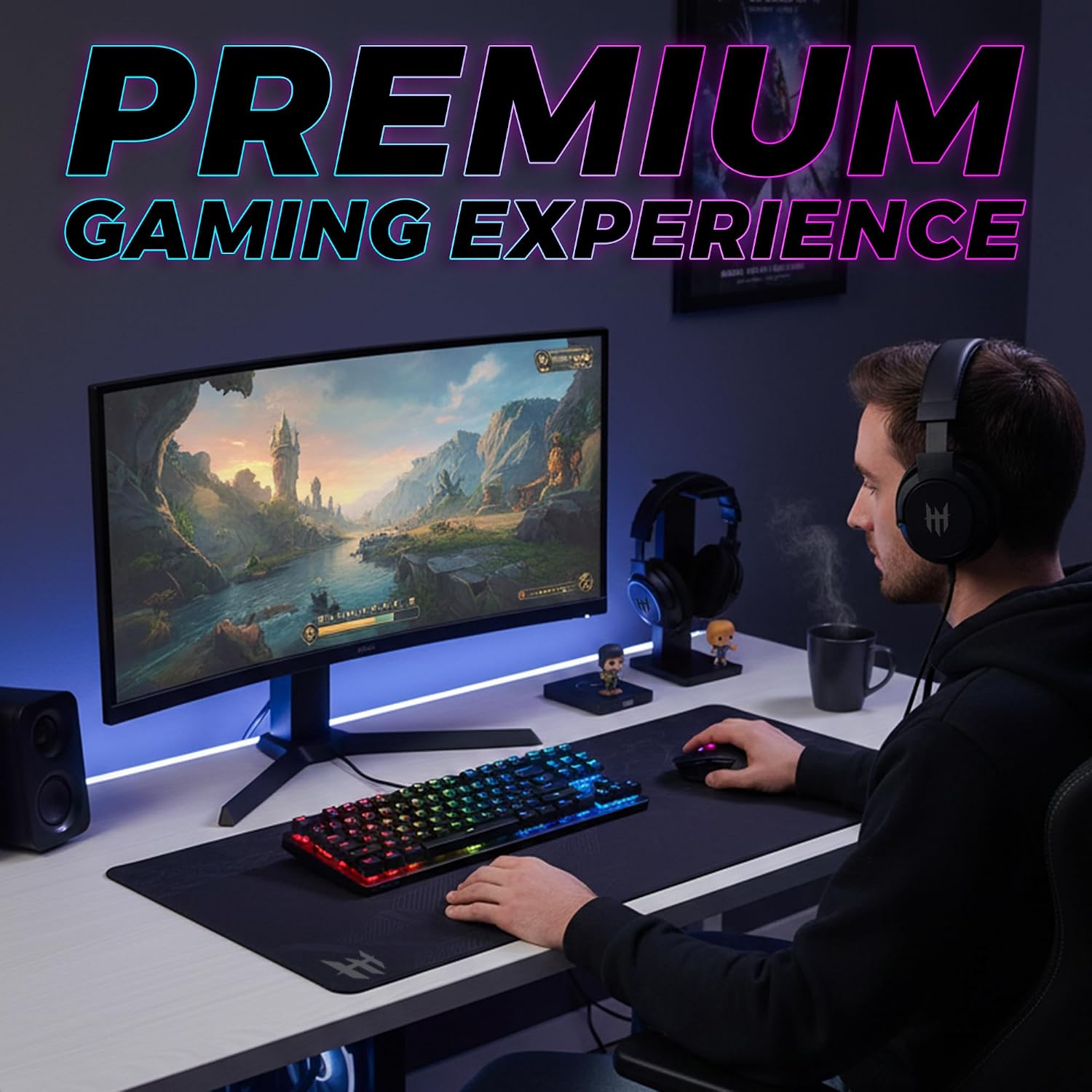
TECWARE Phantom 87 Key RGB Mechanical Gaming Keyboard with Outemu Red Switches
Product description
What it is and what it solves
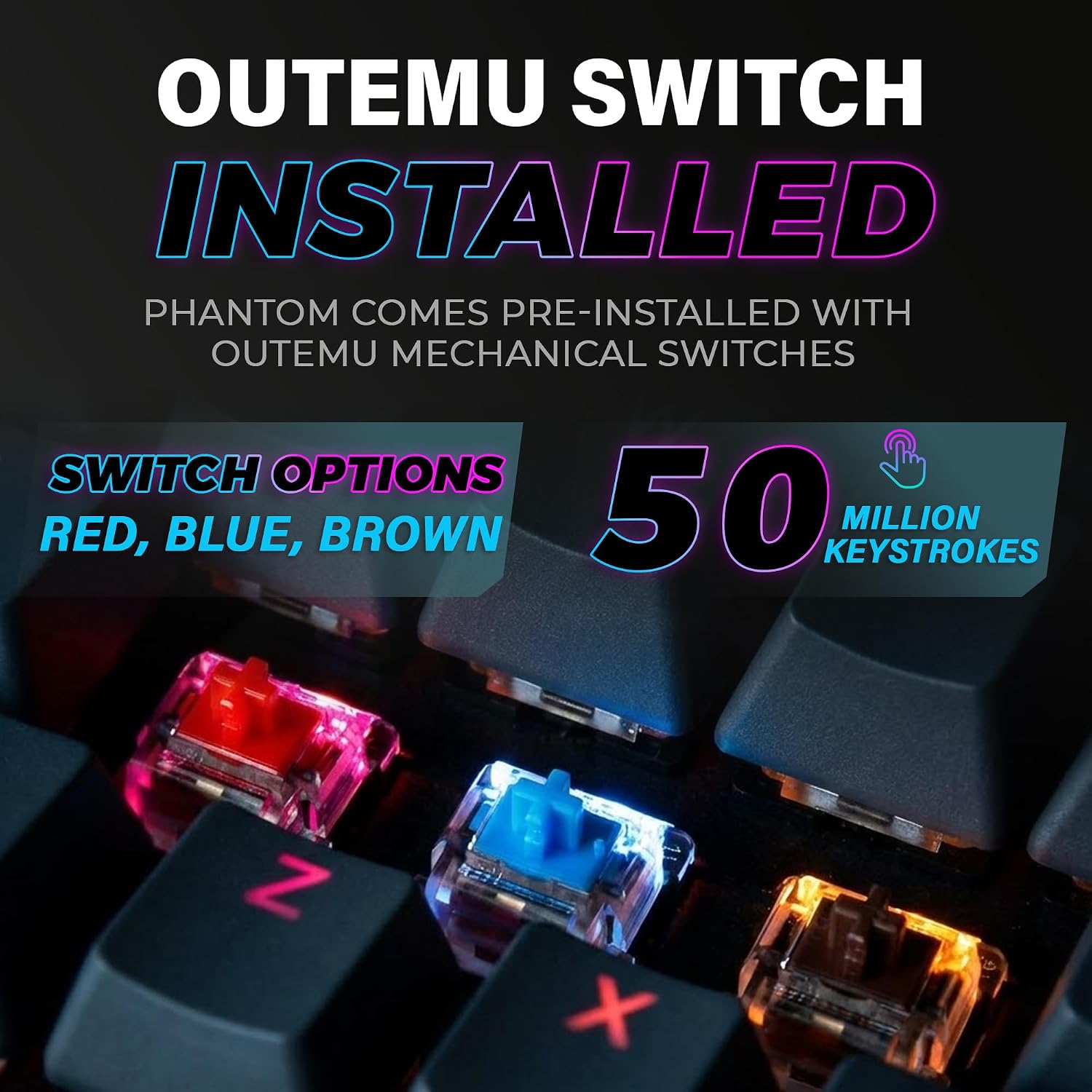
The TECWARE Phantom 87 is a wired mechanical gaming keyboard built for speed and consistency in both gaming and everyday typing. With Outemu Red linear switches rated for 50 million keystrokes, it aims to deliver fast actuation and quiet response. If you’re after a compact 87-key design that still feels like a full-size board in action, this model targets that balance between desktop efficiency and gamer-ready performance.
How it feels to type and game
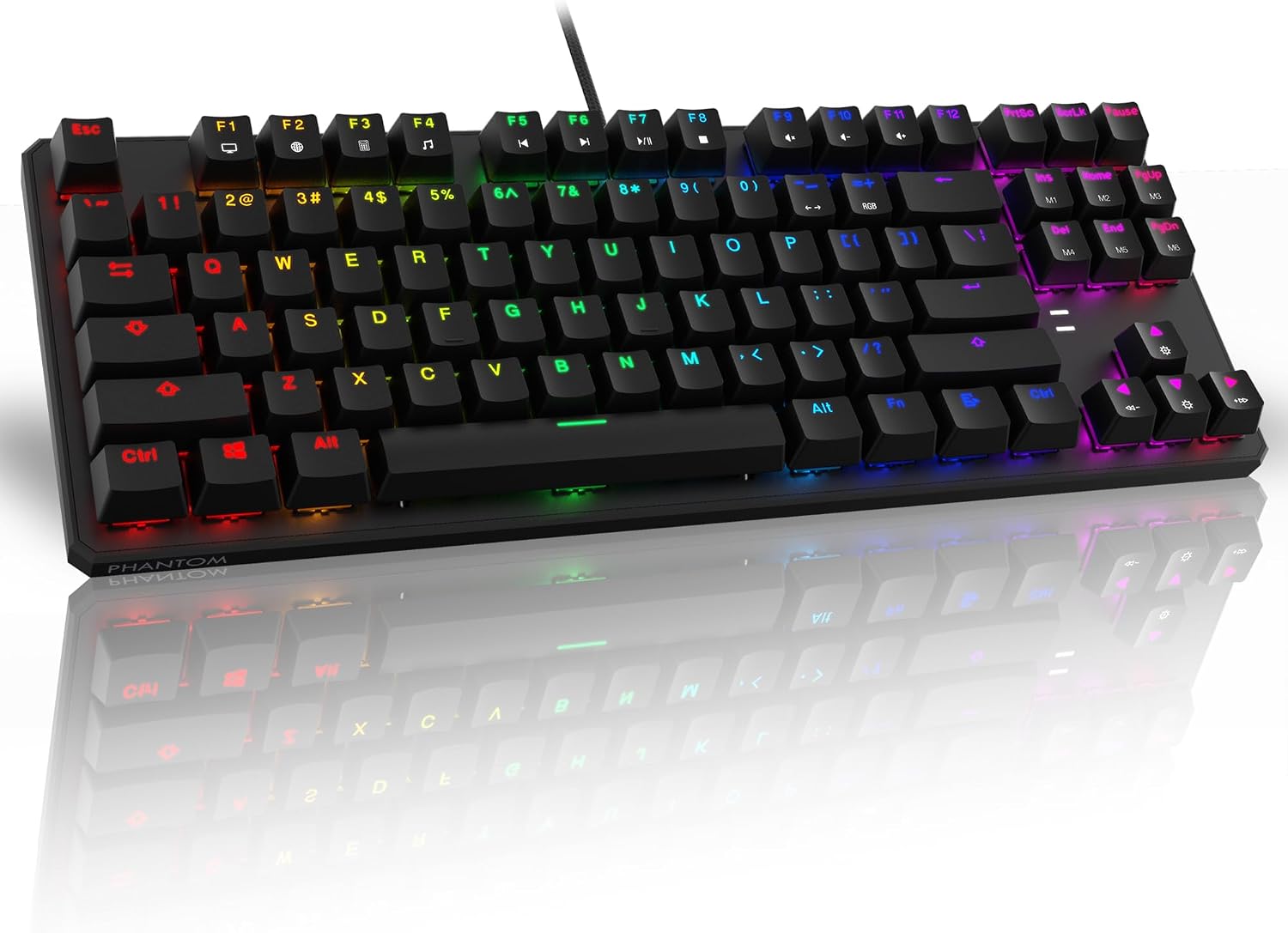
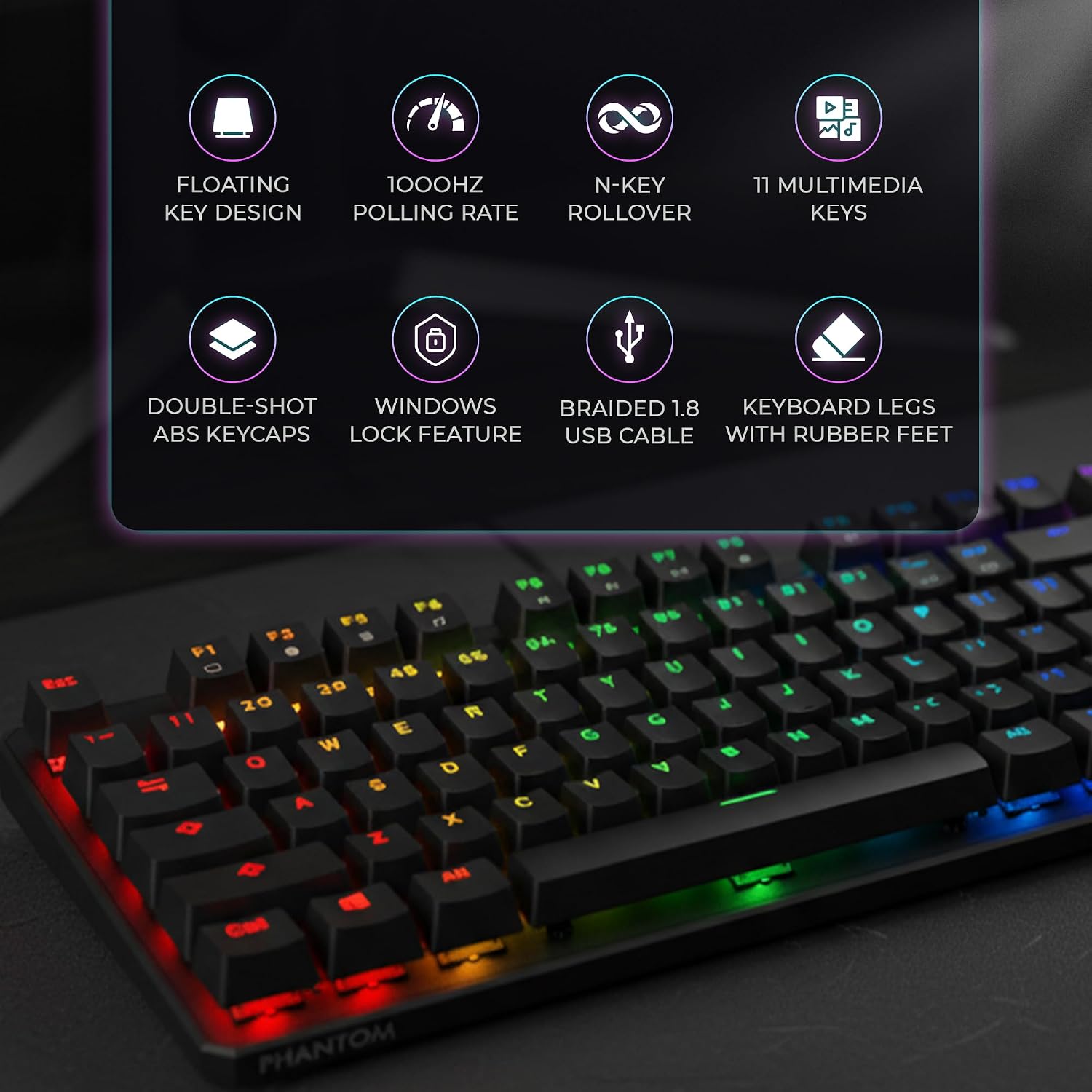
On paper, the Outemu Red switches offer a smooth, linear feel with minimal tactile bump, which translates to quick keystrokes during fast-paced matches or long typing sessions. The 1000Hz polling rate and full N-Key rollover are designed to help ensure that every press registers precisely, even in frantic moments. It’s not a perfect match for every finger or playstyle, but for fast flicks and rapid keystrokes, the chassis and keyfeel align with what many gamers expect from a mid-tier RGB option.
Lighting and personalization
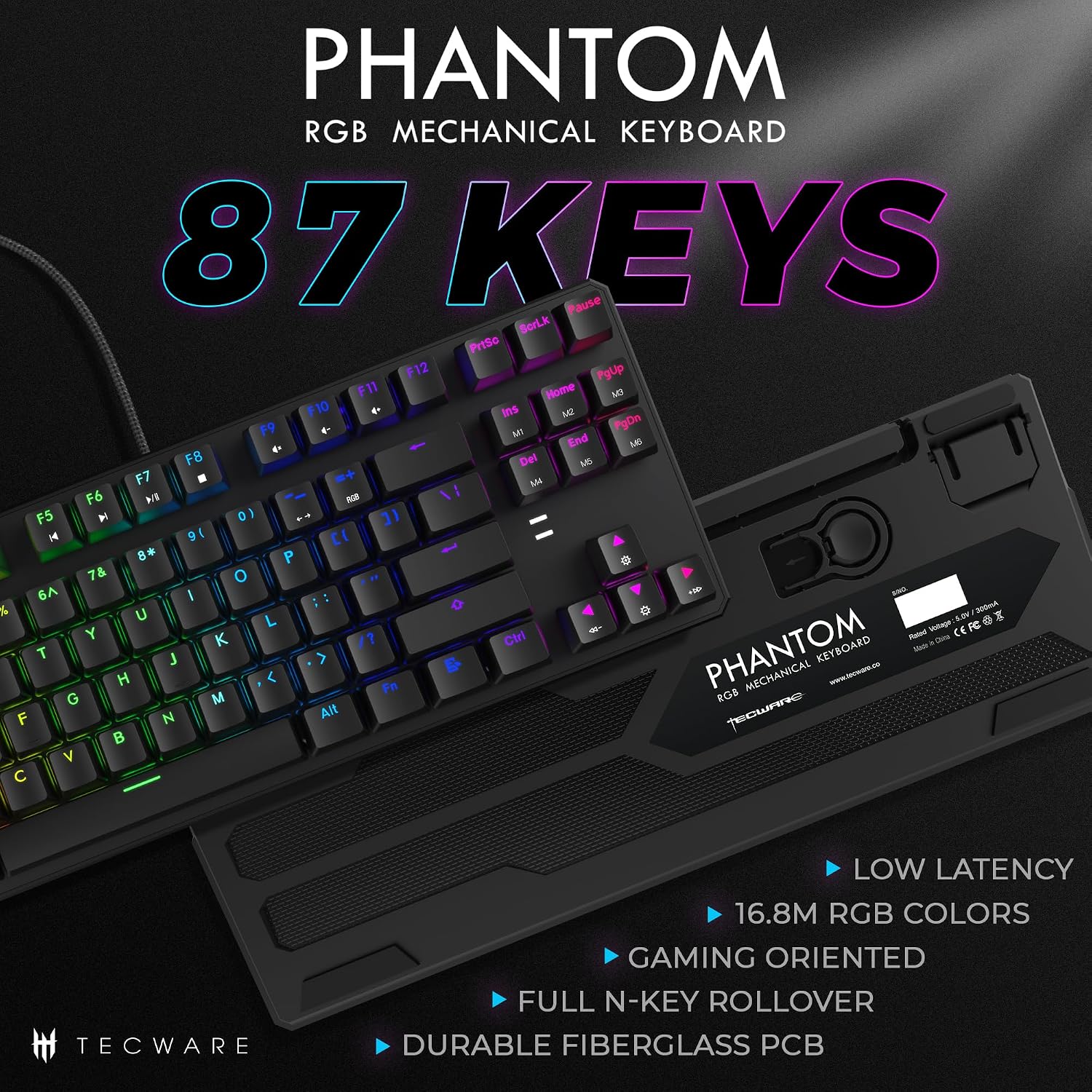
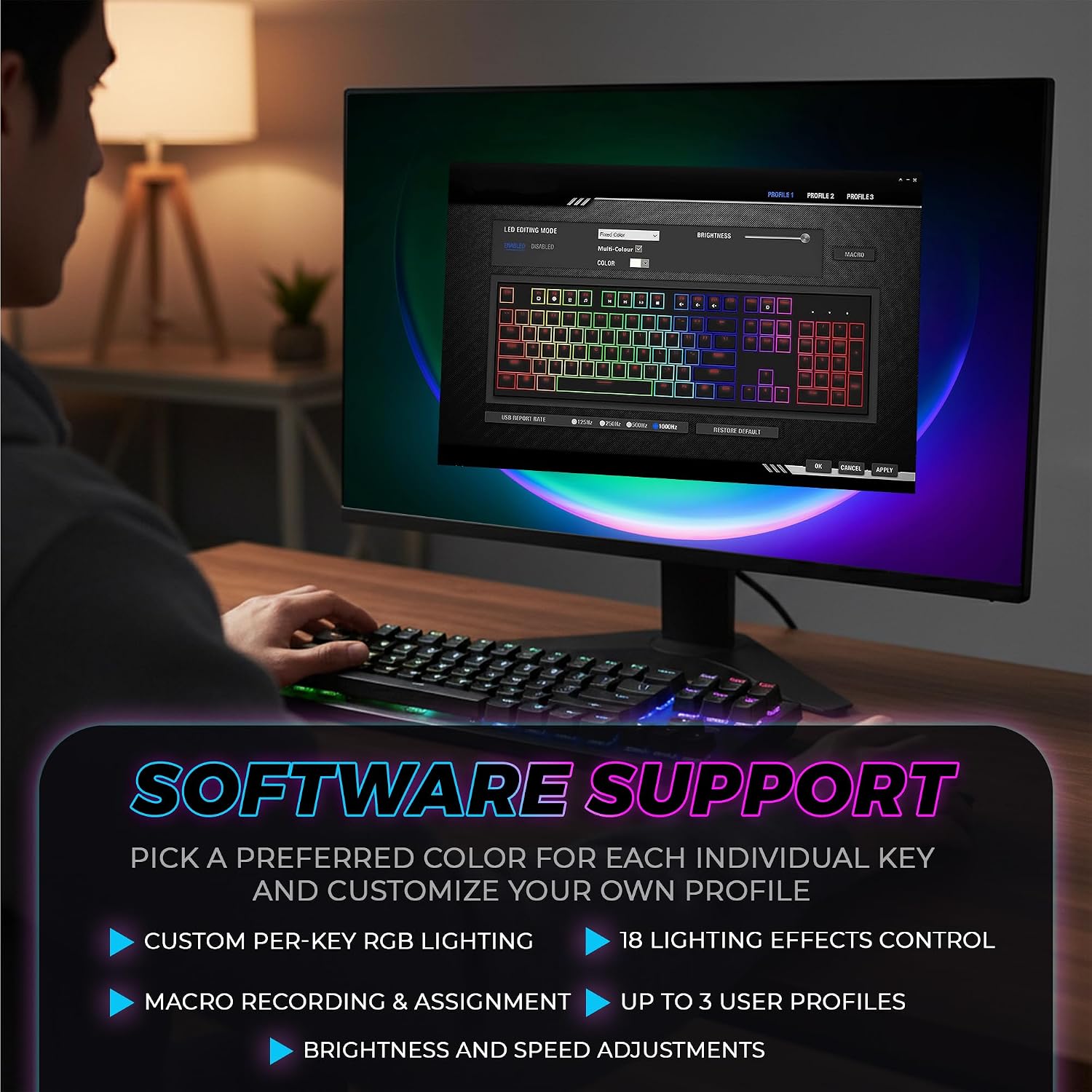
The Phantom 87 doesn’t just light up, it floods your desk with 16.8 million RGB colors. You’ll find 18 pre-set lighting effects to choose from, plus the ability to customize patterns via software. If you want a setup that reacts to in-game events or creates a particular mood for late-night sessions, this keyboard provides the tools to get there without needing a separate lighting rig.
Build quality and durability
The board uses a dual-layer fiberglass PCB, which is intended to improve signal stability and extend lifespan. The design includes four spare mechanical switches, a switch puller, and a keycap puller, making basic maintenance and customization more approachable for first-time mechanical keyboard users. While the core idea is solid, you should keep in mind that a hobby-grade modding mindset tends to pay off only if you’re comfortable with some DIY steps.
What’s included and how it helps your setup
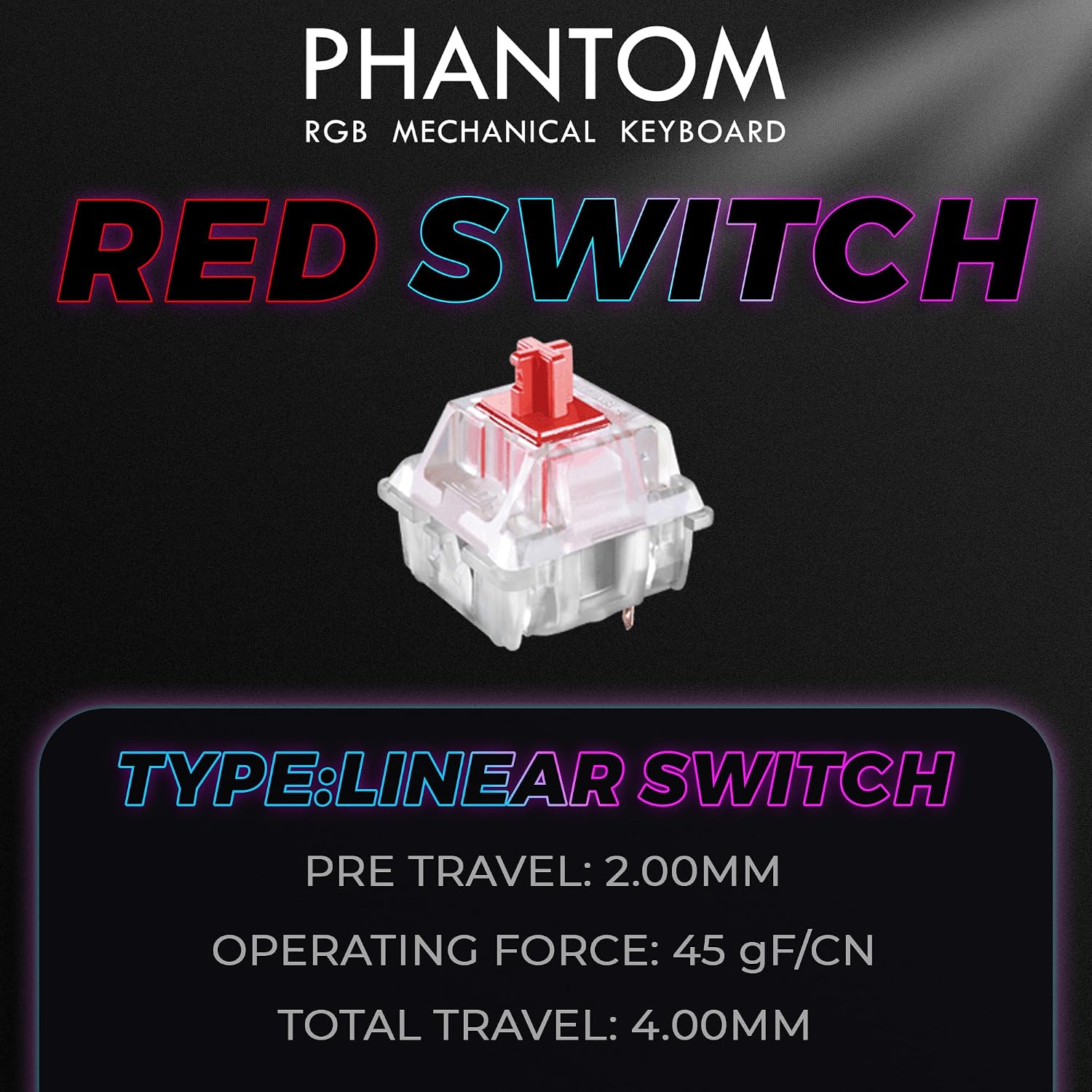
In the box you get the keyboard itself plus spare switches and the essential tools. For someone who wants a plug-and-play experience with room to tinker later, that’s a sensible starting point. This package emphasizes accessibility: you can swap to different Outemu switch options (Blue, Red, Brown) if you want to experiment with a different feel, though availability depends on your retailer.
Who it’s for
If you’re after a compact, keyboard-centric upgrade for gaming or productivity without breaking the bank, the Phantom 87 fits a mid-range need. It’s a good fit for gamers who value low latency and reliable key rollover, and for typists who appreciate a full RGB experience in a smaller footprint. If you prioritize ultra-premium switches or top-tier materials, you might find it falls short of high-end builds.
Who it’s not ideal for
Those chasing a premium, premium-grade typing experience with top-shelf stabilizers or a “clicky” tactile feel across every key might prefer other options. It also may not be the best choice if you intend to heavily customize the keyboard’s hardware beyond swapping switches, given the focus on a ready-to-use, mid-range package.
Before you buy: what to review
- Confirm you’re okay with Outemu Red switches and their linear feel, especially if you want a different tactility (Blue or Brown are alternative options).
- Consider how important the 1000Hz polling rate and N-Key rollover are to your specific games and workflows.
- Think about your lighting preference: 18 presets plus software-driven customization is a strong feature, but it does require software usage for deeper customization.
- Check the available space on your desk and confirm the 87-key layout suits your workflow without dedicated numpad.
Practical use and comparisons
For a fast-paced shooter or MOBA setup, you’ll likely appreciate the quick actuation and quiet operation of the Red switches, paired with responsive lighting. If you’re evaluating options, think of this as a solid mid-range choice that emphasizes speed and customization over luxurious materials or ultra-silent keys. In contrast to full-size boards, the Phantom 87 trades a row of keys for a smaller footprint, which can help with mouse reach and ergonomics during long sessions.
Final buying decision
Final verdict
If you prioritize responsiveness, a compact footprint, and strong RGB customization without a steep price tag, the TECWARE Phantom 87 with Outemu Red switches is worth considering. It offers a practical balance of performance and features for gamers and power users who don’t need premium, top-tier builds. However, if you want a heavier emphasis on tactile feel, stabilizer quality, or the option to deeply customize hardware beyond switch swaps, you may want to explore other options.
Quick FAQ
- Do the Outemu Red switches feel fast for gaming? Yes, they’re linear and designed for quick actuation with quiet response, suitable for fast-paced titles.
- Can I customize lighting beyond presets? Yes, through the available software to create custom patterns and lighting effects.
- Is the keyboard good for long typing sessions? It’s reasonably suited for typing due to a smooth switch feel, but if you require a very premium typing experience, consider other builds.
- What makes this keyboard stand out in its price range? The combination of 87-key compact form, 1000Hz polling, full N-Key rollover, and a dual-layer fiberglass PCB offers a compelling feature set for its tier.
- Is it easy to replace switches if I want a different feel? It’s possible with spare switches and standard tooling, but expect some DIY steps if you swap to different Outemu variants.