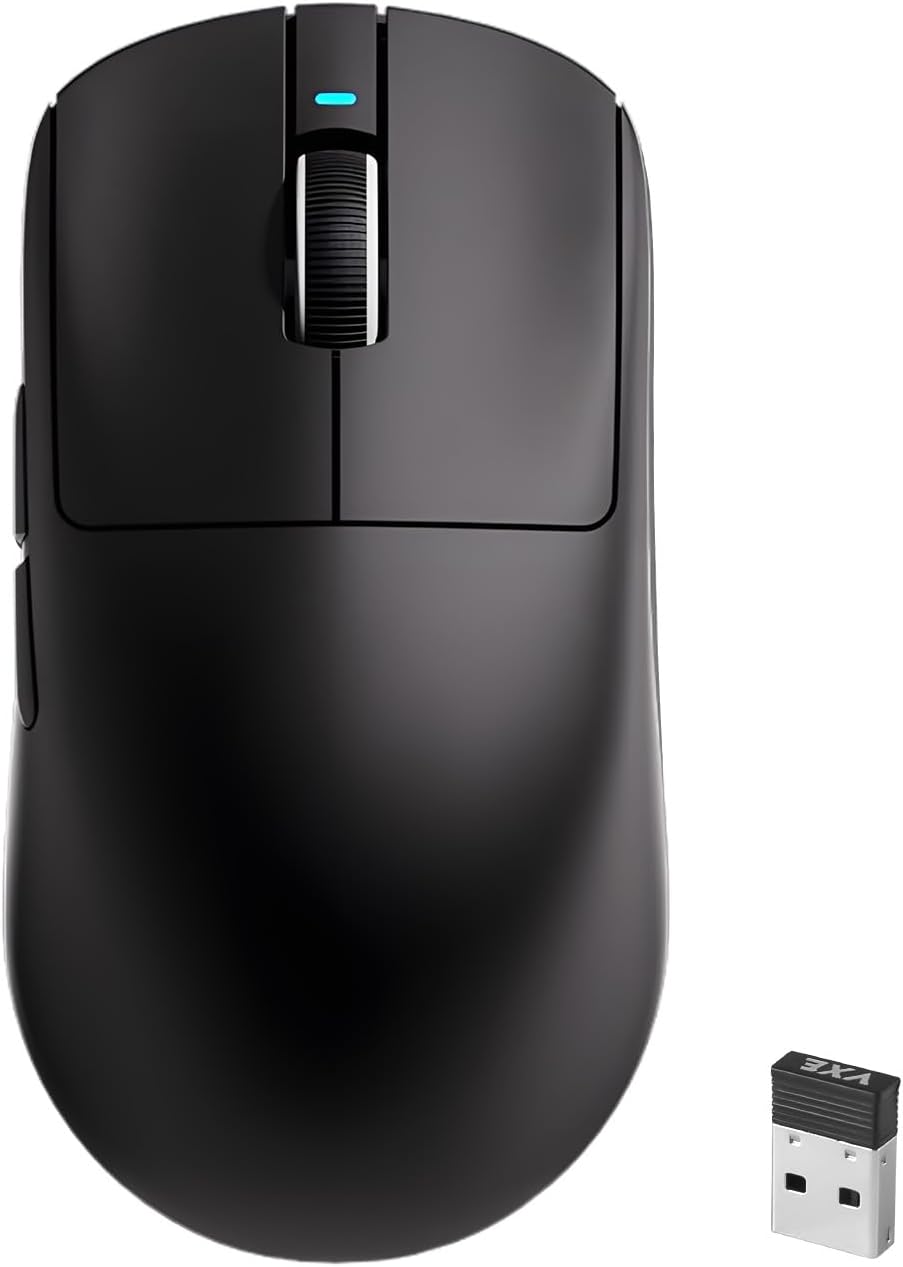
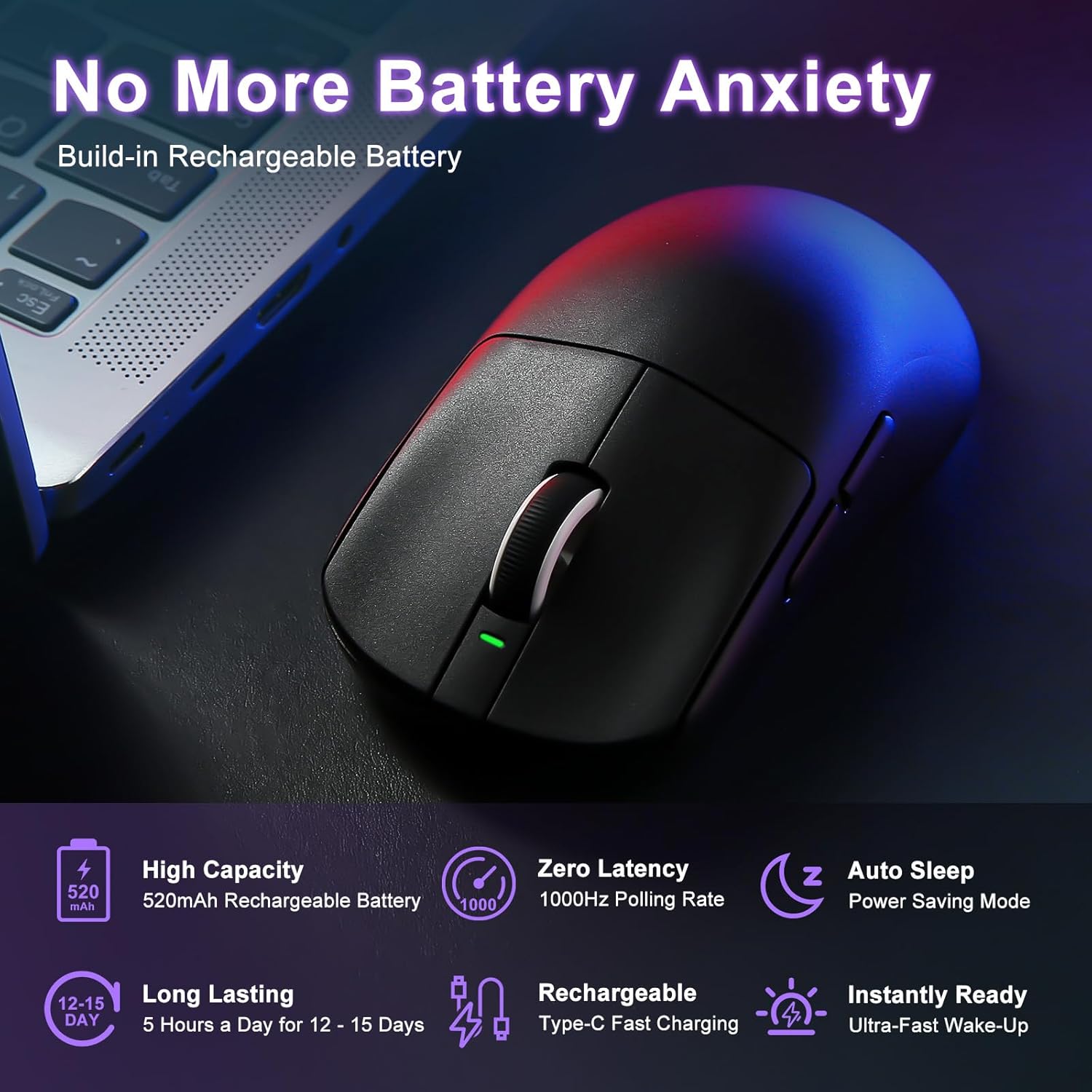
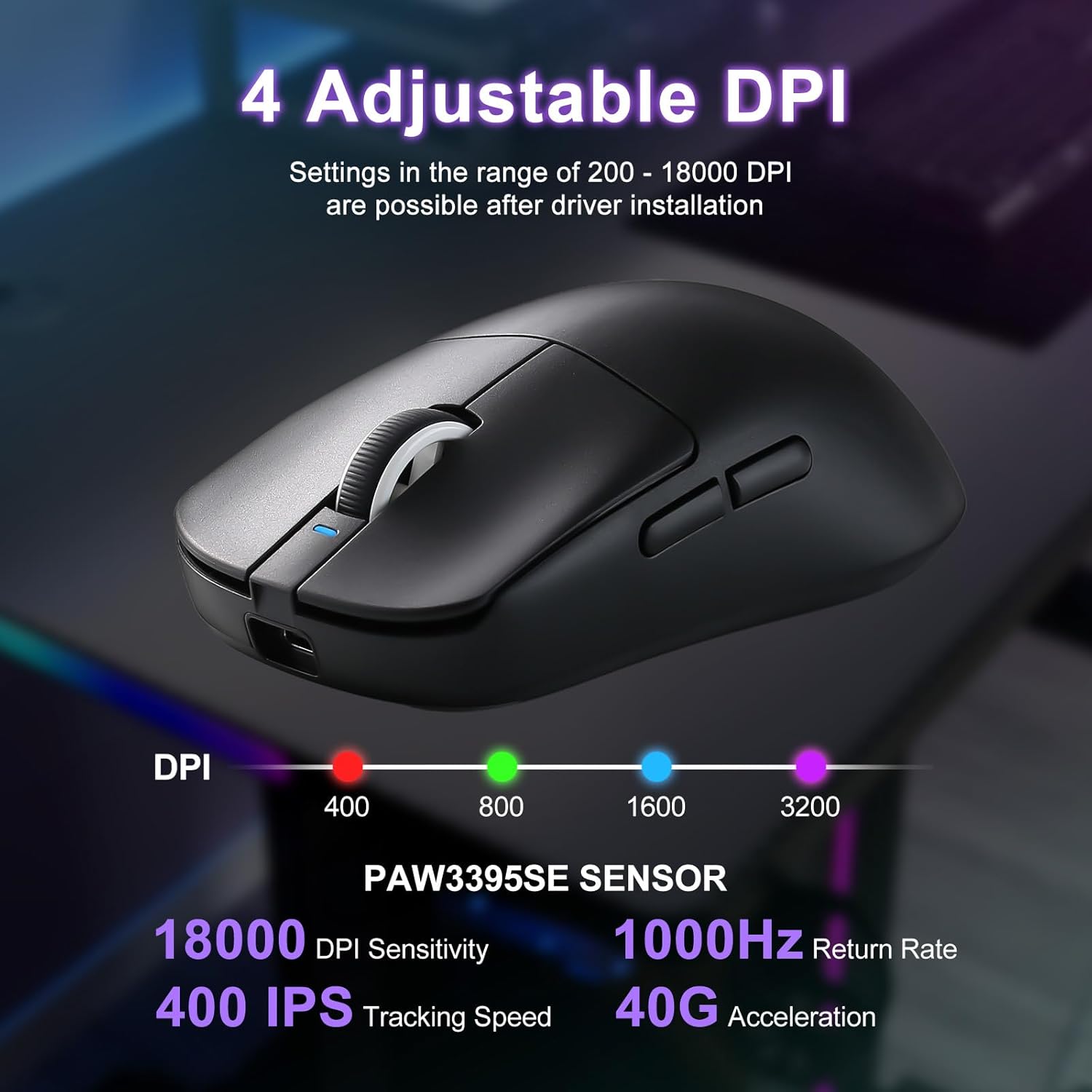
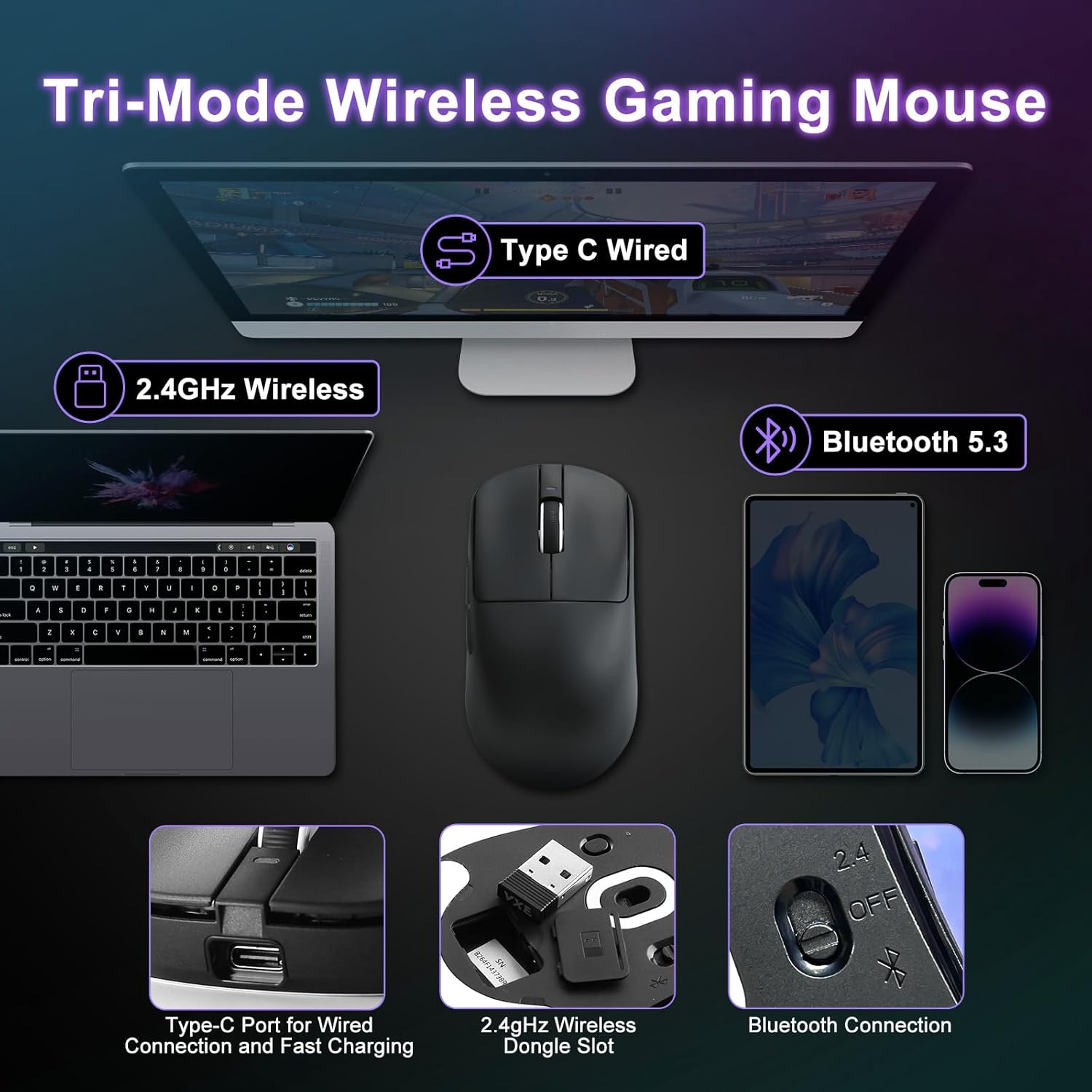
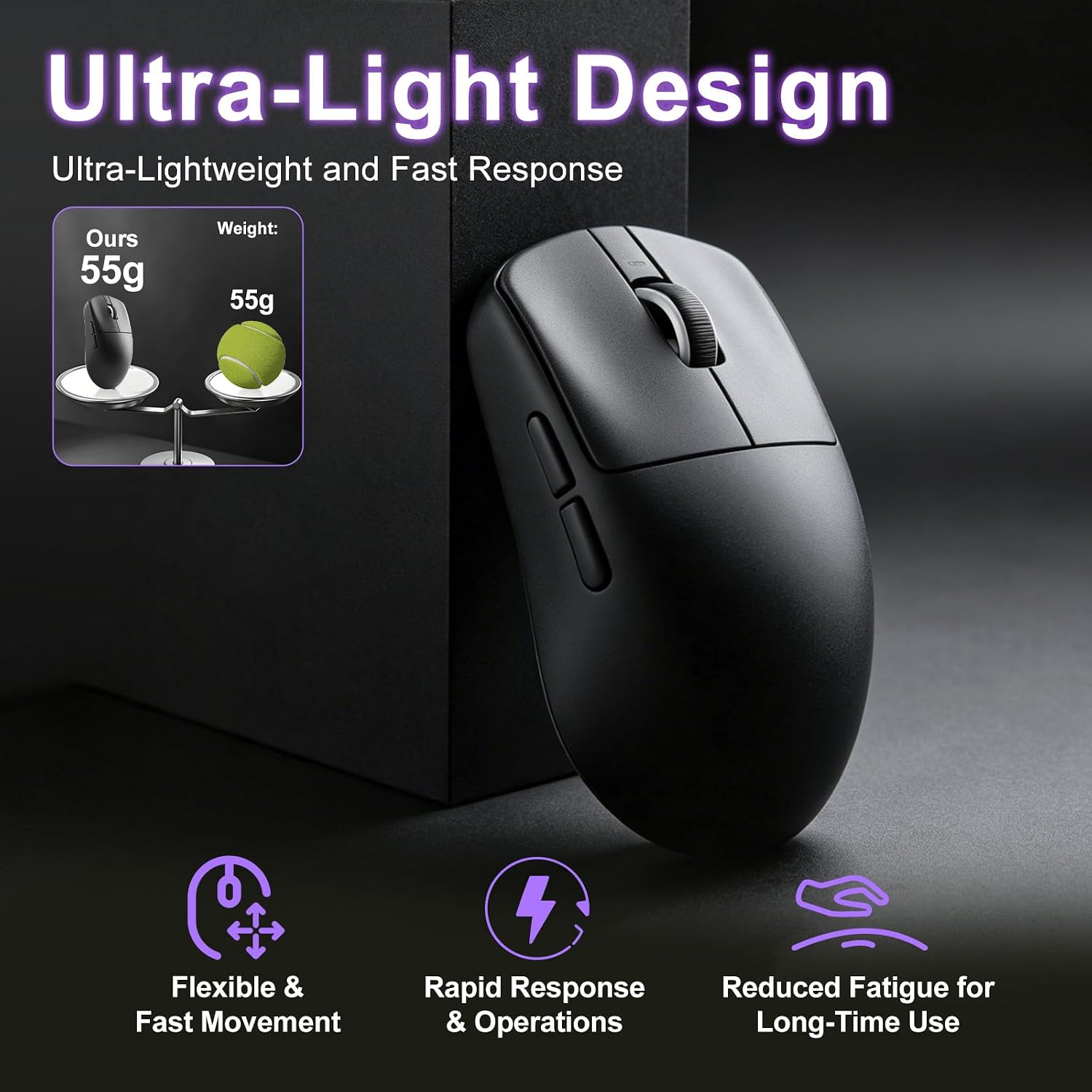
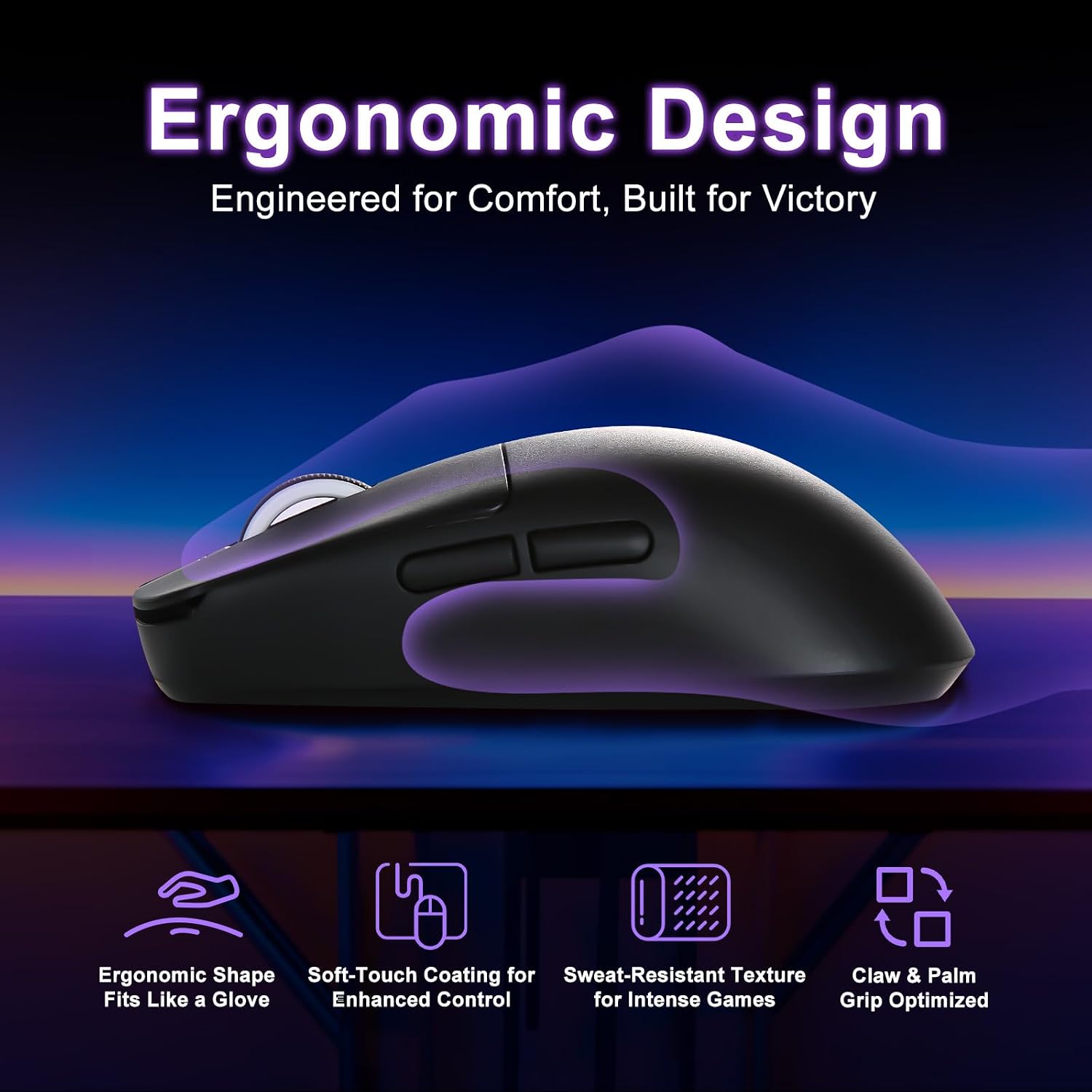
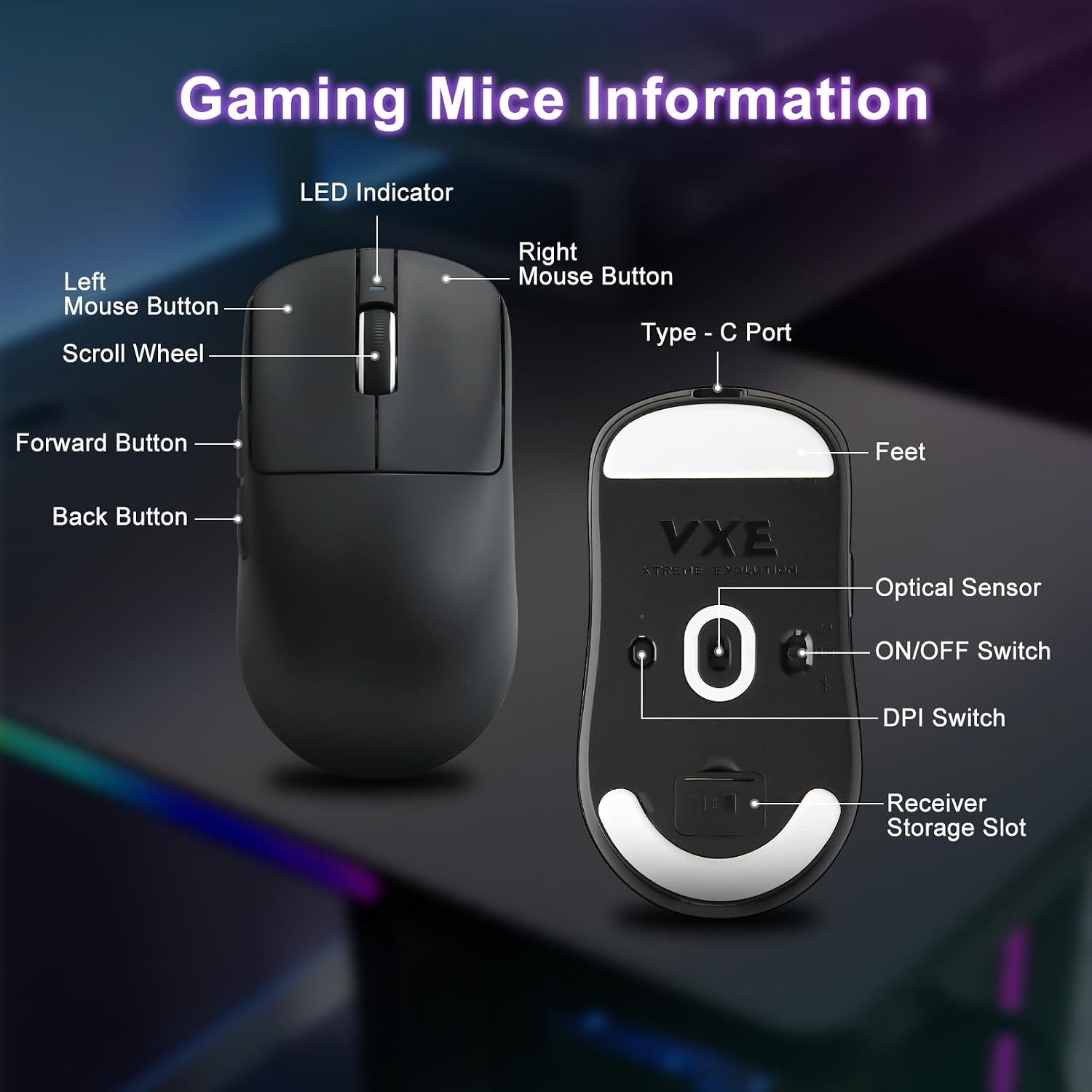
What it is and what it solves\nThe MIKIBY R1 SE+ is a lightweight, tri-mode gaming mouse designed to balance precision and comfort for long sessions. It combines a high-precision PAW3395 SE sensor with a 18000 DPI range and a 55-gram body to help gamers react quickly without fatigue. The intent is to give you a responsive tool that adapts to fast-paced shooters, strategy games, and creative tasks that benefit from accurate cursor control. If you value smooth, low-latency input across multiple devices and contexts, this model aims to cover that ground.\n\n## How the DPI and polling rate work in practice\nWith 4 adjustable DPI steps (400/800/1600/3200) and a wide 200-18000 DPI range accessible via web customization, you can tailor sensitivity to both precision aiming and broad sweeps. The polling rate is adjustable from 125 Hz to 1000 Hz, which helps reduce input delay during nuanced aiming or rapid perspective changes. On paper, that combination should translate to fast, predictable cursor movement, but real-world performance depends on grip, surface, and how you map buttons for your game style.\n\n## Weight and ergonomics you notice in day-to-day use\nWeighing 55 grams, the R1 SE+ emphasizes agility. The lightweight design is paired with an ergonomic shape intended to fit various grips—palm, claw, or fingertip—so you can game longer without hand soreness. It’s not a perfect fit for everyone, and if you prefer a heavier or more sculpted mouse, you might notice the difference after a few sessions.\n\n## Sensor confidence and accuracy\nThe PAW3395 SE is a respected sensor in gaming devices, promising high DPI and precise tracking. The claims—extremely high DPI and accurate tracking—sound solid on the surface, but practical reliability still hinges on calibration, lift-off distance, and consistency across surfaces. If you routinely push beyond standard DPI presets, you’ll likely appreciate a strong tracking baseline, though expect some variance if you’re pushing into extreme DPI values without a steady hand.\n\n## Connectivity: wired, wireless, and cross-device use\nThree modes—Type-C wired, 2.4G wireless, and BT5.3 Bluetooth—cover common use cases: competitive play on a wired connection, flexible gaming from the couch, or quick pairing with multiple devices like laptops and tablets. The wireless options free you from cables, but latency can feel different depending on the mode and your environment. If you work across devices often, the Bluetooth pairing capability can streamline your setup, though for hardcore esports you might prioritize the lowest-latency wired or 2.4G option.\n\n## Web-driven customization and its practicality\nThe web-based interface lets you adjust DPI, polling rate, and button mappings with relative ease. This can be a real time-saver for players who test different game types or switch between work and play. Keep in mind that relying on the web interface means you’ll want stable internet access for optimal on-device profiles, if you’re traveling or in a network-restricted area, you may rely on default presets.\n\n## Who it’s for and who it isn’t the best match\nThis mouse suits gamers who want a lightweight, versatile device across devices and surfaces, plus a fair degree of customization. It’s notably appealing to those who value a balanced, ergonomic form and like to tinker with sensitivity and button behavior. If you prioritize a heavier chassis, ultra-deep customization beyond DPI and polling, or a stock sensor with a longer track record in a particular genre, you might want to compare how other options feel in your grip and on your primary surface.\n\n## Before you buy: what to review in your setup\n- Check your primary surface and whether you’ll mostly game wired or wirelessly.\n- Consider how often you’ll switch between devices, Bluetooth pairing is convenient, but ensure it aligns with your use-case.\n- Think about grip style and scale: at 55g, a user with a very large hand or a preference for a chunkier feel may notice the lightness more than others.\n- Review the web-based customization steps you’ll perform to fine-tune DPI and button functions. It can be a real productivity booster if you map macros for creative tasks.\n\n## Practical use case snapshot\nIn a fast FPS, you’ll likely appreciate the quick flicks and reduced fatigue from the low weight. In a productivity session, you can drop DPI for precise cursor work and use programmable buttons to streamline workflows across apps. The cross-device capability makes it practical for a gamer who also travels with a laptop or pairs with a tablet.\n\n## What it could do better (limitations you may want to consider)\nIf you rely on a heavier, more substantial feel for comfort or if you push extreme DPI values without consistent surface tracking, you might notice some trade-offs. Additionally, the promise of “web-driven” customization assumes access to a browser and a responsive connection, offline tweaks will be limited.\n\n## Tech specs (brief, readable)\n- Sensor: PAW3395SE (high-precision tracking)\n- DPI range: 200-18000 (adjustable)\n- DPI presets: 400/800/1600/3200 (adjustable)\n- Polling rate: 125–1000 Hz\n- Weight: 55 g (lightweight)\n- Connectivity: Type-C wired, 2.4G wireless, Bluetooth 5.3\n- Buttons: programmable with web customization\n- Ergonomics: designed for multiple grip styles and hand sizes\n\n## Final buying decision: Is it worth it?\nFinal verdict: If you prioritize a lightweight, adaptable gaming mouse with multi-device support and a strong sensor, the MIKIBY R1 SE+ offers a compelling package on paper. It shines for players who want quick, responsive control across wired and wireless modes and appreciate the ability to tailor sensitivity and button mappings without being tied to a single platform. It may not be the best pick if you prefer a heavier chassis, require laser-level precision at extreme DPI without calibration nuances, or rarely change devices. In short, it’s worth considering if cross-device versatility and ergonomic comfort align with your gaming and workflow needs.\n\n## FAQ (quick answers to common questions)\n1. Can I customize DPI on the fly? Yes, via the web-driven interface and the DPI presets.\n2. Is it comfortable for long sessions? The design aims to reduce fatigue with a 55g weight and an ergonomic shape, though comfort varies by hand size and grip.\n3. Will Bluetooth work with multiple devices at once? You can pair to multiple devices, but switching between them may require reconnection steps depending on the OS.\n4. Is it suitable for competitive gaming? It’s designed for low latency across wired and wireless modes, but latency and performance depend on mode selection and surface.\n