

WolfLawS KM-1 Wireless Gaming Mouse: Durable, Rechargeable, Quiet Clicks
Product description
What it is
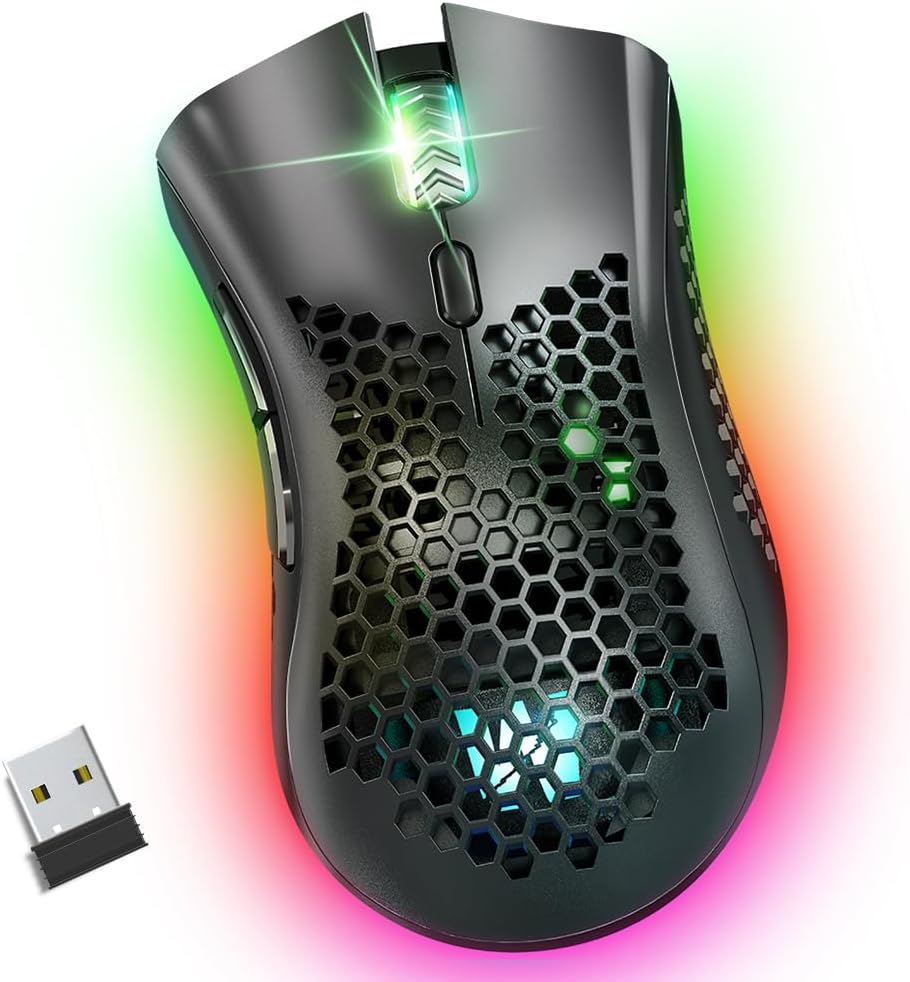
The WolfLawS KM-1 is a wireless gaming mouse built around a 2.4G USB connection, a honeycomb shell, and a rechargeable battery. It’s designed to blend gaming performance with everyday productivity, offering a quieter click experience and a comfortable ergonomic shape for long sessions.
What matters most
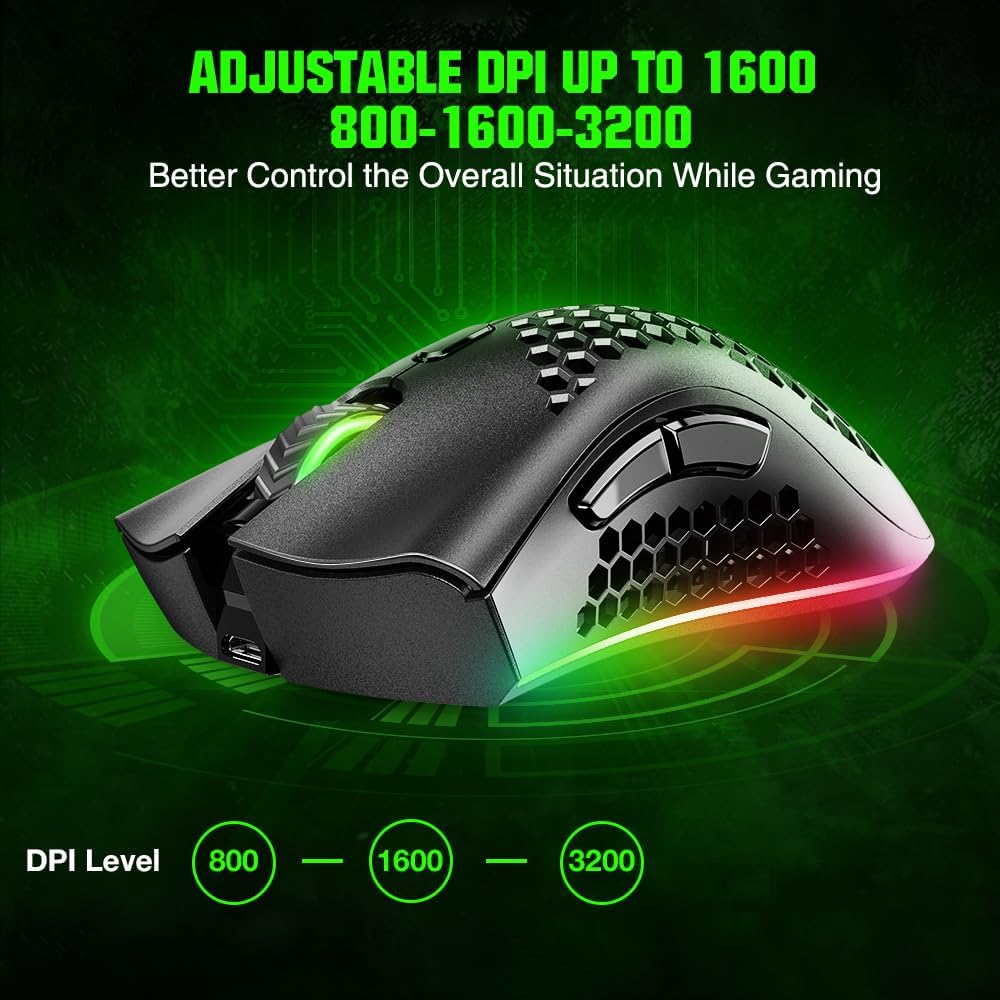
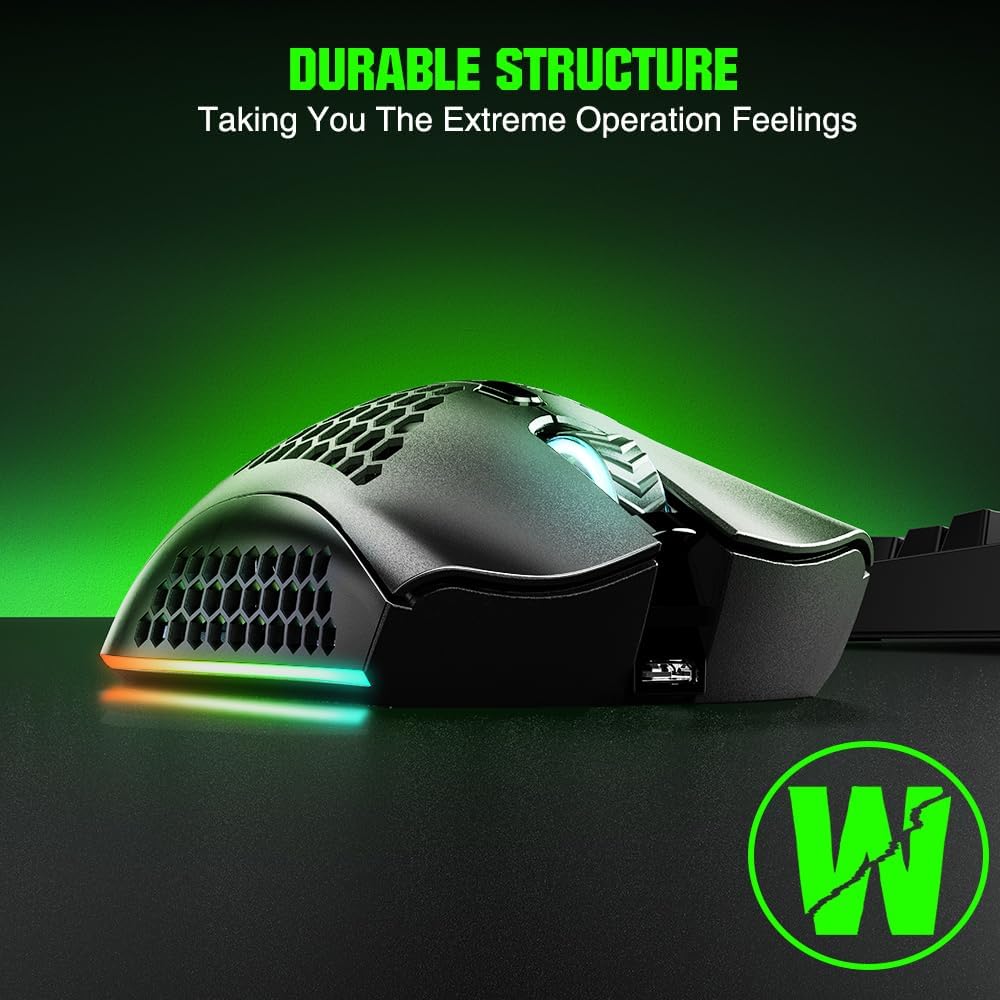
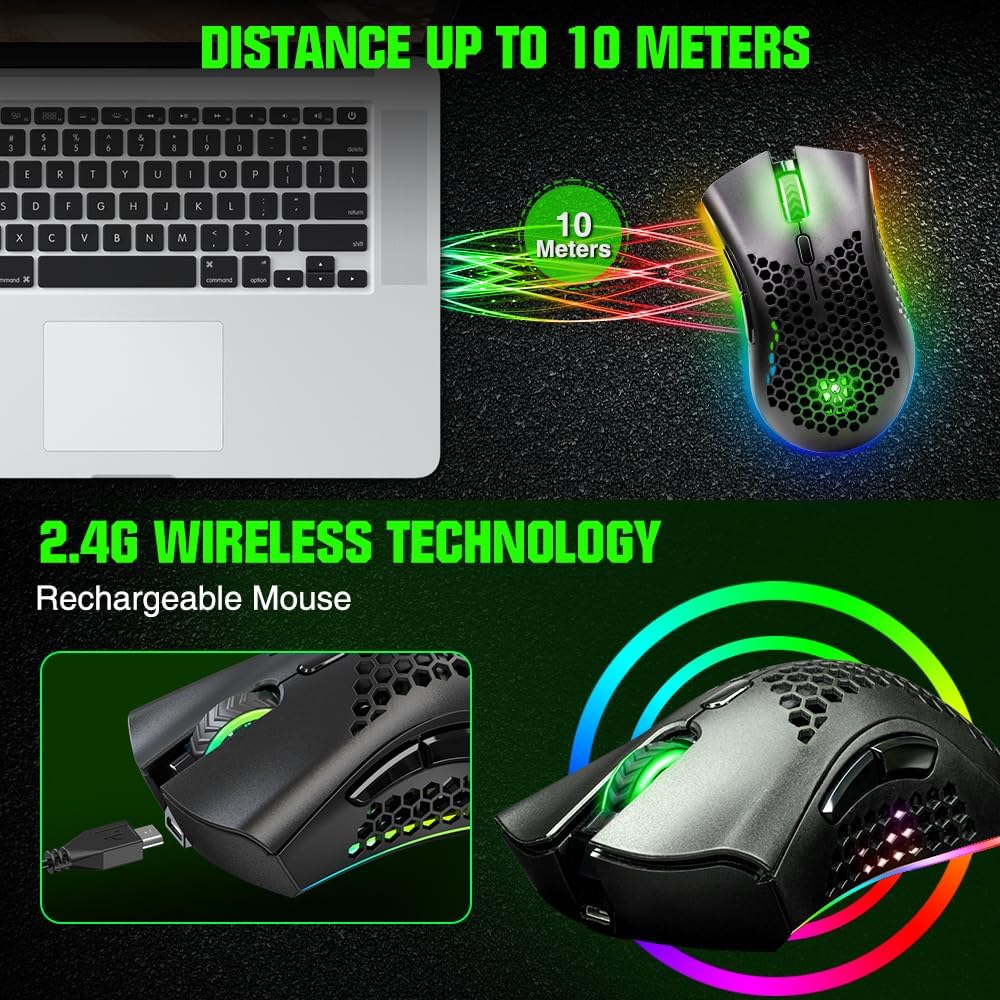
On paper, the KM-1 focuses on reliability and convenience: rated up to 5 million clicks, adjustable DPI options (800, 1600, 3200), six programmable buttons, and a power-saving mode that extends battery life between charges. The 2.4GHz wireless connection supports a claimed range up to 33 ft (10 m), which can simplify wireless setups across desks or coffee tables.
Who it’s for
If you’re chasing a mouse for gaming and work without swapping out batteries, this model targets users who value a quiet, low-noise experience alongside practical features like RGB lighting for ambience or productivity setups that benefit from visible cues. It works with Windows and Mac OS, and is compatible with laptops, desktops, and Chromebooks.
What stands out
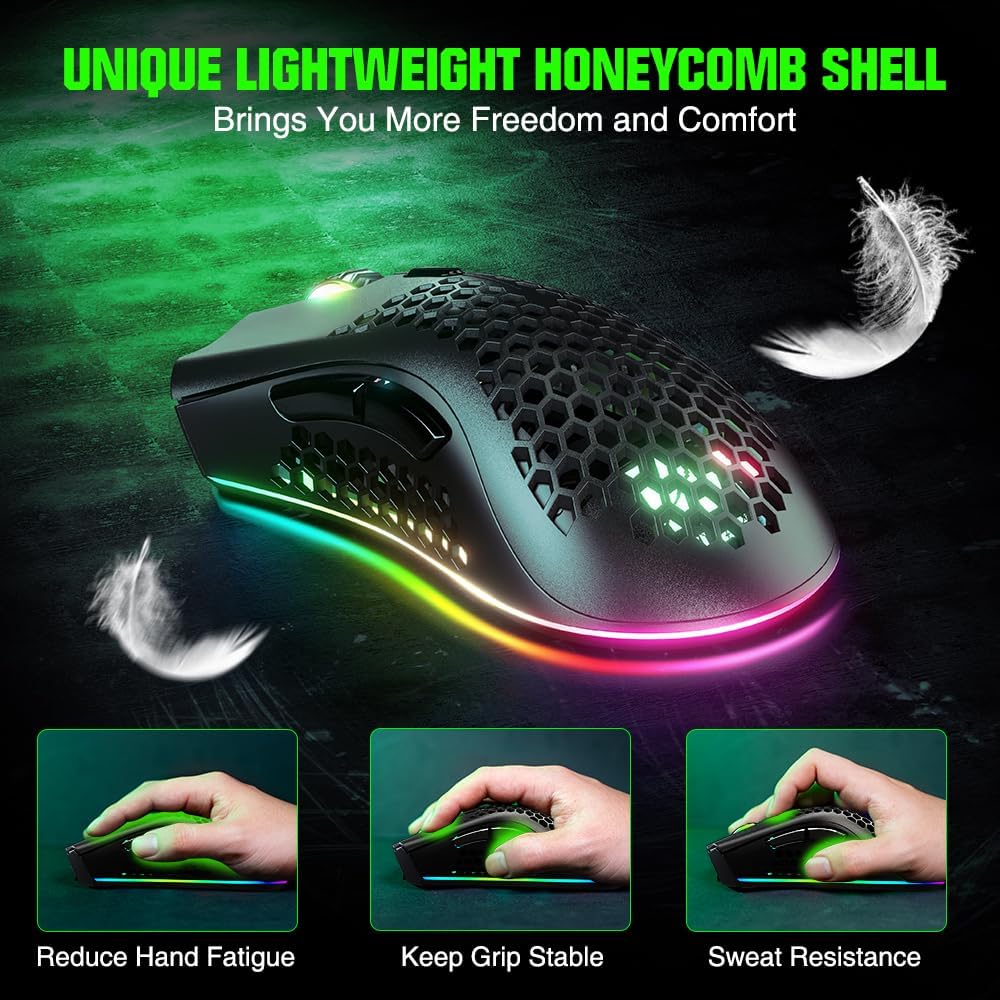
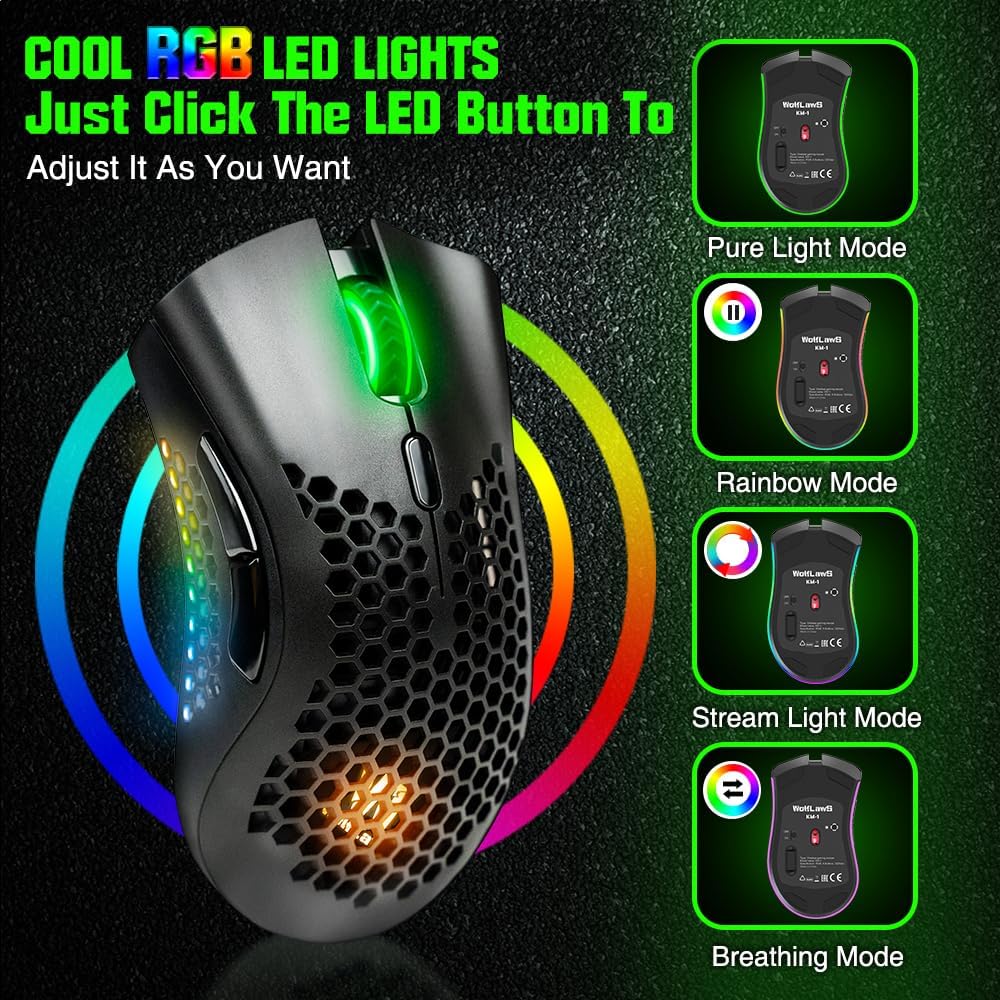
The combination of a honeycomb shell and rechargeable design helps keep weight relatively light while avoiding disposable batteries. The built-in battery and sleep mode are practical for those who don’t want ongoing battery costs or frequent replacements. RGB lighting offers customizable aesthetics, but you can turn it off to save power when needed.
Where it may fall short
Battery-dependent performance means cursor responsiveness can slow or stall when the battery is low, so timely charging is important. The sensor and surface compatibility aren’t described in detail, so expectations around tracking on different mouse pads or desks should be tempered.
Practical use case
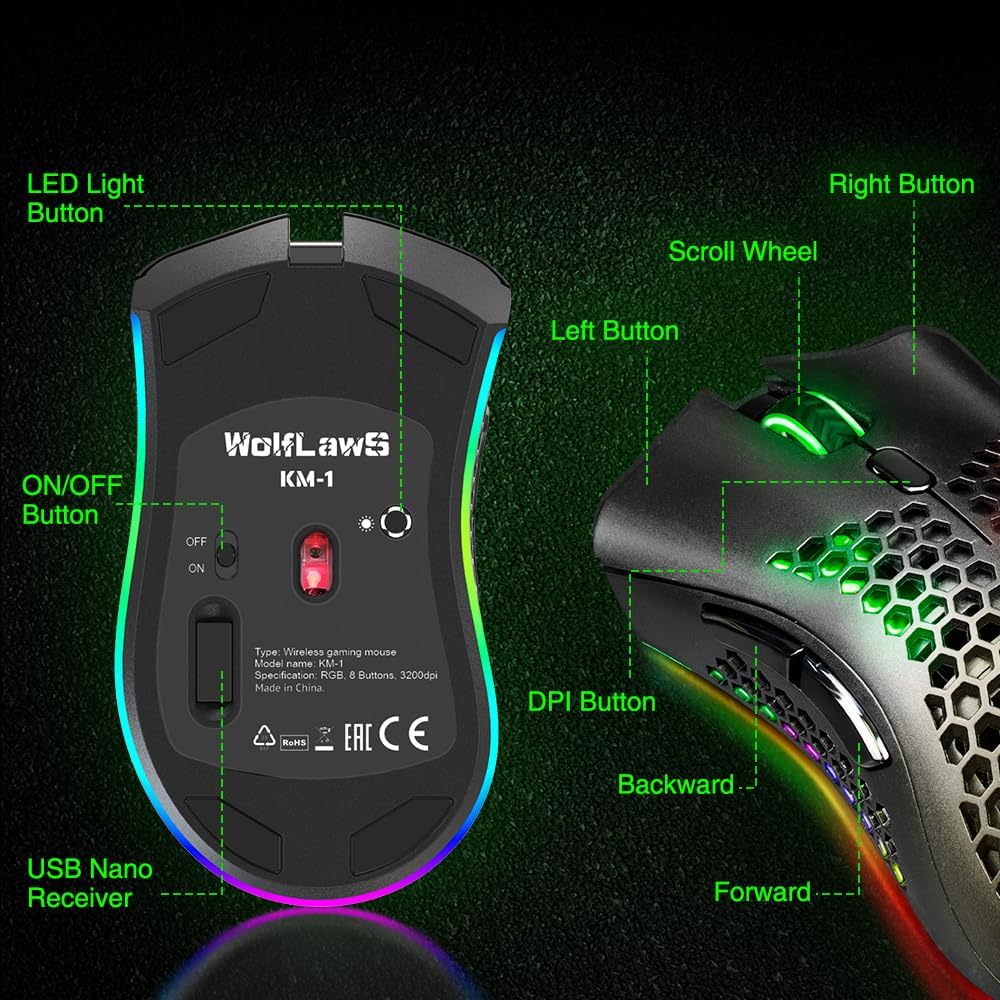
Imagine a typical work-from-home setup: you switch between spreadsheets, slides, and a few quick games during a break. The KM-1’s DPI options let you slow the cursor for precise edits or speed it up for rapid navigation. The six buttons can map modifiers or common actions, reducing desk clutter and keeping your workflow smooth.
What to check before buying
- Confirm you’re comfortable with a wireless dongle-based setup rather than Bluetooth if you plan to game extensively.
- Consider whether you’ll need full RGB customization or if turning off lighting to save power works for you.
- If you use macOS extensively, ensure peripheral compatibility with your specific version.
Alternatives and buying approach
For those weighing options, this model can be attractive if you want a rechargeable, quiet-click option with a simple DPI ladder and extra buttons, without paying a premium for advanced sensor tech. If you prioritize ultra-high DPI, aggressive performance sensors, or a heavier metal shell, you might look at alternatives in a higher tier. If you prefer a wired setup to avoid battery concerns altogether, a wired option could be a better fit.
Final verdict
Final verdict: the KM-1 suits buyers who want a practical, rechargeable wireless mouse with quiet clicks, a lightweight honeycomb shell, and a modest DPI range for everyday tasks and casual gaming. It’s not perfect—battery management is crucial, and it may not satisfy enthusiasts chasing top-tier sensors or nonstop long gaming sessions.
FAQ
- How many DPI settings does it have? 800, 1600, and 3200 DPI.
- Is it compatible with macOS? Yes, it’s listed as compatible with Mac OS in general use cases.
- Does it require disposable batteries? No, it has a built-in rechargeable battery.