

AULA S99 Pro Wireless Gaming Keyboard with Display Screen, Media Knob, Tri-Mode Connectivity (Bluetooth/2.4G/USB-C) — RGB Green
Reviews
Price
Product description
What it is and why people buy it
The AULA S99 Pro is a wireless gaming keyboard designed around one idea: giving you fast control without leaving your keyboard. It mixes tri-mode connectivity (Bluetooth 5.0, 2.4 GHz wireless, and wired USB-C) with an on-board display screen, a media knob, and RGB lighting you can tune. It’s also built for macro users—every key supports macro customization—so it’s the kind of keyboard you’d pick when you want repeated actions on a single press, especially for real-time games.
On paper, the screen and media knob are the standout combination. Instead of fumbling through menus, you can adjust volume and lighting behavior directly from the keyboard and keep an eye on connection/battery status through the LED display. It’s not fully customizable like a workstation display, but it’s still aimed at “quick checks while you play or work.”
Key things you’ll notice in daily use
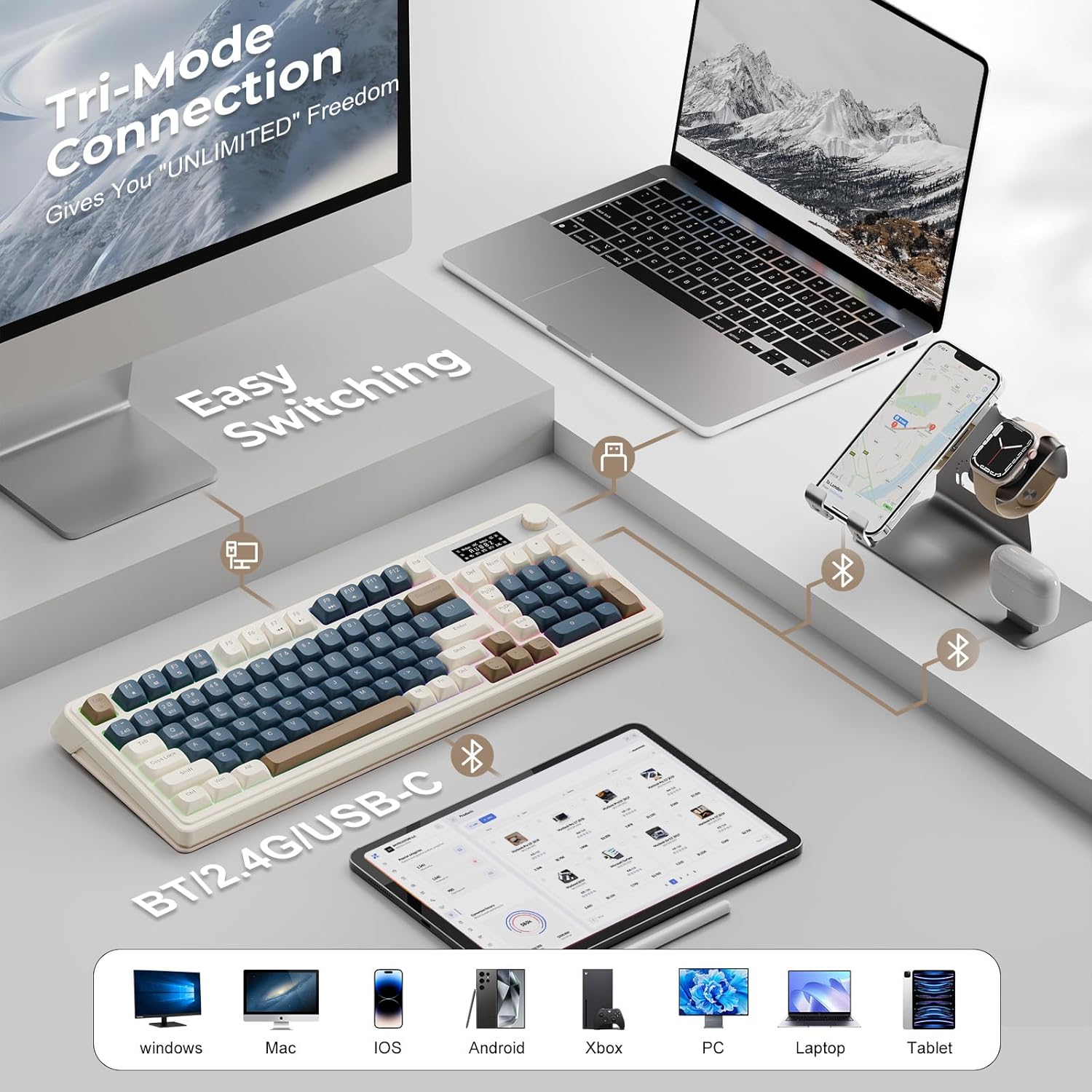
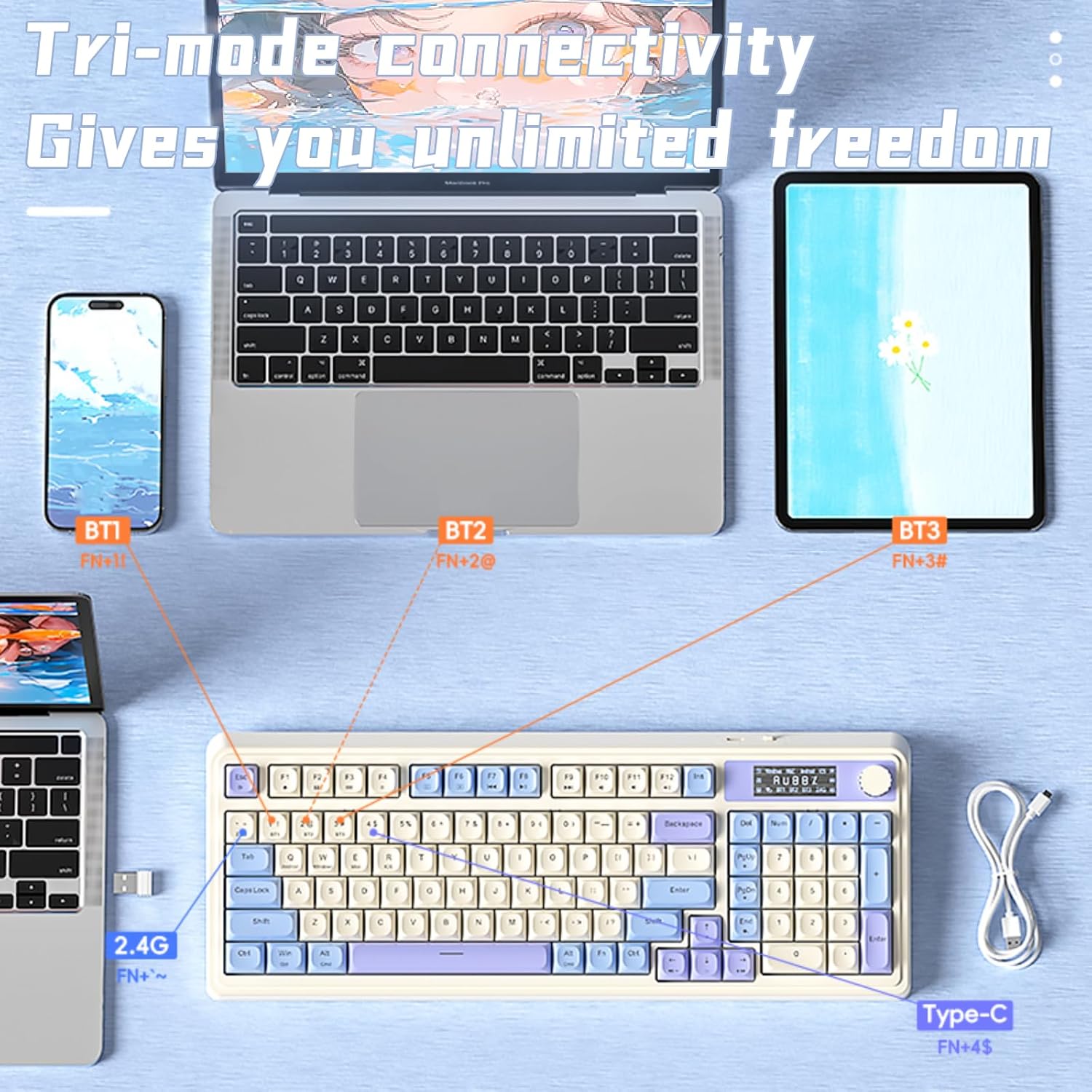
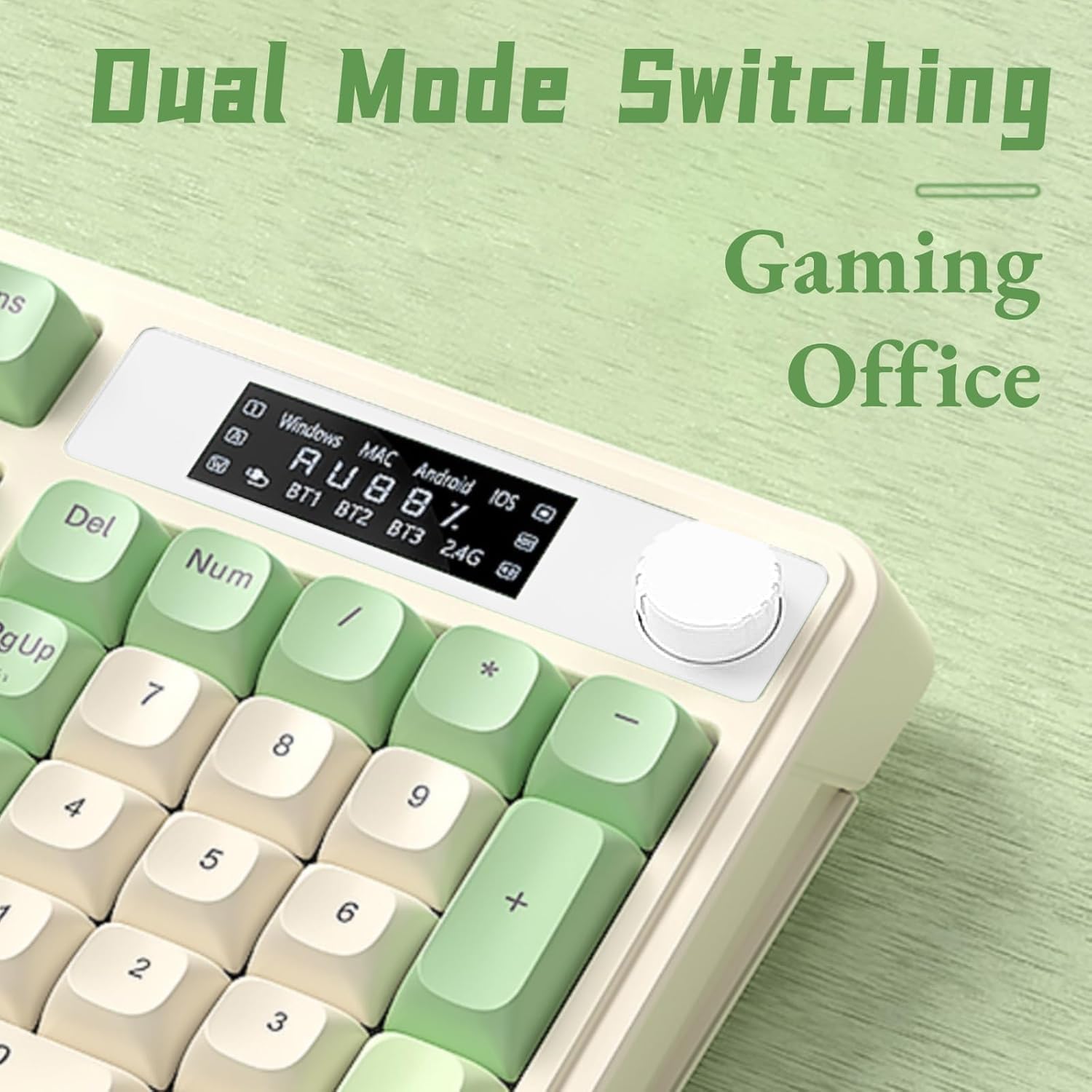
The experience here is pretty different from a basic office wireless keyboard. When you switch between modes, you’re not stuck—this model supports multiple connection scenes, and you can toggle devices with a key combo (FN+). It also supports connecting up to five devices at the same time, which is useful if you rotate between a laptop, a tablet, and a desktop.
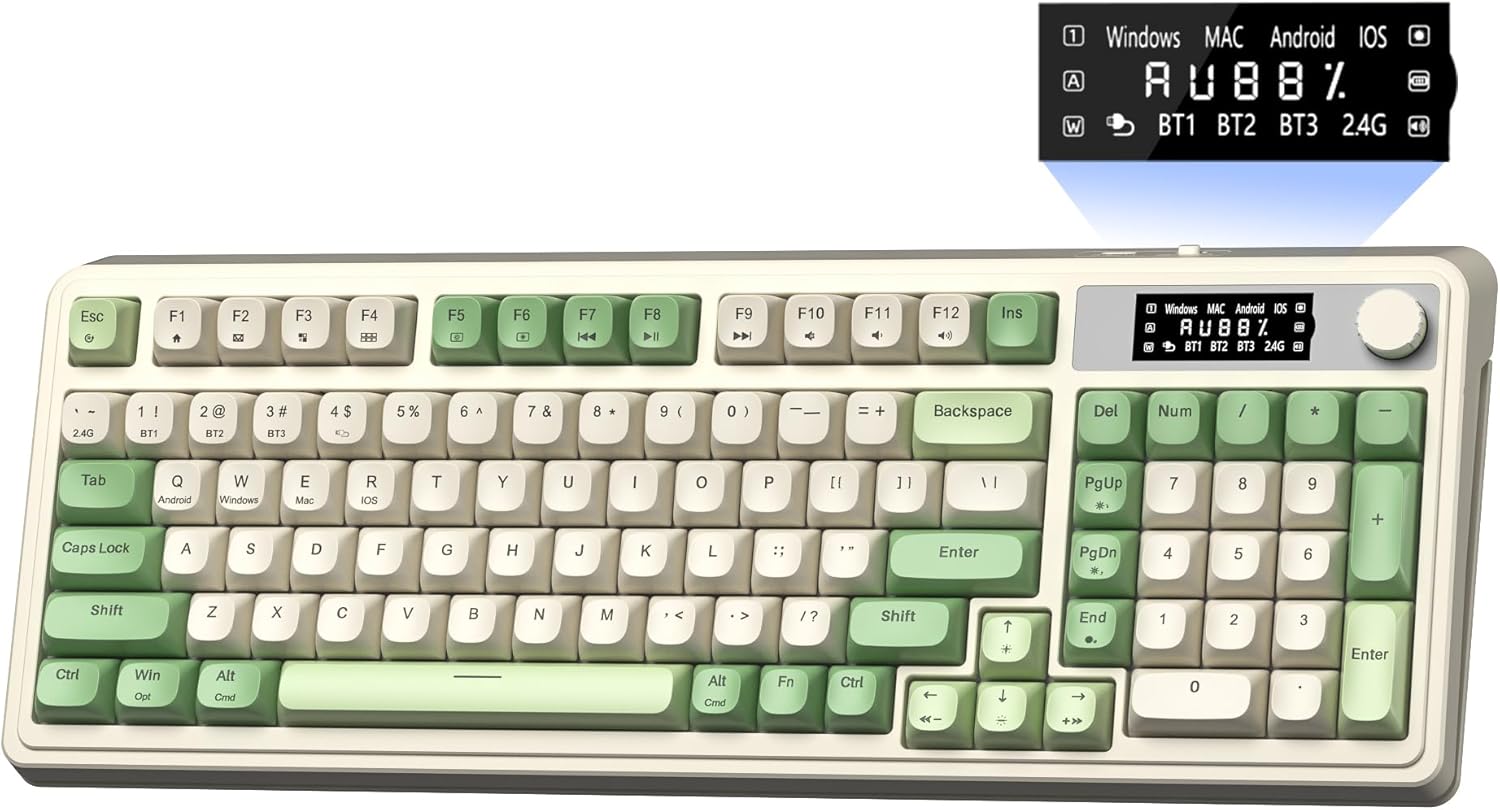
The media knob is meant to make audio and lighting adjustments feel immediate. Depending on what you prioritize, that’s either a joy or a gimmick—but if you adjust volume and RGB frequently, it can save time.
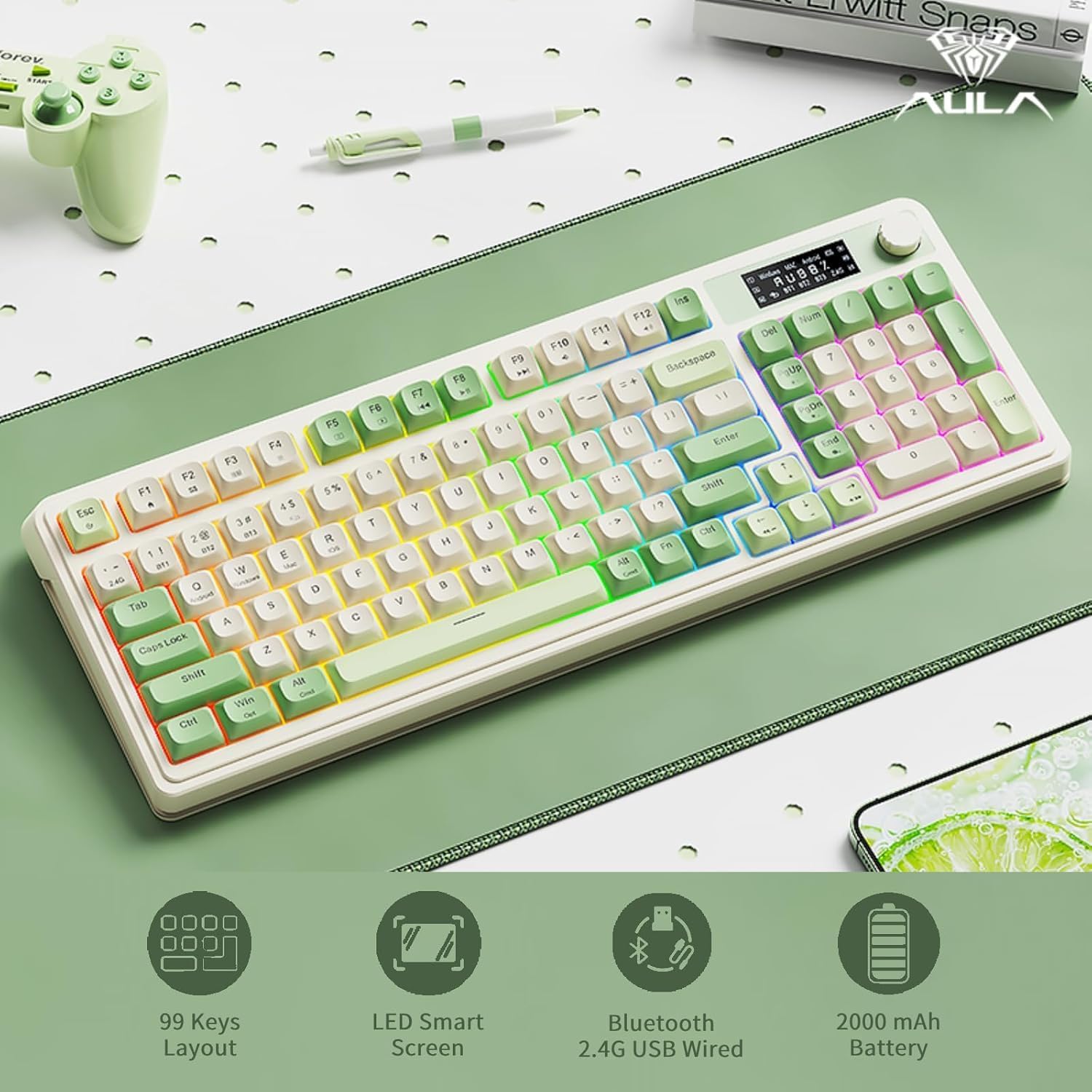
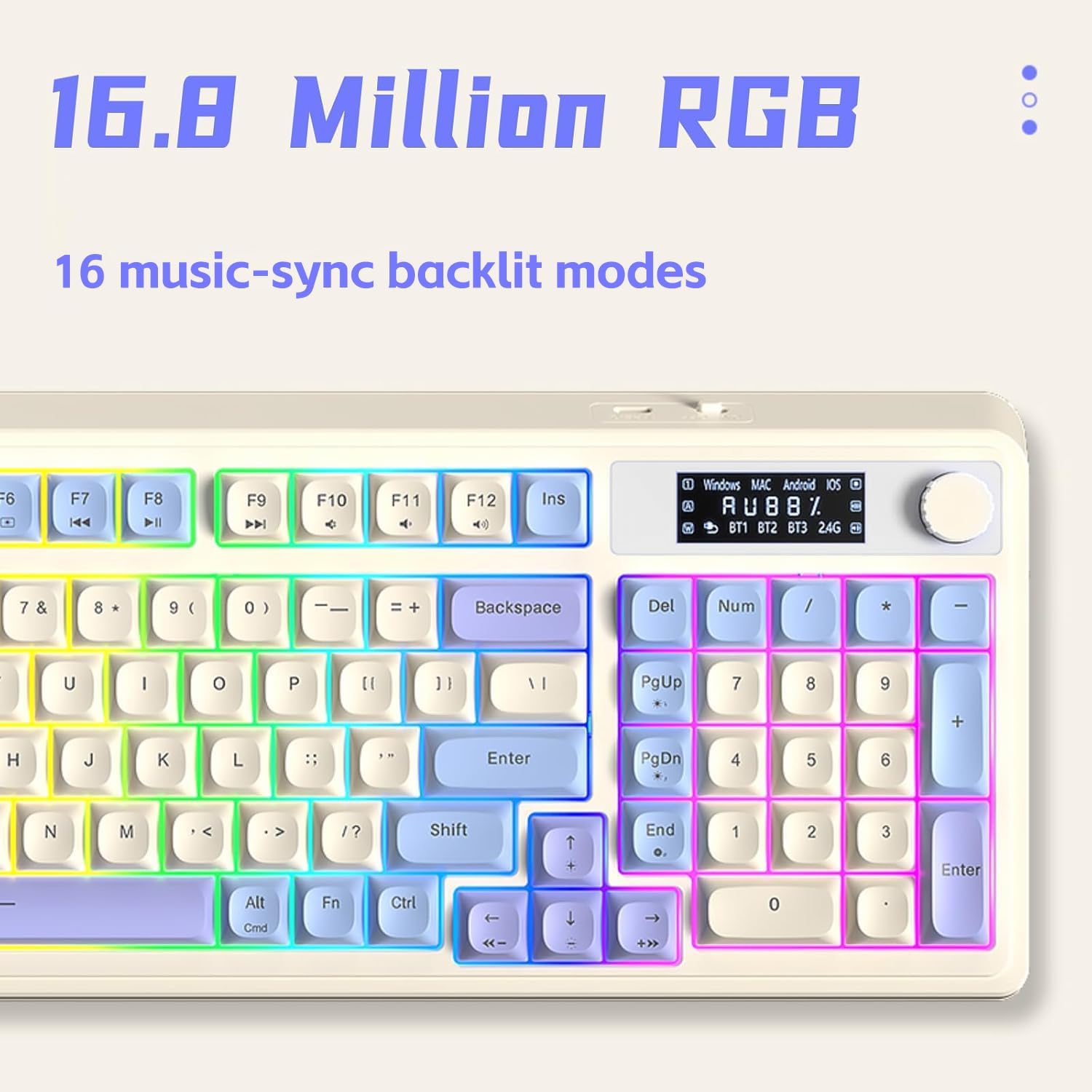
And yes, it includes RGB: 16.8 million colors and multiple preset lighting effects. You can adjust brightness and lighting speed using the knob or with FN key combos. The RGB setup also has “macro soft” support, which suggests you can create lighting configurations tied to your experience.
Micro-scenario: imagine you’re in a game and want your keyboard darker for visibility. With the knob, you can dial down brightness, then quickly switch to office writing mode if you need quieter use. The display is there so you can see battery/connection status in real time.
Connectivity and multi-device switching (the tri-mode angle)
This is a tri-mode keyboard, so you’re covered for different setups: - Bluetooth 5.0 - 2.4 GHz wireless - Wired mode via USB-C
The practical benefit is less “setup friction.” Bluetooth is handy for distance or when you want low effort pairing, 2.4 GHz is typically used when you want a stronger wireless connection feel, and USB-C acts as a reliable fallback. You can also switch among devices using FN+ plus a key combination, and it can manage up to five devices simultaneously.
One thing to keep in mind: the keyboard is described as a membrane keyboard. That doesn’t automatically mean it will feel “bad,” but it does limit the tactile feel some people expect from higher-end mechanical boards. If you specifically chase crisp key switches, you may find this is more mid-range in feel than top-tier.
Macros, gaming use, and the “display screen” reality check
Macro support is comprehensive here: all keys support macro customization. That’s great if you already know which actions you want to automate (reload patterns, abilities, or repeated commands). The keyboard is positioned for real-time exciting gameplay where planning matters, and macros can help you stay consistent.
The display screen shows real-time monitoring like battery level and connection status, and it also mentions compatibility through the LED display. However, the screen is not personalizable. So if you’re looking for a keyboard display that can show your own custom visuals or fully custom content, this may feel limited.
In other words: you get useful status info and quick adjustments, not a “mini monitor.” That’s a fine trade-off for many buyers, but it’s worth aligning expectations before you purchase.
RGB lighting and the media knob: where it shines (and where it may not)
RGB is clearly a core part of the S99 Pro: 16.8 million colors and 16 preset effects. Brightness and speed can be changed via the media knob or FN key combos. If you like your setup to look alive—or you just want a lighting profile that matches your mood—this keyboard gives you room to tweak.
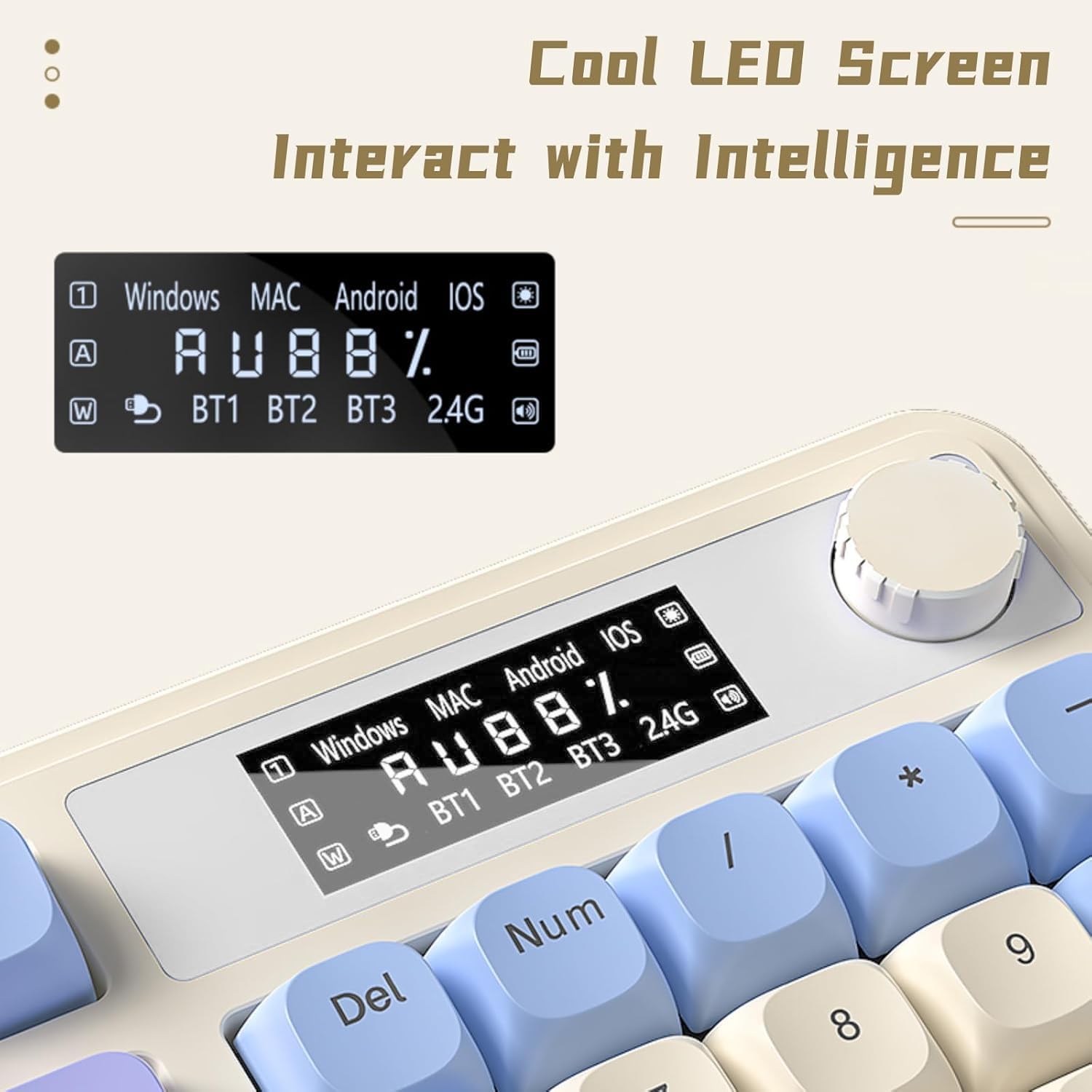
It also supports creating unique lighting configurations with “Macro Soft,” which could be appealing for people who want lighting changes that correspond to different macro setups.
That said, if you don’t care about RGB at all, you may be paying for features you won’t use. And if you’re very sensitive to key feel, remember it’s a membrane keyboard and it’s not described as hot-swappable.
Care, limitations, and what to double-check before buying
Before you commit, a couple points are worth verifying: - The keyboard is described as a membrane keyboard and it is not hot-swappable. - The display screen is not personalizable, so the main purpose is status and monitoring rather than custom visuals. - You’ll want to make sure your devices fall within the system compatibility the keyboard indicates via its LED monitoring. The exact compatibility details aren’t provided here, so it’s smart to check that your OS/device setup matches what you need.
One more practical consideration: tri-mode keyboards tend to be excellent for multi-device switching, but they still require you to choose the connection mode you want for each device. If you only ever use one computer and don’t switch often, a simpler wired-only setup might be more straightforward.
Is it worth it?
Buy it if you want a wireless RGB gaming keyboard that focuses on multi-device convenience, macro customization on all keys, and fast control via a media knob plus a status display. It makes sense if you bounce between devices (up to five simultaneously) and you’d actually use the on-board monitoring for battery and connection.
Skip it if you’re mainly looking for a traditional mechanical feel, plan to personalize the display with your own content, or you don’t care about RGB and macros. The membrane design and the non-personalizable screen may not align with those expectations.
Mini FAQ
Does the AULA S99 Pro support multiple connection types?
Yes. It supports Bluetooth 5.0, 2.4 GHz wireless, and wired USB-C mode.
How many devices can it connect to at the same time?
It can connect up to five devices simultaneously and you can switch using an FN+ key combination.
Is the keyboard display screen customizable?
No, the display screen is described as not customizable. It’s used for monitoring such as battery level and connection status.
Is the keyboard hot-swappable?
No. The entry notes it is not hot-swappable.
What kind of keyboard switch type is it?
It’s a membrane keyboard, based on the provided note.