


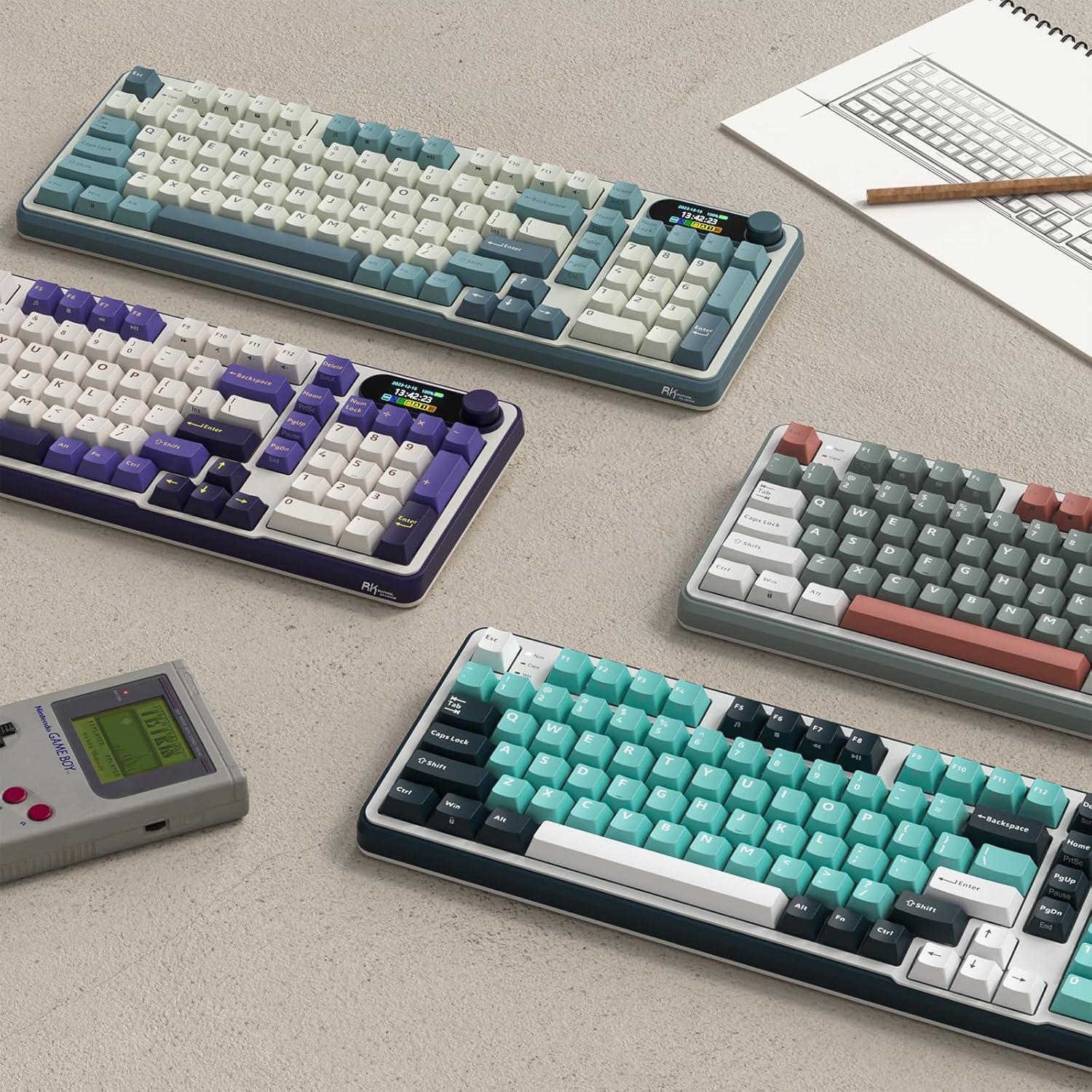
RK ROYAL KLUDGE S98 98-Key Wireless Mechanical Keyboard
Product description
The RK ROYAL KLUDGE S98 is a compact 96% wireless mechanical keyboard built for versatile typing and gaming. It pairs a small smart display and an intuitive knob with a hot-swappable layout so you can tweak switches, monitor battery status, and adjust volume or RGB without software. The first paragraph integrates a clear buying intent: if you need a flexible wireless keyboard for work and play, the S98 combines convenience and sound control.
Key features
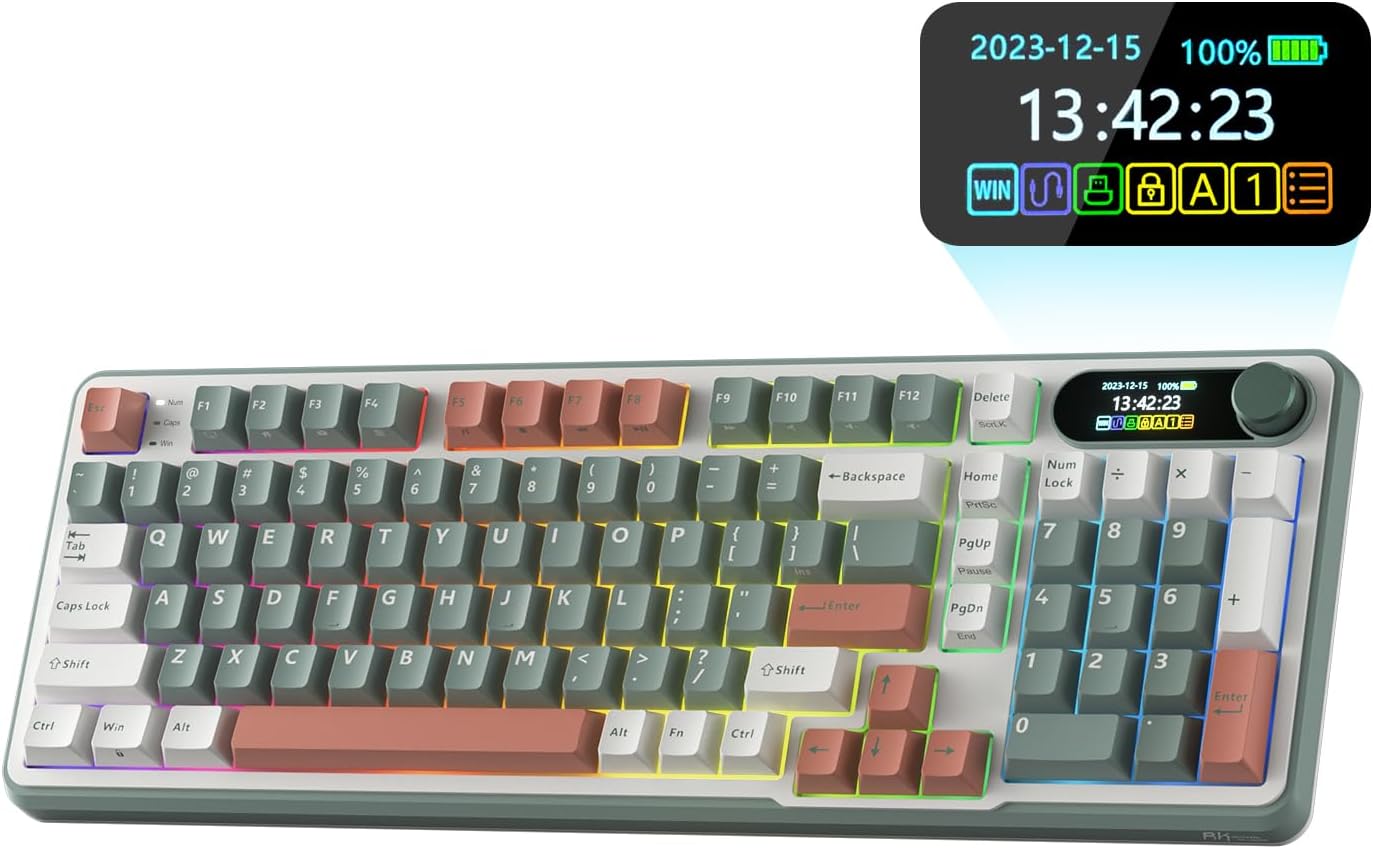
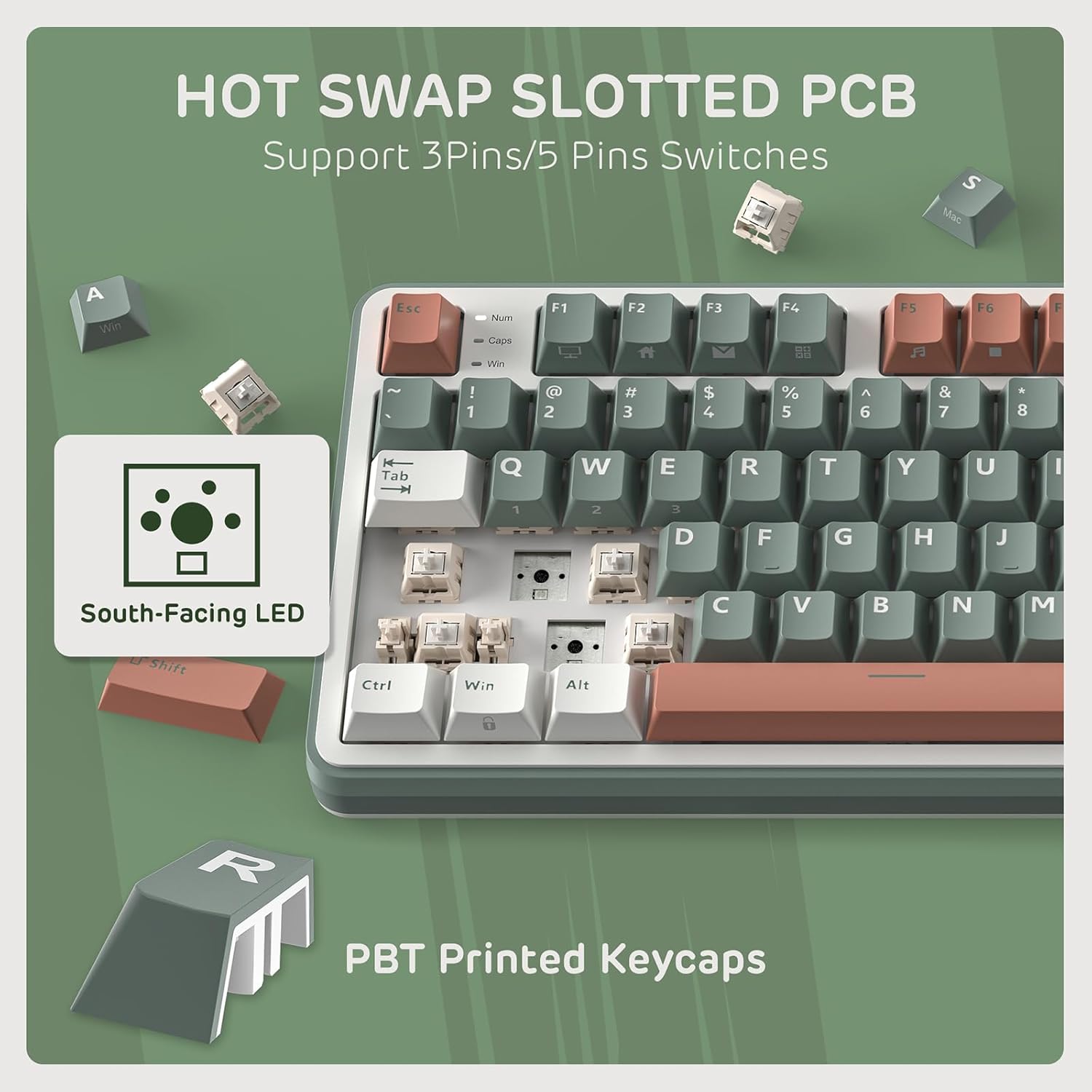
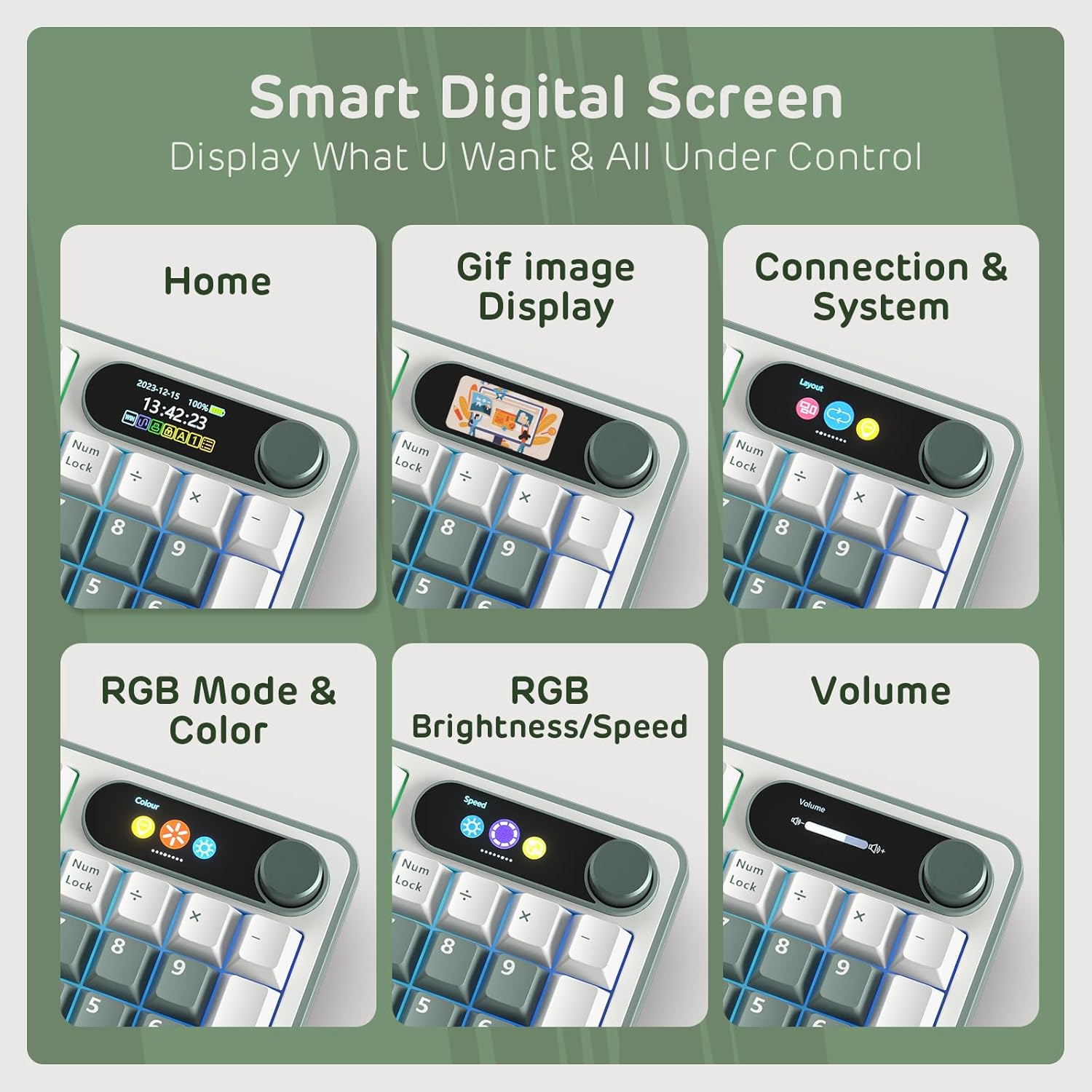
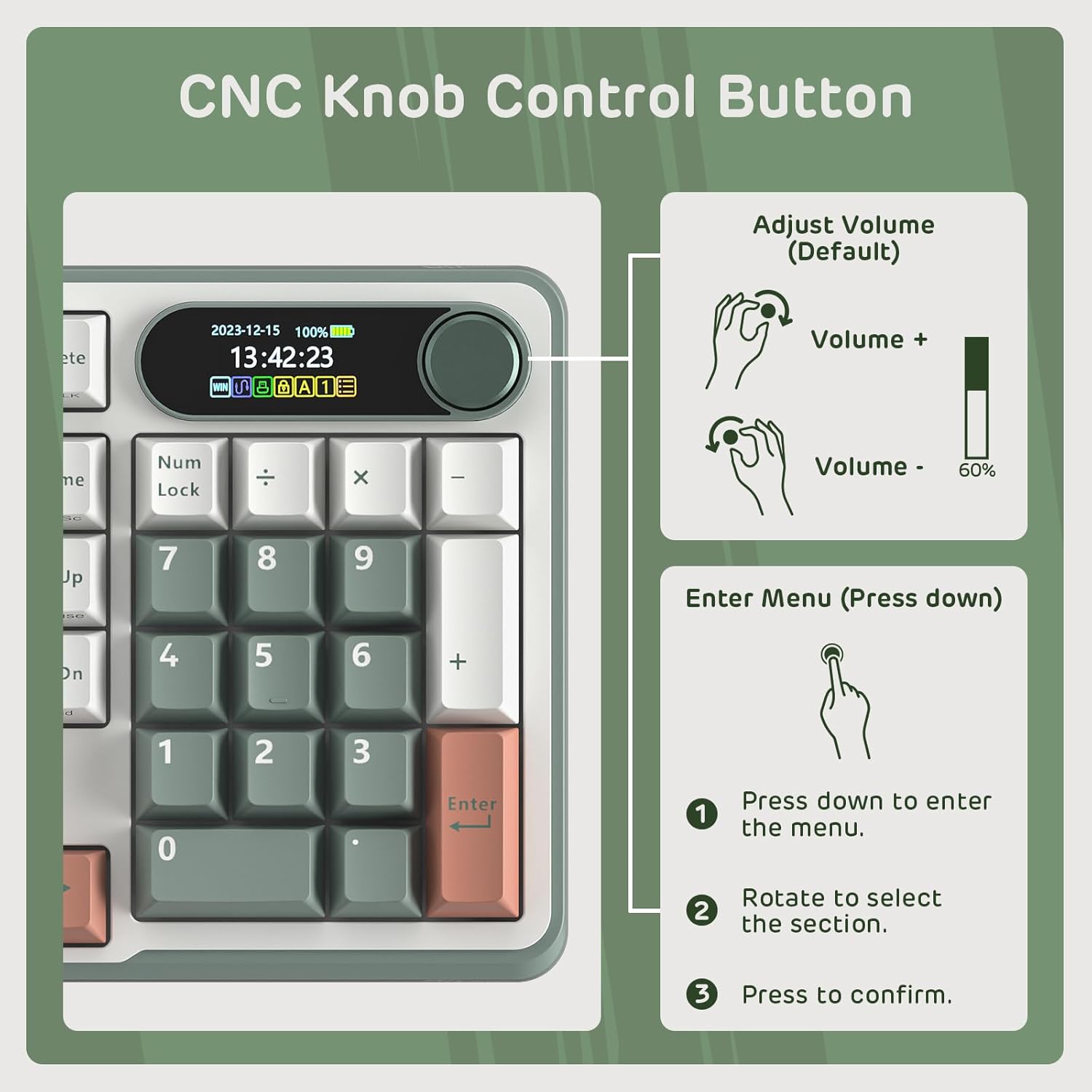
A tidy top-mount design delivers firmer tactile consistency and a quieter, creamier sound profile thanks to layered dampening. The built-in smart display shows custom GIFs, date, connection mode, and layout information. The aluminum knob handles volume, backlight brightness and speed, RGB mode and connection switching with a twist or a click. Note that software support is available for deeper customization, and hot-swap capability lets you test different 3-pin or 5-pin switches without soldering.
Specifications
- Name: RK ROYAL KLUDGE S98
- Type: Mechanical keyboard
- Format: 98 keys
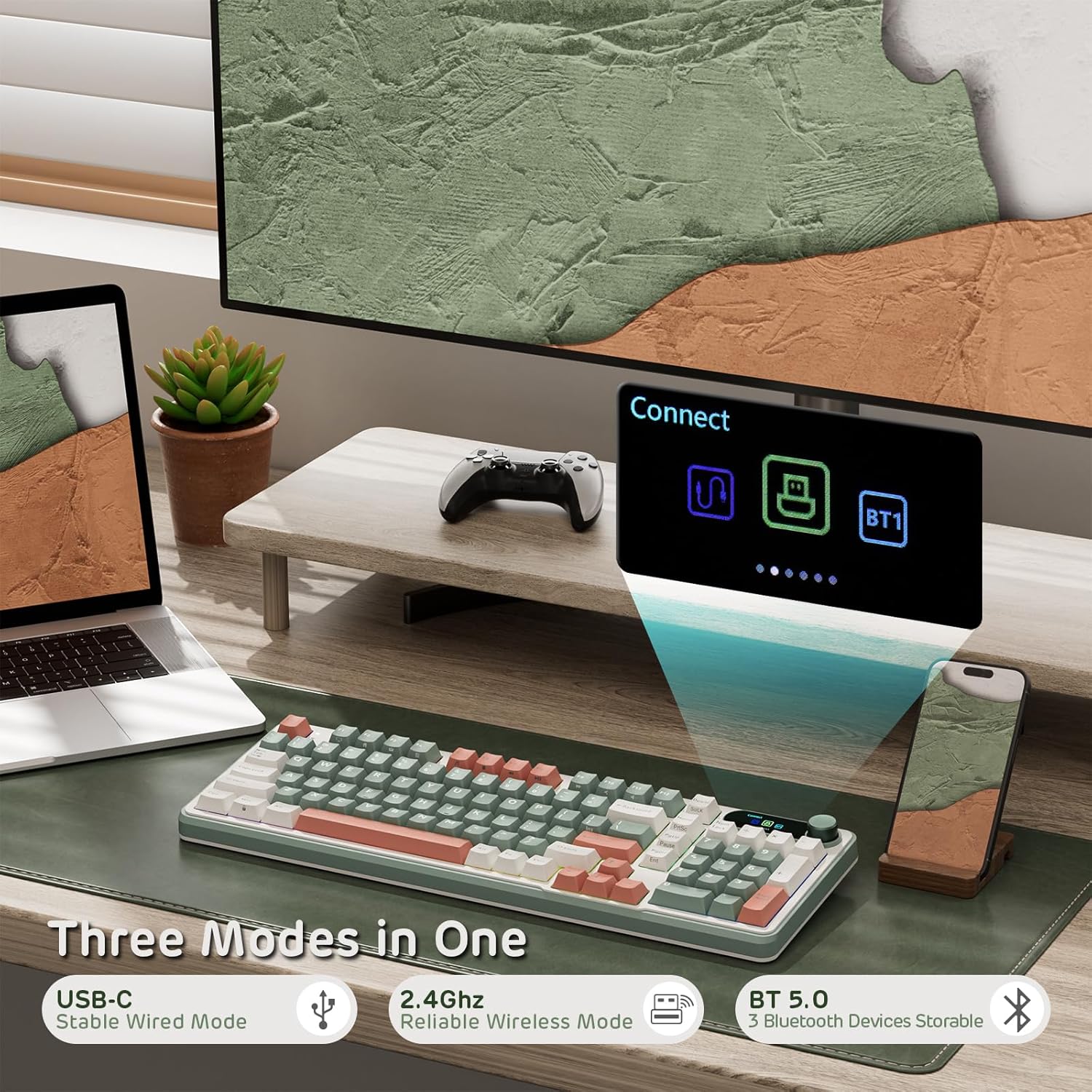
- Connectivity: BT5.0, 2.4G, USB-C
- Material: Double-shot PBT keycaps
- Color: Creamy sounding with sound absorbing foams
Benefits
You’ll notice quieter typing and a richer acoustic tone right away, because the keyboard includes IXPE switch dampener pads, two layers of thicker foam, and a silicone dampener pad that reduce noise and hollow sound. The double-shot PBT keycaps resist wear and keep legends readable for long term use. Wireless options cover Bluetooth 5.0 for multi-device pairing and a 2.4G dongle for low-latency gaming, while USB-C wired mode removes any connection limits.
Usage tips
It’s a great fit if you like customizing both feel and sound, try different mechanical switches, or want on-the-fly control without opening software. For quieter setups, test softer switches combined with the internal foam layers to emphasize the creamy sound. If you prioritize low latency for competitive play, use the 2.4G dongle and keep RGB effects minimal to conserve battery.
Care & maintenance
Keep the keycaps clean by removing them periodically and wiping the board with a soft cloth. Replace switches using the hot-swap PCB carefully to avoid bending pins. Regularly check firmware updates through the software tool to ensure full compatibility and feature access.