

EPOMAKER Aula F99 MAX Wireless Mechanical Keyboard
Product description
What to know
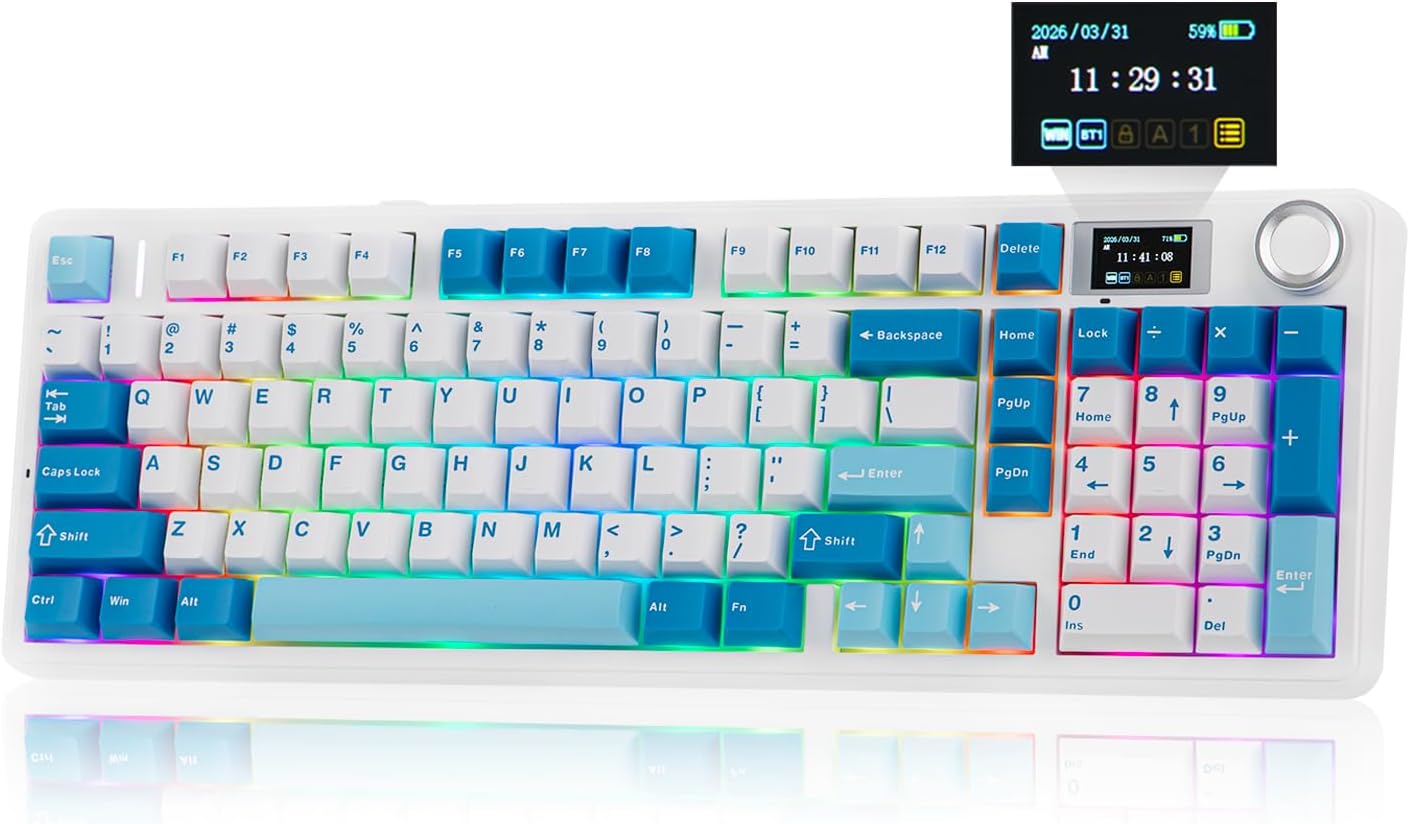
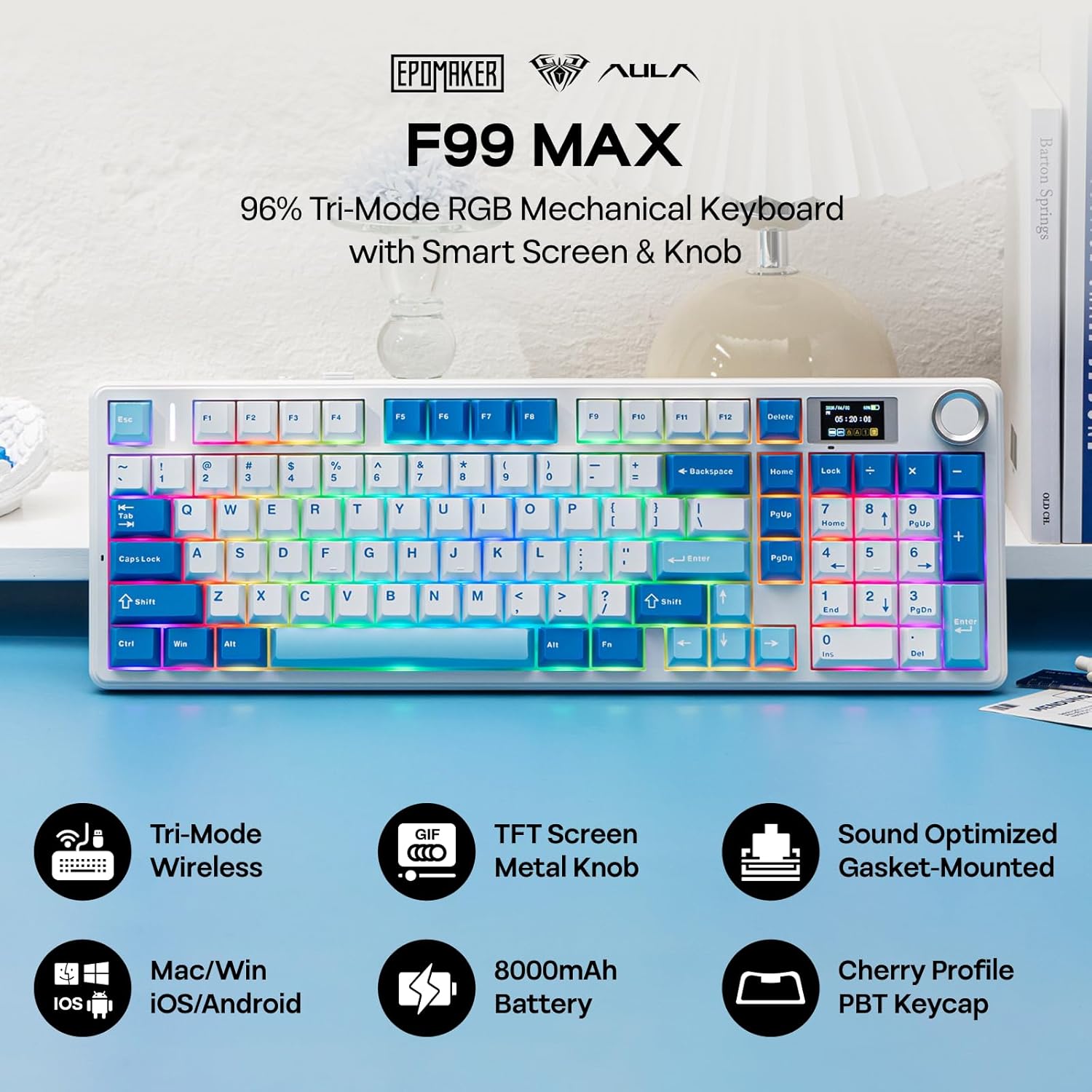
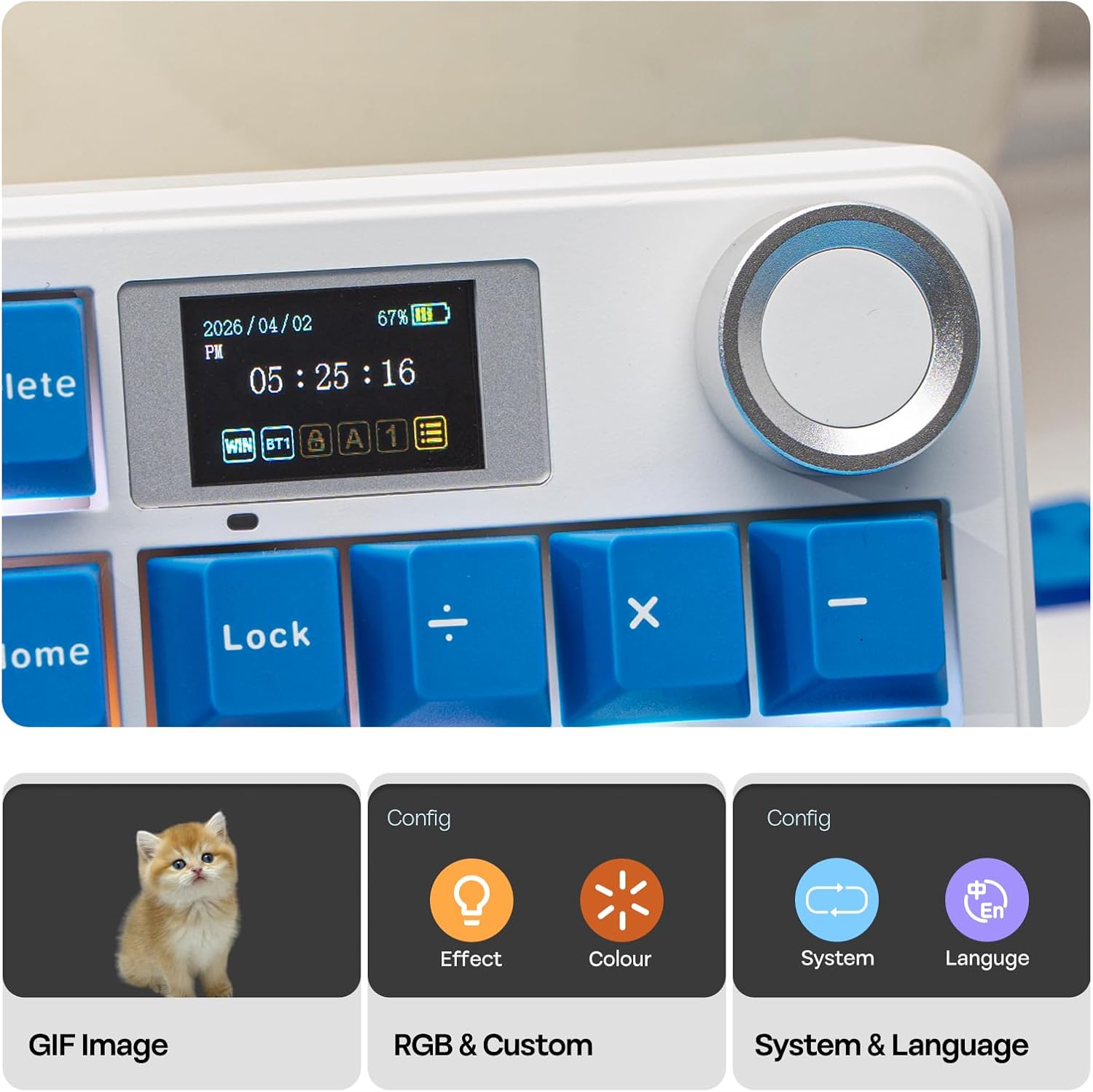
The EPOMAKER Aula F99 MAX is a 97-key wireless mechanical keyboard that pairs a practical keypad layout with a focal point: a TFT smart screen and a rotary knob. It’s designed to be a creative workhorse that can also power through gaming sessions, thanks to a robust 8000mAh battery and fast connectivity options.
Key features
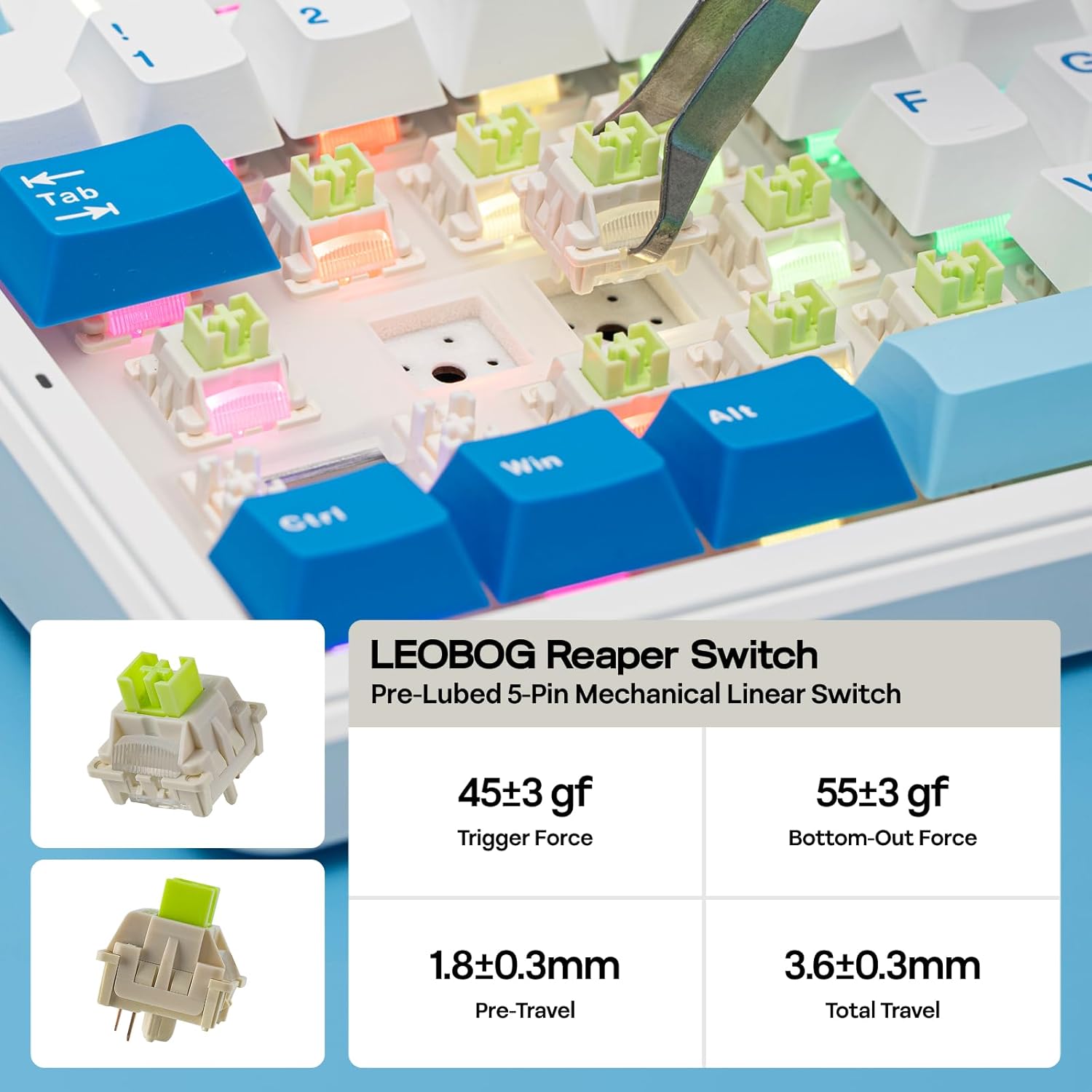
This model ships with pre-lubed Reaper switches and a hot-swappable PCB, allowing easy switch swaps if you want to experiment with tactile or linear feels. The gasket-mount design with multiple foam layers (IXPE, foam, silicone, PET) aims to reduce cavity noise and deliver a distinct, thocky typing experience. The case uses a thick ABS construction with vibrant blue/pink PBT keycaps for a striking look.
How it works in practice
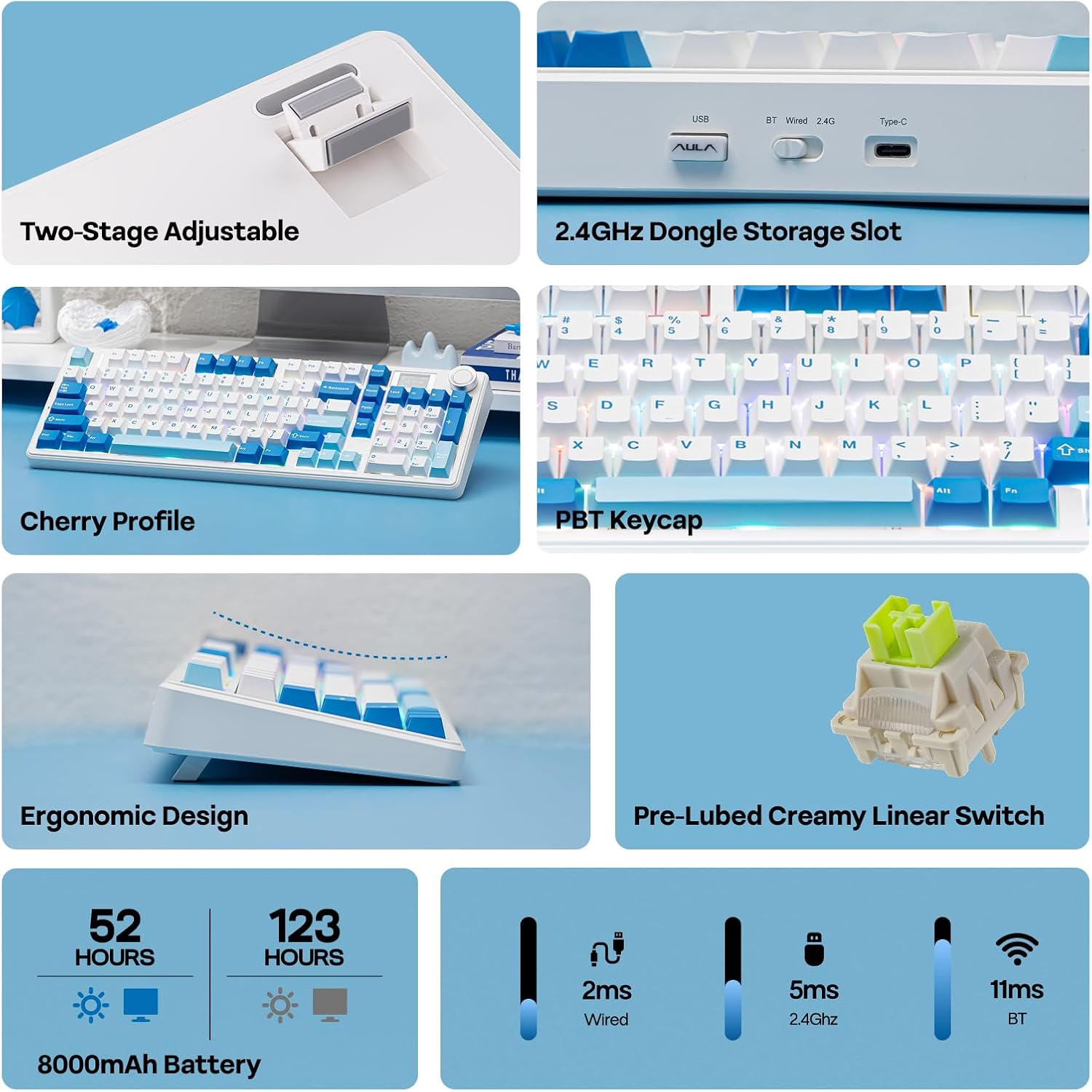
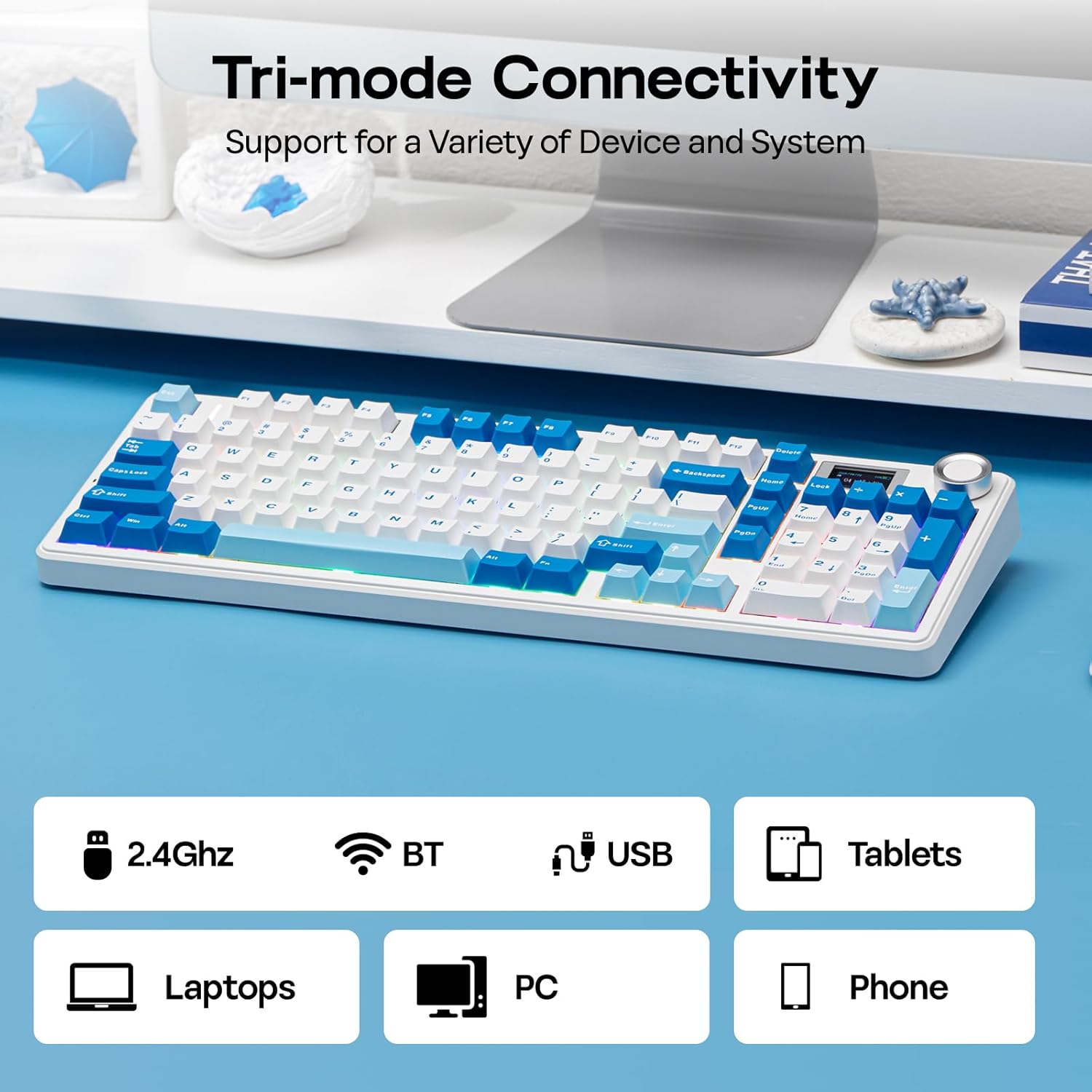
The TFT screen isn’t just decorative, you can display custom GIFs, check vitals like battery level, and use the rotary knob for quick volume or RGB control. The keyboard supports Windows and macOS and can pair with up to five devices via 2.4Ghz, Bluetooth, or wired mode, which makes it versatile for a desk setup, a laptop, or a tablet.
What you’ll notice in daily use
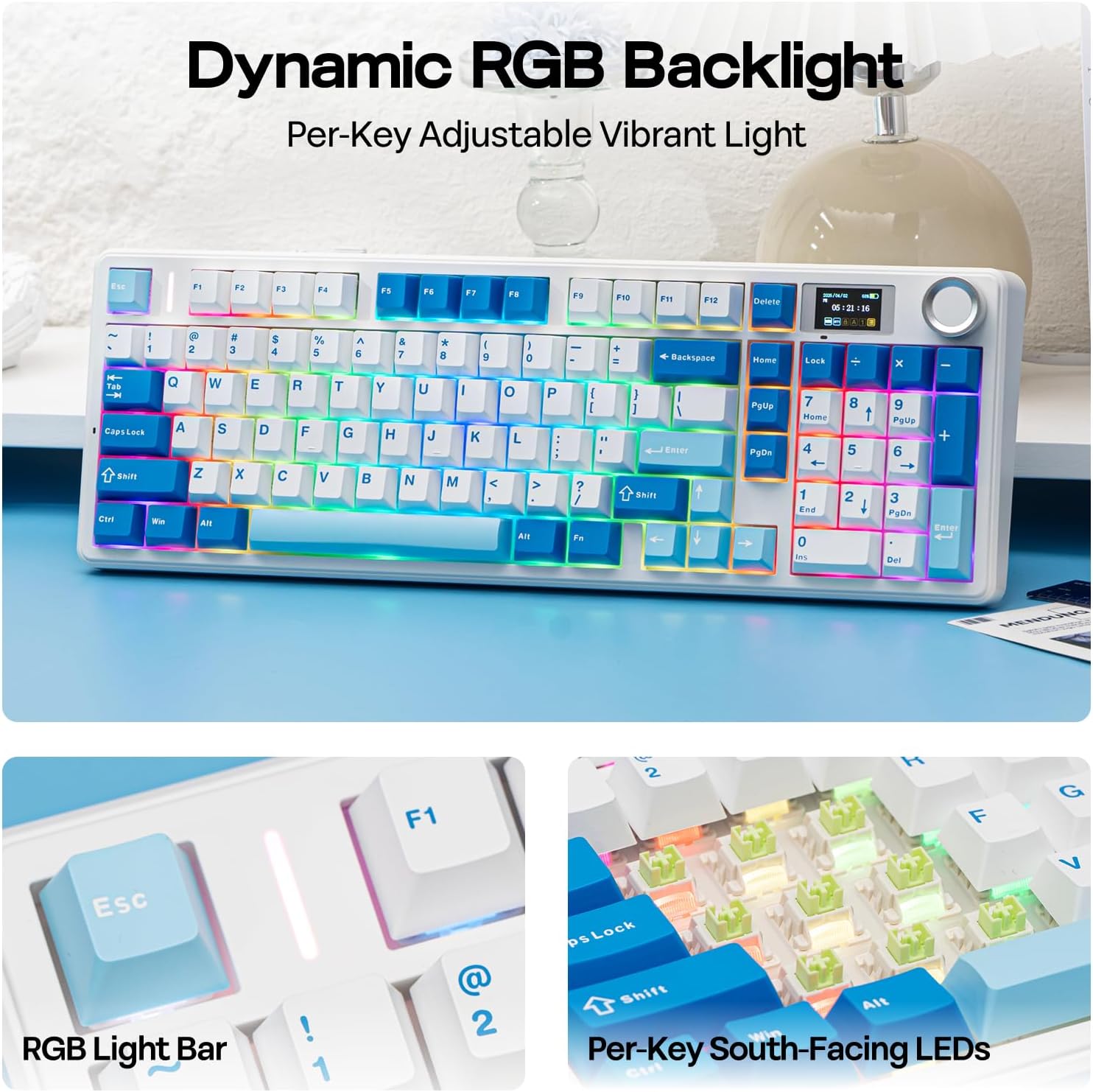
Typing feels stable and consistent due to the gasket mount and the pre-lubed switches. If you value customization, the included software lets you remap keys, create macros, and preview RGB configurations in 16.8M colors. Battery life is a practical advantage for long sessions, and the ability to reuse the same hardware across multiple devices reduces the need to switch setups.
Who it’s for
This keyboard targets creators and power users who want a combination of aesthetic flair, tactile feel, and programmable flexibility. If you prioritize a large color spectrum, multi-device workflows, and a screen that can display personalized data, this model fits the bill. It’s also reasonable for gamers who aren’t chasing the absolute fastest keystrokes but appreciate smooth, reliable performance and customization.
Potential caveats
The software is noted as Windows-only and works when the keyboard is in wired mode, which could be a limitation for users who rely exclusively on wireless configurations. The screen and knobs add complexity and potential points of failure compared to a more minimalist wireless setup. If you don’t plan to use the screen often, you might not get the full value here.
Before you buy: what to check
- Compatibility: confirm your primary OS and whether you’ll frequently switch between devices.
- Use case: a mix of typing, coding, and light gaming benefits from the hot-swappable switches and gasket cushioning, but the full software features require wired mode on Windows.
- Desk space and aesthetics: the 97-key layout with bold keycaps and the central TFT screen make this visually distinctive, ensure it fits your style and workspace.
Practical example
Imagine coding a project and needing quick access to volume without leaving your editor. Use the rotary knob for audio adjustments while the TFT screen shows a live battery indicator or a playful animated GIF, then swap in a lighter linear switch if you’re compiling frequently and want a different tactile response.
Final verdict
Is it worth it? Worth considering if you value a multi-device, feature-rich wireless keyboard with a customizable screen and strong battery life, provided you’re comfortable with Windows-only software in wired mode for full customization. It’s a capable blend of aesthetics and utility, but it may feel like overkill if you just want a simple, plug-and-play wireless board.
FAQ
- What is the main draw of the TFT screen? It offers a customizable display for quick info and interactive control via the knob.
- Can I use the keyboard wirelessly with macOS? Yes, but extensive customization via software is noted for Windows in wired mode.
- How adaptable is the typing feel? The pre-lubed Reaper switches and gasket-mount setup aim for a smooth, cushioned thock, you can swap switches if you want a different feel.