

Corsair K100 AIR Wireless RGB Mechanical Gaming Keyboard (Cherry MX Ultra Low Profile) — Ultra-Thin 11mm, Sub-1ms Slipstream, Black (NA QWERTY)
Product description
The essentials (quick overview)
The Corsair K100 AIR is a wireless mechanical gaming keyboard built around a very specific idea: keep the look and feel of a premium gaming board, but make it dramatically thinner and more flexible about how you connect. On paper, it’s aimed at people who bounce between devices (PC and Mac, plus additional hosts) and still want low-latency performance when they game.
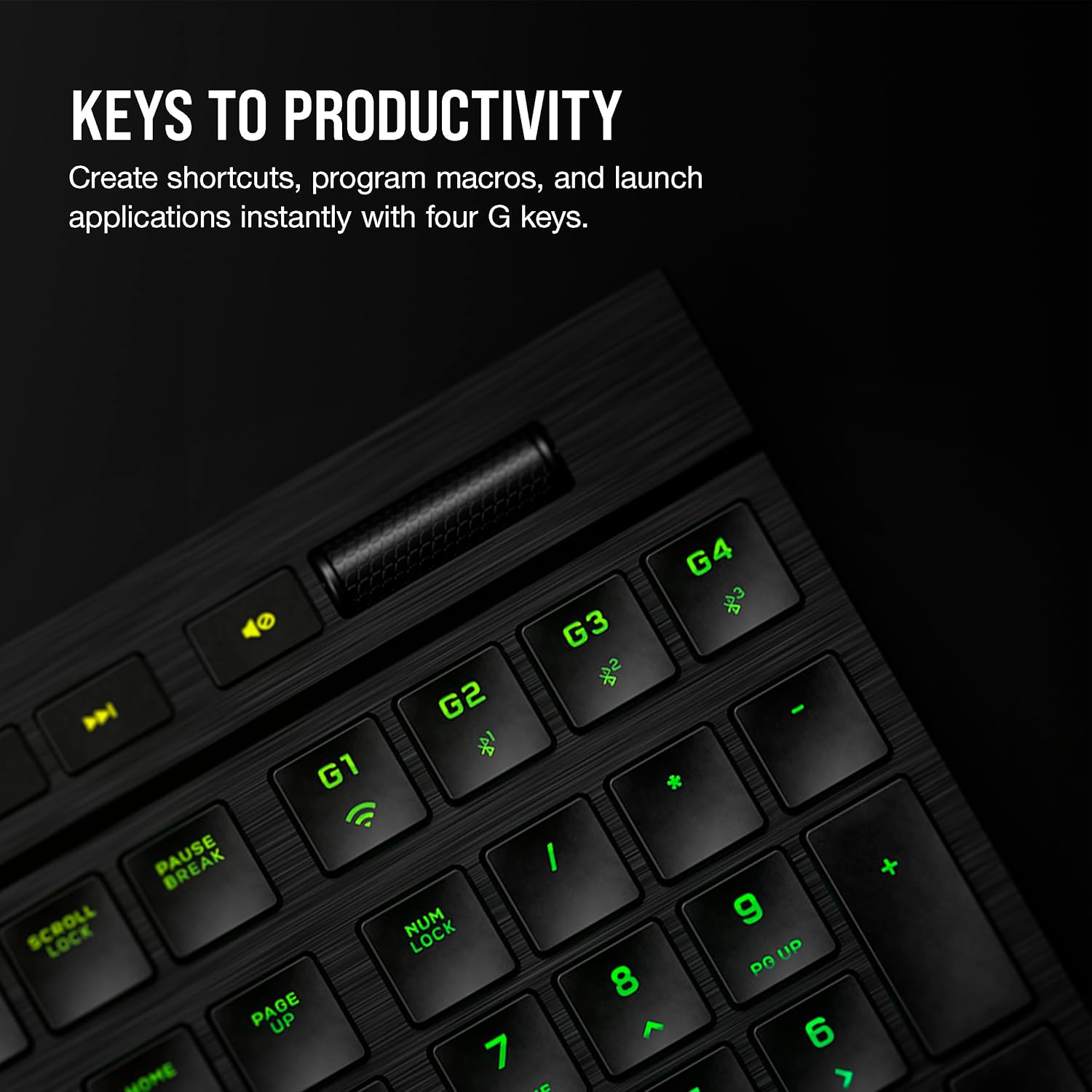
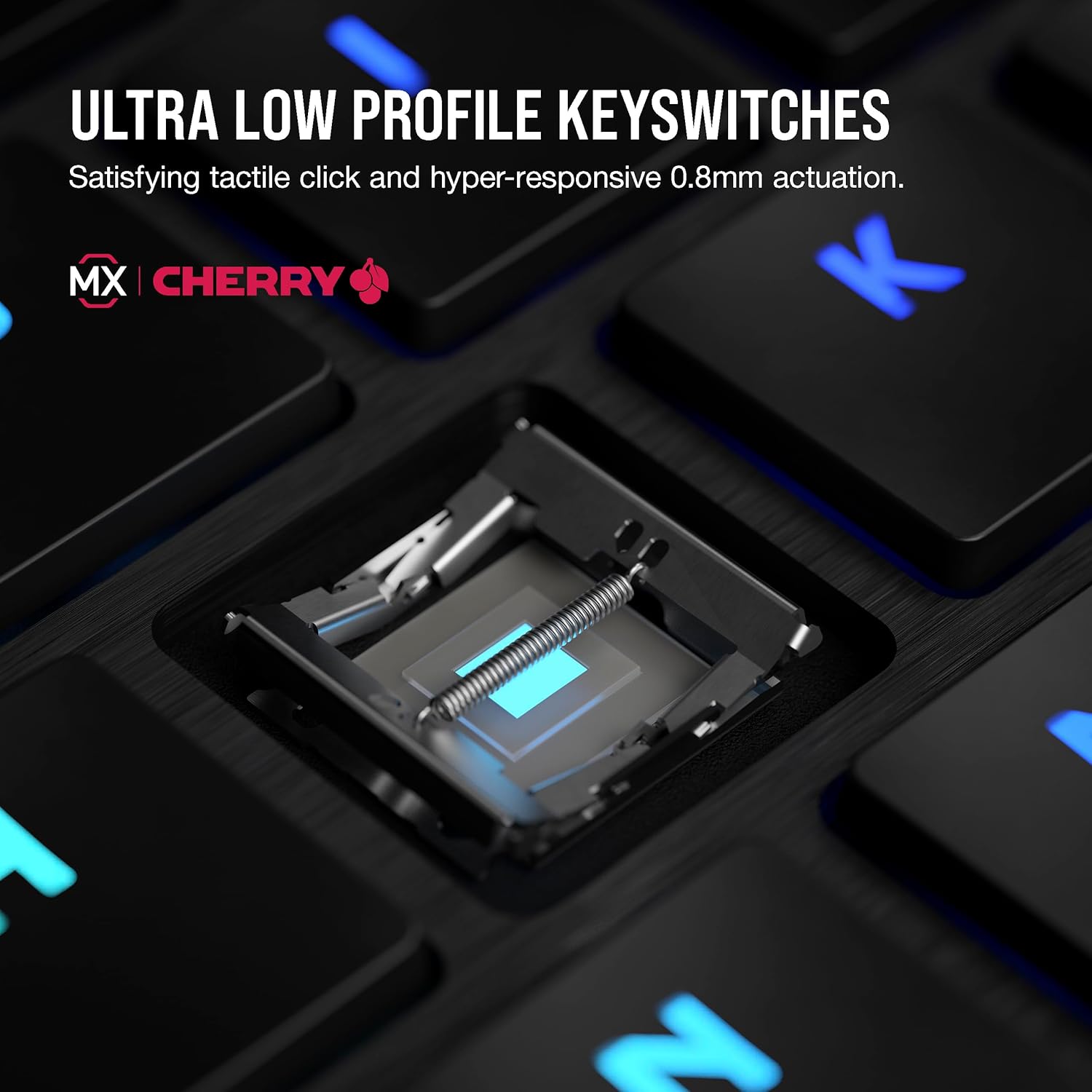
It also leans into responsiveness in a very direct way. The Cherry MX Ultra Low Profile switches are described as having a short 0.8mm actuation distance with a tactile bump, and the keyboard supports both SLIPSTREAM wireless and wired operation. Add per-key RGB with adjustable brightness and you get a board that’s not only about speed—it’s also meant for day-to-day productivity with a sleek brushed aluminum frame.
One caution before you buy: it’s “ultra-thin,” and that can be a dealbreaker for anyone who strongly prefers a more traditional, deeper keyboard feel. If you’re picky about ergonomics and key travel feel, this is worth thinking through.
Key points: what matters most for buyers
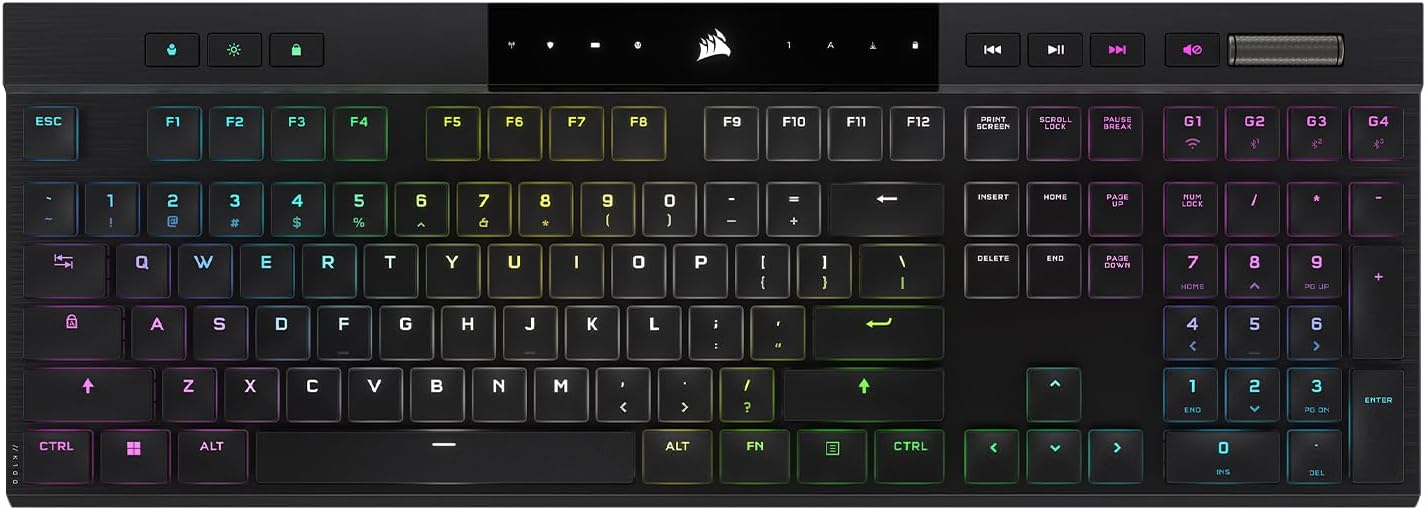
The biggest selling point here is flexibility without giving up on latency. You get three connection methods and quick switching across hosts, so you’re not stuck choosing between a gaming keyboard experience and a desk setup that includes multiple computers.
Another big deal is the combination of low-profile mechanics and fast wireless. The sub-1ms SLIPSTREAM wireless claim and the 0.8mm actuation distance are the kind of specs gamers look for—especially if you care about snappy response. At the same time, the per-key RGB and adaptive brightness are the “everyday” features that make it usable beyond just a dark room.
Finally, there’s the security angle: AES 128-bit encryption for wireless. It’s not something most people mention when they buy keyboards, but it’s still a sensible detail to see in the feature list.
Where it shines (pros and what you’ll notice)
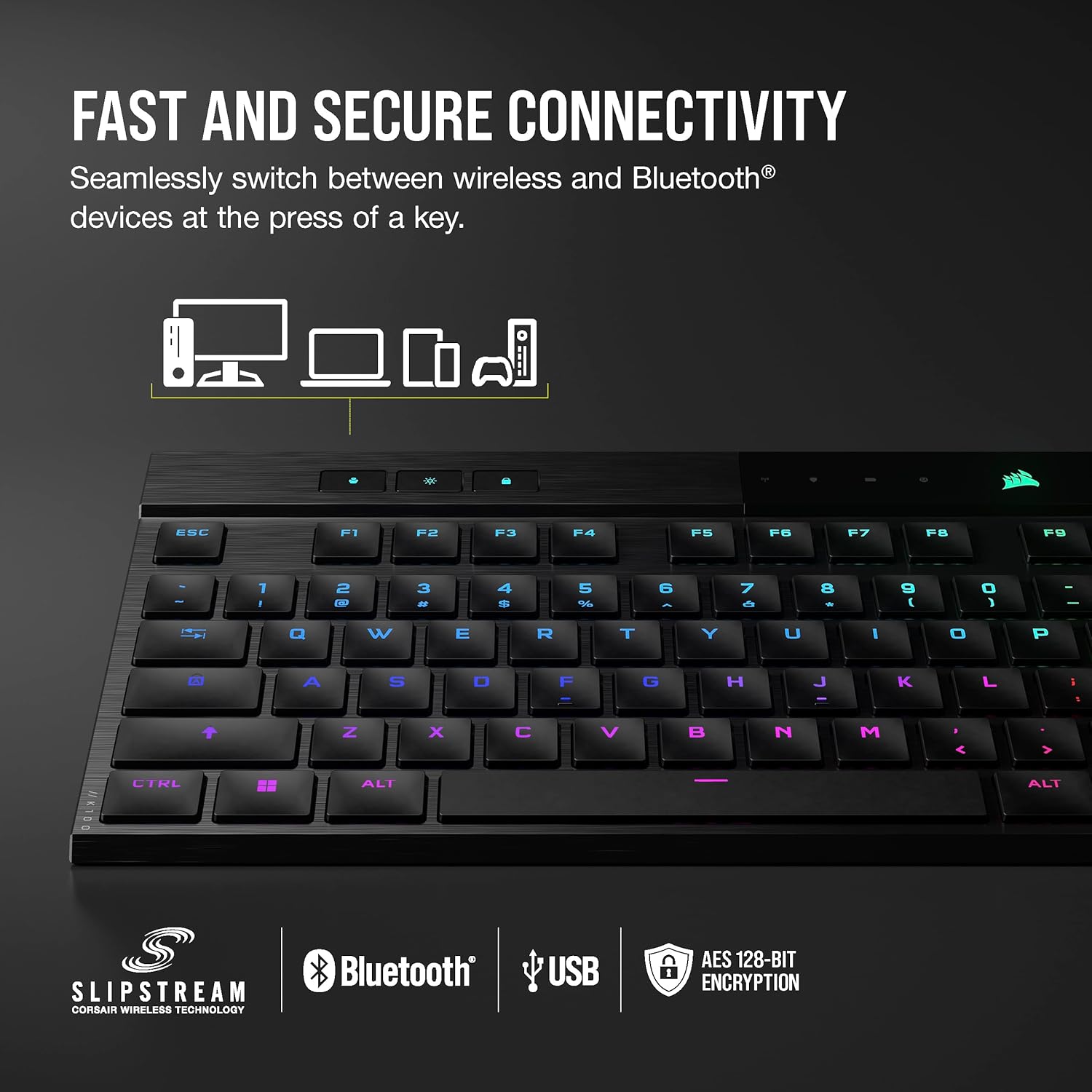
You’ll probably notice the multi-device workflow first. The keyboard can connect to up to five different devices using three connection options (SLIPSTREAM wireless, low-latency Bluetooth, and USB wired). Then you can switch between hosts quickly at the press of a key.
What to know about performance and connection
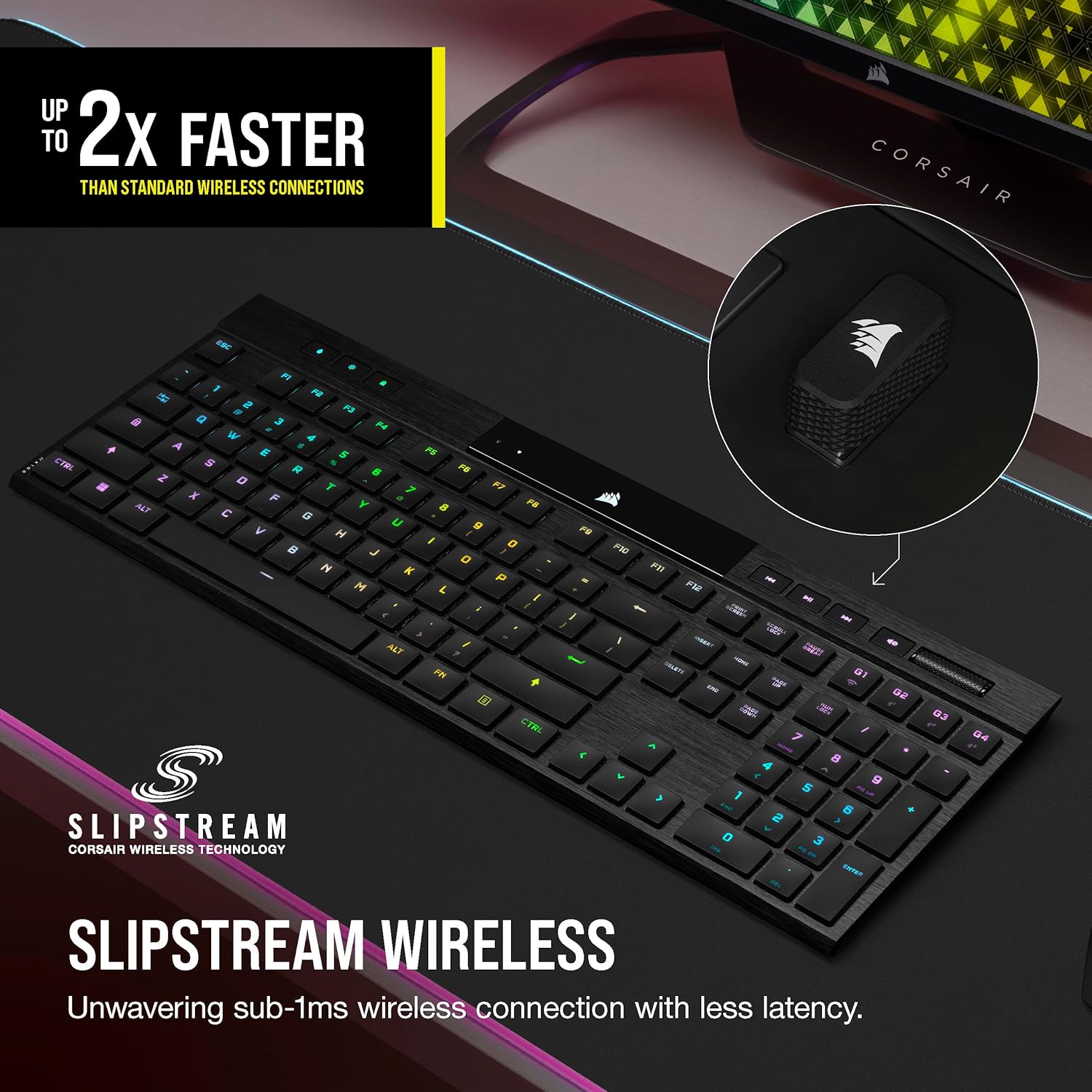
Wireless choice matters, and the K100 AIR gives you options based on what you’re doing: - SLIPSTREAM wireless is positioned for low latency on PC or Mac. - Low-latency Bluetooth is intended for up to three host devices. - USB wired is there when you want a more traditional approach, and the description mentions AXON 8,000Hz hyper-polling.
It’s also designed for wireless reliability: secure AES 128-bit encryption is listed for the wireless mode. If you’re the type who hates “it works…until it doesn’t,” that’s a reasonable inclusion to see.
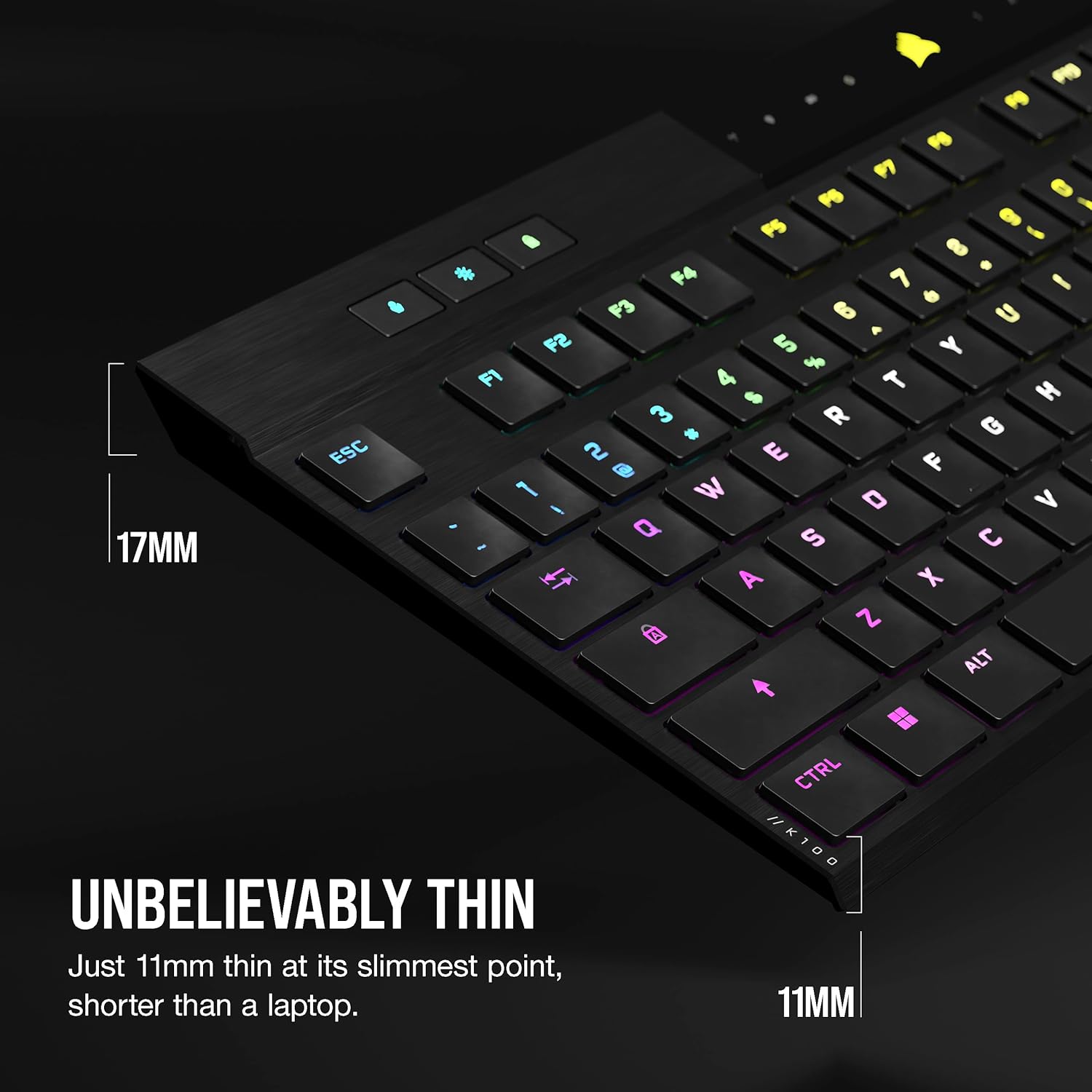
And yes, the design is intentionally slim. The description calls out 11mm at the slimmest point and an elegant brushed aluminum frame—so this is a keyboard that looks like it belongs on a modern desk, not a bulky battlestation.
Tech specs (the essentials you can’t ignore)
- Keyswitch type: Cherry MX Ultra Low Profile mechanical keyswitches (tactile)
- Actuation distance: 0.8mm
- Keyboard thickness: 11mm at the slimmest point
- Wireless modes: SLIPSTREAM wireless (sub-1ms), low-latency Bluetooth, and USB wired
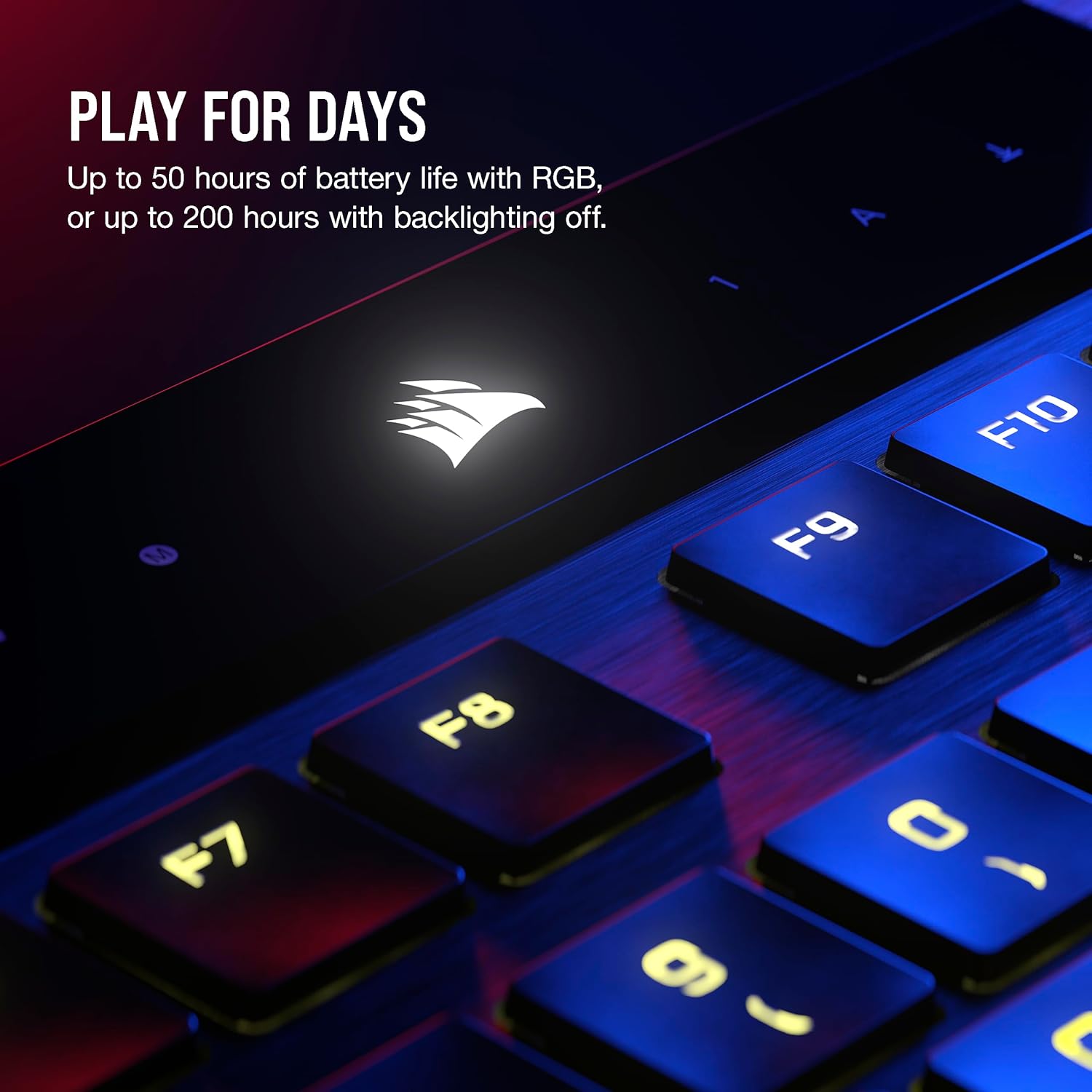
- Battery life (wireless with per-key RGB): up to 50 hours
- Battery life (wireless with backlighting off): up to 200 hours
- RGB: per-key RGB backlighting with dynamic/ adaptive brightness
- Wireless security: AES 128-bit encryption
- Layout: NA (QWERTY)
- Color: Black
Usage tips and best fit (and when it might not)
If your setup is “one desk, multiple computers,” this keyboard fits the scenario well. For example, you could keep your main gaming PC connected via SLIPSTREAM, pair a work laptop via Bluetooth for quick switching, and still have a backup host ready—then toggle between them from the keyboard without replugging.
It also makes sense if you care about RGB but don’t want it to feel like an always-on power drain. The described battery life is tied to per-key RGB usage, and it goes further when the backlighting is off.
However, it may not suit you if: - You prefer a thicker keyboard feel with more travel and a less “compact” profile. - You want a purely entry-level keyboard where the connection complexity and premium positioning aren’t necessary. - You’re expecting a “one keyboard solves everything perfectly” experience—switch preference and fit still matter a lot with ultra-low-profile boards.
Included FAQ for first-time buyers
Is this keyboard meant only for gaming?
Not only. It’s positioned for gaming performance (low-latency wireless options and ultra low-profile mechanical switches), but the slim design and brushed aluminum frame are clearly meant to work as an everyday productivity keyboard too.
How does multi-device switching work here?
The description says you can connect to up to five devices and switch between wireless connections on your PC/Mac and more at the press of a key.
How long does the battery last?
Battery life is described as up to 50 hours with dynamic per-key RGB backlighting, and up to 200 hours with backlighting off.
Does it support wired use?
Yes. The description includes a USB wired option and mentions AXON 8,000Hz hyper-polling.
Is wireless encrypted?
The description states AES 128-bit encryption for the wireless connection.
Final verdict
Should you buy it? You should, if you want an ultra-thin mechanical gaming keyboard that’s also practical for a multi-device desk, and you specifically value low-latency wireless along with a fast-feeling, low-actuation switch setup.
Skip it if you don’t like the idea of an ultra-low-profile feel, or if your current setup doesn’t benefit from multi-host switching and you’d rather keep things simpler.
In short: it’s not just “a thin wireless keyboard.” It’s built for people who care about responsive input and connection flexibility at the same time—just make sure ultra-thin key feel is actually your preference before committing.