

TECWARE 87-Key Mechanical Keyboard
Product description
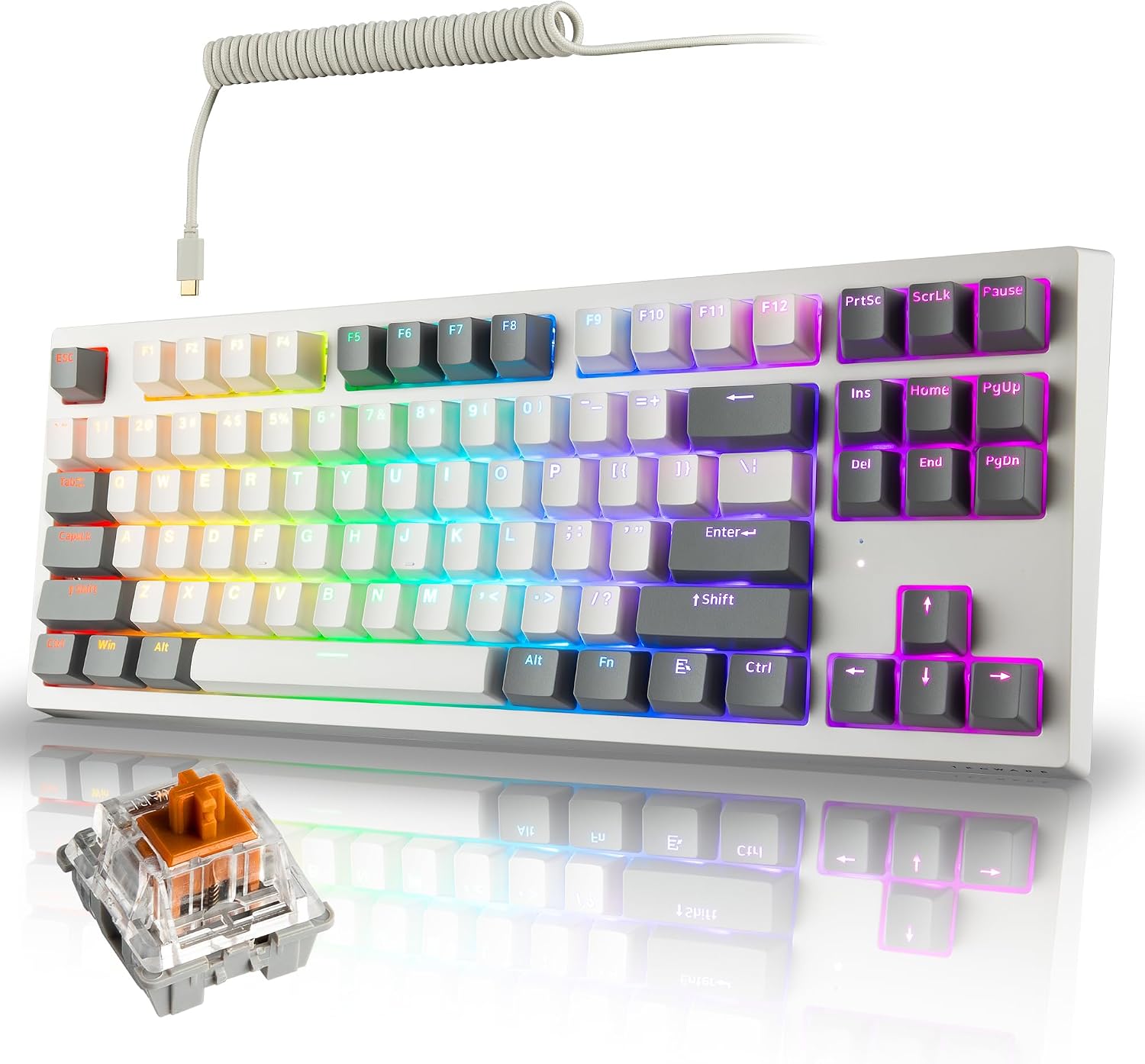
For gamers who want a compact keyboard with wireless and wired options, and typists who prefer tactile switches, the TECWARE Phantom+ Elite brings several customization choices into an 87-key layout. Its Wraith Brown switches, per-key RGB, and three connection modes make it suited to a desk that shifts between gaming and everyday work.
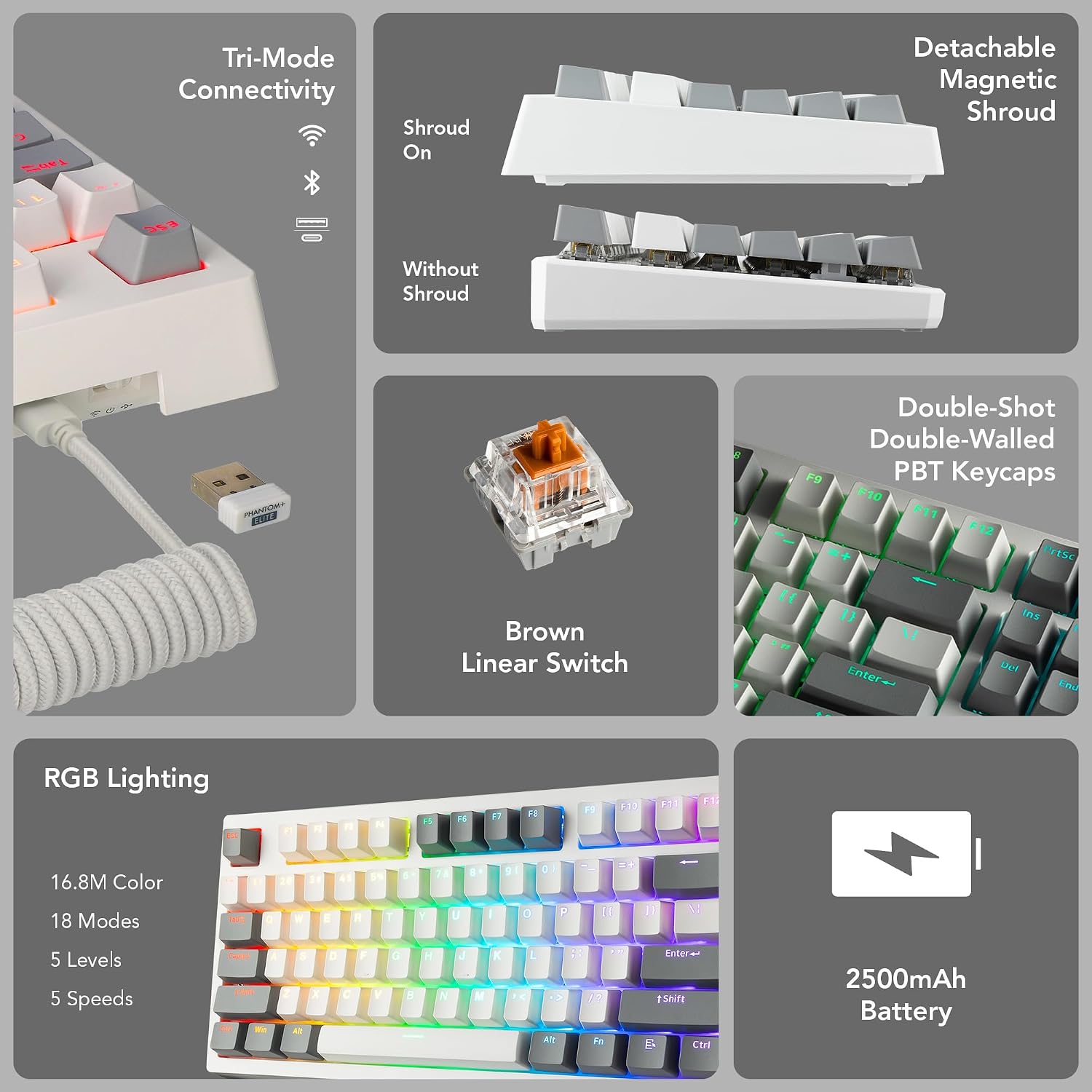
You can use it over Bluetooth, 2.4GHz wireless, or USB-C wired, and switch between up to three paired devices with a keystroke.
Key points
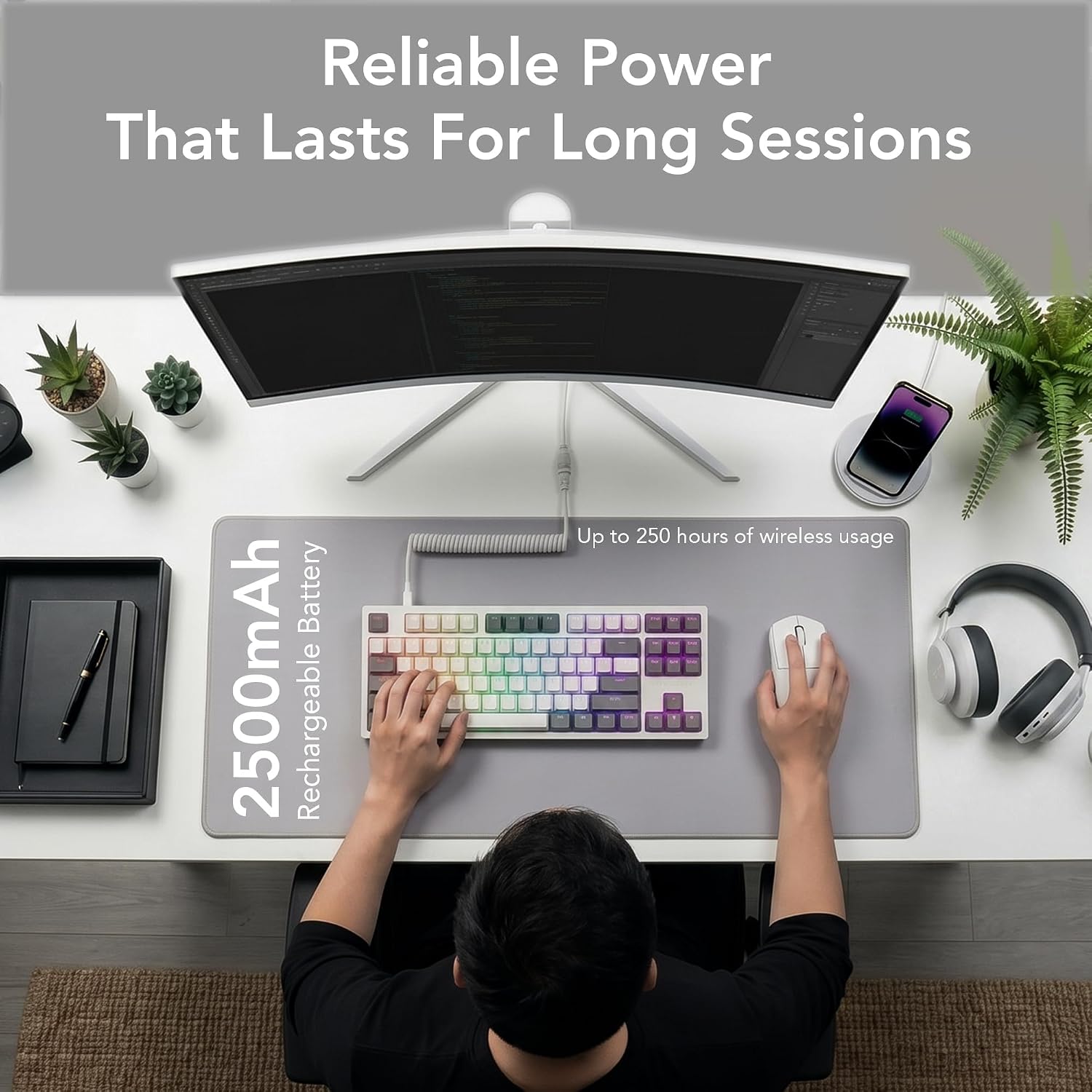
The practical appeal is flexibility. Bluetooth 5.0 works for paired devices, 2.4GHz is positioned for low-latency gaming, and the USB-C connection offers a wired setup. The listing also specifies a 2500mAh rechargeable battery with up to 250 hours of wireless use, treat that as the stated maximum rather than a guarantee for every setup.
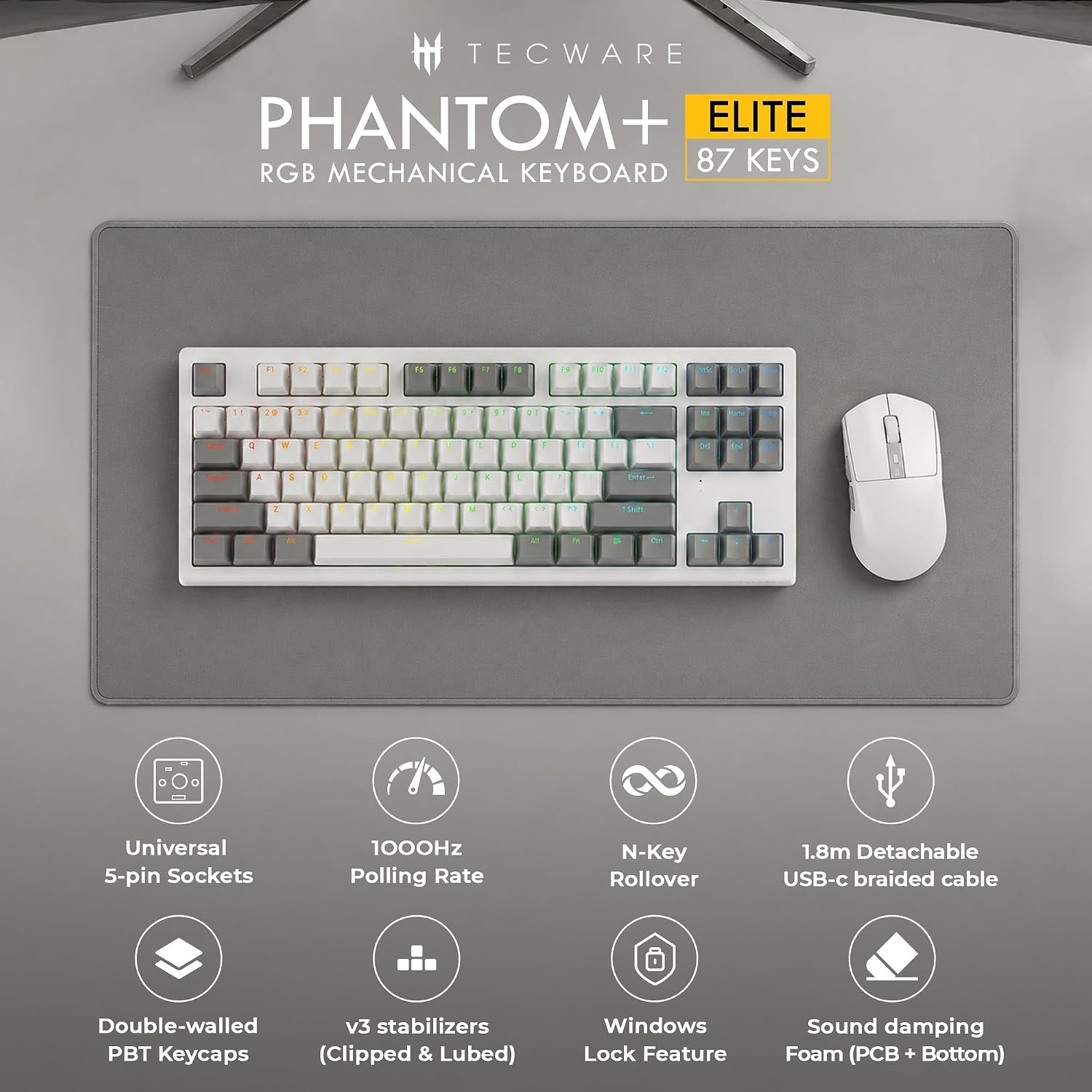
Wraith Brown switches provide a tactile starting point, while hot-swappable 5-pin MX-style sockets let you change compatible switches without soldering. Double-shot PBT keycaps, V3 stabilizers, and multi-layer sound-dampening foam round out the typing-focused build. Per-key RGB offers 16.8 million colors and 18 preset effects, with adjustments available through onboard controls or dedicated software.
Best use cases
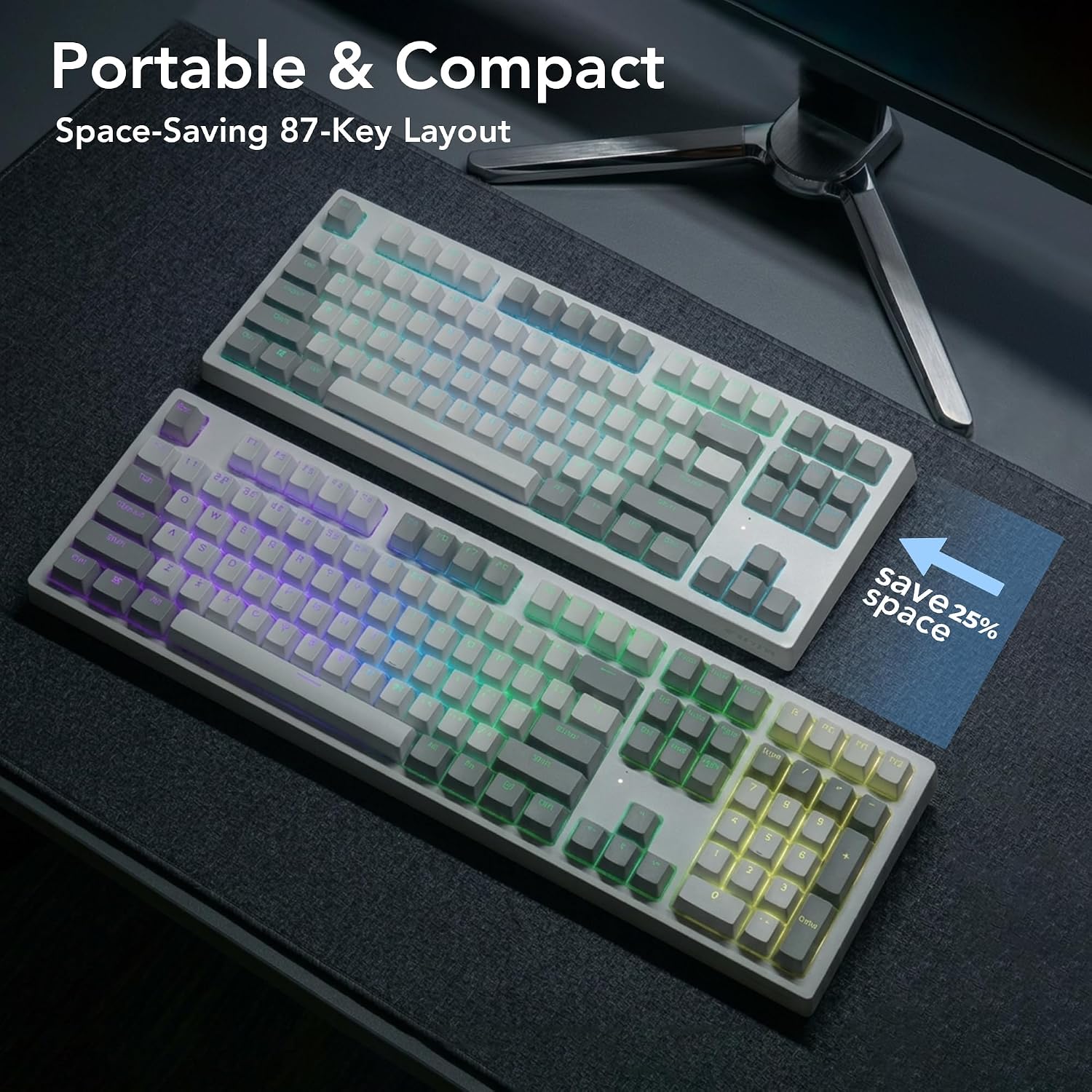
This layout makes sense for a desk where you want to reclaim space compared with a larger keyboard, or for moving between a gaming PC and paired devices. Picture switching from a 2.4GHz gaming session to a Bluetooth-connected work device without unplugging the keyboard. N-key rollover and a 1000Hz polling rate are also listed for responsive input.
Keep in mind that no physical dimensions are provided, so judging desk fit without that measurement is difficult. If you need a full-size layout or want exact measurements before choosing, this listing leaves that question open. It makes sense if you value switch customization and multiple connection methods more than a basic wired keyboard’s simplicity.
Tips for day-to-day use
Use the connection mode that suits the task: 2.4GHz for wireless gaming, Bluetooth for paired-device flexibility, or USB-C when you prefer a cable. For example, you could keep the receiver ready for a desktop gaming session and use Bluetooth when moving to another paired device. The keyboard supports up to three paired devices, so it can fit a multi-device routine without making the connection options the main event.
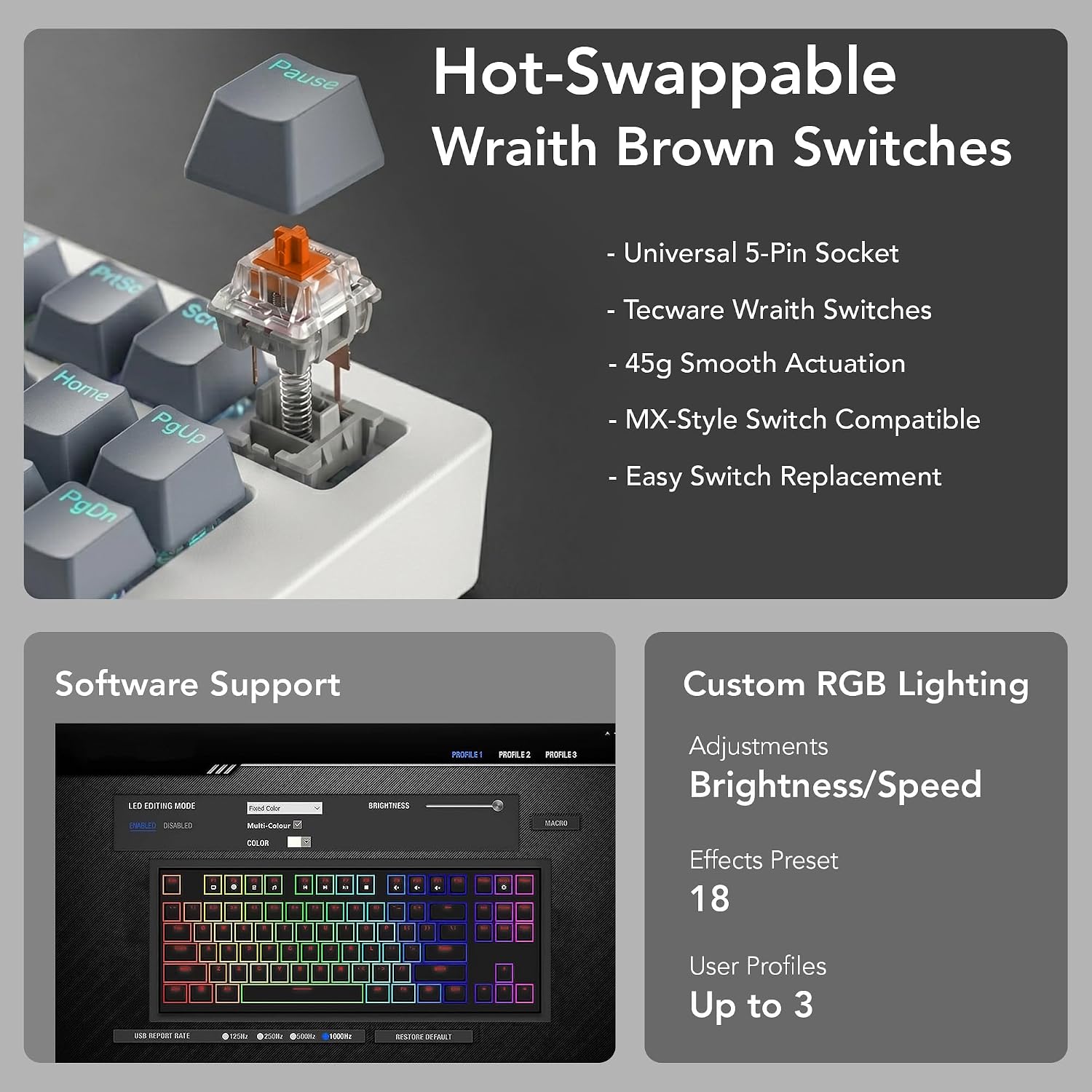
If the Wraith Brown feel is not quite right, the hot-swap sockets allow compatible MX-style switches to be changed without soldering. That gives you room to adjust the feel later, though the product information does not identify specific replacement switch models. It might not be a great match if you want a full-size keyboard or need confirmed physical dimensions before purchasing.
Practical doubts

Can I use it without a wireless connection? Yes. USB-C wired mode is one of the listed connection options.
Can I replace the included switches? The 5-pin hot-swappable sockets support MX-style switches, and the listing says soldering is not required.
Can I change the RGB lighting? Yes. The per-key lighting has preset effects, and brightness, animation speed, and colors can be adjusted using onboard controls or dedicated software.
Buying verdict
The Phantom+ Elite is worth considering if you want an 87-key mechanical keyboard that combines three connection modes, tactile Wraith Brown switches, RGB controls, and switch swapping. It offers more ways to tailor the setup than a straightforward wired board, but the missing physical dimensions matter if desk fit is a deciding factor. Choose it for flexibility and customization, look elsewhere if you need a full-size layout or a clearly documented fit before buying.