

SteelSeries Apex Pro Mini Wireless Keyboard (60% OmniPoint 2.0) with Quantum 2.0 Dual Wireless in Black
Product description
Quick overview (what it is and why you’d want it)
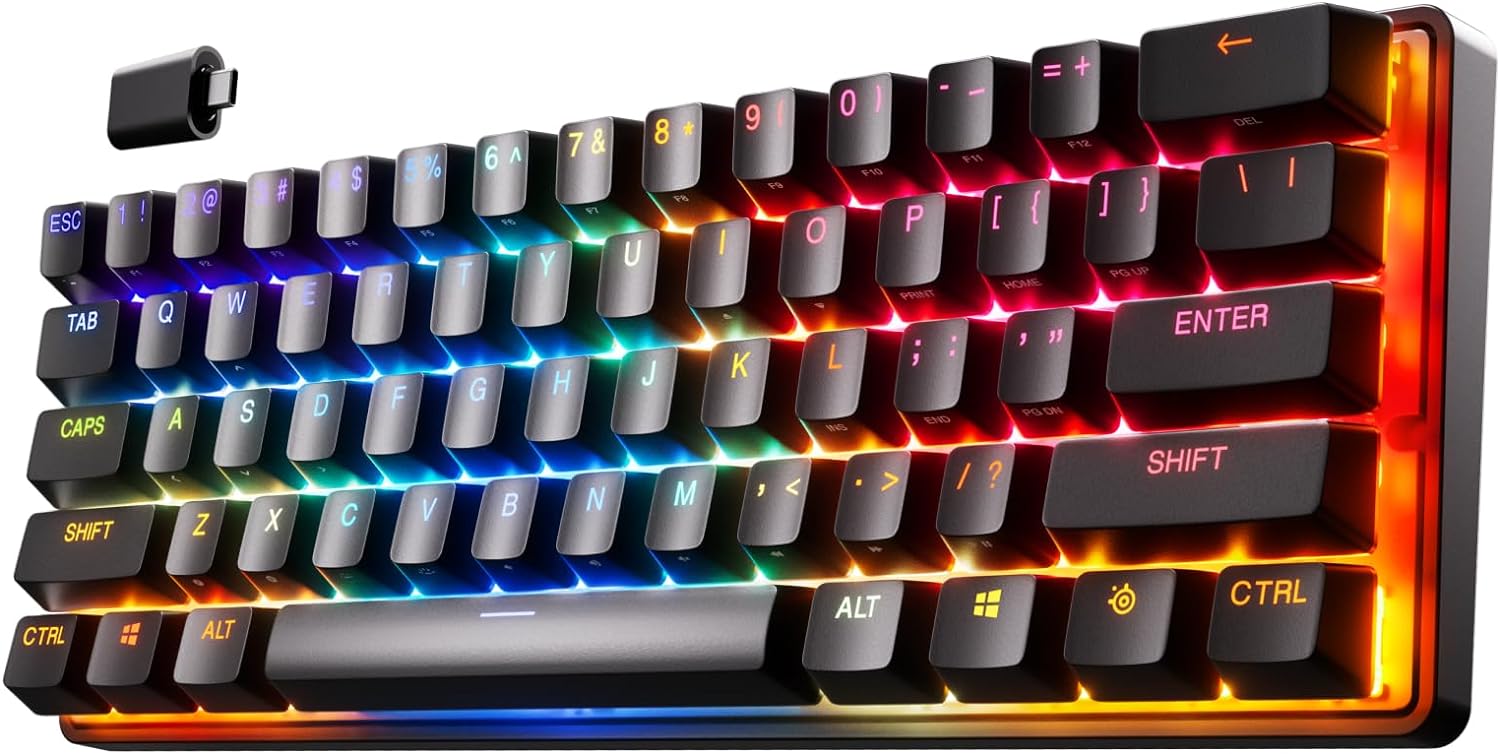
The SteelSeries Apex Pro Mini Wireless is a 60% keyboard built for people who like their desk setup to feel fast and tidy, but still want full-size functionality in a more compact frame. It leans into two things that matter for gaming-focused buyers: adjustable actuation and low-latency wireless. On paper, the OmniPoint 2.0 switches are the headline, because you’re not locked into a single “press point.” You can tune when keys register and how quickly they respond.
A key detail to keep in mind: a 60% layout is compact by design. If you rely on a full cluster of dedicated keys every day, you may feel the squeeze unless you’re comfortable with layering and re-mapping. If you’re the type who prefers efficiency and already uses shortcuts, the smaller footprint is part of the appeal.
What really stands out in daily use
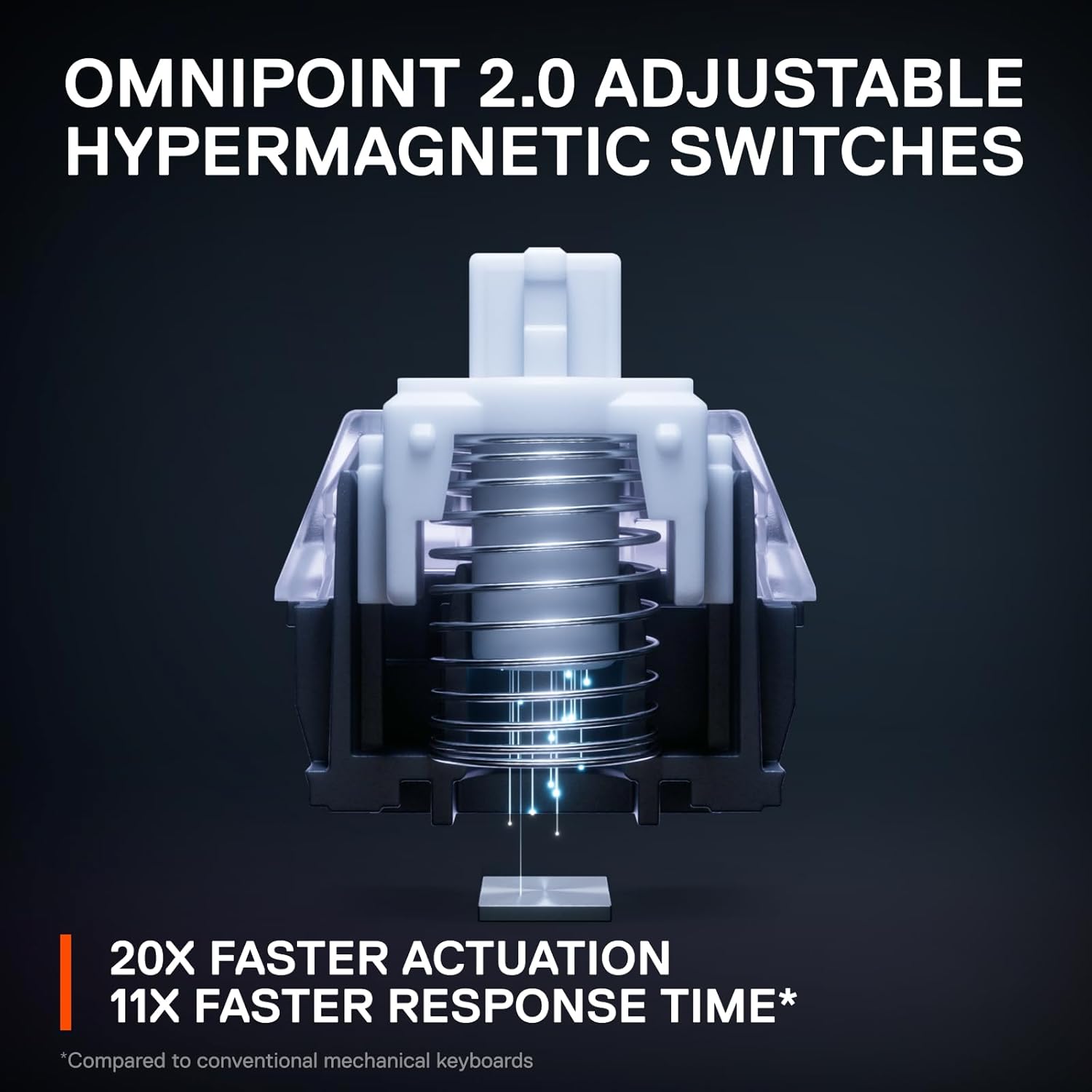
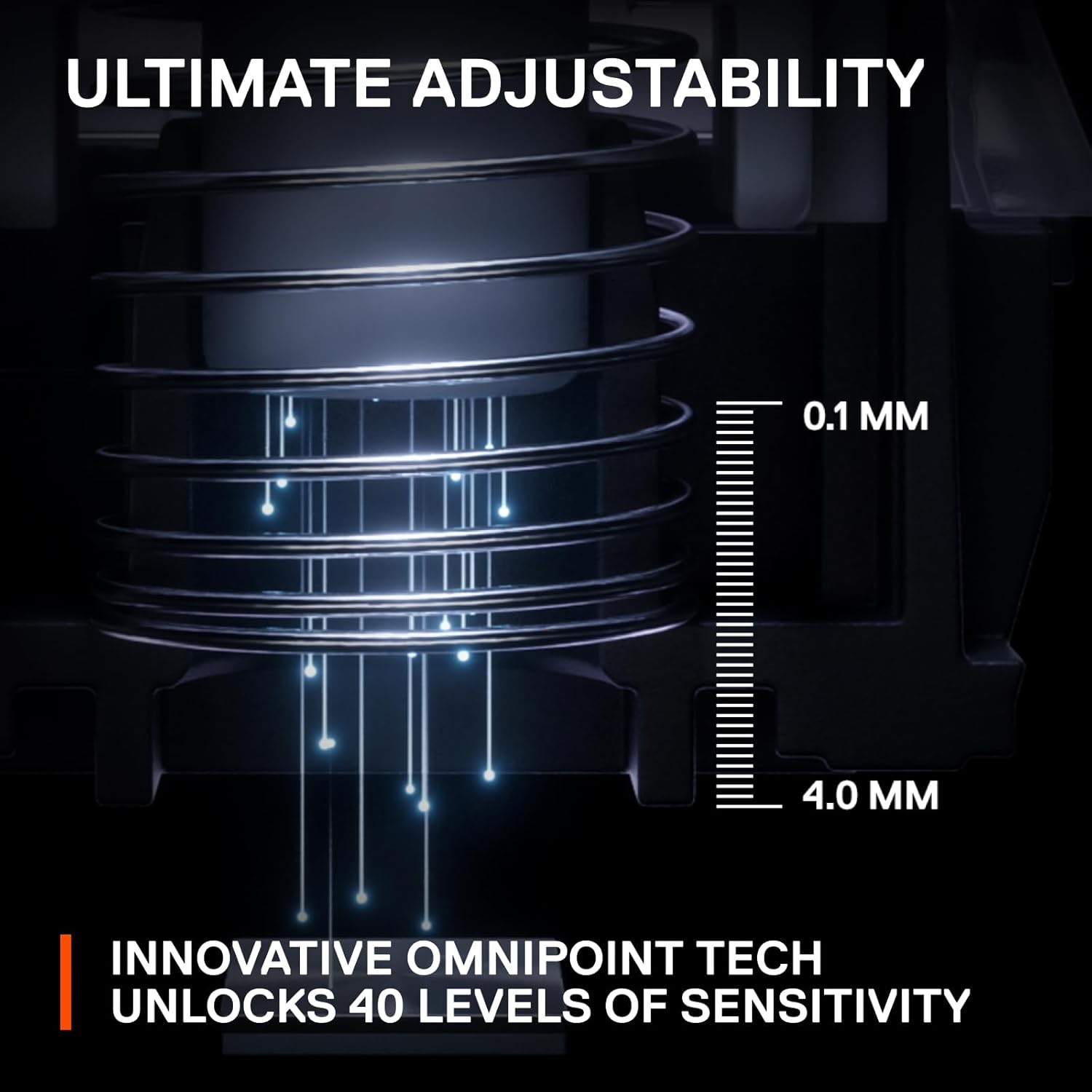
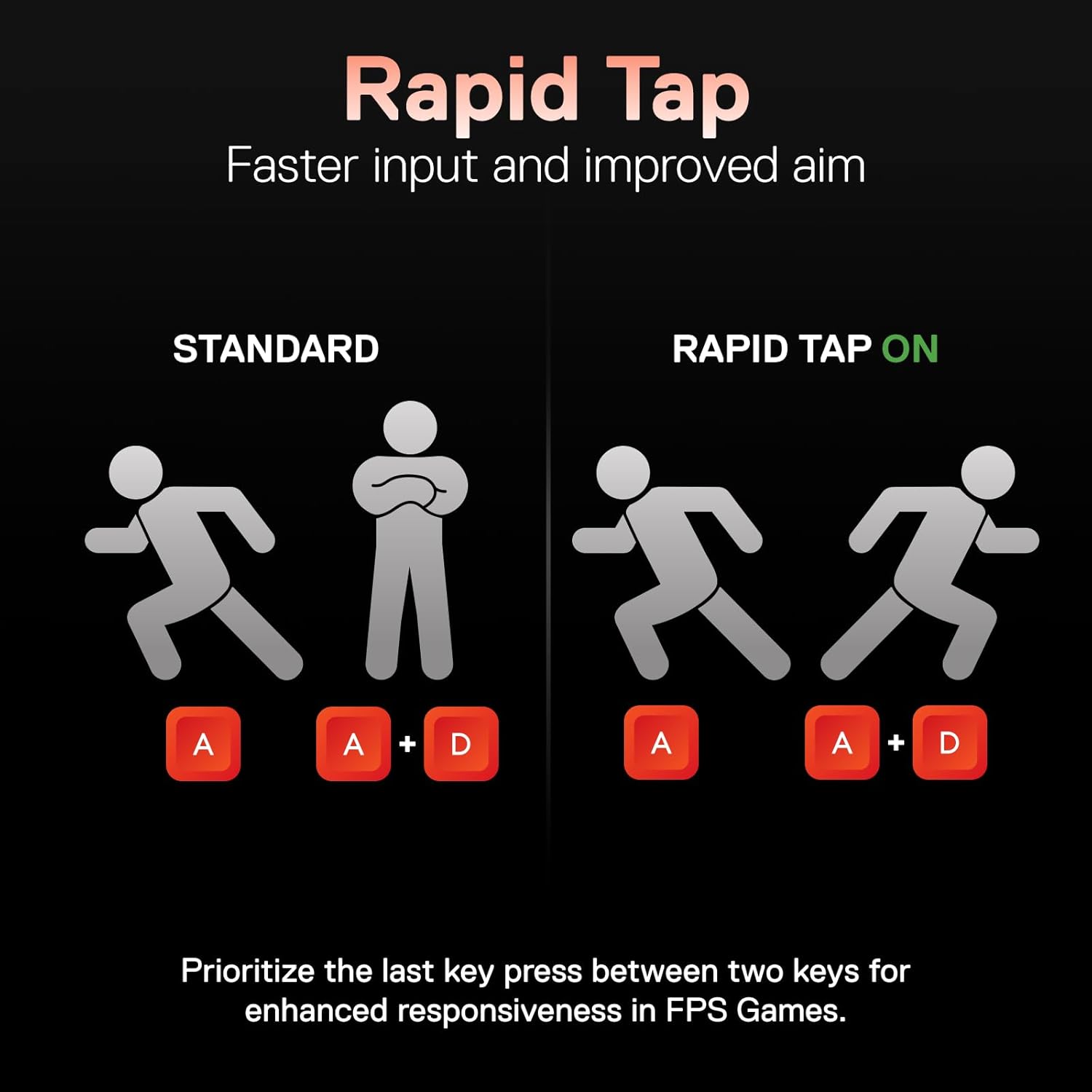
The OmniPoint 2.0 adjustable hypermagnetic switches are designed to help with consistency and control. Instead of a fixed actuation distance, the board uses dynamic activation and deactivation based on travel distance, which is aimed at reducing latency related to physical switch movement. For players, that translates to faster, more predictable inputs when timing matters.
Two other features are worth calling out because they affect how the keyboard “feels” in play: - Per-key actuation tuning: the keyboard supports 40 levels of actuation per key (0.1–4.0mm). In practice, that means you can set movement keys like WASD for lighter, quicker triggering while setting ability keys to register deeper presses—so you’re less likely to accidentally fire something mid-movement. - 2-in-1 action keys: you can program two different actions to the same key, effectively creating a light-touch vs deep-press behavior. The idea is simple: walk with one touch level and sprint with another. Whether you’ll use it a lot depends on your game and your tolerance for a more complex control scheme, but it’s a powerful concept.
If you’ve ever wished your keyboard could match your preferred play style instead of forcing you to adapt to it, this is aimed squarely at that.
Wireless performance and setup approach
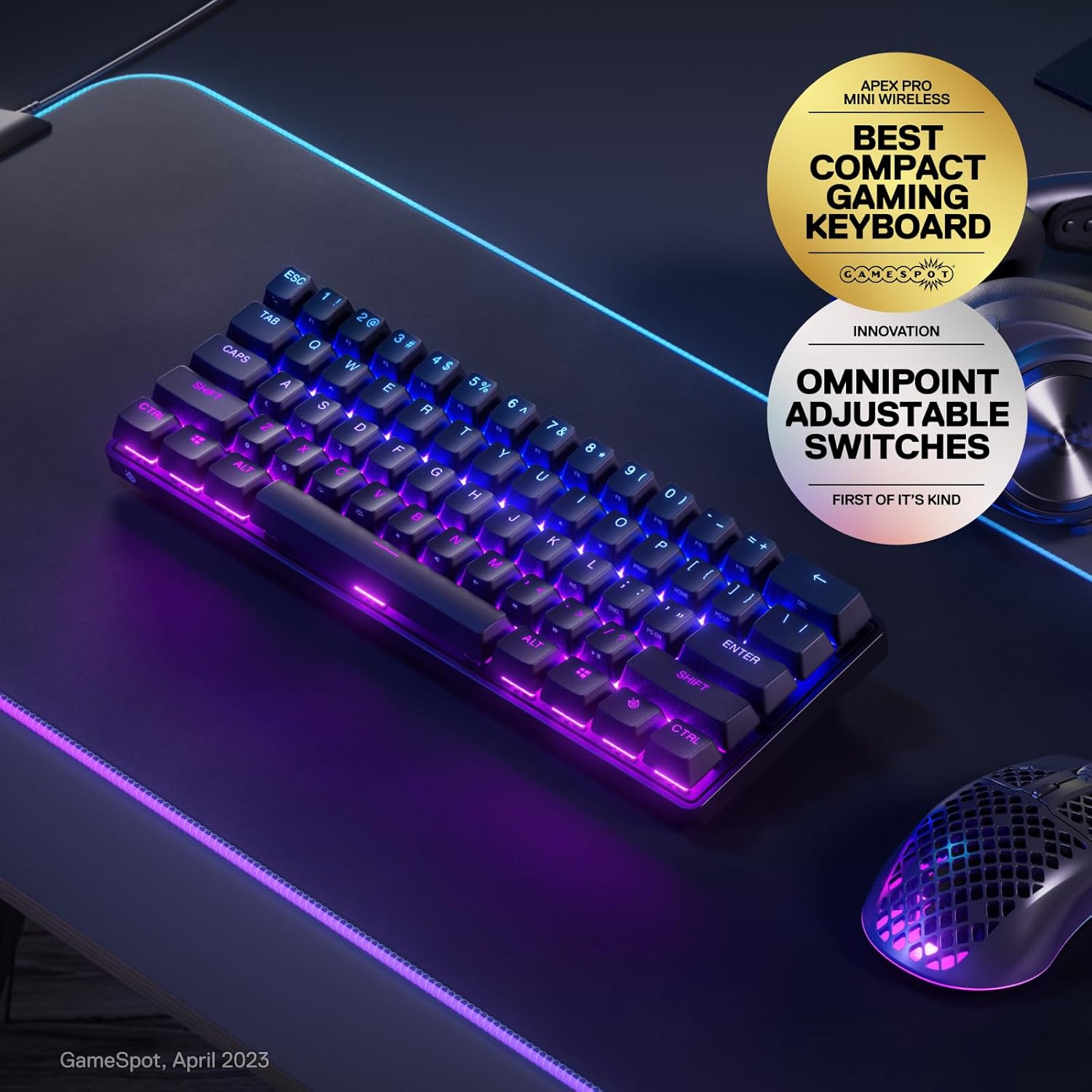
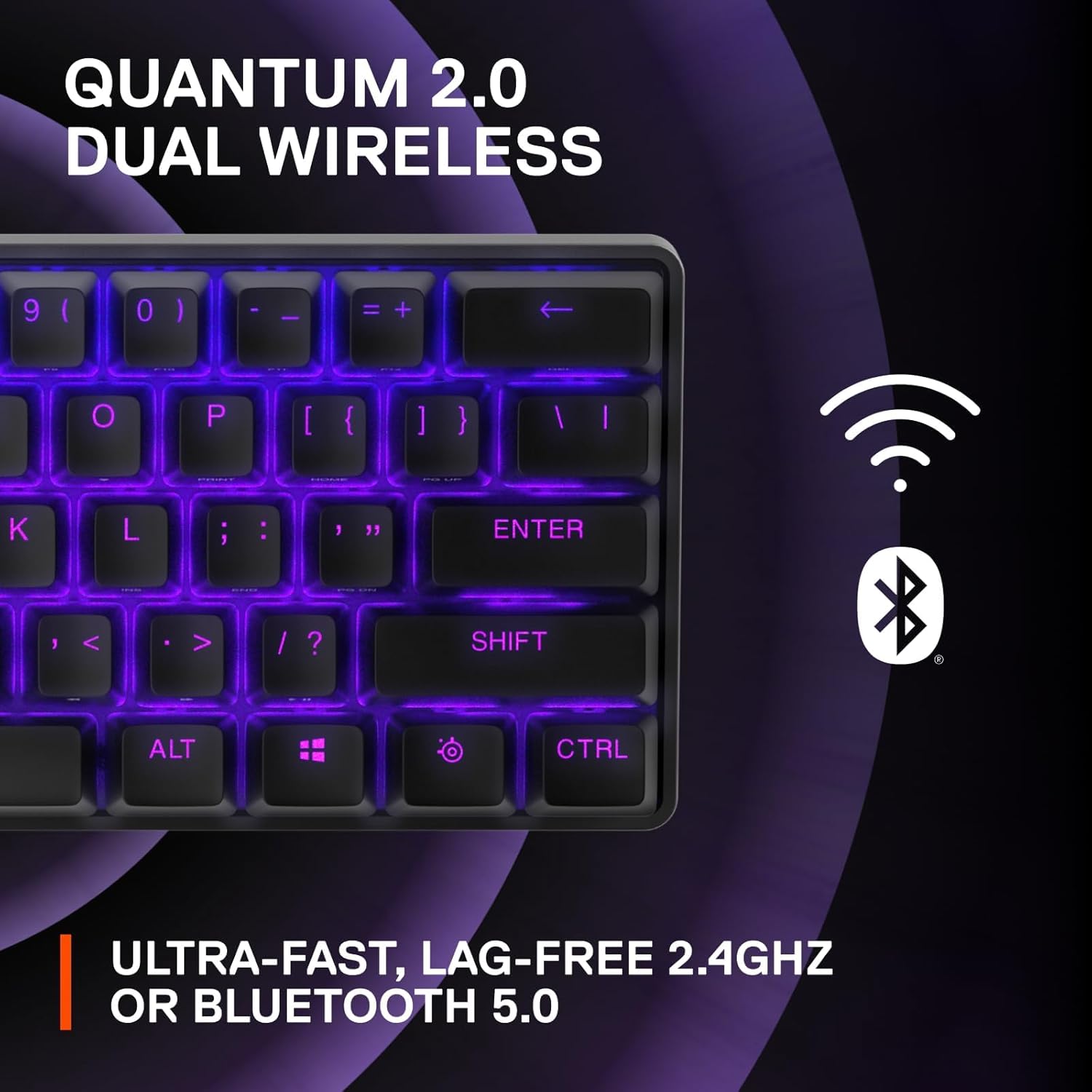
For wireless users, the Apex Pro Mini Wireless is positioned around dual connectivity: 2.4GHz for low-latency gaming and Bluetooth 5.0 for easier switching. It’s also described as lag-free with Quantum 2.0 dual wireless, and it includes a detachable USB-C connection—useful if you want to swap between wireless and wired charging or troubleshooting without fighting cables.
On a desk, this matters because you can keep one set of inputs for gaming while still using the keyboard for other tasks over Bluetooth when you’re not focused on low-latency play. Still, if you’re a “wired-only” person, you may not fully benefit from the wireless-specific design choices.
Key “specs” that affect buying decisions
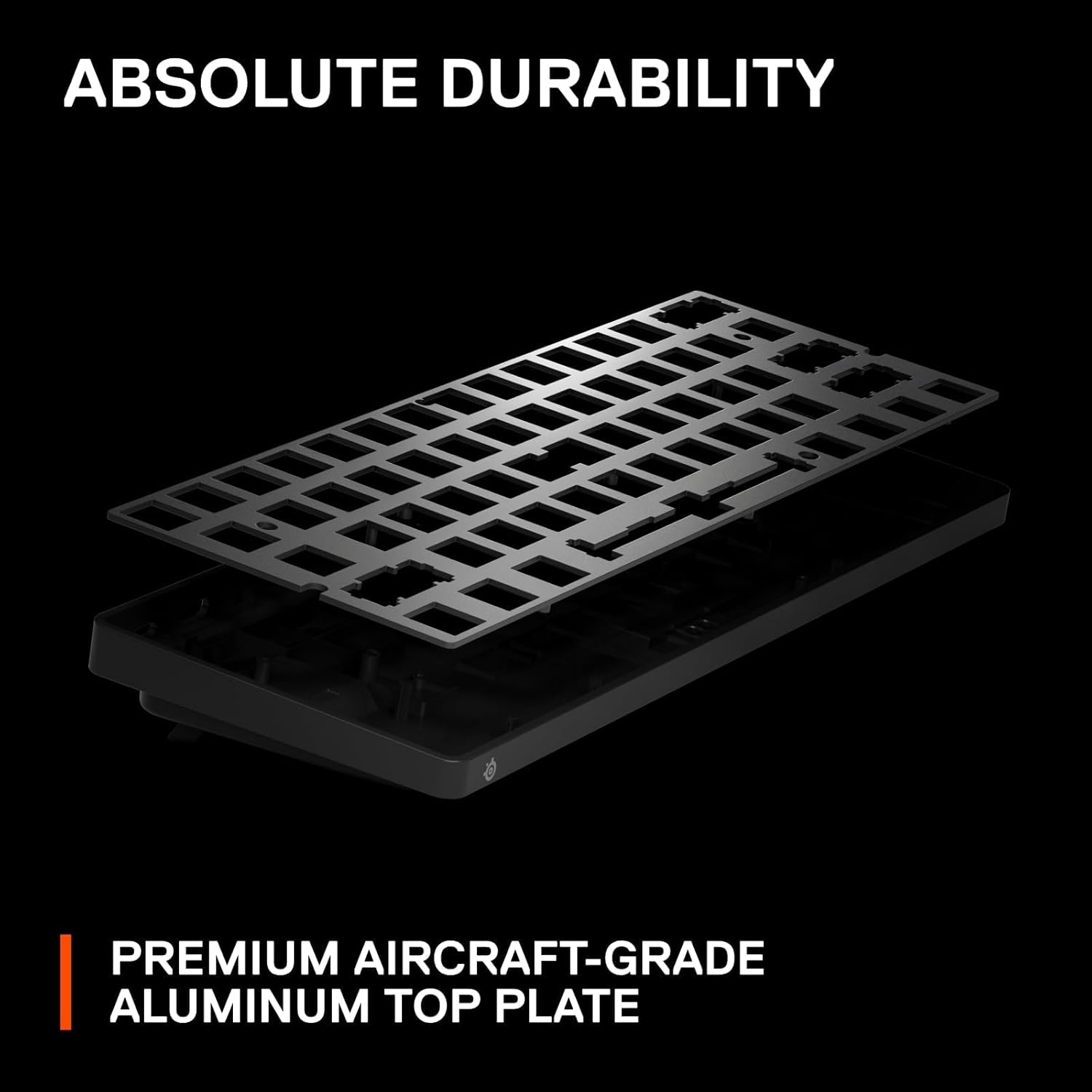
Here are the technical details that are most likely to influence your decision: - Name: SteelSeries Apex Pro Mini Wireless Keyboard - Type: Wireless gaming keyboard (60% layout) - Format: 60% design with full-size functionality - Switch tech: OmniPoint 2.0 adjustable hypermagnetic (rapid trigger) - Actuation control: 40 levels per key (0.1–4.0mm) - Wireless: Quantum 2.0 dual wireless (2.4GHz connection + Bluetooth 5.0) - Actuation mapping: 2-in-1 action keys (two actions per key using different press depth) - Keycaps: Double Shot PBT keycaps - Build: Premium aluminum top plate - Connectivity: Detachable USB-C - Color: Black
No keyboard is perfect for everyone. A 60% layout can feel “small” for spreadsheet work or for anyone who constantly needs dedicated navigation keys. But for gaming, where you can remap aggressively, the reduced size often turns into a practical advantage.
Who it’s for (and when you might skip it)
This keyboard makes the most sense if you: It makes sense if you want adjustable actuation to fine-tune triggering for movement vs abilities. It’s a great fit if you like the idea of 2-in-1 action keys to reduce the number of physically reachable buttons. You’ll appreciate it if you want a compact 60% setup that still covers full-size functionality through its layout approach.
Not the best choice if you need a traditional full-size layout at a glance. It might not suit you if you don’t want to spend time dialing in key actuation and remapping. Also, if you prefer simpler, fixed switch behavior, the adjustability may feel like extra complexity rather than a benefit.
Mini FAQ
Is a 60% keyboard good for gaming?
It can be, especially if you’re comfortable with remapping. The smaller footprint can keep your mouse space more comfortable, and this model is designed with full-size functionality in mind through its layout approach.
What does “adjustable actuation” change?
It lets you control how far a key needs to travel to register. Here, it’s described as 40 levels per key, so you can set different feel/trigger points for different actions.
Does it work over Bluetooth and 2.4GHz?
Yes—this model is described as Quantum 2.0 dual wireless with 2.4GHz for gaming use and Bluetooth 5.0 for connectivity.
Are the keycaps replaceable?
The listing calls out Double Shot PBT keycaps, but it doesn’t provide further details about compatibility or customization. If you’re planning a cap swap, you’ll want to verify what your preferred keycap set needs.
Final verdict
When it makes sense
This is a strong pick if you want a 60% wireless keyboard that leans hard into control—adjustable actuation per key, rapid trigger behavior, and 2-in-1 action keys are aimed at giving you more input options without stretching your hand across a full layout. The dual-wireless setup and detachable USB-C also support real-world switching between gaming and everyday use.
When you might avoid it
Better avoided if you want a straightforward, fixed-behavior keyboard or if you depend on dedicated full-size key clusters every day. If you’re not willing to tune actuation and map actions, the feature set may feel like it’s there but not fully used.