

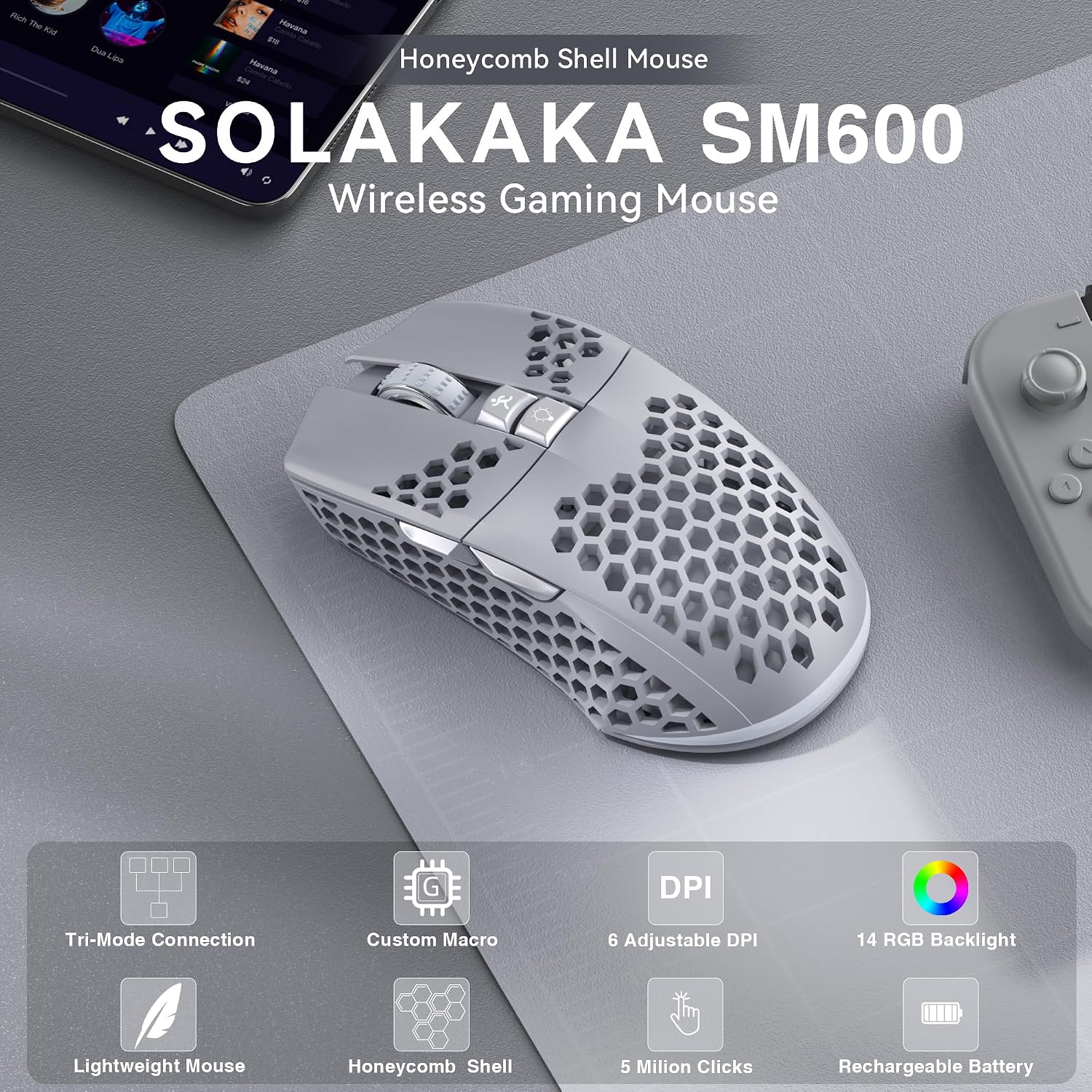
SOLAKAKA Wireless Gaming Mouse SM600
Product description
What matters most
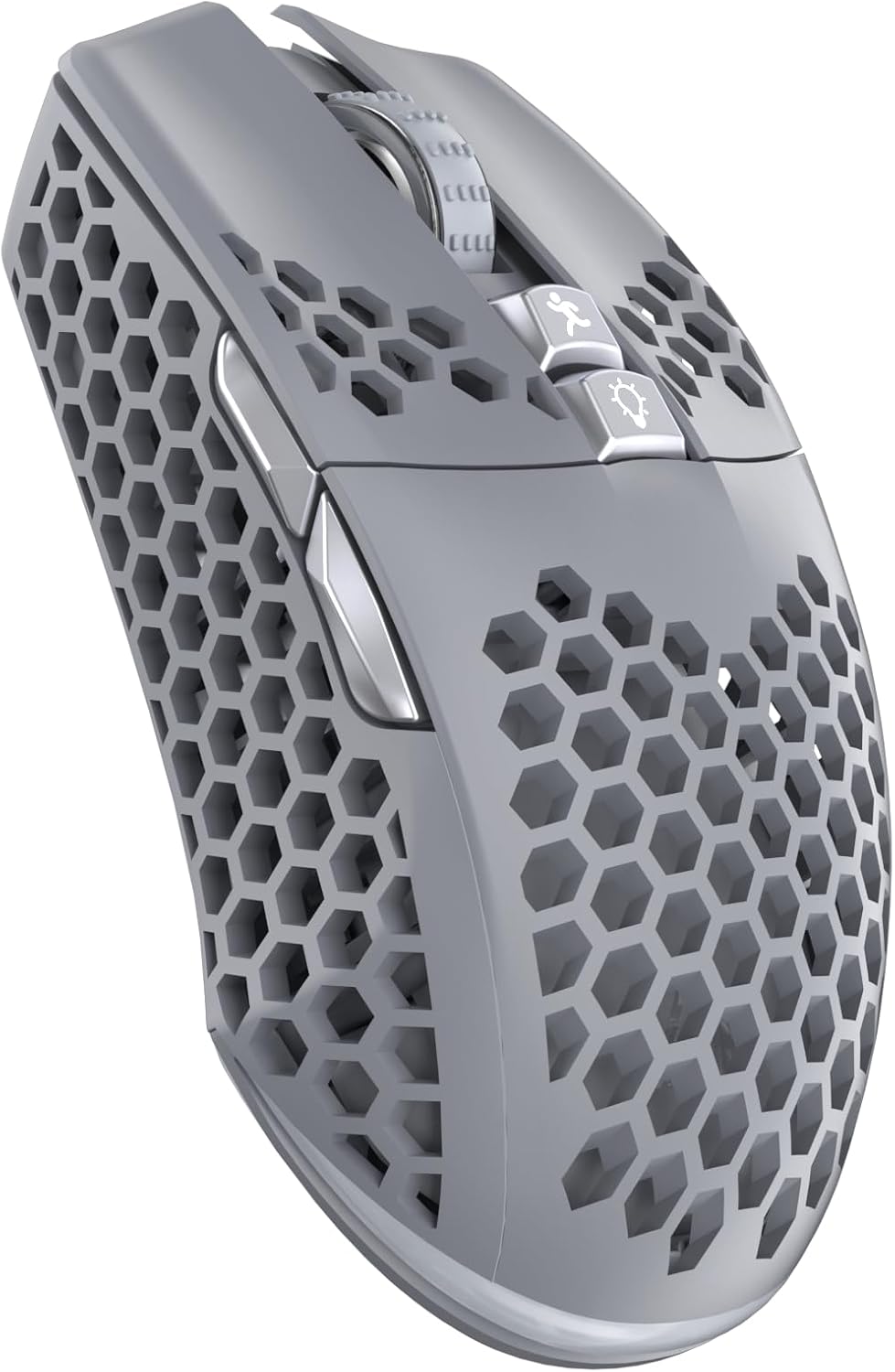
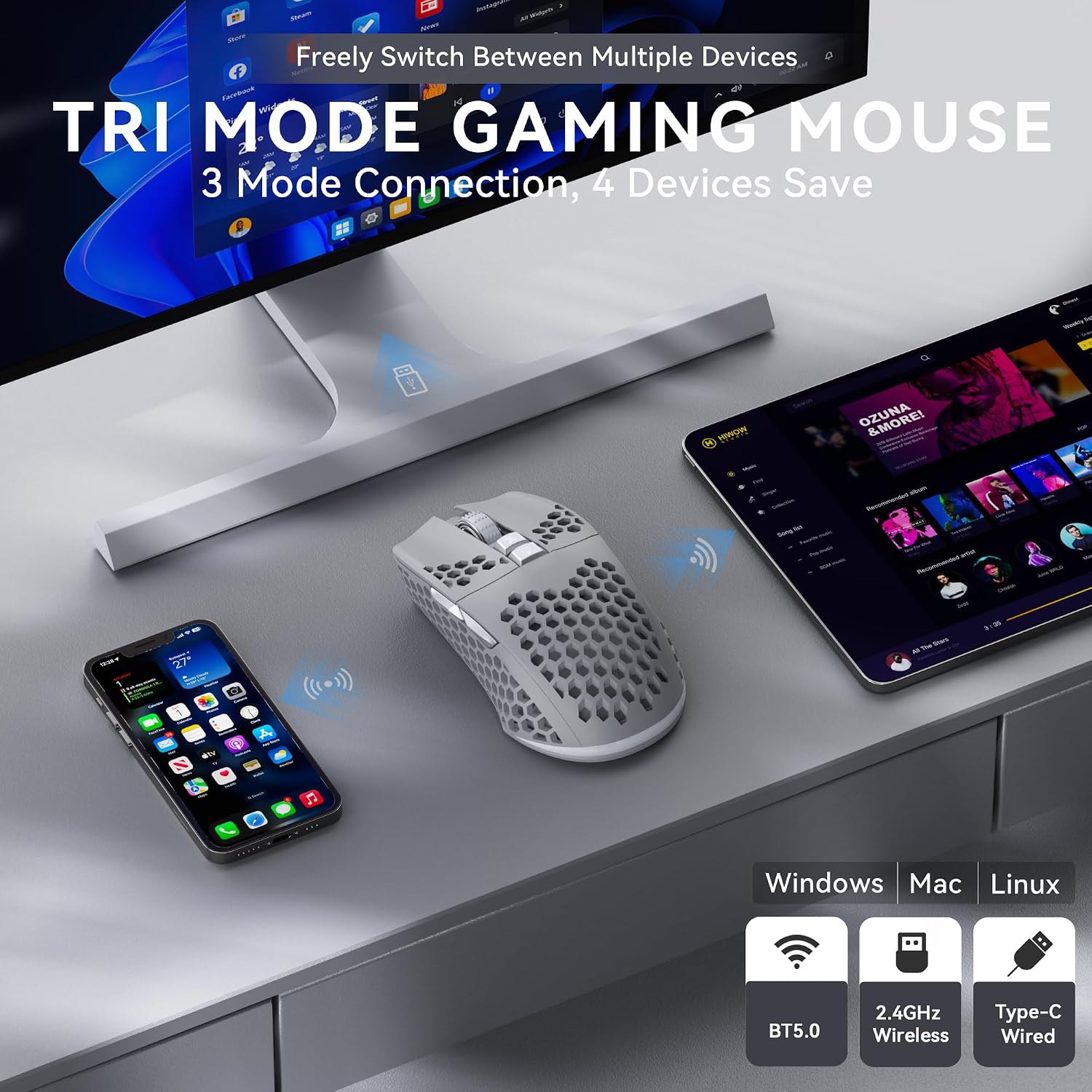
When you move between a gaming setup and a laptop or tablet, a mouse that can switch connection types may save you from keeping separate peripherals on hand. The SOLAKAKA SM600 combines 2.4 GHz wireless, Bluetooth, and USB-C wired connections, with support for saving up to four devices for switching. It also has a honeycomb ABS shell, RGB lighting, and seven programmable buttons.
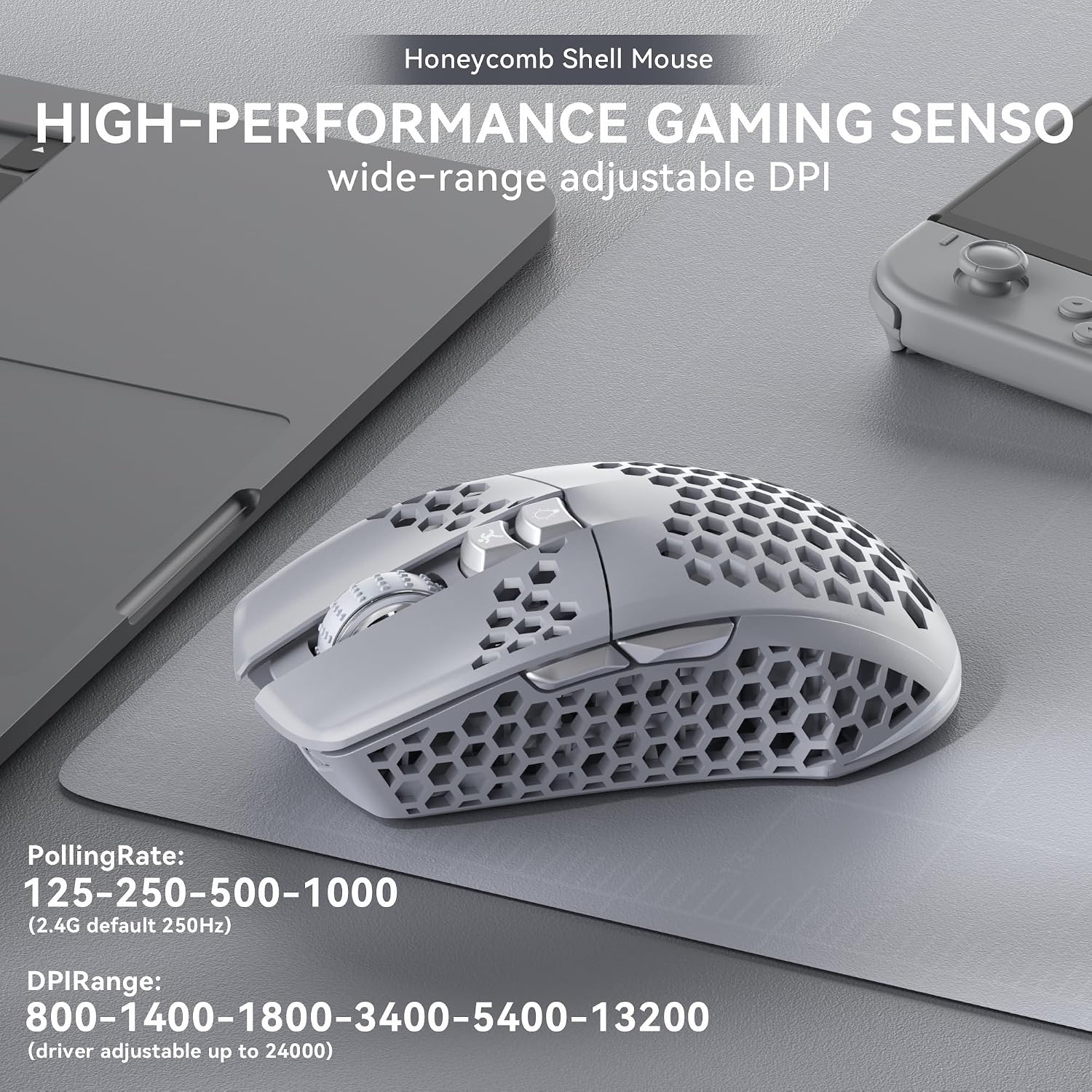
For play, its six DPI settings range from 800 to 13,200, and the listed polling rate reaches 1000Hz. Those adjustments give you room to choose a slower cursor for precise movements or a faster one for quick turns. Keep in mind that software compatibility and how custom settings carry over between devices aren’t specified, which matters if you plan to rely on macros across more than one computer.
Best use cases
This setup makes sense if you want one mouse for a PC or Mac plus another device, or prefer the option to plug in while charging. For example, you could use the 2.4 GHz connection at your desk, switch to Bluetooth for a laptop, then connect the included USB-C charging cable when the battery indicator flashes red. The listed 600 mAh battery supports recharging while in use, so a low charge doesn’t necessarily mean you have to stop and wait.
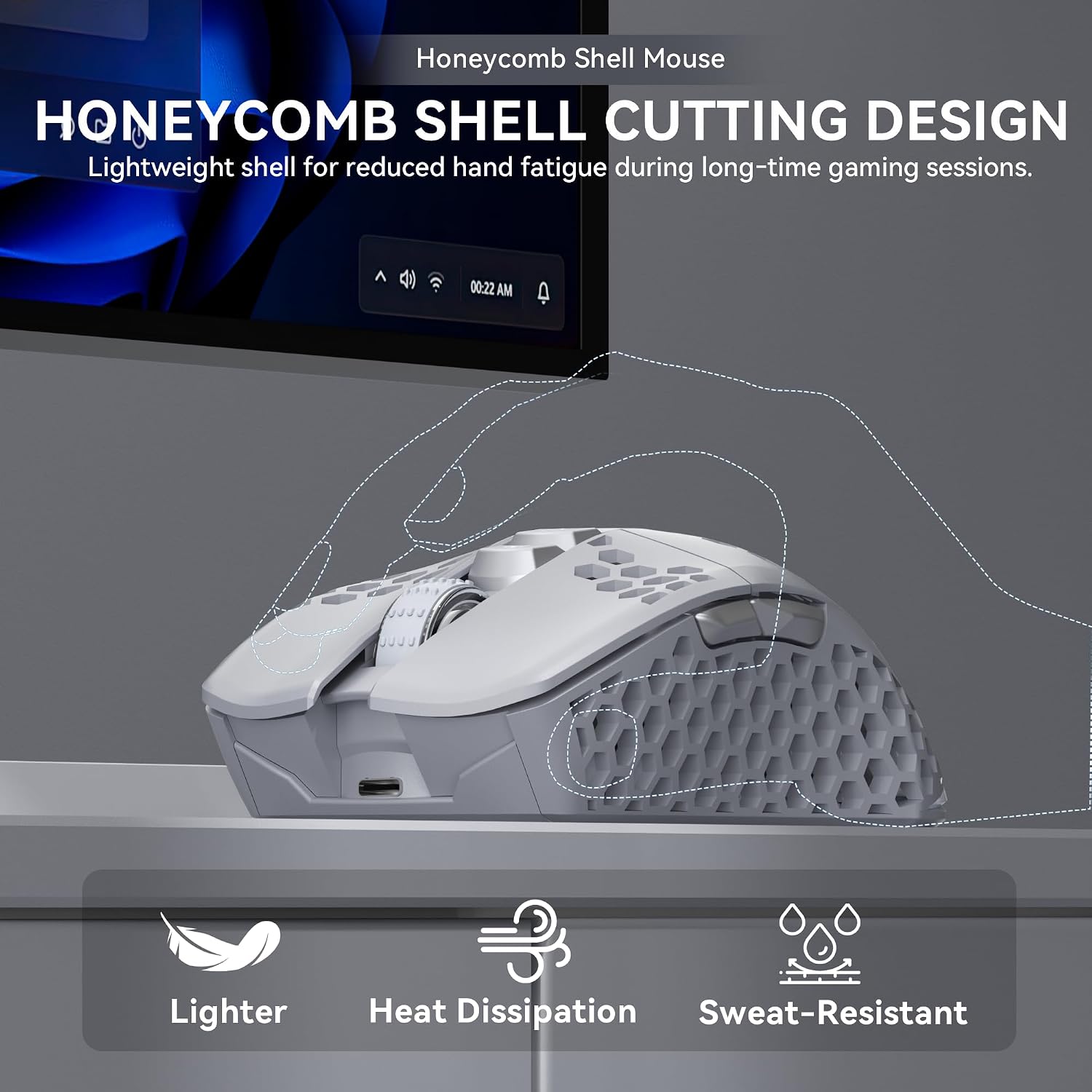
The honeycomb shell is designed to reduce weight and improve airflow, while the ergonomic shape is intended for longer sessions. No actual weight or dimensions are provided, though, so the shell design alone won’t tell you whether its size and feel will suit your hand. It suits you if adjustable DPI, programmable controls, and multiple connection options matter more than having a precisely documented fit.
Tips for day-to-day use
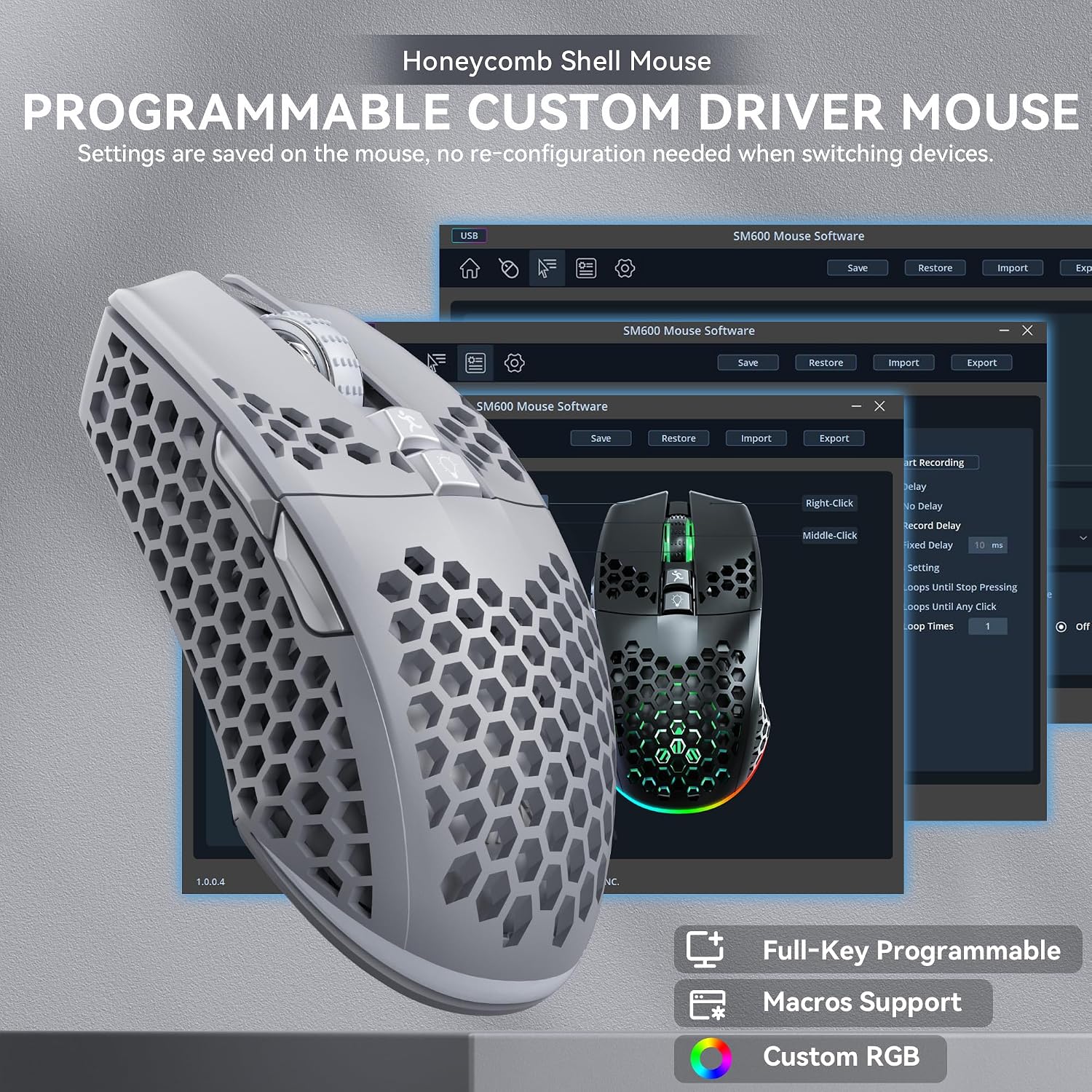
Use the top button to cycle among rainbow lighting, monochrome lighting, and lights off, switching the lighting off is useful if you want a simpler look. The software is described as the place to adjust buttons, DPI, modes, and lighting effects. Set those controls up before a session rather than assuming the defaults will suit every game or task.
The mouse can connect by Bluetooth, 2.4 GHz wireless, or USB-C. For a desktop setup where you don’t need to switch devices, a simpler wired mouse may be easier to choose and manage. This model’s flexibility is more useful when you’ll actually use its connection options or want to customize its controls. It might not be a great match if you need confirmed software support for a particular operating system or want published dimensions before buying.
Before you decide
Can it connect without a cable? Yes. The product lists both Bluetooth and 2.4 GHz wireless, as well as a USB-C wired connection.
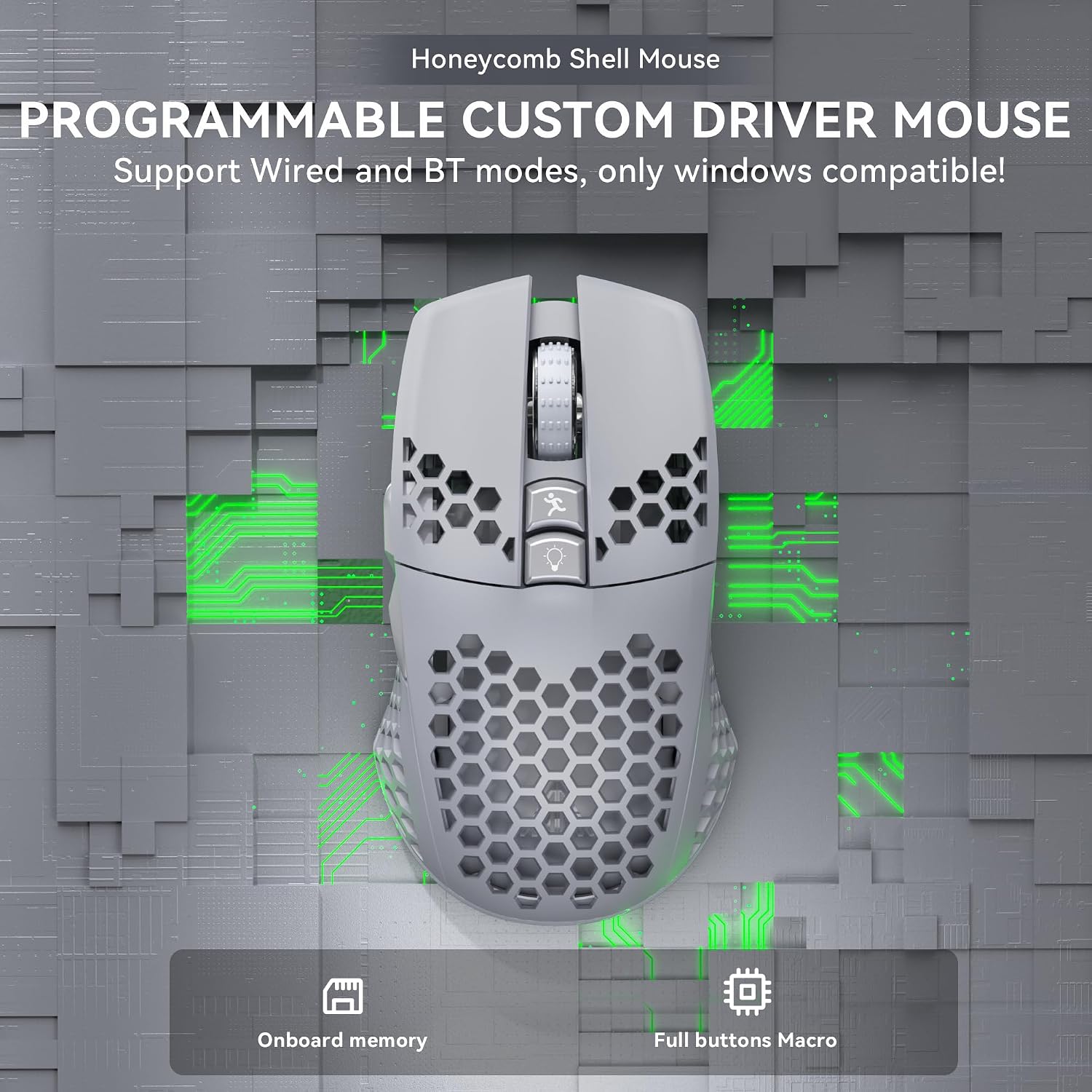
Can you customize the buttons? The seven buttons are described as programmable through software, including options for macros. The listing doesn’t identify specific software compatibility.
What does the RGB lighting do? The top button switches between rainbow, monochrome, and off modes.
Buying verdict
The SM600 is worth considering if you want a rechargeable gaming mouse that can alternate between wired and wireless use, offers six DPI levels, and adds programmable controls and lighting. Its strongest practical case is a mixed-device setup where connection flexibility matters. If your decision depends on exact dimensions, confirmed software support, or a familiar wired-only design, those details or a simpler alternative may be a better fit.