

Blackview Laptop Screen Extender 14.1-inch
Product description
The 14.1-inch IPS display gives this Blackview laptop screen extender a practical advantage: there’s room to keep a second window visible without carrying a full-size external monitor. Its 1080p resolution is suited to everyday documents, reference material, and browser tabs, while the clip-on design attaches to compatible laptops for a more joined-up workspace. You can switch between extend, mirror, and portrait modes, so the screen can support different tasks rather than just duplicate your laptop display. It’s aimed at people who want more screen space on the go, though the mounting range and connection options matter before you choose it.
Where it shines
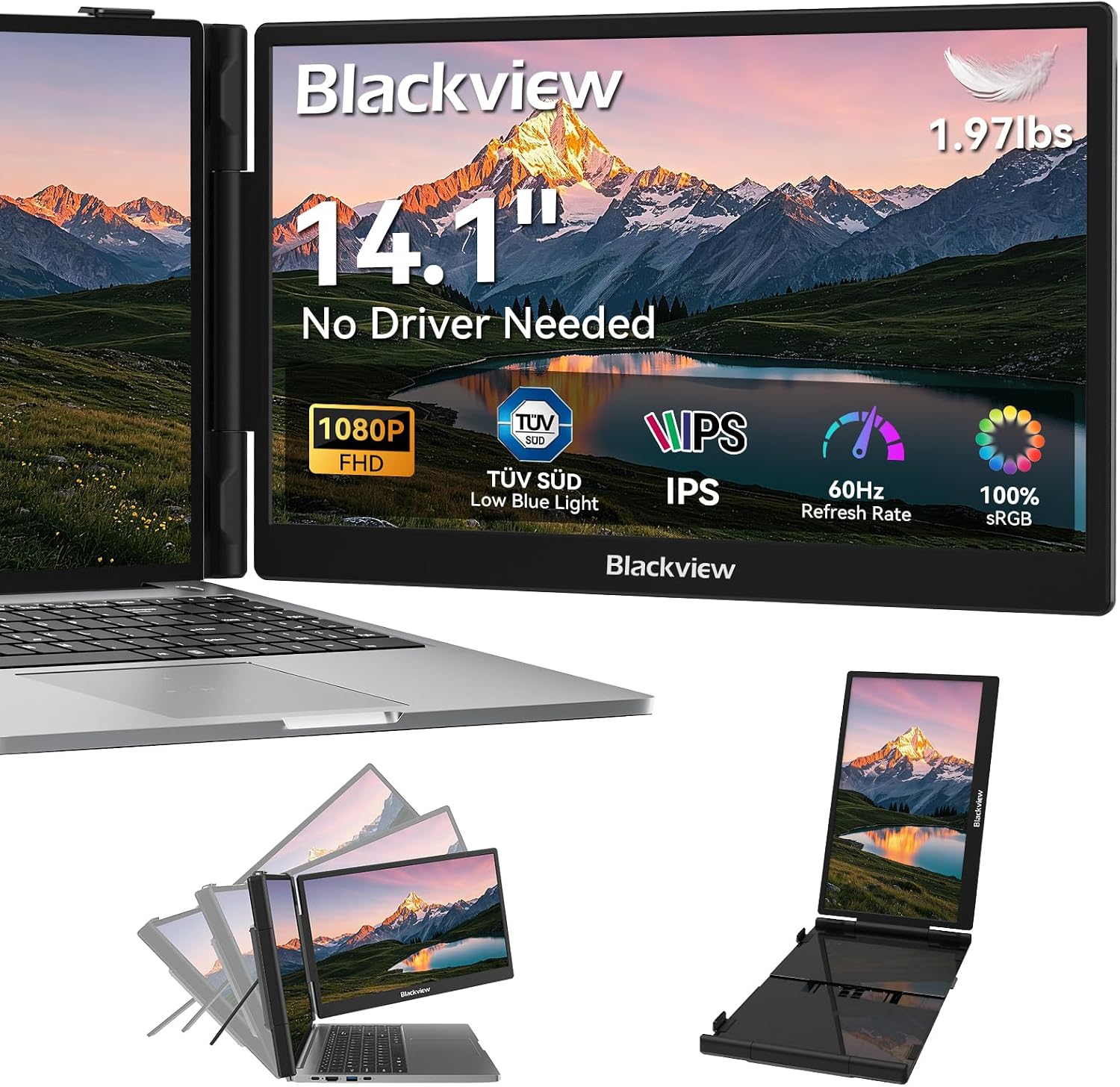
For a concrete use case, picture a laptop open on a small desk with a video call or spreadsheet on the built-in display and notes or reference pages on the extender. Extended mode is intended for that side-by-side setup, mirror mode makes sense when you want others to see the same content, and portrait mode may be handy for long documents or code. The 90-degree adjustable stand and six-point mounting system are designed to keep the panel positioned alongside the laptop, while silicone-lined contact pads are intended to protect the device from marks.
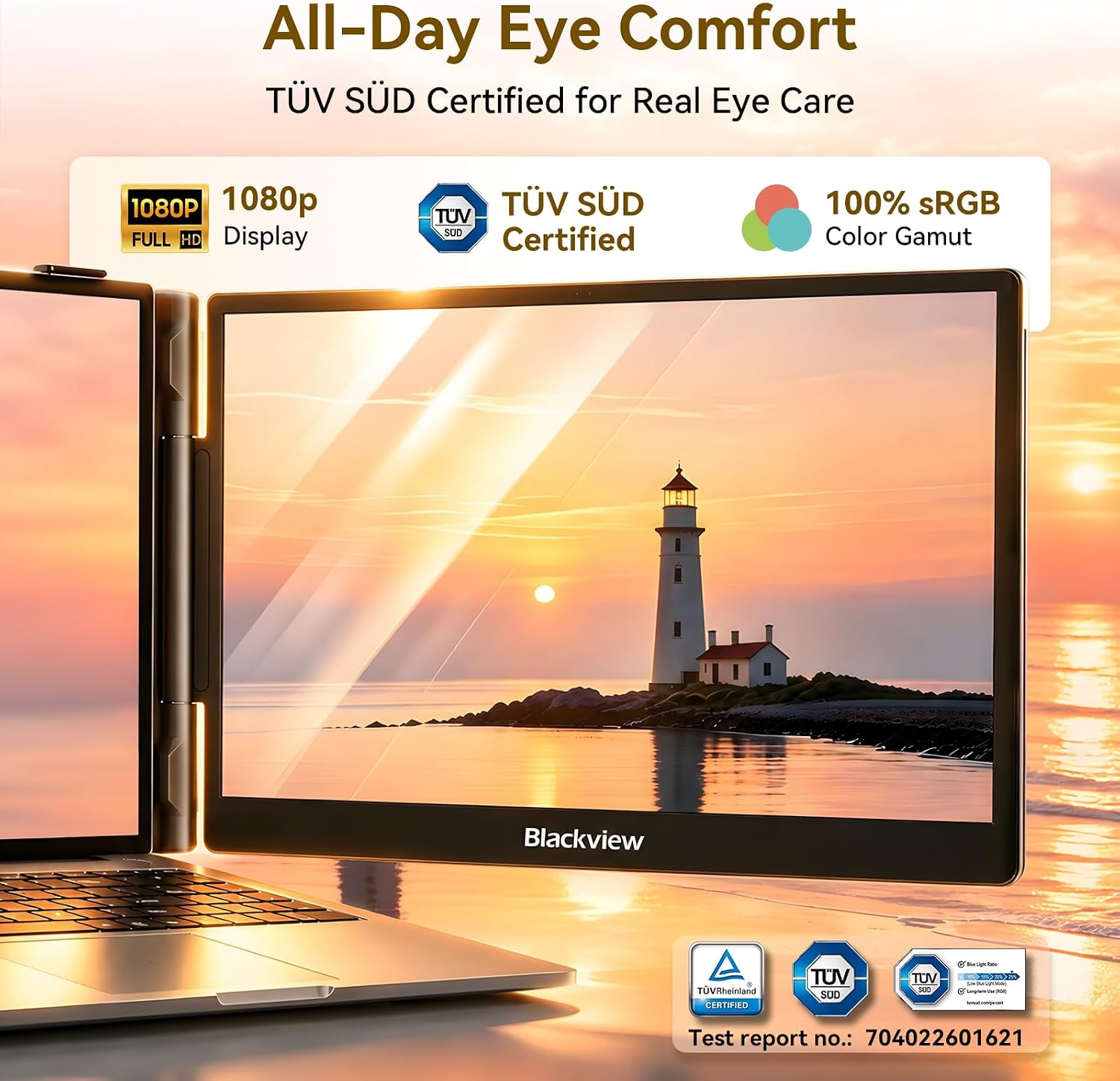
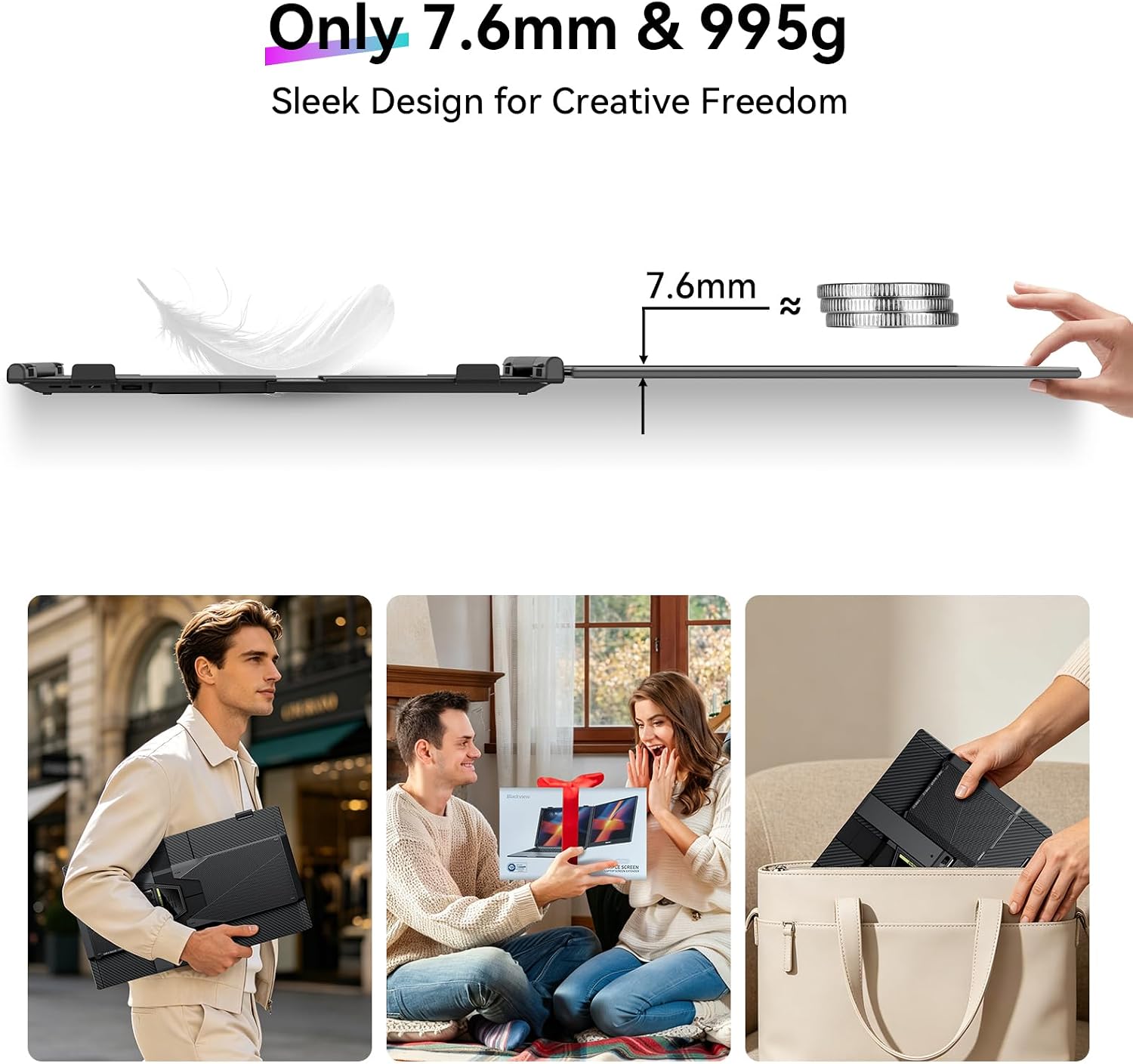
The listing describes a matte-finish galvanized steel shell and a weight of 2.2 lbs, which makes portability part of the appeal but still means adding another piece of gear to your bag. The display is rated at 300 nits with a 180-degree viewing angle, and the listing also states that it has TÜV SÜD-certified eye-comfort features. That’s useful context for long work sessions, but it doesn’t establish that every user will avoid eye fatigue. Worth considering if you regularly switch between documents, calls, and research, it’s not for you if you need a self-standing, larger monitor or don’t want a screen attached to your laptop.
Quick overview
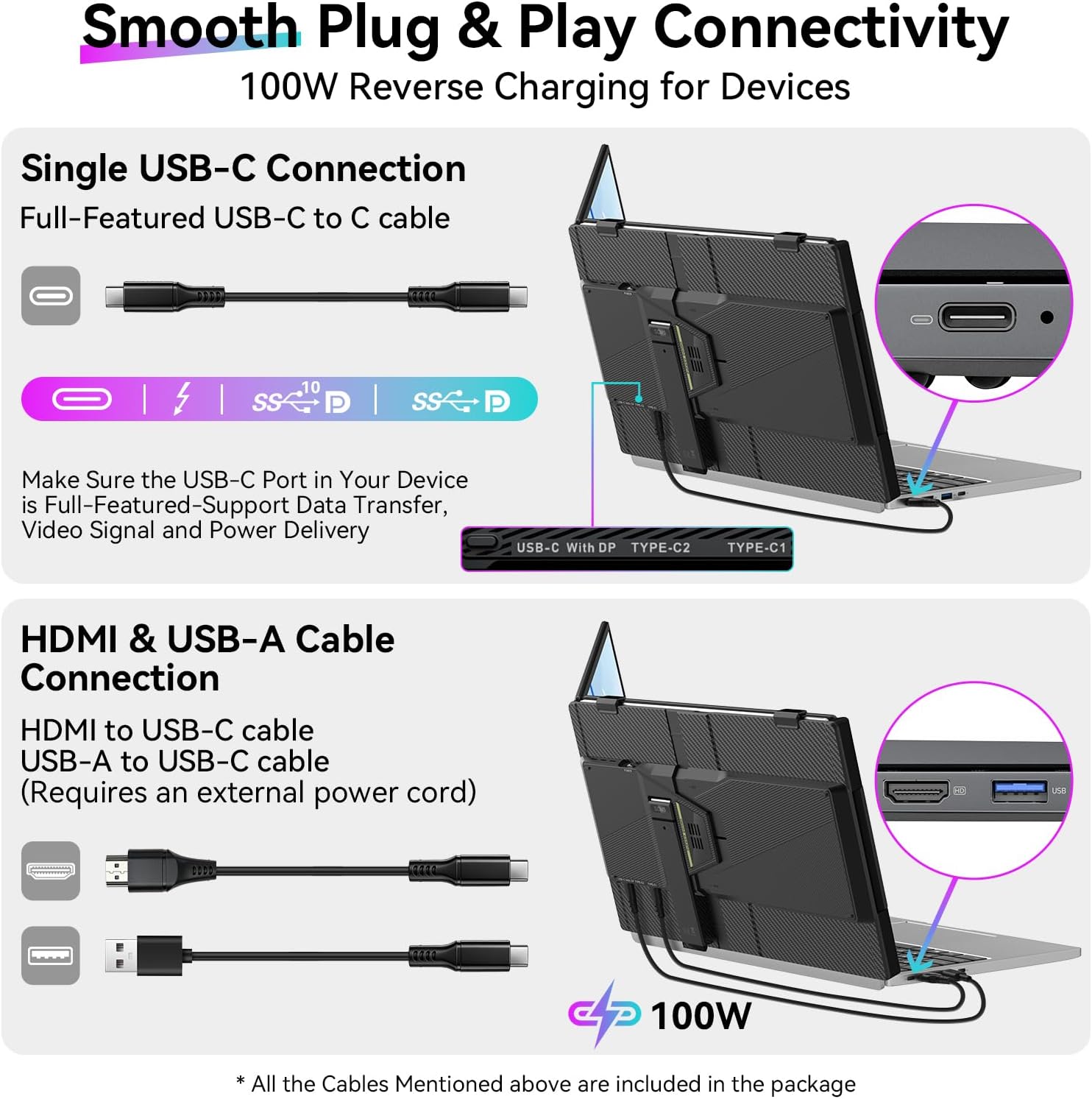
This is a 14.1-inch, 1080p FHD IPS laptop extender listed for laptops from 13 to 17.3 inches. The product description names Windows, Mac, ChromeOS, Android, and Linux, along with phones and Switch, but the physical fit and connection method still need to suit the device you plan to use. It describes USB-C as a one-cable route for video and power. HDMI is also supported, with USB-A used for power, so that setup involves a different connection arrangement.
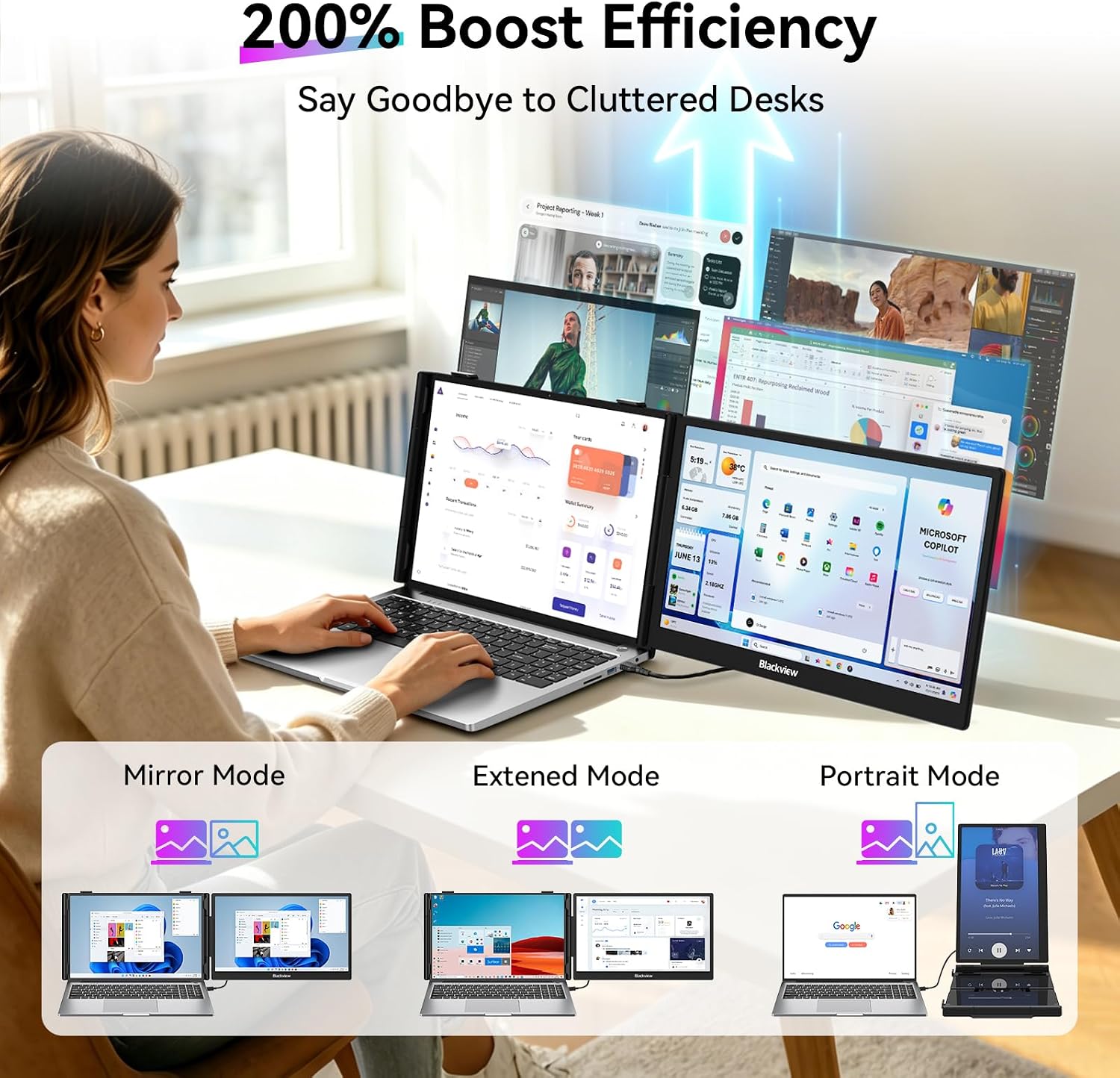
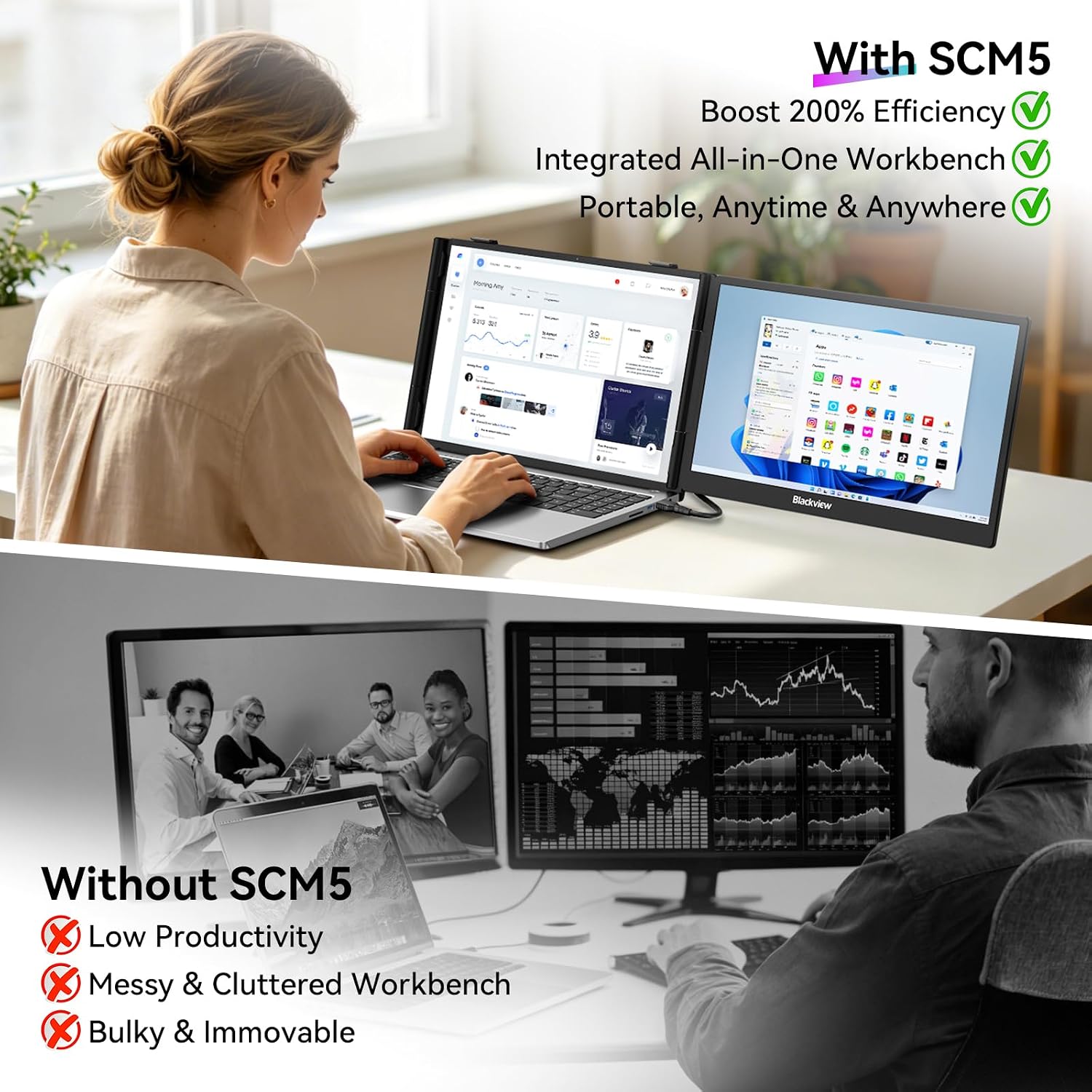
From the way it is set up, this is an attached second screen, not a general-purpose monitor that you place anywhere on a desk. That distinction matters if you prefer a flexible screen position or use a laptop outside the stated size range. The listing doesn’t specify details such as refresh rate, built-in speakers, or how much adjustment the mount allows beyond its 90-degree stand, so don’t assume those features are included.
Best use cases
This format is most useful when your work benefits from keeping two things visible at once: a spreadsheet beside email, a document beside source material, or a meeting window beside notes. If you prioritize a compact add-on that travels with your laptop, the clip-on approach can be more convenient than carrying a separate monitor and stand. If you prefer a larger screen with independent placement, a conventional external monitor is the more suitable direction.
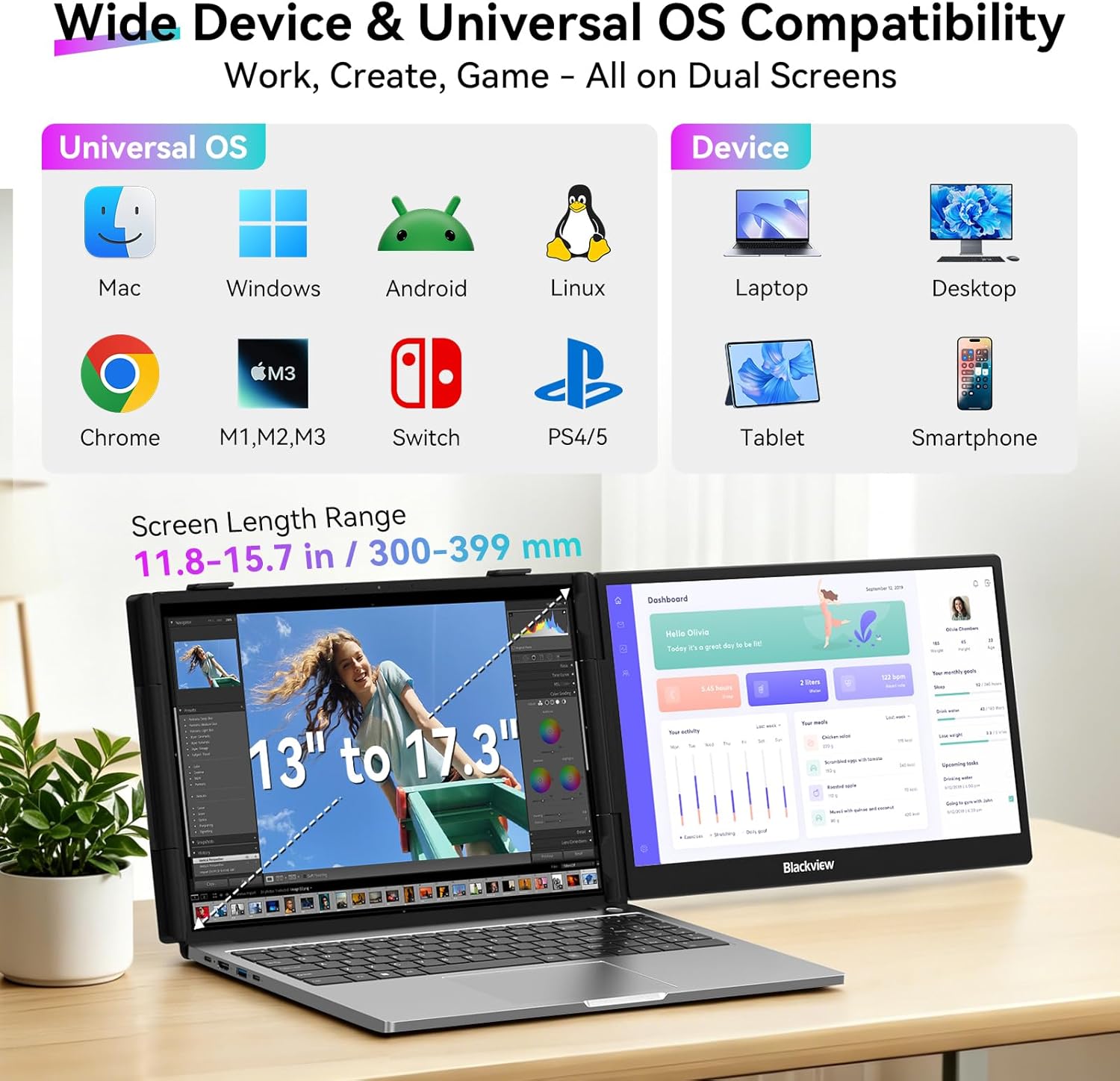
Before buying, match the laptop’s screen size to the stated 13-to-17.3-inch range and check which video output your device can use. USB-C is described as carrying both video and power, while HDMI requires USB-A power, the listing doesn’t clarify every device-specific connection detail. That’s the main practical caveat, since a screen that physically fits still needs a workable signal and power setup.
Buying verdict
The Blackview extender makes sense for mobile work where a single laptop screen feels cramped and you can benefit from a second view close by. Its 14.1-inch 1080p panel, three viewing modes, and laptop-mounted design give it a clearer purpose than a basic portable screen that needs separate placement. Choose it if your laptop falls within the stated size range and the connection method suits your device. Skip it if you want a larger standalone display, more placement freedom, or certainty about an unlisted feature such as refresh rate or speakers.