

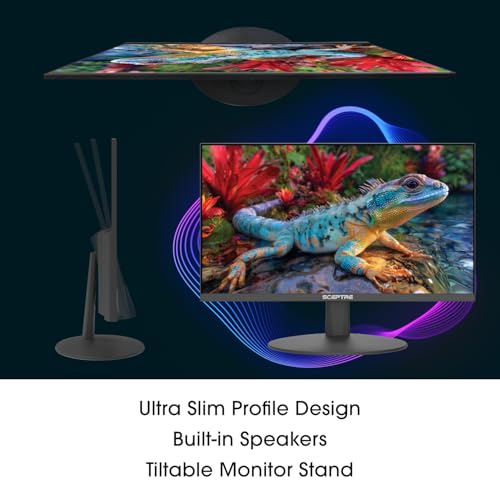

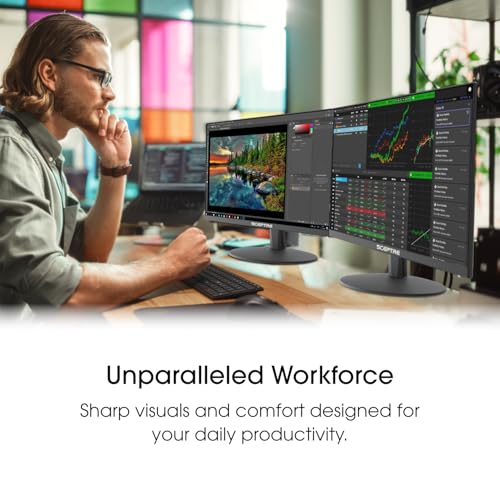
Sceptre E225W-FW144 22-Inch Gaming Monitor: 1080p, 144Hz, Built-In Speakers
Reviews
Price
Product description
What this is and who it’s for
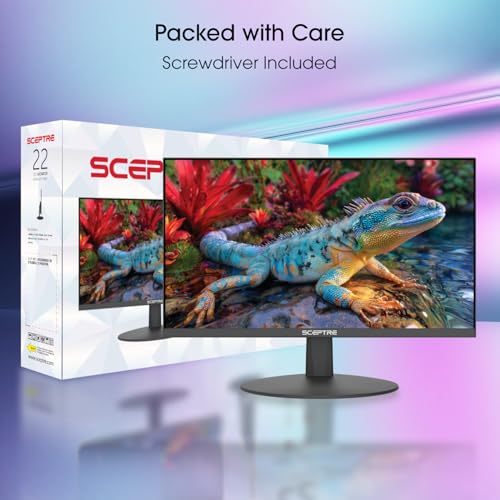
The Sceptre E225W-FW144 is a 22-inch gaming monitor designed for entry-to-mid level setups that want a single-screen solution with smooth motion, basic audio, and a clean desk footprint. If you’re building a compact gaming or productivity station and don’t want to juggle extra speakers or cables, this model aims to deliver a straightforward experience without complicating your setup.
Key benefits in plain terms
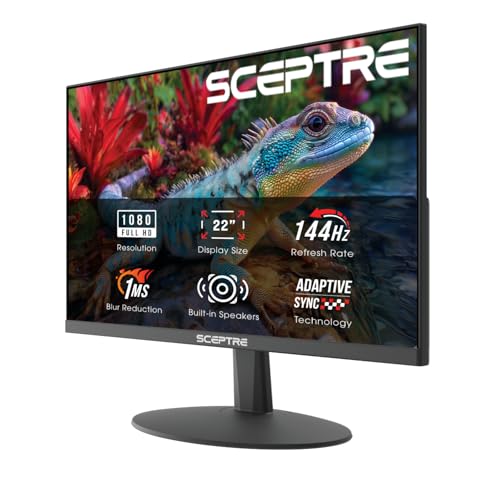
On paper, you get a 1080p panel with up to 144Hz refresh rate, which can translate to noticeably smoother visuals in fast-paced games and general navigation. The built-in speakers help you keep the desk tidy by avoiding external audio gear, though it’s common to still opt for higher quality audio if you’re serious about sound. The blue-light shift feature is a practical touch for long sessions, aiming to reduce eye strain and keep viewing comfortable over time.
What stands out in use
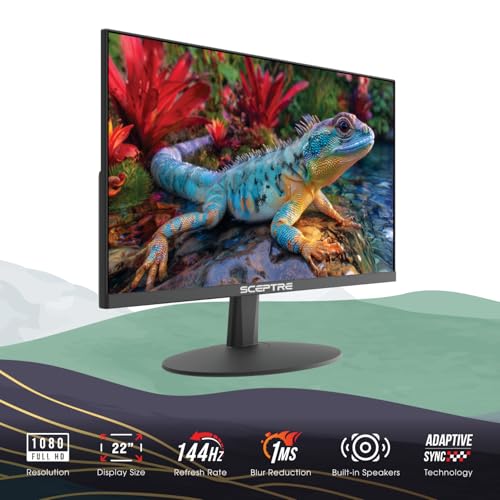
The nearly bezel-free design helps when you pair two monitors side by side, creating a more immersive field of view with fewer visual gaps. The lack of a heavy footprint means it can fit in tighter spaces or smaller desks, which is a real plus for dorm rooms, compact workstations, or second-monitor setups.
Limitations to keep in mind
If you’re chasing top-tier color accuracy or HDR performance, this 1080p monitor won’t be the best pick. Its 22-inch size is on the smaller side for some productivity tasks, and built-in speakers, while convenient, aren’t a substitute for dedicated desktop audio if you care about depth and volume.
Who this is for
- Gamers who value a compact, affordable monitor with a high refresh option (up to 144Hz) for smoother frame pacing.
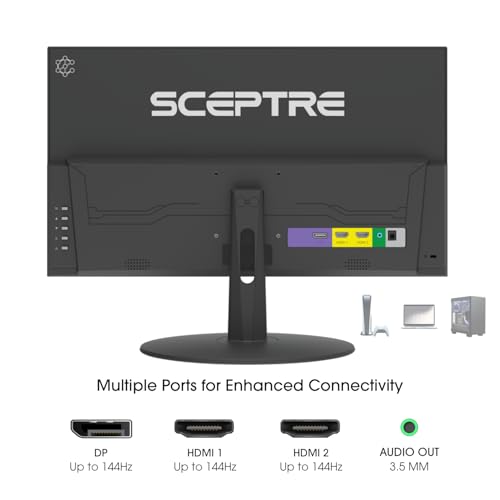
- Users who want a simple, clutter-free desk with built-in audio and easy connectivity (HDMI and DisplayPort).
- Those exploring a dual-monitor layout where minimal bezels help reduce visual distractions between screens.
Who this isn’t for
- Professionals needing color-critical work, advanced calibration, or a high-end panel with strong HDR performance.
- Buyers who require loud, premium-sounding built-in audio or want to depend on the speakers for music or cinema quality.
Before you buy: what to verify
- Confirm your GPU and cables can push 144Hz at 1080p if that’s important for your gaming goals.
- Consider whether built-in speakers meet your audio expectations or if you’ll add external speakers or headphones.
- If desk space is at a premium, measure and compare to ensure this 22-inch panel fits comfortably alongside any accessories.
How this compares to the alternatives you might consider
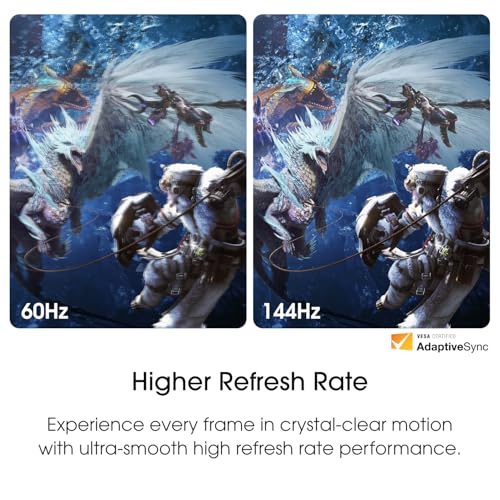
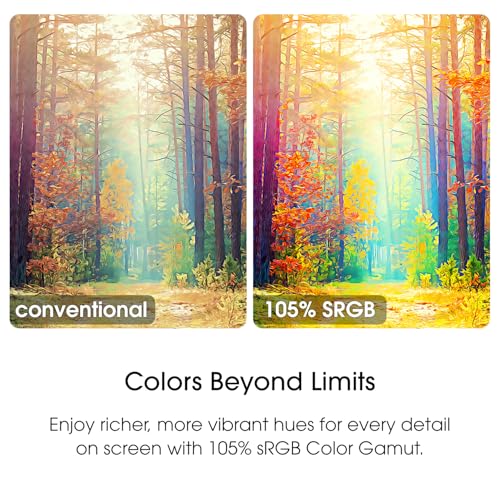
If you’re choosing between a compact 1080p 22-inch monitor with a 144Hz panel and something larger or more color-accurate, this model leans toward a budget-friendly, space-efficient approach. For gaming at 1080p, you’ll likely appreciate the responsive feel of higher refresh rates, but for tasks like photo or video editing, you might prefer a panel with wider color coverage and better uniformity. For many, the built-in speakers and clean footprint balance out the lack of premium audio or advanced panel tech.
Practical usage examples
- A dorm-room setup where space is king: connect your PC or console via HDMI or DisplayPort, enjoy smoother gaming at 144Hz, and use the built-in speakers for quick media playback without extra gear.
- A compact dual-monitor desk: place this 22-inch monitor next to a smaller secondary screen, benefit from the slim bezels and keep your workspace tidy.
Final decision
- When it makes sense: You want a budget-friendly, compact monitor with a responsive refresh rate and simple audio in a single package.
- When to skip it: You need top-tier color accuracy, professional-grade calibration, or premium speakers.
- Who should consider it: gamers and productivity users who value a space-saving design, easy setup, and a straightforward feature set.
- Who to avoid it if: You plan to do color-critical work or crave high-fidelity audio from built-in speakers.
FAQ (quick answers)
- Does it support high refresh rates over HDMI? Yes, up to 144Hz, depending on the input and system.
- Are built-in speakers sufficient for movies? They work for casual viewing, but external speakers or headphones will deliver better sound.
- Is this good for dual-monitor setups? Yes, the slim bezel helps with a seamless multi-monitor arrangement.