


Blackview Laptop Screen Extender 14.1-inch
Product description
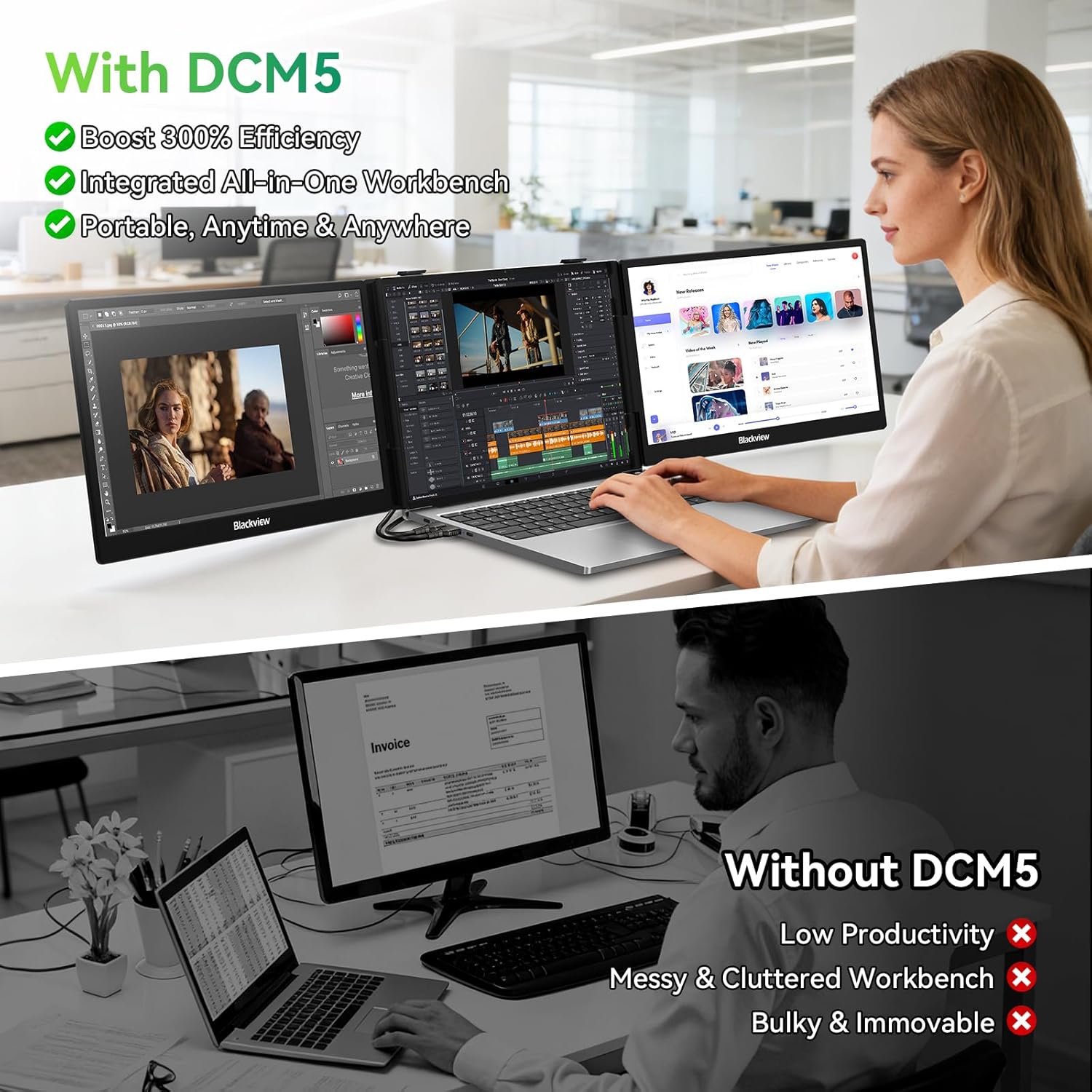
When a laptop screen gets crowded with charts, documents, or timelines, a portable display can make a travel setup easier to manage. The Blackview screen extender adds a 14.1-inch 1080p IPS panel that attaches to compatible 13–17-inch laptops, giving you more room to work in a coffee shop, shared workspace, or hotel room. Its listed weight is 3 lbs, so it is portable, though it still adds noticeable gear to a laptop bag. Setup is intended to be plug and play, but the available ports on your computer matter.
Key specifications
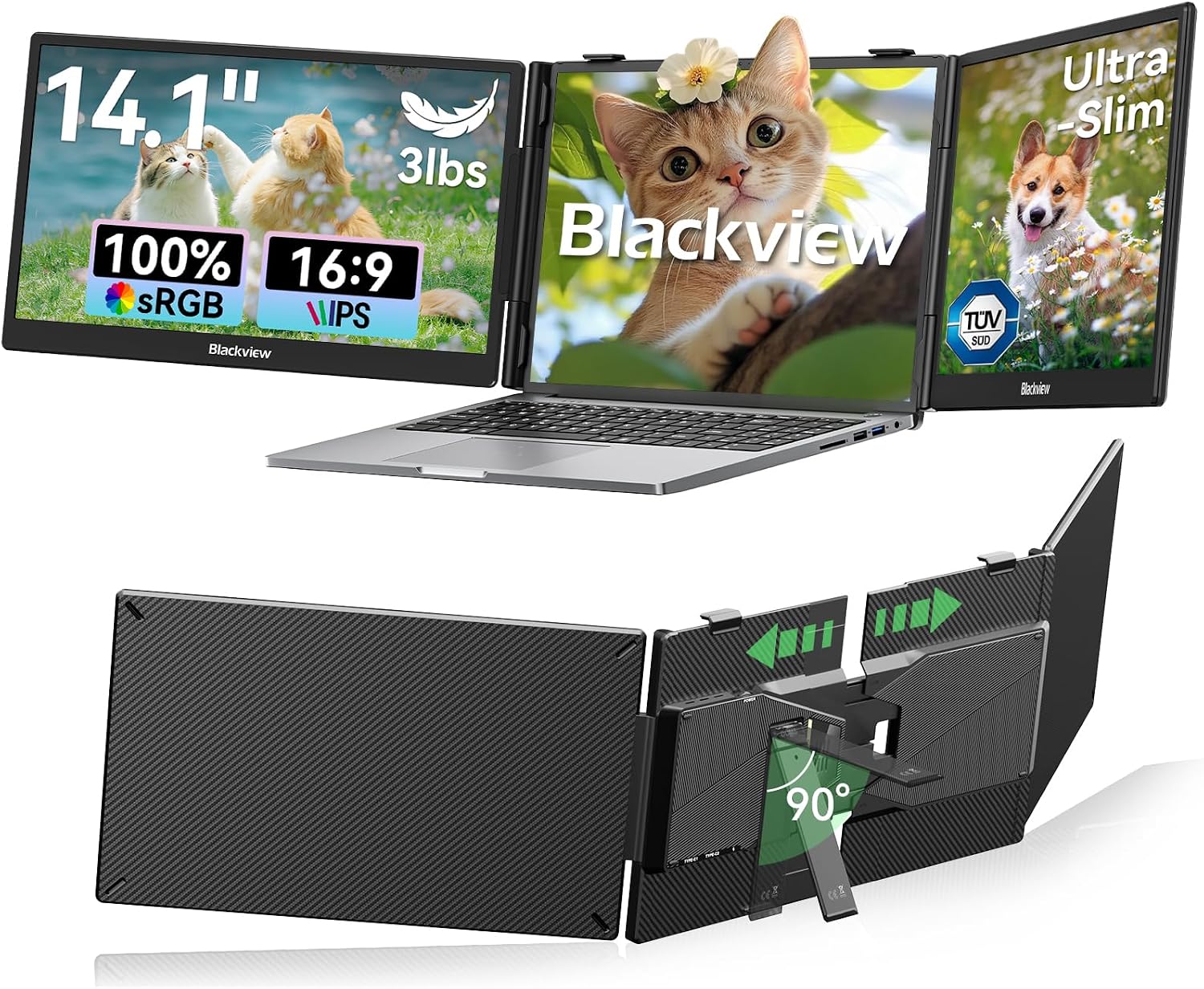
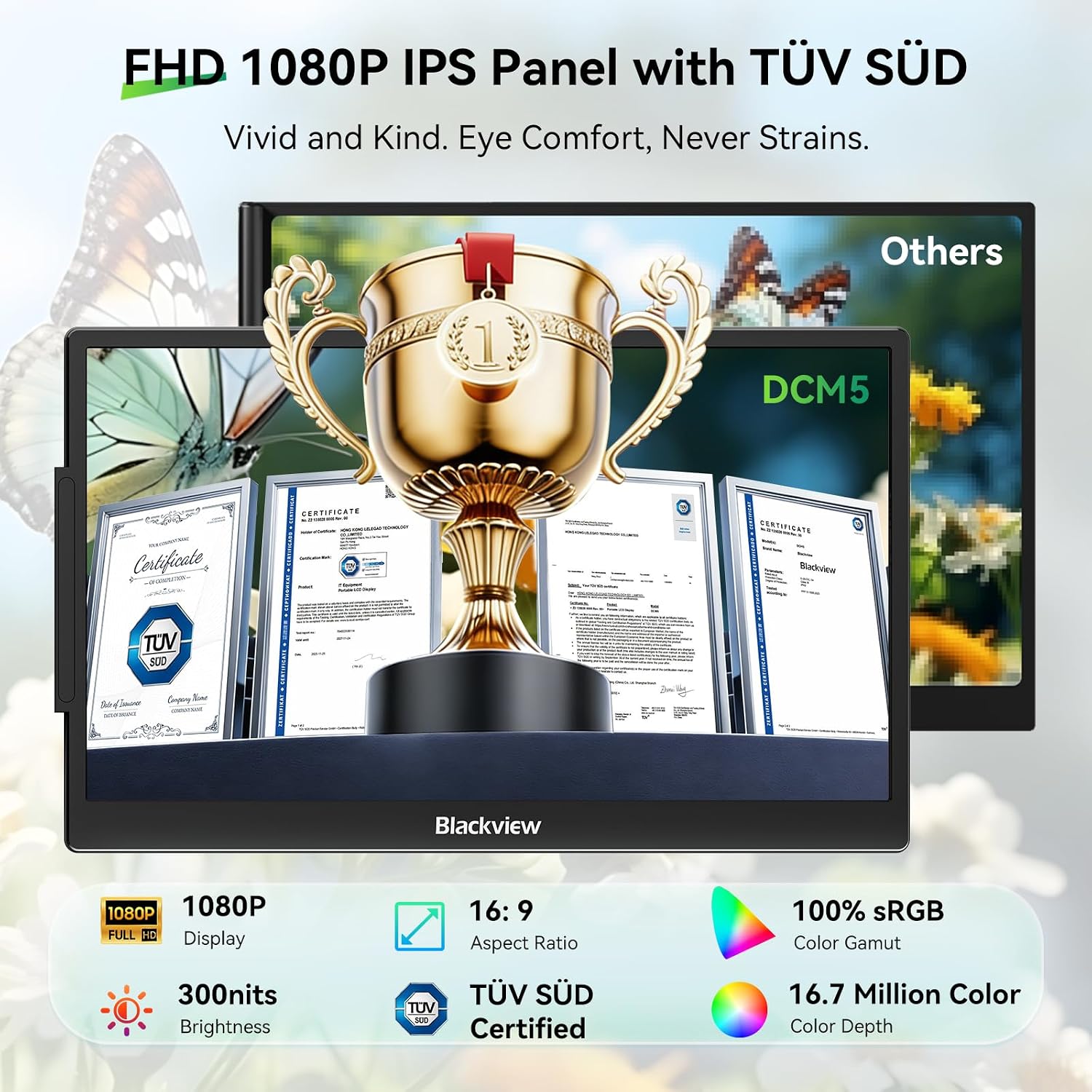
The display uses a 1080p Full HD IPS panel with 300 nits of brightness, a 180° viewing angle, and a matte, anti-glare finish. Blackview also lists TÜV SÜD eye-care certification. These details suit document work, coding, presentations, and video, but the stated brightness is worth considering if you regularly work in direct sunlight, the product description does not establish that the screen will remain easy to view in every bright outdoor setting.
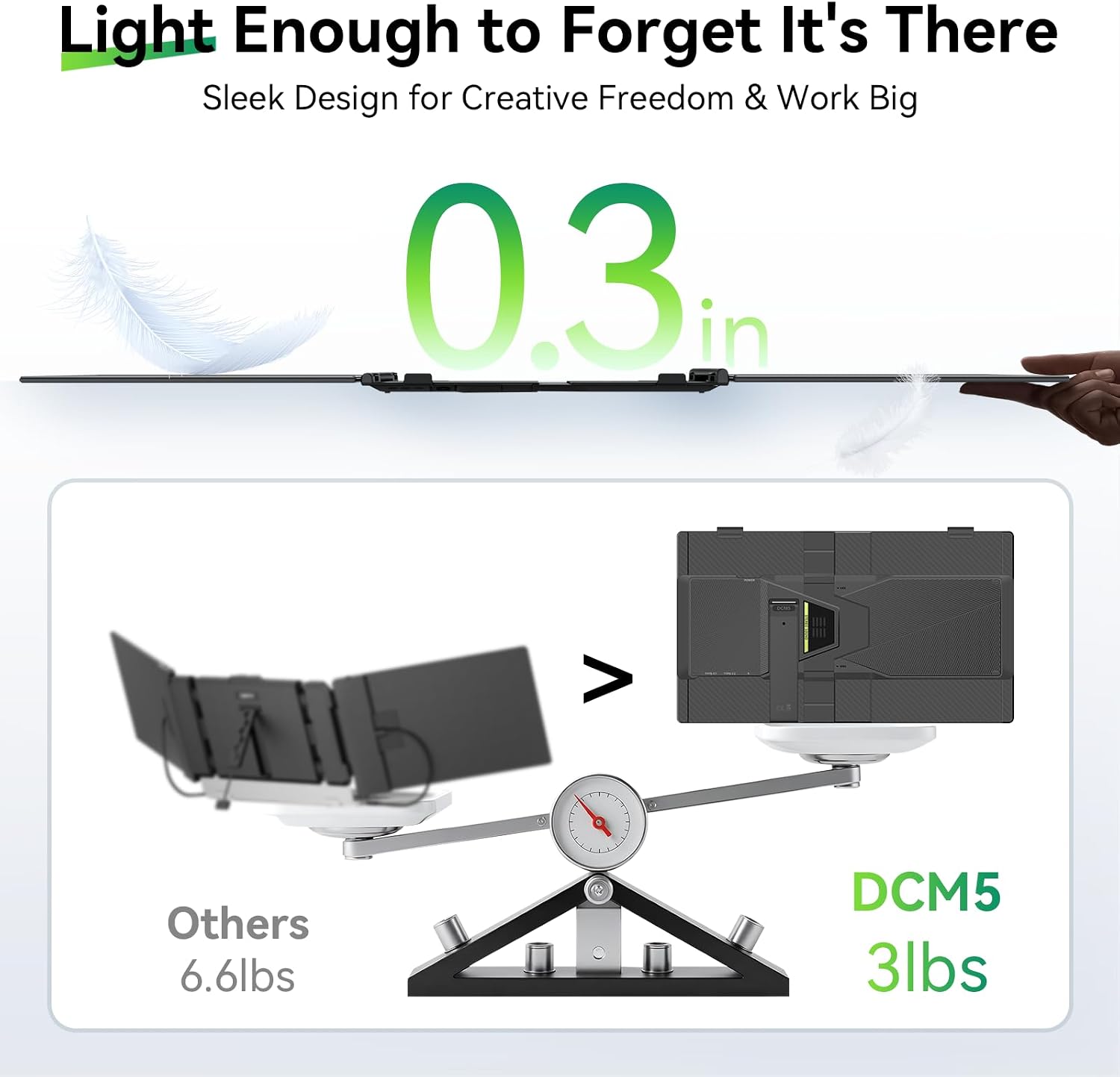
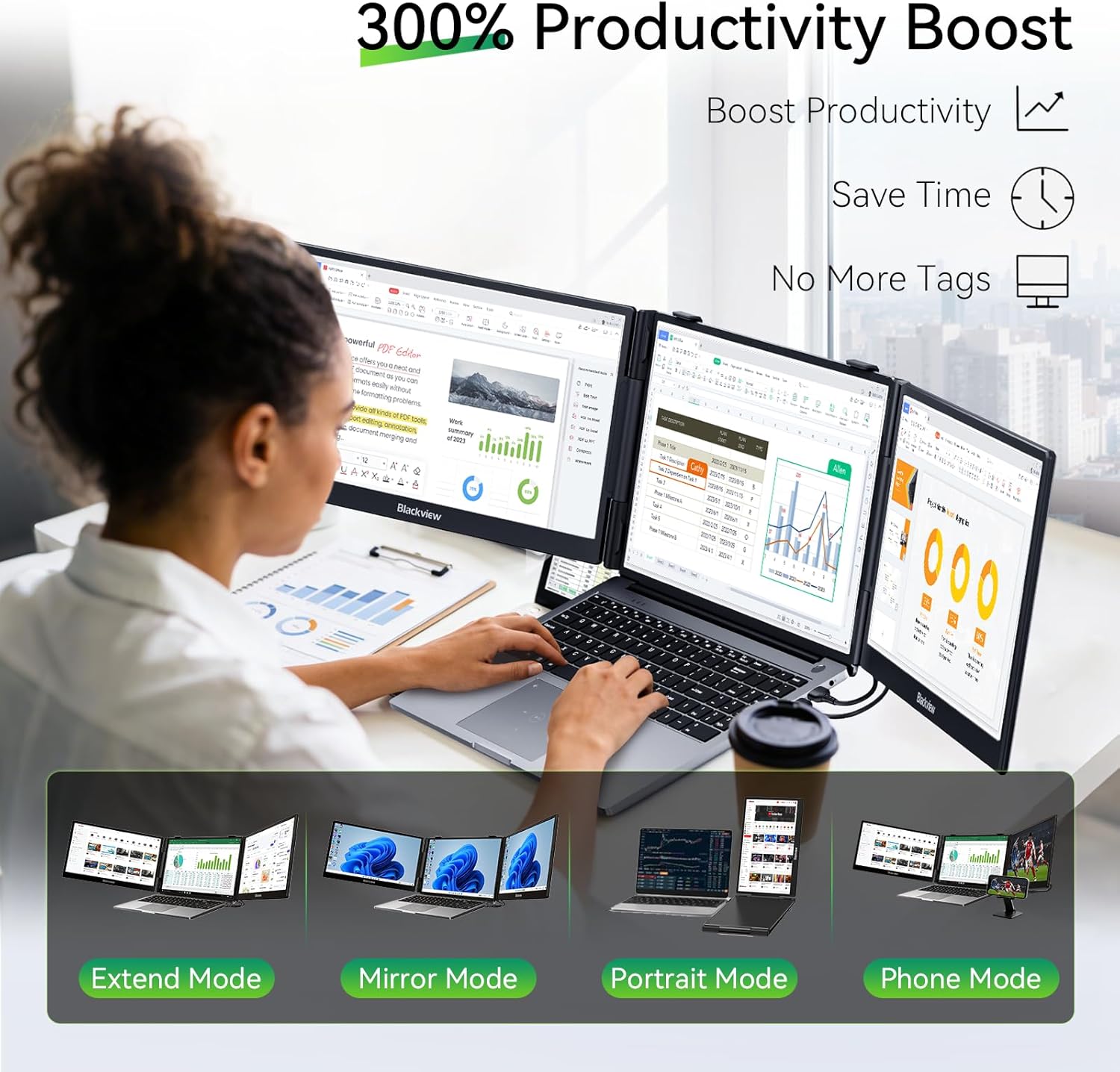
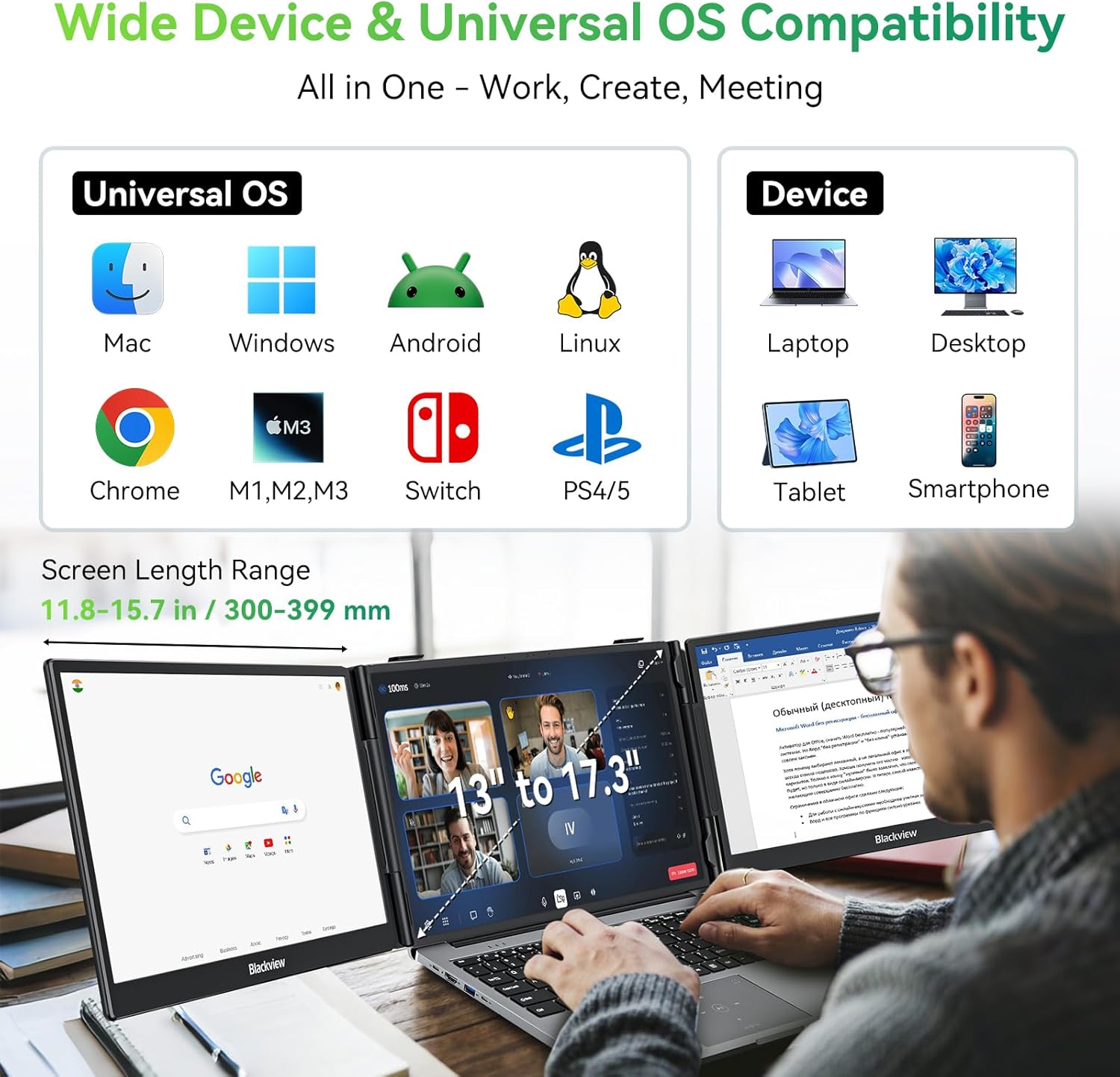
The extender has a galvanized steel shell and a 90° adjustable stand. A six-point mounting system, non-slip pads, and a rear stand lock are designed to hold it against the laptop. For extended mode, the stated connection options include two full-featured USB-C ports or one USB-C port plus HDMI. USB-C must support video, a connector that only handles charging or data may not provide the expected display connection. The product lists mirror, extend, and portrait modes, with support stated for Windows, Mac, ChromeOS, Android, and Linux.
Who it’s for
This setup makes sense if you often keep several windows open and want a wider workspace without carrying a separate desktop monitor. Picture a spreadsheet on the laptop, a reference document on the attached screen, and fewer pauses to switch tabs while working between them. It also has a use beyond laptop work: the listing says it supports smartphones, Switch, and M1/M2/M3 devices when they have full-function USB-C.
It makes sense if portability and an attached second screen matter more than keeping your bag as light as possible. You may want to skip it if your laptop lacks the required video-capable ports, or if you need a larger standalone monitor for a fixed desk. Check your specific laptop’s port capabilities before choosing this style of extender, compatibility across a range of operating systems does not, by itself, confirm that every device has the right connection.
Everyday use
The practical appeal is having another screen close to the laptop rather than setting up a separate monitor and stand. The adjustable stand can help position the display, while the matte finish is intended to reduce reflections during everyday work. On the spec sheet, the steel shell and mounting points suggest a more structured attachment than a loose portable monitor, but the 3 lb weight and clamp-on design are trade-offs compared with a simple, freestanding travel display. The product description does not list the box contents, so it is not possible to confirm which cables or accessories are included.
Questions before you buy
What connections are needed for dual-screen use? The listing says the extender works best with two full-featured USB-C ports, or one full-featured USB-C port and HDMI. Your laptop’s USB-C port must support video output.
Can the display be used in portrait mode? Portrait mode is listed alongside mirror and extend modes. The description does not provide further setup details for switching between them.
What laptop sizes does it attach to? The product name states support for 13–17-inch laptops. The description gives a slightly wider upper figure of 17.3 inches, so check the fit for your laptop rather than assuming every model in that range will attach the same way.
Is it worth it?
This Blackview extender is worth considering when your main goal is to add a second screen to a compatible laptop and keep that screen attached during mobile work. Its 1080p resolution, adjustable stand, and listed portrait mode give it more flexibility than relying on one laptop display alone. The trade-offs are specific: it weighs 3 lbs, depends on suitable video ports, and the available information does not confirm what comes in the box. If those constraints fit your setup, it offers a practical way to keep reference material visible while you work, if your laptop’s ports or physical fit are uncertain, a separate portable monitor may be the easier route.