

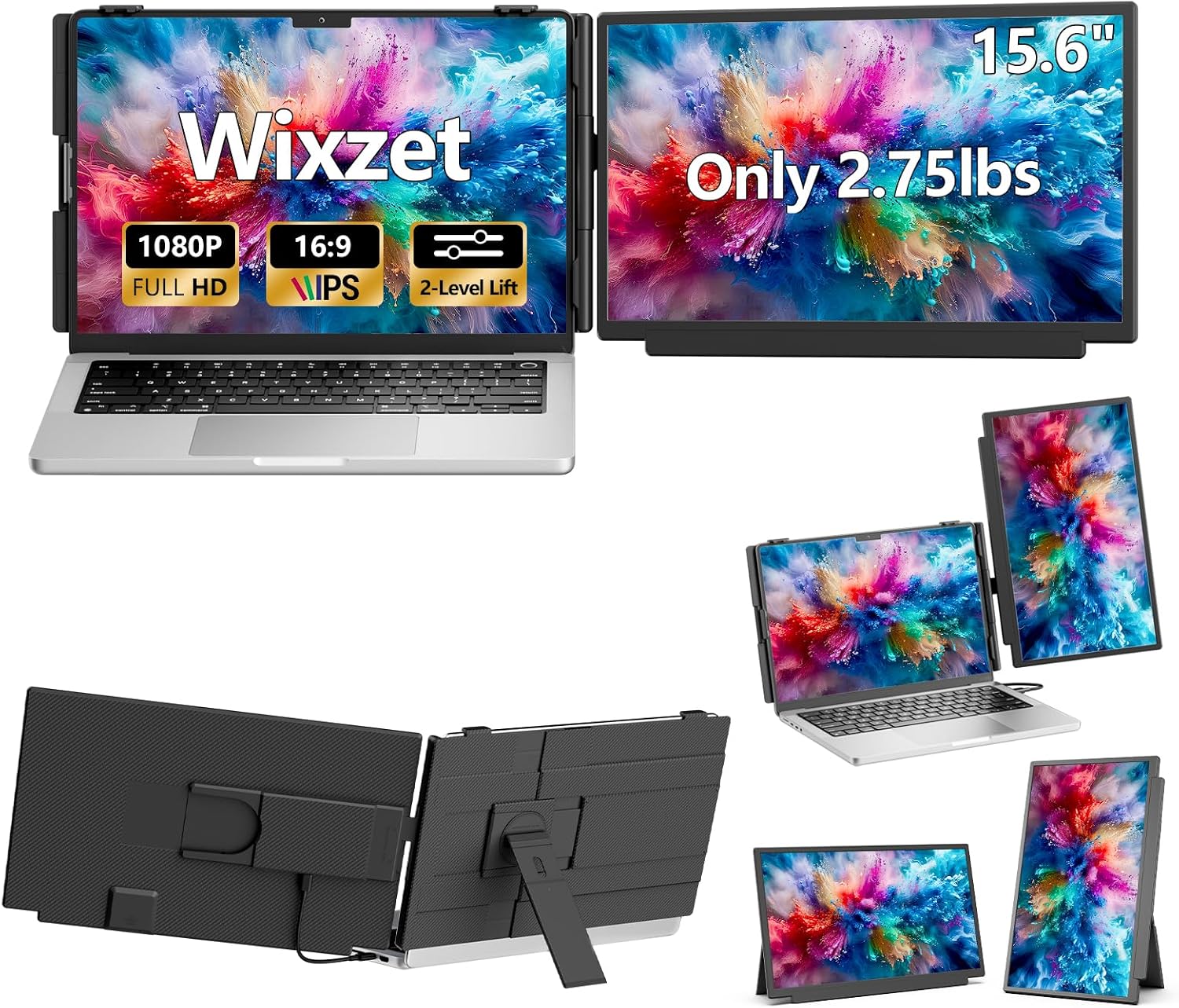
Wixzet Laptop Screen Extender, 15.6-Inch FHD Monitor
Product description
When a laptop screen gets crowded with documents, calls, and reference tabs, switching between windows slows down the work. The Wixzet laptop screen extender adds a 15.6-inch display for a dual-screen setup, with extend, mirror, and portrait modes and a detachable screen for more flexible placement.
It is designed to travel, but the connection and power setup matters: the right port or cable combination depends on your laptop.
Technical details
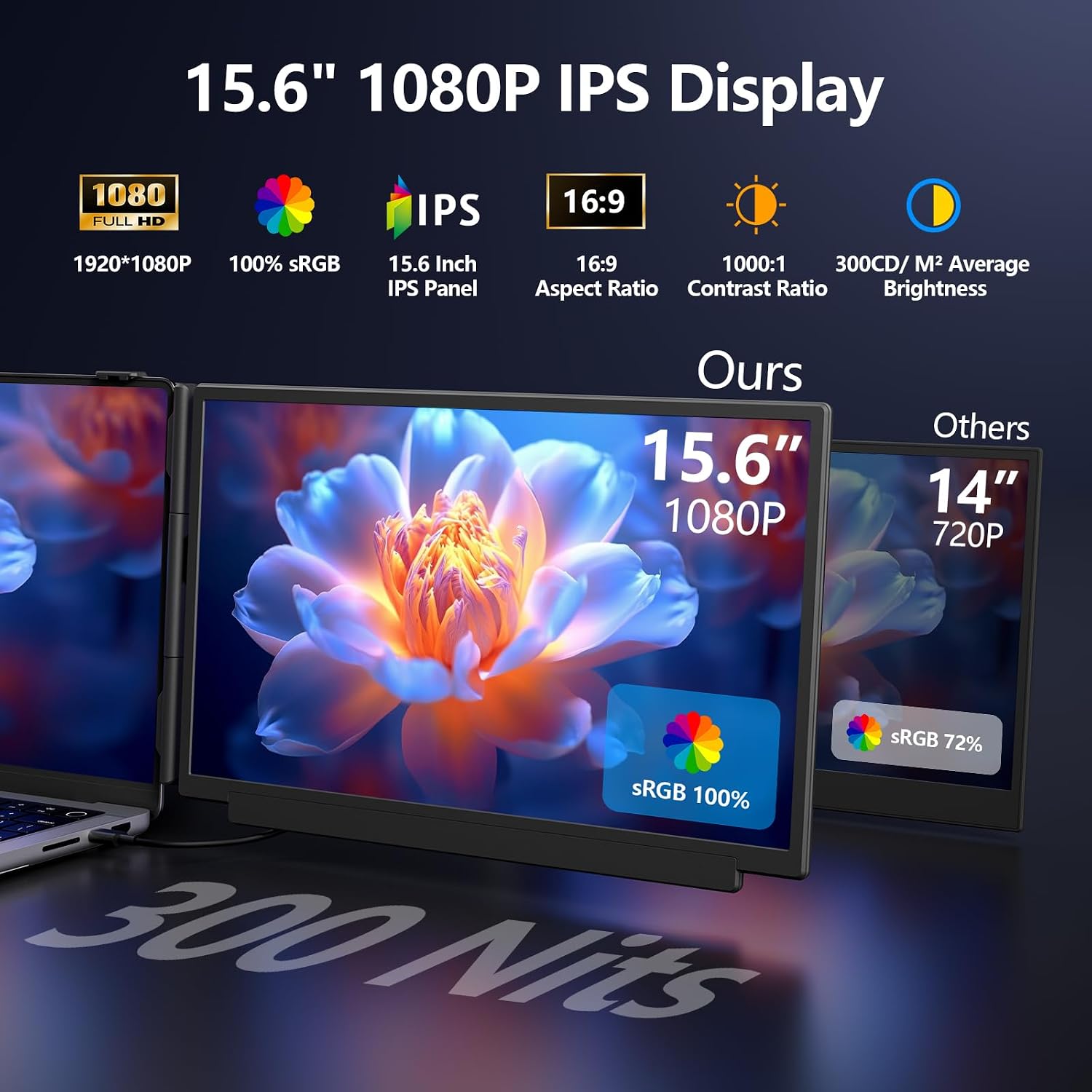
The display is a 15.6-inch 1080p IPS panel with a 178-degree viewing angle, anti-glare coating, and adjustable brightness. That setup is aimed at keeping text and other on-screen material visible from different positions, whether you are working at a desk or sharing a view during a presentation. The product also lists 280 nits of brightness and 100% sRGB color gamut, those figures may be useful when comparing displays, though the listing does not provide independent testing.
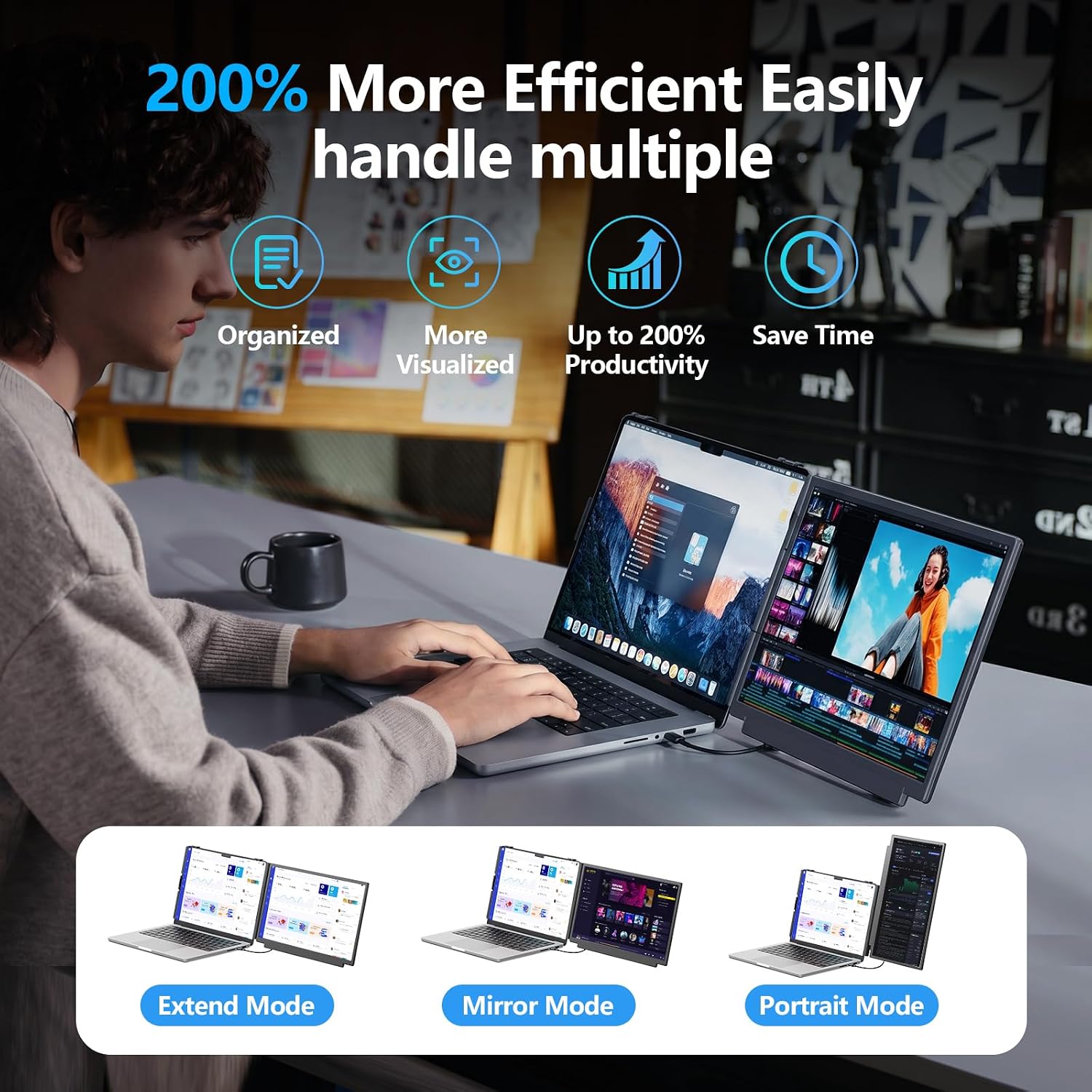
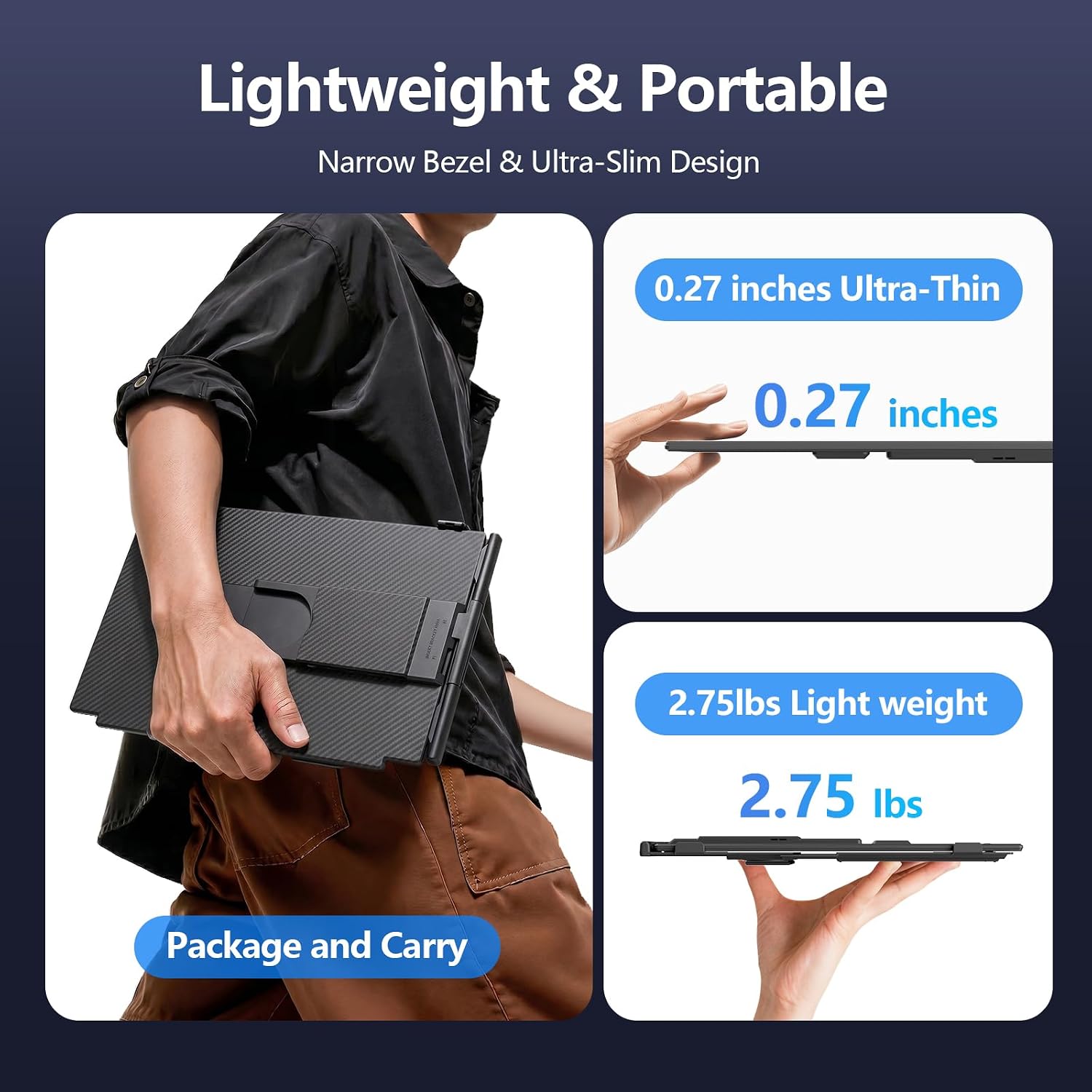
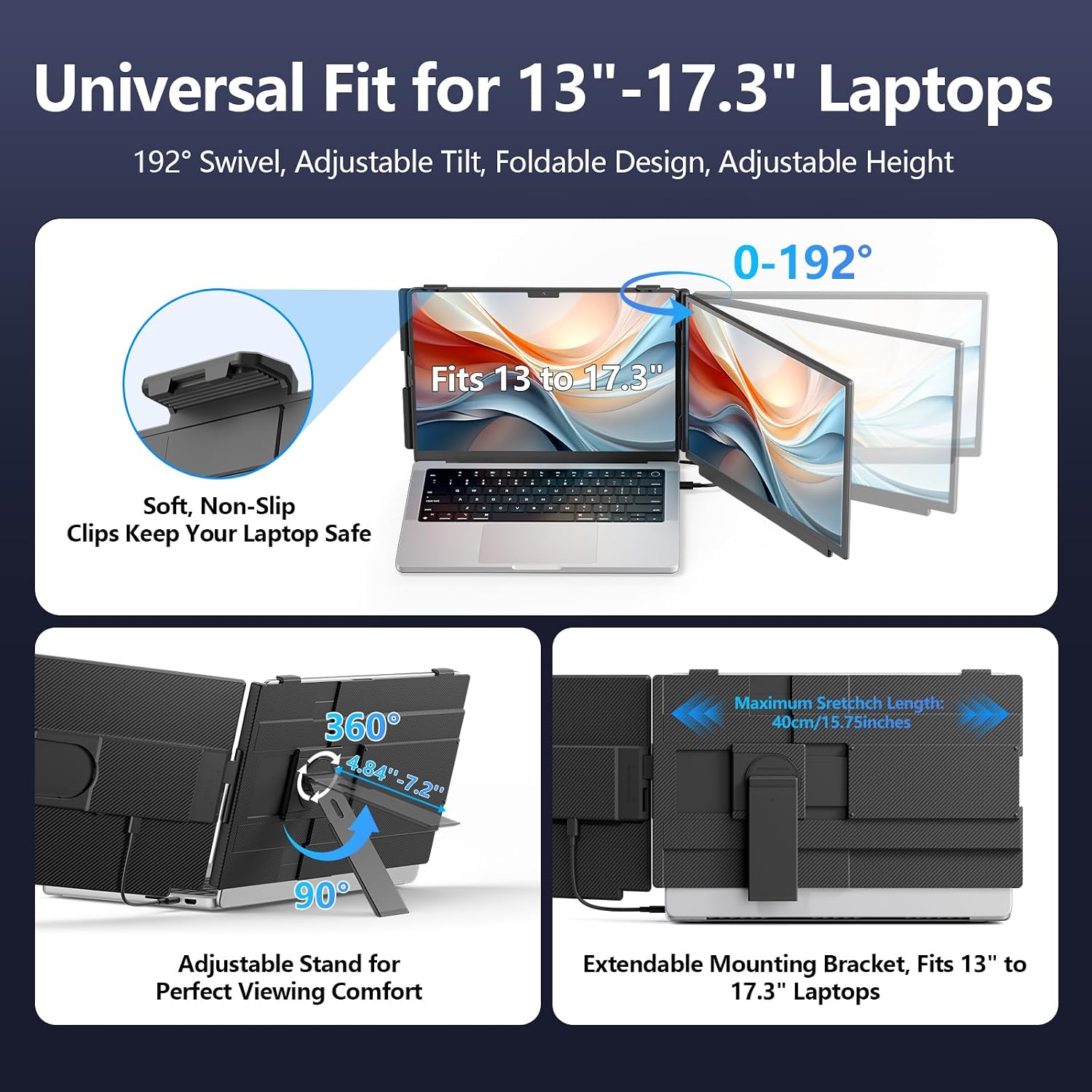
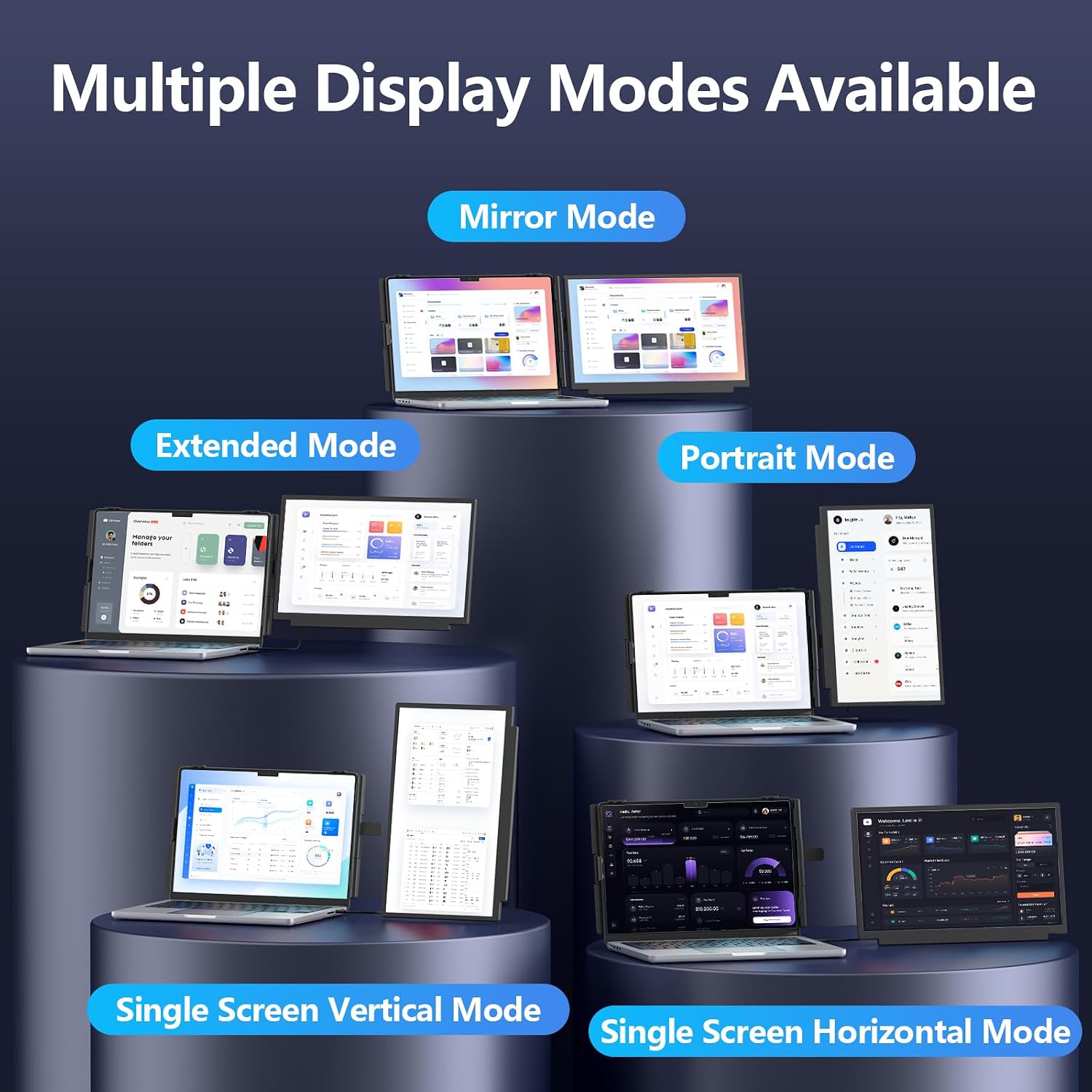
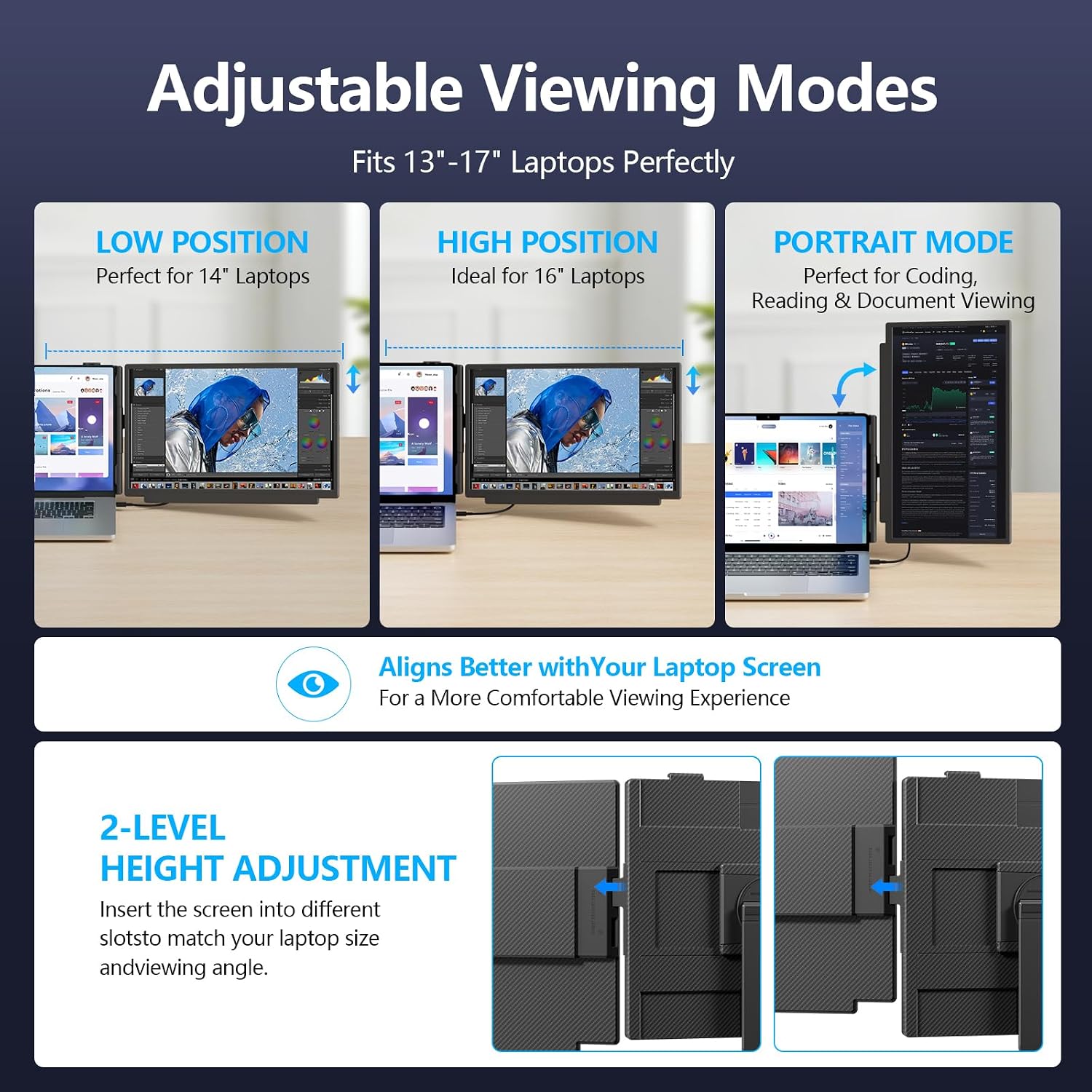
The monitor can be used in extend, mirror, or portrait mode, and can detach from its laptop-mounted position to serve as a standalone screen. Its stand has multiple height settings and 192-degree horizontal rotation. For packing considerations, the listed dimensions include a 0.27-inch thickness and a weight of 2.75 pounds. It is not a tiny add-on, so frequent travelers should consider whether that extra screen space justifies carrying another display.
Compatibility & requirements
The extender is listed for laptops from 13 to 17.3 inches and supports Windows, macOS, ChromeOS, Linux, Android, DeX, and Switch. Video can connect through USB-C when the port supports Thunderbolt 3/4 or DisplayPort Alt Mode, or through HDMI with USB-A for power. The package includes USB-C-to-C, USB-A-to-C, and Mini HDMI-to-HDMI cables, according to the product information.
A USB-C connector alone does not establish that a laptop can send video through it. If using USB-C, check that the specific port supports video output, otherwise, the listed HDMI and USB-A route may be the relevant setup. The display’s USB-C port also supports 100W PD reverse charging when connected to a PD adapter, but the listing does not specify what comes with that adapter.
Usage tips
For a practical work setup, keep a video call or reference document on the laptop screen and move the active spreadsheet or writing window to the extender. Portrait mode may suit a long document, while mirror mode is useful when you need to show the same view on both screens. Adjust the height and rotation to line up the displays before settling in, and detach the screen when a separate position works better.
If the screen shows “No Signal,” the product instructions recommend checking power and using USB-A-to-USB-C for power alongside HDMI for video, or connecting an external power source. That extra cable or adapter can make setup less streamlined than a single-cable display, particularly when traveling light. From the way it is set up, this is best treated as a portable second screen, not a replacement for a larger desktop monitor.
Questions before you buy
Can it work with a laptop that has no USB-C video output? The listed connection alternative is HDMI for video with USB-A-to-USB-C for power. Check that your device has the required ports before choosing a connection method.
Can the screen be used away from the laptop? Yes. The product description says the display detaches and can be used as a standalone monitor. It does not give further details about a separate stand or its power needs when detached.
Does it support charging while displaying? Its USB-C port is described as supporting 100W PD reverse charging when connected to a PD adapter. The adapter is not specified as included, so account for that when planning your setup.
Should you buy it?
A solid pick if you regularly work across several windows and want an extra screen that can attach to a laptop, rotate, or detach for a different arrangement. It might not be a great match if you want a one-cable setup without checking port support, or if minimizing travel weight matters more than having a second display. Compared with a basic laptop stand or a larger stationary monitor, this Wixzet model prioritizes a portable dual-screen workflow, choose it when that flexibility is more useful than a simpler or larger-screen setup.