

ASUS ZenScreen MB16ACE 15.6" USB monitor
Product description
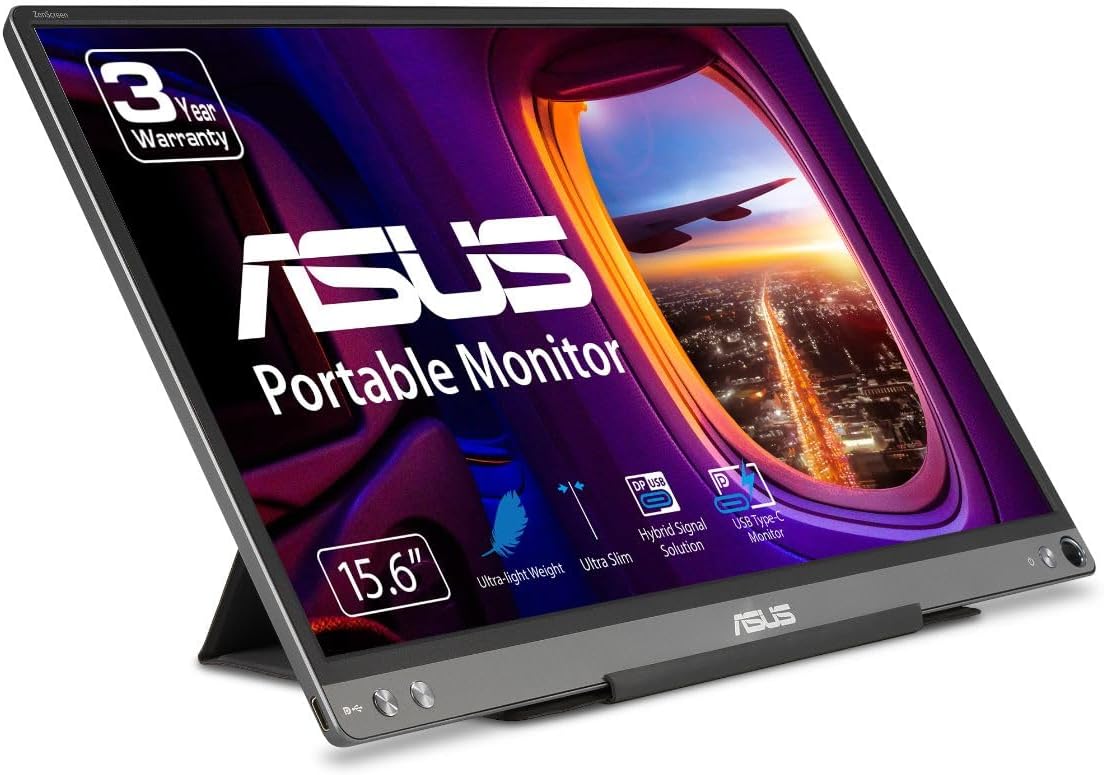
A portable USB monitor can change how you work on the go, turning a cramped laptop screen into a more comfortable viewing setup. The ASUS ZenScreen 15.6-inch 1080P portable USB monitor MB16ACE brings Full HD clarity in a slim design that fits client meetings, travel days, and mobile workstations. With a hybrid signal approach, it supports both power and video transmission, helping you connect with fewer hassles when you need a second display.
Whether you are presenting ideas, reviewing spreadsheets, or multitasking during a call, the ZenScreen is built to reduce friction between devices and locations. Anti glare and an IPS panel help keep the screen easier to view in varied lighting, while eye care features add an extra layer of comfort for longer sessions. 😊
Key points
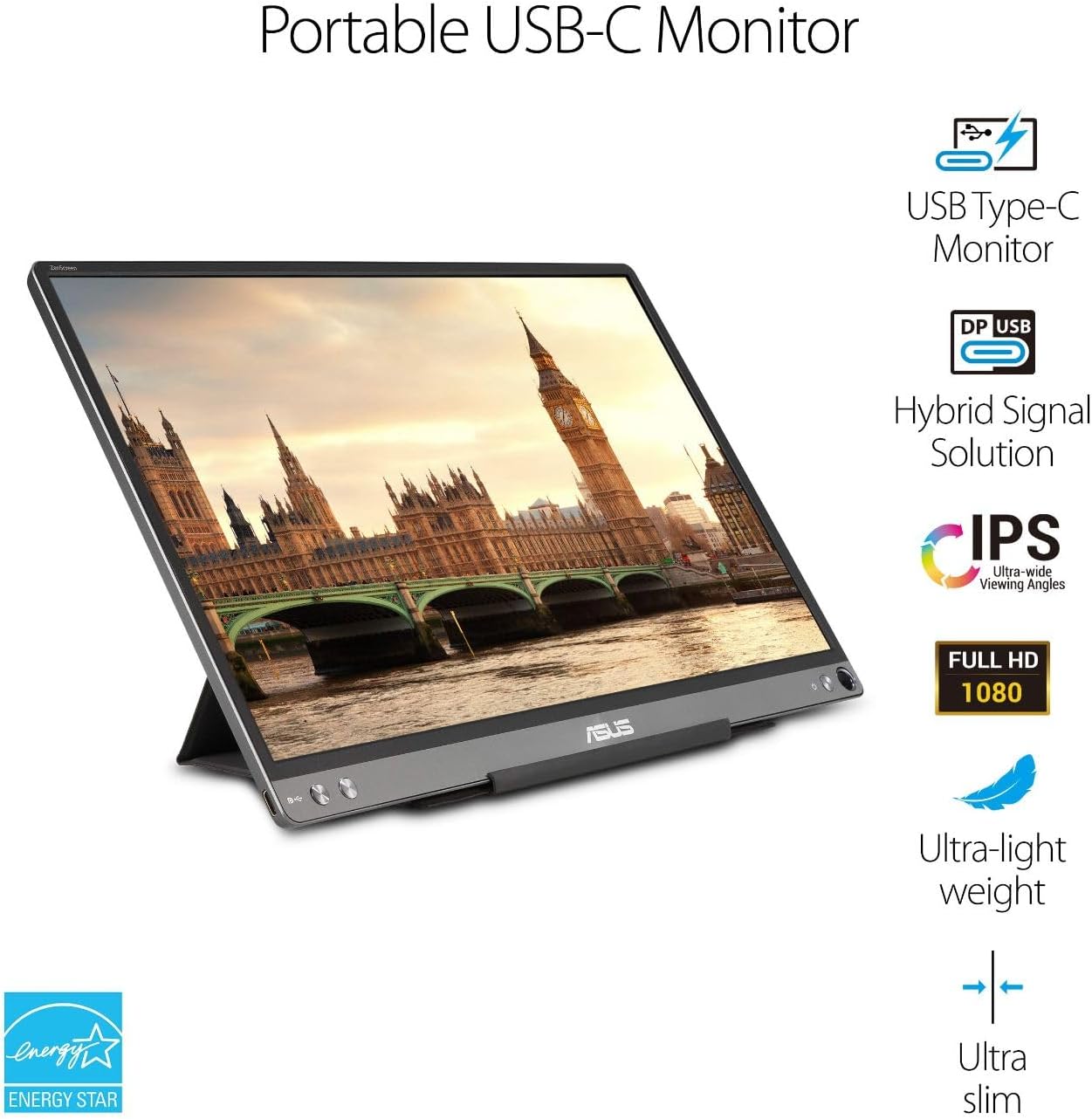
It’s a practical portable monitor that supports a straightforward connection using USB Type-C or USB Type A, depending on your laptop ports. The Full HD 1920 x 1080 resolution helps make text and details easier to follow, which is useful when you are sharing your screen or working on fine adjustments. The anti glare surface is a noticeable everyday benefit, especially when you are in bright rooms or moving between environments.
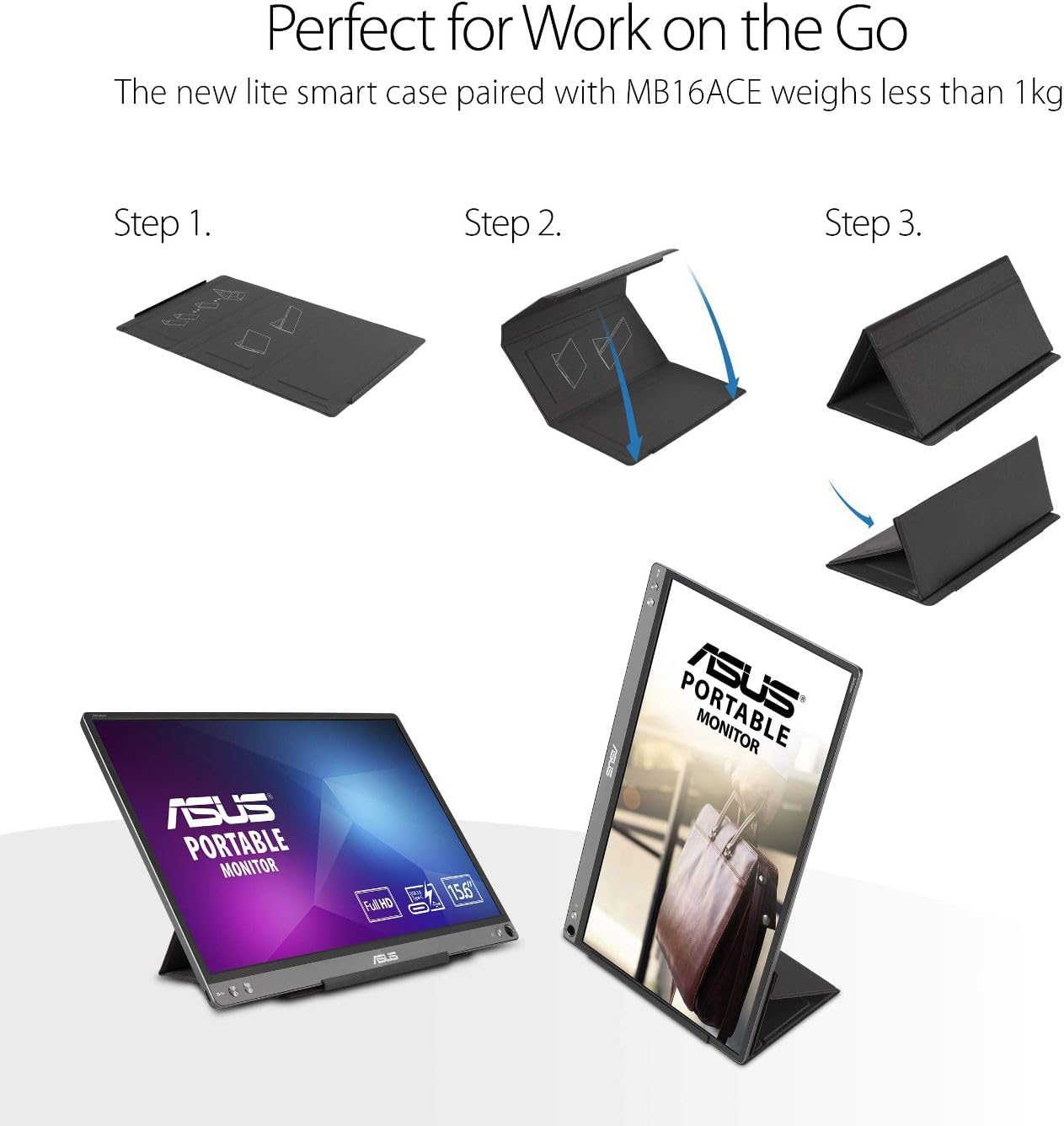
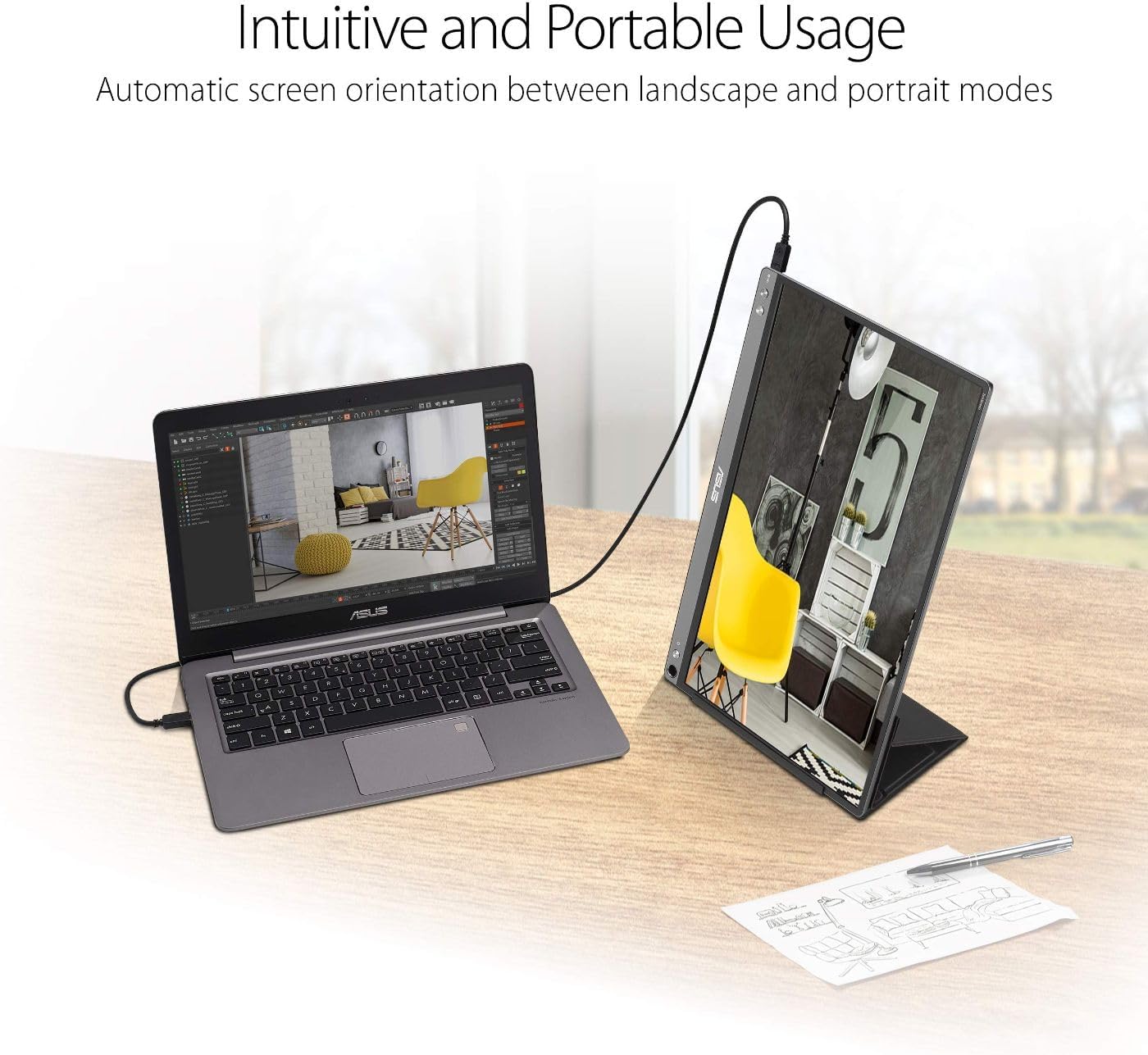
The experience is also designed around real meetings and real setups. Auto rotation can switch the display orientation between landscape and portrait modes when your screen orientation changes. If you like to keep things organized, the Lite Smart Case can fold and act as a stand, so you can prop the monitor up without needing extra accessories.
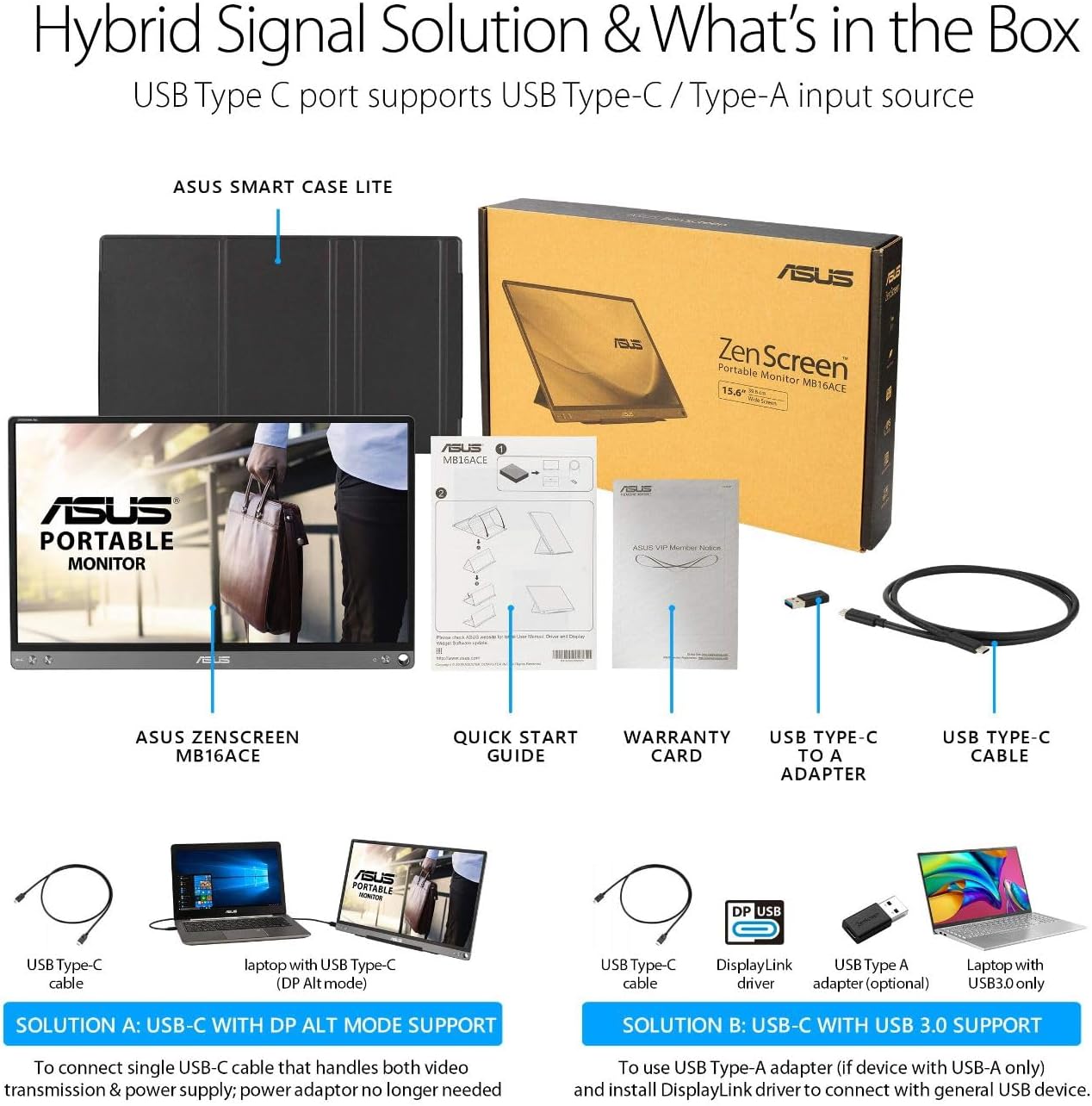
There is also a hybrid signal solution that supports power and video transmission, which can simplify your cabling compared with setups that require multiple connections. It matters because time is limited when you are on the move, and you want your second screen ready when you are. 👍 What’s the best part for mobile workflows? The combination of slim portability, a case that turns into a stand, and support for common USB laptop ports.
Keep in mind that the complimentary Adobe Creative Cloud access is time limited, and it is described as valid until 8/31/2026. If you plan to use it, check the redemption details that come with the purchase.
Tech specs
- Display: 15.6-inch Full HD (1920 x 1080) IPS
- Resolution: 1920 x 1080
- Panel technology: IPS
- Connectivity: USB Type-C or USB Type A
- Signal approach: Hybrid-signal solution supports power and video transmission
- Display control: Auto rotation senses orientation and switches between landscape and portrait
- Included offer: 3-month Adobe Creative Cloud complimentary access, valid until 8/31/2026
Pros
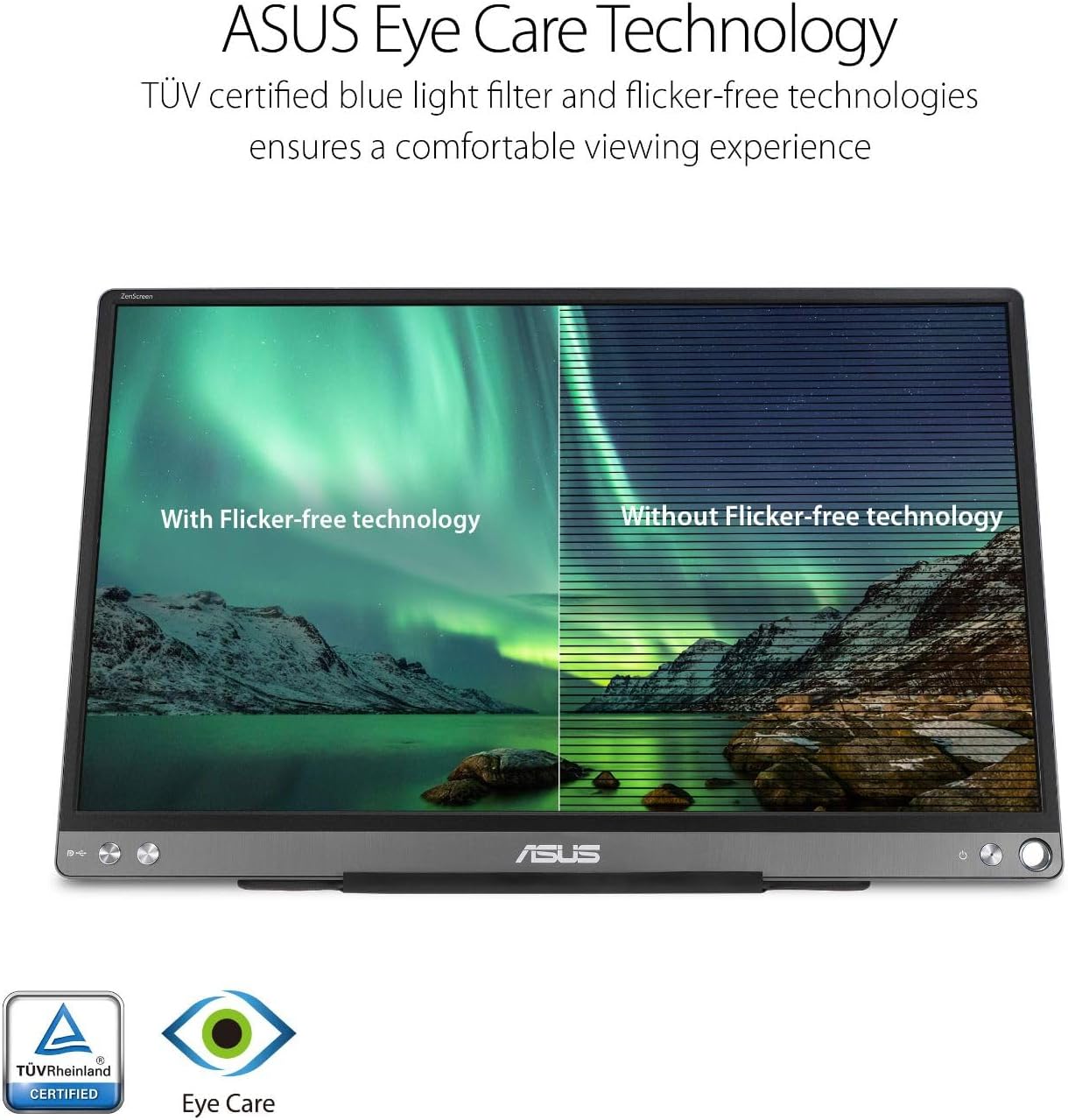
You get a portable second screen that is designed for on the go work, including client meetings where setup speed matters. The thin and ultra slim style makes it easier to carry alongside your laptop, while the anti glare surface helps reduce distractions from reflections. The IPS panel supports clear viewing, which helps when you need consistent image quality across different angles.
A standout advantage is the way the monitor supports power and video transmission using a hybrid signal solution, which can make everyday connections smoother. If you frequently switch between portrait and landscape layouts, auto rotation reduces the manual steps and keeps your screen aligned with your workflow. 😊
The foldable lite smart case is another practical win, since it can become a stand to prop the display up in either portrait or landscape mode. That means you can build a workable viewing angle almost anywhere, from a conference table to a temporary desk at a hotel.
It’s a solid pick if you want a compact external monitor that connects through USB Type-C or USB Type A and supports both power and video transmission. It might not be a great match if your laptop does not provide USB ports that align with the supported connection types.
What’s included
You get the ASUS ZenScreen MB16ACE portable USB monitor along with its lite smart case that folds into a stand for landscape and portrait use. The purchase also includes a complimentary 3-month Adobe Creative Cloud access, described as valid until 8/31/2026. Since the details can affect how you redeem the offer, review the included instructions that come with the product. 📦
Who it’s for
It suits you if your work involves frequent travel, hybrid meetings, or you simply want a second display without bringing a bulky setup. You’ll appreciate it if you switch between landscape spreadsheets and portrait reference material, since auto rotation helps match your screen orientation to your device placement. It also makes sense if you want an external screen that stays comfortable during longer viewing thanks to eye care and an anti glare surface.
Worth considering if you often connect through USB Type-C or Type A and prefer a simpler setup with fewer separate cables. It may not suit you if you require connections beyond the listed USB Type-C or USB Type A support, or if you do not need a portable, case based stand solution.