

Samsung LS27D366GANXZA 27" curved monitor
Product description
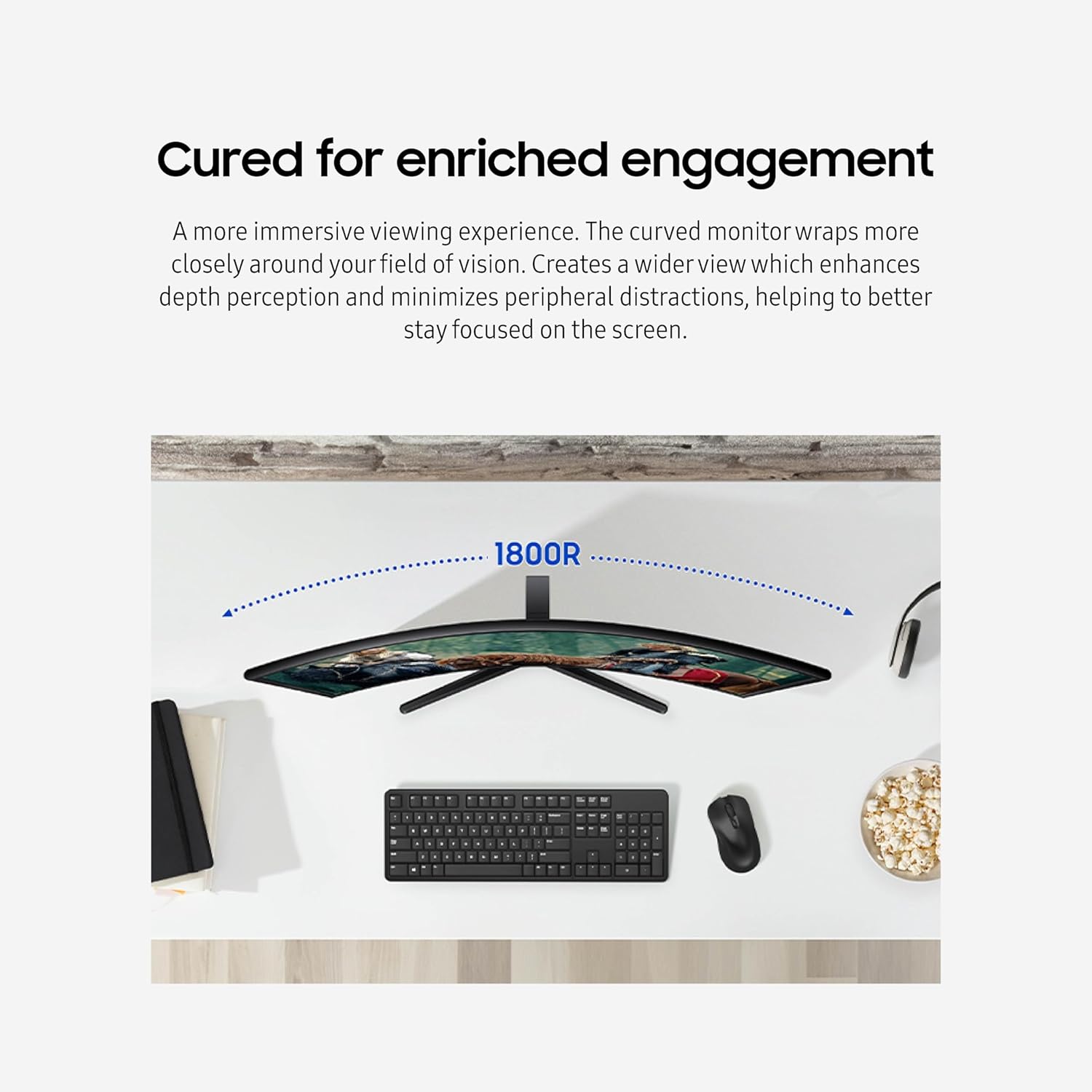
If you want a more immersive desktop setup with smoother on screen motion, the Samsung 27" Essential S3 curved monitor is built for everyday gaming, video watching, and creative work. The curved design wraps more closely around your field of vision, helping reduce peripheral distraction while you focus on what matters. With a 100Hz refresh rate and Game Mode features, it’s designed to help reduce lag and motion blur during fast paced moments. 🙂
The essentials
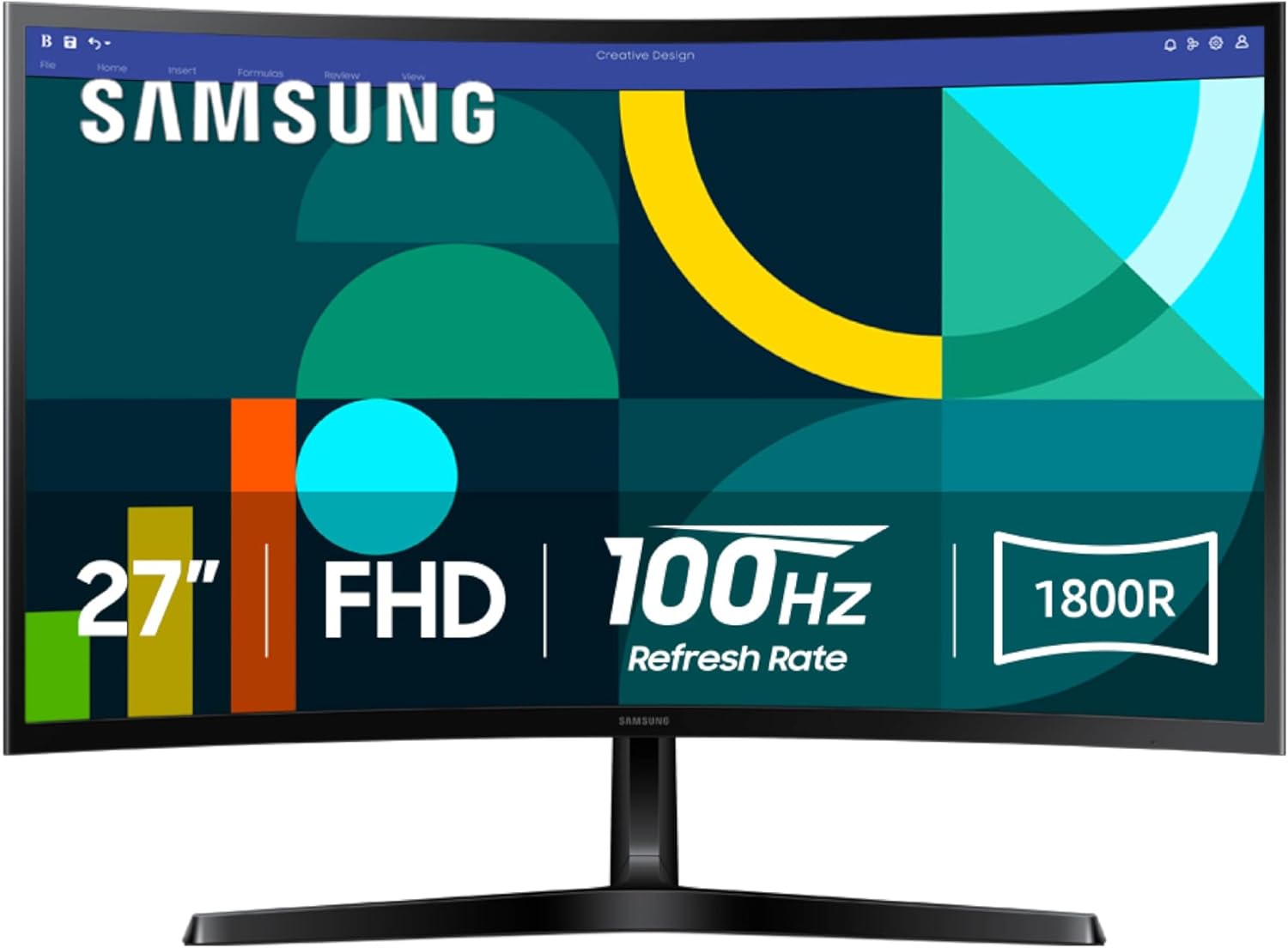
The Samsung LS27D366GANXZA brings a curved viewing experience to a 27 inch desktop monitor, creating a wider feel and stronger depth perception for daily multitasking. That curved screen shape is meant to keep your attention centered, which can make long sessions feel more comfortable and less visually distracting. Whether you’re switching between spreadsheets, streaming content, or working on creative projects, the immersive curvature is there to support smoother visual engagement. It’s a practical way to upgrade how your display feels during normal use.
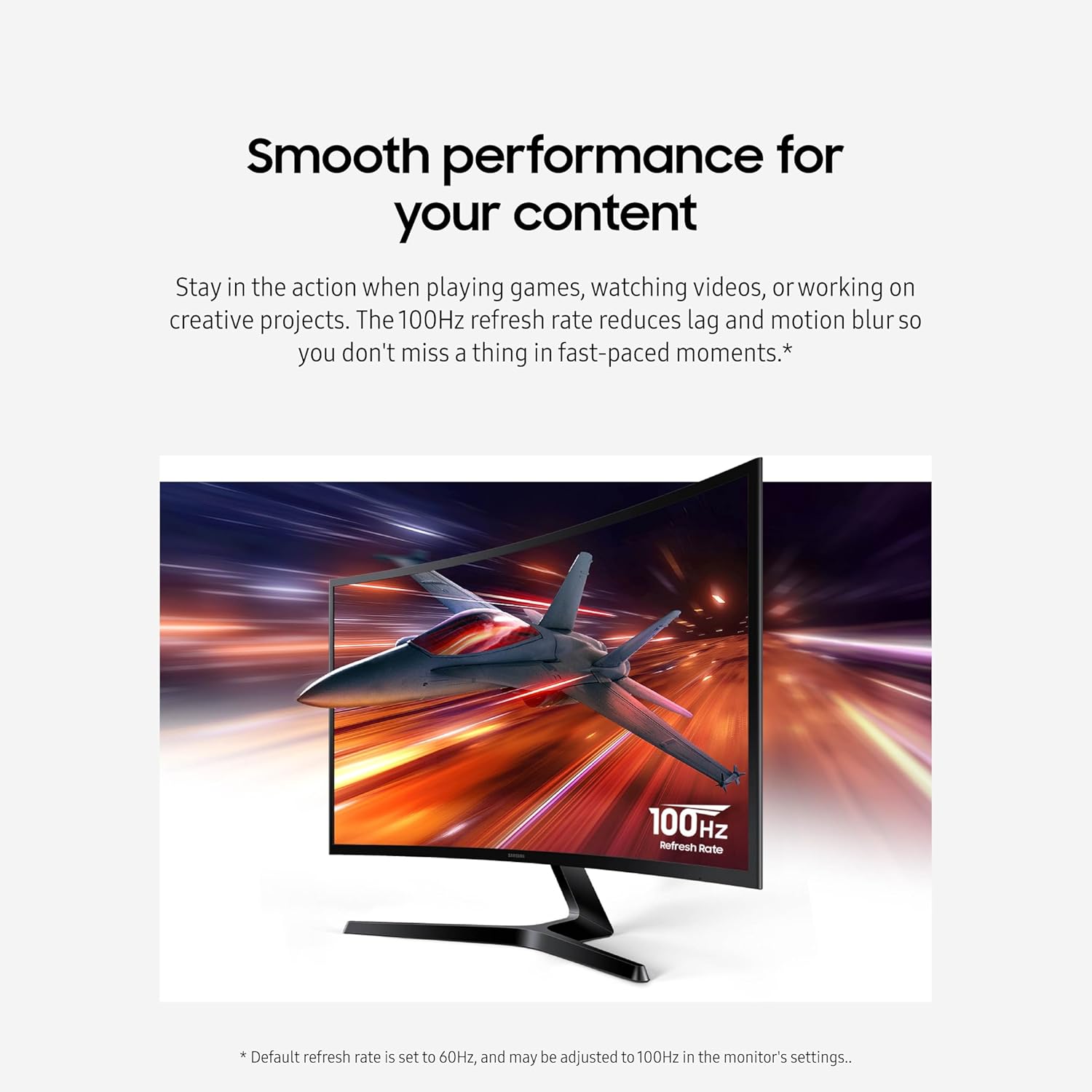
On the performance side, the 100Hz refresh rate aims to deliver smoother movement and reduce lag, especially when motion is fast. This helps you stay locked in during games, video playback, and dynamic scenes where motion blur can be noticeable. The monitor also includes a Game Mode that adjusts settings to help games fill the screen, so details are easier to see during play. 🎮
Another everyday advantage is eye comfort. Advanced eye comfort technology is described as being certified by TÜV, with goals that include minimizing blue light and reducing irritating screen flicker. If you spend hours in front of your display, that focus on comfort can matter for how your eyes feel at the end of the day. 🌿
Key features
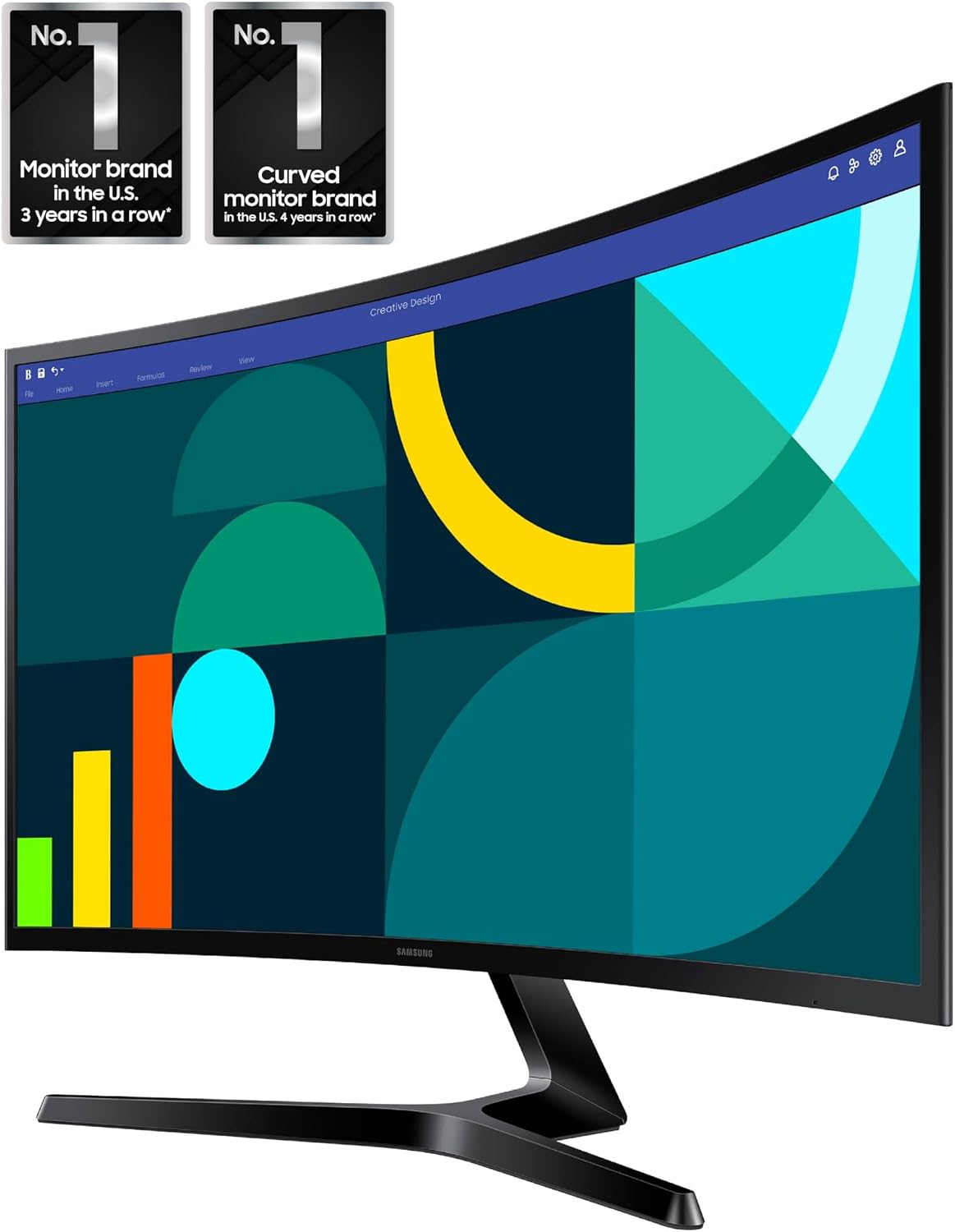
Curved for enhanced engagement, the monitor is designed to wrap around your field of vision more closely than a flat panel. This helps create a wider view and supports depth perception, while also minimizing distraction from your peripheral area. The result is a display experience that feels more immersive whether you’re watching content or working through details.
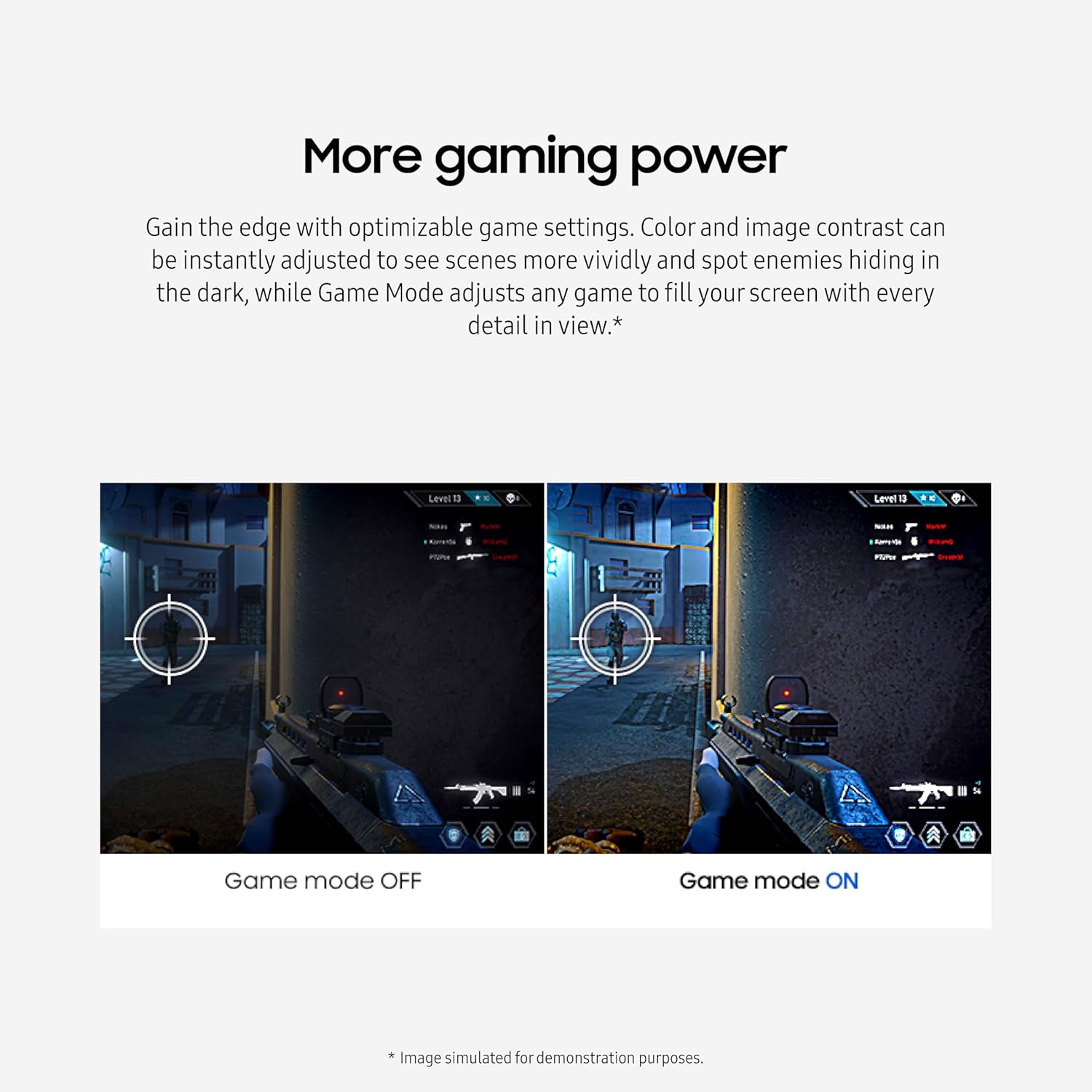
For smoother performance, the 100Hz refresh rate is meant to reduce lag and motion blur, which can be especially helpful in fast paced gameplay. When you activate Game Mode, it can optimize game viewing by adjusting settings, including color and image contrast, for scenes that benefit from clearer visibility. The goal is to make it easier to spot details in darker scenes, where contrast can influence what you notice.
Game Mode also aims to make gameplay feel more full screen by adjusting how games display. That means you can focus on action without constant visual adjustments. For content beyond gaming, the same features support a smoother look when watching videos and navigating fast animations.
Tech specs
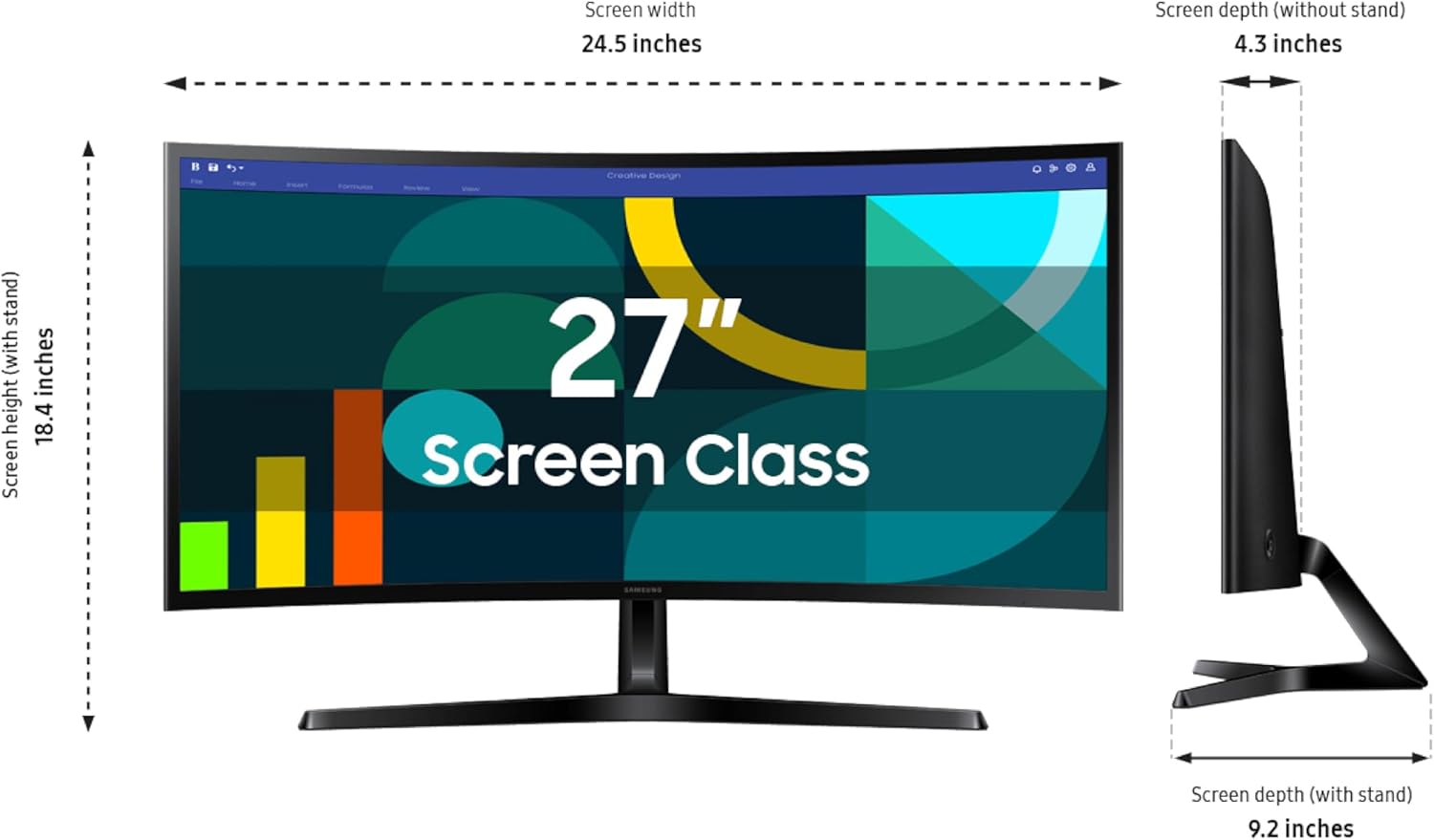
- Display: 27 inch FHD curved computer monitor
- Resolution: FHD
- Refresh rate: 100Hz
- Display curve: 1800R
- Game features: Game Mode
- Eye comfort: Advanced eye comfort technology certified by TÜV
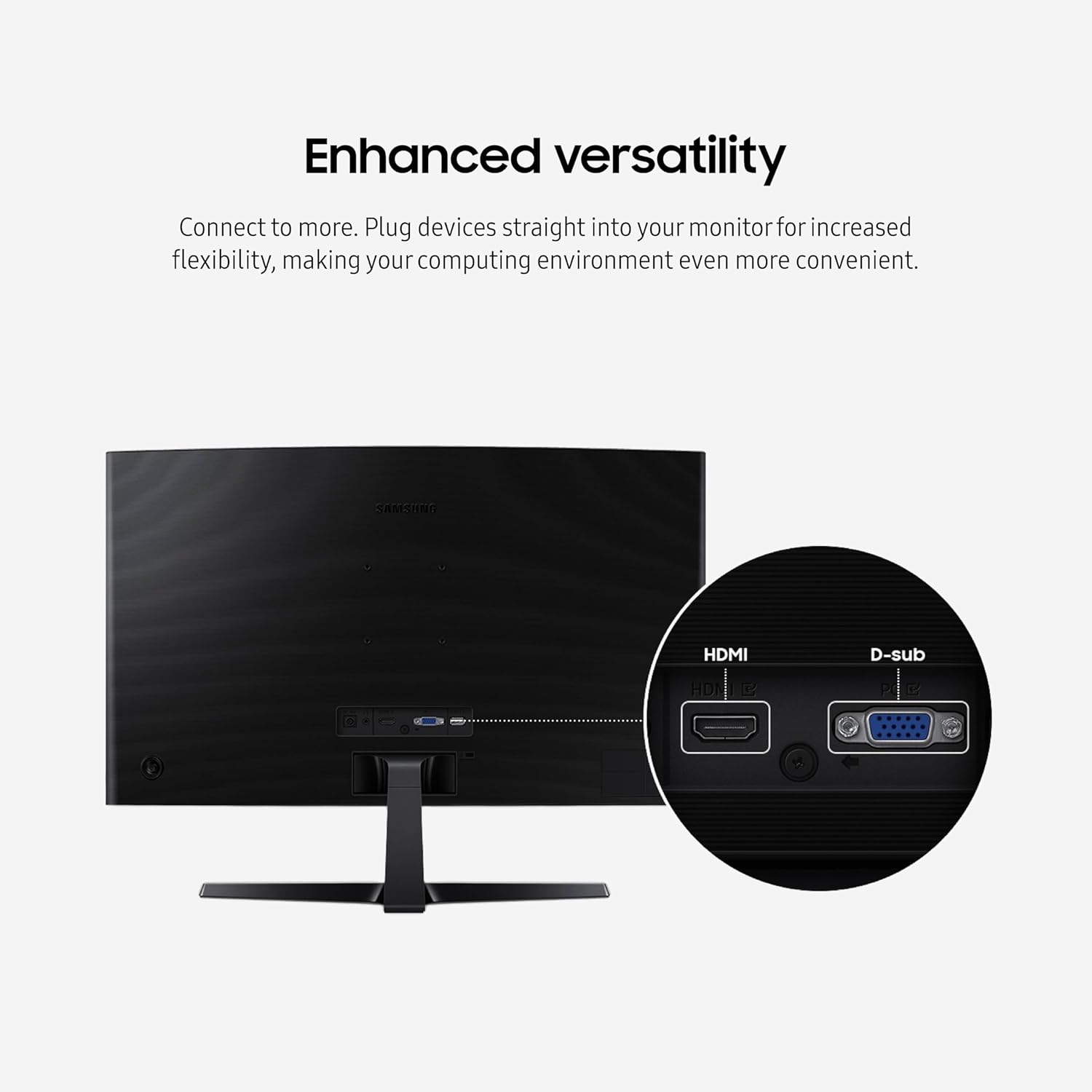
- Ports: HDMI and D-sub ports
What’s included
The provided details focus on the monitor’s features, ports, and performance. Based on the information available here, the product listing emphasizes the curved FHD display, 100Hz refresh rate, Game Mode support, and advanced eye comfort technology. It also highlights increased versatility via HDMI and D-sub ports for plugging devices directly into the monitor. If you’re planning a specific setup, it’s worth checking the listing for what’s physically included in the package for your exact purchase.
Best use cases
It’s a great fit if you want a curved 27 inch FHD monitor for gaming, videos, and general computer use in the same space. You’ll appreciate it if you prioritize smoother motion with a 100Hz refresh rate and want Game Mode adjustments that help games look clearer during play. It makes sense if you spend long stretches in front of your screen and want comfort features focused on minimizing blue light and reducing screen flicker.
It may not be a great match if you require specific inputs beyond HDMI and D-sub, since the details provided only mention those ports. You may also want to consider other options if your setup depends on technical specifications not covered in the available information, like exact connectivity standards beyond what’s listed.