

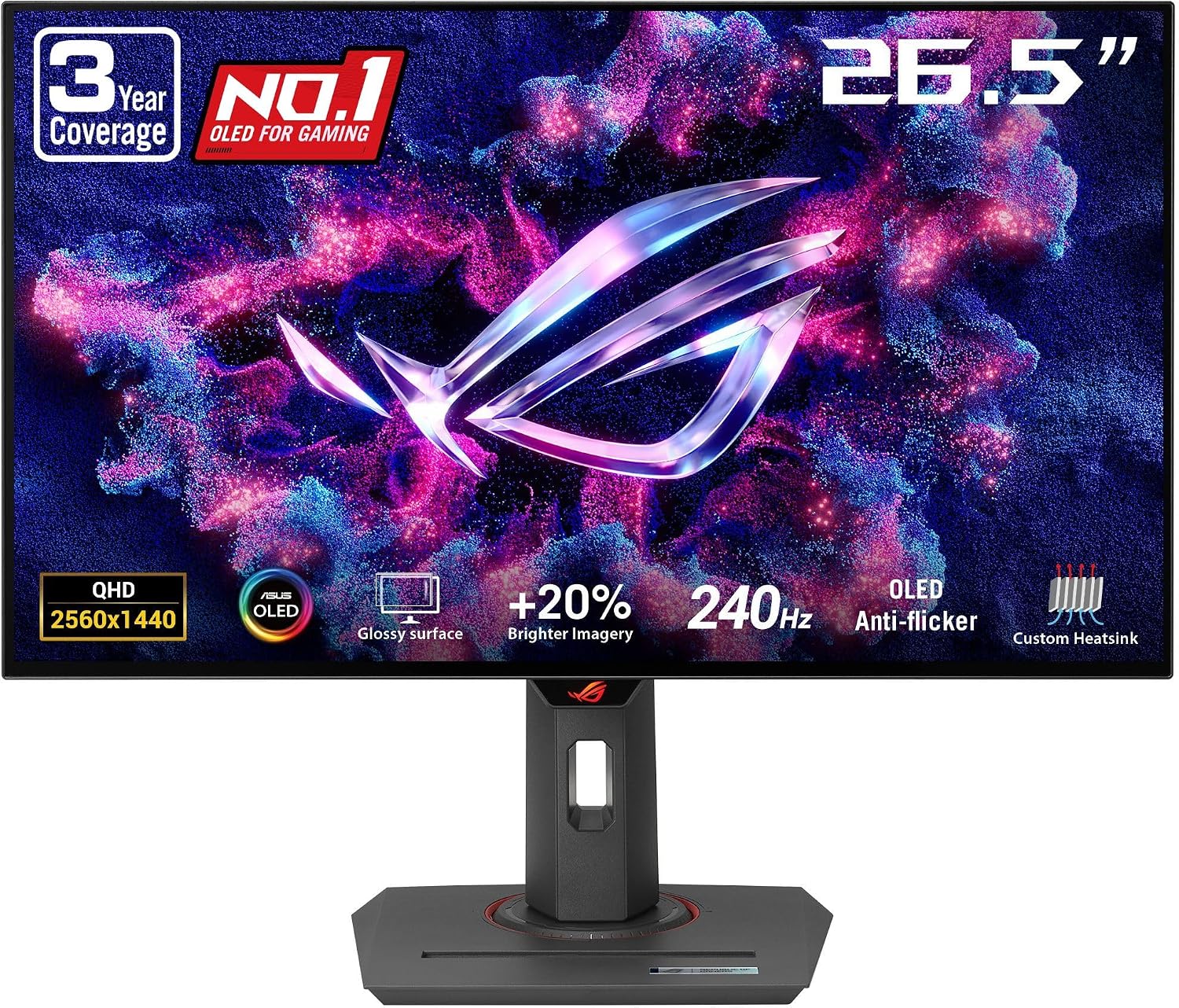
ASUS ROG Strix 27” 1440P OLED Gaming Monitor (XG27AQDMG) — WOLED QHD, 240Hz, Glossy OLED
Product description
The essentials
If you’re shopping for a 1440p gaming monitor that aims higher than the usual “fast enough,” the ASUS ROG Strix XG27AQDMG is built around OLED performance: a glossy WOLED panel, 240Hz refresh rate, and an ultra-low listed response time of 0.03ms for immersive gameplay. On paper, it’s the kind of display that’s meant to make motion look smoother and visuals feel more “alive” compared with many standard LCD setups.
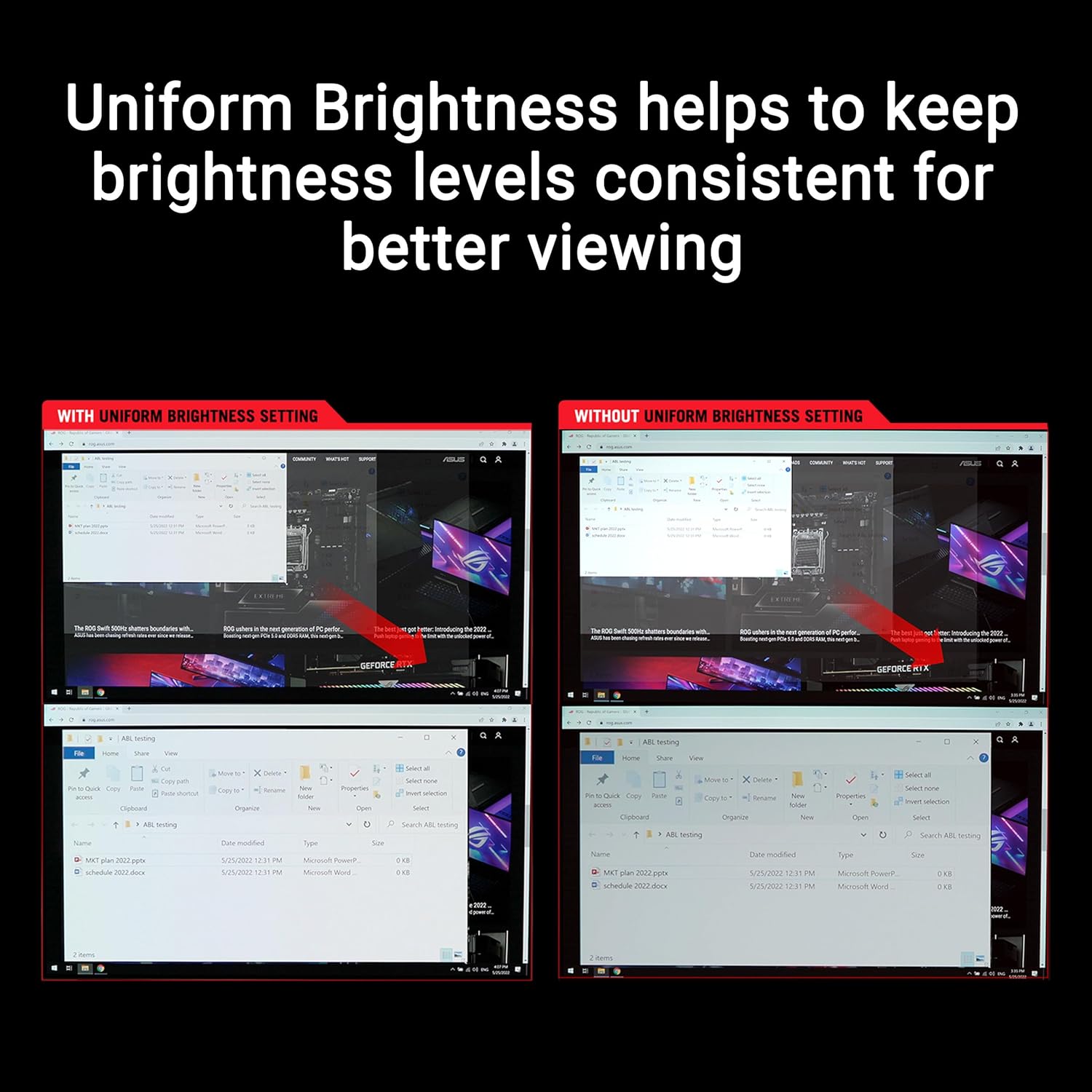
It also brings a few OLED-focused protections and image-handling features into the mix, including ASUS OLED Care (designed to help reduce burn-in risk) and anti-flicker tech aimed at lowering flicker during refresh-rate fluctuations. Plus, you get a uniform brightness option, which matters when you want consistent luminance across the screen rather than a patchwork look.
That said, OLED is never a “set-and-forget” category. Glossy OLED can look amazing, but depending on your room lighting and habits, reflections and static-content usage can be a real consideration. It’s not automatically perfect for everyone.
Key takeaways
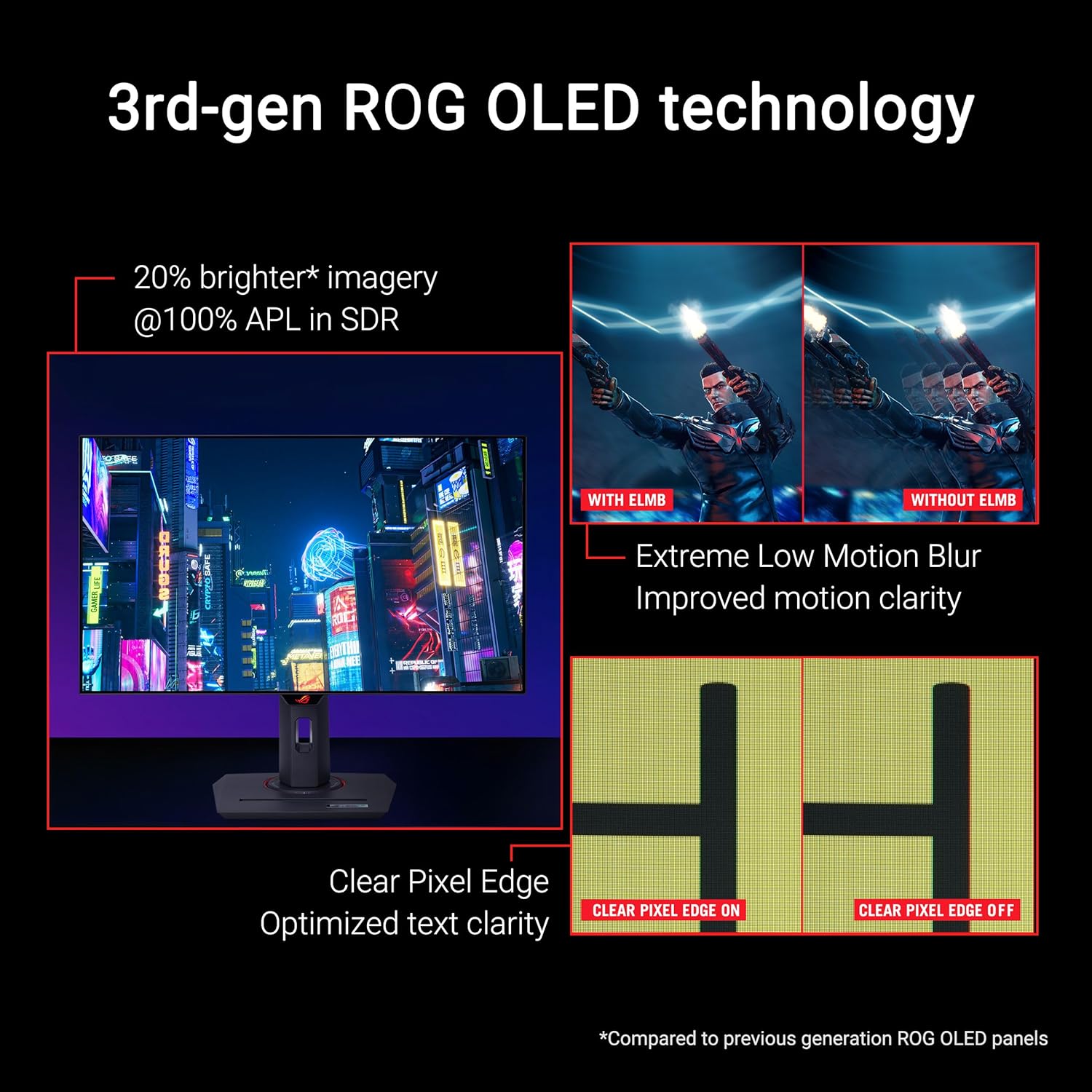
The standout idea here is OLED gaming at 1440p with a high refresh rate. If your priority is fast, responsive motion—especially in competitive play—this display is positioned as a performance monitor first, while still emphasizing OLED image quality improvements like clearer text and brighter full-white windows (third-generation WOLED).
Where you’ll feel the day-to-day value is in the “OLED Care + anti-flicker + brightness consistency” combo. Instead of relying only on raw specs, ASUS is trying to address two practical issues people worry about with OLED: flicker during changes in refresh behavior, and long-term panel stress from static content.
You’ll also appreciate the software angle. DisplayWidget Center is included to help you access OLED Care functions and adjust settings more easily using a mouse—small thing, but it can reduce friction once you’re tuning your display.
And yes, there’s a custom heatsink. The marketing point is “highly efficient heat dissipation” via an advanced airflow design—exactly the kind of internal detail that can help if you keep the monitor running for long sessions.
What to know before you buy
A couple of realities to keep in mind.
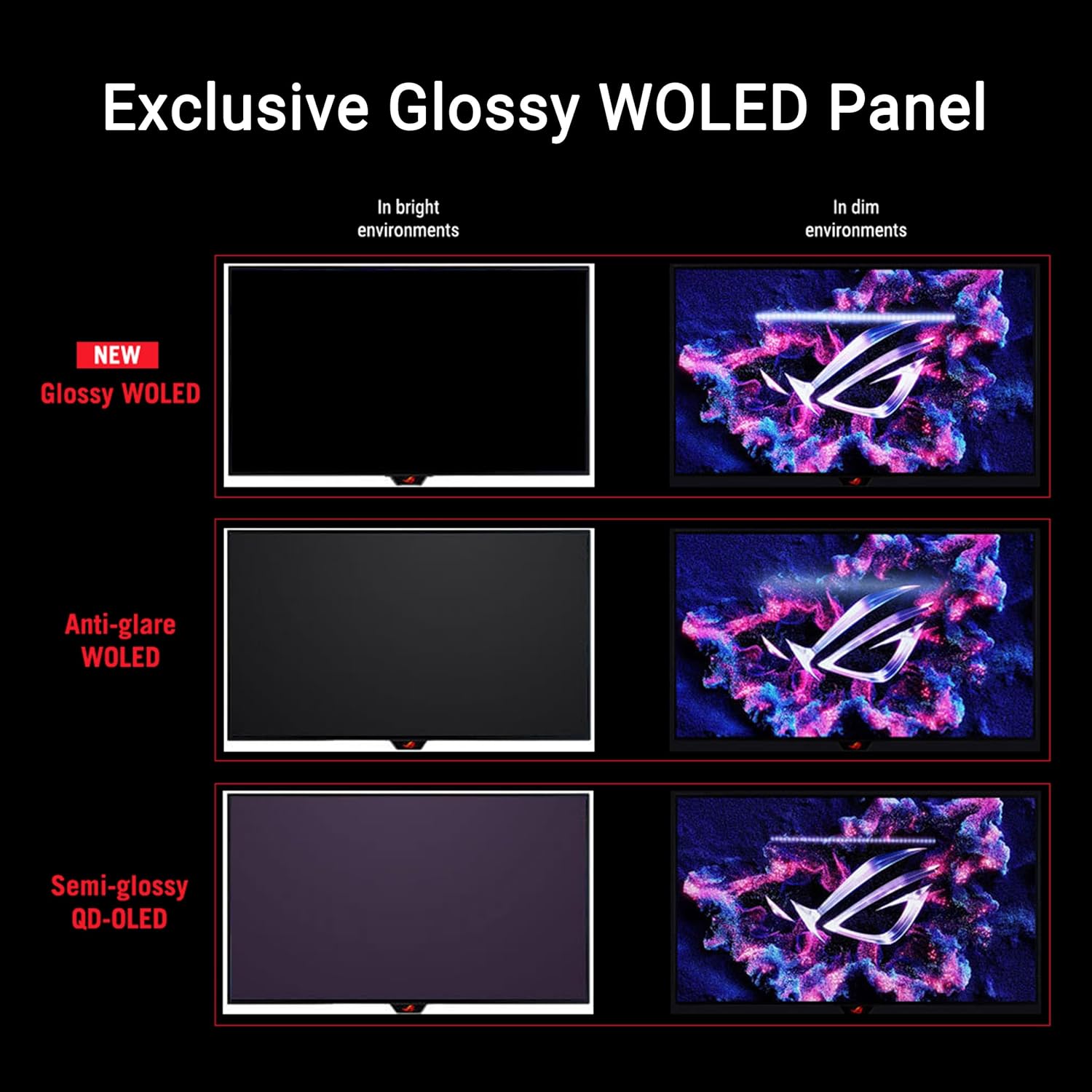
First, “glossy” and “OLED” go together, and that means reflections are part of the deal. If you play in a brightly lit room or your desk setup has direct light hitting the screen, glossy panels can be harder to love than matte alternatives.
Second, OLED care features help, but they don’t erase every limitation. If your routine heavily involves long periods of mostly static UI (think always-on panels, same dashboard layout for hours), you’ll want to be intentional with settings and habits.
Third, variable refresh support is listed as G-SYNC Compatible and the monitor supports 240Hz. That’s good for smoother gameplay, but the exact “feel” depends on your PC and game frame rate consistency. If your system frequently swings wildly, anti-flicker helps, but it’s still worth thinking about your typical performance range.
If you’re coming from a slower display, the jump to 240Hz can be noticeable—though whether it’s worth it depends on whether your hardware can regularly push high frame rates at QHD.
Where it shines in use
Imagine booting into a fast shooter or a high-speed racing game. With 240Hz and OLED response behavior (0.03ms listed), motion should feel more controlled—less smear, less laggy sensation on transitions—especially when you’re tracking targets quickly.
Now picture switching to desktop work or reading in-game UI. ASUS highlights third-generation WOLED improvements for full white windows and clarity of movement, and also mentions text clarity. In practical terms, that’s meant to reduce the “text looks slightly off” feeling some users notice on certain displays.

For long sessions, the OLED Care approach matters. If you frequently alt-tab between games and productivity, you’re more likely to leave bright elements on screen for extended periods—so having built-in care functions and an easy way (DisplayWidget Center) to access them is not just marketing fluff.
Pros
- OLED-focused gaming setup with 240Hz for smoother motion in supported games
- Anti-flicker tech designed to reduce flicker during refresh fluctuations
- OLED Care features intended to help reduce burn-in risk
- Uniform brightness option supports more consistent luminance
- Glossy WOLED aimed at bright full-white windows and clearer on-screen text
- DisplayWidget Center for easier access to OLED Care and settings
- 3yr warranty listed
Cons / limitations to weigh
- Glossy OLED can show reflections, which may be annoying depending on your lighting
- OLED care features help reduce risk, but heavy static-content usage still deserves care
- If your system can’t sustain high frame rates at QHD, you may not fully “use” the 240Hz advantage
- The listed 0.03ms is a specification to consider, but real-world perceived smoothness still depends on your game, settings, and performance
Tech specs
- Name: ASUS ROG Strix 27” 1440P OLED Gaming Monitor (XG27AQDMG)
- Type: Gaming monitor
- Format: QHD (2560 x 1440)
- Size: 26.5-inch WOLED panel (27” class)
- Refresh rate: 240Hz
- Response time: 0.03ms (listed)
- Display type/finish: Glossy OLED (WOLED)
- G-SYNC: G-SYNC Compatible
- Color gamut: 99% DCI-P3
- Features mentioned: Custom heatsink, anti-flicker, uniform brightness, DisplayWidget, OLED Care, ASUS airflow design
- Warranty: 3yr warranty

Should you buy it?
You should seriously consider the ASUS ROG Strix XG27AQDMG if you want a 27-inch-class QHD OLED gaming monitor that targets high-refresh performance (240Hz) and includes OLED care + anti-flicker features to address common OLED concerns. It’s a strong fit if your setup can drive QHD at high frame rates and you’re willing to manage static content thoughtfully.
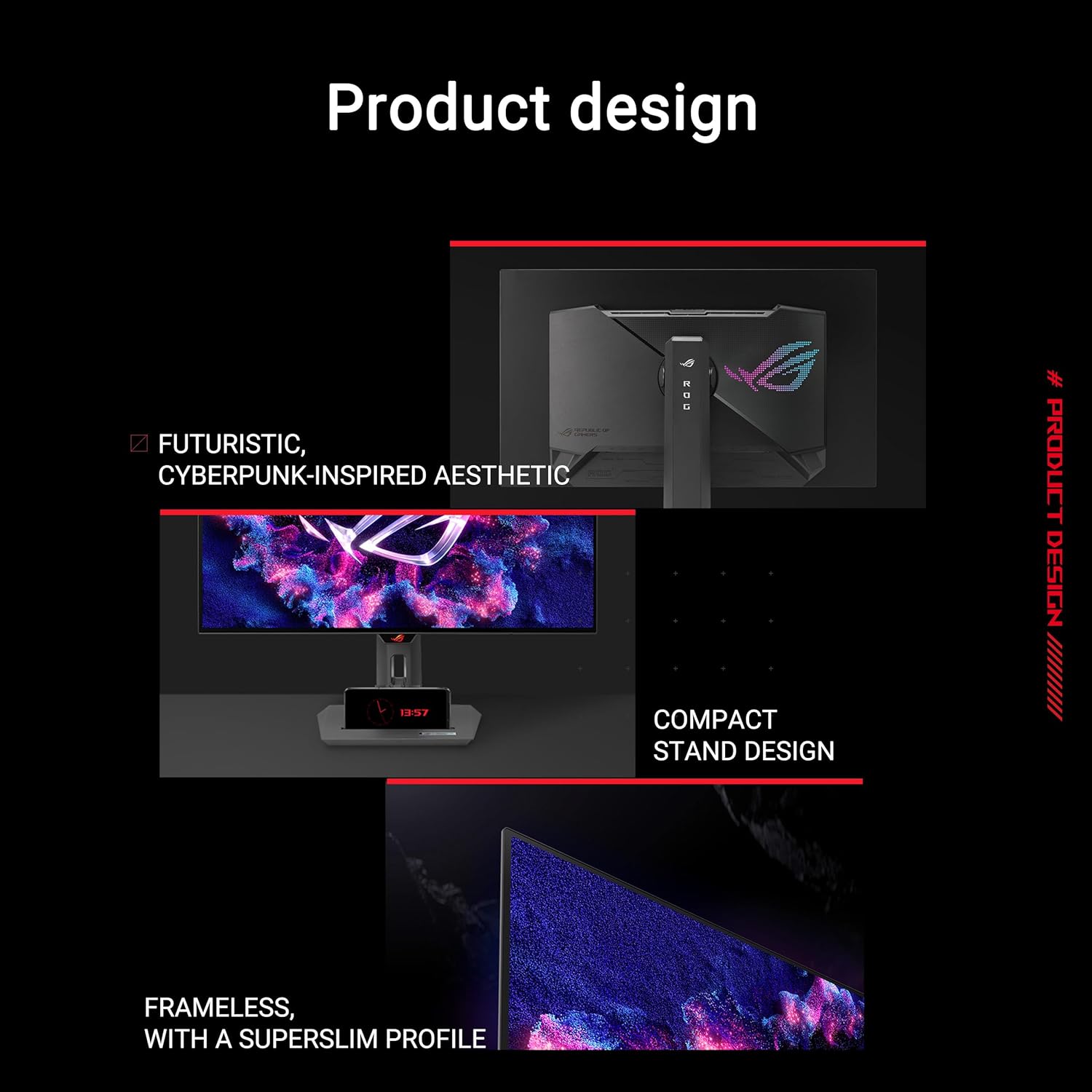
You may want to skip it if your room lighting creates distracting reflections (glossy finish) or if your routine is dominated by long hours of mostly static screen elements where you don’t want to adjust settings or behavior. It might not be a great match if you’re buying purely for “whatever looks good by default,” because OLED still rewards attention to use patterns.
Mini FAQ
Is the ASUS ROG Strix XG27AQDMG good for competitive 240Hz gaming?
It’s built around a 240Hz refresh rate and OLED motion response, so it makes sense for competitive play where smoother motion helps. The real value depends on whether your PC can keep frame rates high at QHD.
Does it include OLED protection features?
Yes. The description calls out ASUS OLED Care, designed to help reduce burn-in risk, plus anti-flicker technology.
Will the glossy screen be a problem?
It can be. Glossy OLED often looks striking, but reflections depend heavily on room lighting and your desk position.
Can I adjust OLED Care settings easily?
The description says DisplayWidget Center lets you access OLED Care functions and adjust monitor settings using a mouse.
What color range does it cover?
It’s listed as 99% DCI-P3.